
AAA Tactical Shooter Mission UI and Gameplay
A comprehensive prompt for generating a high-quality tactical shooter game trailer sequence, including UI interactions and third-person gameplay in a rainy environment.
- Prompt included
- Model and format preset
- Free template
The prompt behind this video
Copy the exact prompt behind AAA Tactical Shooter Mission UI and Gameplay, or open it in the studio and make it yours.
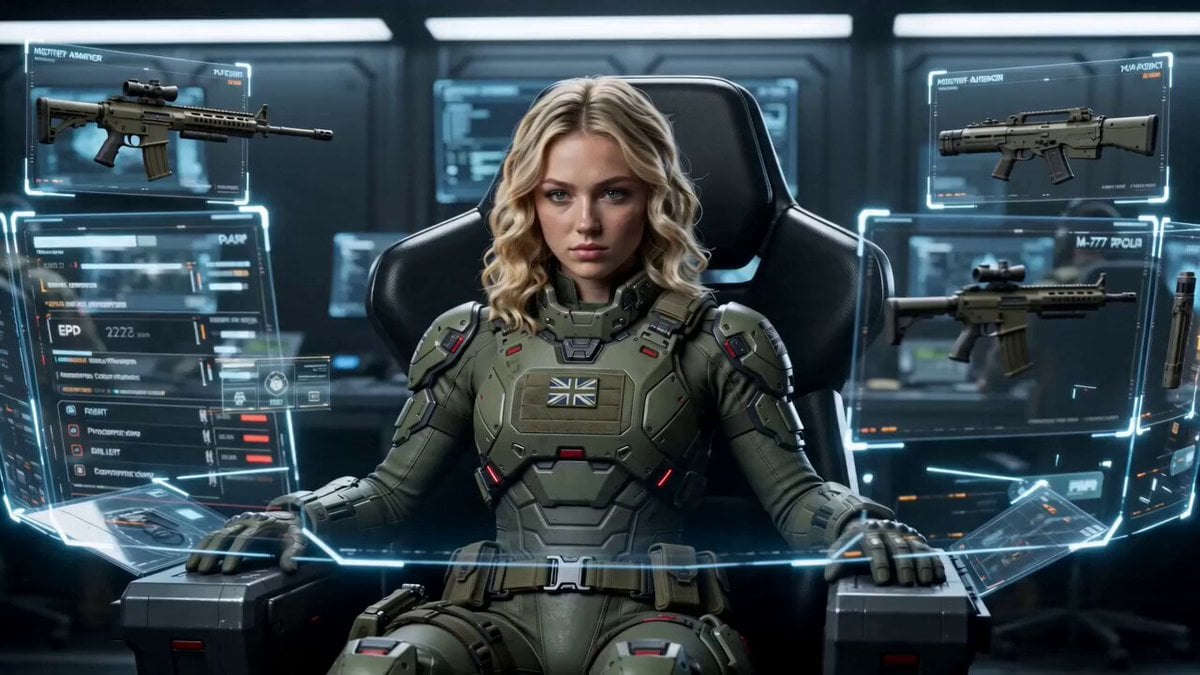
Cinematic 15-second 4K video in realistic AAA tactical shooter style, Unreal Engine 5 quality. Start with a futuristic military command interface. A Caucasian female special forces operative with wavy blonde hair sits centered in a high-tech black chair wearing advanced matte olive-green tactical exosuit armor with red accents. Holographic UI panels float around her showing detailed stats on the left. 3D floating weapon and gear models surround her: M-77 assault rifle, TAC helmet, M-22 body armor, P-19 sidearm, frag grenade, E.M.P device. A white mouse cursor actively interacts — clicking and highlighting gear cards with golden glows in sequence. Clean modern UI with gold accents on selected items, bottom navigation bar. Smooth transition to mission selection screen. She is now standing on the left in full gear holding her helmet, her wavy blonde hair visible. Right side shows glowing mission cards for Tokyo, Dubai, Beirut, New Delhi, New York, Paris. Cursor selects the Beirut card which highlights with bright yellow border. She puts on her helmet, tucking her hair in. Minimal loading screen with progress bar at the bottom filling up. Cut to photorealistic third-person gameplay. Camera tracks from behind as the fully geared female soldier with helmet runs forward through a rainy war-torn Beirut street in bright daylight. Destroyed multi-story buildings with Arabic signage and graffiti, palm trees, military vehicles, wet reflective pavement, distant hillside with mosque. Dynamic forward-tracking camera at eye level. In-game HUD visible: money counter top-left, stars and timer top-right, inventory grid bottom-left, mini-map bottom-right, notification message on screen. Cinematic lighting, high detail textures, realistic water reflections, intense and immersive atmosphere, professional game trailer quality, smooth motion, no extra text overlays except authentic in-game HUD elements.
How to use AAA Tactical Shooter Mission UI and Gameplay in 3 steps
- 1
Open
The prompt is already in the box next to the preview, with the template's model and format selected.
- 2…a portrait of your subject in softgolden-hour light, 85mm…
Personalize
Edit the subject and creative details for your destination.
- 3Generate
Generate
Press Generate — your video is created in PicX Studio, so you can compare it with the original and refine one variable at a time.
More like this
Templates with the same subject, style or setup. Open one to see its prompt.
AAA Stealth Action Gameplay Sequence
Lightning Sword Tactical Girl Animation
Astronaut Anime Style Mission
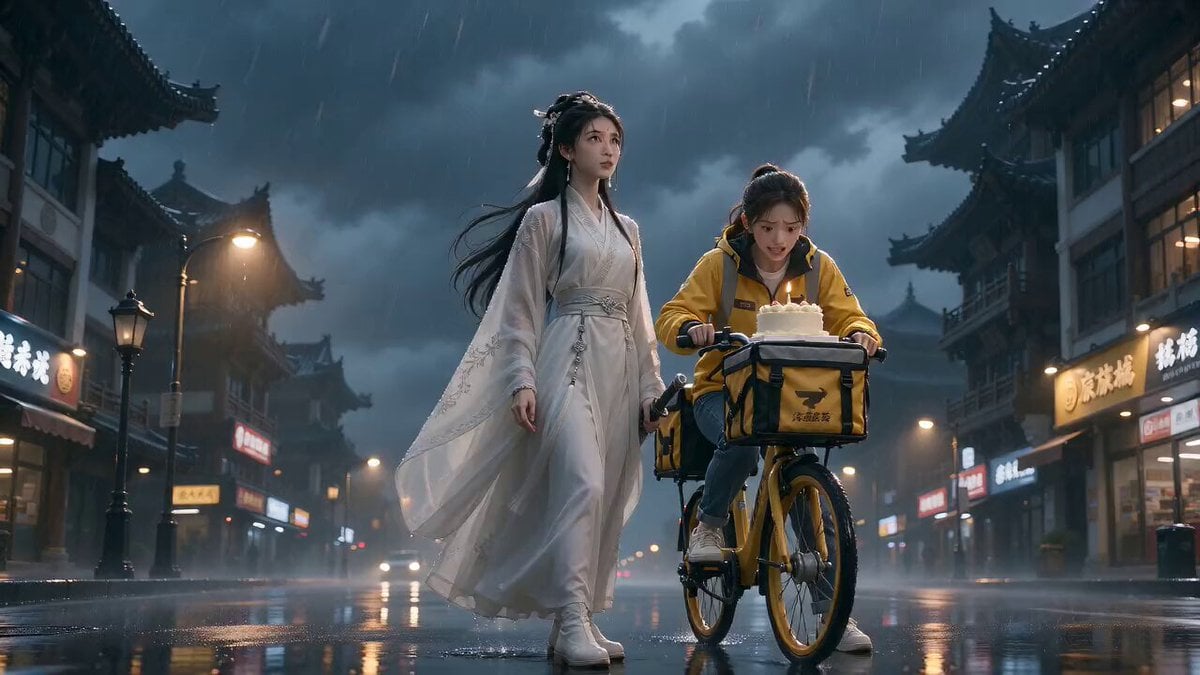
Cinematic Xianxia Cake Delivery Mission
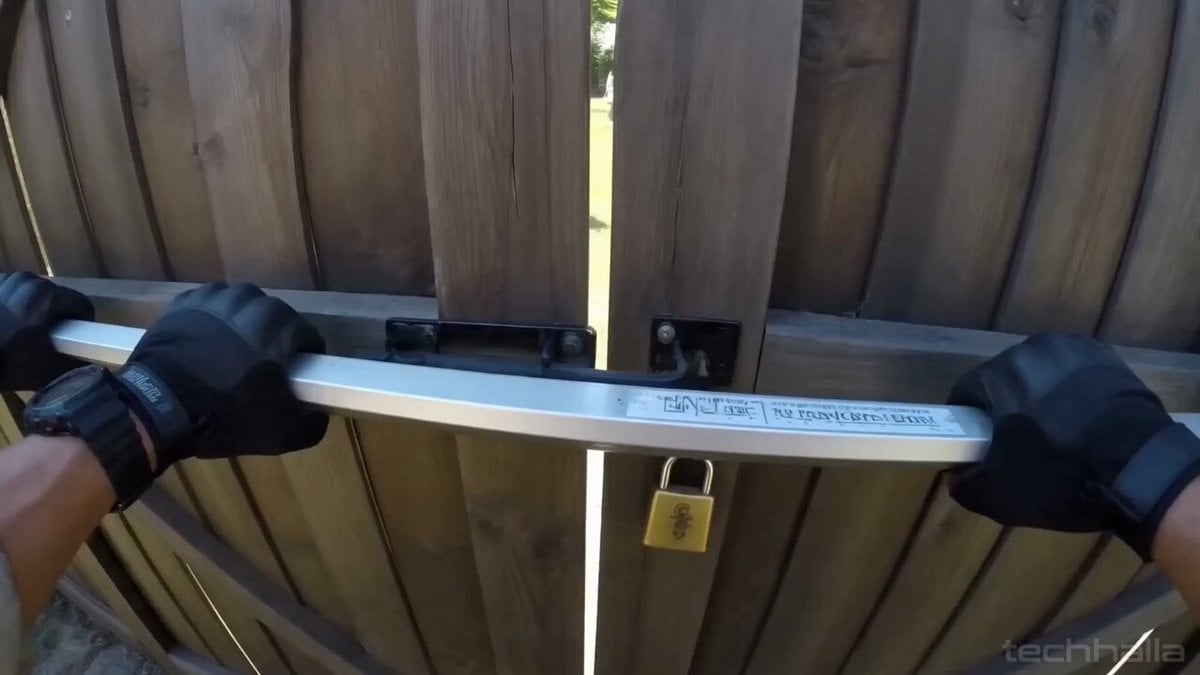
Gnome Tactical Bodycam Combat
Astronaut Spacesuit Mission Patch Macro
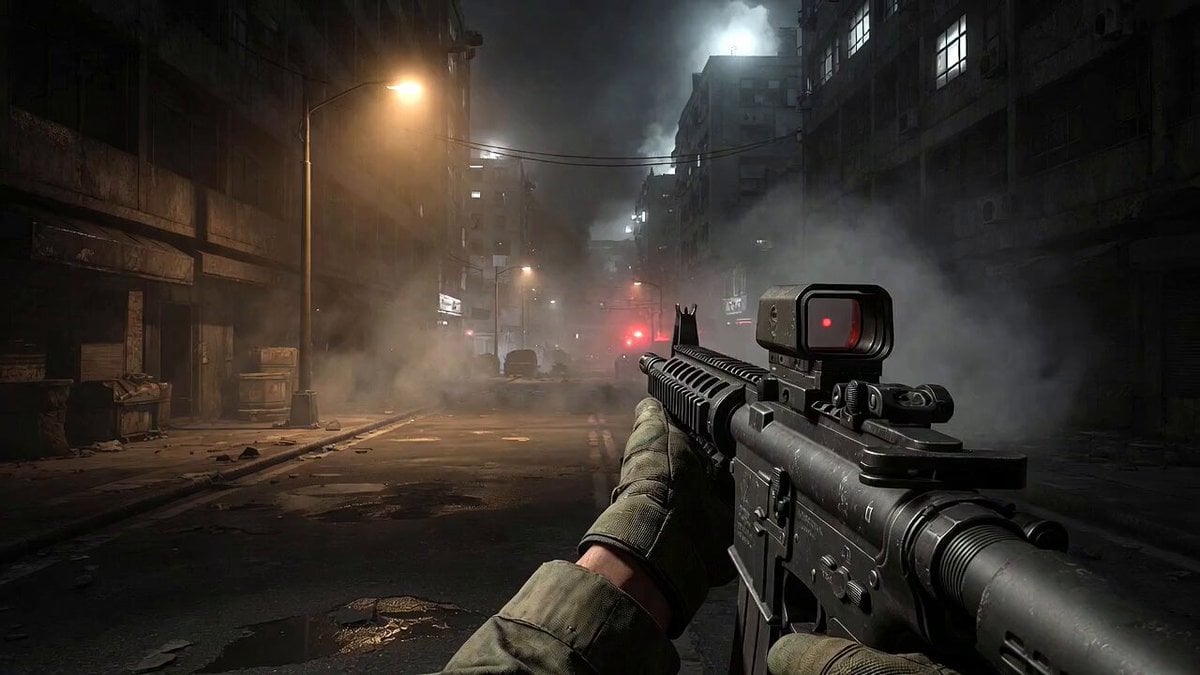
Call of Duty FPS Gameplay
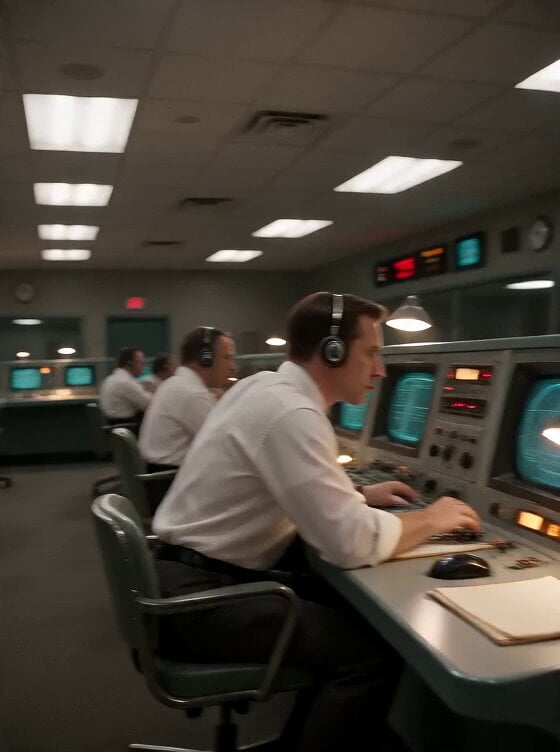
Apollo 11 Mission Control DV Camcorder Footage
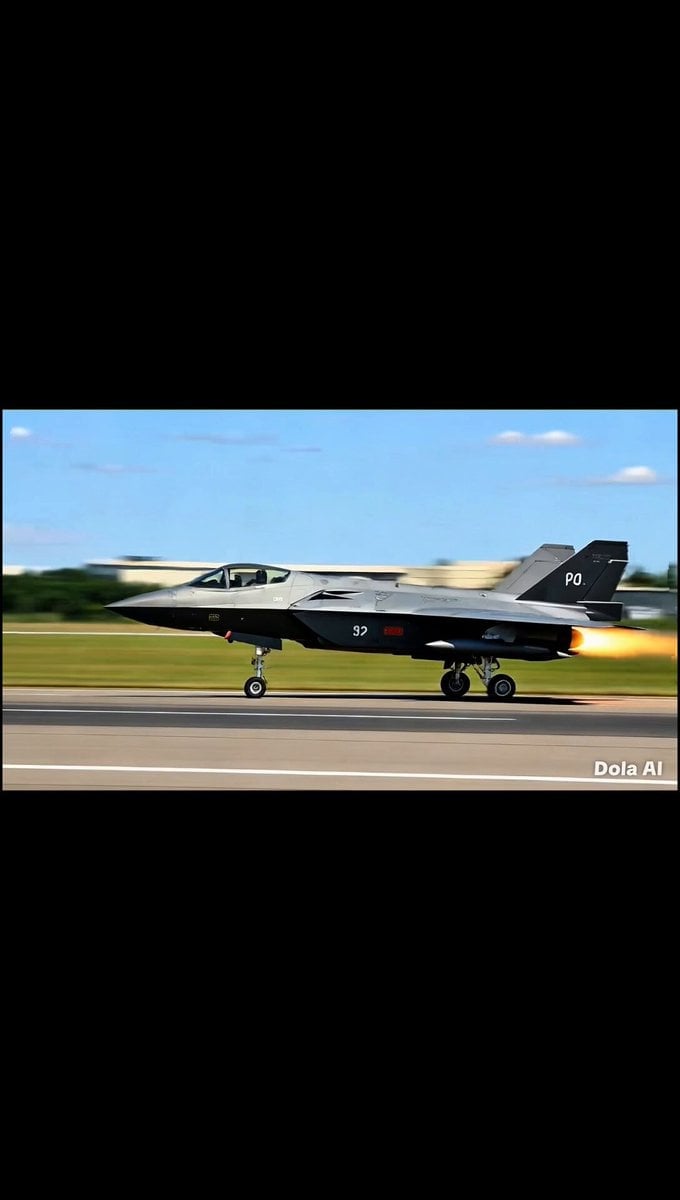
Fighter Jet Combat Strike Mission
Three-Column Space Shooter Game Comparison

Tactical Getaway Chase
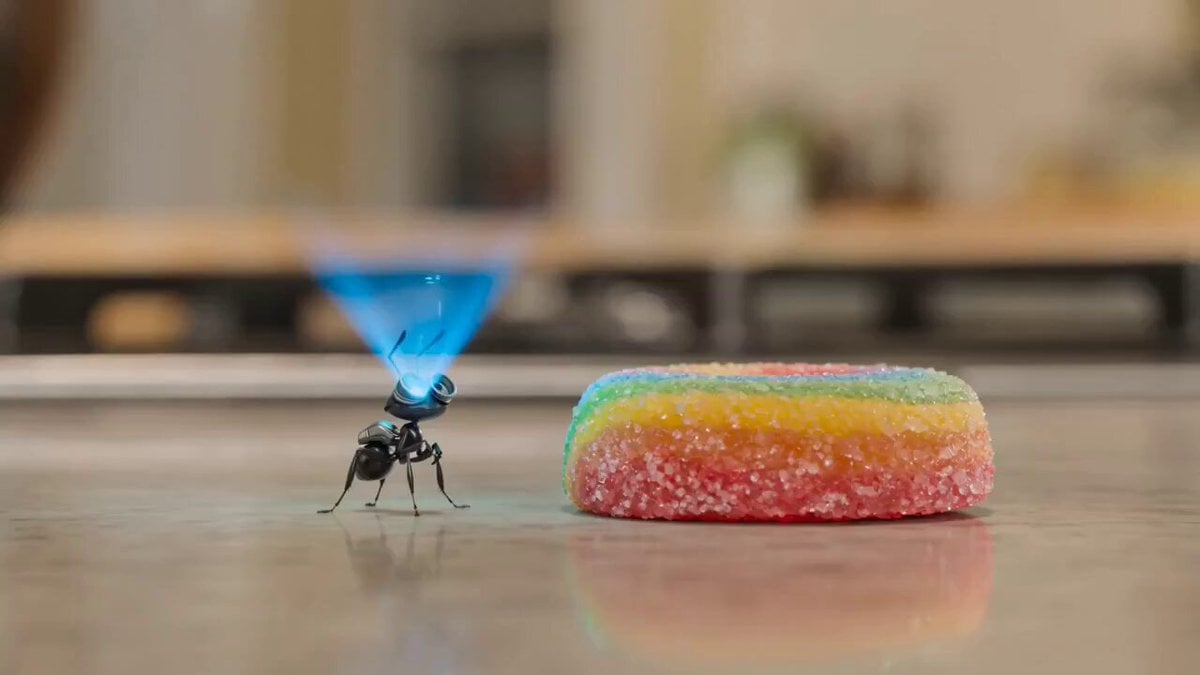
Animated mission of Barnaby the robot ant
Make it yours
AAA Tactical Shooter Mission UI and Gameplay works as-is. These are the safest ways to change it without losing the look.
Change one field
Copy a single group, rewrite it, and generate again so you can see what that field is doing.
Keep the frame, change the subject
Hold the composition and light of AAA Tactical Shooter Mission UI and Gameplay, then swap wardrobe, props or the person for a new take.
| If the result… | Why | Fix |
|---|---|---|
| The result drifts from the preview | Too many fields changed at once. | Reuse AAA Tactical Shooter Mission UI and Gameplay as-is first, then change one group — subject, light, or setting. |
| The model over-stylizes the scene | The prose prompt leaves finish and camera underspecified. | Add one camera or lighting sentence and stay on Seedance 2.0. |
More Seedance 2.0 templates
Other prompts made for Seedance 2.0.

Comical Martial Arts Punch Scene

Maglev Train Action Sequence

Martial Arts Fight Sequence

Wuxia Protection and Trust Script

Vintage Korean Arcade MiniDV Vlog

Mercedes 190 SL Luxury Ad

Rainy Night Supernatural Reverse Comedy Video Script

Amazon Civilization Discovery

Futuristic South Asian City Transformation

Cozy Luxury Cafe Commercial
More video prompts
Fresh picks from across the catalog.
90s Singapore Memory Montage
Artistic dancer on Starship V3 video
Seedance 2.0 K-pop Dance Video Prompt

Girl on Roller Coaster Traveling Galaxy Video Prompt
Detailed image generation prompt for a cafe scene
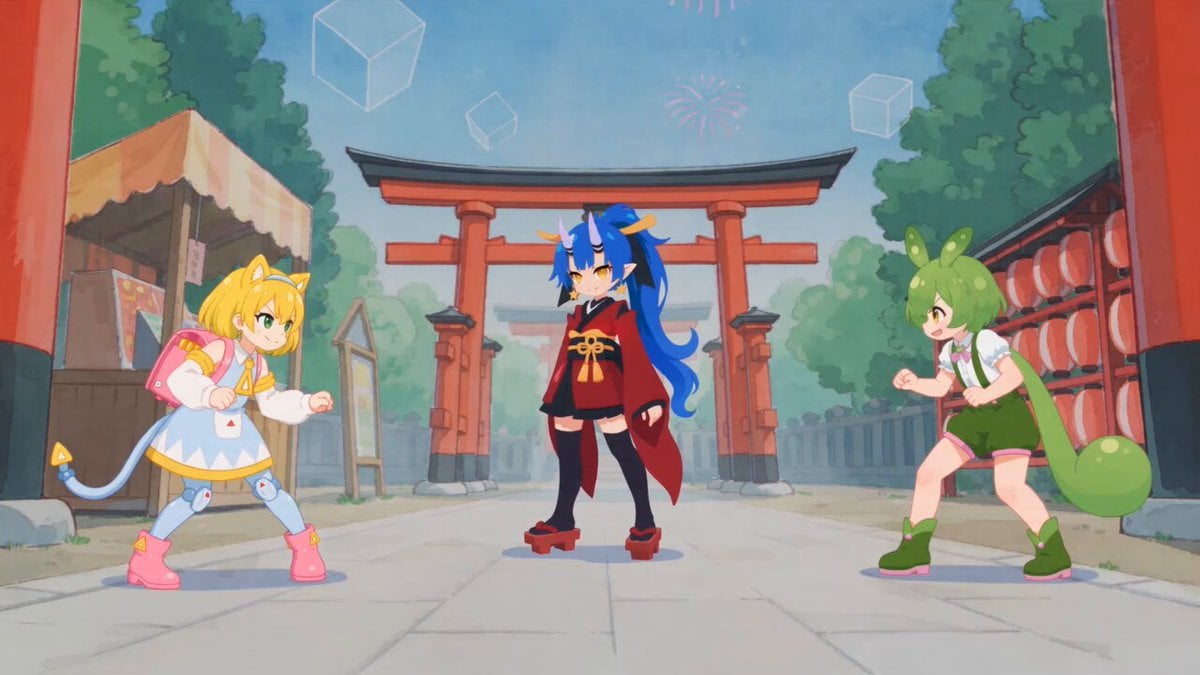
Fluid Sketch Martial Arts Battle
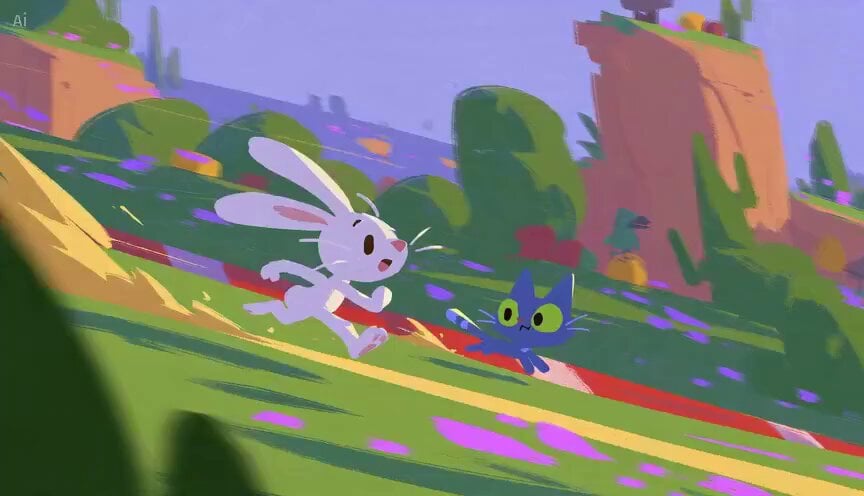
Rabbit vs Cat Gouache Animation

Skytree Railgun Transformation Video Prompt for Seedance 2.0
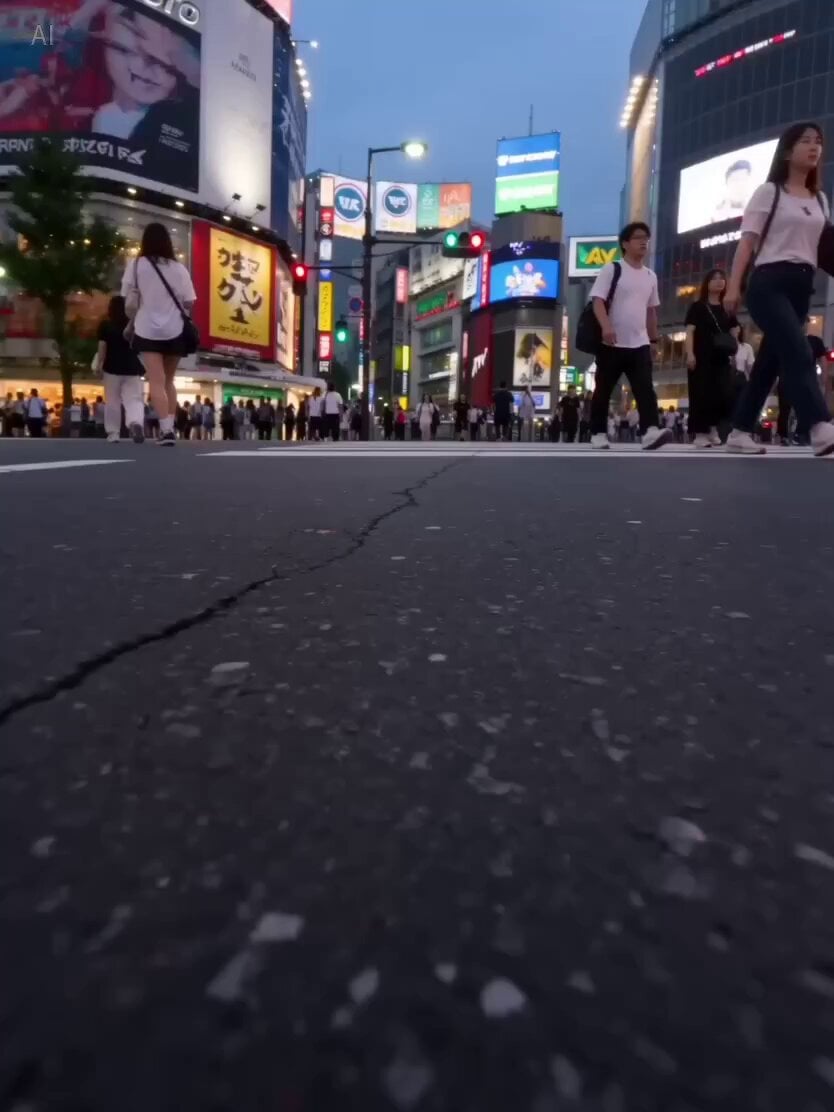
Cinematic Shibuya Sprint Sequence Prompt
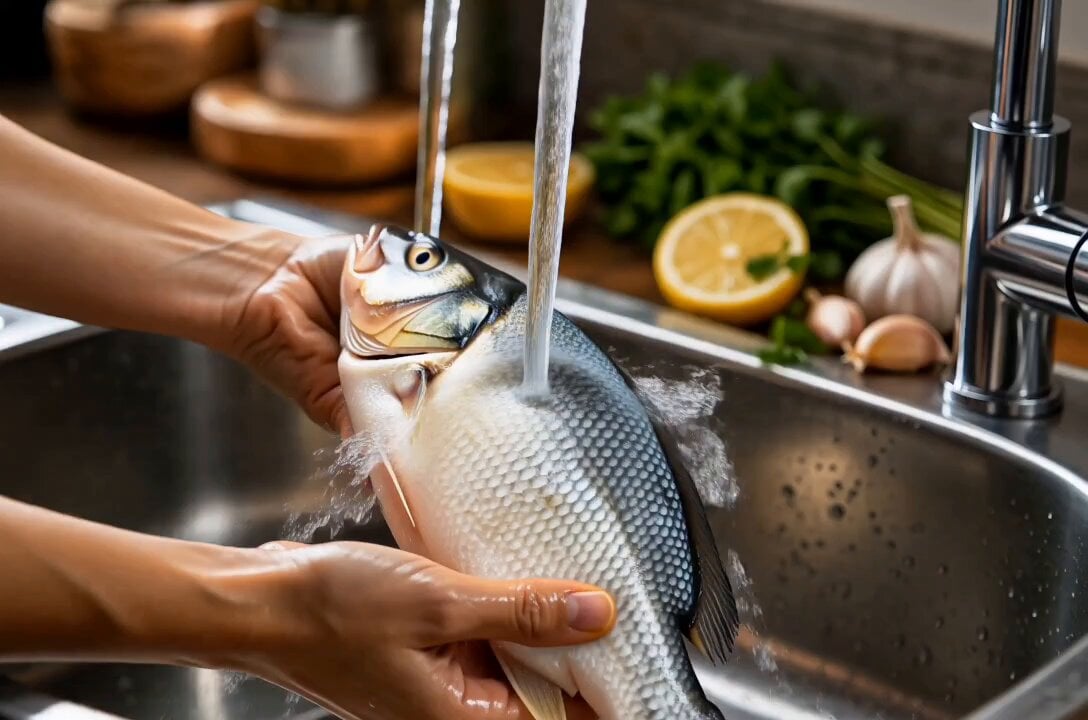
Cinematic Fish Cooking Commercial
Browse template categories
AAA Tactical Shooter Mission UI and Gameplay questions
How do I use the AAA Tactical Shooter Mission UI and Gameplay template?
Add your photo if the template asks for one, edit the prompt if you like — the template's model and format are already selected — and press Generate. Your version opens in PicX Studio.
Can I customize the AAA Tactical Shooter Mission UI and Gameplay template?
Yes. You can change the subject, setting, lighting, mood, format, and available model controls before creating your video.
Is the AAA Tactical Shooter Mission UI and Gameplay template free?
Opening and editing this template is free. Generating uses credits, shown on the Generate button when you are signed in.
Which AI model should I use?
Start with Seedance 2.0, which is the model associated with this template. You can compare another compatible model for a different finish.
Looking for something else? Browse all templates.

Your photo, any look
Thousands of ready templates for every top image and video model, from one credit balance.