
Apollo 11 Mission Control DV Camcorder Footage
A handheld documentary style prompt simulating early-2000s DV camcorder footage of NASA Mission Control during the moon landing, including a transition to the lunar surface.
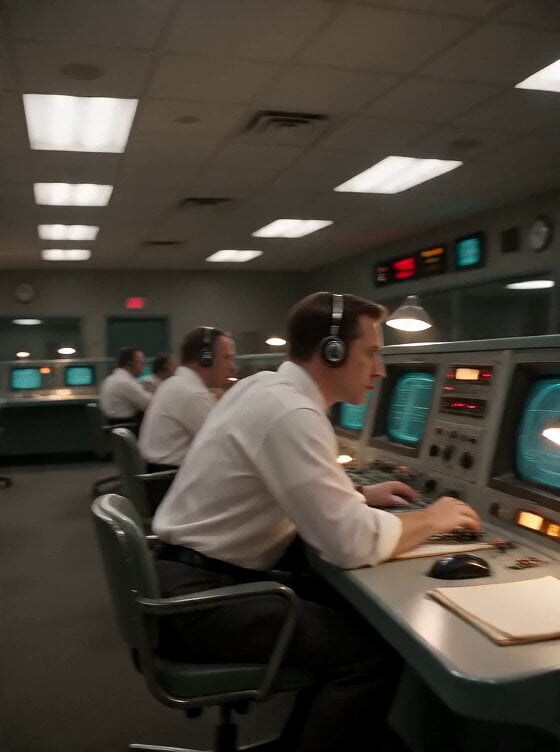
- Prompt included
- Model and format preset
- Premium template
The prompt behind this video
Copy the exact prompt behind Apollo 11 Mission Control DV Camcorder Footage, or open it in the studio and make it yours.
This is handheld documentary footage recorded on an early-2000s consumer DV camcorder by someone moving through NASA Mission Control in Houston during the Apollo 11 moon landing, July 20, 1969. The footage feels like real, imperfect home video, captured in quick, energetic bursts as the camera operator moves through the room chasing the action. The recording opens weaving fast between rows of consoles, engineers leaning into their screens, hands flying across switches and dials. The camera cuts and whips between different stations: one engineer pounding a fist lightly on the desk in tense anticipation, another leaning back rubbing his eyes, a cluster of three men huddled around a single console pointing at data readouts. Headsets crackle, papers shuffle, someone stands up abruptly and the camera swings to follow him as he strides toward the front of the room. The camera pushes closer to the huge front display, a grainy black-and-white schematic tracking the lunar module's descent, numbers ticking down. It cuts to a side console screen showing a wavering, static-streaked video feed, distorted with transmission noise, rolling scan lines, and intermittent signal dropout, the faint outline of an astronaut visible through the interference. The room erupts in scattered movement, people standing, leaning in, someone shouting numbers, another slapping a colleague's shoulder. The camera pushes in tight on that noisy screen, the image glitching, static rolling, the picture briefly cutting to black before flickering back. As it pushes closer the transmission noise and scan lines intensify, filling the frame, and then the image resolves outward into full clarity: the camera is no longer looking at a screen at all but is suddenly standing on the lunar surface itself, the horizon curving under a black sky, harsh sunlight casting long shadows across the grey dust, the astronaut now filmed directly, boots kicking up slow-falling regolith with each step. The handheld camera throughout Mission Control shows constant whip-pans, fast walking shake, quick rack-focus misses, autofocus hunting between bright screens and dim room lighting, lens flare from overhead fluorescents, and typical DV camcorder imperfections — grain, motion blur on fast cuts, and audio clipping from raised voices. Once the footage transitions to the lunar surface, the camera motion changes entirely: slow, floating, low-gravity movement, sudden gentle bounces as if the person filming is also moving in reduced gravity, dust hanging oddly in the air, harsh contrast between blinding sunlight and pitch-black shadow, and the same DV grain and imperfections carried over as though it's the same tape. Natural sound only: on Earth, the hum of electronics, overlapping headset chatter, static bursts, shouted numbers, footsteps, and papers rustling; transitioning into muffled radio-static breathing sounds
How to use Apollo 11 Mission Control DV Camcorder Footage in 3 steps
- 1
Open
The prompt is already in the box next to the preview, with the template's model and format selected.
- 2…a portrait of your subject in softgolden-hour light, 85mm…
Personalize
Edit the subject and creative details for your destination.
- 3Generate
Generate
Press Generate — your video is created in PicX Studio, so you can compare it with the original and refine one variable at a time.
More like this
Templates with the same subject, style or setup. Open one to see its prompt.
Out of Control — Seedance 2.0
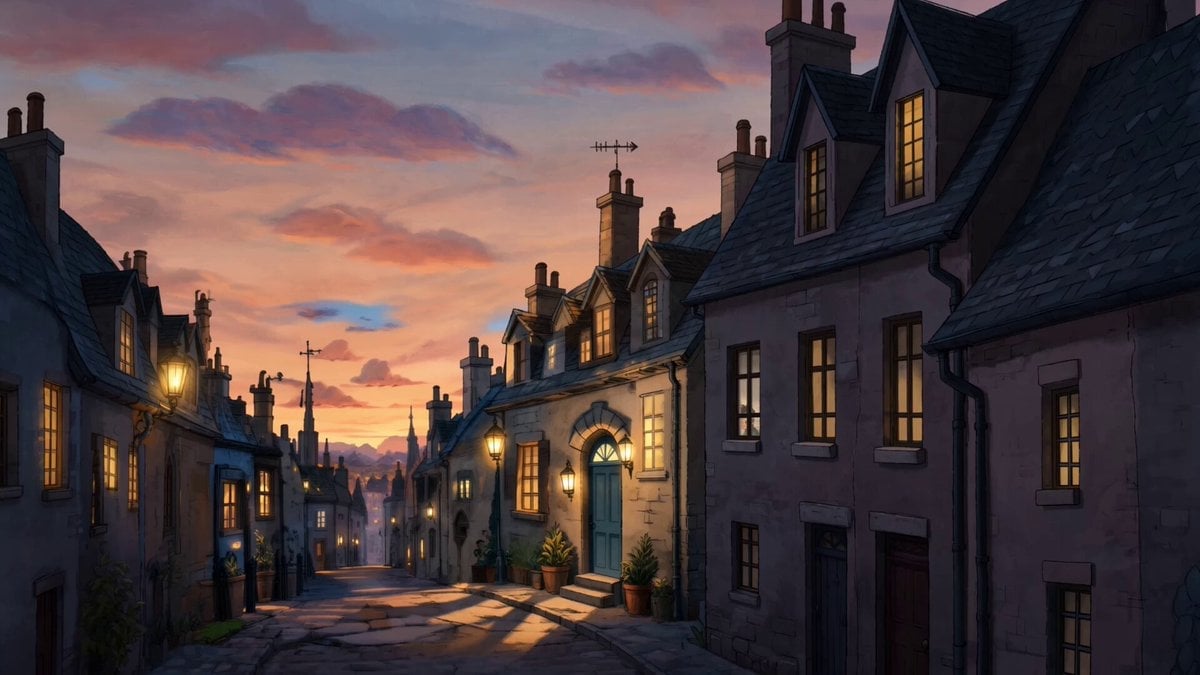
Animation Control via Storyboard Reference

Nostalgic Early 2000s Handheld Home Footage
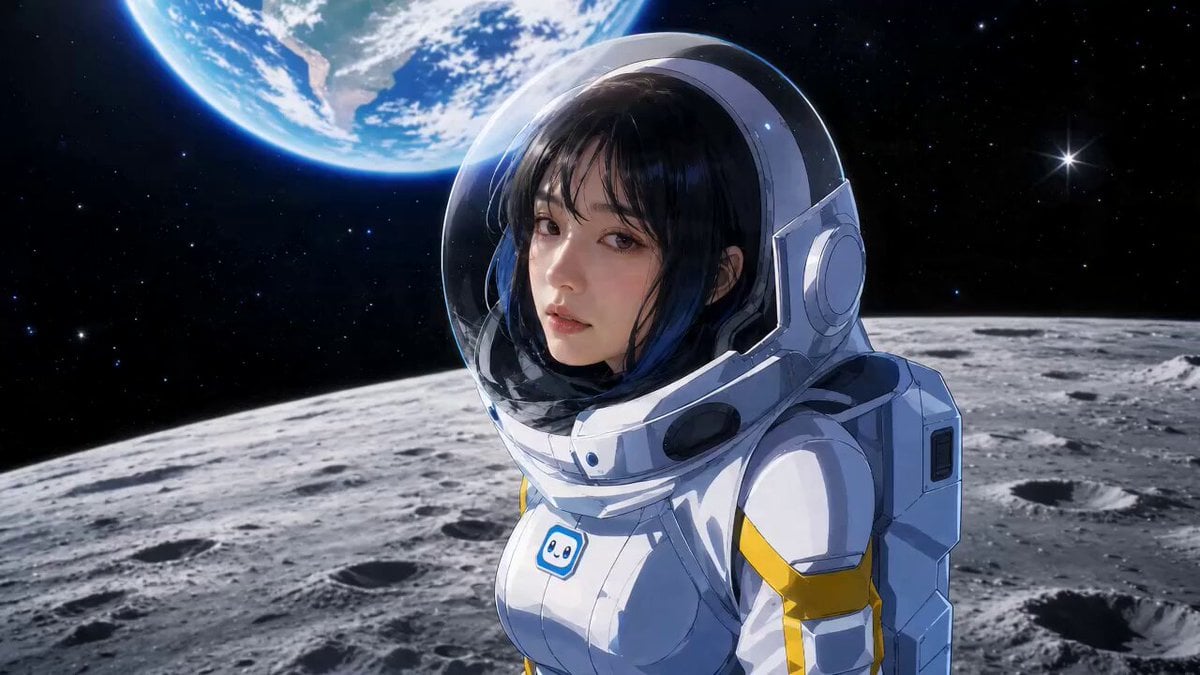
Astronaut Anime Style Mission
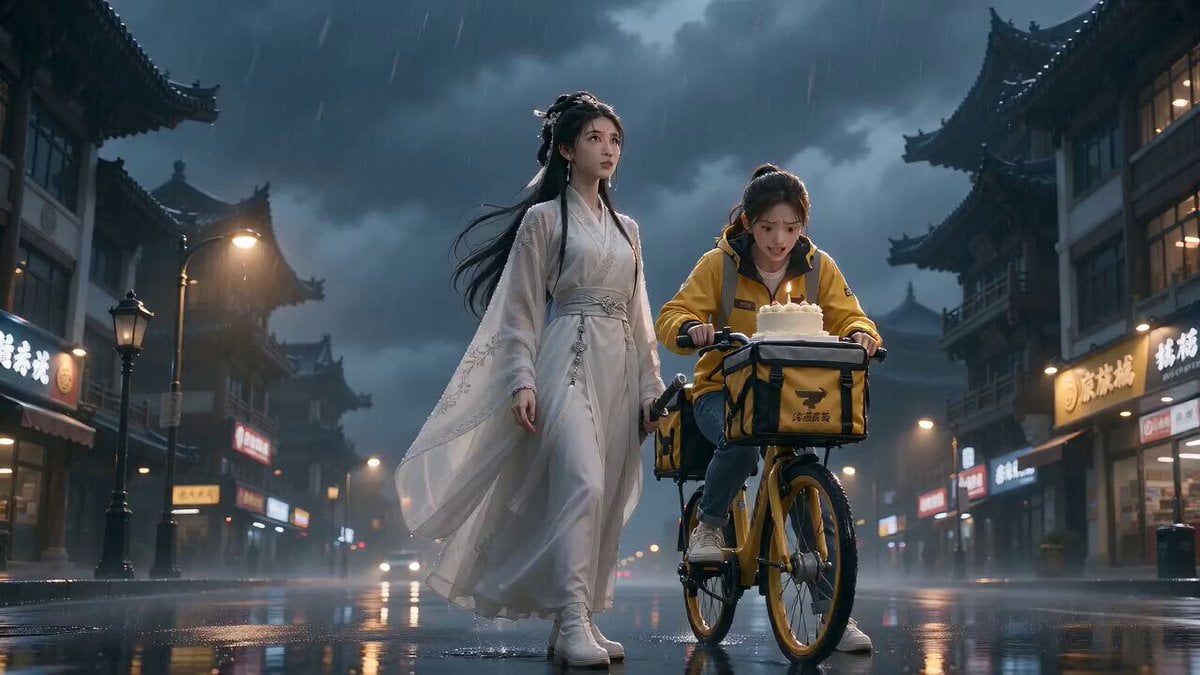
Cinematic Xianxia Cake Delivery Mission

DV Tape Camcorder Gym Vlog
Gym Bathroom Found-Footage Horror
Nostalgic DV Camcorder Fairground Video

Mobile Controlled POV Outfit Transition
Late-Night Gym Found-Footage Horror
Vintage Camcorder Runner Vlog
Vintage DV Camcorder Badminton Vlog
Make it yours
Apollo 11 Mission Control DV Camcorder Footage works as-is. These are the safest ways to change it without losing the look.
Change one field
Copy a single group, rewrite it, and generate again so you can see what that field is doing.
Keep the frame, change the subject
Hold the composition and light of Apollo 11 Mission Control DV Camcorder Footage, then swap wardrobe, props or the person for a new take.
| If the result… | Why | Fix |
|---|---|---|
| The result drifts from the preview | Too many fields changed at once. | Reuse Apollo 11 Mission Control DV Camcorder Footage as-is first, then change one group — subject, light, or setting. |
| The model over-stylizes the scene | The prose prompt leaves finish and camera underspecified. | Add one camera or lighting sentence and stay on Seedance 2.0. |
More Seedance 2.0 templates
Other prompts made for Seedance 2.0.

Comical Martial Arts Punch Scene

Maglev Train Action Sequence

Martial Arts Fight Sequence

Wuxia Protection and Trust Script

Vintage Korean Arcade MiniDV Vlog

Mercedes 190 SL Luxury Ad

Rainy Night Supernatural Reverse Comedy Video Script

Amazon Civilization Discovery

Futuristic South Asian City Transformation

Cozy Luxury Cafe Commercial
More video prompts
Fresh picks from across the catalog.
Impossible Camera Move through a Southeast Asian Night Market
Satoshi Nakamoto Fast & Furious Invitation Video Prompt

Woman and Robot in Space

Character and Storyboard Reference Guide
Fashion Sequence with Multiple Outfits and Effects
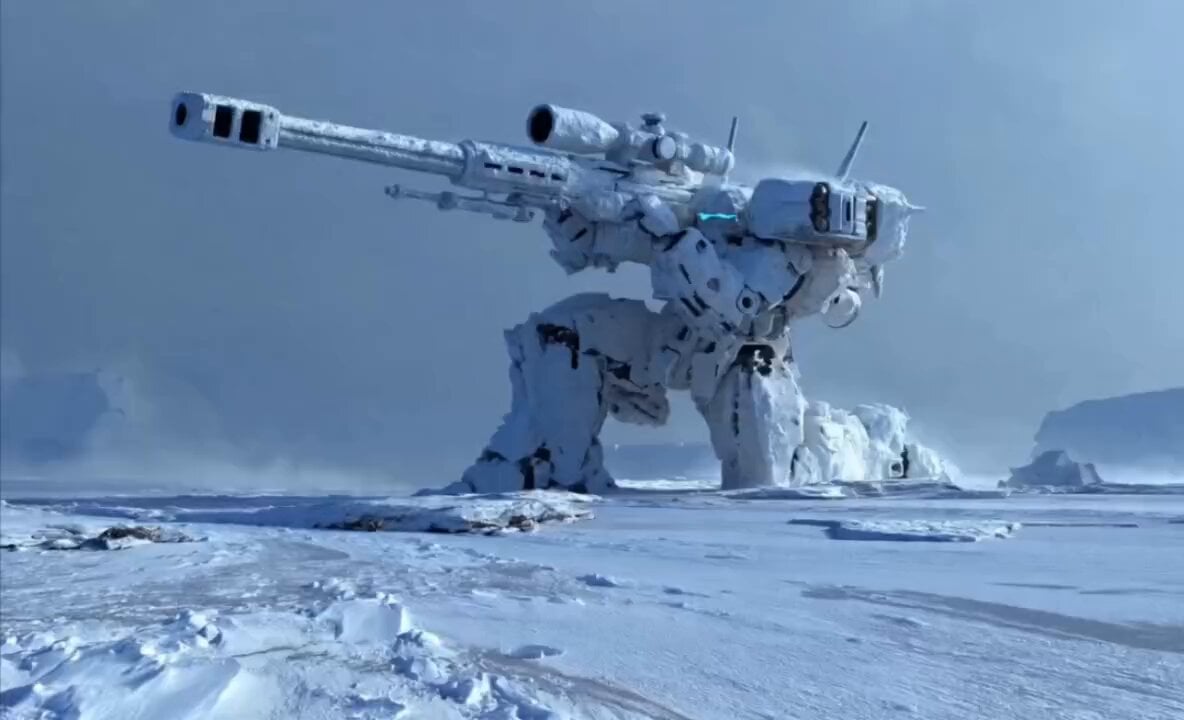
Cinematic Mecha Sniper in Arctic Tundra

Cyberpunk Mecha Warrior Video Prompt
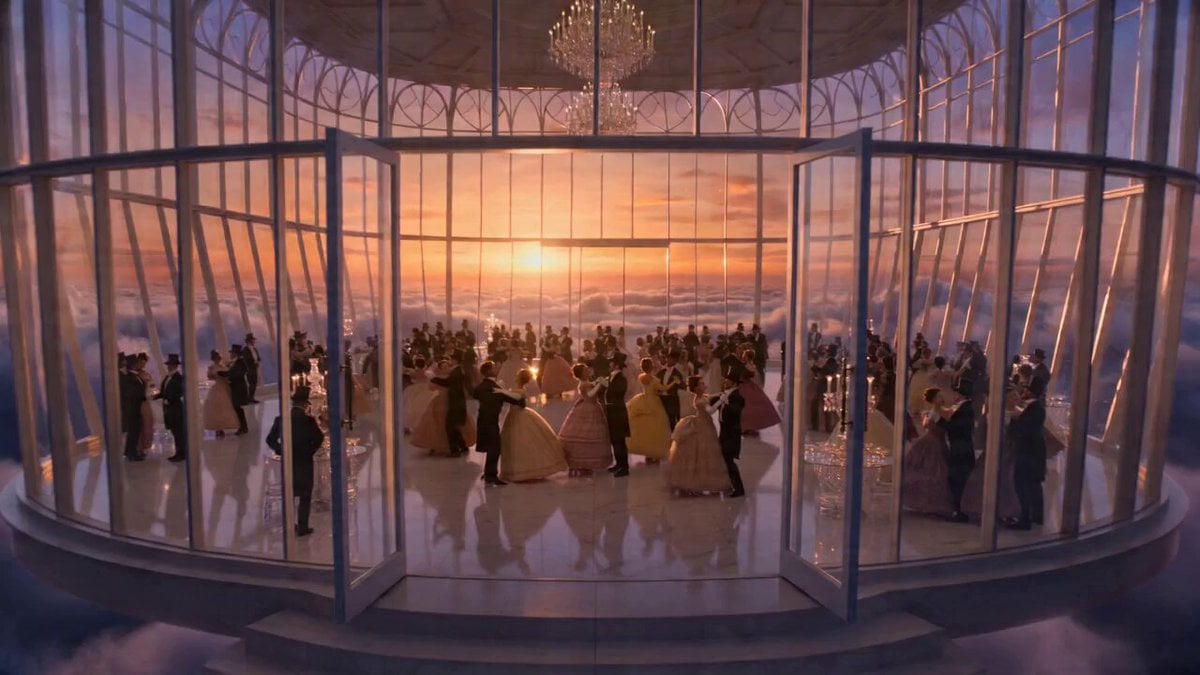
Floating Victorian Ballroom in the Clouds
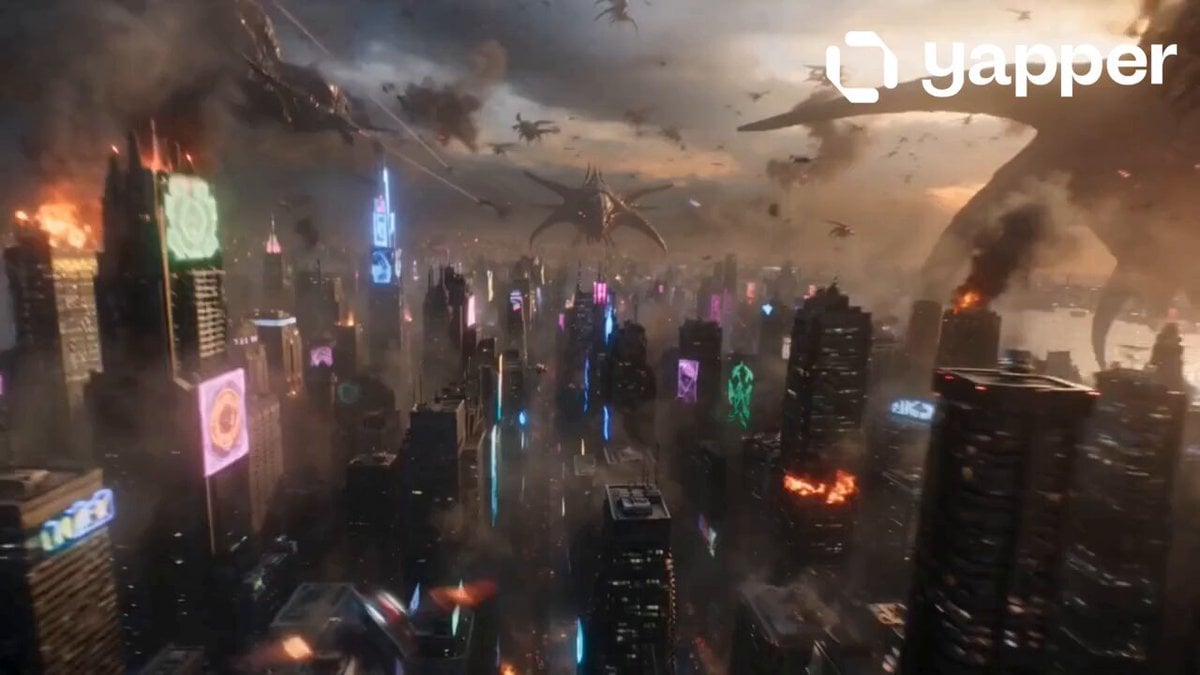
Cyberpunk Alien Invasion Action

Ultra-realistic high fashion studio beauty portrait video prompt
Browse template categories
Apollo 11 Mission Control DV Camcorder Footage questions
How do I use the Apollo 11 Mission Control DV Camcorder Footage template?
Add your photo if the template asks for one, edit the prompt if you like — the template's model and format are already selected — and press Generate. Your version opens in PicX Studio.
Can I customize the Apollo 11 Mission Control DV Camcorder Footage template?
Yes. You can change the subject, setting, lighting, mood, format, and available model controls before creating your video.
Is the Apollo 11 Mission Control DV Camcorder Footage template free?
Opening and editing this template is free. Generating uses credits, shown on the Generate button when you are signed in.
Which AI model should I use?
Start with Seedance 2.0, which is the model associated with this template. You can compare another compatible model for a different finish.
Looking for something else? Browse all templates.

Your photo, any look
Thousands of ready templates for every top image and video model, from one credit balance.