
Nostalgic Early 2000s Handheld Home Footage
A 15-second script breaking down micro-moments of a woman on a warm neighborhood walk, styled explicitly like early 2000s compact camera recordings.
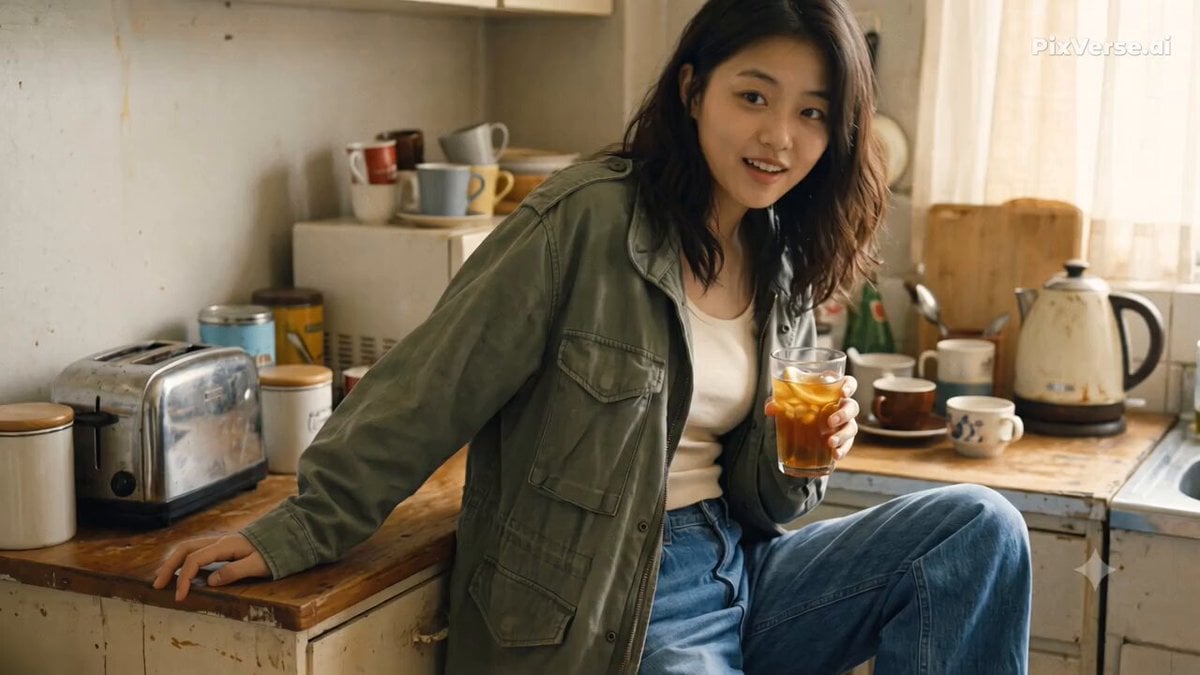
- Prompt included
- Model and format preset
- Free template
The prompt behind this video
Copy the exact prompt behind Nostalgic Early 2000s Handheld Home Footage, or open it in the studio and make it yours.
Format: 15s, 1080p, 16:9 landscape Style: Ultra-realistic nostalgic home-video footage Camera: Handheld early-2000s compact digital camera filmed by a friend (natural autofocus hunting, minor handheld shake) Audio: 100% diegetic location sound (footsteps, ambient street noise, rustling, natural laughter; no music, no voiceover) Character & Setting: Same young woman (early 20s, dark wavy hair half-clipped, oversized olive field jacket, wide-leg jeans, loafers, canvas tote) walking through the quiet canal-side neighborhood on a warm, overcast afternoon. SCENE BREAKDOWN (2-SECOND BEATS) 00:00–00:02 (Beat 1 — The Kitchen) She turns from the counter holding a glass of iced tea, spots the lens, and flashes an amused half-smile as the friend quickly taps zoom in and out. 00:02–00:04 (Beat 2 — Stepping Outside) She shoulders her canvas tote and pushes open the heavy wooden alley door, holding it open for the camera while a bicycle rattles past on cobblestones. 00:04–00:06 (Beat 3 — The Fruit Stand) Pausing at a corner wooden crate, she picks up a ripe peach, exchanges a quick laugh and coins with the vendor, and drops it into a small paper sleeve. 00:06–00:08 (Beat 4 — The Dog Greeting) Crossing the stone pedestrian bridge, she naturally drops to one knee to scratch a neighbor’s golden retriever behind the ears before stepping back up. 00:08–00:10 (Beat 5 — The First Bite) Leaning against the weathered bridge railing over the canal, she takes a fresh bite of the fruit and looks right at the camera with wide, delighted eyes. 00:10–00:12 (Beat 6 — Playful Lens Block) the camera operator pushes in close to her face; she laughs out loud, scrunches her nose, and playfully slaps her palm over the lens to block it. 00:12–00:14 (Beat 7 — Walking Ahead) She drops her hand, turns, and jogs ahead down the narrow lane, glancing back over her shoulder with a two-finger gesture for her friend to catch up. 00:14–00:15 (Beat 8 — Abrupt Cut) Camera bounds forward following behind her; mid-stride, she looks back with a quick grin, and the recording abruptly cuts off at 00:14.8 without a fade.
How to use Nostalgic Early 2000s Handheld Home Footage in 3 steps
- 1
Open
The prompt is already in the box next to the preview, with the template's model and format selected.
- 2…a portrait of your subject in softgolden-hour light, 85mm…
Personalize
Edit the subject and creative details for your destination.
- 3Generate
Generate
Press Generate — your video is created in PicX Studio, so you can compare it with the original and refine one variable at a time.
More like this
Templates with the same subject, style or setup. Open one to see its prompt.
Early-2000s Trainee Flashback Film
Early 2000s MiniDV home video aesthetic style
Nostalgic Handheld Home Video

Nostalgic Early 2000s DV Style Korean Vlog
2000s Seoul Home Video
Nostalgic MiniDV Korean Home Video
Nostalgic 2000s Japanese Boyhood
Realistic 2000s Home Video Snack Fail
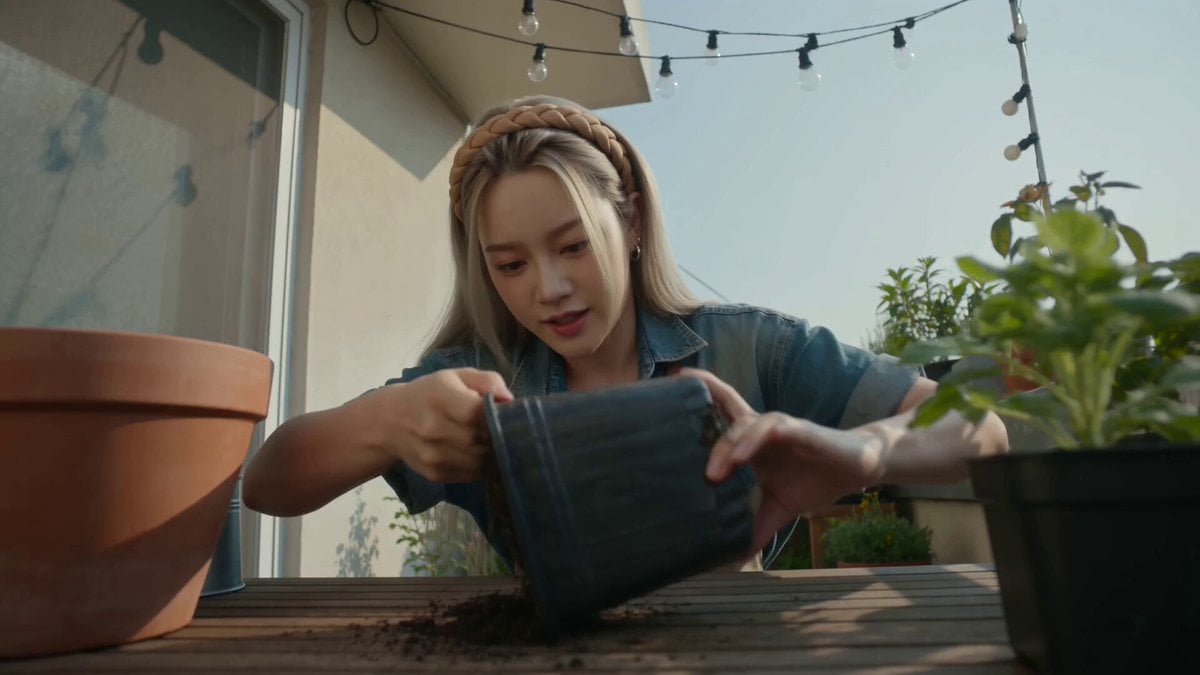
Handheld Home Video Gardening Montage
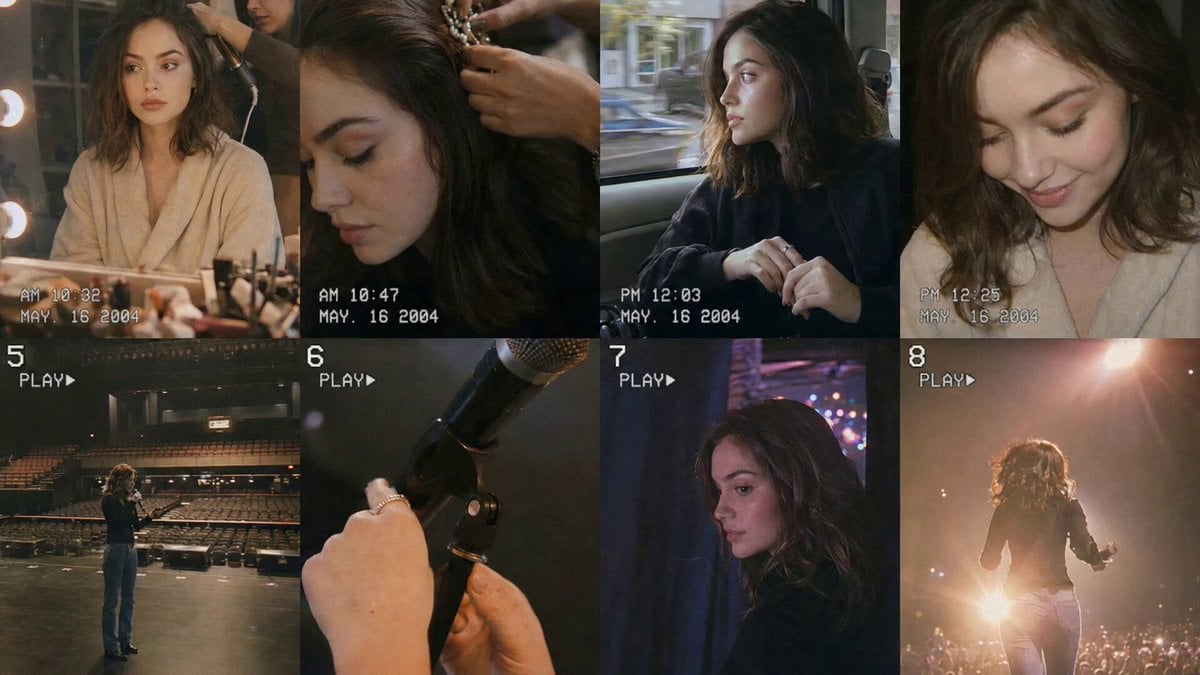
Nostalgic Idol Home Video Storyboard

Mysterious Home Exploration Vlog - Seedance 2.5

Handheld Tokyo Travel Vlog - Seedance 2.5
Make it yours
Nostalgic Early 2000s Handheld Home Footage works as-is. These are the safest ways to change it without losing the look.
Change one field
Copy a single group, rewrite it, and generate again so you can see what that field is doing.
Keep the frame, change the subject
Hold the composition and light of Nostalgic Early 2000s Handheld Home Footage, then swap wardrobe, props or the person for a new take.
| If the result… | Why | Fix |
|---|---|---|
| The result drifts from the preview | Too many fields changed at once. | Reuse Nostalgic Early 2000s Handheld Home Footage as-is first, then change one group — subject, light, or setting. |
| The model over-stylizes the scene | The prose prompt leaves finish and camera underspecified. | Add one camera or lighting sentence and stay on Seedance 2.0. |
More Seedance 2.0 templates
Other prompts made for Seedance 2.0.

Comical Martial Arts Punch Scene

Maglev Train Action Sequence

Martial Arts Fight Sequence

Wuxia Protection and Trust Script

Vintage Korean Arcade MiniDV Vlog

Mercedes 190 SL Luxury Ad

Rainy Night Supernatural Reverse Comedy Video Script

Amazon Civilization Discovery

Futuristic South Asian City Transformation

Cozy Luxury Cafe Commercial
More video prompts
Fresh picks from across the catalog.
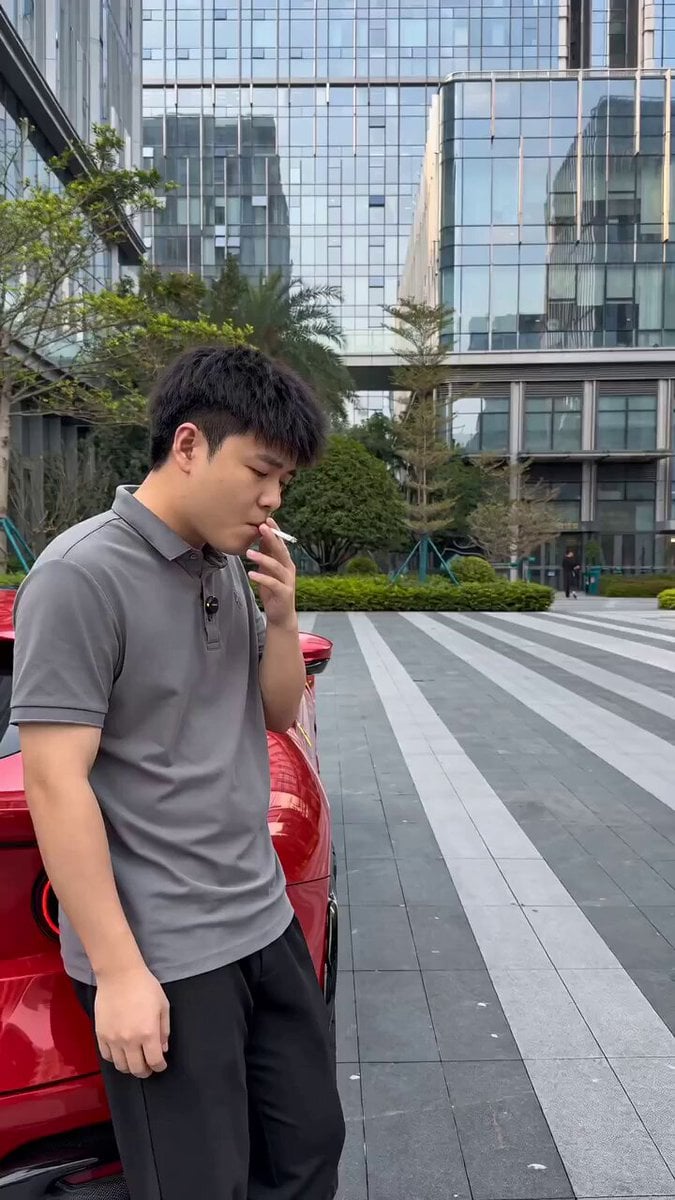
Viral Sketch Comedy Video Prompt: The Car Wash Twist
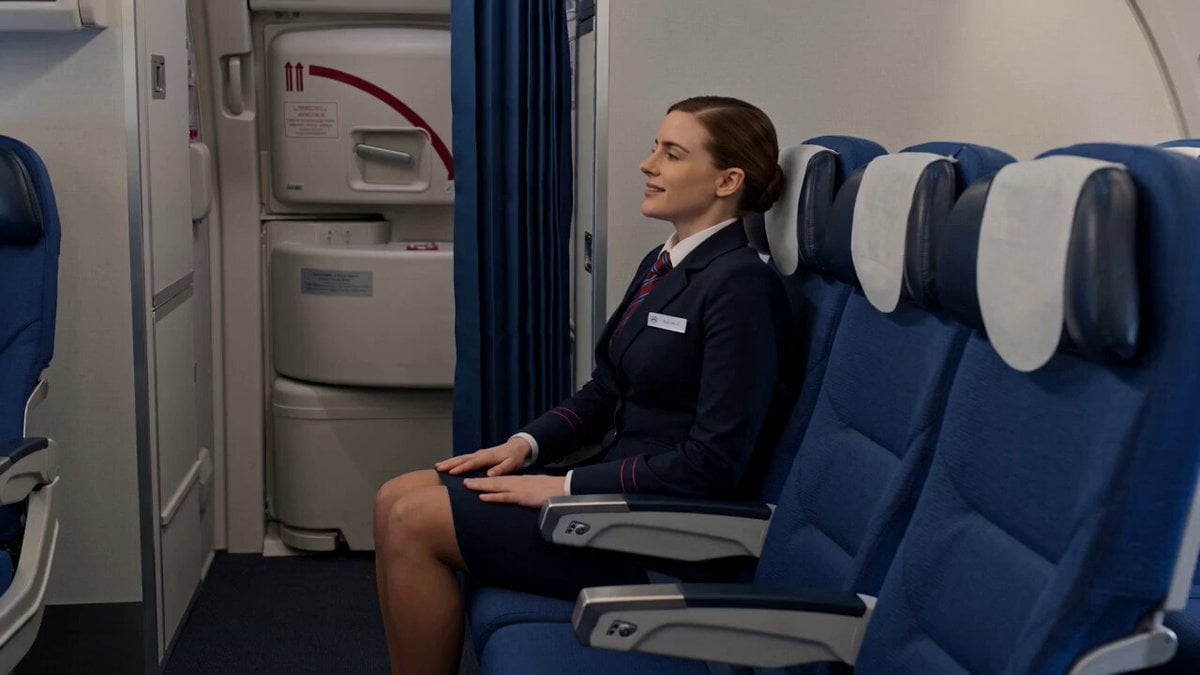
Flight Attendant Cinematic Storyboard

Fantasy Isekai Anime Storyboard
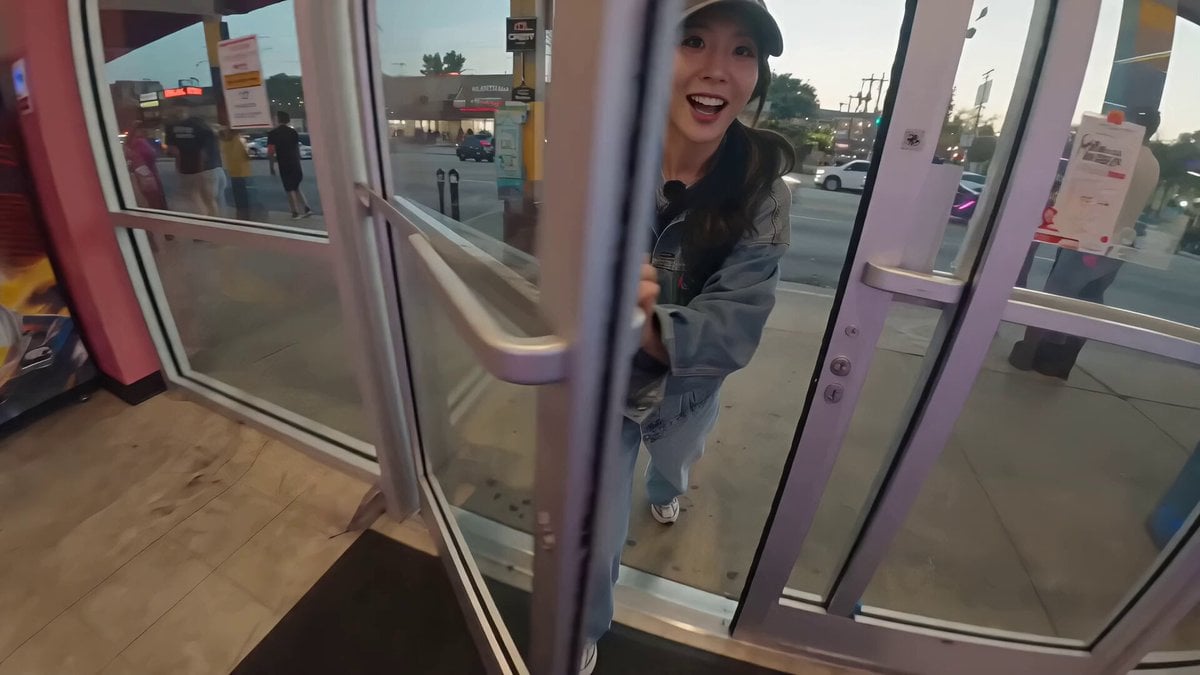
Korean Idol Arcade Mini Vlog
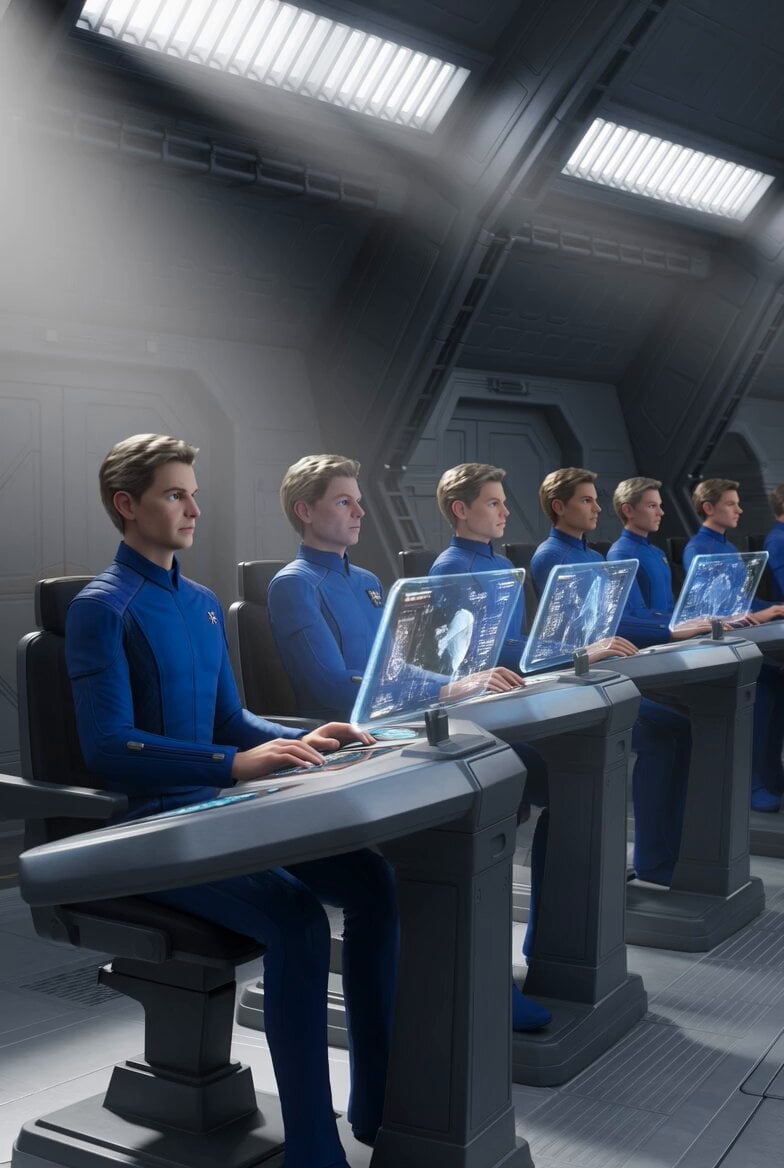
Galactic Federation Pleiadians Starship Animation
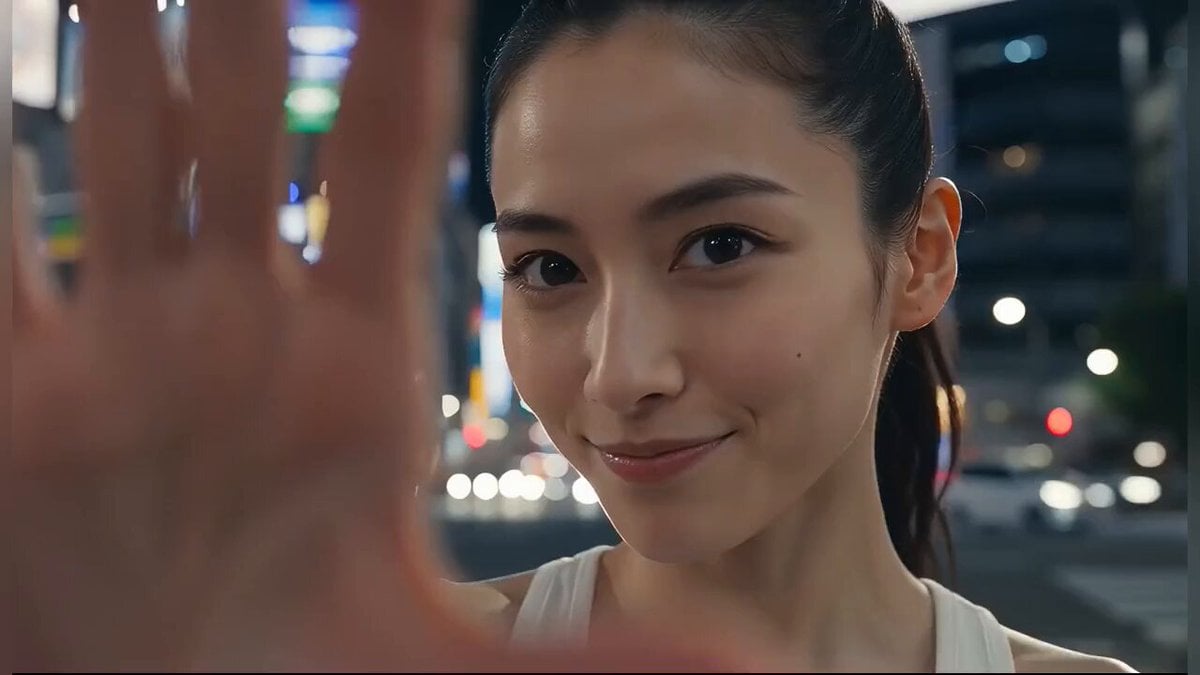
Japanese Girl Tokyo Tower Parkour Video
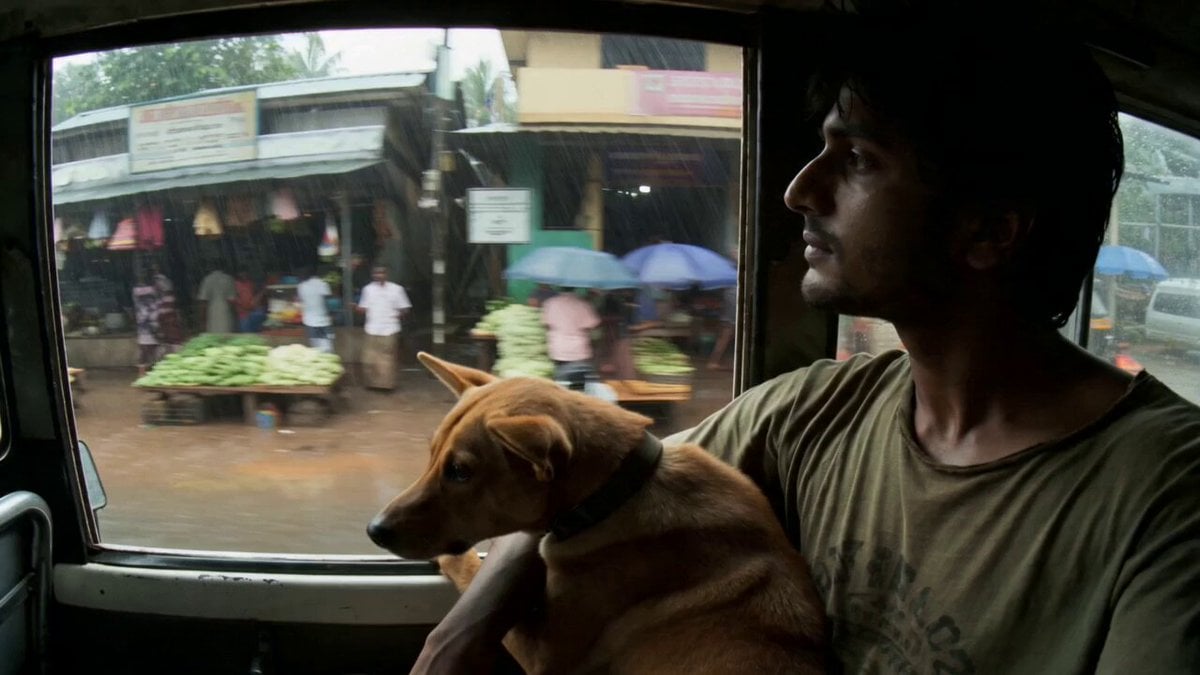
Rural Kerala Monsoon Journey

Epic World Cup Poster Animation
Omegle Style Split Screen Magic
Pixar-Style Football Grandma Animation
Browse template categories
Nostalgic Early 2000s Handheld Home Footage questions
How do I use the Nostalgic Early 2000s Handheld Home Footage template?
Add your photo if the template asks for one, edit the prompt if you like — the template's model and format are already selected — and press Generate. Your version opens in PicX Studio.
Can I customize the Nostalgic Early 2000s Handheld Home Footage template?
Yes. You can change the subject, setting, lighting, mood, format, and available model controls before creating your video.
Is the Nostalgic Early 2000s Handheld Home Footage template free?
Opening and editing this template is free. Generating uses credits, shown on the Generate button when you are signed in.
Which AI model should I use?
Start with Seedance 2.0, which is the model associated with this template. You can compare another compatible model for a different finish.
Looking for something else? Browse all templates.

Your photo, any look
Thousands of ready templates for every top image and video model, from one credit balance.