
Epic World Cup Poster Animation
A dynamic cinematic sequence prompt featuring lightning effects, extreme zooms, and a transition to a celebratory World Cup victory scene.

- Prompt included
- Model and format preset
- Free template
The prompt behind this video
Copy the exact prompt behind Epic World Cup Poster Animation, or open it in the studio and make it yours.
An epic, fast-paced cinematic sequence. Start with the reference image. The background suddenly erupts with dynamic red lightning strikes and intense, glowing fire embers swirling around. The camera performs a dramatic, slow zoom-in directly onto the character's lips. The lips move with hyper-realistic lip-sync, speaking clearly. Suddenly, a high-speed snap-zoom pulls the camera back, followed instantly by an extreme, rapid macro zoom straight into the character's pupil. As the camera dives inside the eye, the scene transitions into a rapid-fire montage of futuristic, high-tech visual effects: fast-spinning microscopic mechanical gears, glowing neon neural pathways, and rapid digital HUD glitches. The eye sequence shatters with a bright flashbang effect, immediately cutting to a glorious, slow-motion cinematic wide shot of the character triumphantly lifting the golden World Cup trophy high above his head in a massive, brightly lit stadium, with golden confetti raining down. Audio & Sound Effects Prompt (If your generator supports audio inputs): Deep cinematic bass rumble, crackling fire, and sharp electric zaps. A crisp, deep, close-mic podcast-style voiceover saying "I will win the World Cup." An aggressive cinematic "whoosh" and swoosh sound for the camera zooms. High-speed mechanical clicking, digital sci-fi processing sounds, and heavy bass glitches during the eye sequence. The video finishes with a massive, deafening crowd roar, stadium echoes, and an epic, triumphant brass orchestral swell during the trophy lift.
How to use Epic World Cup Poster Animation in 3 steps
- 1Upload ImagePNG, JPG or paste
Add your photo
Upload the photo the template builds on. The prompt, model and format are already set.
- 2…a portrait of your subject in softgolden-hour light, 85mm…
Personalize
Edit the subject and creative details for your destination.
- 3Generate
Generate
Press Generate — your video is created in PicX Studio, so you can compare it with the original and refine one variable at a time.
More like this
Templates with the same subject, style or setup. Open one to see its prompt.
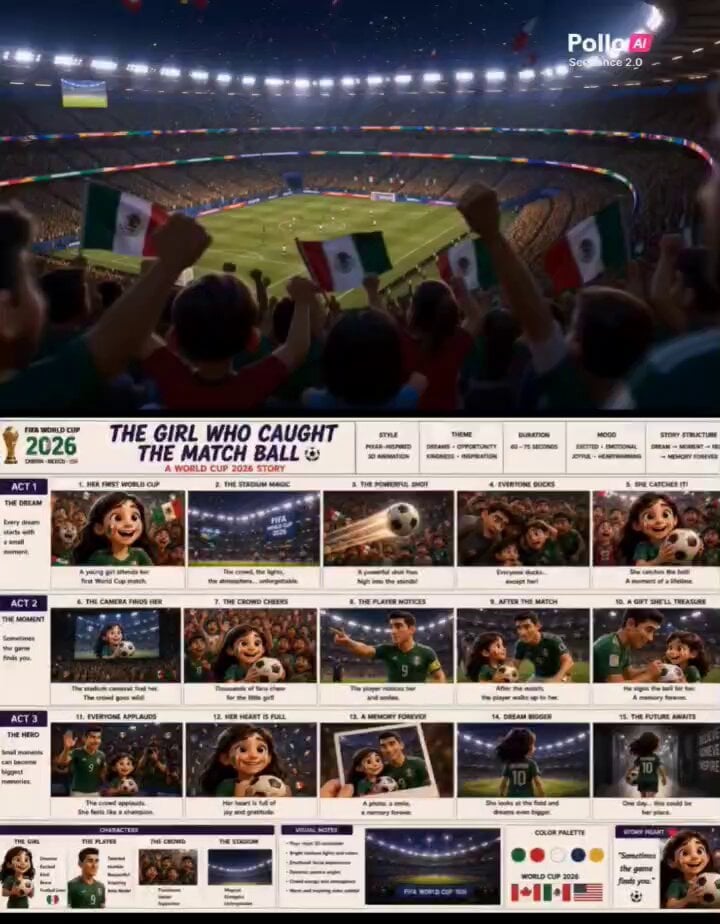
Pixar Style World Cup Animation

Pixar Style World Cup Animation

3D Glossy Fairy Animation - Seedance 2.5
Italian World Cup Reaction

Silk Road Pomegranate Folk Animation

Oceanic Civilization Epic Sci-Fi Film

Multilingual Creative Typography Loop
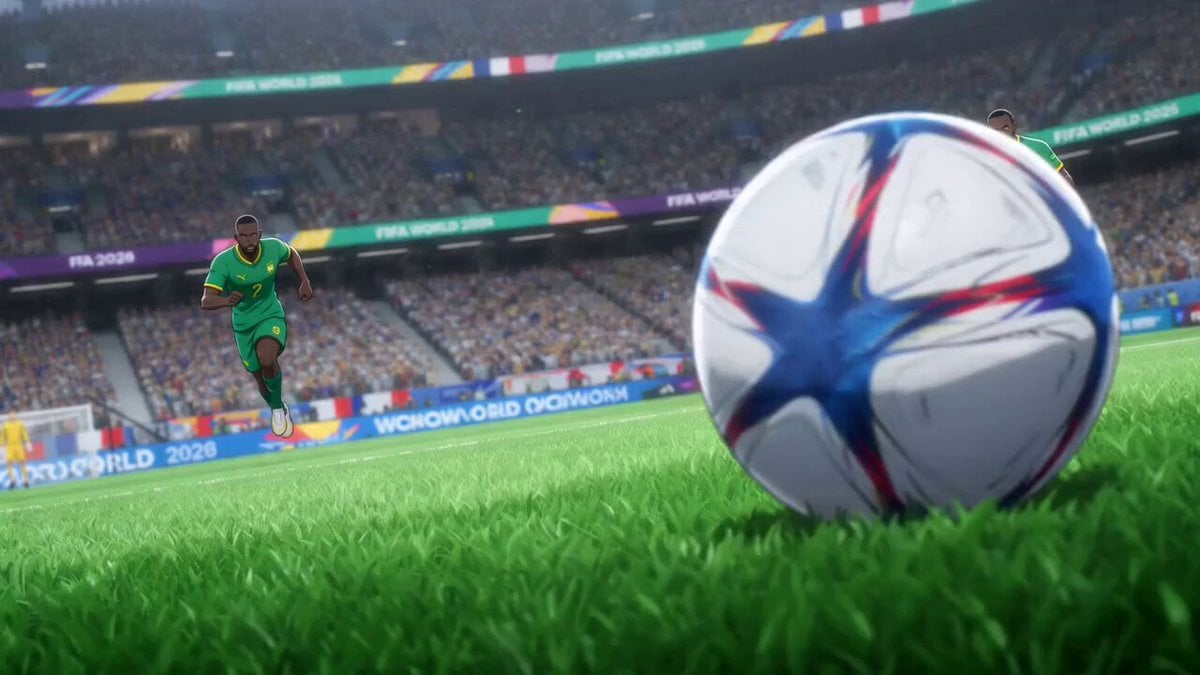
Anime Style World Cup Football Climax
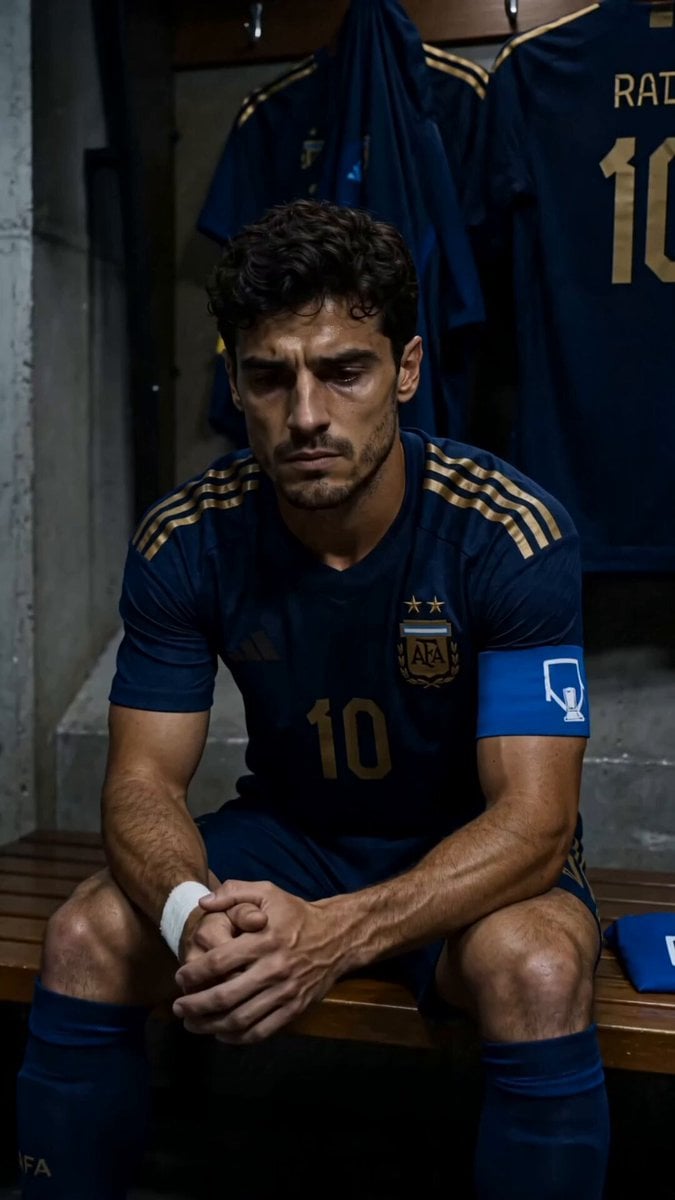
World Cup Final Emotional Drama

World Cup Final Travel Vlog
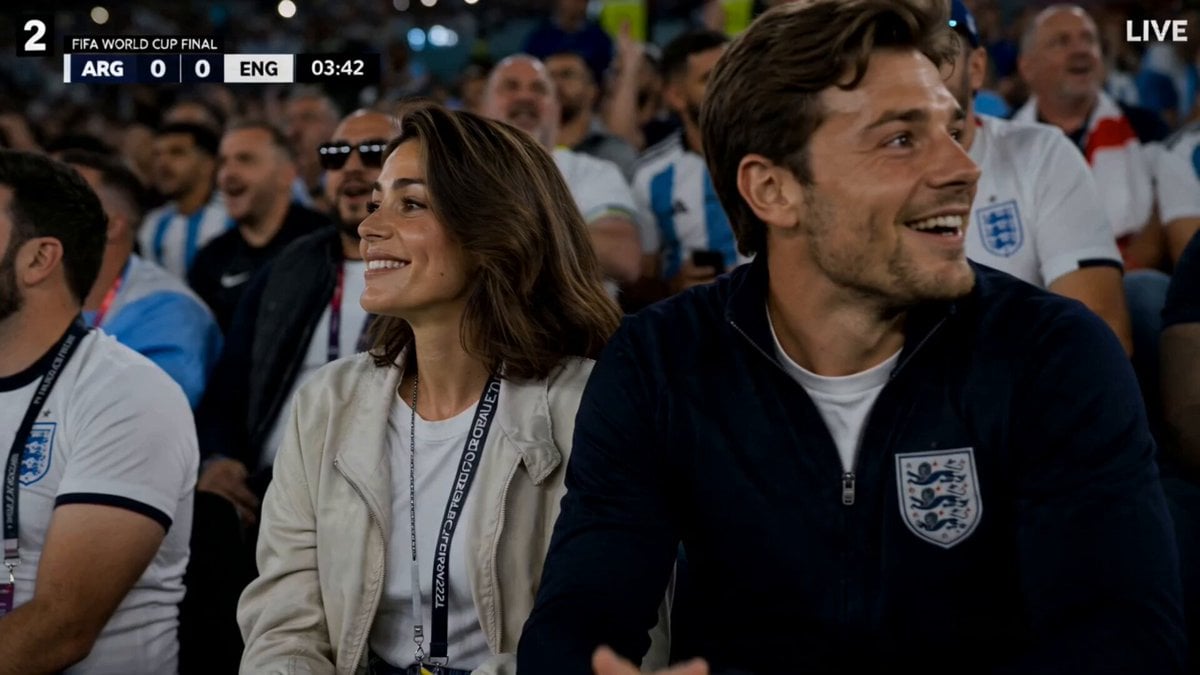
FIFA World Cup Broadcast Goal
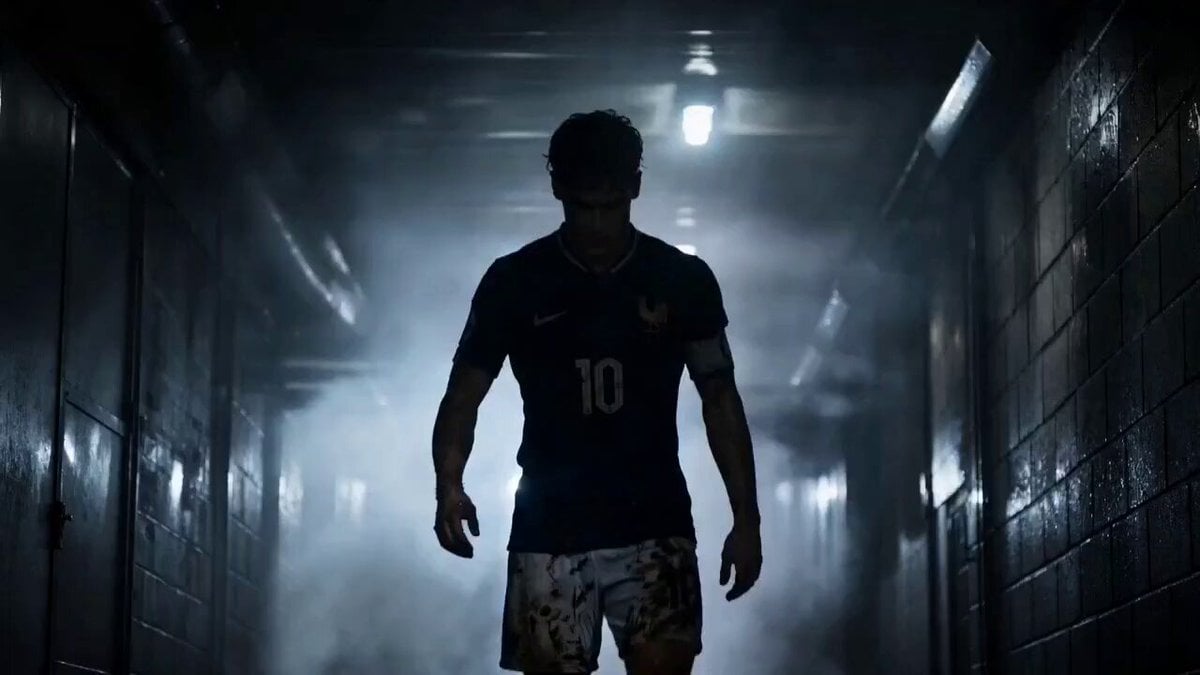
Futuristic World Cup Final Action
Make it yours
Epic World Cup Poster Animation works as-is. These are the safest ways to change it without losing the look.
Change one field
Copy a single group, rewrite it, and generate again so you can see what that field is doing.
Keep the frame, change the subject
Hold the composition and light of Epic World Cup Poster Animation, then swap wardrobe, props or the person for a new take.
| If the result… | Why | Fix |
|---|---|---|
| The result drifts from the preview | Too many fields changed at once. | Reuse Epic World Cup Poster Animation as-is first, then change one group — subject, light, or setting. |
| The model over-stylizes the scene | The prose prompt leaves finish and camera underspecified. | Add one camera or lighting sentence and stay on Seedance 2.0. |
More Seedance 2.0 templates
Other prompts made for Seedance 2.0.

Comical Martial Arts Punch Scene

Maglev Train Action Sequence

Martial Arts Fight Sequence

Wuxia Protection and Trust Script

Vintage Korean Arcade MiniDV Vlog

Mercedes 190 SL Luxury Ad

Rainy Night Supernatural Reverse Comedy Video Script

Amazon Civilization Discovery

Futuristic South Asian City Transformation

Cozy Luxury Cafe Commercial
More video prompts
Fresh picks from across the catalog.
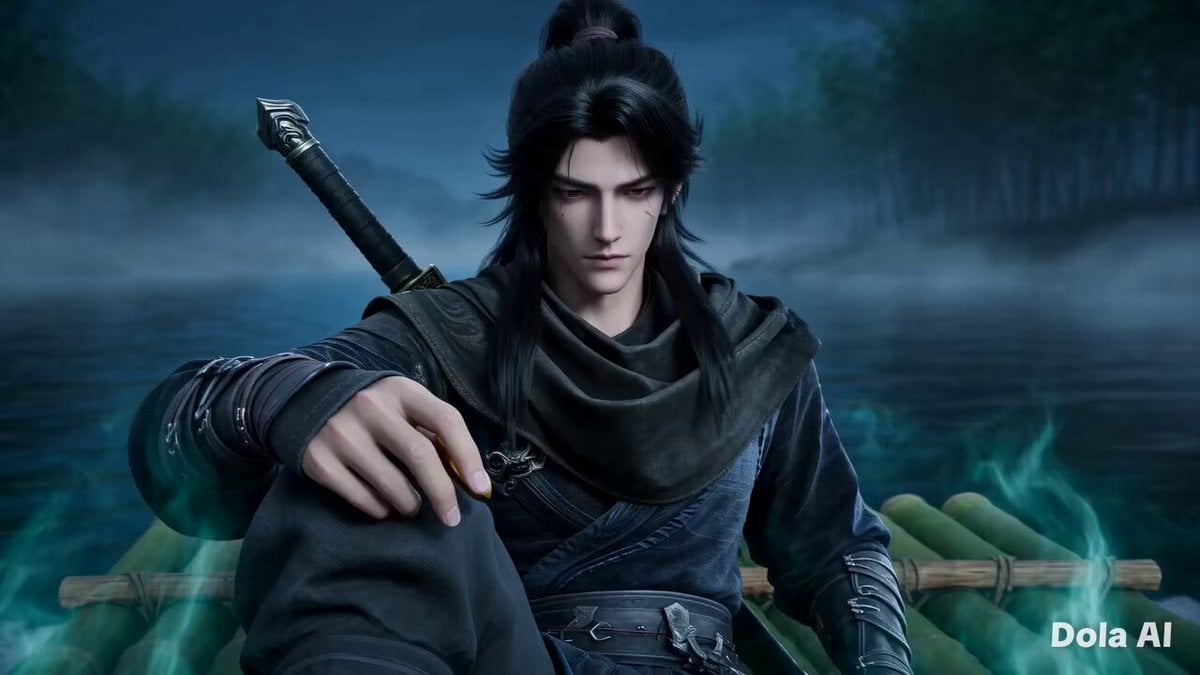
Dark Xianxia Movie Combat Scene
Death Metal Video with Voiceover
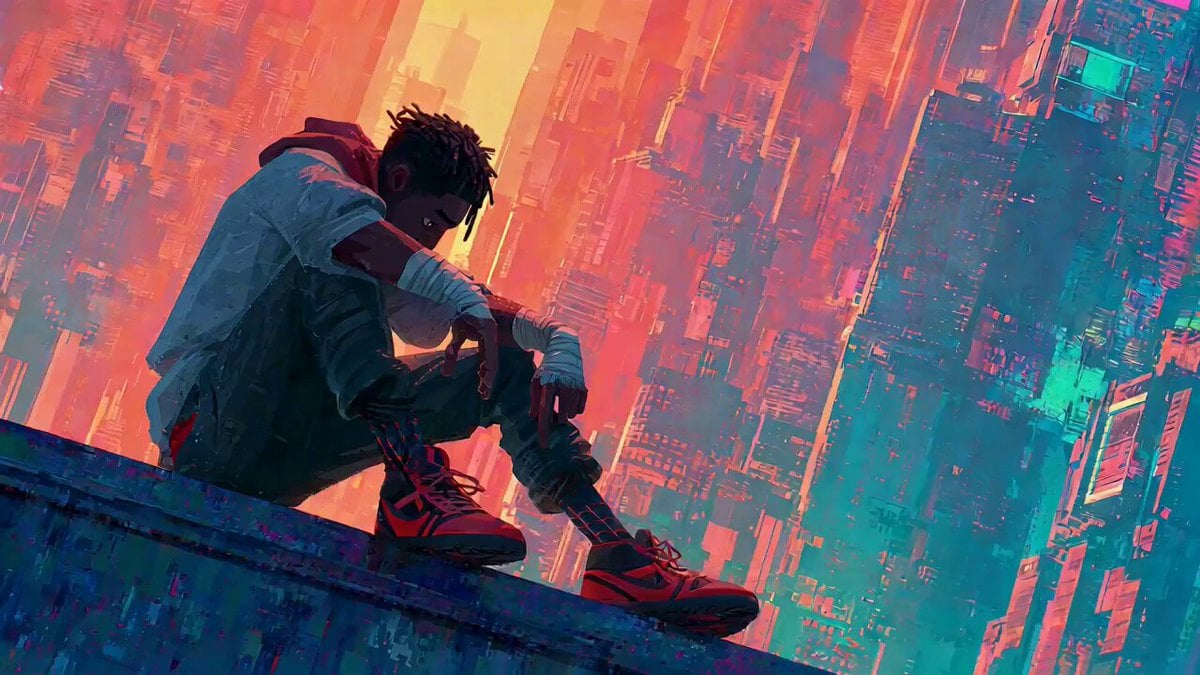
Video Generation Prompt with Image References
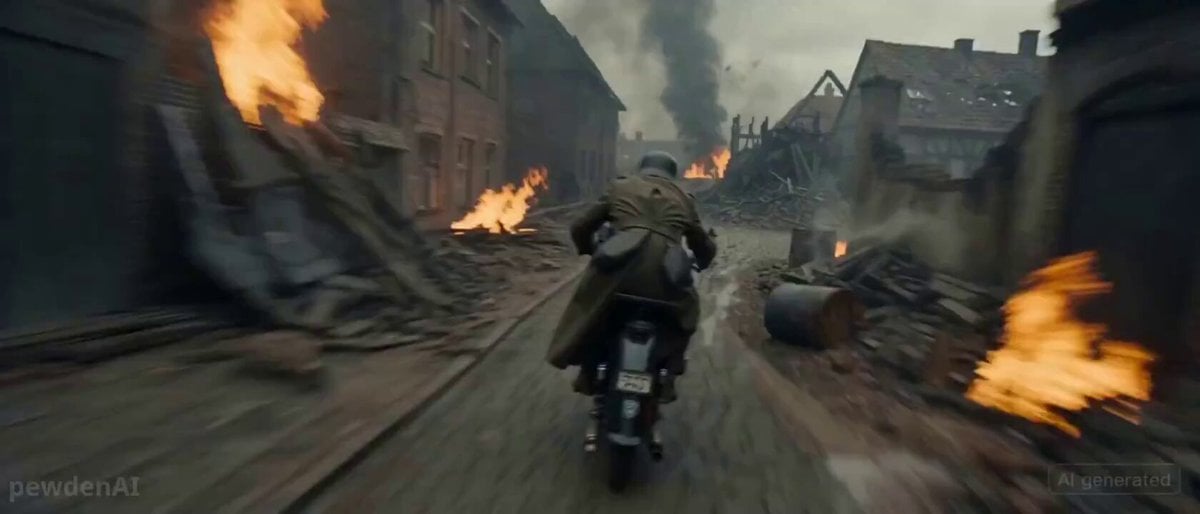
WW2 Motorcycle Escape Sequence
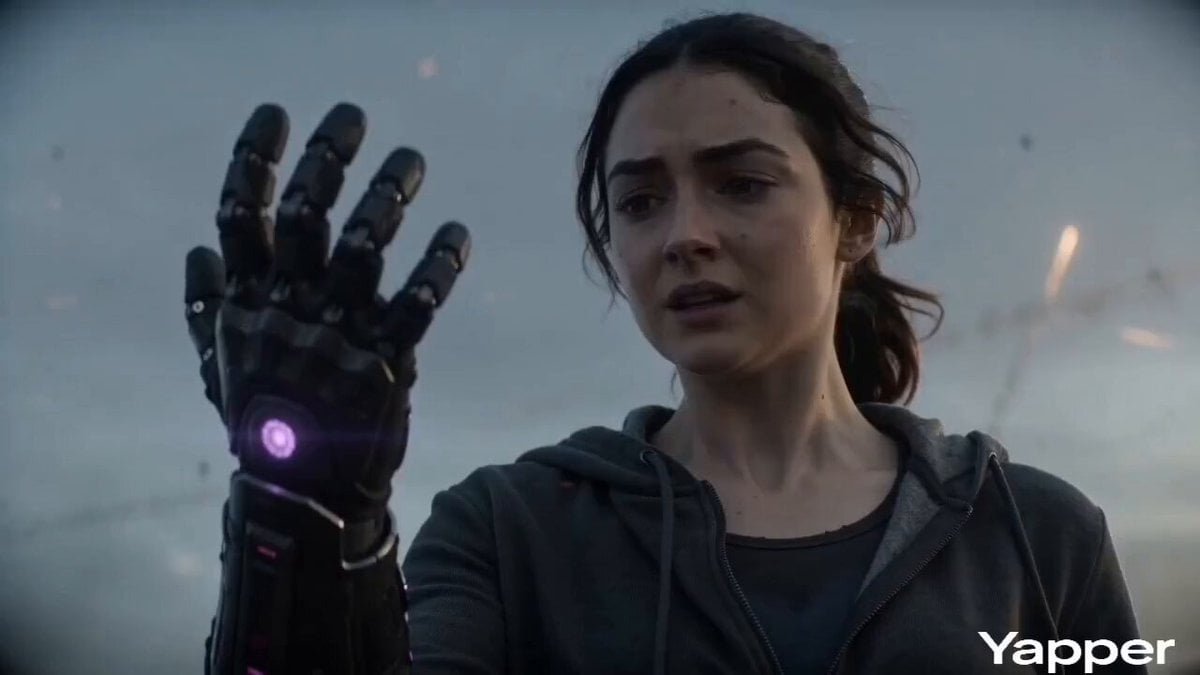
Apocalyptic Transformation Sequence
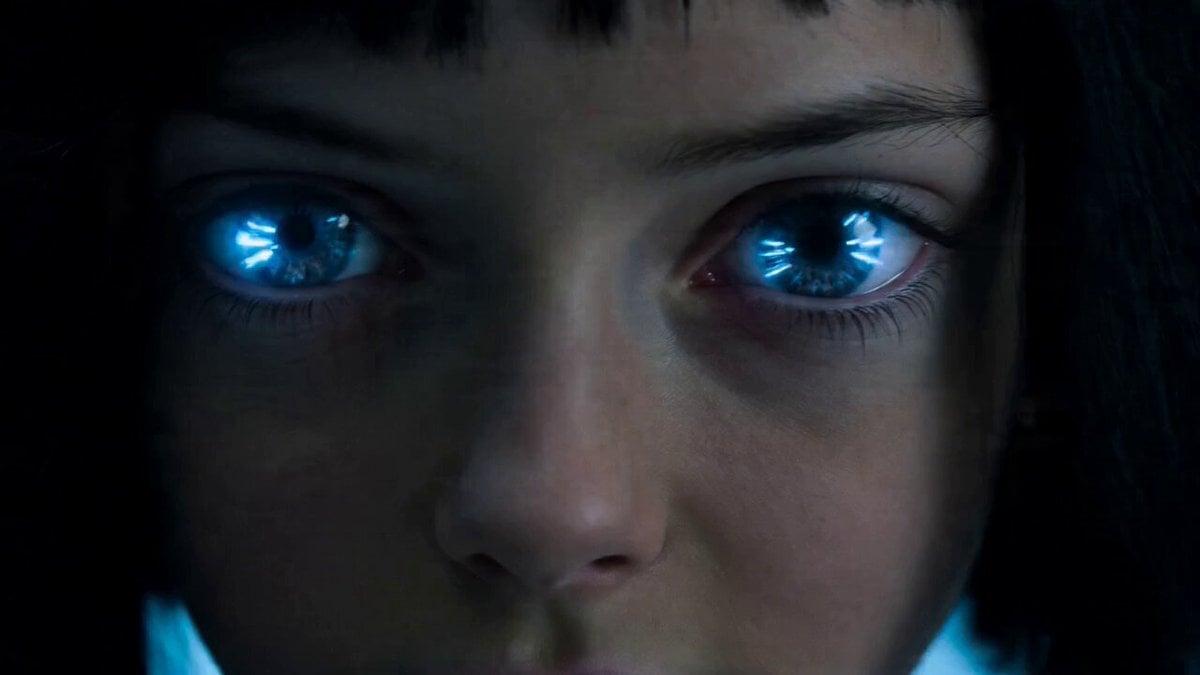
Rampaging Android Girl in Lab
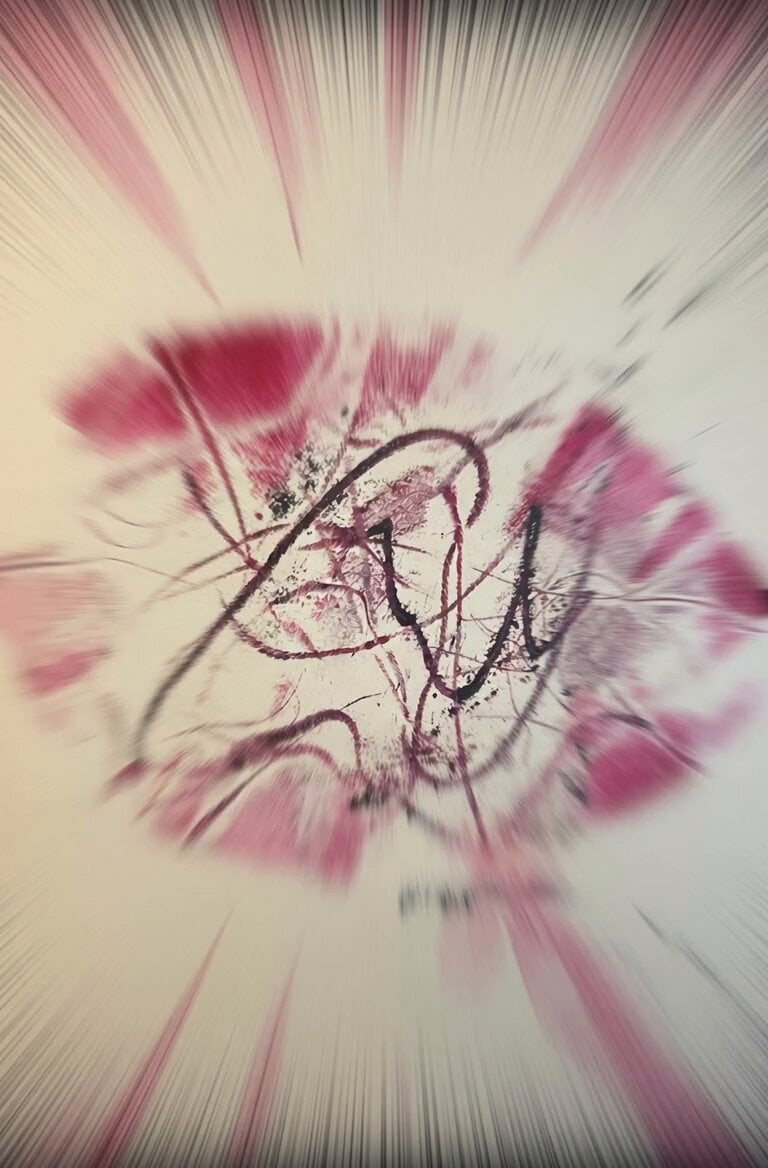
Magenta Organic Zoom Loop
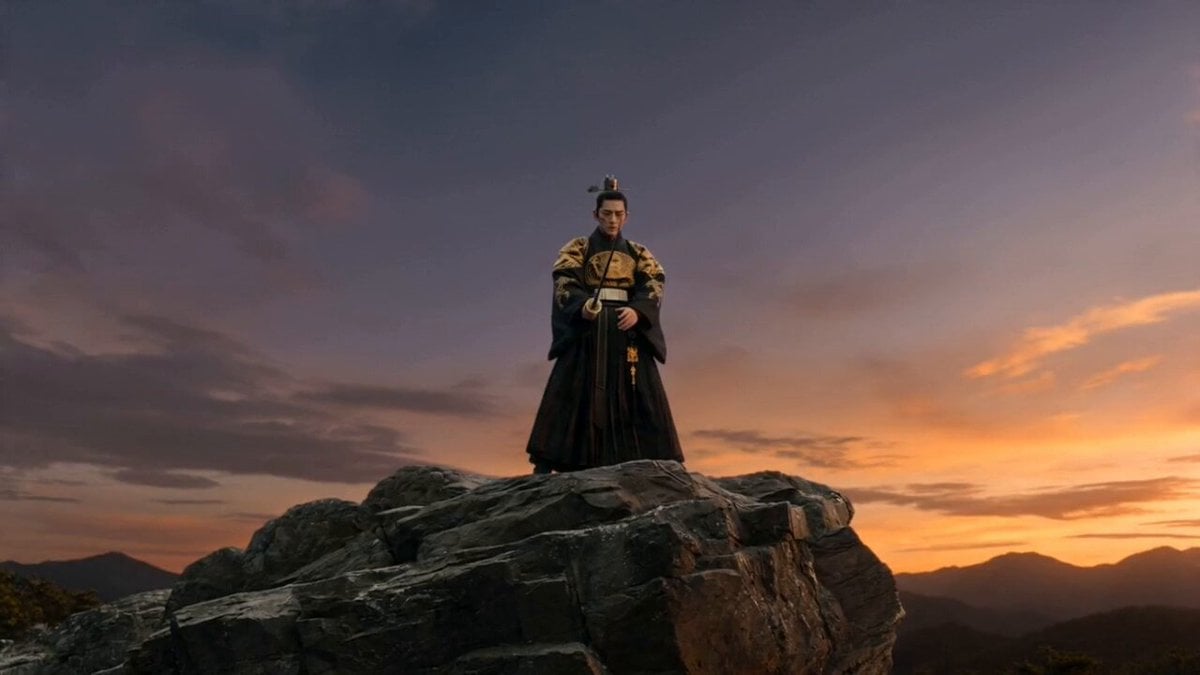
Joseon Warrior Energy Slash Cinematic
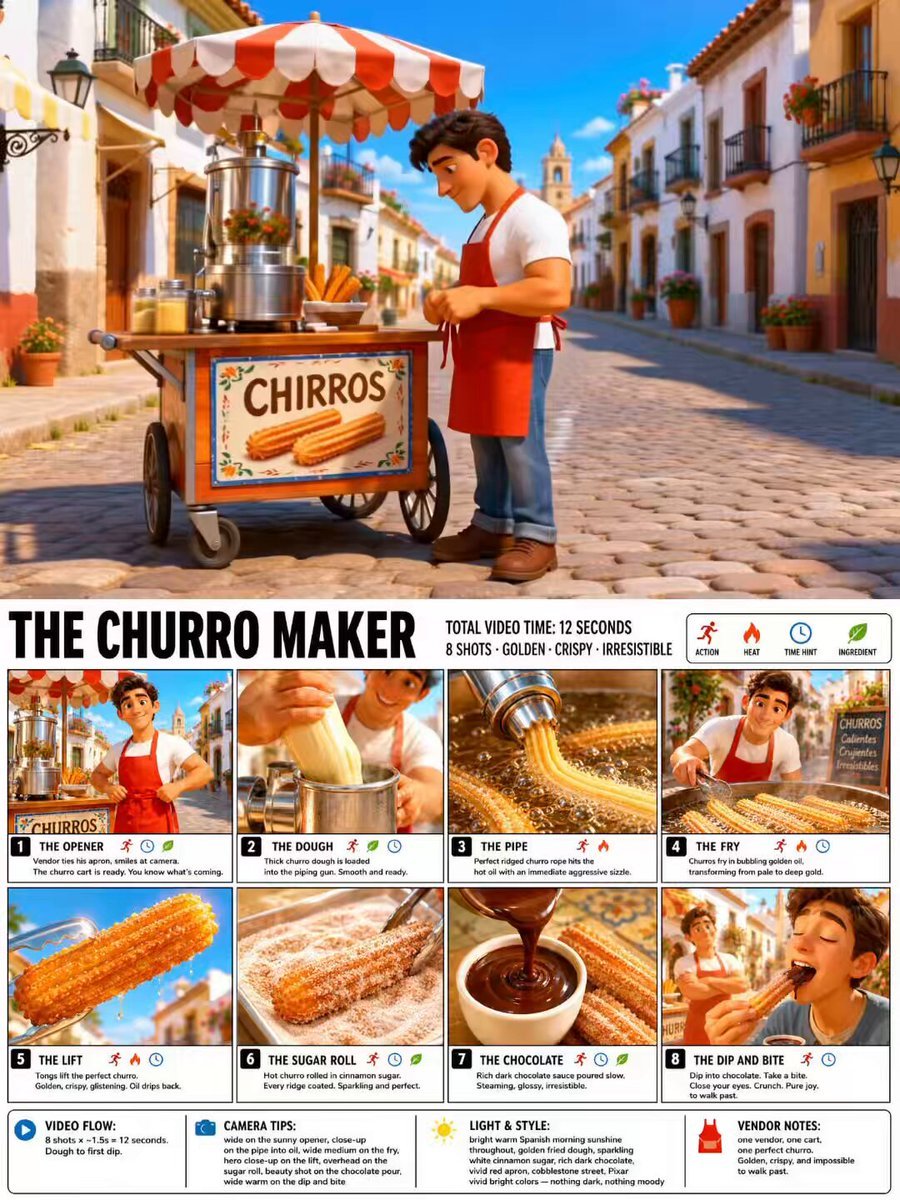
Pixar Style Churro Maker Animation
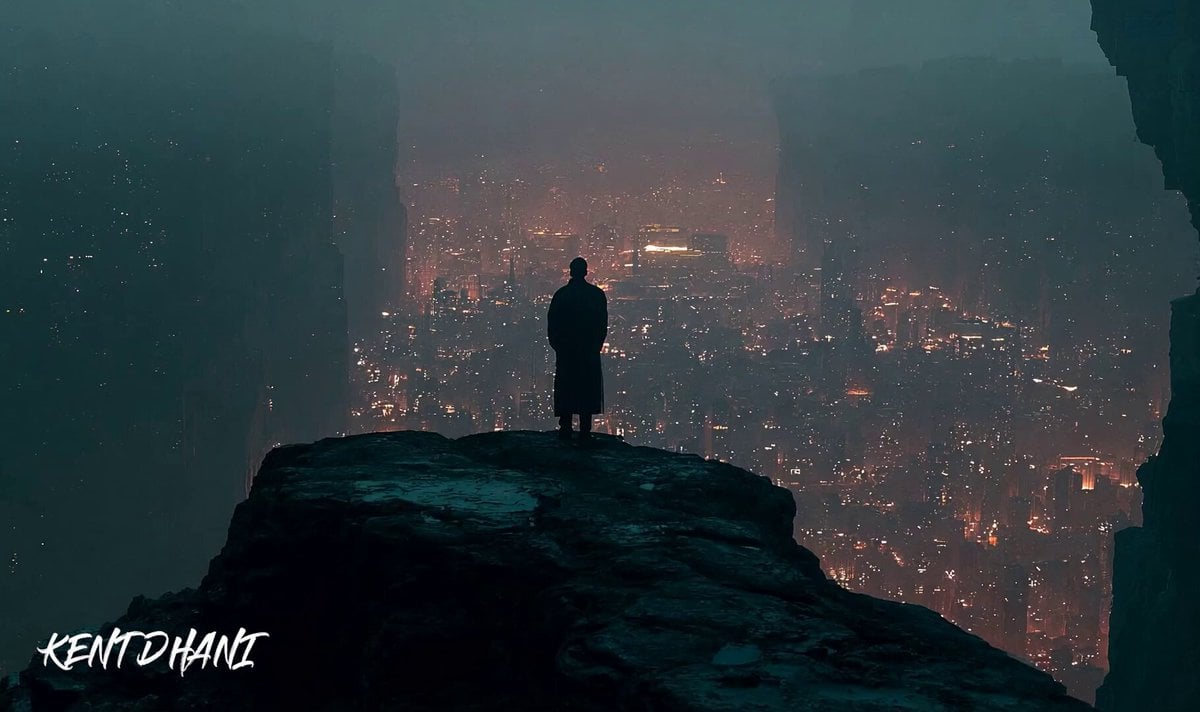
Cinematic Apocalypse Meteor Shower
Browse template categories
Epic World Cup Poster Animation questions
How do I use the Epic World Cup Poster Animation template?
Add your photo if the template asks for one, edit the prompt if you like — the template's model and format are already selected — and press Generate. Your version opens in PicX Studio.
Can I customize the Epic World Cup Poster Animation template?
Yes. You can change the subject, setting, lighting, mood, format, and available model controls before creating your video.
Is the Epic World Cup Poster Animation template free?
Opening and editing this template is free. Generating uses credits, shown on the Generate button when you are signed in.
Which AI model should I use?
Start with Seedance 2.0, which is the model associated with this template. You can compare another compatible model for a different finish.
Looking for something else? Browse all templates.

Your photo, any look
Thousands of ready templates for every top image and video model, from one credit balance.