
Pixar Style World Cup Animation
A heartwarming Pixar-style 3D animated short prompt about a young girl who catches the match ball at the FIFA World Cup.
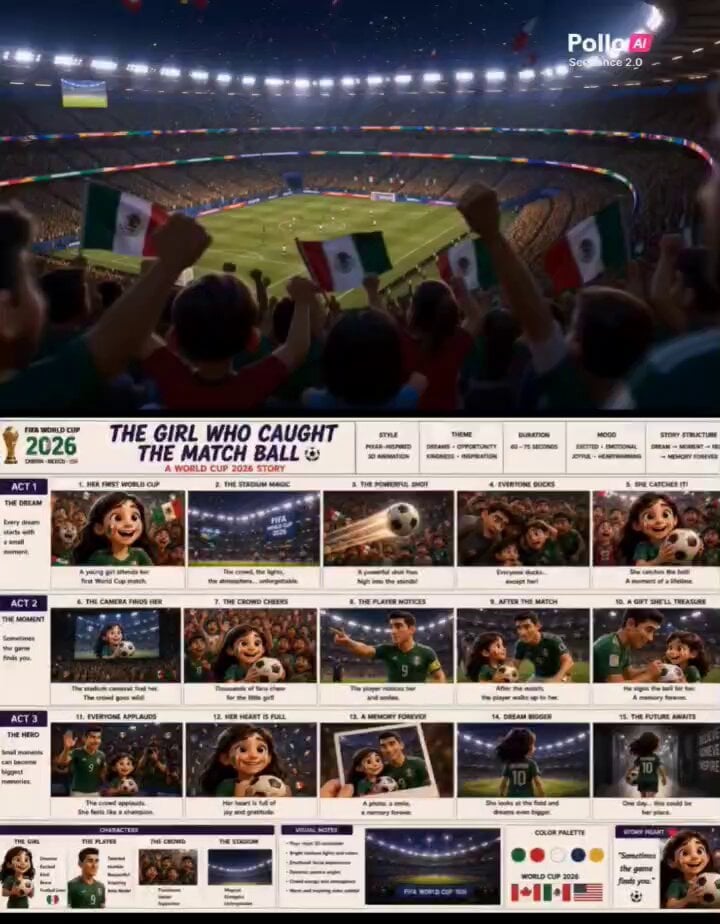
- Prompt included
- Model and format preset
- Free template
The prompt behind this video
Copy the exact prompt behind Pixar Style World Cup Animation, or open it in the studio and make it yours.
Create a heartwarming Pixar-style 3D animated short set during the FIFA World Cup 2026. A cheerful young girl wearing her favorite national team jersey attends her very first World Cup match with her family. The stadium is packed with passionate fans waving flags, singing chants, and celebrating together. The girl is overwhelmed with excitement as she takes in the bright lights, giant screens, and electric atmosphere. As the match unfolds, the crowd erupts with every attack and near miss. The girl watches in awe, completely absorbed in the game. Suddenly, a powerful shot sails high into the stands. The ball rockets toward the crowd. Fans duck, cover their heads, and scramble out of the way. But the girl instinctively reaches out. She catches the match ball. Silence. Then the entire section explodes with cheers. The stadium cameras immediately find her. Her smiling face appears on the giant screen. Thousands of fans celebrate and applaud. The girl holds the ball tightly, shocked and thrilled by what just happened. Word spreads across the stadium. Even the players notice. One of the star players points toward her and smiles. The crowd begins chanting as she proudly raises the ball above her head. She suddenly becomes the most famous fan in the stadium. After the match, as fans begin leaving, stadium staff approach her and invite her closer to the field. The star player walks over, thanks her for supporting the team, and signs the match ball. The girl can barely believe it. Cameras flash while fans applaud from the stands. As the sun sets and stadium lights glow against the night sky, she takes a photo with the player and holds the signed ball close to her heart. Looking out at the field one last time, she dreams bigger than ever before. Final cinematic shot: the girl walks through the stadium tunnel carrying the signed match ball. She turns back for one last look at the pitch, smiling as the lights shine brightly ahead. On-screen text: "Sometimes the game finds you." "One catch. One memory. A lifetime of inspiration." Pixar-quality 3D animation, emotional storytelling, expressive facial expressions, cinematic camera movement, vibrant stadium atmosphere, cheering crowds, giant screens, dramatic slow motion, warm inspirational tone, detailed character animation, confetti, stadium lights, ultra-detailed rendering, movie-quality visuals, 16: 9 widescreen
How to use Pixar Style World Cup Animation in 3 steps
- 1
Open
The prompt is already in the box next to the preview, with the template's model and format selected.
- 2…a portrait of your subject in softgolden-hour light, 85mm…
Personalize
Edit the subject and creative details for your destination.
- 3Generate
Generate
Press Generate — your video is created in PicX Studio, so you can compare it with the original and refine one variable at a time.
More like this
Templates with the same subject, style or setup. Open one to see its prompt.

Pixar Style World Cup Animation
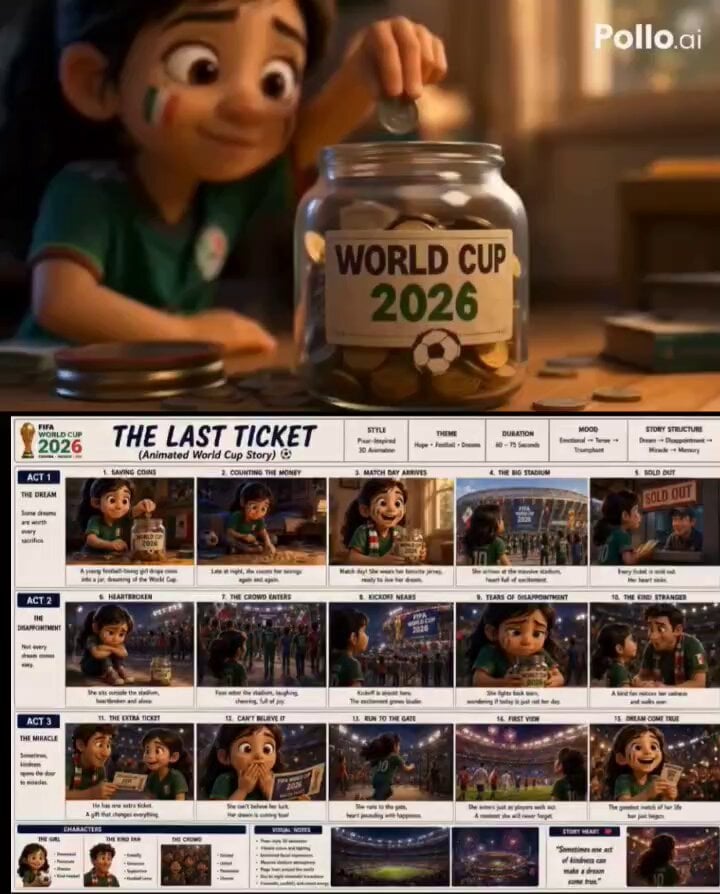
Pixar Style World Cup 2026 Story

Pixar-Style World Cup Final Video

Epic World Cup Poster Animation
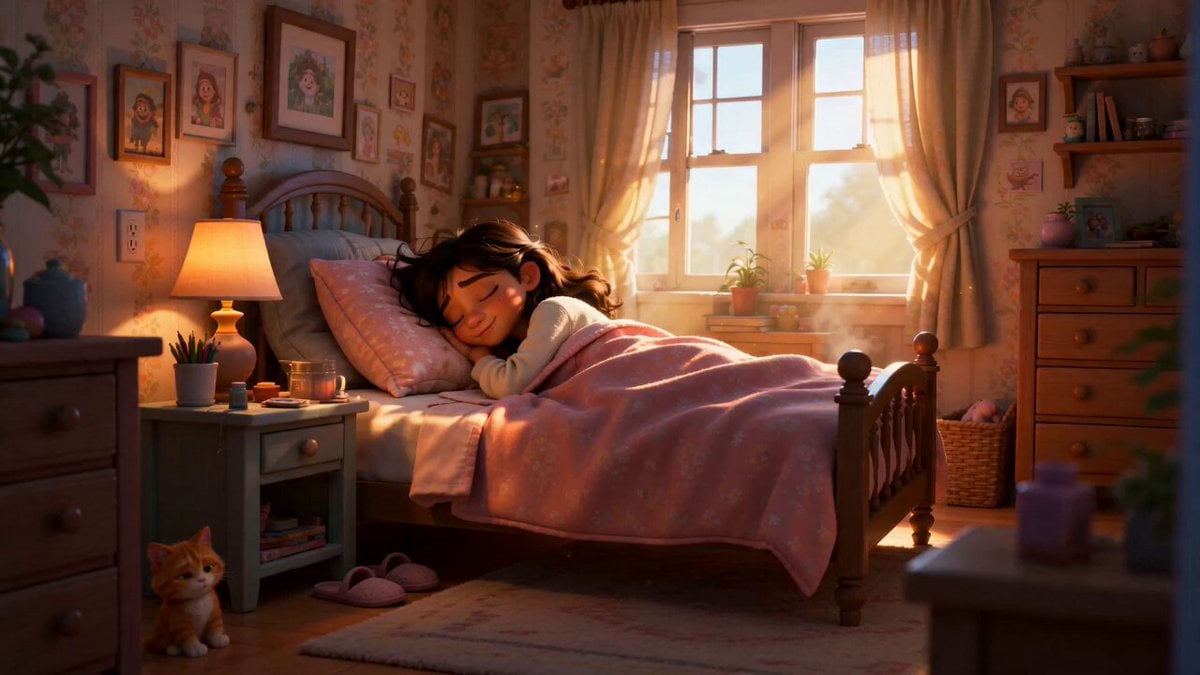
Pixar Style Sleeping Girl Animation
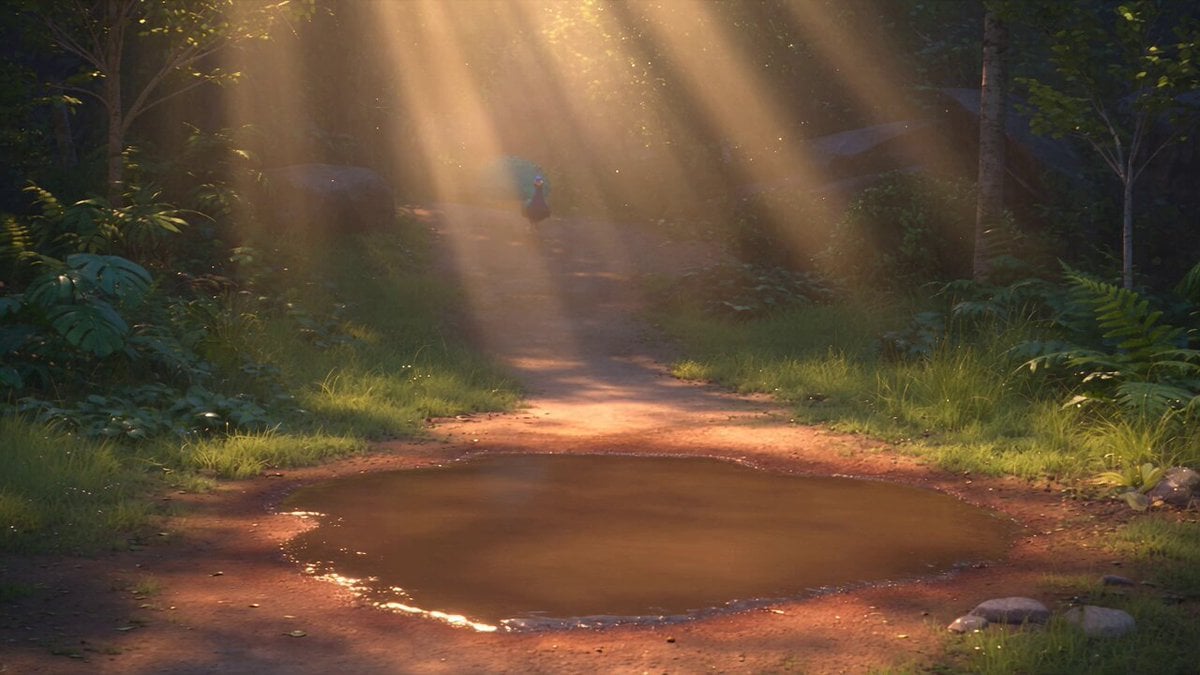
Pixar Style 3D Animation Prompt

Pixar Style Beauty Routine Animation

Pigeon Nemesis Pixar Animation Storyboard

3D Glossy Fairy Animation - Seedance 2.5
Disney Pixar Skincare Animation
Italian World Cup Reaction

Silk Road Pomegranate Folk Animation
Make it yours
Pixar Style World Cup Animation works as-is. These are the safest ways to change it without losing the look.
Change one field
Copy a single group, rewrite it, and generate again so you can see what that field is doing.
Keep the frame, change the subject
Hold the composition and light of Pixar Style World Cup Animation, then swap wardrobe, props or the person for a new take.
| If the result… | Why | Fix |
|---|---|---|
| The result drifts from the preview | Too many fields changed at once. | Reuse Pixar Style World Cup Animation as-is first, then change one group — subject, light, or setting. |
| The model over-stylizes the scene | The prose prompt leaves finish and camera underspecified. | Add one camera or lighting sentence and stay on Seedance 2.0. |
More Seedance 2.0 templates
Other prompts made for Seedance 2.0.

Comical Martial Arts Punch Scene

Maglev Train Action Sequence

Martial Arts Fight Sequence

Wuxia Protection and Trust Script

Vintage Korean Arcade MiniDV Vlog

Mercedes 190 SL Luxury Ad

Rainy Night Supernatural Reverse Comedy Video Script

Amazon Civilization Discovery

Futuristic South Asian City Transformation

Cozy Luxury Cafe Commercial
More video prompts
Fresh picks from across the catalog.
1990 Shanghai Textile Factory Documentary
Japanese High School Cinematic Fight Scene
Magical Transformation Scene

Bending Perspective Freeway Zoom
Micro-Scale Ant POV Construction Site
Astronaut vs Giant Alien Spiders Video Prompt
Suspenseful Comedy Vlog-Style Video Prompt

Flock of Swans Taking Flight at Sunset
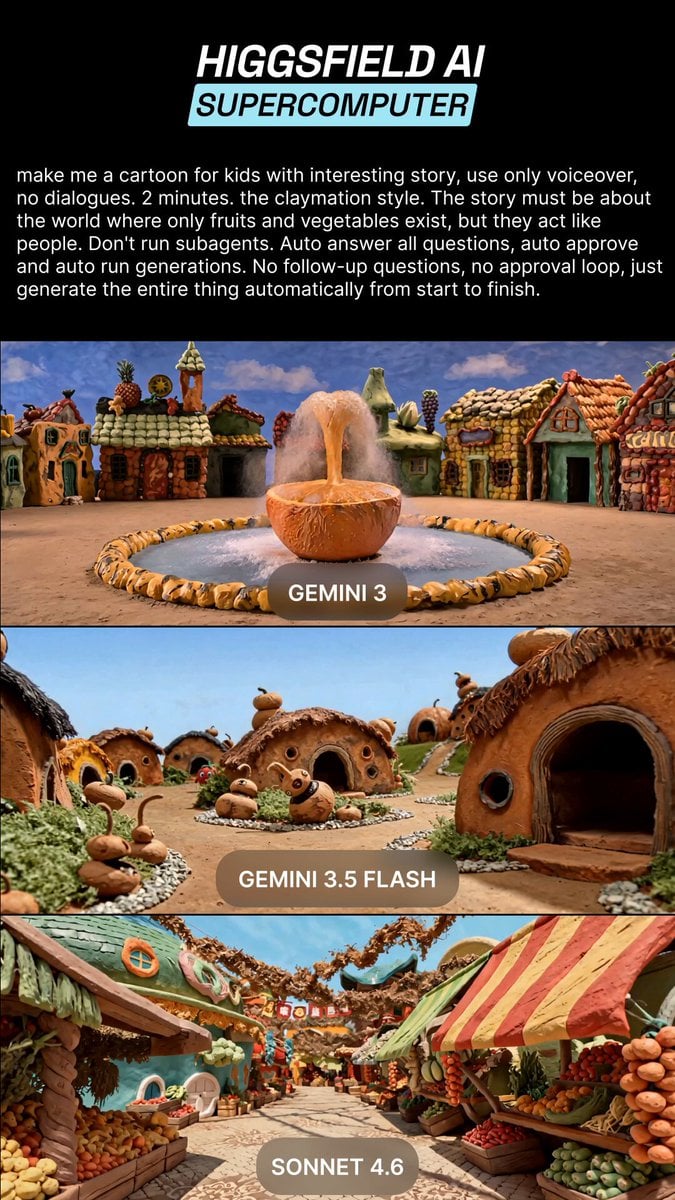
Claymation Fruit Kids Cartoon
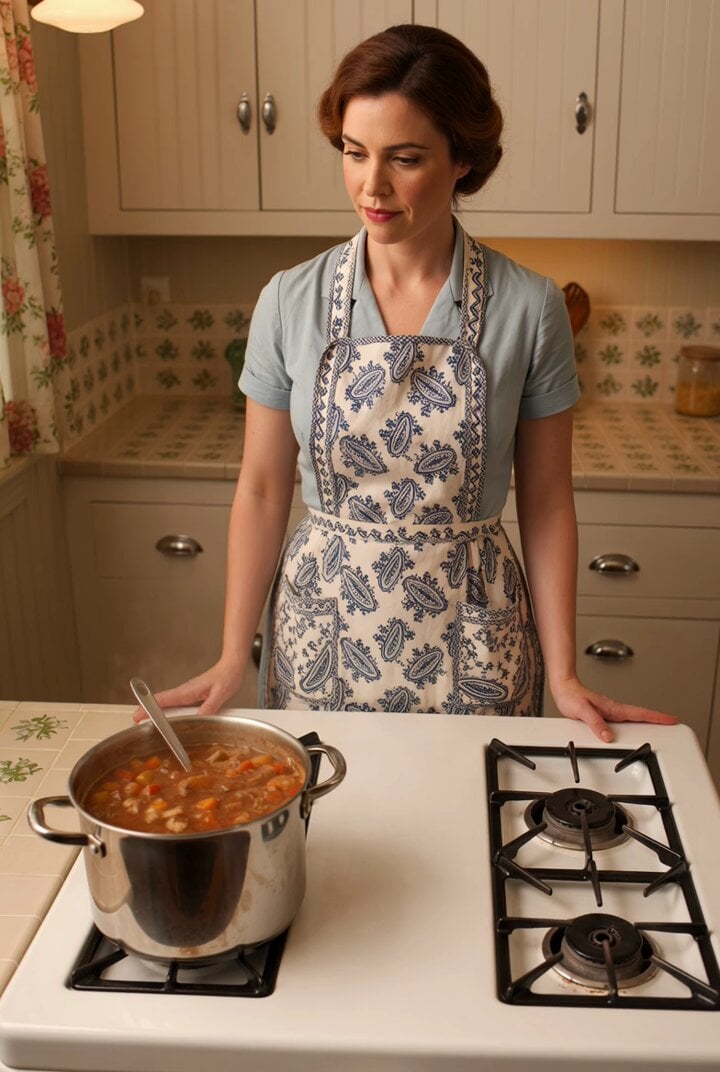
1950s kitchen scene with woman baking
Browse template categories
Pixar Style World Cup Animation questions
How do I use the Pixar Style World Cup Animation template?
Add your photo if the template asks for one, edit the prompt if you like — the template's model and format are already selected — and press Generate. Your version opens in PicX Studio.
Can I customize the Pixar Style World Cup Animation template?
Yes. You can change the subject, setting, lighting, mood, format, and available model controls before creating your video.
Is the Pixar Style World Cup Animation template free?
Opening and editing this template is free. Generating uses credits, shown on the Generate button when you are signed in.
Which AI model should I use?
Start with Seedance 2.0, which is the model associated with this template. You can compare another compatible model for a different finish.
Looking for something else? Browse all templates.

Your photo, any look
Thousands of ready templates for every top image and video model, from one credit balance.