
Pixar Style World Cup Animation
A complex narrative prompt for a 10-second cinematic video featuring the Statue of Liberty and a child playing soccer, transitioning from reality to a surreal World Cup stadium.

- Prompt included
- Model and format preset
- Free template
The prompt behind this video
Copy the exact prompt behind Pixar Style World Cup Animation, or open it in the studio and make it yours.
Pixar-style cinematic animated feature film, 4K vertical video, 10 seconds duration, smooth camera movement, emotional storytelling, vibrant colors, shallow depth of field, highly detailed animated textures, warm sunrise lighting in New York City. The scene begins at the base of the Statue of Liberty in New York City during a golden sunrise. A small curious child stands in the foreground holding a perfectly round FIFA World Cup soccer ball. The child looks up at the Statue of Liberty with wonder and excitement. The statue is completely static and monumental. The child gently throws the soccer ball toward the Statue of Liberty. The camera follows the ball in a smooth cinematic motion as it travels through the air. The ball approaches the statue. The Statue of Liberty slowly leans forward for the first time and her eyes subtly come to life. She carefully catches the soccer ball in one hand and examines it with fascination. Her expression feels curious and slightly magical. As she holds the ball, a glowing animated dream bubble forms above her head. Inside the bubble, a football stadium slowly appears with bright floodlights and cheering energy. The camera pushes upward into the dream bubble. The world transitions seamlessly into a surreal World Cup stadium. The Statue of Liberty is now a living football player on a pitch, with the same FIFA World Cup soccer ball at her feet. Opposing abstract football players appear ahead of her. She begins a short dribbling motion, moving forward with smooth agility, performing one clean directional change past a defender. Suddenly the dream begins to fade. The stadium dissolves into glowing particles. The camera snaps back to real New York City at the base of the Statue of Liberty. The child runs forward and gently pulls the soccer ball back from the statue. The Statue of Liberty returns to her original static monument pose. The child holds the ball and looks up. Final frame holds briefly with cinematic silence. On-screen text appears: “FIFA WORLD CUP 2026” No dialogue, no watermark, no cuts, continuous cinematic motion, seamless transitions between reality and imagination.
How to use Pixar Style World Cup Animation in 3 steps
- 1
Open
The prompt is already in the box next to the preview, with the template's model and format selected.
- 2…a portrait of your subject in softgolden-hour light, 85mm…
Personalize
Edit the subject and creative details for your destination.
- 3Generate
Generate
Press Generate — your video is created in PicX Studio, so you can compare it with the original and refine one variable at a time.
More like this
Templates with the same subject, style or setup. Open one to see its prompt.
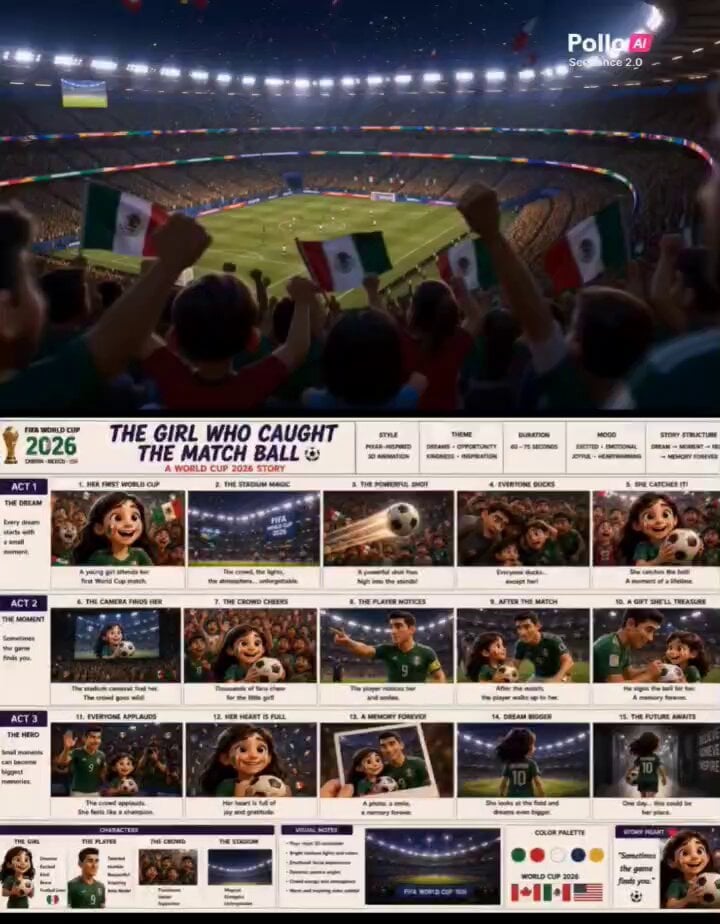
Pixar Style World Cup Animation
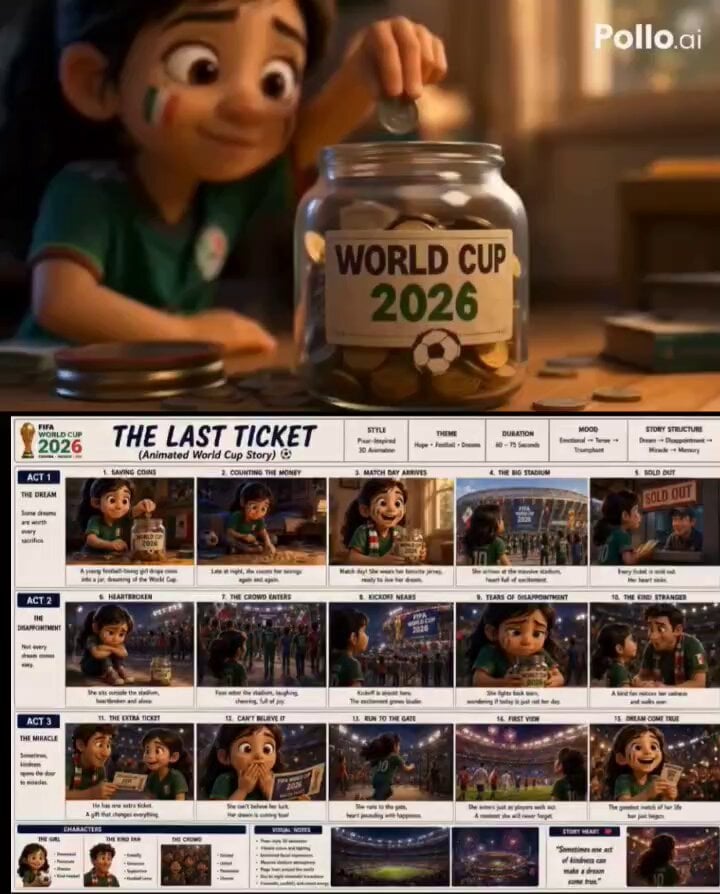
Pixar Style World Cup 2026 Story

Pixar-Style World Cup Final Video

Epic World Cup Poster Animation

Pixar Style Sleeping Girl Animation
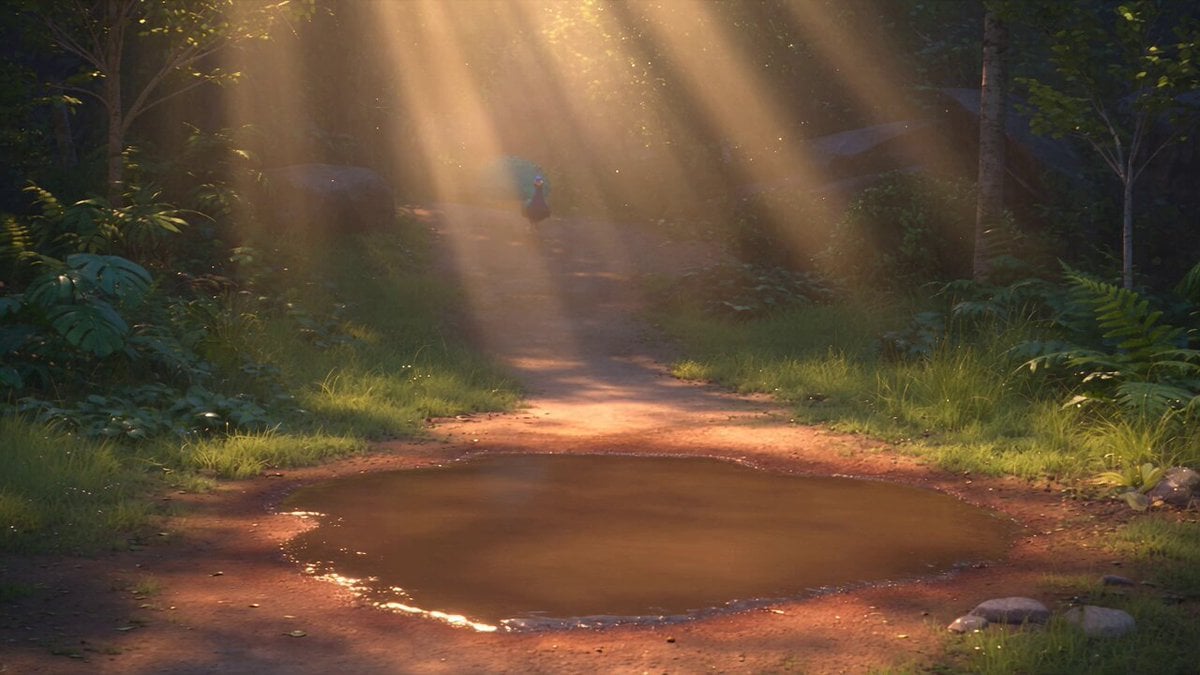
Pixar Style 3D Animation Prompt

Pixar Style Beauty Routine Animation

Pigeon Nemesis Pixar Animation Storyboard

3D Glossy Fairy Animation - Seedance 2.5
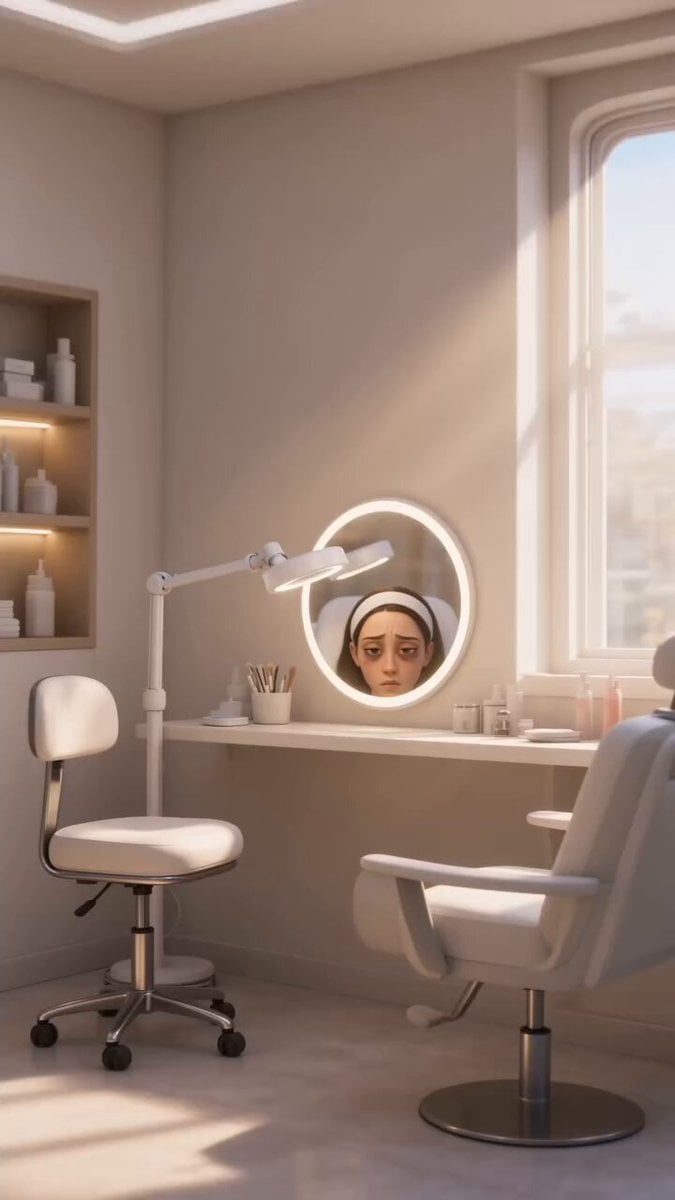
Disney Pixar Skincare Animation
Italian World Cup Reaction

Silk Road Pomegranate Folk Animation
Make it yours
Pixar Style World Cup Animation works as-is. These are the safest ways to change it without losing the look.
Change one field
Copy a single group, rewrite it, and generate again so you can see what that field is doing.
Keep the frame, change the subject
Hold the composition and light of Pixar Style World Cup Animation, then swap wardrobe, props or the person for a new take.
| If the result… | Why | Fix |
|---|---|---|
| The result drifts from the preview | Too many fields changed at once. | Reuse Pixar Style World Cup Animation as-is first, then change one group — subject, light, or setting. |
| The model over-stylizes the scene | The prose prompt leaves finish and camera underspecified. | Add one camera or lighting sentence and stay on Seedance 2.0. |
More Seedance 2.0 templates
Other prompts made for Seedance 2.0.

Comical Martial Arts Punch Scene

Maglev Train Action Sequence

Martial Arts Fight Sequence

Wuxia Protection and Trust Script

Vintage Korean Arcade MiniDV Vlog

Mercedes 190 SL Luxury Ad

Rainy Night Supernatural Reverse Comedy Video Script

Amazon Civilization Discovery

Futuristic South Asian City Transformation

Cozy Luxury Cafe Commercial
More video prompts
Fresh picks from across the catalog.
Time-Lapse Mannequin Effect Video Prompt
Classroom Martial Arts Action Sequence
Seedance 2.0 Cinematic Mecha Assembly Prompt
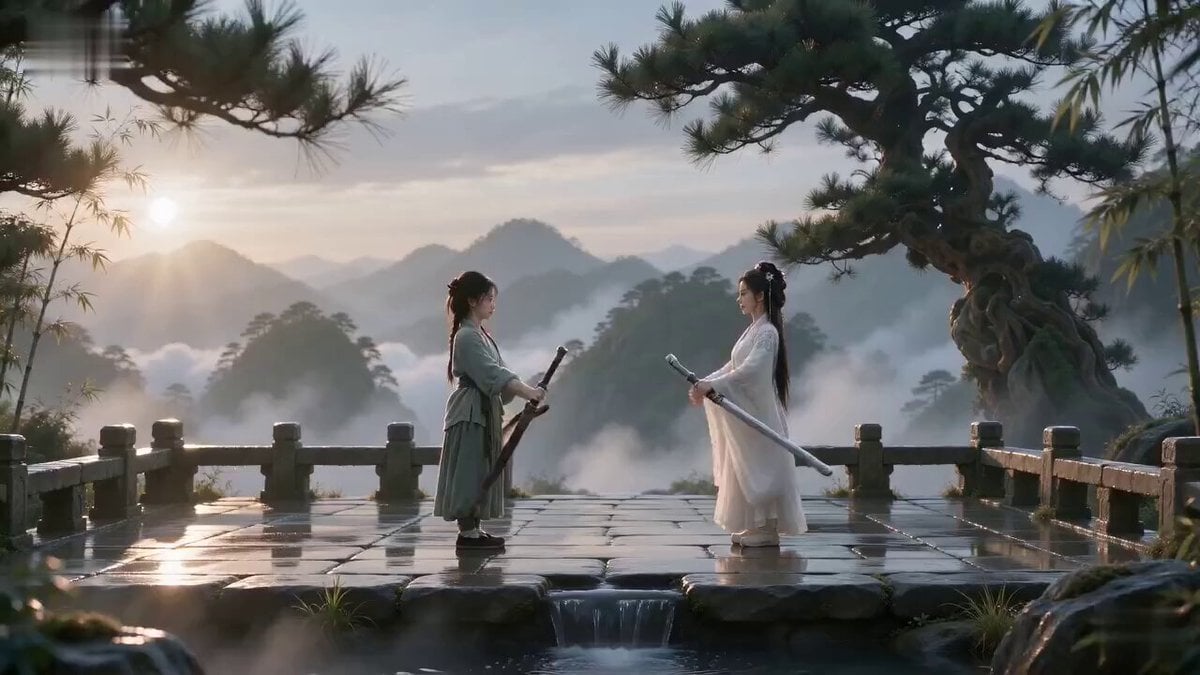
Cinematic Wuxia Sword Duel

Fluffy Creature Story Sequence
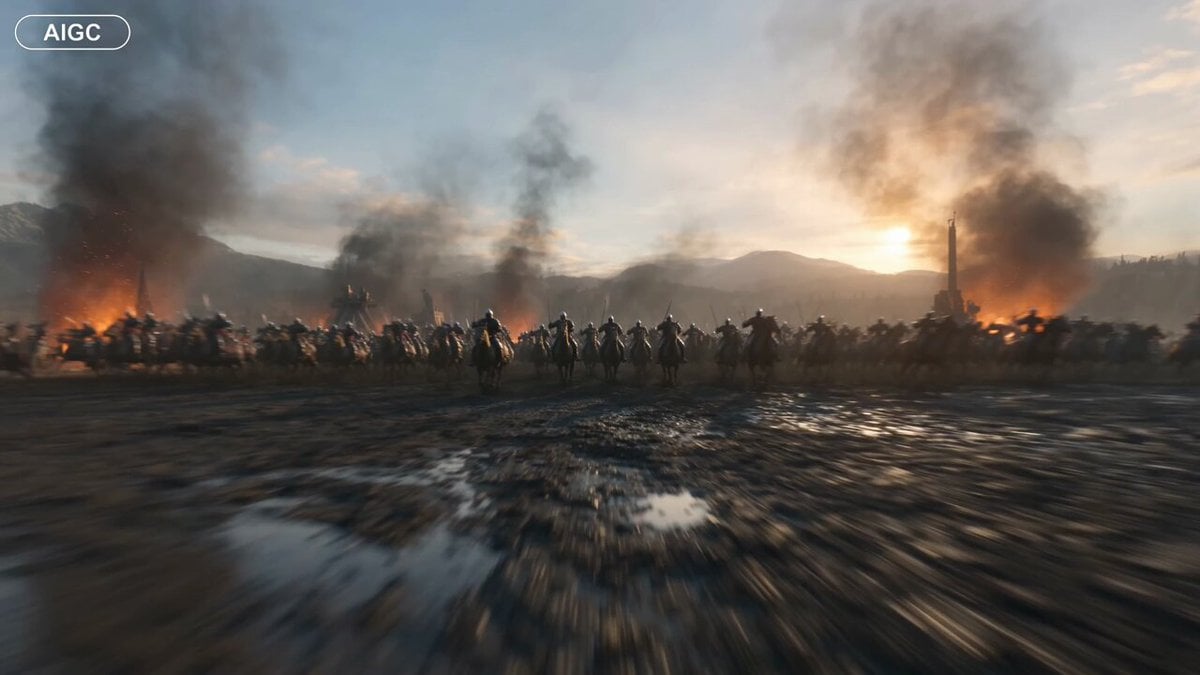
Medieval Battlefield FPV Drone Flight

Pixar Style Pistachio Tree Story
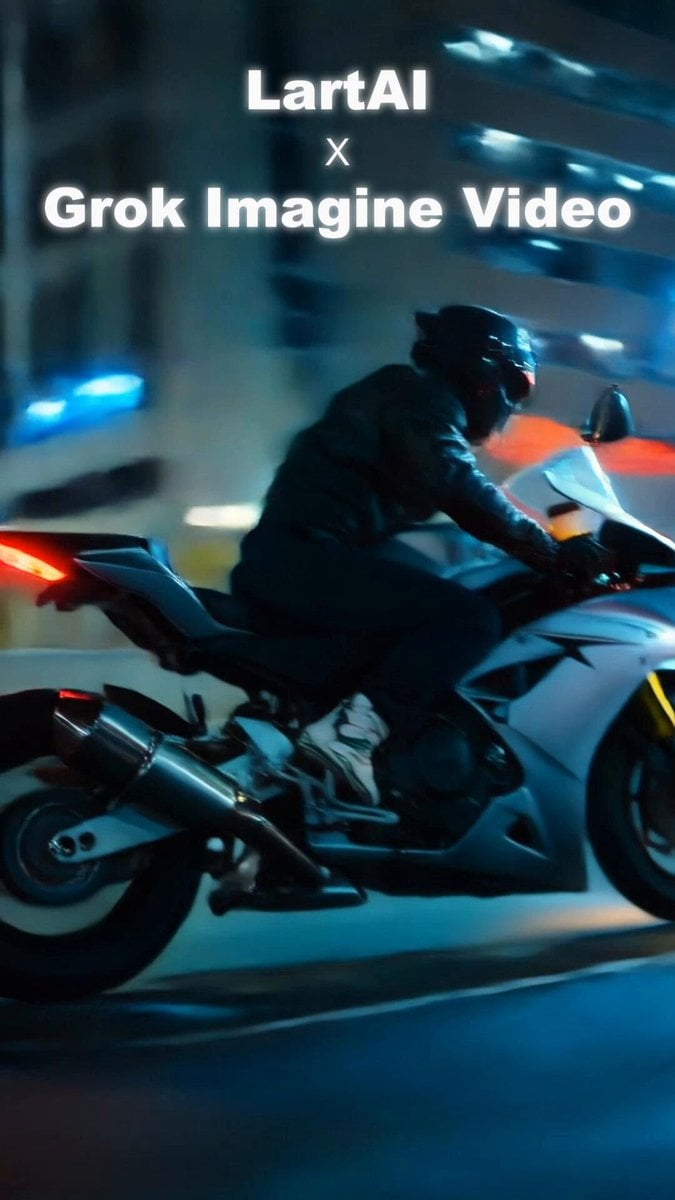
Cinematic Night Ride Neon Streets
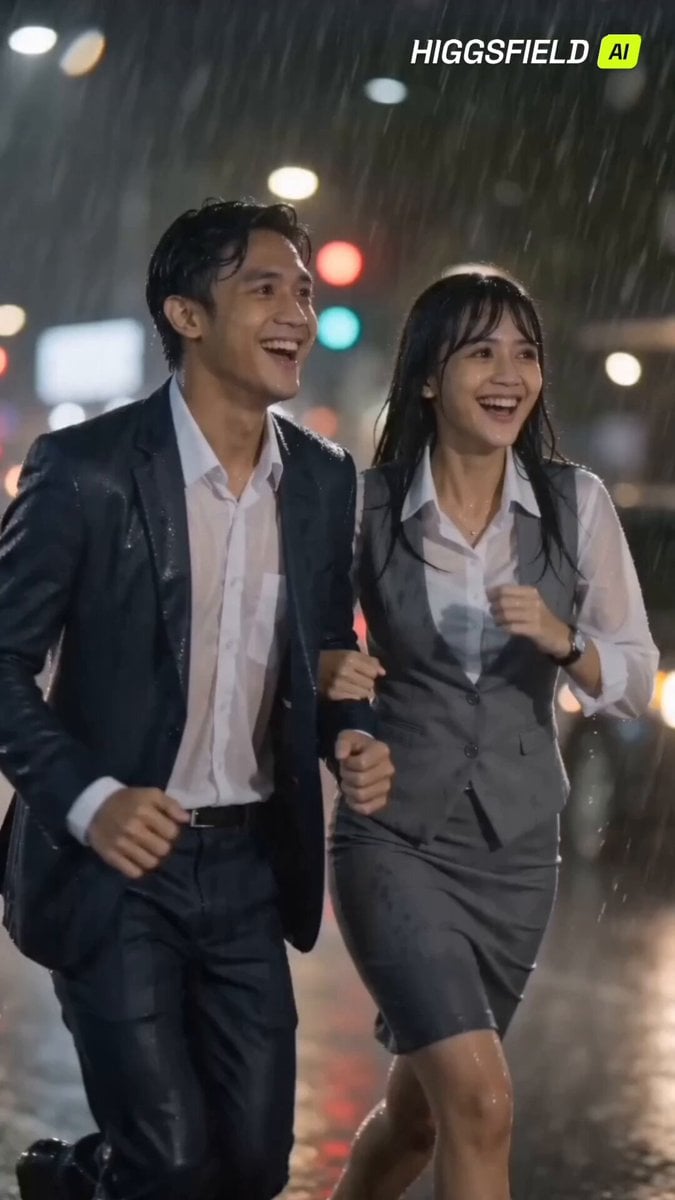
90s Indonesian Drama Rain Scene
Live Character Animation Workflow
Browse template categories
Pixar Style World Cup Animation questions
How do I use the Pixar Style World Cup Animation template?
Add your photo if the template asks for one, edit the prompt if you like — the template's model and format are already selected — and press Generate. Your version opens in PicX Studio.
Can I customize the Pixar Style World Cup Animation template?
Yes. You can change the subject, setting, lighting, mood, format, and available model controls before creating your video.
Is the Pixar Style World Cup Animation template free?
Opening and editing this template is free. Generating uses credits, shown on the Generate button when you are signed in.
Which AI model should I use?
Start with Seedance 2.0, which is the model associated with this template. You can compare another compatible model for a different finish.
Looking for something else? Browse all templates.

Your photo, any look
Thousands of ready templates for every top image and video model, from one credit balance.