How do I use the Disney Pixar Skincare Animation template?
Edit the prompt in the box under the preview — the template's model and format are already selected — and press Generate. Your version appears right on this page.
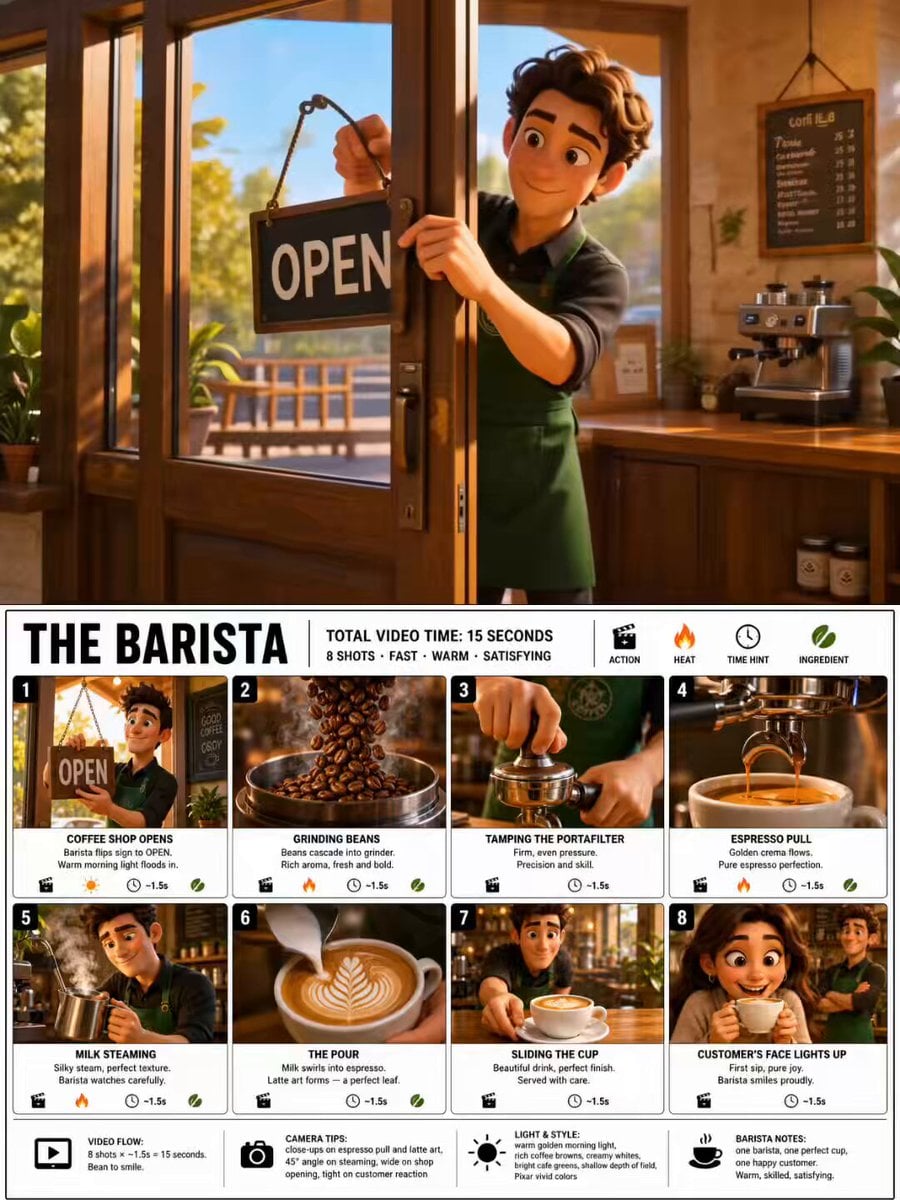
A 3D animated style video prompt showing a skincare transformation journey in a Disney Pixar aesthetic.
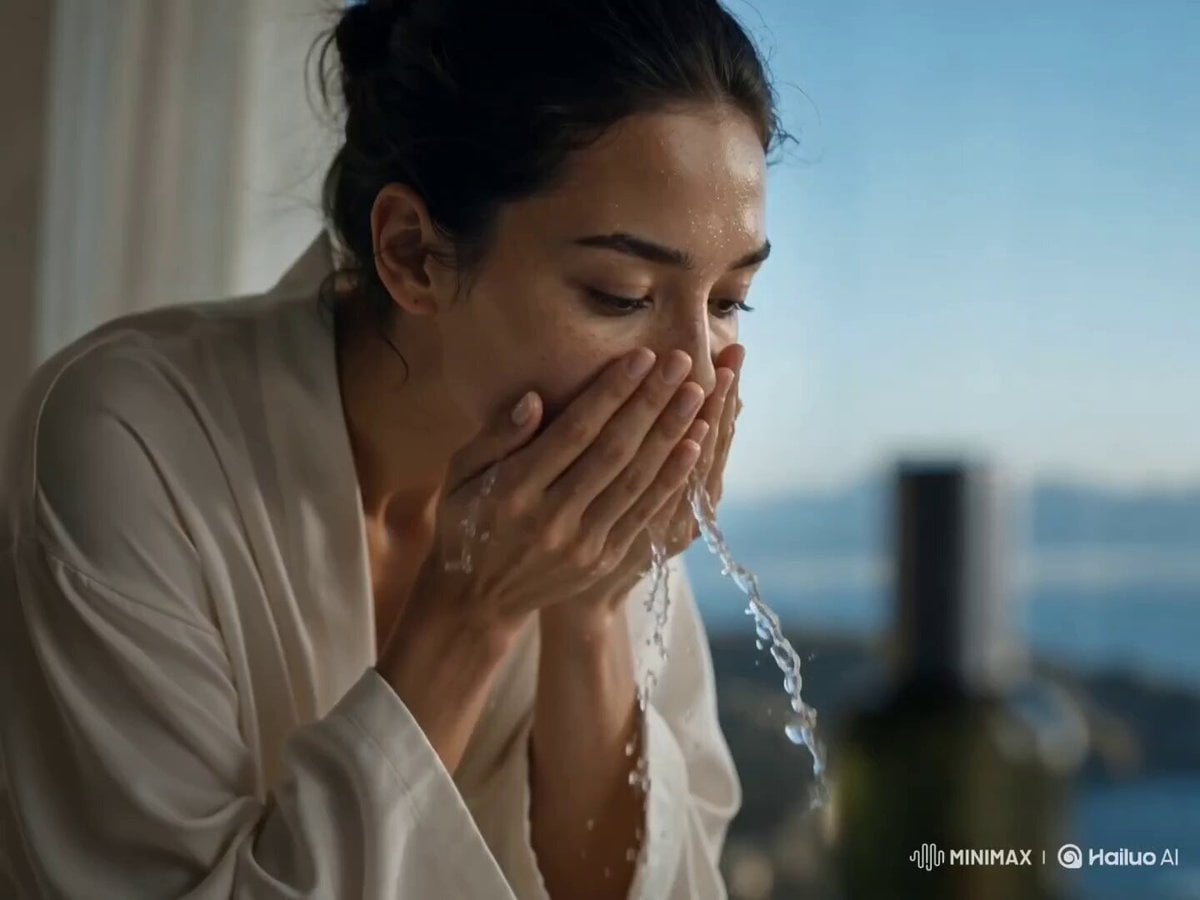
A 3D Disney Pixar style animation of a tired young woman sitting in a modern skincare aesthetician chair looking sad with visible dark under-eye circles and tired eyes. An elegant female aesthetician wearing black gloves gently examines her skin. Cut to close-up shots of high-end skincare treatments: applying a clear glowing sheet mask with a soft brush, a golden facial oil droplet falling onto smooth skin, soothing LED light therapy shining overhead, and a gentle facial massage. The final scene shows the young woman looking into a mirror with glowing, flawless, radiant skin, gasping in joy and smiling brightly with genuine happiness. Soft warm studio lighting, cinematic, hyper-detailed, 8k resolution, smooth 3D character animation.
A 3D Disney Pixar style animation of a tired young woman sitting in a modern skincare aesthetician chair looking sad with visible dark under-eye circles and tired eyes. An elegant female aesthetician wearing black gloves gently examines her skin. Cut to close-up shots of high-end skincare treatments: applying a clear glowing sheet mask with a soft brush, a golden facial oil droplet falling onto smooth skin, soothing LED light therapy shining overhead, and a gentle facial massage. The final scene shows the young woman looking into a mirror with glowing, flawless, radiant skin, gasping in joy and smiling brightly with genuine happiness. Soft warm studio lighting, cinematic, hyper-detailed, 8k resolution, smooth 3D character animation.
Edit the prompt in the box under the preview — the template's model and format are already selected — and press Generate. Your version appears right on this page.
Yes. You can change the subject, setting, lighting, mood, format, and available model controls before creating your video.
Opening and editing this template is free. Generating uses credits, shown on the Generate button when you are signed in.
Start with Seedance 2.0, which is the model associated with this template. You can compare another compatible model for a different finish.
Follow a topic to a crawlable collection of related PicX Studio templates.