
Pixar Style Robot Inventor Animation
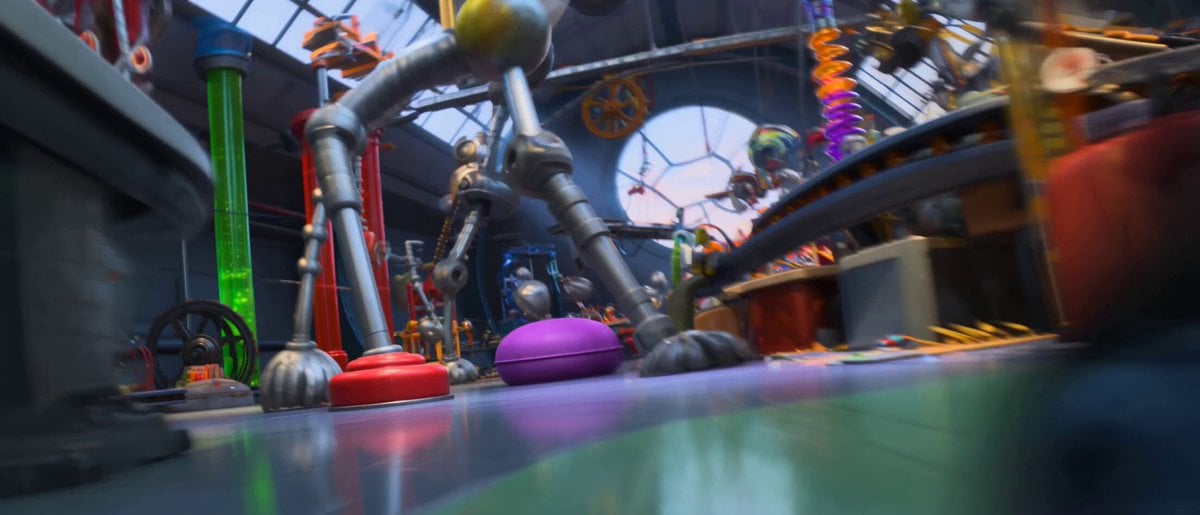
An energetic 3D cartoon prompt in the style of Pixar or Illumination, featuring a small blue robot causing a chain reaction in a chaotic inventor's workshop.
- Prompt included
- Model and format preset
- Premium template
The prompt behind this video
Copy the exact prompt behind Pixar Style Robot Inventor Animation, or open it in the studio and make it yours.
Style: High-quality, vibrant 3D animated cartoon (Pixar/Illumination style). Frantic pace, squash-and-stretch physics, exaggerated expressions, dynamic lighting, and detailed textures. Characters: Gears, a small, overly enthusiastic, bright blue inventor’s robot with tread-wheels, multiple springy arms, and big, expressive digital eyes. He is constantly moving and beep-booping excitedly. Duration: 15 Seconds Setting: A colorful, chaotic, Rube Goldberg-esque inventor's workshop, filled with giant gears, conveyor belts, tubes, levers, and sparking gadgets. 15-Second Animation Breakdown: (0-3 seconds: The Start): The camera starts with a rapid zoom following Gears as he races through the workshop on his treads. He’s bouncing off cushions, weaving through moving mechanical legs, and juggling three shiny silver cogs. His arms are a blur of motion. He narrowly dodges a swinging giant pendulum with a comical "whoosh" sound effect. (3-7 seconds: The Chain Reaction): Gears accidentally bumps into a large, messy workbench, tripping a large red lever. This triggers a chaotic chain reaction.A boxing glove pops out, punching a ball down a spiral ramp.The ball triggers a fan that blows colorful feathers everywhere.A tube starts rapidly firing brightly colored ping-pong balls. Gears is in the middle of this chaos, wide-eyed and sputtering, frantically ducking the boxing glove, batting away feathers, and comically trying to catch the ping-pong balls, spinning around wildly on his treads. (7-11 seconds: Escalation): A conveyor belt speeds up fast, loaded with wobbly, jelly-like robotic parts. Gears tries to sort them but they bounce everywhere. He grabs a spring that stretches ridiculously far, launching him across the room. He lands on another conveyor belt, which quickly pulls him towards a large, goofy mechanical claw. (11-14 seconds: Maximum Chaos): The mechanical claw grabs Gears and a wobbly, half-assembled robot toy he was holding. It spins them both in a dizzying circle high above the workshop chaos. The workshop background is a blur of motion, flying parts, sparks, and steam. Gears has a look of comical terror, but is also trying to fix the toy while spinning. (14-15 seconds: The Punchline): The claw abruptly stops. The workshop goes instantly quiet, but everything is messy and askew. Gears is hanging upside down from the claw, dizzy, eyes swirly. He finally places the last cog on the wobbly robot toy. The toy instantly springs to life, makes a cheerful beep-boop sound, and wiggles its arms. Gears gives a dizzy grin and a "thumbs-up" to the camera as the scene fades. Camera: Constantly moving, dynamic, tracking Gears closely, utilizing rapid pans and zooms to match the frantic pacing. Audio: Fast-paced, cartoon music, lots of vibrant sound effects (boings, whizzes, clangs, beeps).
How to use Pixar Style Robot Inventor Animation in 3 steps
- 1
Open
The prompt is already in the box next to the preview, with the template's model and format selected.
- 2…a portrait of your subject in softgolden-hour light, 85mm…
Personalize
Edit the subject and creative details for your destination.
- 3Generate
Generate
Press Generate — your video is created in PicX Studio, so you can compare it with the original and refine one variable at a time.
More like this
Templates with the same subject, style or setup. Open one to see its prompt.
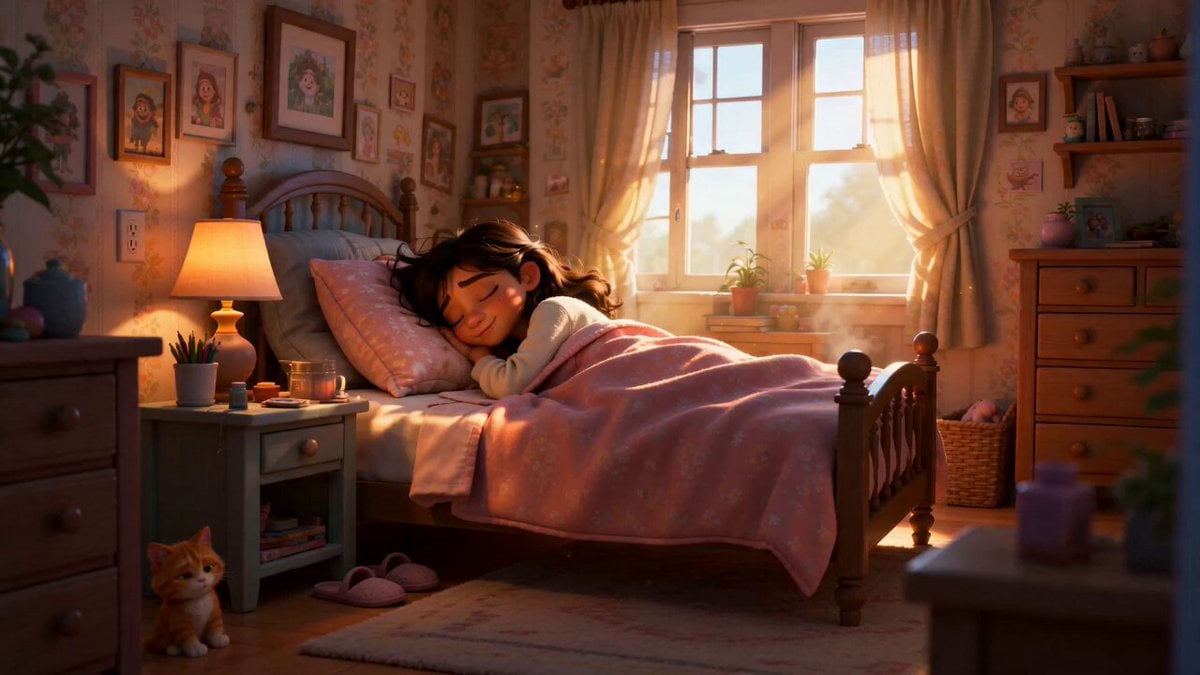
Pixar Style Sleeping Girl Animation

Pixar Style 3D Animation Prompt

Pixar Style Beauty Routine Animation

Pigeon Nemesis Pixar Animation Storyboard

3D Glossy Fairy Animation - Seedance 2.5
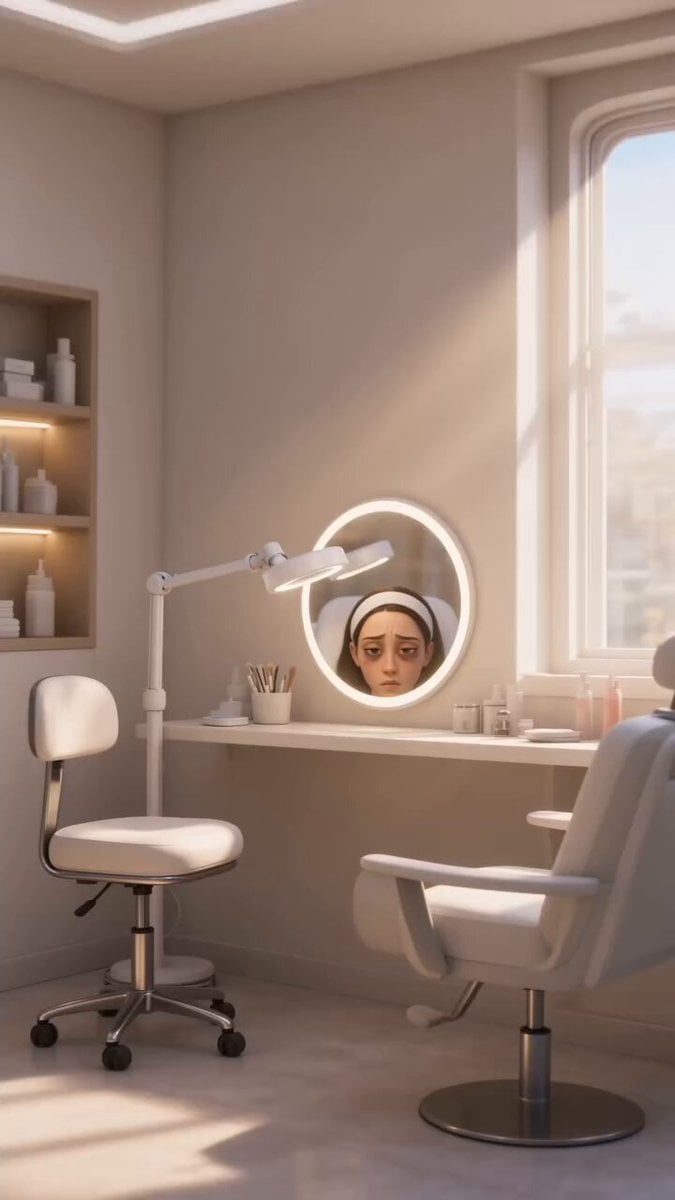
Disney Pixar Skincare Animation

Silk Road Pomegranate Folk Animation

Multilingual Creative Typography Loop

Japanese Pure Love Short Film
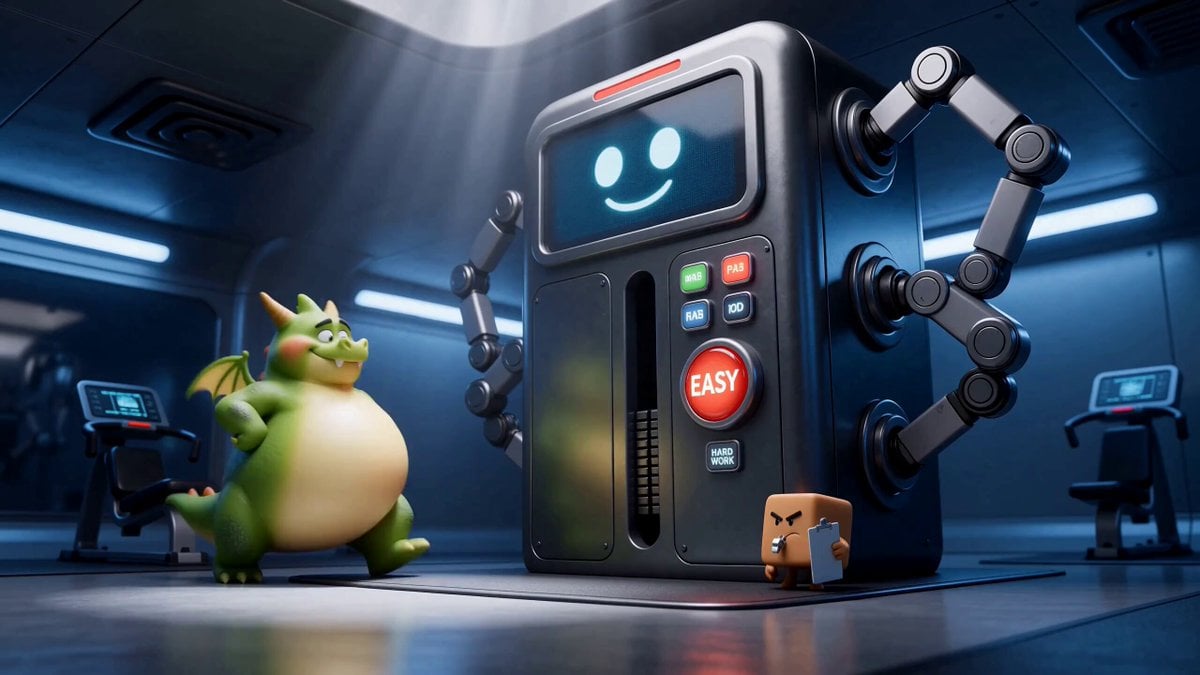
Green Dragon Training Short
Pixar-Style Hairbun Transformation Animation
Pixar Style Barber Shop Animation
Make it yours
Pixar Style Robot Inventor Animation works as-is. These are the safest ways to change it without losing the look.
Change one field
Copy a single group, rewrite it, and generate again so you can see what that field is doing.
Keep the frame, change the subject
Hold the composition and light of Pixar Style Robot Inventor Animation, then swap wardrobe, props or the person for a new take.
| If the result… | Why | Fix |
|---|---|---|
| The result drifts from the preview | Too many fields changed at once. | Reuse Pixar Style Robot Inventor Animation as-is first, then change one group — subject, light, or setting. |
| The model over-stylizes the scene | The prose prompt leaves finish and camera underspecified. | Add one camera or lighting sentence and stay on Seedance 2.0. |
More Seedance 2.0 templates
Other prompts made for Seedance 2.0.

Comical Martial Arts Punch Scene

Maglev Train Action Sequence

Martial Arts Fight Sequence

Wuxia Protection and Trust Script

Vintage Korean Arcade MiniDV Vlog

Mercedes 190 SL Luxury Ad

Rainy Night Supernatural Reverse Comedy Video Script

Amazon Civilization Discovery

Futuristic South Asian City Transformation

Cozy Luxury Cafe Commercial
More video prompts
Fresh picks from across the catalog.

Introspective sunset supermarket scene
Robot Kneeling Before Light

Viking Shield Maiden Forest Entrance

Portable Blender UGC Kitchen Video

Olive Oil Storyboard Animation

Wuxia Letting Go Drama Script
1970s Skater Woman
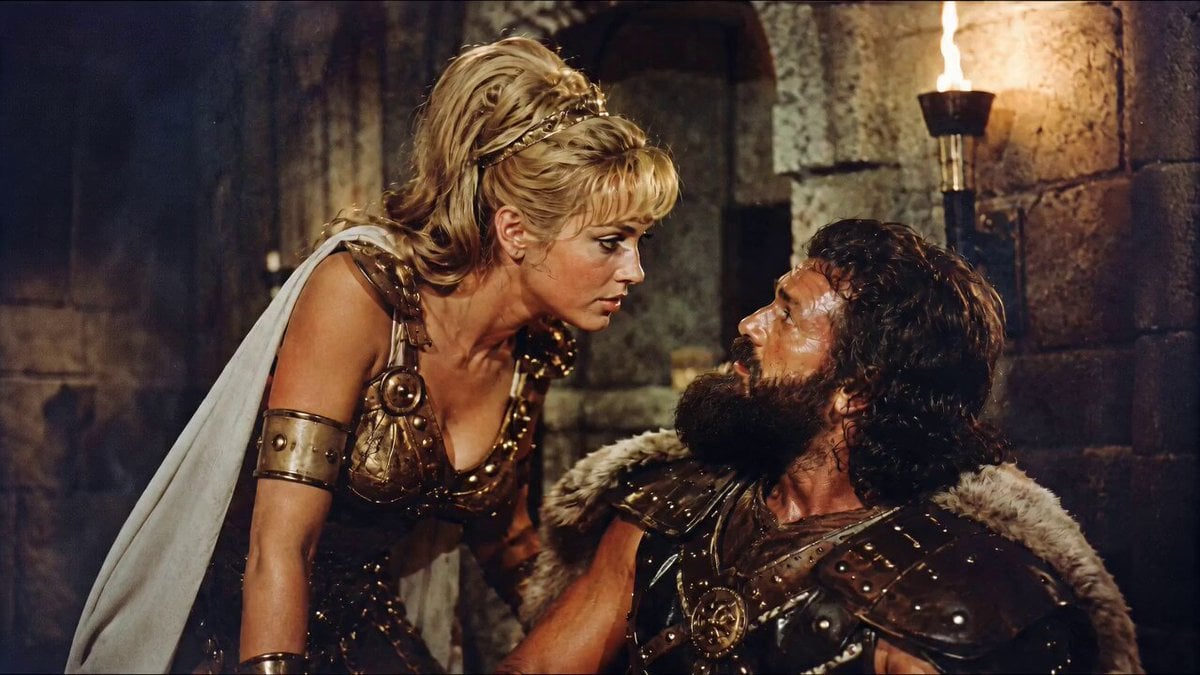
1960s Retro Cinematic Kiss Scene
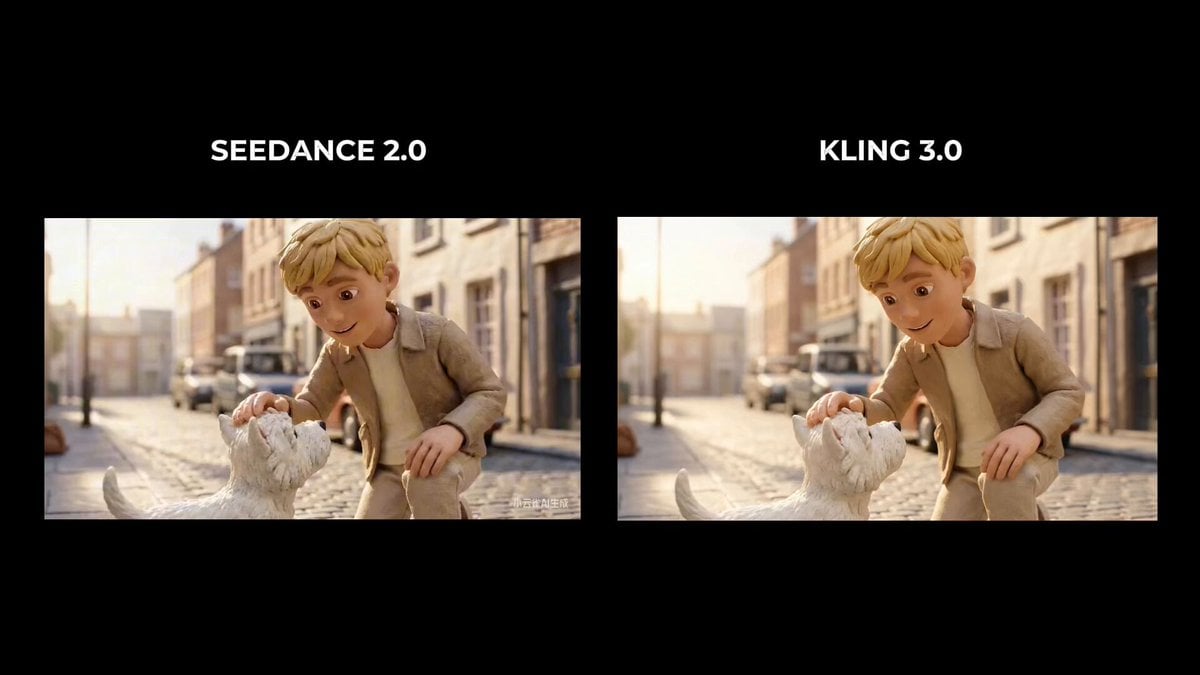
Boy Saves Puppy from Speeding Car (Time Freeze)
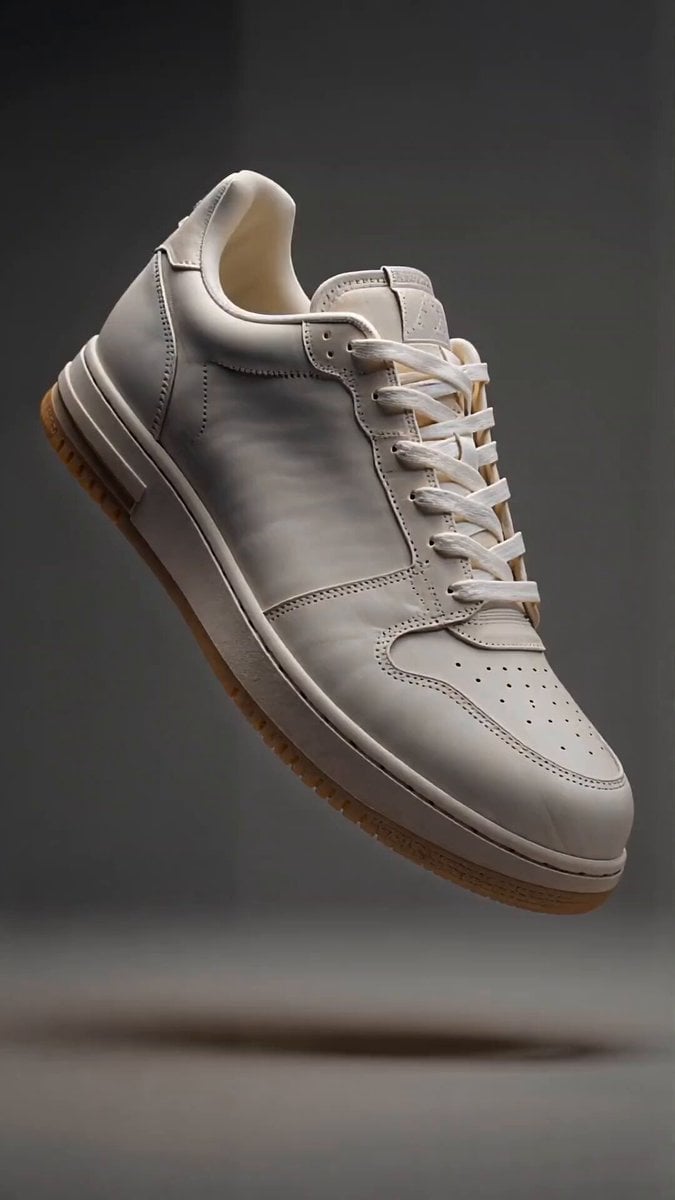
Sneaker Material Morph Transformation
Browse template categories
Pixar Style Robot Inventor Animation questions
How do I use the Pixar Style Robot Inventor Animation template?
Add your photo if the template asks for one, edit the prompt if you like — the template's model and format are already selected — and press Generate. Your version opens in PicX Studio.
Can I customize the Pixar Style Robot Inventor Animation template?
Yes. You can change the subject, setting, lighting, mood, format, and available model controls before creating your video.
Is the Pixar Style Robot Inventor Animation template free?
Opening and editing this template is free. Generating uses credits, shown on the Generate button when you are signed in.
Which AI model should I use?
Start with Seedance 2.0, which is the model associated with this template. You can compare another compatible model for a different finish.
Looking for something else? Browse all templates.

Your photo, any look
Thousands of ready templates for every top image and video model, from one credit balance.