How do I use the Silk Road Pomegranate Folk Animation template?
Edit the prompt in the box under the preview — the template's model and format are already selected — and press Generate. Your version appears right on this page.
commercial video direction, product rhythm, and polished visual storytelling.
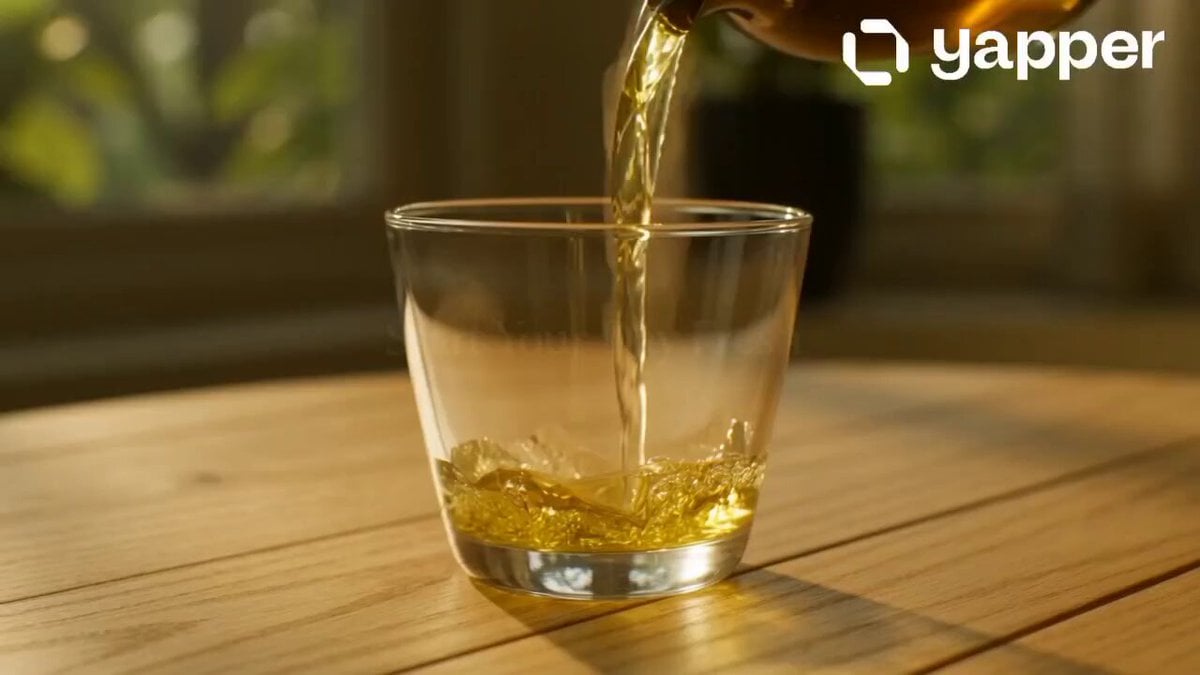
Overall style: mineral-pigment flat animation with Eastern and Silk Road decorative aesthetics. Use cinnabar red, ochre, malachite green, ultramarine, and gold accents, with paper and mural textures. Keep the image layered and flat; do not use live-action photography or 3D realism. The rhythm moves from stillness to motion and back to stillness, emphasizing the abundant journey "from land to cup" with lively Western-Regions-style music. Shot 1, first fruit on the branch, abundant opening (0-4s): Ochre and cinnabar color blocks bloom across a Silk Road painting surface. A pomegranate branch stretches in from the right. Leaves and fruit are outlined with decorative linework. A ripe pomegranate slowly appears, and gold dust glints around it. Shot 2, fruit splitting and seeds flowing (4-9s): The pomegranate gently opens. Red seeds pour out like jewels, forming rhythmic patterns across the paper. The movement is decorative rather than realistic, with mineral-pigment particles and mural texture. Shot 3, Silk Road journey (9-16s): The seeds become a flowing red path. Camels, merchants, patterned fabrics, and distant city silhouettes appear as flat decorative motifs. The camera pans horizontally like a handscroll, with layered mountains, clouds, and gold outlines. Shot 4, harvest and sharing (16-23s): The red path returns to an orchard and a table. Hands place pomegranates, cups, and fruit plates in a symmetrical composition. The palette becomes richer and warmer, creating a festive sense of abundance. Shot 5, final stillness (23-30s): Pomegranate juice fills a cup. The surface of the liquid reflects gold ornament patterns. The whole image slowly settles into a mural-like poster composition, with fruit, leaves, cups, and Silk Road motifs arranged around the center.
Overall style: mineral-pigment flat animation with Eastern and Silk Road decorative aesthetics. Use cinnabar red, ochre, malachite green, ultramarine, and gold accents, with paper and mural textures. Keep the image layered and flat; do not use live-action photography or 3D realism. The rhythm moves from stillness to motion and back to stillness, emphasizing the abundant journey "from land to cup" with lively Western-Regions-style music. Shot 1, first fruit on the branch, abundant opening (0-4s): Ochre and cinnabar color blocks bloom across a Silk Road painting surface. A pomegranate branch stretches in from the right. Leaves and fruit are outlined with decorative linework. A ripe pomegranate slowly appears, and gold dust glints around it. Shot 2, fruit splitting and seeds flowing (4-9s): The pomegranate gently opens. Red seeds pour out like jewels, forming rhythmic patterns across the paper. The movement is decorative rather than realistic, with mineral-pigment particles and mural texture. Shot 3, Silk Road journey (9-16s): The seeds become a flowing red path. Camels, merchants, patterned fabrics, and distant city silhouettes appear as flat decorative motifs. The camera pans horizontally like a handscroll, with layered mountains, clouds, and gold outlines. Shot 4, harvest and sharing (16-23s): The red path returns to an orchard and a table. Hands place pomegranates, cups, and fruit plates in a symmetrical composition. The palette becomes richer and warmer, creating a festive sense of abundance. Shot 5, final stillness (23-30s): Pomegranate juice fills a cup. The surface of the liquid reflects gold ornament patterns. The whole image slowly settles into a mural-like poster composition, with fruit, leaves, cups, and Silk Road motifs arranged around the center.
Edit the prompt in the box under the preview — the template's model and format are already selected — and press Generate. Your version appears right on this page.
Yes. You can change the subject, setting, lighting, mood, format, and available model controls before creating your video.
Opening and editing this template is free. Generating uses credits, shown on the Generate button when you are signed in.
Start with seedance-2.5, which is the model associated with this template. You can compare another compatible model for a different finish.
Follow a topic to a crawlable collection of related PicX Studio templates.