
First Person POV Maid Cafe Interaction
A comprehensive cinematic video prompt for a maid cafe scenario, focusing on emotional engagement, character consistency, and first-person POV immersion.
- Prompt included
- Model and format preset
- Premium template
The prompt behind this video
Copy the exact prompt behind First Person POV Maid Cafe Interaction, or open it in the studio and make it yours.
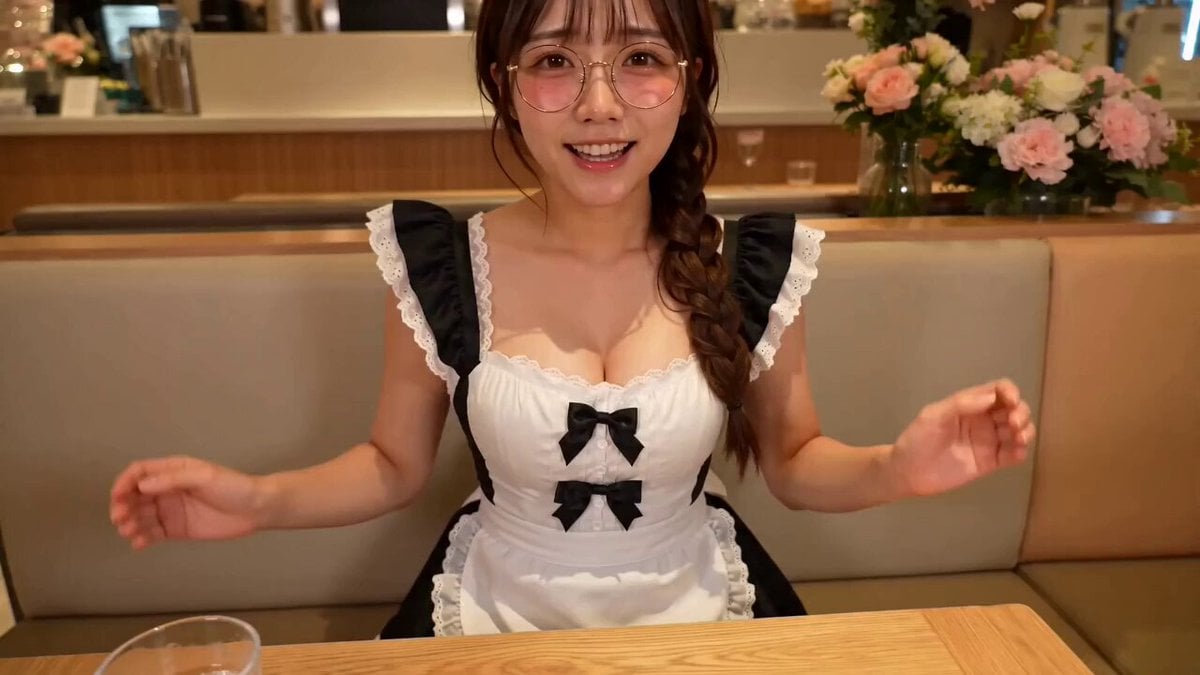
风格:8K 电影质感,真人实拍(非游戏感)。第一人称 POV——镜头即客人视角,轻微手持呼吸感,浅景深,她始终凑近镜头与"你"对视。暖色咖啡馆室内光,皮肤毛孔级真实、眼神湿润有眼神光,24fps,16:9。音频:环境咖啡馆白噪、她的台词与轻笑、衣物摩擦,无配乐无字幕。\n\nSUBJECT —— @ (与输入图 100% 一致):傲娇又温柔的可爱女仆,粉镜片圆框眼镜、棕色麻花辫,黑白女仆裙+白围裙、白过膝袜、黑玛丽珍厚跟鞋。第一视角的女仆"情绪陪伴"——把全部注意力给镜头前的你,治愈、被宠、被关注的氛围。情绪节拍:温柔迎接 → 关心心疼 → 夸赞撒娇 → 宠溺定格。\n\nLOCATION —— 温馨女仆咖啡馆角落卡座,暖黄灯、虚化吧台与花,STYLE REFERENCE ONLY,世界可自由延展。\n\nACTION —— 全程她对着镜头(你),眼神始终看进镜头,像你是这里唯一重要的人。\n\nSHOT 1(0:00–0:04)—— 她在你对面坐下/微微俯身,双手托腮,眼睛弯弯看着你,软声:"你回来啦~我等你好久了哦,主人。"\n\nSHOT 2(0:04–0:08)—— 神情转心疼,微微前倾凑近镜头,歪头打量你:"今天……是不是又累坏了?没事的,在这儿你什么都不用想。"\n\nSHOT 3(0:08–0:12)—— 她弯眼笑起来,伸出一只手轻轻靠近镜头像要摸摸你的头/碰碰脸颊(手入框、不遮脸),宠溺地:"你已经很棒很棒啦,我都看在眼里呢,乖。"\n\nSHOT 4(0:12–0:15)—— 傲娇地别过脸又忍不住转回来,脸颊泛红、轻声撒娇:"就……只有今天,多陪你一会儿也可以的啦。" 定格在含笑望着你的眼睛上。\n\nCAMERA —— 第一人称固定在客人坐姿高度、与她对坐,轻微手持呼吸晃动;全程平视她的脸,不切第三视角、不出现"你"自己。SHOT3 她伸手时镜头极轻微后仰,像被触碰。\n\nSTYLE —— 暖黄灯+暖木卡座 60% / 黑白女仆裙 30% / 粉镜片+脸颊红晕+眼神光 10%。白平衡 4800K 暖调,柔焦温馨。\n\nCONSTRAINTS —— 16:9,正常速度无慢动作。严格第一人称 POV,镜头即你的眼睛、不出现自己、不切旁观视角。她始终与镜头对视互动、传递被宠被治愈的情绪。手部入框真实受重力。健康温馨、无暧昧。面部发型服装 100% 一致。画面无标记符号。禁止眼睛发光。
How to use First Person POV Maid Cafe Interaction in 3 steps
- 1
Open
The prompt is already in the box next to the preview, with the template's model and format selected.
- 2…a portrait of your subject in softgolden-hour light, 85mm…
Personalize
Edit the subject and creative details for your destination.
- 3Generate
Generate
Press Generate — your video is created in PicX Studio, so you can compare it with the original and refine one variable at a time.
More like this
Templates with the same subject, style or setup. Open one to see its prompt.
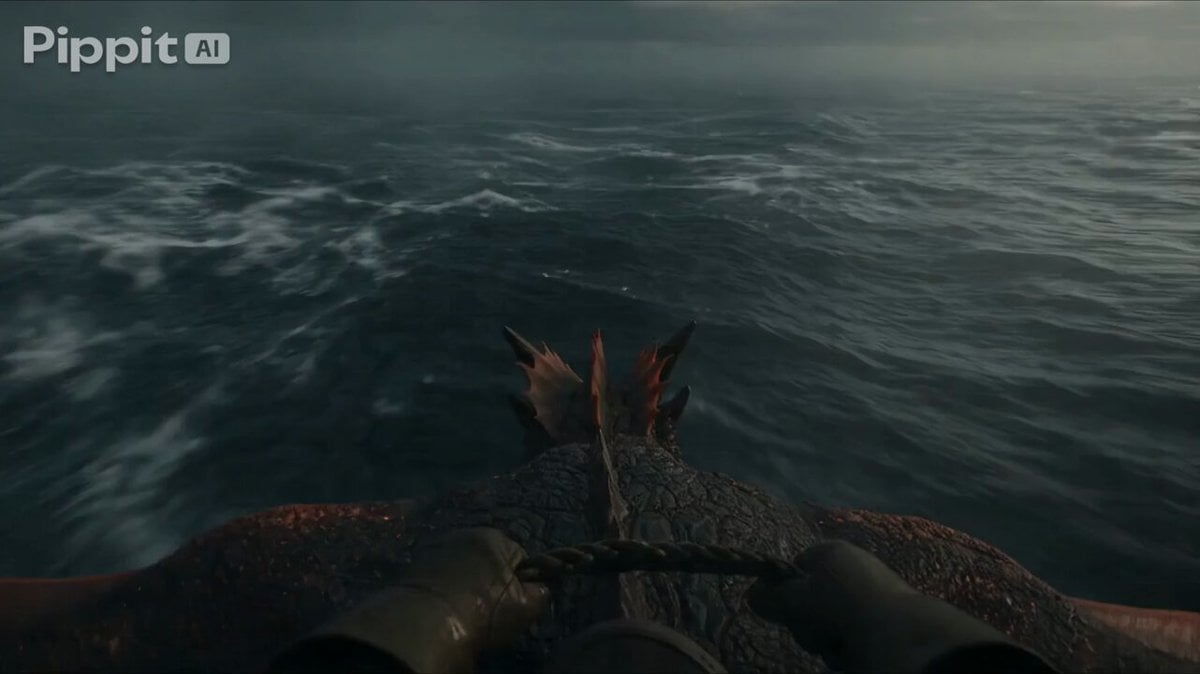
First Person Dragon Rider POV
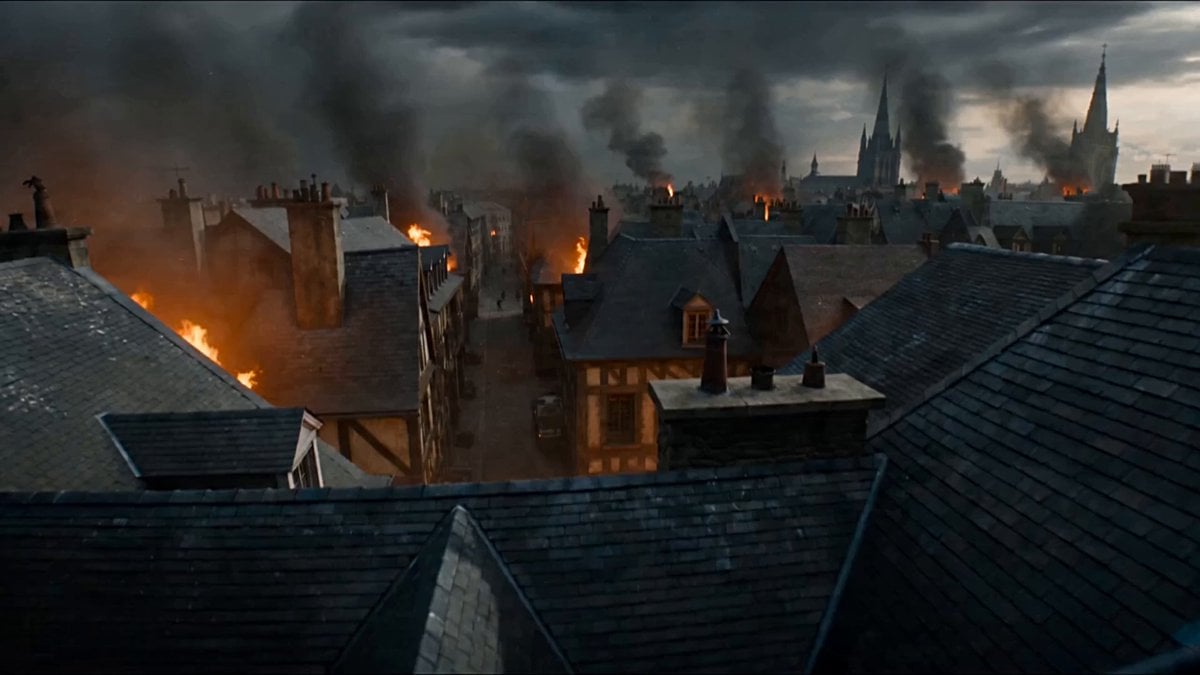
First-Person POV Fantasy Demon Battle
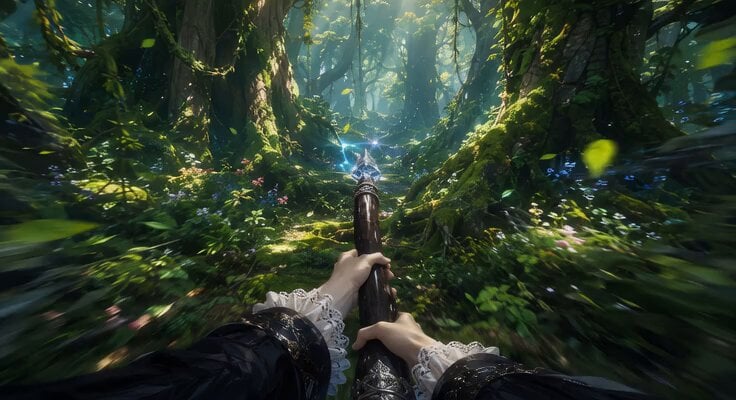
First-Person Flying Broom POV
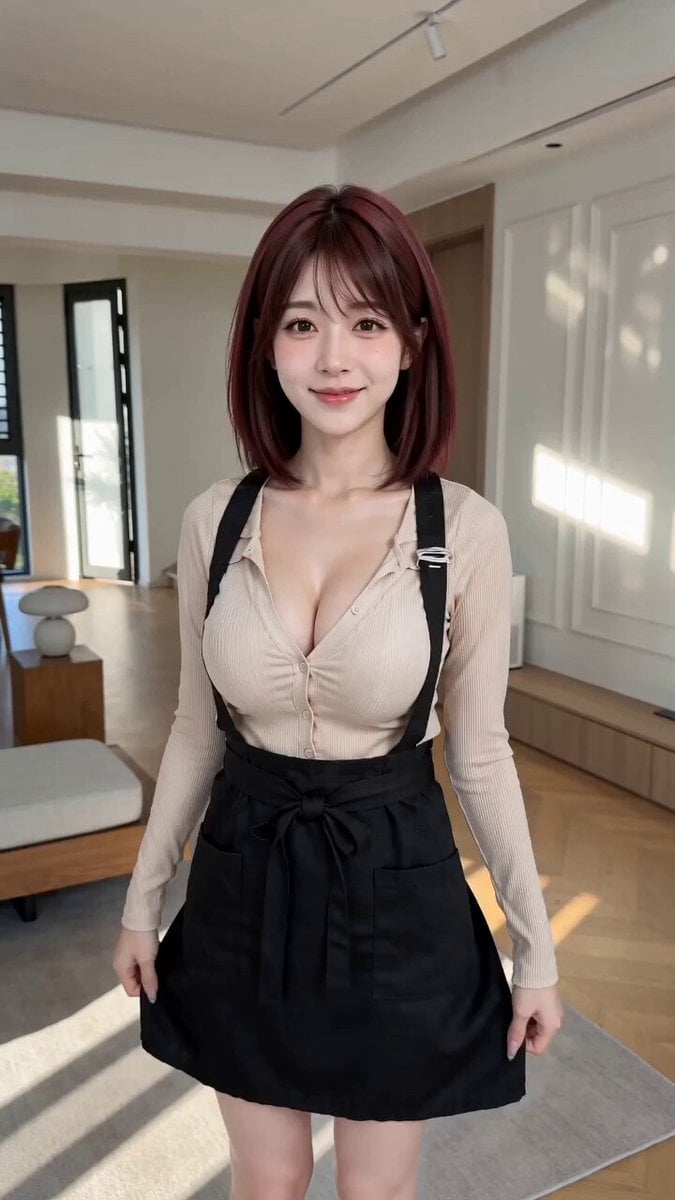
POV First-Person Remote Outfit Swap
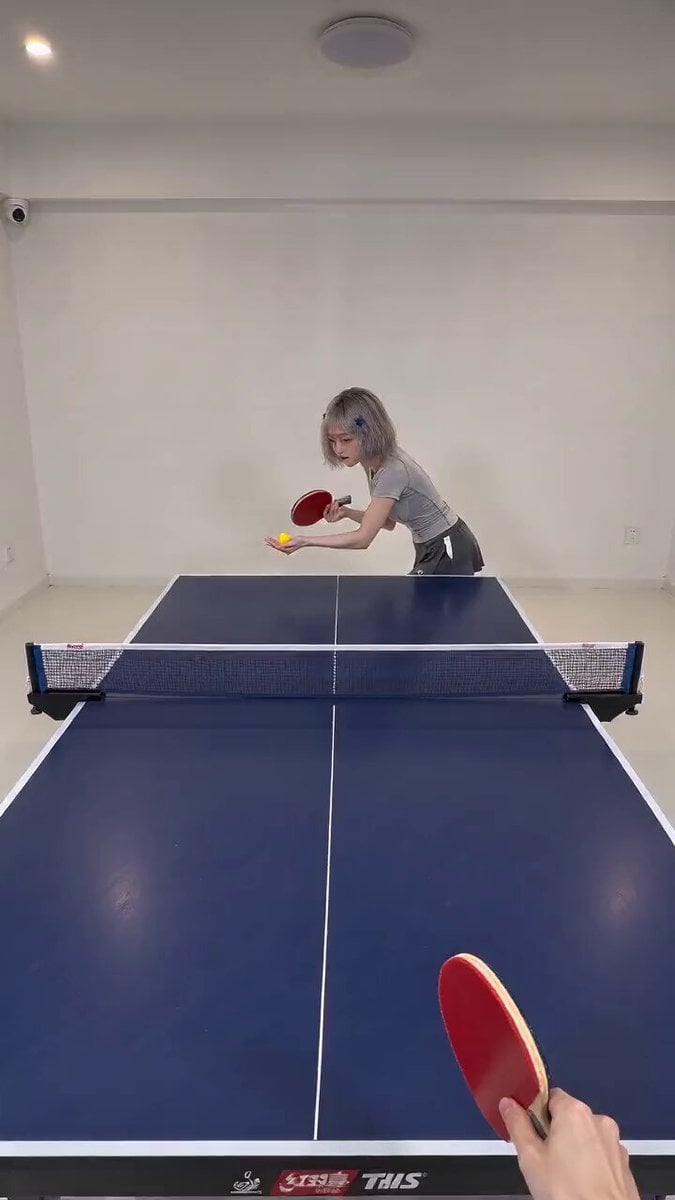
First-Person POV Ping Pong Match with Digital Human
First-Person POV Broomstick Chase
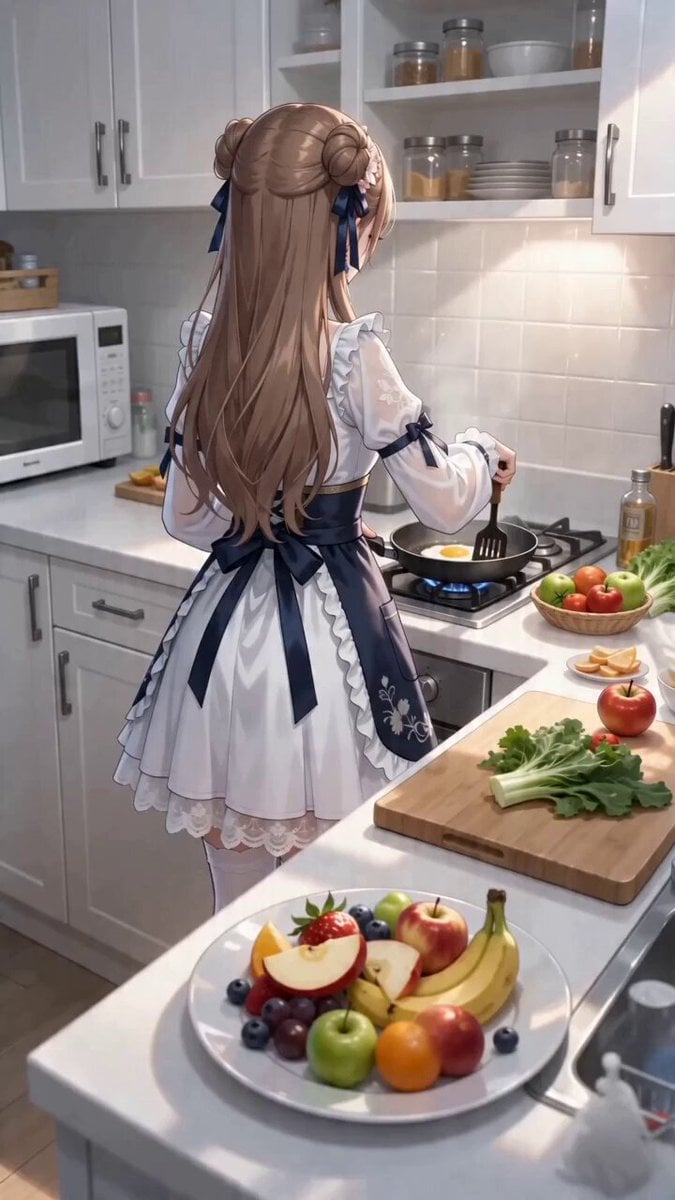
First-Person POV Kitchen Scene with Dialogue
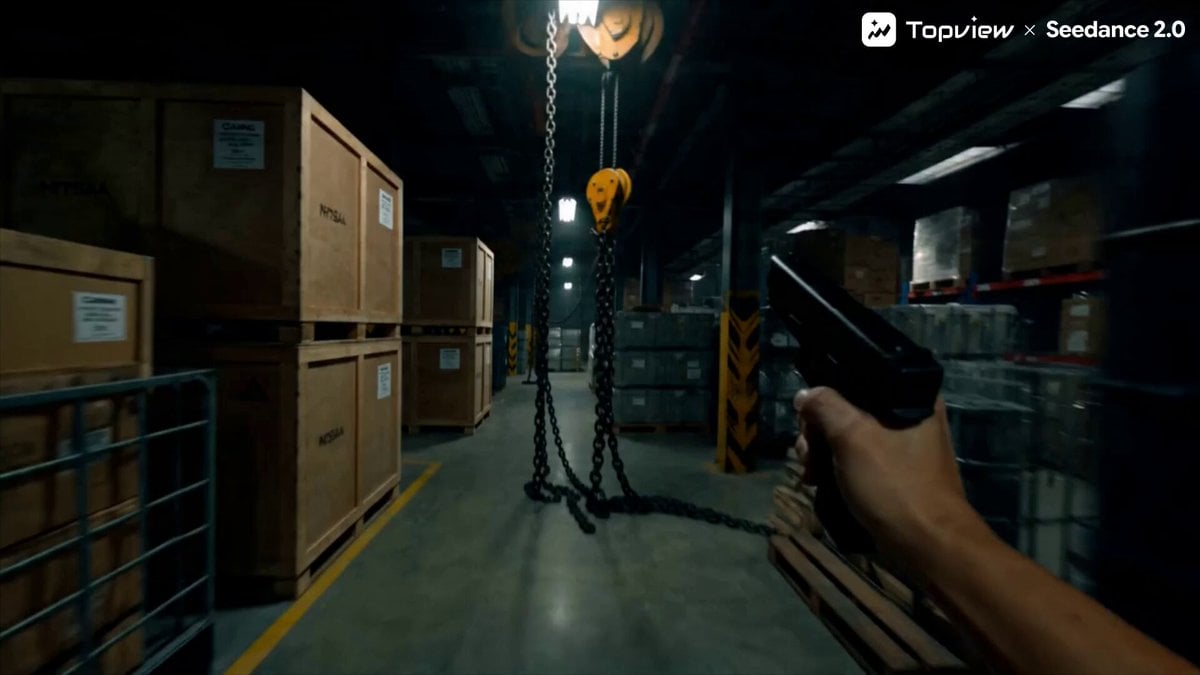
First-Person Shooter POV Scene

First-Person POV White Crane Flight
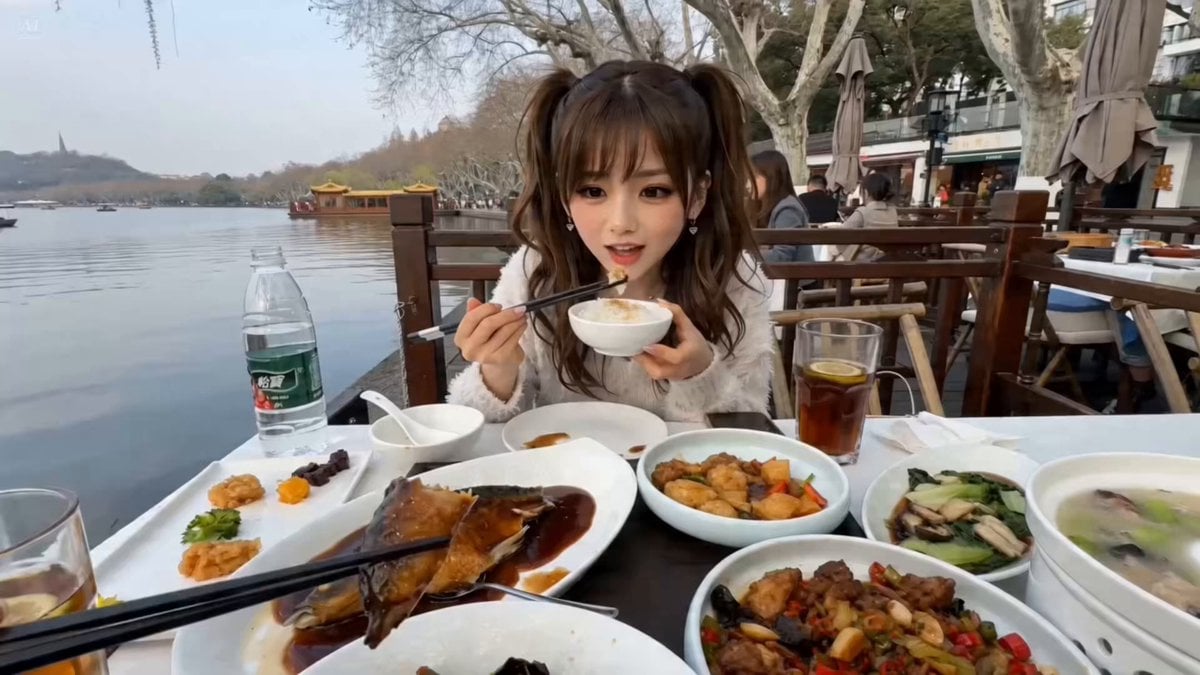
First-Person POV Hangzhou Dining Prank
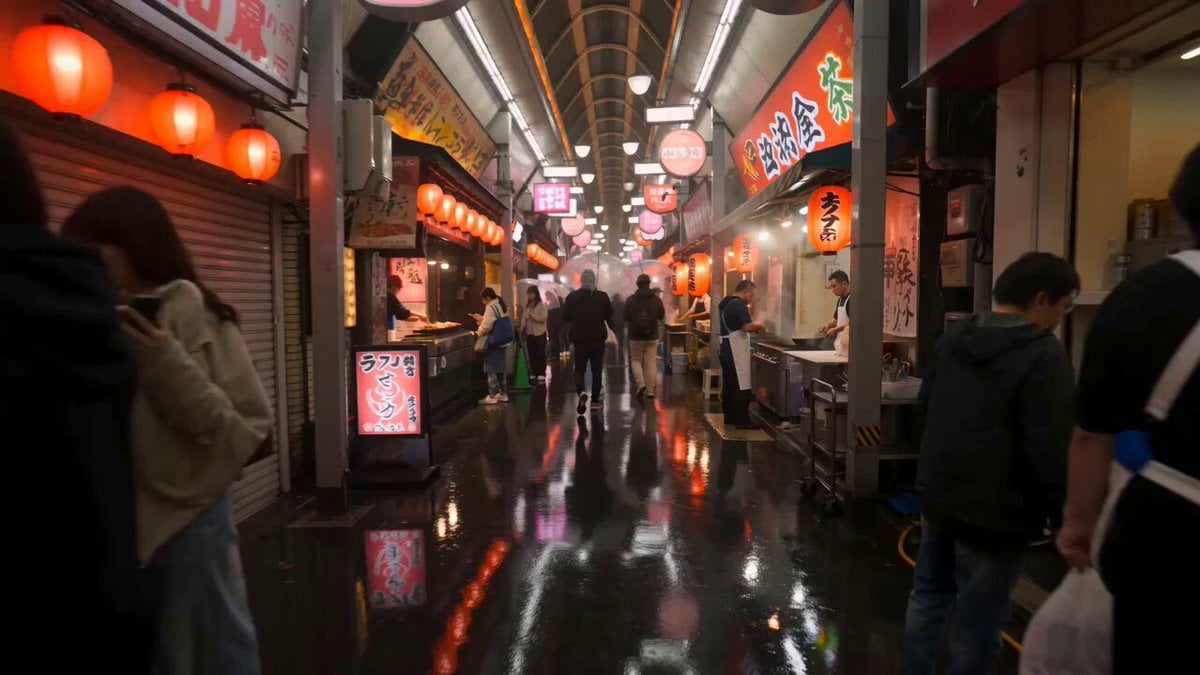
First-Person Night Market Walkthrough
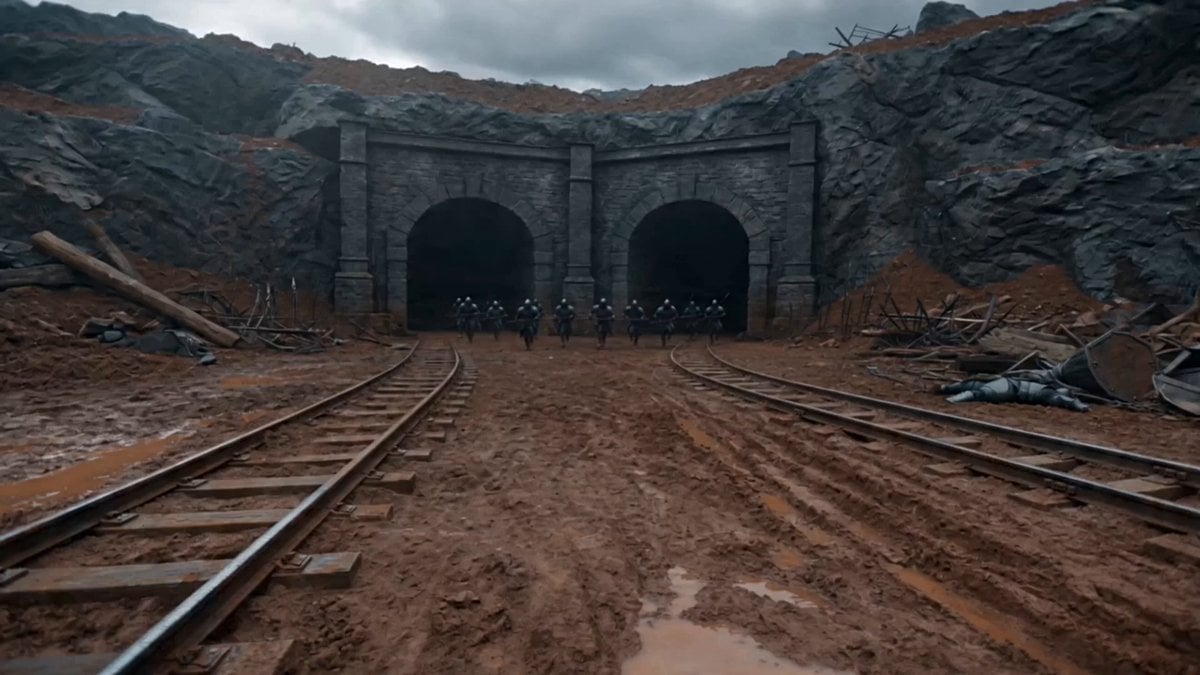
First-Person Magic Combat Strike
Make it yours
First Person POV Maid Cafe Interaction works as-is. These are the safest ways to change it without losing the look.
Change one field
Copy a single group, rewrite it, and generate again so you can see what that field is doing.
Keep the frame, change the subject
Hold the composition and light of First Person POV Maid Cafe Interaction, then swap wardrobe, props or the person for a new take.
| If the result… | Why | Fix |
|---|---|---|
| The result drifts from the preview | Too many fields changed at once. | Reuse First Person POV Maid Cafe Interaction as-is first, then change one group — subject, light, or setting. |
| The model over-stylizes the scene | The prose prompt leaves finish and camera underspecified. | Add one camera or lighting sentence and stay on Seedance 2.0. |
More Seedance 2.0 templates
Other prompts made for Seedance 2.0.

Comical Martial Arts Punch Scene

Maglev Train Action Sequence

Martial Arts Fight Sequence

Wuxia Protection and Trust Script

Vintage Korean Arcade MiniDV Vlog

Mercedes 190 SL Luxury Ad

Rainy Night Supernatural Reverse Comedy Video Script

Amazon Civilization Discovery

Futuristic South Asian City Transformation

Cozy Luxury Cafe Commercial
More video prompts
Fresh picks from across the catalog.
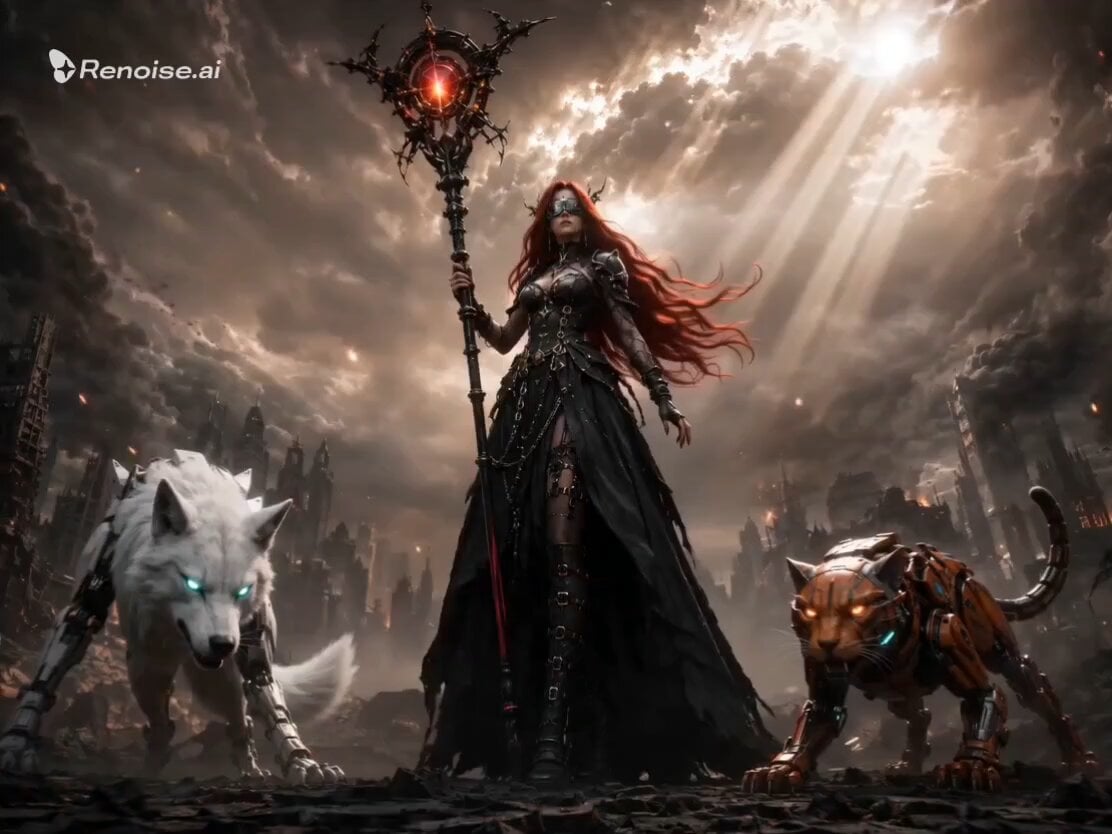
Post-Apocalyptic Gothic Fantasy Scene

Xianxia Salary Increase Challenge Comedy
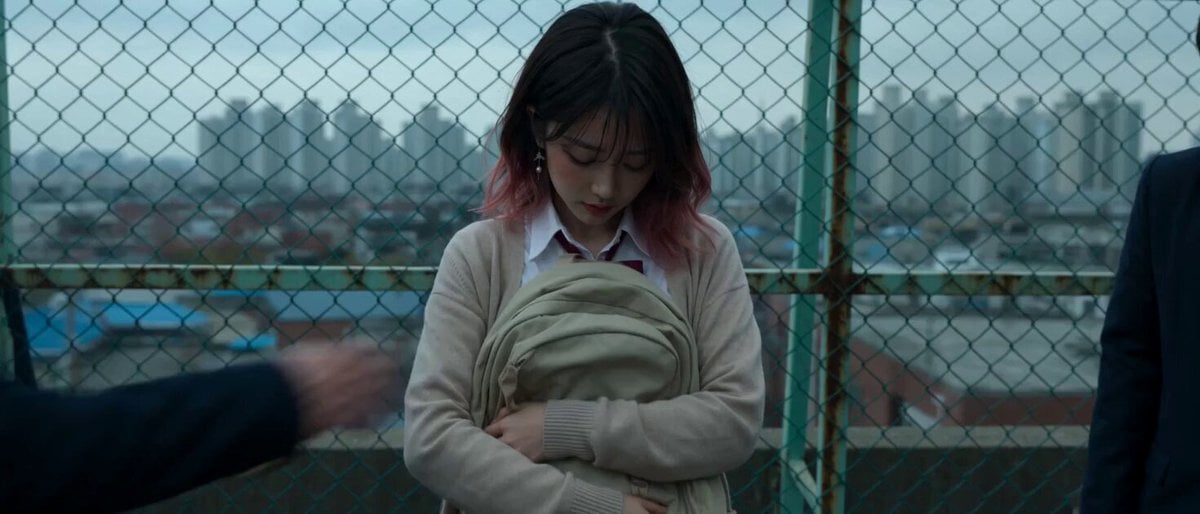
Cinematic School Rooftop Fight Sequence
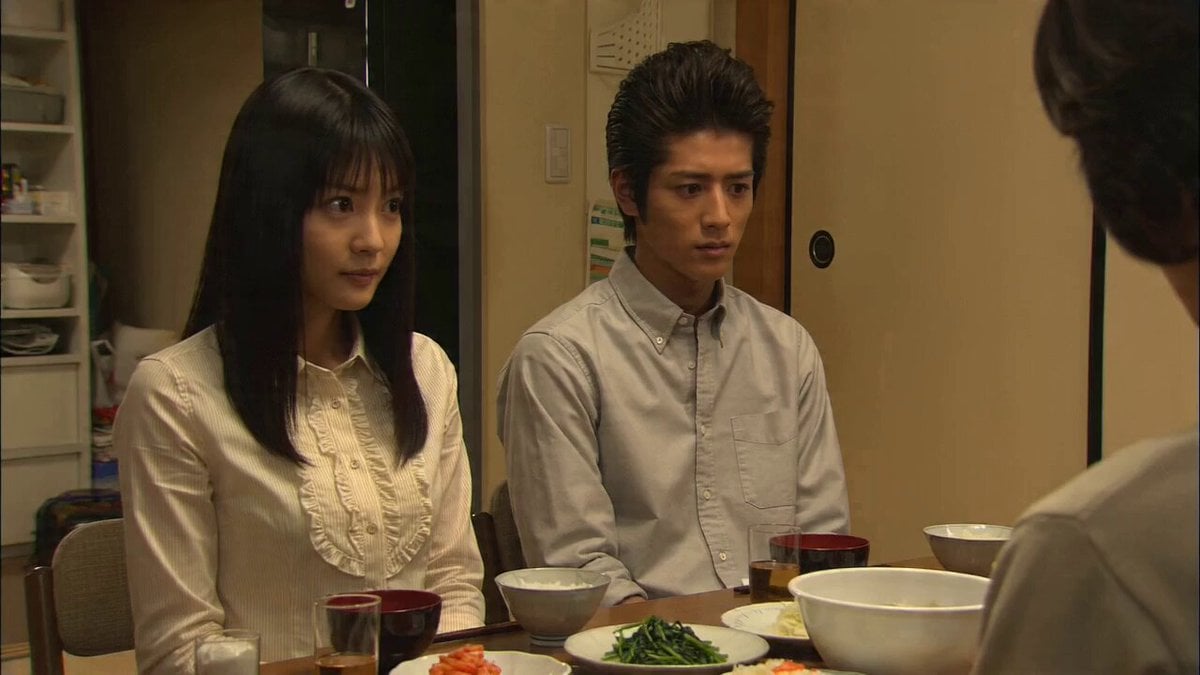
90s Japanese TV Drama Scene
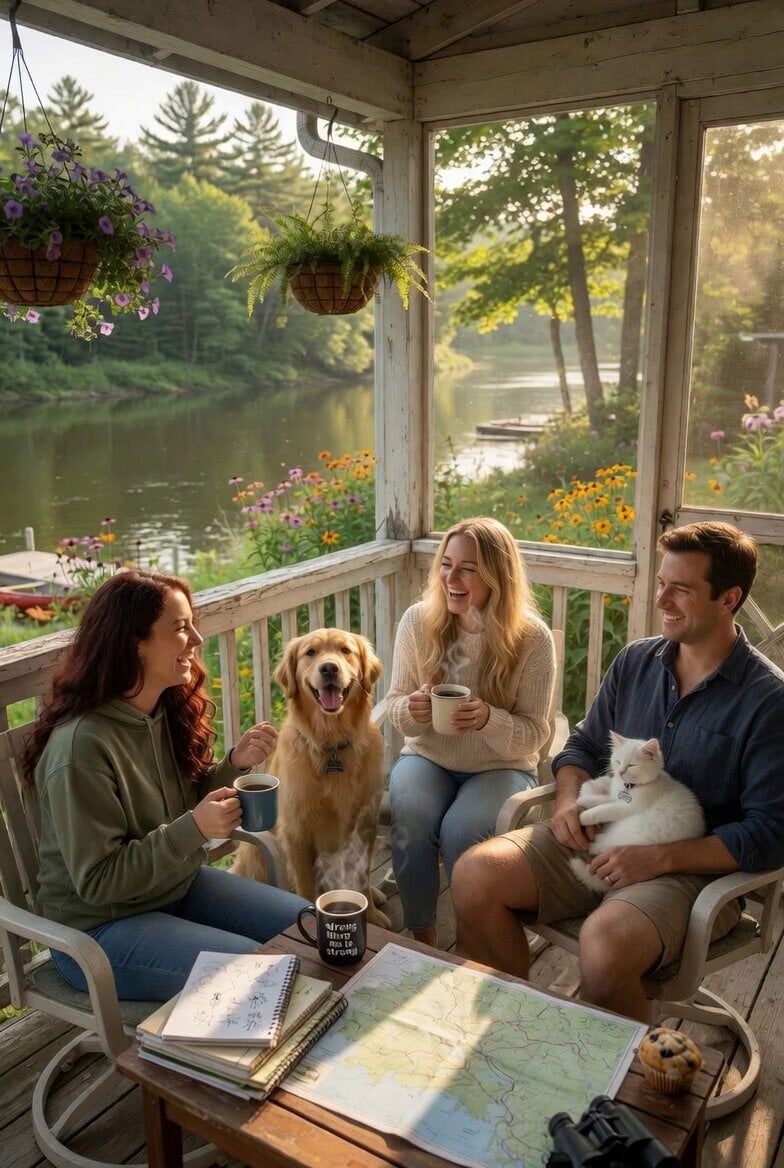
Serene Morning Porch Scene

Anime Characters Live-Action Rooftop MV
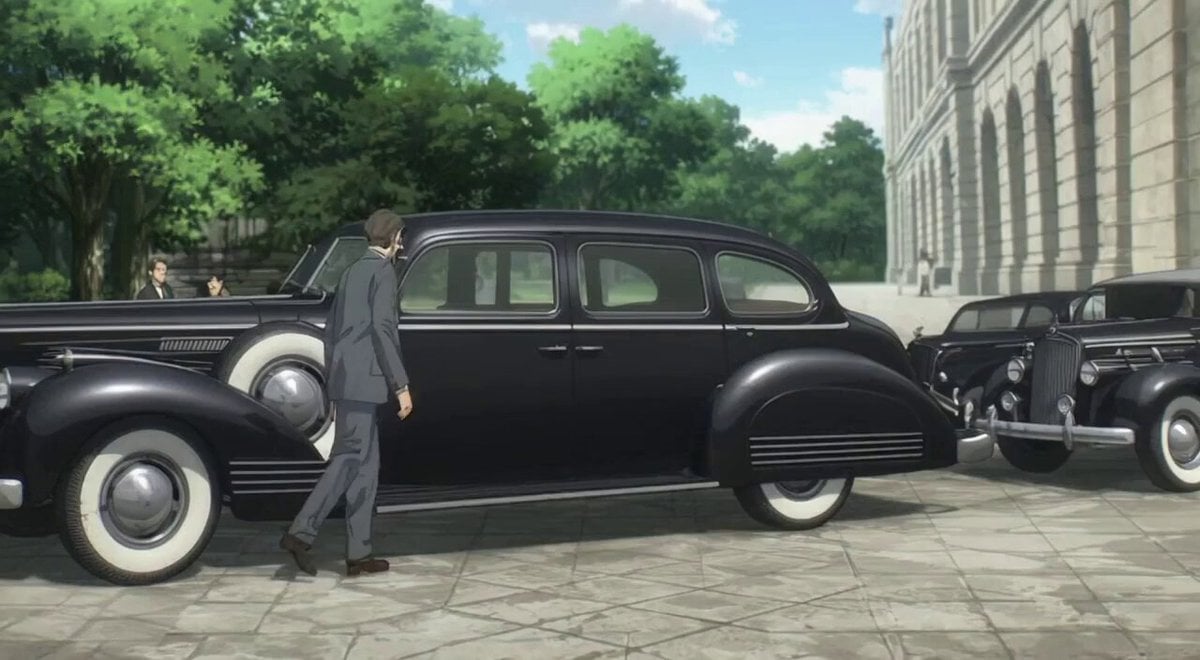
Harry S. Truman walking towards the camera

3D Animation Monkey Warrior Battle

Abstract geometric flow around a void
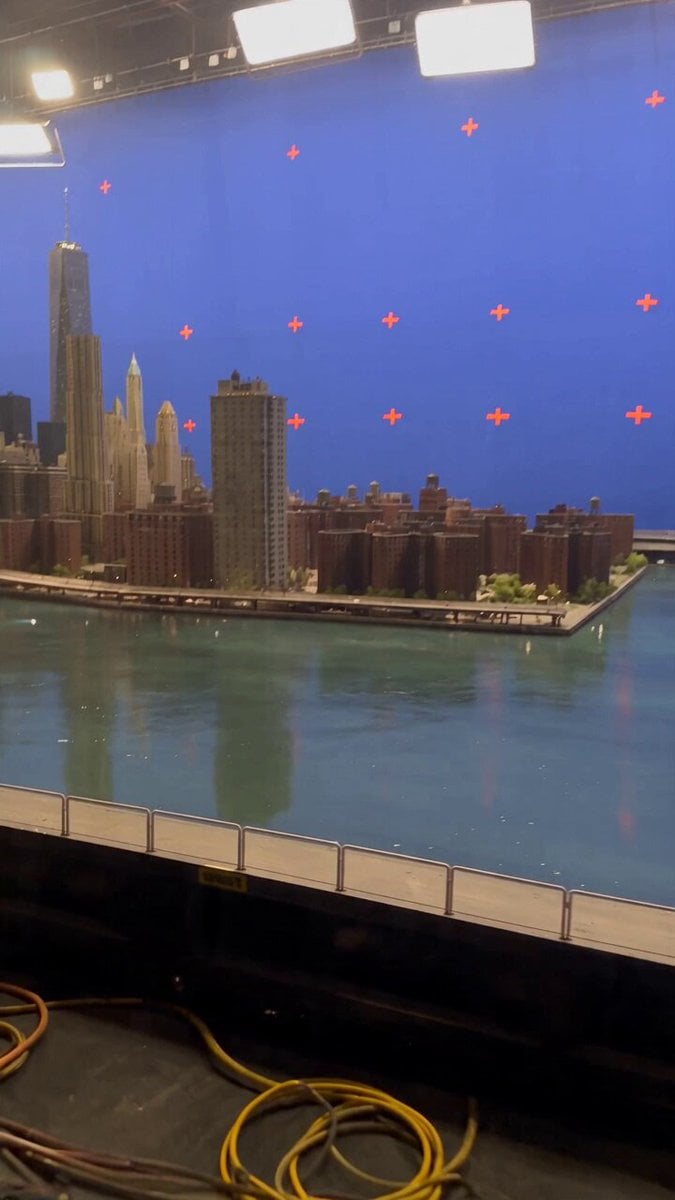
Miniature City Flood Soundstage
Browse template categories
First Person POV Maid Cafe Interaction questions
How do I use the First Person POV Maid Cafe Interaction template?
Add your photo if the template asks for one, edit the prompt if you like — the template's model and format are already selected — and press Generate. Your version opens in PicX Studio.
Can I customize the First Person POV Maid Cafe Interaction template?
Yes. You can change the subject, setting, lighting, mood, format, and available model controls before creating your video.
Is the First Person POV Maid Cafe Interaction template free?
Opening and editing this template is free. Generating uses credits, shown on the Generate button when you are signed in.
Which AI model should I use?
Start with Seedance 2.0, which is the model associated with this template. You can compare another compatible model for a different finish.
Looking for something else? Browse all templates.

Your photo, any look
Thousands of ready templates for every top image and video model, from one credit balance.