
Anime Characters Live-Action Rooftop MV
A complex 15-second music video prompt that places anime-style characters into a photorealistic, wet urban rooftop setting with cinematic lighting and wind effects.
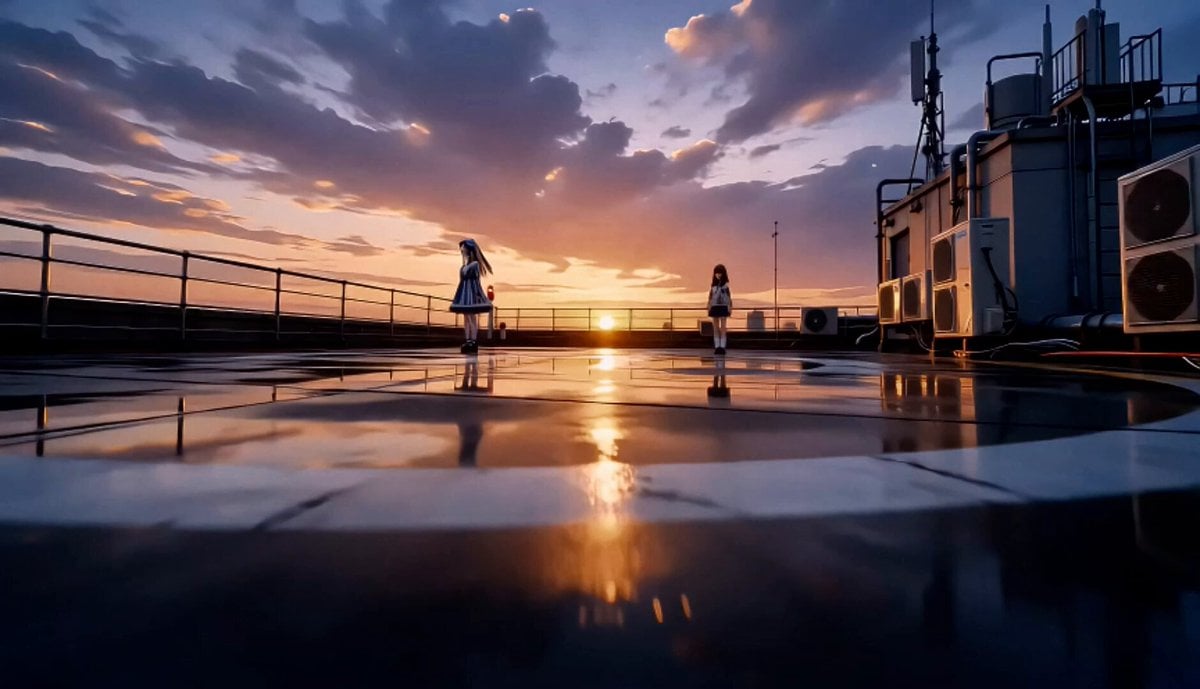
- Prompt included
- Model and format preset
- Free template
The prompt behind this video
Copy the exact prompt behind Anime Characters Live-Action Rooftop MV, or open it in the studio and make it yours.
This video is a 15-second emotional music-video style sequence in a fully live-action photorealistic rooftop world. Use {{Image 1}} only as Character A identity reference. Use {{Image 2}} only as Character B identity reference. Use the images only for face, hairstyle, outfit, accessories, colors, and silhouette. Only Character A and Character B are anime-style. The rooftop, sky, city, lights, props, reflections, camera optics, and atmosphere must look like real live-action footage. Do not copy the anime style from 「アット」Image1 or 「アット」Image2 into the background. Character rules: Exactly two characters only: Character A and Character B. No third person, no clones, no duplicate characters, no background people, no reflection-person, no shadow-person. Do not turn the characters into realistic humans. Keep both characters on-model, with stable faces, outfits, hair, and accessories. Environment: A realistic urban rooftop at sunset shifting into blue hour. Wet concrete, helipad markings, metal railings, rooftop door, pipes, air conditioners, utility boxes, red warning lights, puddles, distant city lights, and a real skyline. Strong wind moves hair, ribbons, sleeves, skirts, and loose fabric. Strict avoid: No anime background. No illustrated rooftop. No painted sky. No cel-shaded buildings. No visible drone. No text overlays. No logos. No extra limbs. No costume changes. No face distortion. Shot 1 (0-1.5s): Wide rooftop opening. Character A stands near the railing left, Character B stands farther back right. Low camera glides forward over wet concrete and helipad markings. Shot 2 (1.5-3s): Close-medium on Character A. She turns her head toward camera on the beat. Hair and ribbon move in the wind. Background stays photorealistic and blurred. Shot 3 (3-4.5s): Close-medium on Character B. She looks down, then raises her eyes toward Character A. Sunset rim light outlines her hair. Shot 4 (4.5-6s): Medium-wide two-shot. Character A left, Character B right, both already visible. Character B takes one small step toward Character A. Camera tracks sideways. Exactly two characters. Shot 5 (6-7.5s): Low-angle hero shot. Both characters against the real sunset sky. Wind intensifies. Rooftop warning lights blink softly. Shot 6 (7.5-9s): Two quick close-ups: Character A’s eyes, then Character B’s eyes. No split screen, no extra faces. Shot 7 (9-10.5s): Dynamic orbit-like two-shot. The camera circles them as they slowly pass back-to-back without touching. No drone visible. Shot 8 (10.5-12s): High-angle shot over the helipad circle. Both characters stand apart, facing different directions. Wet concrete reflects only abstract sky and city lights. Shot 9 (12-13.5s): Emotional medium two-shot near the rooftop edge. Character A looks at the city. Character B stands slightly behind, then turns toward the skyline. Shot 10
How to use Anime Characters Live-Action Rooftop MV in 3 steps
- 1Upload ImagePNG, JPG or paste
Add your photo
Upload the photo the template builds on. The prompt, model and format are already set.
- 2…a portrait of your subject in softgolden-hour light, 85mm…
Personalize
Edit the subject and creative details for your destination.
- 3Generate
Generate
Press Generate — your video is created in PicX Studio, so you can compare it with the original and refine one variable at a time.
More like this
Templates with the same subject, style or setup. Open one to see its prompt.
Mecha Transformation vs Kaiju — 4-Scene Epic
Vertical City — São Paulo Parkour at Sunset
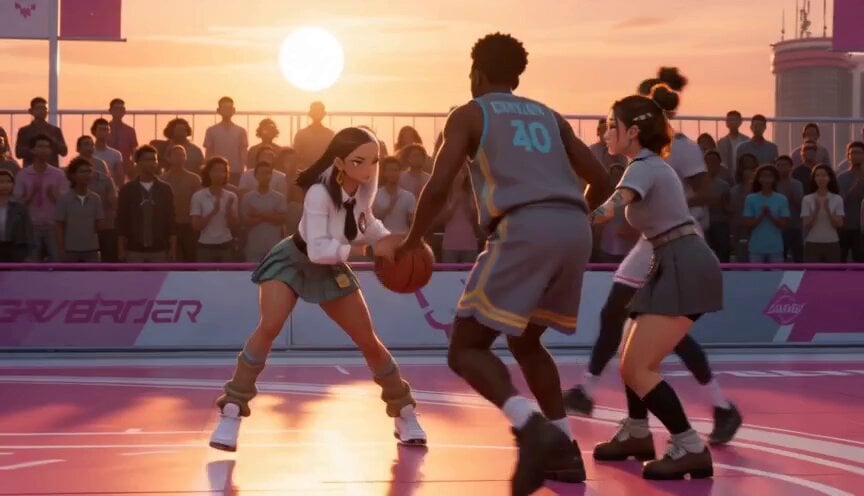
Anime and Live-Action Basketball Mix
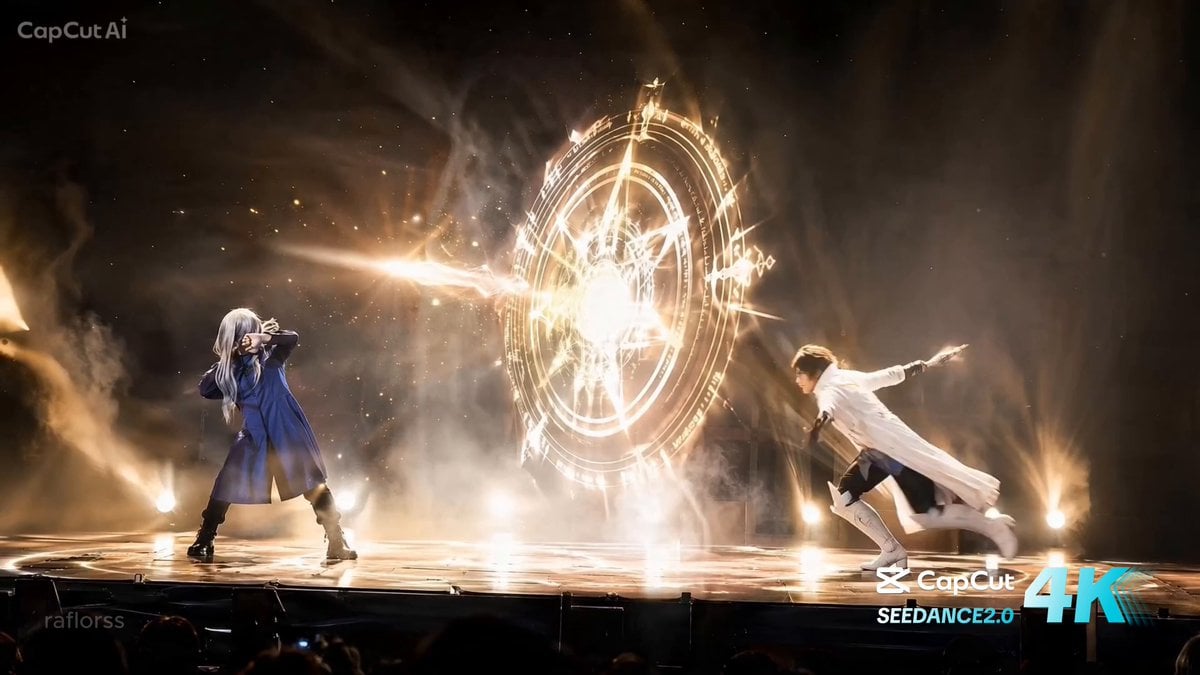
Live Action Anime Stage Play
Anime Fantasy Rooftop Combat Sequence
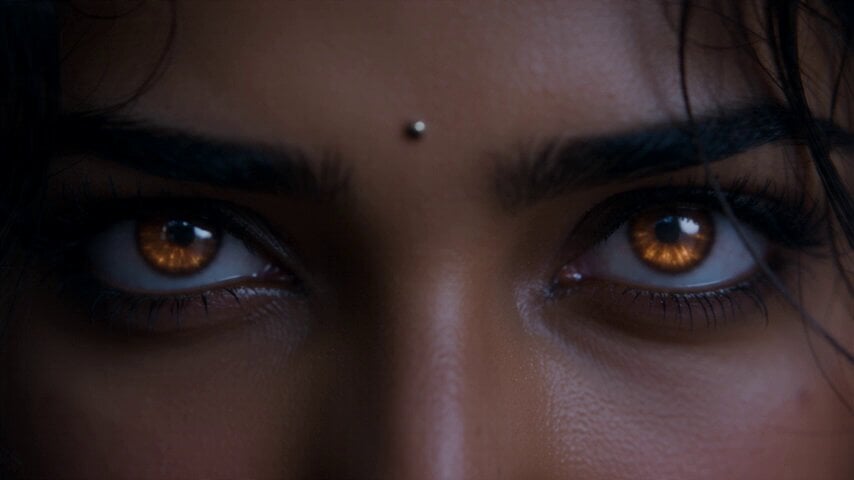
Fantasy Martial Arts Live Action

Cinematic Anime Night City Rooftop
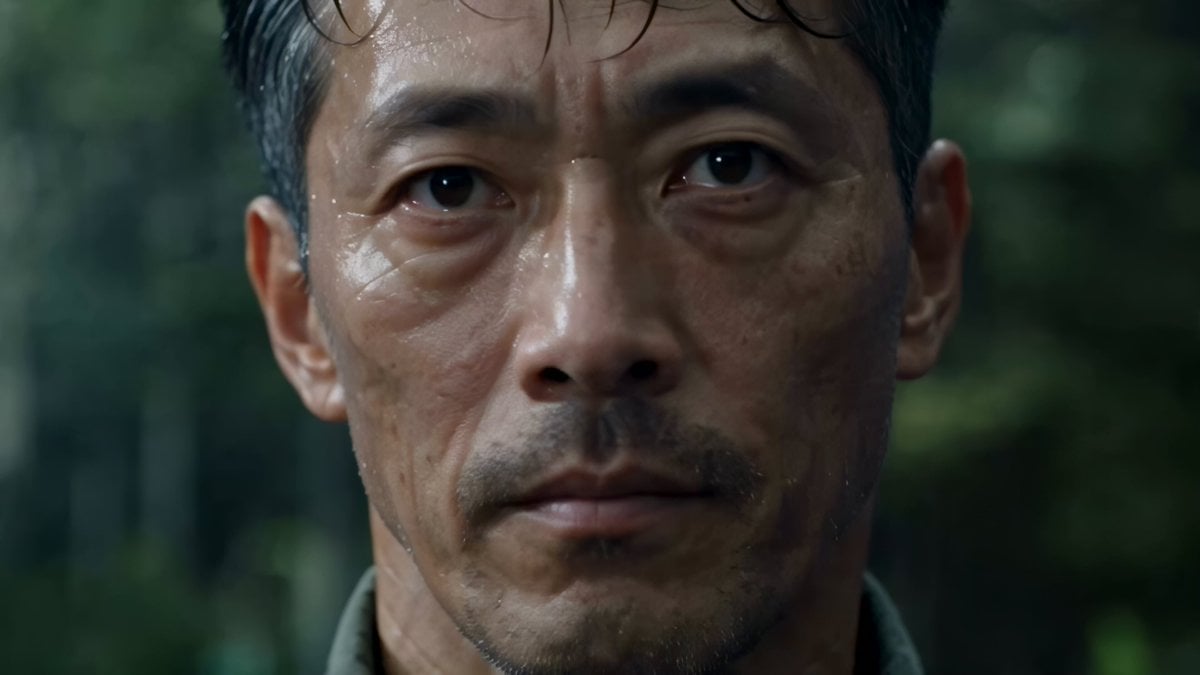
Cinematic Beer Commercial Live Action
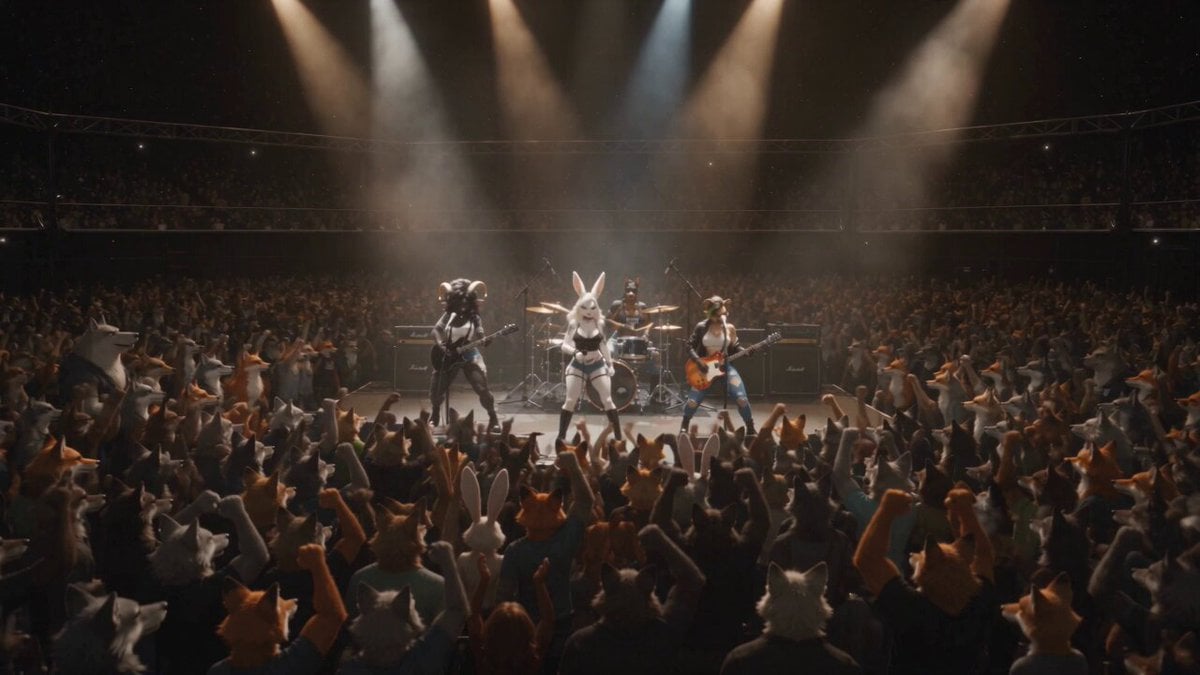
Anthropomorphic Rock Band Live Concert - Seedance 2.5
Rooftop Parkour Motion Control

MiniMax H3 Character Introduction

Luxury Lifestyle Day Vlog
Make it yours
Anime Characters Live-Action Rooftop MV works as-is. These are the safest ways to change it without losing the look.
Change one field
Copy a single group, rewrite it, and generate again so you can see what that field is doing.
Keep the frame, change the subject
Hold the composition and light of Anime Characters Live-Action Rooftop MV, then swap wardrobe, props or the person for a new take.
| If the result… | Why | Fix |
|---|---|---|
| The result drifts from the preview | Too many fields changed at once. | Reuse Anime Characters Live-Action Rooftop MV as-is first, then change one group — subject, light, or setting. |
| The model over-stylizes the scene | The prose prompt leaves finish and camera underspecified. | Add one camera or lighting sentence and stay on Seedance 2.0. |
More Seedance 2.0 templates
Other prompts made for Seedance 2.0.

Comical Martial Arts Punch Scene

Maglev Train Action Sequence

Martial Arts Fight Sequence

Wuxia Protection and Trust Script

Vintage Korean Arcade MiniDV Vlog

Mercedes 190 SL Luxury Ad

Rainy Night Supernatural Reverse Comedy Video Script

Amazon Civilization Discovery

Futuristic South Asian City Transformation

Cozy Luxury Cafe Commercial
More video prompts
Fresh picks from across the catalog.
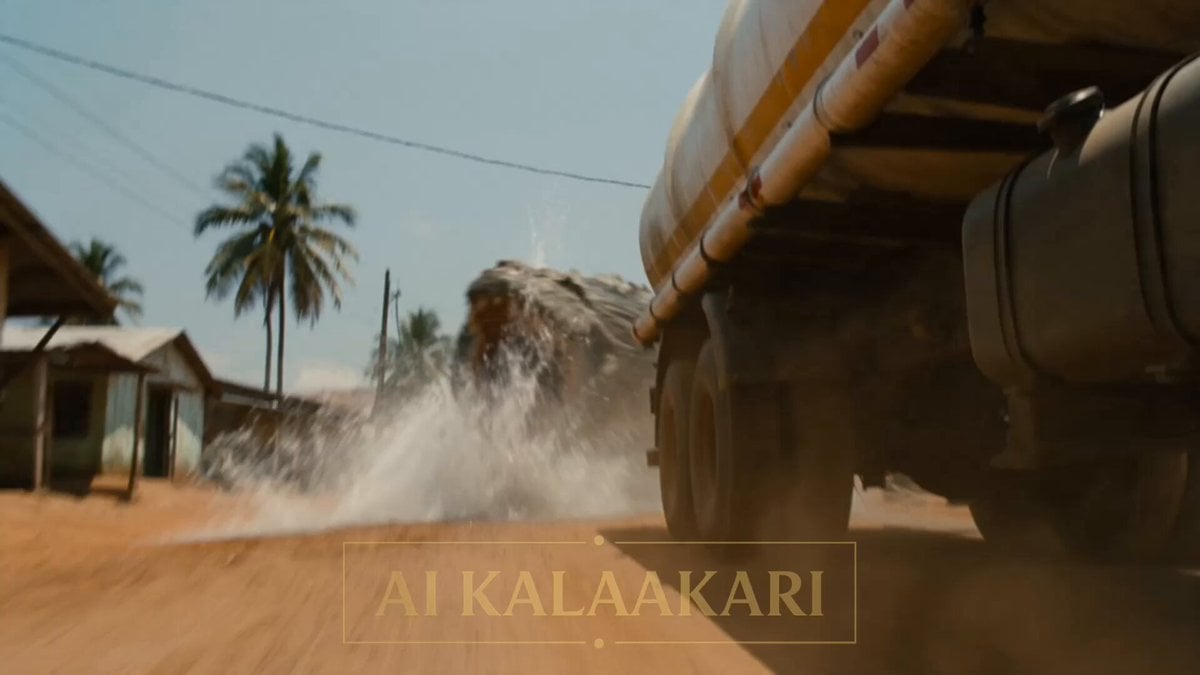
Alien vs Water Tank Action Movie
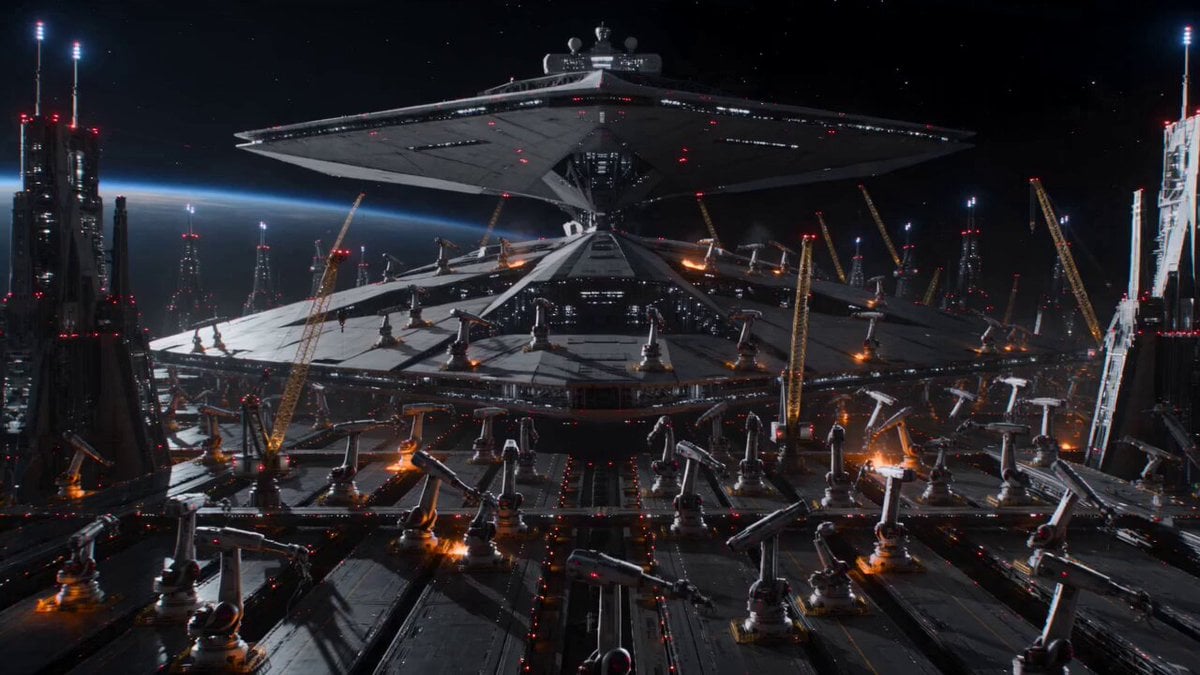
Cinematic Star Cruiser Orbital Shipyard
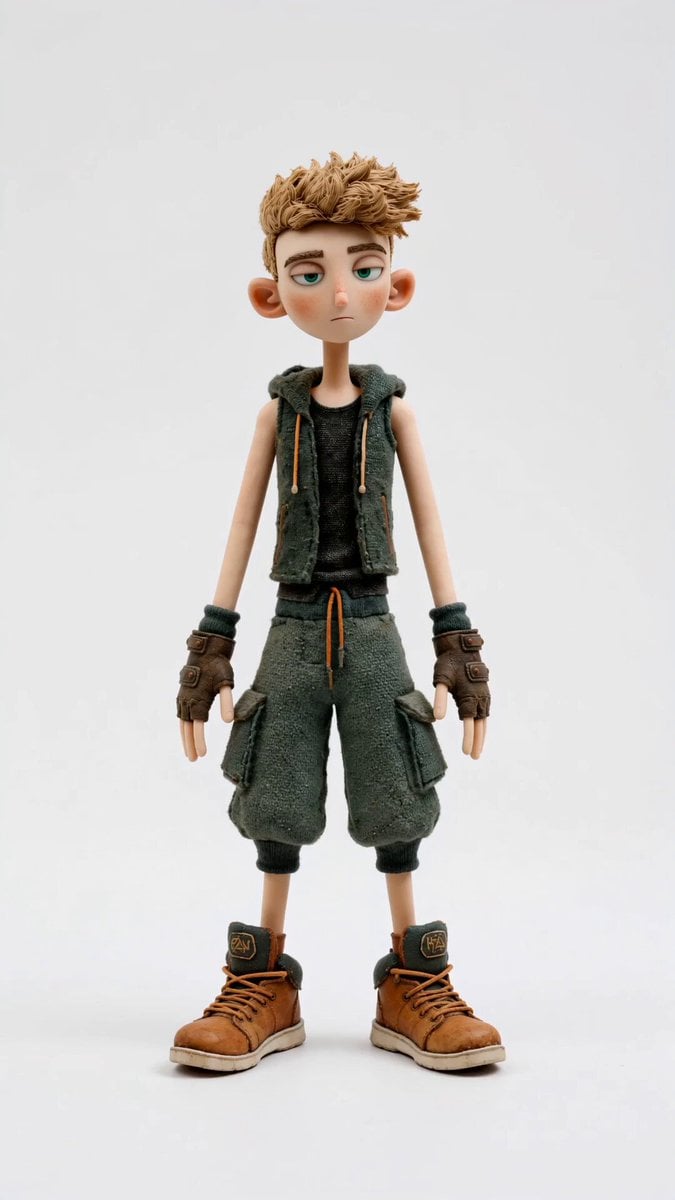
Stop-Motion Character Turntable Showcase
Frost Titan awakening video prompt
Giant Polar Bear Snuggles
Giant Mecha Naval Battle
Realistic AI Influencer GRWM Beauty Video

Cooking Pug Comedy Scene
Benjamin Franklin Constitutional Inquiry
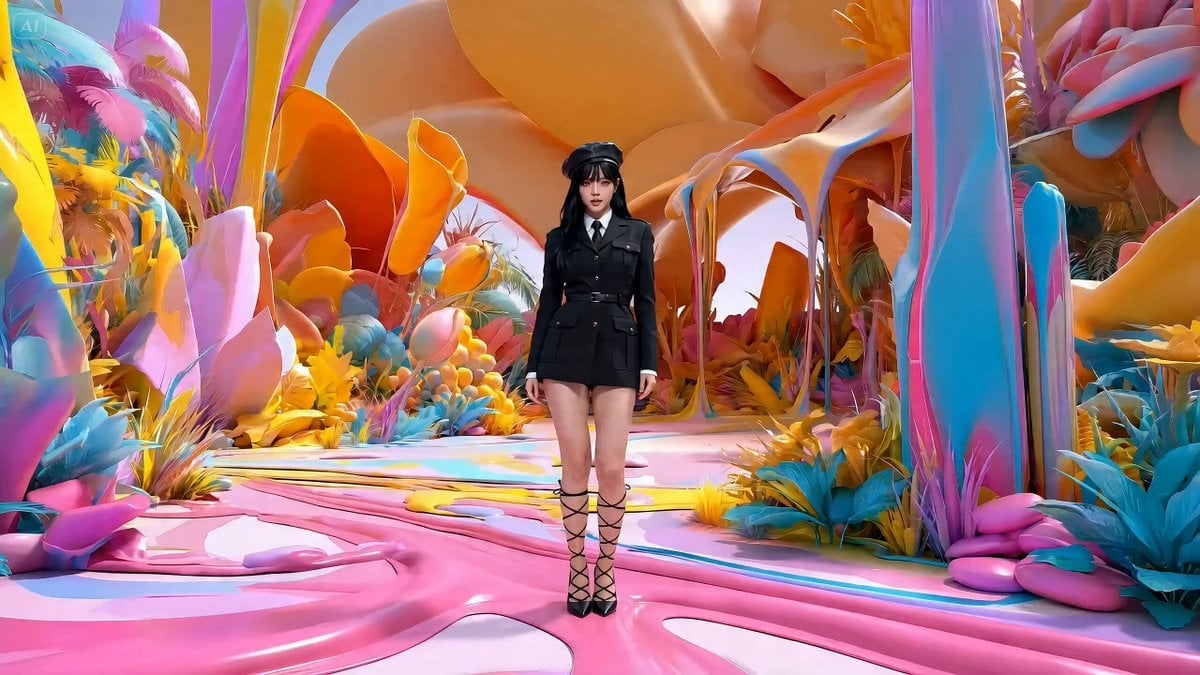
Music Video Production Prompt for Seedance 2.0
Browse template categories
Anime Characters Live-Action Rooftop MV questions
How do I use the Anime Characters Live-Action Rooftop MV template?
Add your photo if the template asks for one, edit the prompt if you like — the template's model and format are already selected — and press Generate. Your version opens in PicX Studio.
Can I customize the Anime Characters Live-Action Rooftop MV template?
Yes. You can change the subject, setting, lighting, mood, format, and available model controls before creating your video.
Is the Anime Characters Live-Action Rooftop MV template free?
Opening and editing this template is free. Generating uses credits, shown on the Generate button when you are signed in.
Which AI model should I use?
Start with Seedance 2.0, which is the model associated with this template. You can compare another compatible model for a different finish.
Looking for something else? Browse all templates.

Your photo, any look
Thousands of ready templates for every top image and video model, from one credit balance.