
Alien vs Water Tank Action Movie
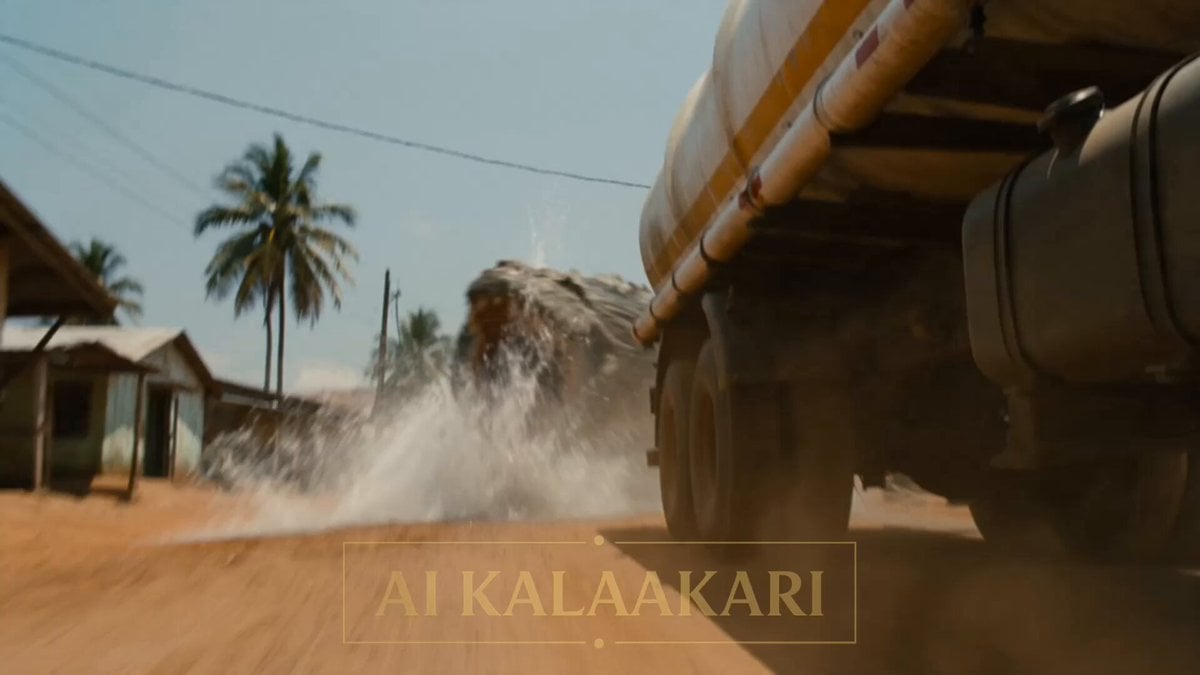
A dramatic B-movie action sequence prompt featuring a giant crocodile attacking a water truck and a soldier firing a rocket launcher, including shot-by-shot directions.
- Prompt included
- Model and format preset
- Free template
The prompt behind this video
Copy the exact prompt behind Alien vs Water Tank Action Movie, or open it in the studio and make it yours.
A village road in bright daylight, small houses on both sides. A big water tanker truck is driving down the road. A mega crocodile, as big as a truck, bites onto the back of the water tanker and pulls it hard. On the roof of a nearby building, a soldier holds a rocket launcher. Sounds: loud truck engine, crashing metal, people shouting, the crocodile growling. Shot 1 (0–3s) — THE HOOK: We see the water tanker shaking hard. The mega crocodile has its mouth locked on the back of the truck, pulling it side to side. Water splashes out. The driver is scared and shouts on his radio: "IT'S GOT MY TRUCK!" Shot 2 (3–6s): On the roof of a building nearby, the soldier gets ready with his rocket launcher. He watches closely but does not shoot yet — the driver is still too close. He says on the radio: "Jump out! Run now!" Shot 3 (6–9s): The driver opens his door and jumps out of the truck. He runs fast down the road. The crocodile lets go of the truck and comes onto the open road, chasing after him. Now the crocodile is all alone in the open. Shot 4 (9–13s) — BIG SLOW MOMENT: The crocodile is out in the open road now. The soldier fires his rocket launcher from the roof. We see it in slow motion — smoke comes out, and the rocket flies down through the air, right at the crocodile. Shot 5 (13–15s): Everything goes back to normal speed. BOOM! Fire and smoke burst out where the crocodile was. The truck sits still and safe. The driver looks back from far away, safe. Smoke goes up into the sky. Cut.
How to use Alien vs Water Tank Action Movie in 3 steps
- 1
Open
The prompt is already in the box next to the preview, with the template's model and format selected.
- 2…a portrait of your subject in softgolden-hour light, 85mm…
Personalize
Edit the subject and creative details for your destination.
- 3Generate
Generate
Press Generate — your video is created in PicX Studio, so you can compare it with the original and refine one variable at a time.
More like this
Templates with the same subject, style or setup. Open one to see its prompt.
Subway Flood — Epic Tunnel Chaos

Sci-Fi Disaster Movie Scene - Seedance 2.5
Underwater Glass Tunnel Action Sequence
1980s Retro Action Movie Clip
Photorealistic Water Reality Show Action
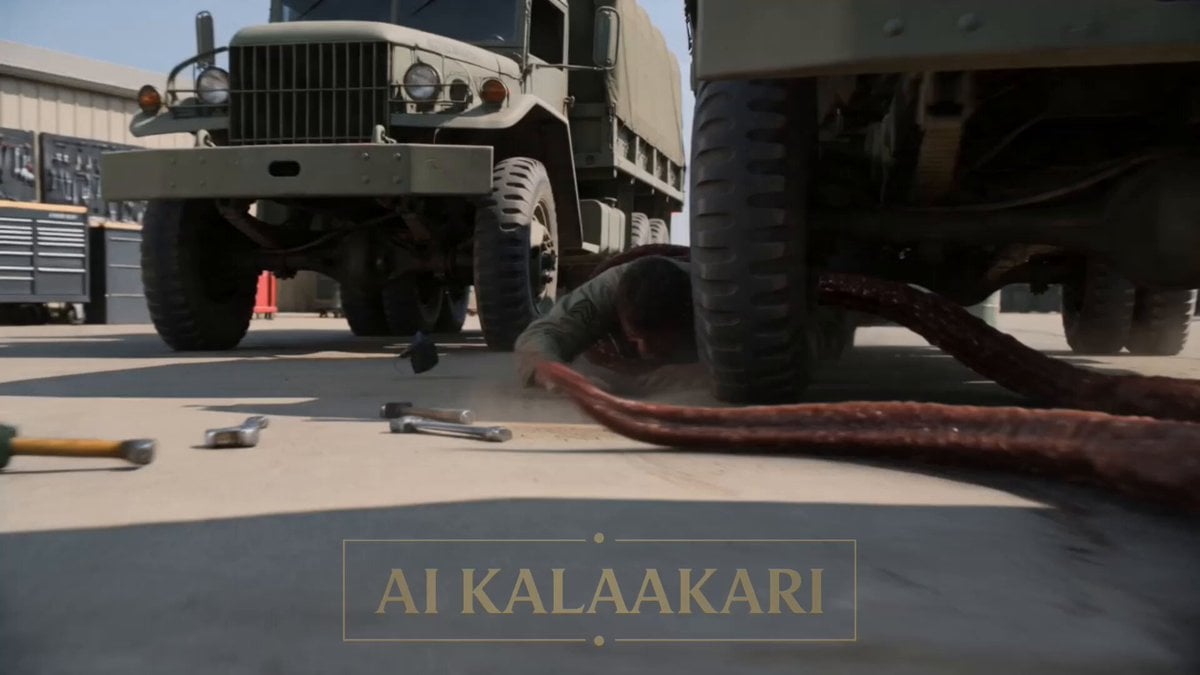
Alien Ambush Action Sequence
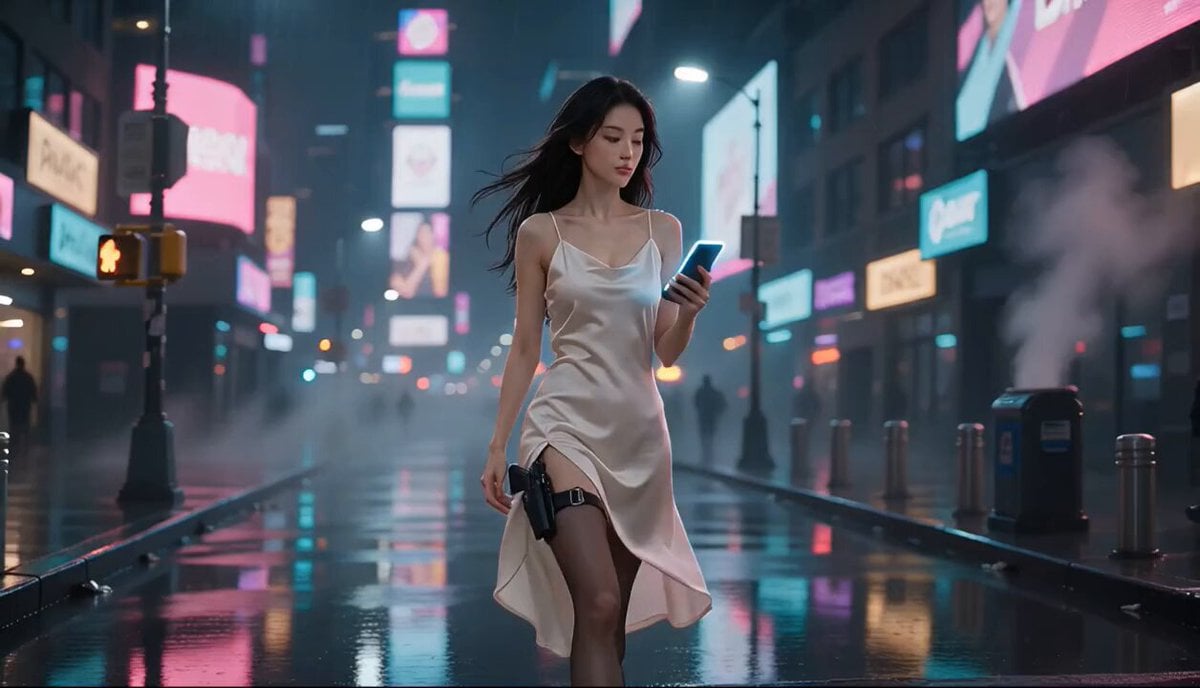
Cyberpunk Action Movie Short
Black Alien Water Horror Sequence
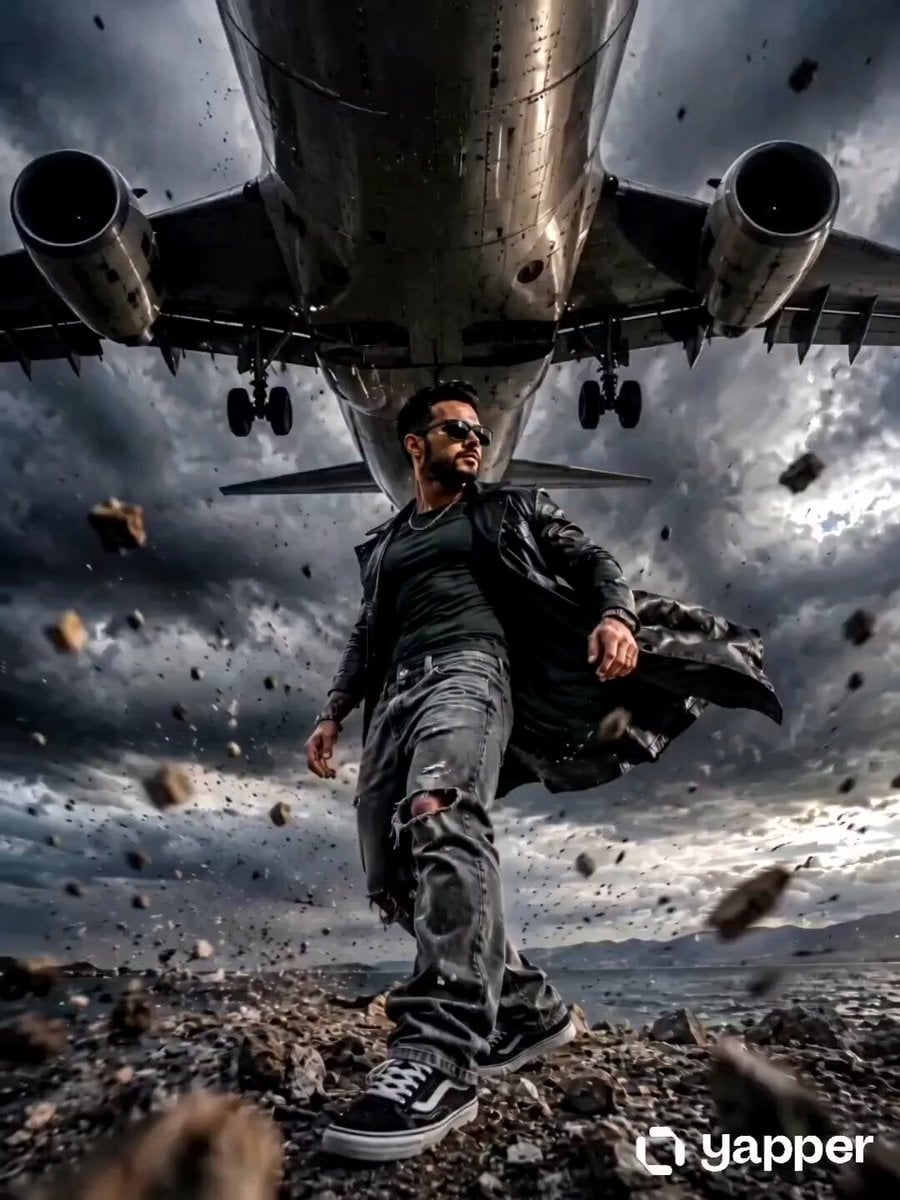
Action Movie Airplane Flyover
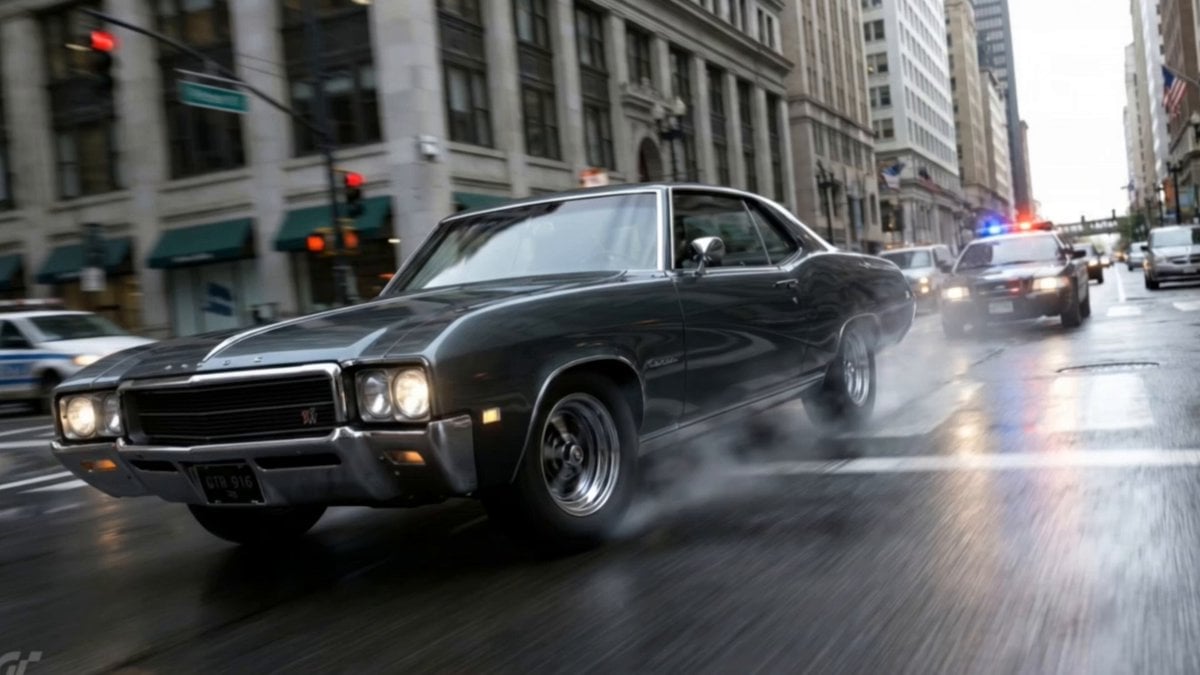
Action Movie Car Chase Sequence

Indian Action Movie WiFi Password Scene
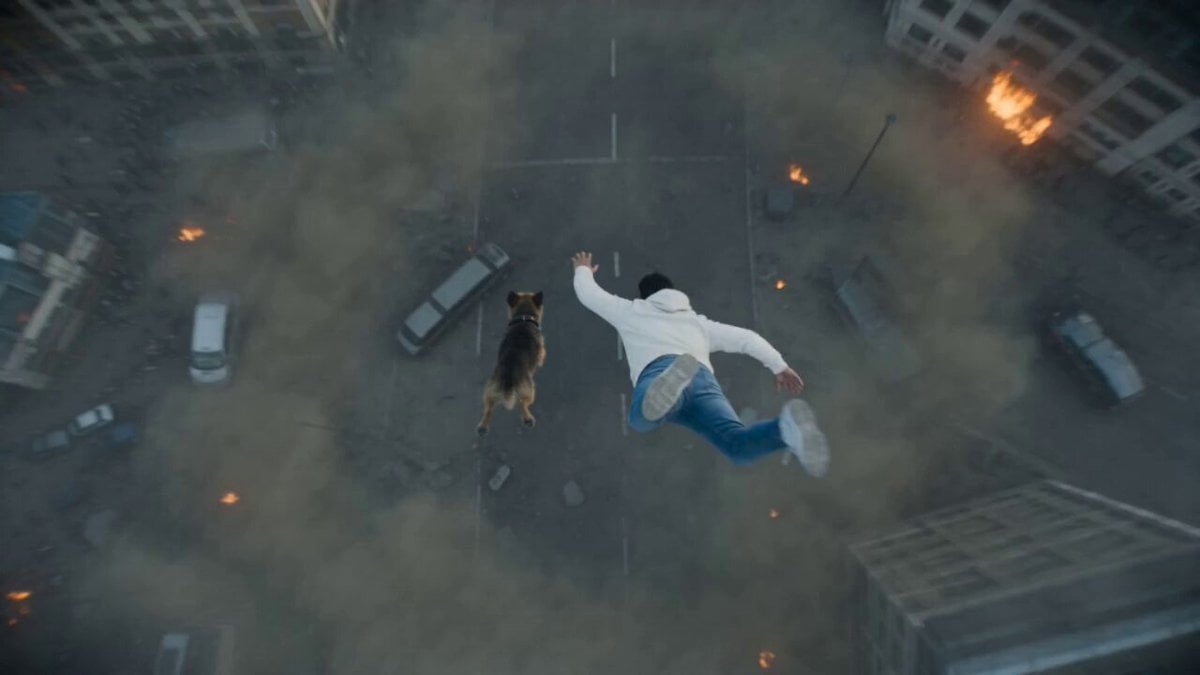
Photorealistic Anamorphic Action Movie
Make it yours
Alien vs Water Tank Action Movie works as-is. These are the safest ways to change it without losing the look.
Change one field
Copy a single group, rewrite it, and generate again so you can see what that field is doing.
Keep the frame, change the subject
Hold the composition and light of Alien vs Water Tank Action Movie, then swap wardrobe, props or the person for a new take.
| If the result… | Why | Fix |
|---|---|---|
| The result drifts from the preview | Too many fields changed at once. | Reuse Alien vs Water Tank Action Movie as-is first, then change one group — subject, light, or setting. |
| The model over-stylizes the scene | The prose prompt leaves finish and camera underspecified. | Add one camera or lighting sentence and stay on Seedance 2.0. |
More Seedance 2.0 templates
Other prompts made for Seedance 2.0.

Comical Martial Arts Punch Scene

Maglev Train Action Sequence

Martial Arts Fight Sequence

Wuxia Protection and Trust Script

Vintage Korean Arcade MiniDV Vlog

Mercedes 190 SL Luxury Ad

Rainy Night Supernatural Reverse Comedy Video Script

Amazon Civilization Discovery

Futuristic South Asian City Transformation

Cozy Luxury Cafe Commercial
More video prompts
Fresh picks from across the catalog.
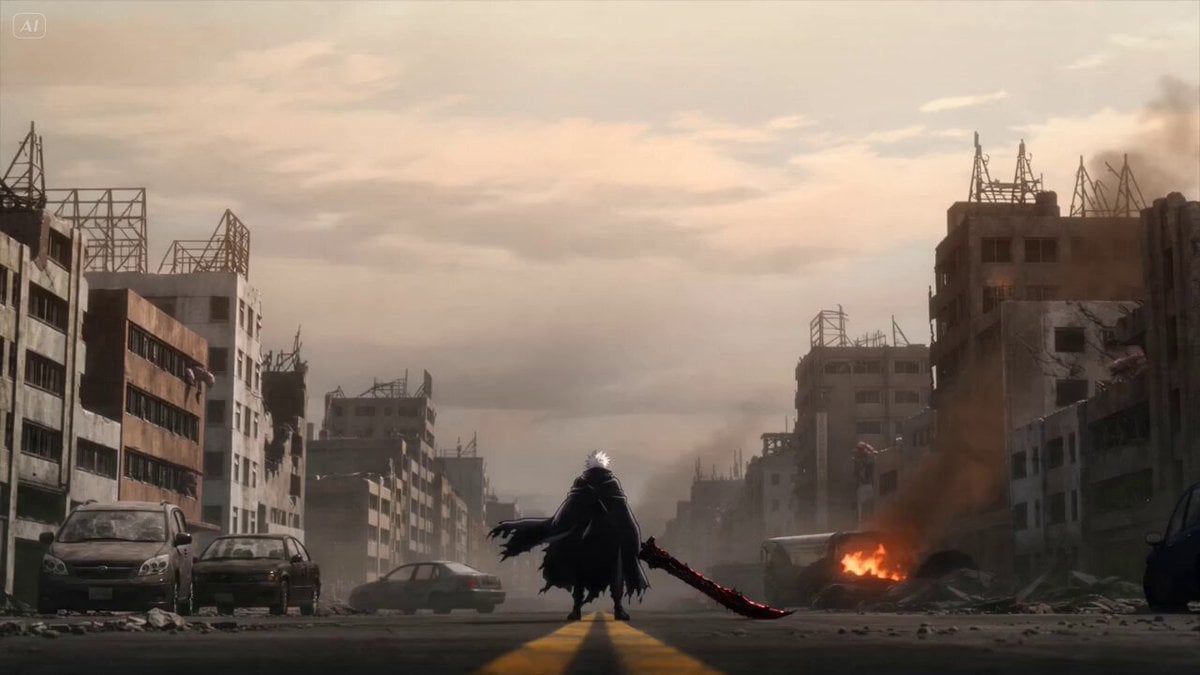
Anime Swordsman Action Sequence

Yoga Forward Fold Motion
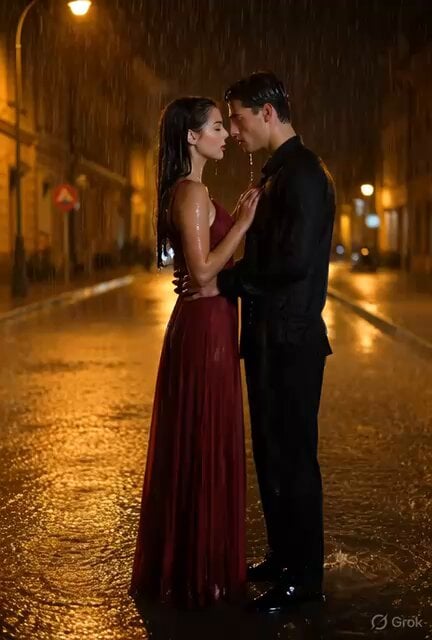
Cinematic Couple Dancing in Rain
Video prompt for removing and repositioning tattoos using a video reference tool
Cinematic Acrobatic Fight Sequence
Cinematic Times Square Confidence Walk
Speeder Chase Cliffside City Action
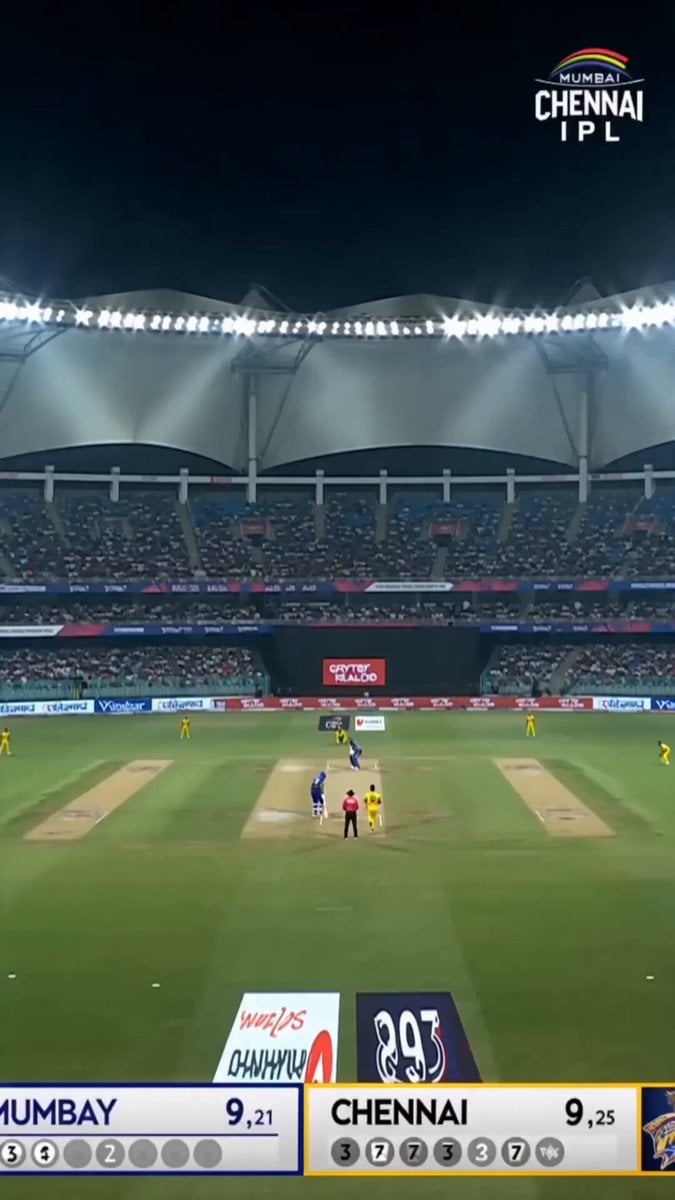
Accidental IPL Cricket Comedy Broadcast
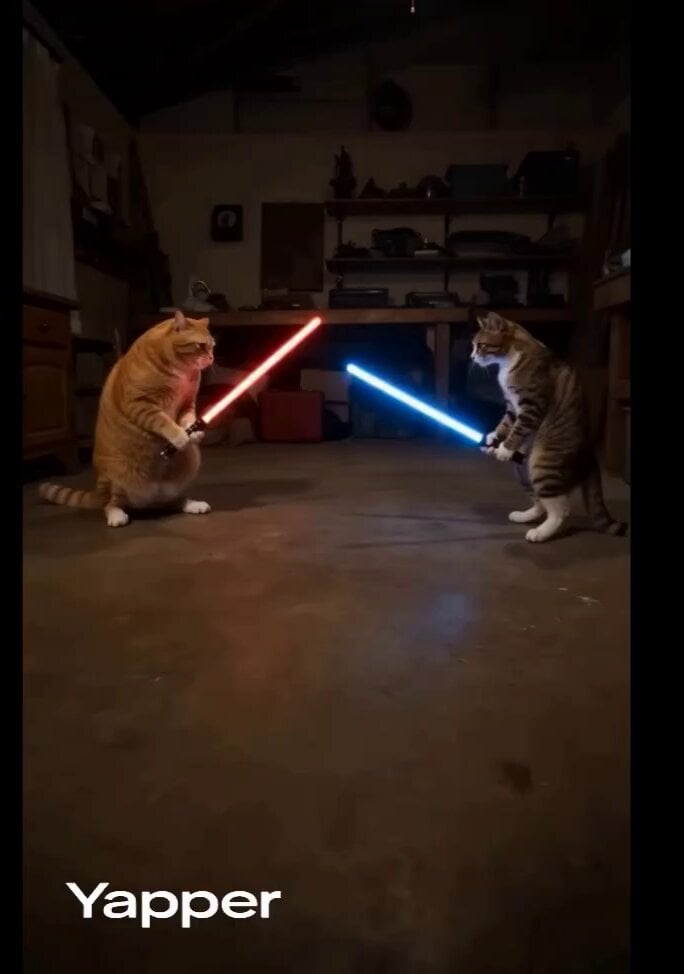
Domestic Cats Lightsaber Duel in Living Room

Ancient Stargazer 2D/3D Hybrid Comedy
Browse template categories
Alien vs Water Tank Action Movie questions
How do I use the Alien vs Water Tank Action Movie template?
Add your photo if the template asks for one, edit the prompt if you like — the template's model and format are already selected — and press Generate. Your version opens in PicX Studio.
Can I customize the Alien vs Water Tank Action Movie template?
Yes. You can change the subject, setting, lighting, mood, format, and available model controls before creating your video.
Is the Alien vs Water Tank Action Movie template free?
Opening and editing this template is free. Generating uses credits, shown on the Generate button when you are signed in.
Which AI model should I use?
Start with Seedance 2.0, which is the model associated with this template. You can compare another compatible model for a different finish.
Looking for something else? Browse all templates.

Your photo, any look
Thousands of ready templates for every top image and video model, from one credit balance.