
1980s Retro Action Movie Clip
A detailed prompt for generating a slick, retro 1980s action movie scene with synthwave music, neon lighting, and sci-fi aesthetic.
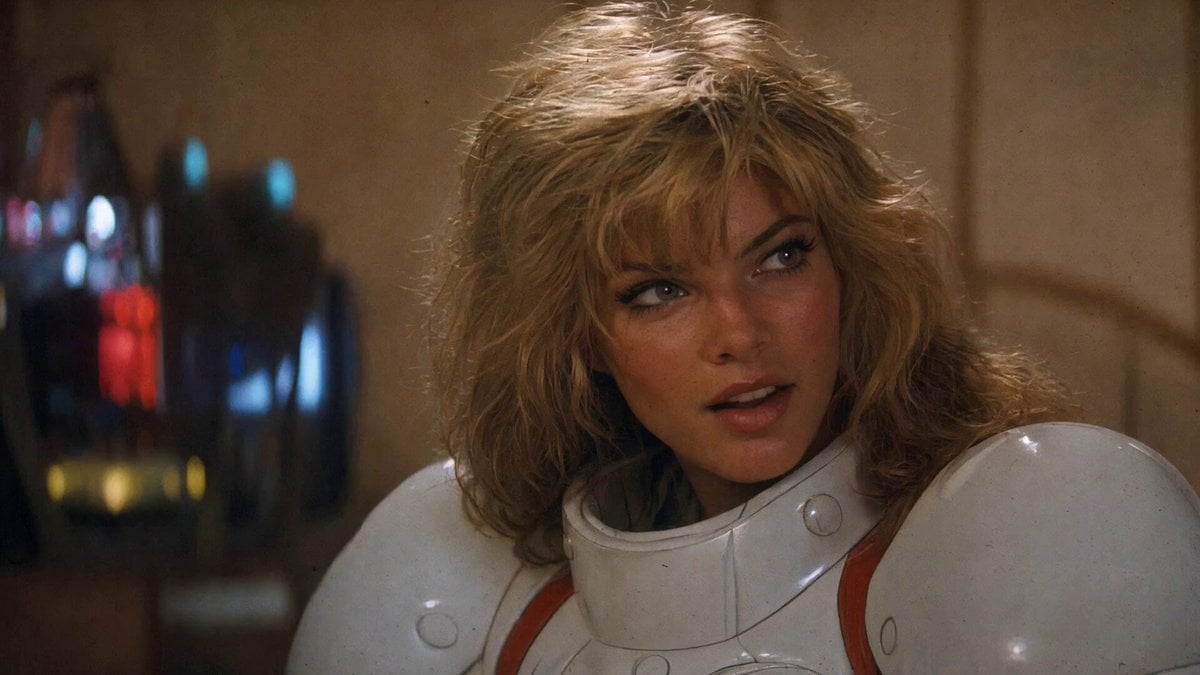
- Prompt included
- Model and format preset
- Premium template
The prompt behind this video
Copy the exact prompt behind 1980s Retro Action Movie Clip, or open it in the studio and make it yours.
I want to create a slick fun catchy 1980's action film short clip with dialogue, sfx and music featuring this woman about using Scenario Genie 14 seconds SCENARIO GENIE: A slick, fun, catchy 1980s action movie short scene shot on 35mm anamorphic film, grainy retro color grade, dramatic neon and practical lighting. A blonde heroine in glossy white sci-fi armor turns to camera with a confident smirk inside a retro spaceship cabin. Pulsing 80s synthwave action score with electric guitar stingers. She racks a futuristic blaster with a loud metallic SHK-CHK sound effect and says with playful bravado: "When the galaxy needs a hero... I don't wish for miracles." Quick punchy cut: alarms blare, red warning lights strobe, she sprints down a corridor as sparks explode from panels with booming SFX. She slides into cover, taps a glowing wrist device and grins: "I just use Scenario Genie." Freeze-frame on her wink as a synth hit lands and a deep 80s movie-trailer voice booms: "Scenario Genie. Wish granted." VHS-style title flash, lens flares, dramatic camera zooms, high energy, campy and cool.
How to use 1980s Retro Action Movie Clip in 3 steps
- 1
Open
The prompt is already in the box next to the preview, with the template's model and format selected.
- 2…a portrait of your subject in softgolden-hour light, 85mm…
Personalize
Edit the subject and creative details for your destination.
- 3Generate
Generate
Press Generate — your video is created in PicX Studio, so you can compare it with the original and refine one variable at a time.
More like this
Templates with the same subject, style or setup. Open one to see its prompt.
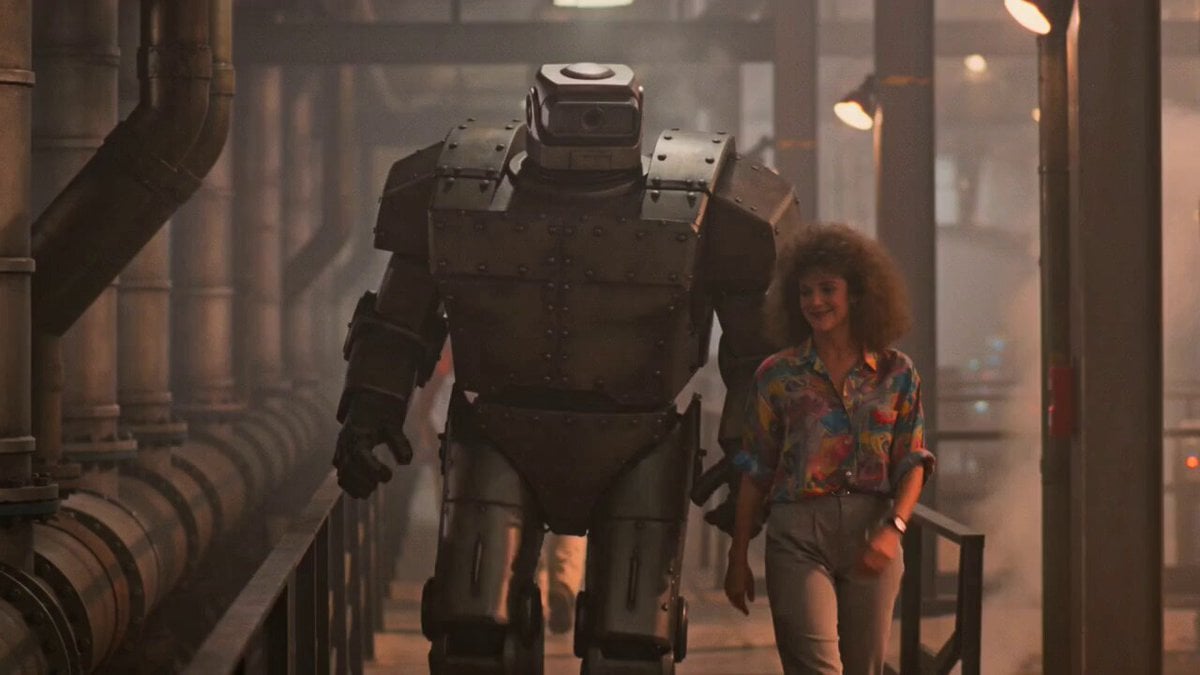
1980s Retro Sci-Fi Comedy Scene
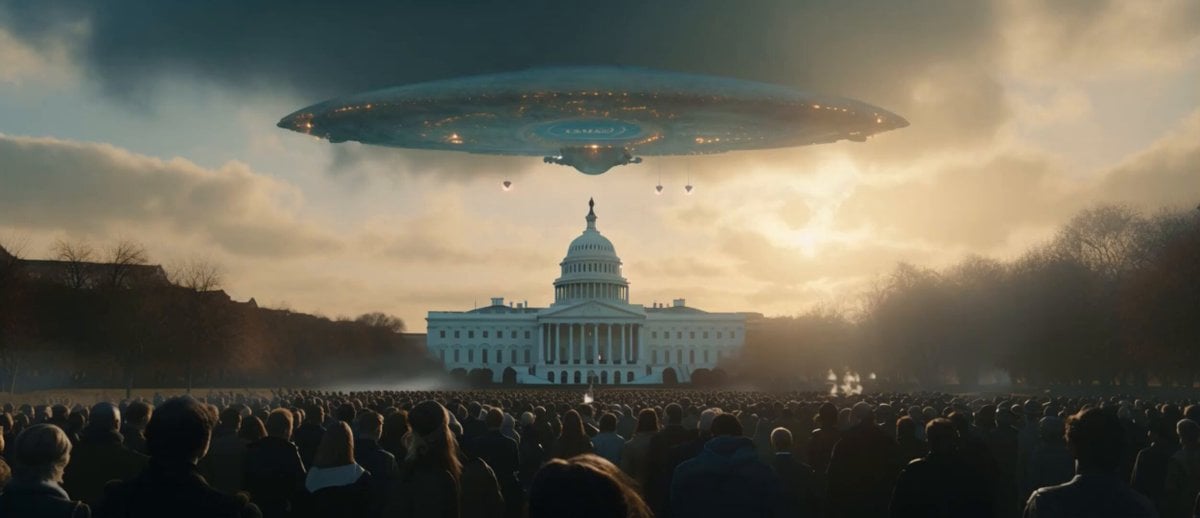
Sci-Fi Disaster Movie Scene - Seedance 2.5
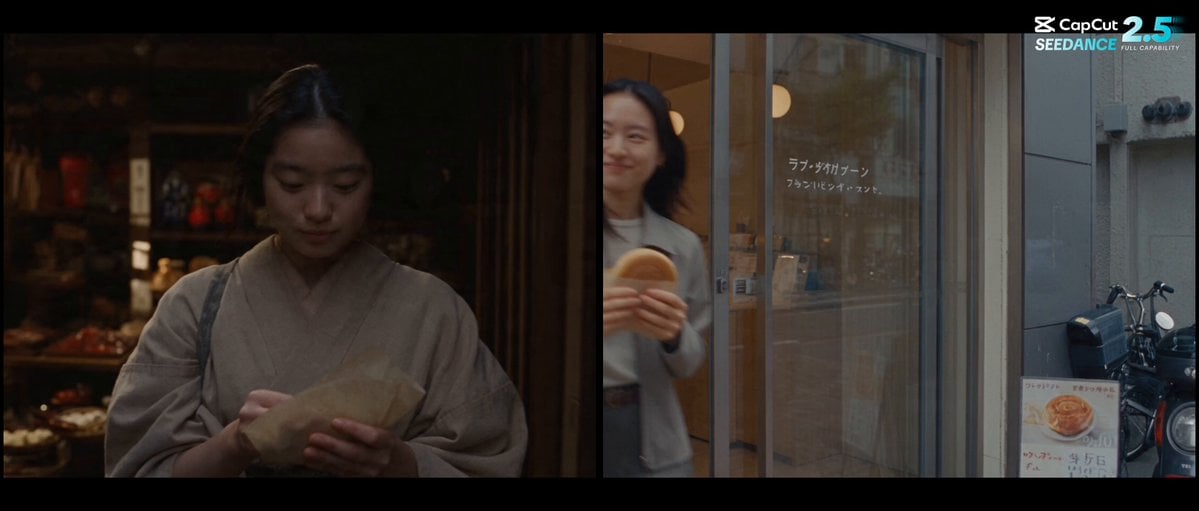
Forgotten 1980s High School Documentary Seedance
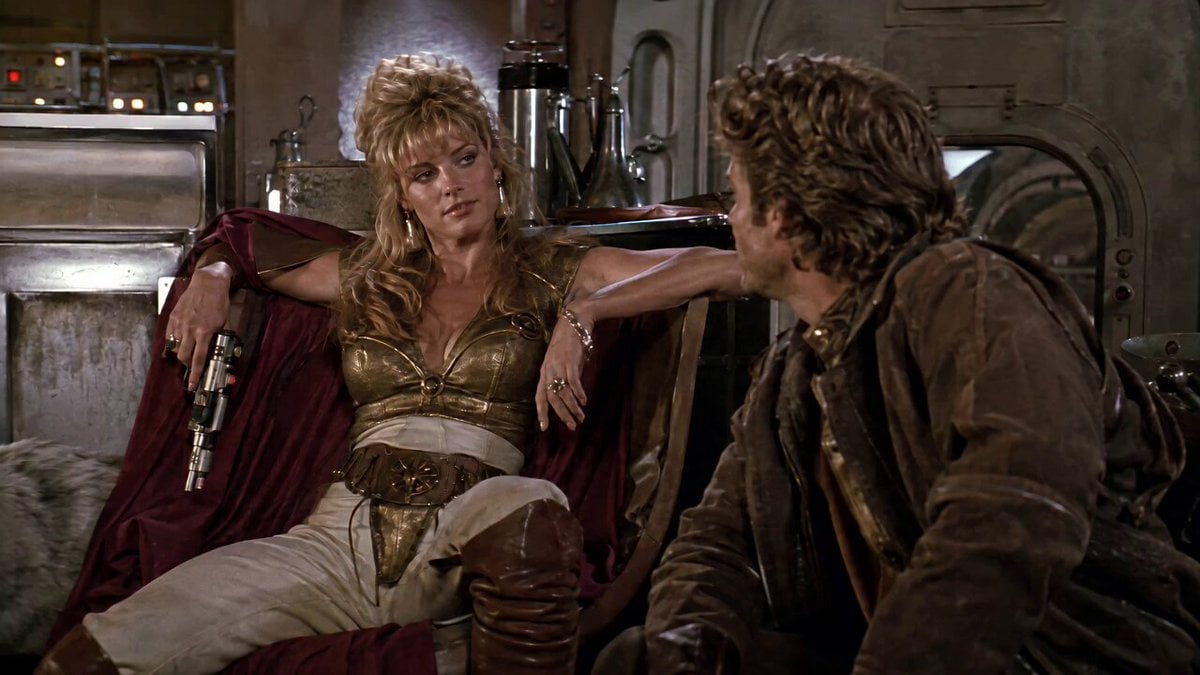
1980s Space Action Film Sequence
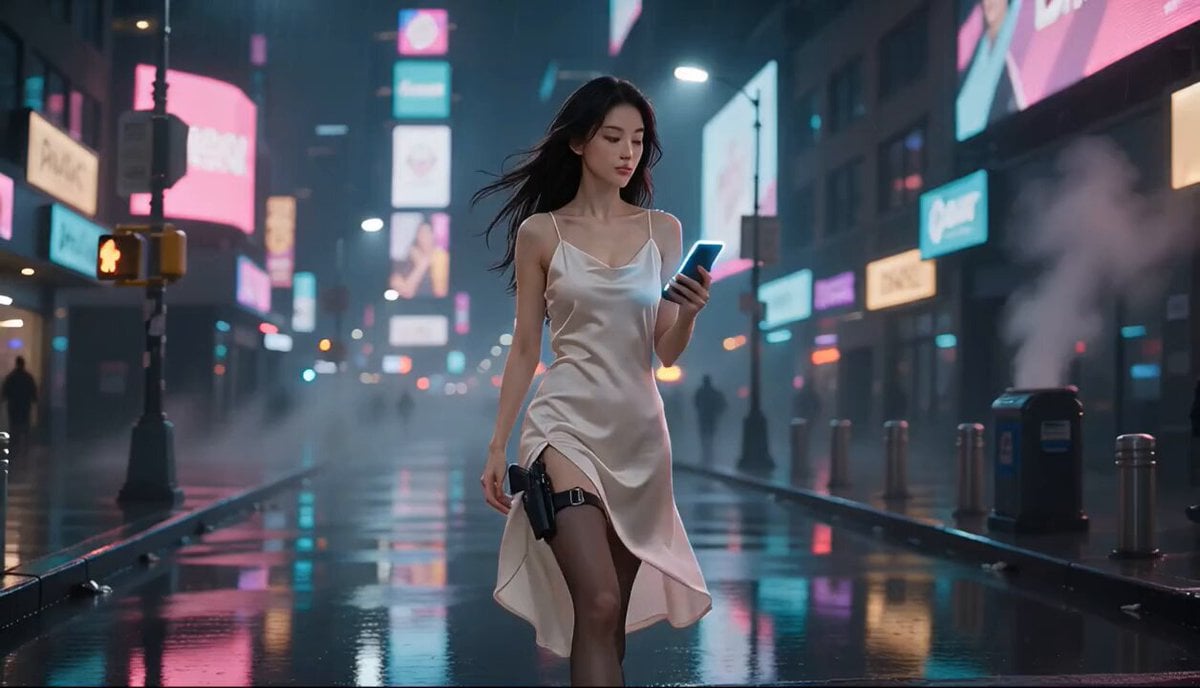
Cyberpunk Action Movie Short
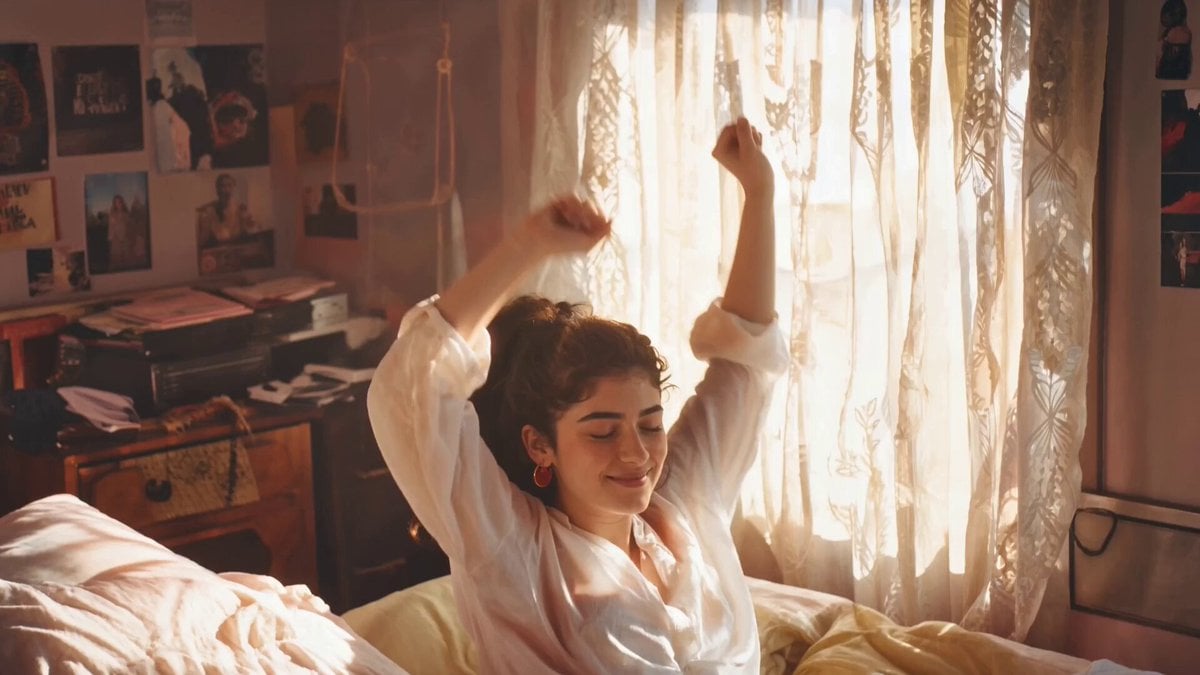
1980s Retro Aesthetic Video Prompt

1980s Retro Lifestyle Montage
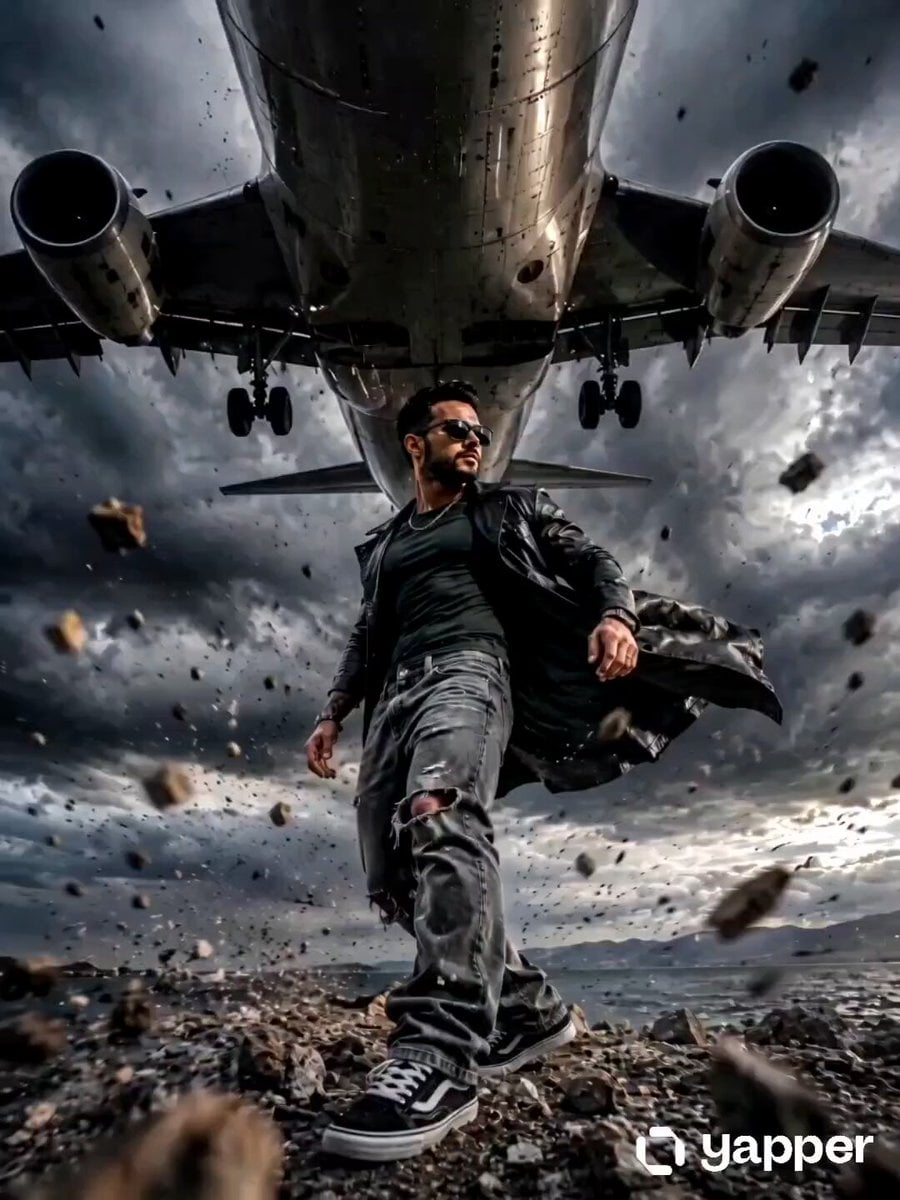
Action Movie Airplane Flyover
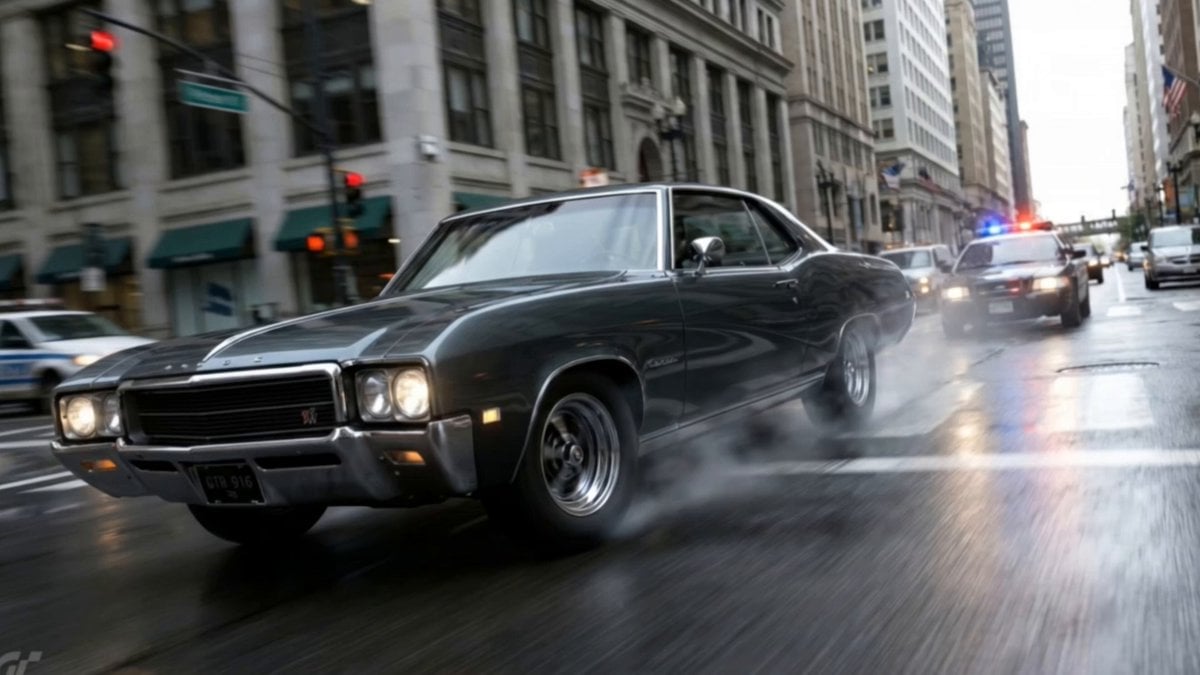
Action Movie Car Chase Sequence
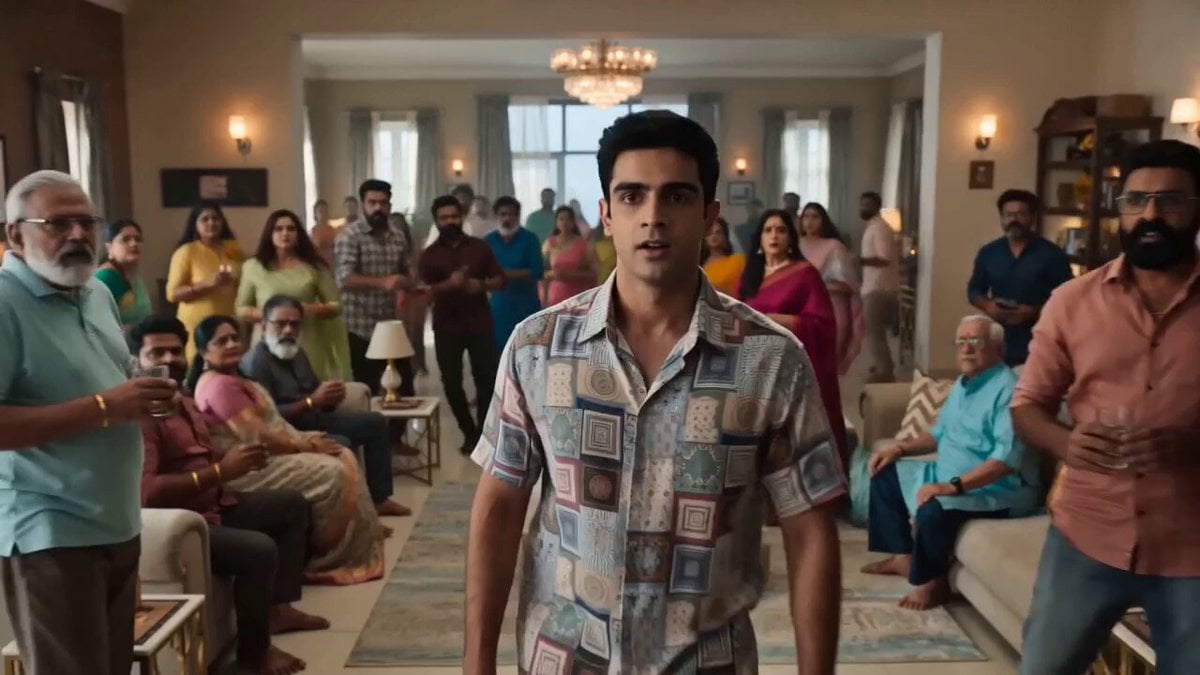
Indian Action Movie WiFi Password Scene
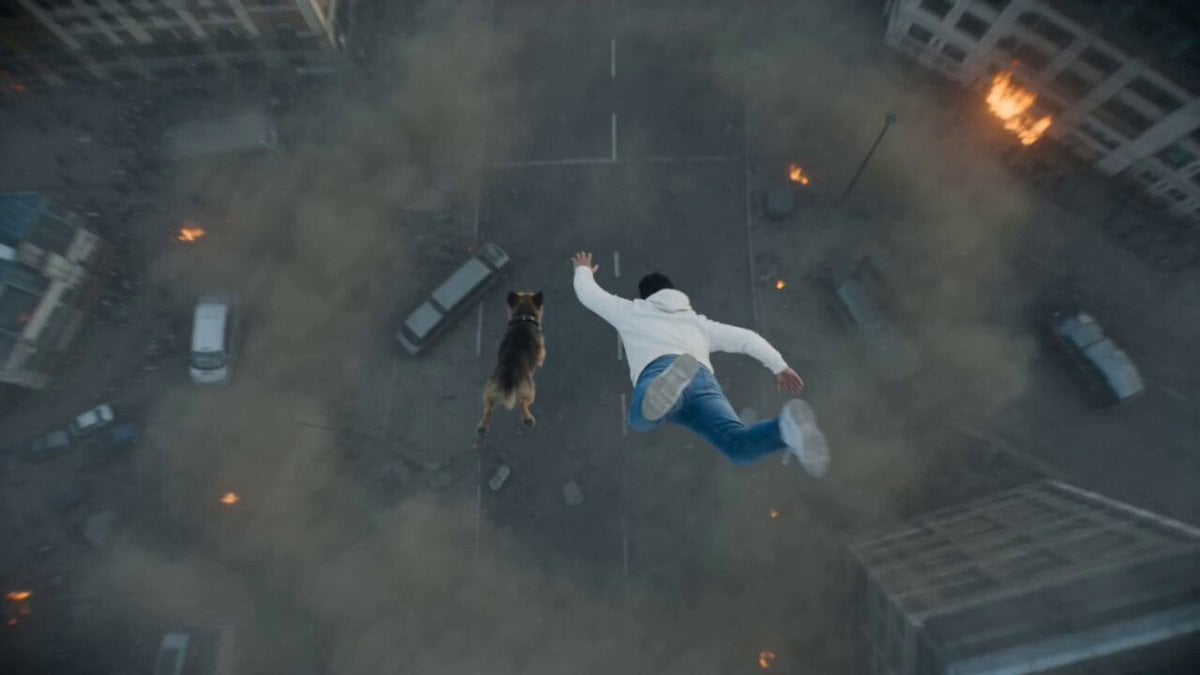
Photorealistic Anamorphic Action Movie
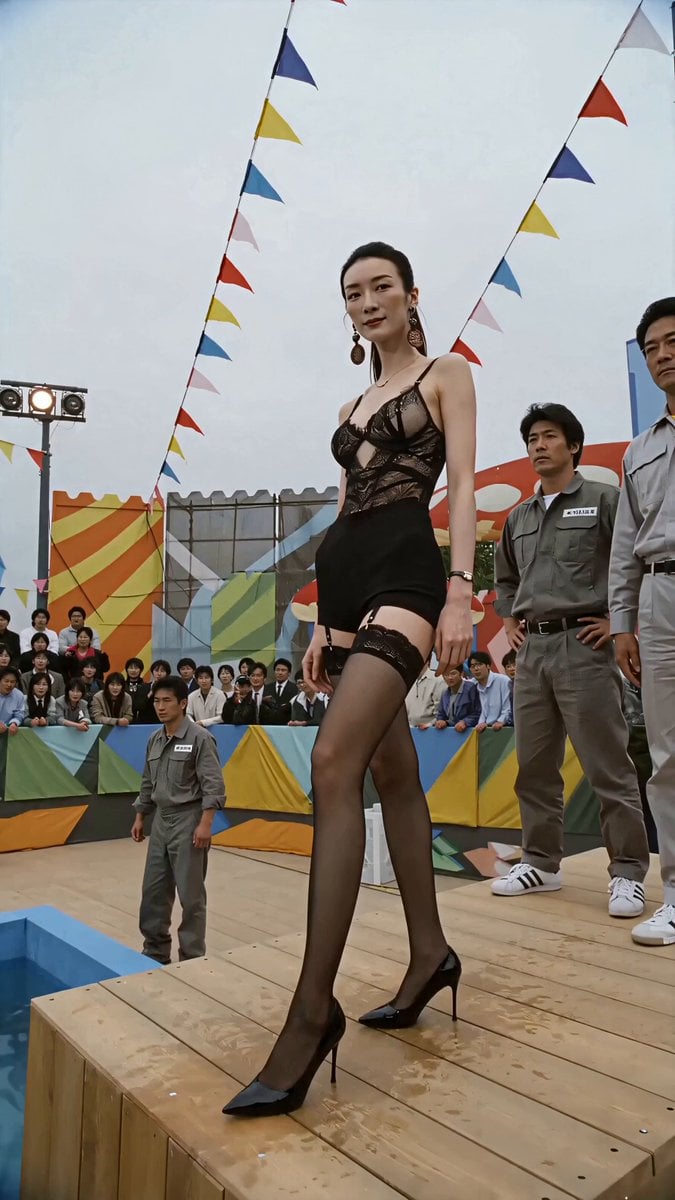
1980s Retro Japanese Game Show Challenge
Make it yours
1980s Retro Action Movie Clip works as-is. These are the safest ways to change it without losing the look.
Change one field
Copy a single group, rewrite it, and generate again so you can see what that field is doing.
Keep the frame, change the subject
Hold the composition and light of 1980s Retro Action Movie Clip, then swap wardrobe, props or the person for a new take.
| If the result… | Why | Fix |
|---|---|---|
| The result drifts from the preview | Too many fields changed at once. | Reuse 1980s Retro Action Movie Clip as-is first, then change one group — subject, light, or setting. |
| The model over-stylizes the scene | The prose prompt leaves finish and camera underspecified. | Add one camera or lighting sentence and stay on Seedance 2.0. |
More Seedance 2.0 templates
Other prompts made for Seedance 2.0.

Comical Martial Arts Punch Scene

Maglev Train Action Sequence

Martial Arts Fight Sequence

Wuxia Protection and Trust Script

Vintage Korean Arcade MiniDV Vlog

Mercedes 190 SL Luxury Ad

Rainy Night Supernatural Reverse Comedy Video Script

Amazon Civilization Discovery

Futuristic South Asian City Transformation

Cozy Luxury Cafe Commercial
More video prompts
Fresh picks from across the catalog.
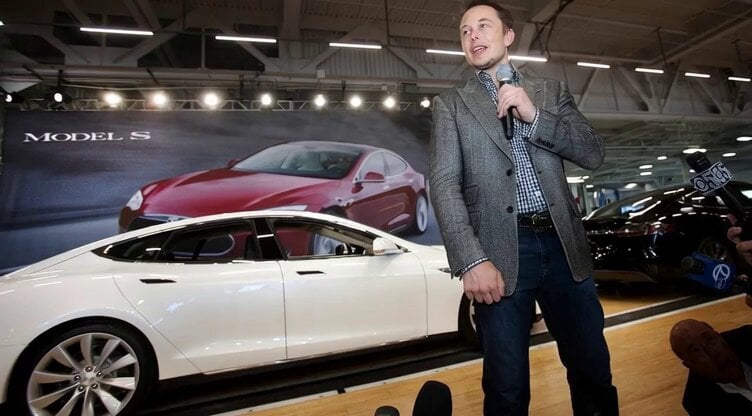
Shiba Inu in Business Suit Jumps from Car Window
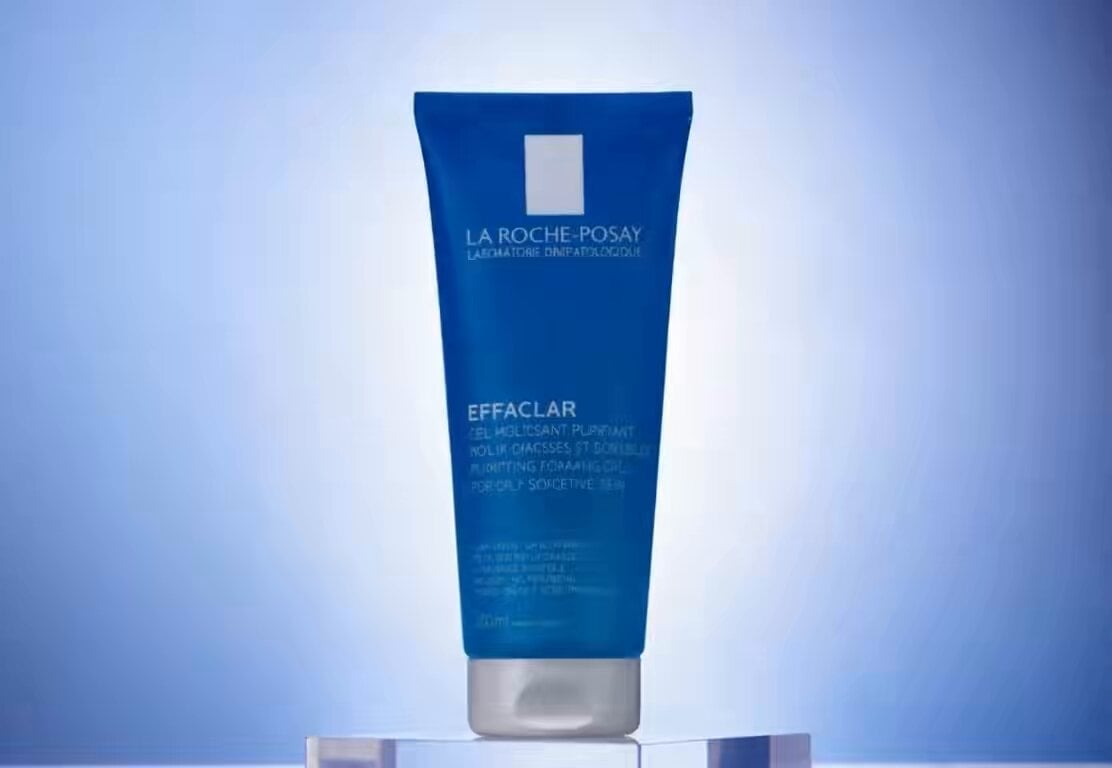
Luxury Skincare Product Commercial Video
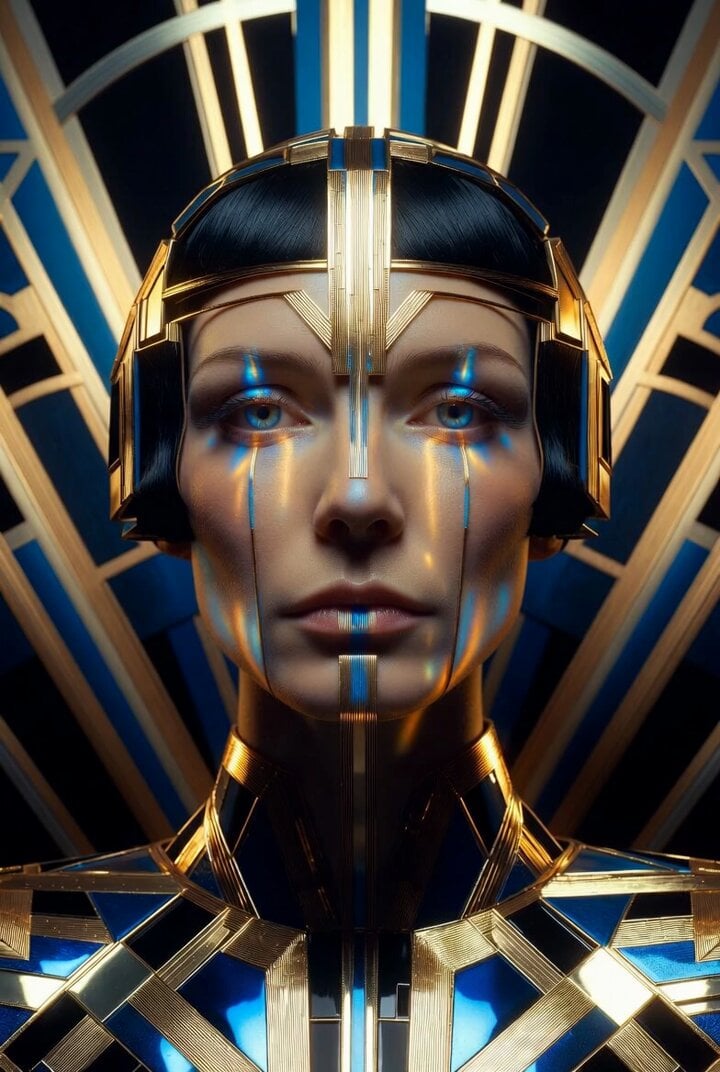
Ultra Sharp Close-up Portrait of an Art Deco Queen
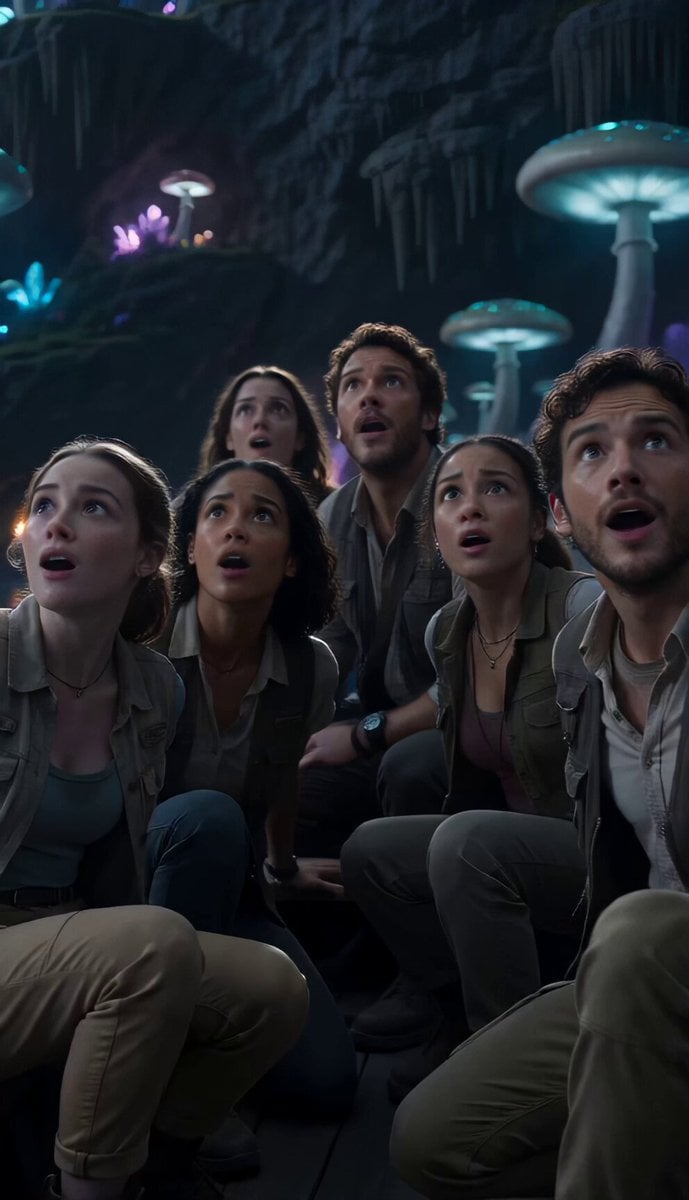
Underground Ocean Fantasy Journey
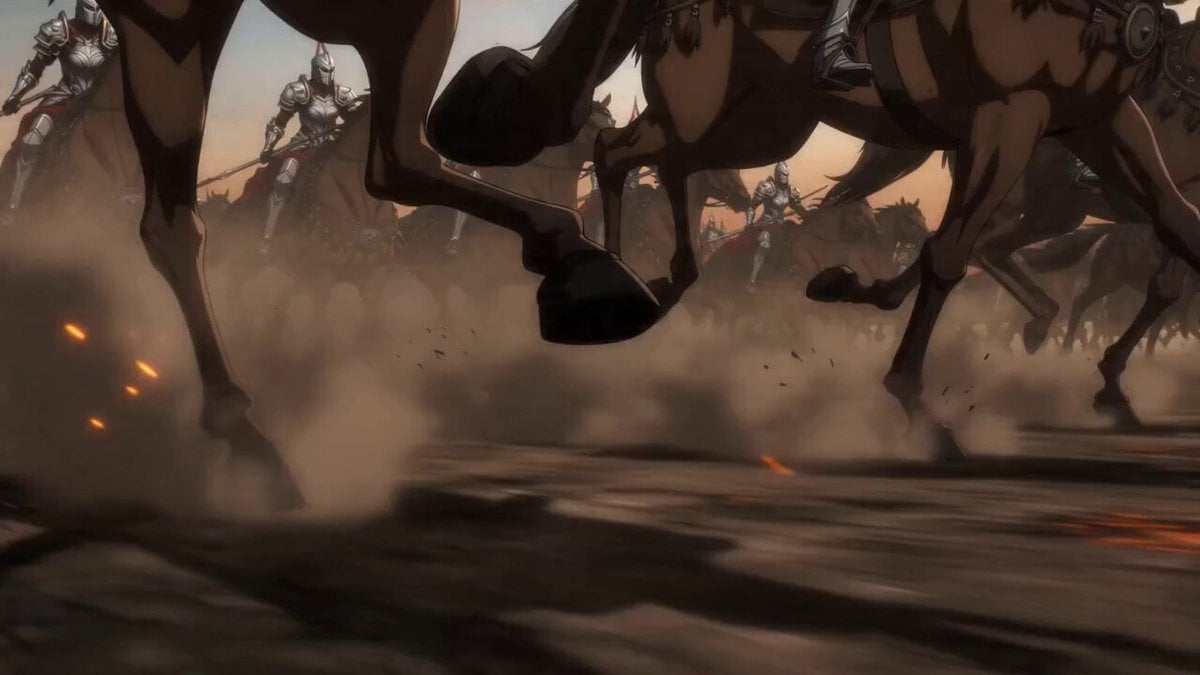
Epic Anime Warrior Queen Cavalry Charge
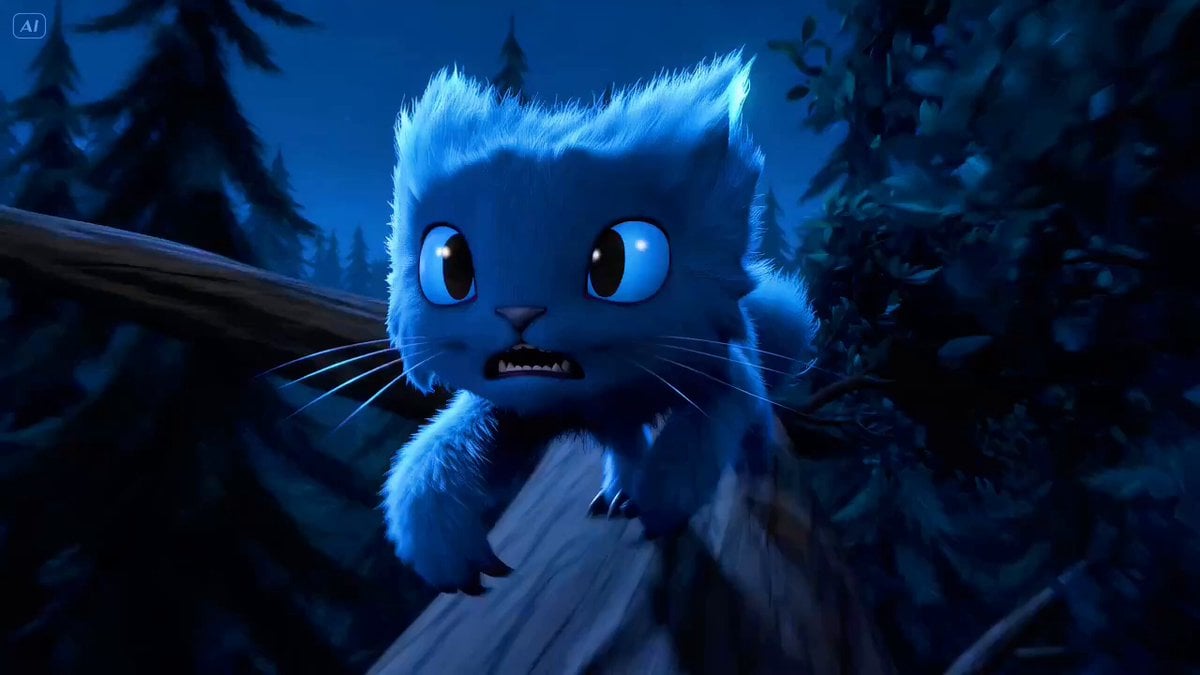
Fluffy Creature Story Sequence
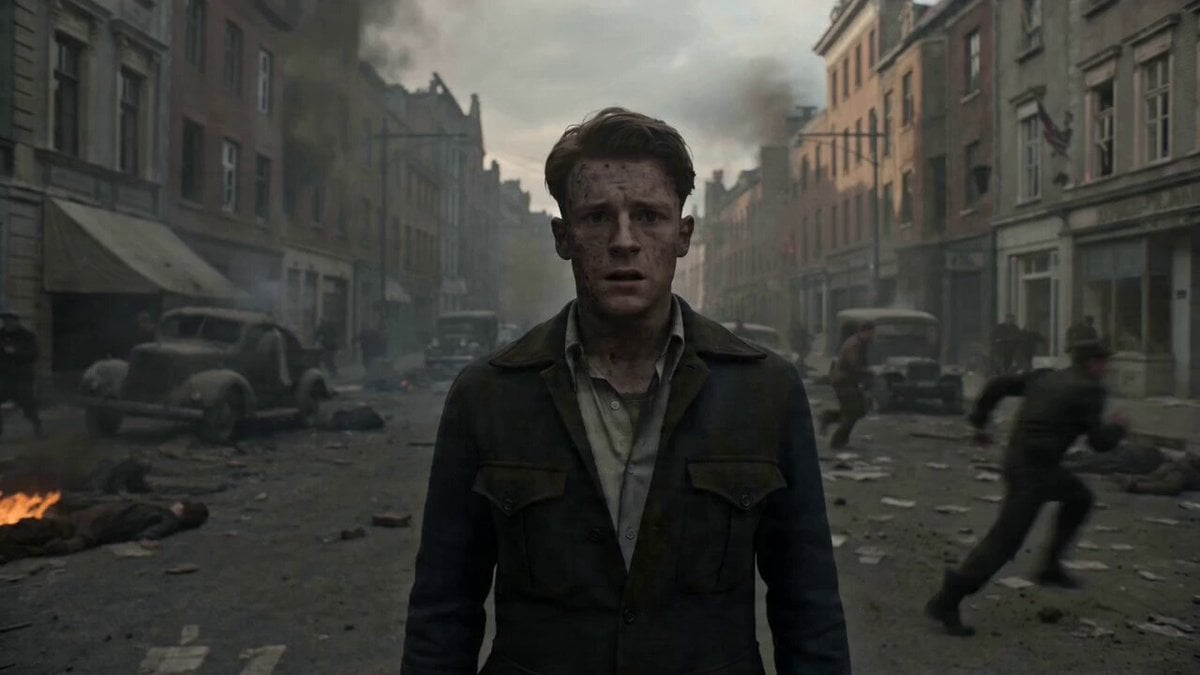
Warzone Chaos Sensory Overload Video
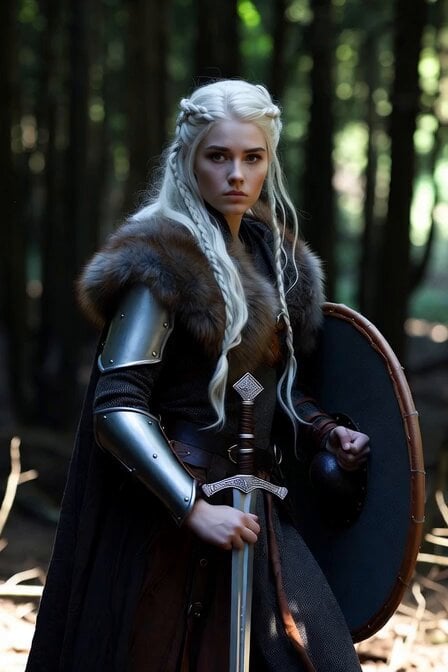
Viking Shield Maiden Forest Entrance
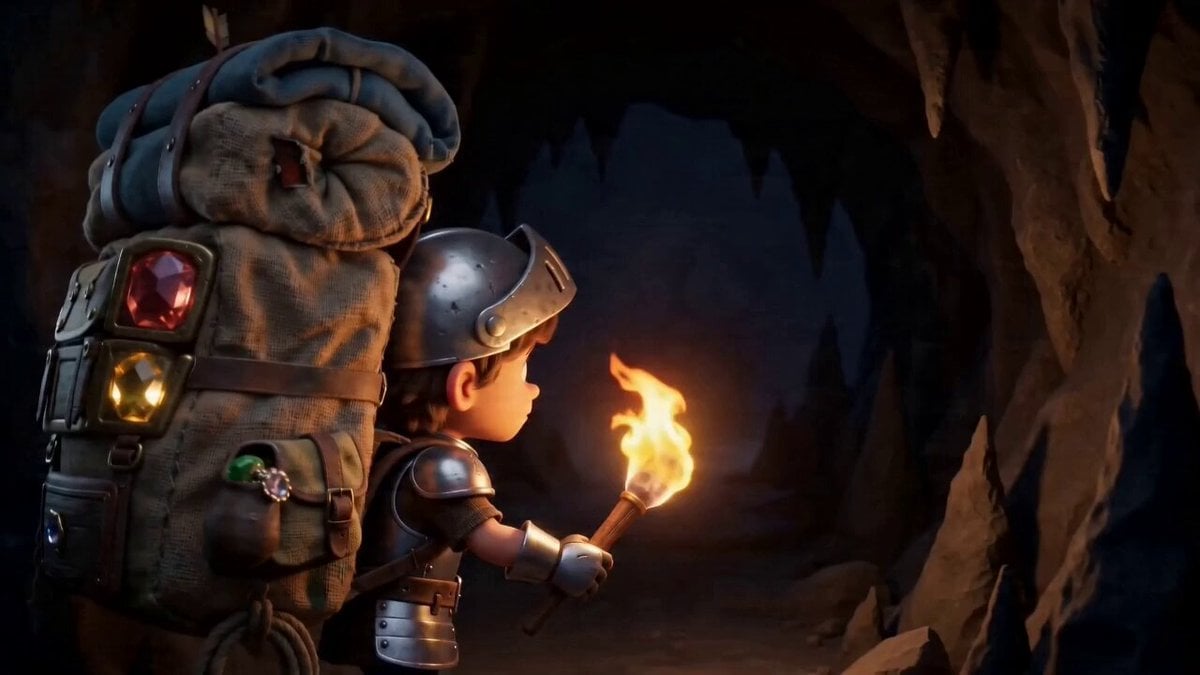
Multi-Reference Chibi Adventure
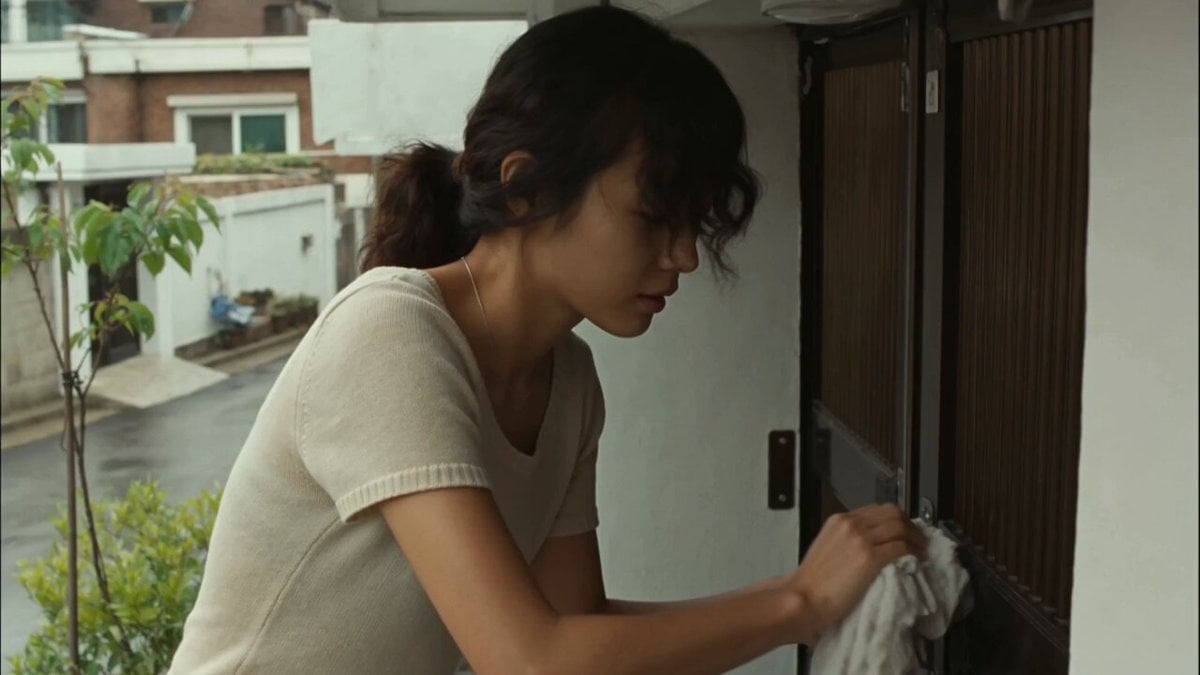
Korean Woman DV Camcorder Aesthetic
Browse template categories
1980s Retro Action Movie Clip questions
How do I use the 1980s Retro Action Movie Clip template?
Add your photo if the template asks for one, edit the prompt if you like — the template's model and format are already selected — and press Generate. Your version opens in PicX Studio.
Can I customize the 1980s Retro Action Movie Clip template?
Yes. You can change the subject, setting, lighting, mood, format, and available model controls before creating your video.
Is the 1980s Retro Action Movie Clip template free?
Opening and editing this template is free. Generating uses credits, shown on the Generate button when you are signed in.
Which AI model should I use?
Start with Seedance 2.0, which is the model associated with this template. You can compare another compatible model for a different finish.
Looking for something else? Browse all templates.

Your photo, any look
Thousands of ready templates for every top image and video model, from one credit balance.