
Epic Anime Warrior Queen Cavalry Charge
A high-octane Japanese anime style prompt for Seedance 2.0 depicting a warrior queen leading a cavalry charge and defeating a colossal beast.
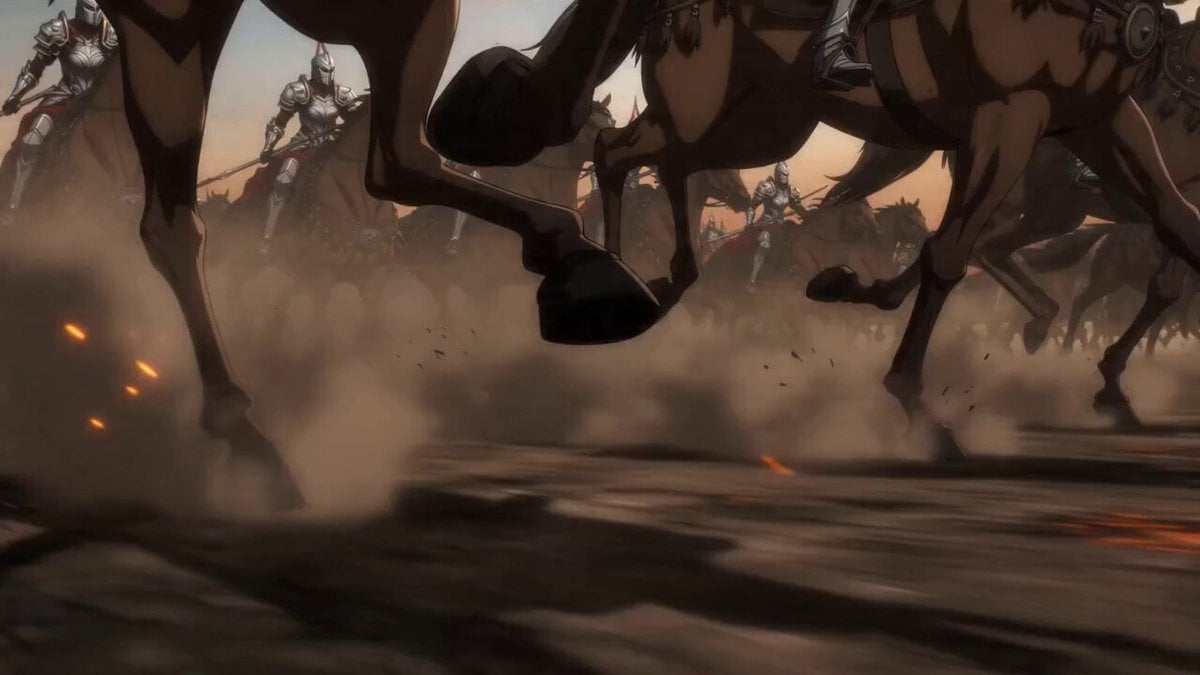
- Prompt included
- Model and format preset
- Free template
The prompt behind this video
Copy the exact prompt behind Epic Anime Warrior Queen Cavalry Charge, or open it in the studio and make it yours.
A battle-hardened warrior queen with long red hair, emerald eyes, ornate armor and a massive enchanted spear, rendered in ultra-premium Japanese anime rendering, manga-style visual language, explosive impact frames, hand-drawn speed lines, dramatic shonen atmosphere\n- Rides at the head of a cavalry charge across a battlefield while a colossal armored beast leads the enemy army, camera sweeping through galloping horses and flying dirt; \n- Leaps from her mount directly onto the giant creature, fighting through elite guards and climbing across its armored body while explosions and arrows fill the battlefield below; \n- Drives her spear into the creature’s glowing core, causing it to collapse across the battlefield and scatter the enemy forces, ending with her raising the spear as her army erupts in victory\nHeroic fantasy anime spectacle, massive scale warfare, brutal and epic payoff.
How to use Epic Anime Warrior Queen Cavalry Charge in 3 steps
- 1
Open
The prompt is already in the box next to the preview, with the template's model and format selected.
- 2…a portrait of your subject in softgolden-hour light, 85mm…
Personalize
Edit the subject and creative details for your destination.
- 3Generate
Generate
Press Generate — your video is created in PicX Studio, so you can compare it with the original and refine one variable at a time.
More like this
Templates with the same subject, style or setup. Open one to see its prompt.
Mecha Transformation vs Kaiju — 4-Scene Epic
Colossal Sea Creature — Stormy Shore Charge (Seedance)
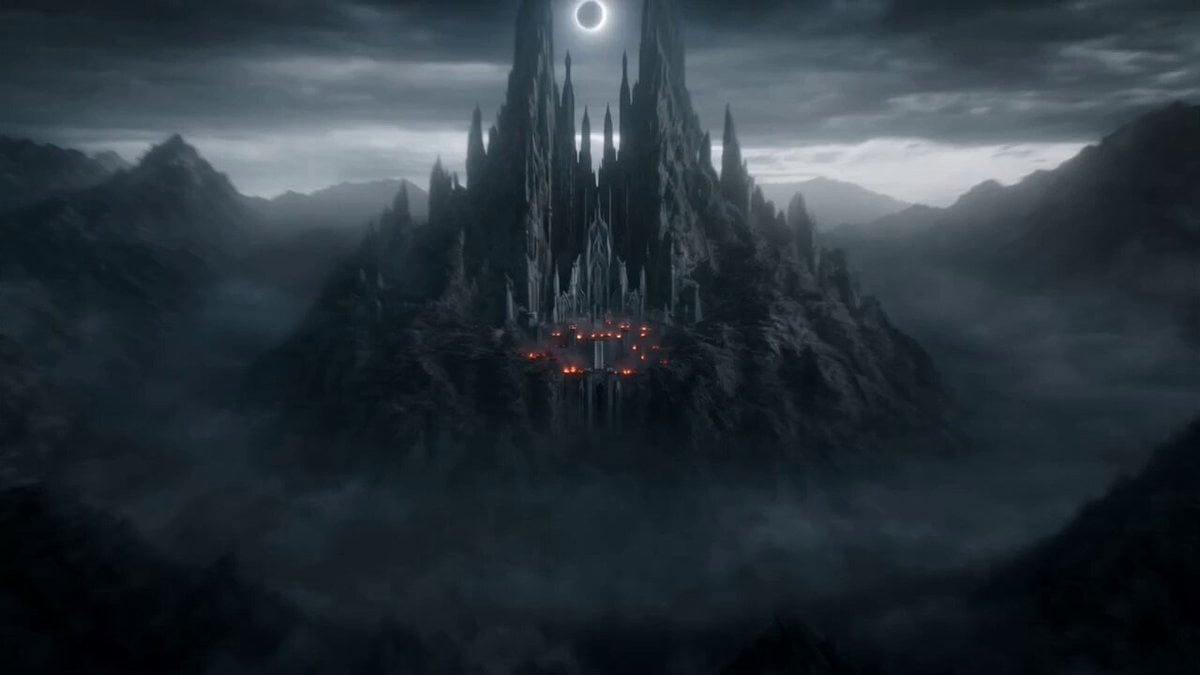
Apocalyptic Fantasy Queen Charge
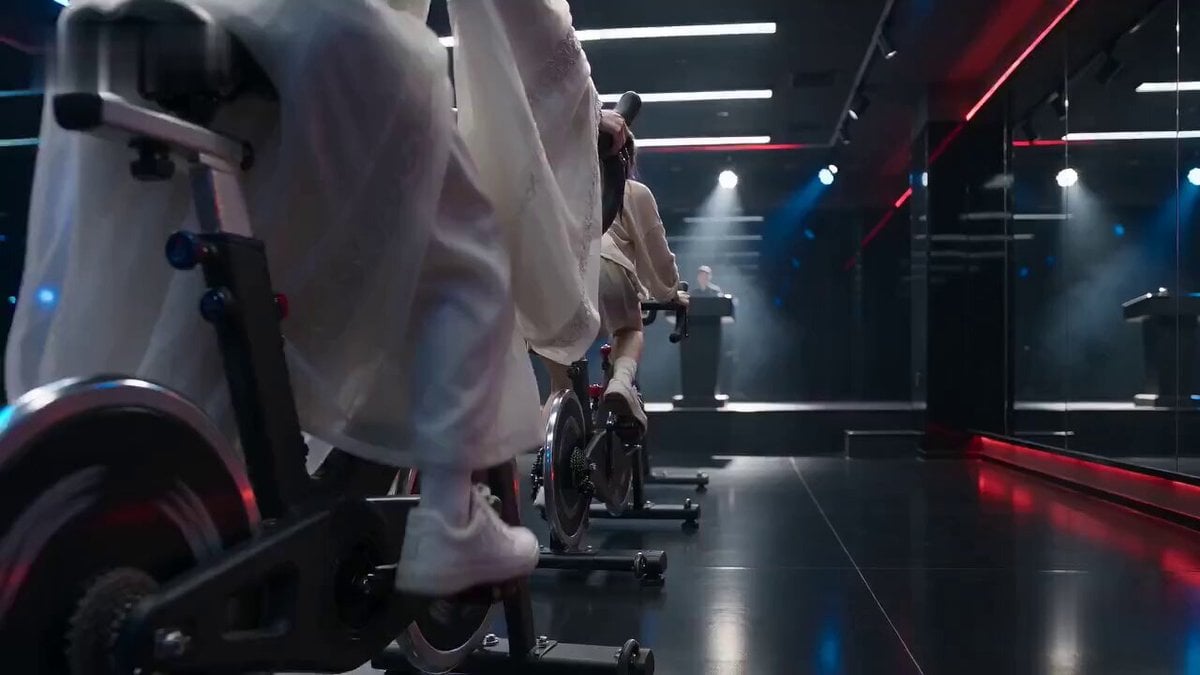
Cinematic Exercise Bike Cavalry Charge Misdirection
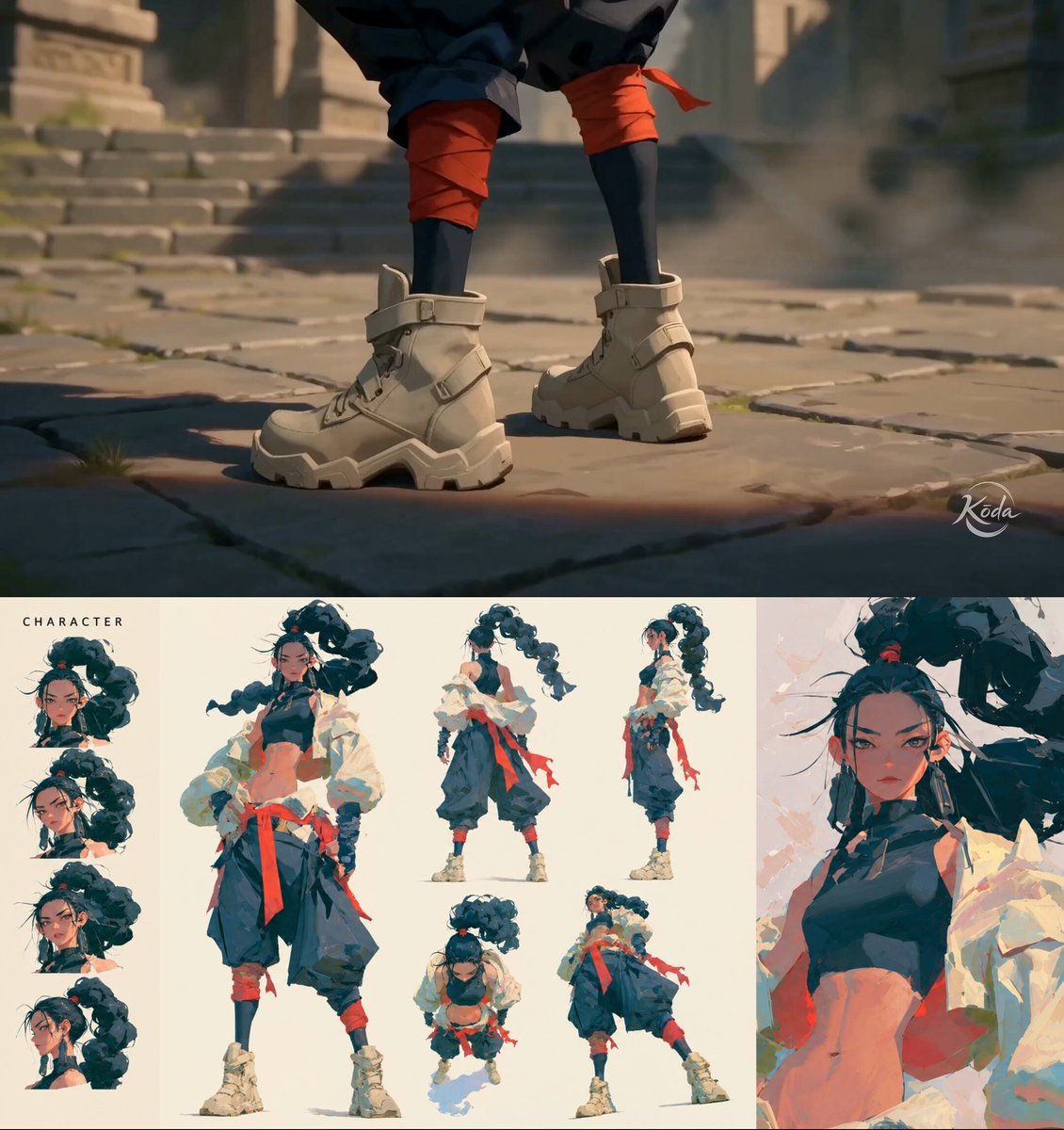
MiniMax H3 Character Introduction
Oceanic Civilization Epic Sci-Fi Film
Japanese Pure Love Short Film
Anime Soccer Goalkeeper Epic Save

Studio Ghibli Dumpling Kitchen Cooking Scene

Viking Warrior Forest Charge
Warrior Queen Fantasy Battle
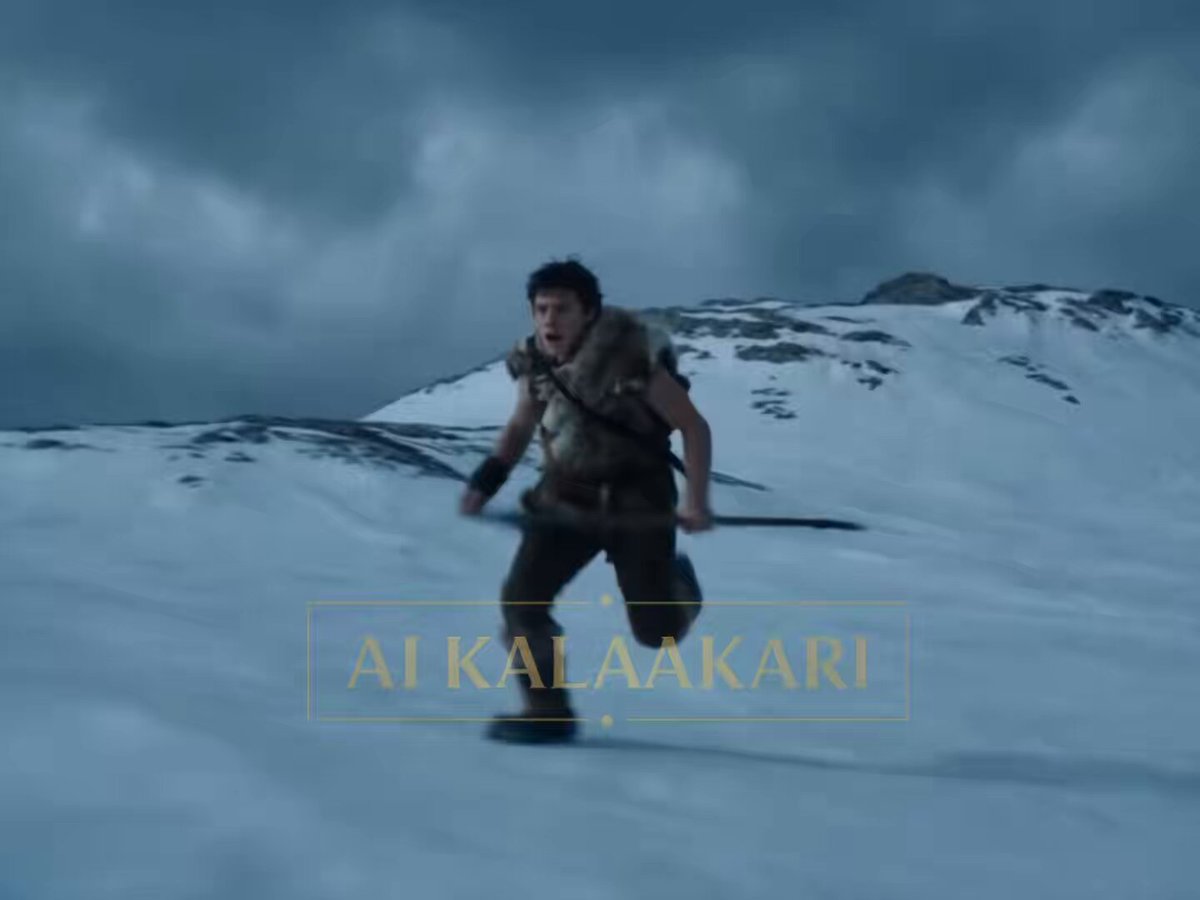
Epic Mammoth Charge Survival Sequence
Make it yours
Epic Anime Warrior Queen Cavalry Charge works as-is. These are the safest ways to change it without losing the look.
Change one field
Copy a single group, rewrite it, and generate again so you can see what that field is doing.
Keep the frame, change the subject
Hold the composition and light of Epic Anime Warrior Queen Cavalry Charge, then swap wardrobe, props or the person for a new take.
| If the result… | Why | Fix |
|---|---|---|
| The result drifts from the preview | Too many fields changed at once. | Reuse Epic Anime Warrior Queen Cavalry Charge as-is first, then change one group — subject, light, or setting. |
| The model over-stylizes the scene | The prose prompt leaves finish and camera underspecified. | Add one camera or lighting sentence and stay on Seedance 2.0. |
More Seedance 2.0 templates
Other prompts made for Seedance 2.0.

Comical Martial Arts Punch Scene

Maglev Train Action Sequence

Martial Arts Fight Sequence

Wuxia Protection and Trust Script

Vintage Korean Arcade MiniDV Vlog

Mercedes 190 SL Luxury Ad

Rainy Night Supernatural Reverse Comedy Video Script

Amazon Civilization Discovery

Futuristic South Asian City Transformation

Cozy Luxury Cafe Commercial
More video prompts
Fresh picks from across the catalog.

Singing Performance Video

Kitten Secretly Eating Snacks Cinematic Video Prompt

São Paulo Parkour at Sunset Prompt

Surreal Material-Shifting Anime Run
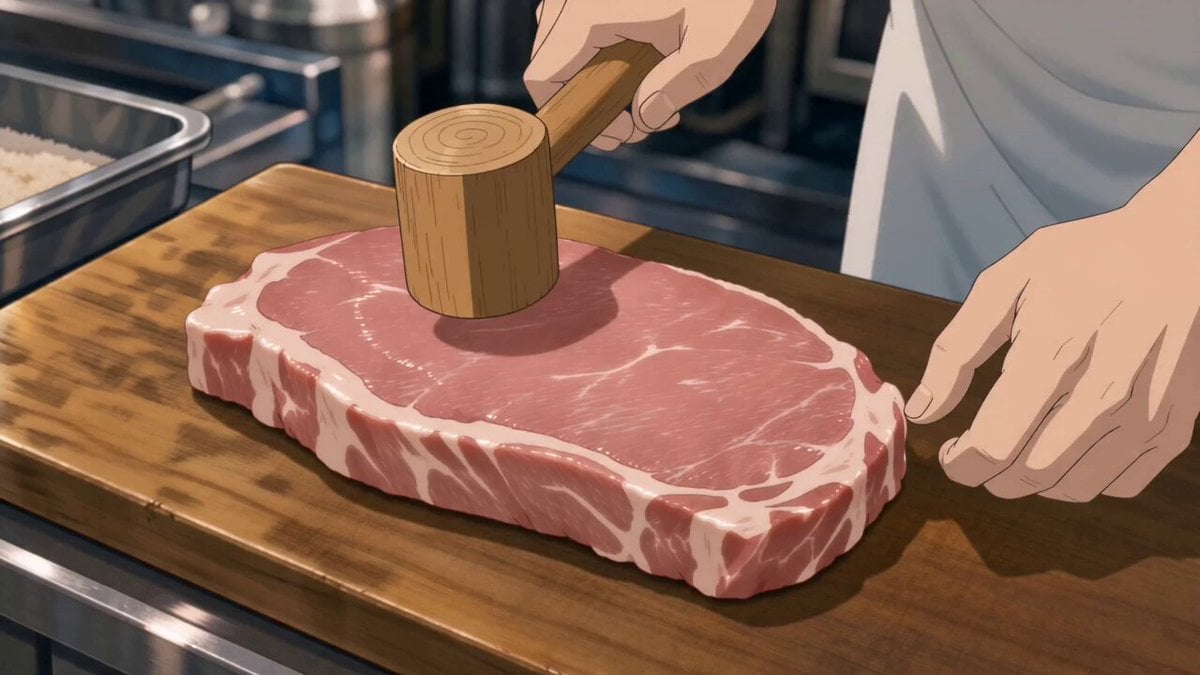
Anime Style Tonkatsu Cooking Sequence
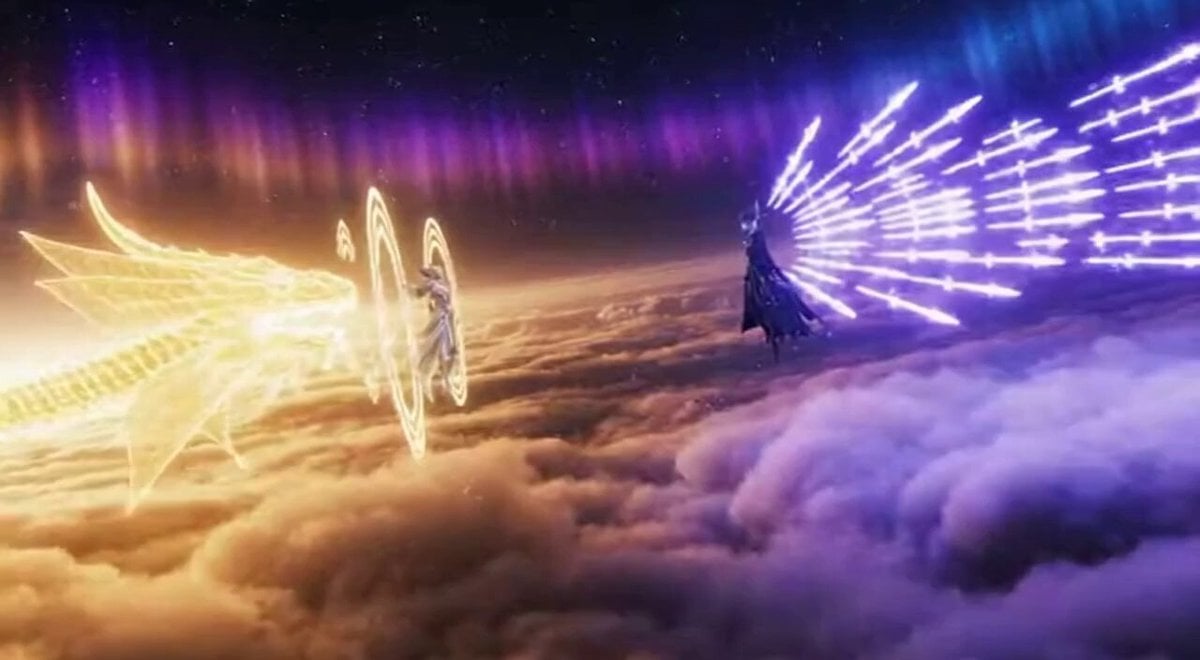
Sora 2 Professional Mythological Fantasy Video Prompt

Bunny and Mouse Skydiving into Sushi Kingdom

Viral Creator Raining Money Vlog

Ancient Kingdom of Pontus Cinematic FPV
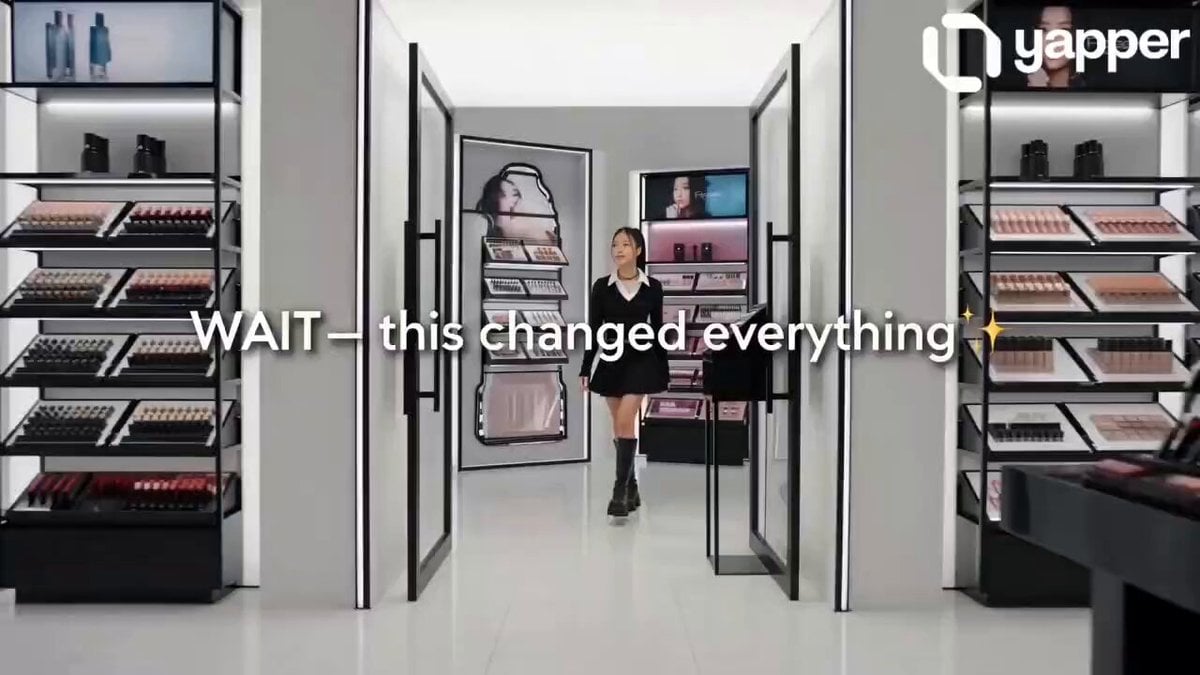
TikTok Style Beauty Product Ad
Browse template categories
Epic Anime Warrior Queen Cavalry Charge questions
How do I use the Epic Anime Warrior Queen Cavalry Charge template?
Add your photo if the template asks for one, edit the prompt if you like — the template's model and format are already selected — and press Generate. Your version opens in PicX Studio.
Can I customize the Epic Anime Warrior Queen Cavalry Charge template?
Yes. You can change the subject, setting, lighting, mood, format, and available model controls before creating your video.
Is the Epic Anime Warrior Queen Cavalry Charge template free?
Opening and editing this template is free. Generating uses credits, shown on the Generate button when you are signed in.
Which AI model should I use?
Start with Seedance 2.0, which is the model associated with this template. You can compare another compatible model for a different finish.
Looking for something else? Browse all templates.

Your photo, any look
Thousands of ready templates for every top image and video model, from one credit balance.