
Viral Creator Raining Money Vlog
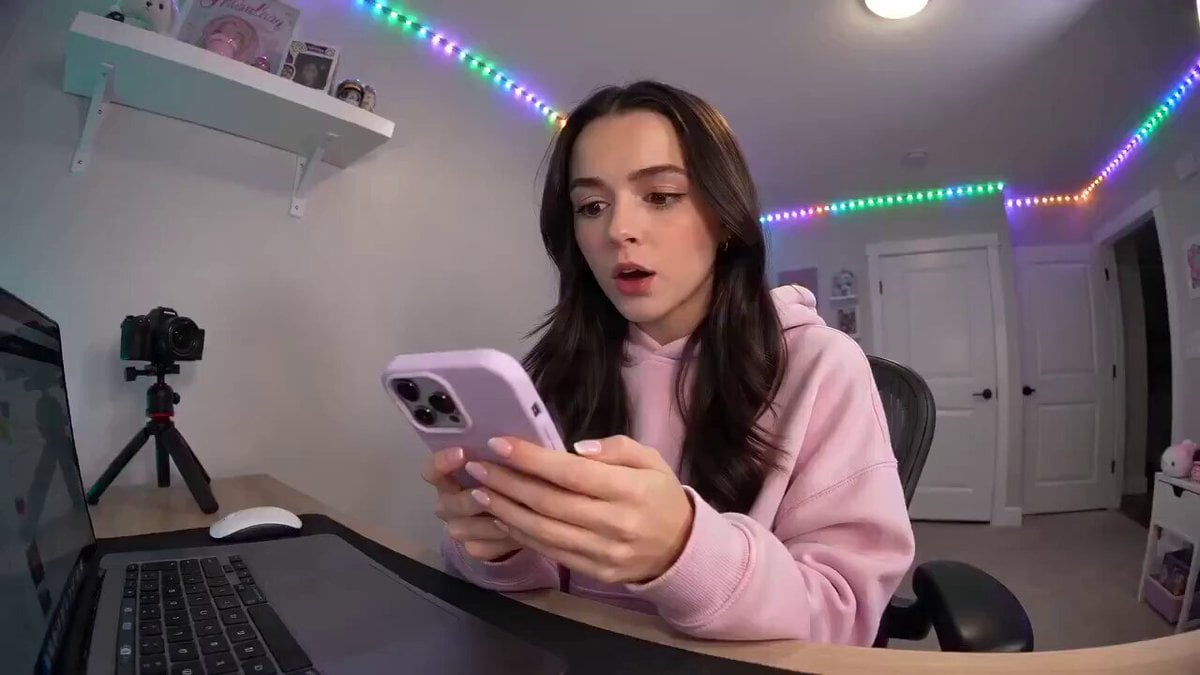
A comprehensive 15-second video prompt for a handheld selfie-style vlog of a content creator reacting to a shower of falling cash.
- Prompt included
- Model and format preset
- Free template
The prompt behind this video
Copy the exact prompt behind Viral Creator Raining Money Vlog, or open it in the studio and make it yours.
15 seconds, single continuous handheld selfie vlog POV, energetic pacing, no hard cuts. Global setup: High energy viral content-creator video. Wide angle vlog lens, natural handheld shake, bright vibrant lighting like a well-lit room or studio setup with ring light glow. Setting: a cozy content-creator room desk with a laptop, ring light, phone tripod, colorful LED strip lighting in the background. Subject: a young content creator, casual trendy outfit, expressive and excited energy, holding the camera at arm's length. Ambient sound: upbeat viral trending audio, cash/paper rustling sound effects, excited laughter. [0:00–0:03] She sits at her desk, checking her phone, eyes widen, mouths "wait... what?" as she stares at the screen in disbelief. [0:03–0:06] She holds the camera up, grinning, says "Guys... I think I just went viral," just as the first few dollar bills start fluttering down from above into frame. [0:06–0:09] More cash begins raining down steadily around her, she laughs, throws her hands up, spins slightly in her chair, says "IT'S RAINING MONEY RIGHT NOW, LOOK!" [0:09–0:12] Full money shower fills the frame, bills fluttering everywhere, she grabs handfuls into the air and lets them fall, laughing uncontrollably, genuinely thrilled reaction. [0:12–0:15] She catches her breath, looks at the camera with a huge grin, bills still gently falling around her, says "Content really does pay off," winks, freeze on her laughing face. Fade to black. Style: vibrant saturated color grade, high energy viral aesthetic, natural realistic cash physics (fluttering, not floating unnaturally), no text overlays, realistic expressive acting. Constraints: consistent character appearance and outfit throughout, physically plausible falling motion for the bills, no distorted hands or face, natural lip-sync to dialogue, energetic but believable pacing.
How to use Viral Creator Raining Money Vlog in 3 steps
- 1
Open
The prompt is already in the box next to the preview, with the template's model and format selected.
- 2…a portrait of your subject in softgolden-hour light, 85mm…
Personalize
Edit the subject and creative details for your destination.
- 3Generate
Generate
Press Generate — your video is created in PicX Studio, so you can compare it with the original and refine one variable at a time.
More like this
Templates with the same subject, style or setup. Open one to see its prompt.

Mediterranean Coffee Run Vlog - Seedance 2.5

Mysterious Home Exploration Vlog - Seedance 2.5

Realistic Morning Routine Lifestyle Vlog - Seedance 2.5

Handheld Tokyo Travel Vlog - Seedance 2.5

Nostalgic MiniDV Convenience Store Vlog - Seedance 2.5

Mediterranean Morning Coffee Run Vlog (Seedance 2.5)

Luxury Lifestyle Day Vlog

Luxury Airport Travel Vlog

Kyoto Morning Selfie Vlog

Kenting Lifestyle Travel Vlog
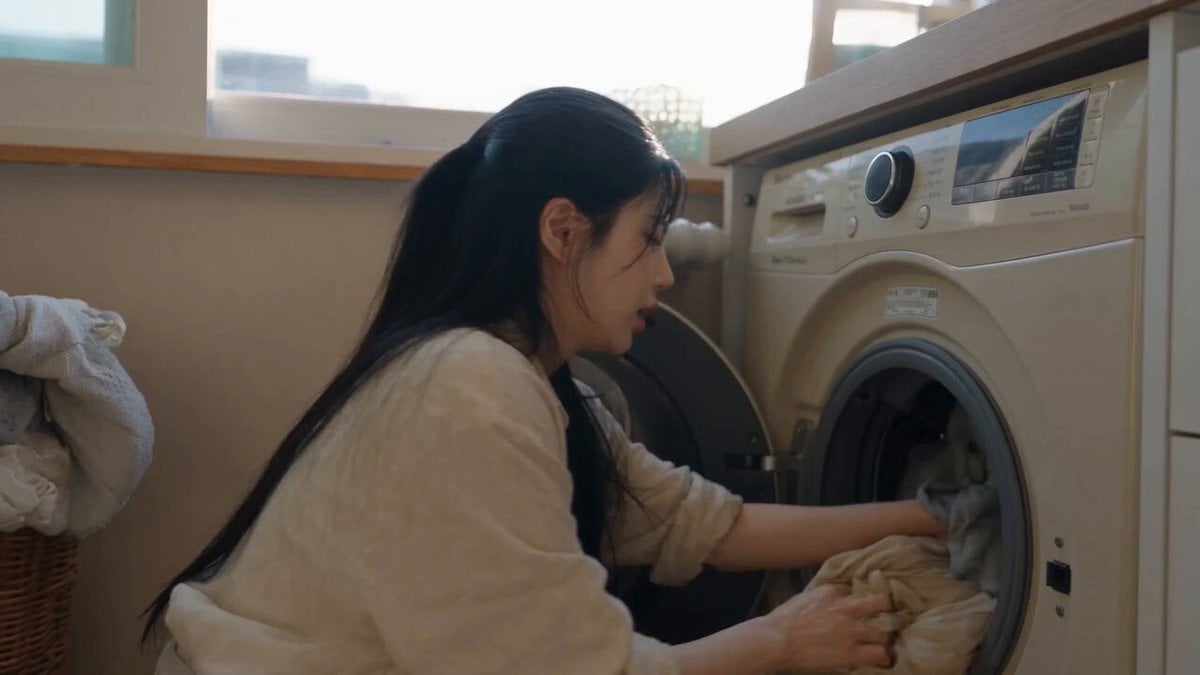
Sunny Morning Laundry Vlog
Ankitpatel Time Freeze Viral
Make it yours
Viral Creator Raining Money Vlog works as-is. These are the safest ways to change it without losing the look.
Change one field
Copy a single group, rewrite it, and generate again so you can see what that field is doing.
Keep the frame, change the subject
Hold the composition and light of Viral Creator Raining Money Vlog, then swap wardrobe, props or the person for a new take.
| If the result… | Why | Fix |
|---|---|---|
| The result drifts from the preview | Too many fields changed at once. | Reuse Viral Creator Raining Money Vlog as-is first, then change one group — subject, light, or setting. |
| The model over-stylizes the scene | The prose prompt leaves finish and camera underspecified. | Add one camera or lighting sentence and stay on Seedance 2.0. |
More Seedance 2.0 templates
Other prompts made for Seedance 2.0.

Comical Martial Arts Punch Scene

Maglev Train Action Sequence

Martial Arts Fight Sequence

Wuxia Protection and Trust Script

Vintage Korean Arcade MiniDV Vlog

Mercedes 190 SL Luxury Ad

Rainy Night Supernatural Reverse Comedy Video Script

Amazon Civilization Discovery

Futuristic South Asian City Transformation

Cozy Luxury Cafe Commercial
More video prompts
Fresh picks from across the catalog.
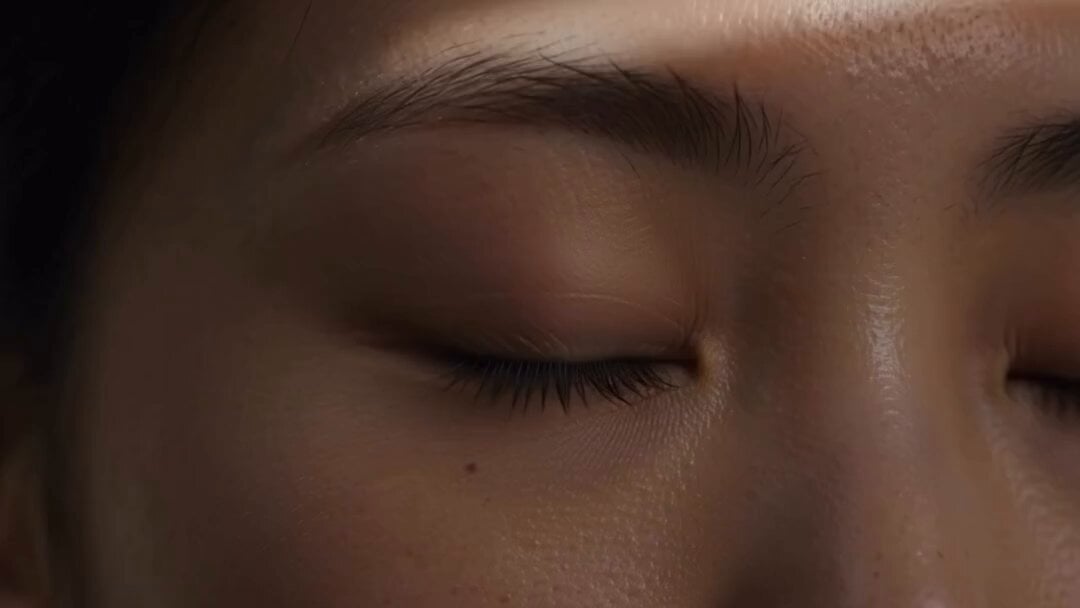
Minimalist Skincare Video Commercial
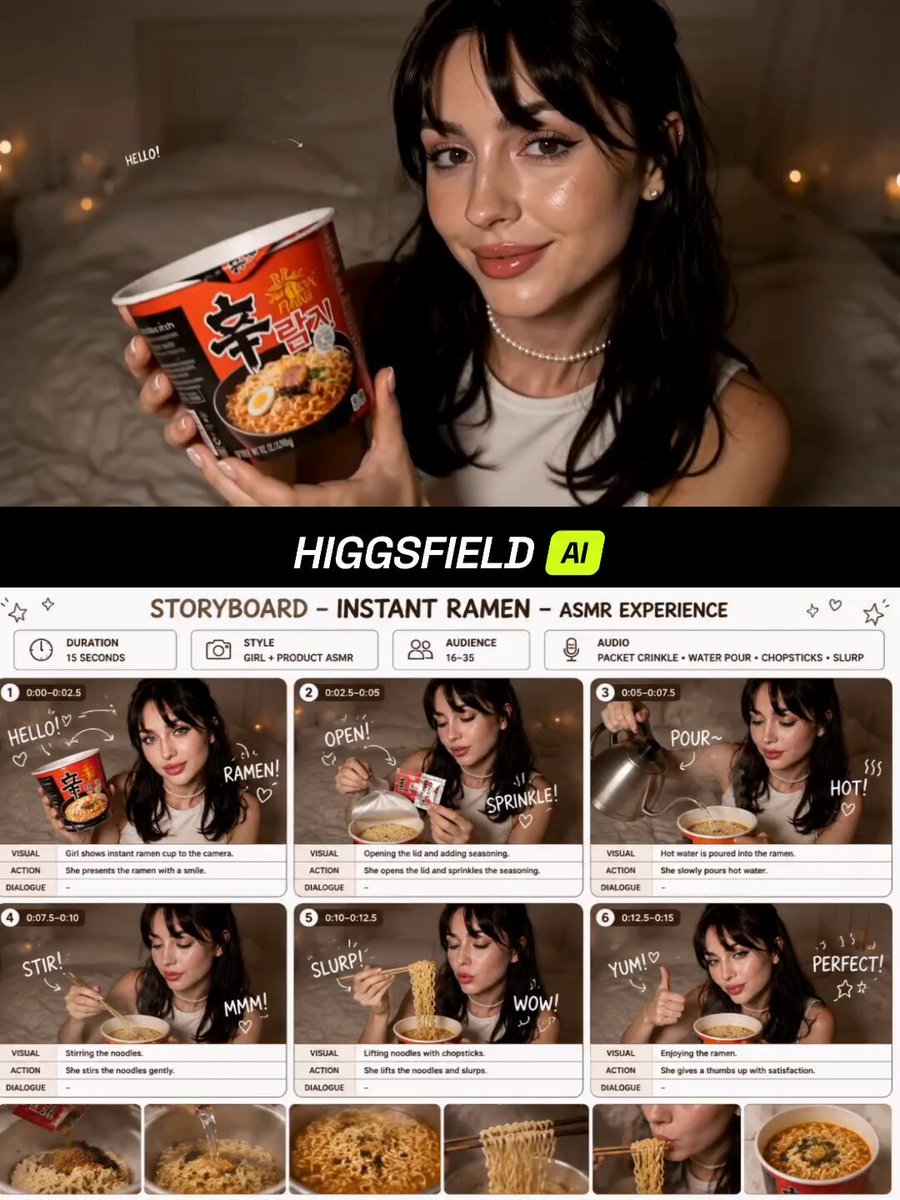
Instant Ramen ASMR Commercial Storyboard
Tornado VFX Miniature City Destruction

Comic-Pop Car Debate
Luxury Fragrance Transformation Commercial
CEO Romance Drama: Contract Breakup (15s)

Smartphone Travel Vlog Tokyo Trip Identity Preserved

Dragon Quest Roto's Crest Fusion Magic 'Bagira' Video Generation Prompt

High-fantasy action video generation prompt for Seedance 2.0
Zero-Gravity Prison Fight Scene
Browse template categories
Viral Creator Raining Money Vlog questions
How do I use the Viral Creator Raining Money Vlog template?
Add your photo if the template asks for one, edit the prompt if you like — the template's model and format are already selected — and press Generate. Your version opens in PicX Studio.
Can I customize the Viral Creator Raining Money Vlog template?
Yes. You can change the subject, setting, lighting, mood, format, and available model controls before creating your video.
Is the Viral Creator Raining Money Vlog template free?
Opening and editing this template is free. Generating uses credits, shown on the Generate button when you are signed in.
Which AI model should I use?
Start with Seedance 2.0, which is the model associated with this template. You can compare another compatible model for a different finish.
Looking for something else? Browse all templates.

Your photo, any look
Thousands of ready templates for every top image and video model, from one credit balance.