
Tornado VFX Miniature City Destruction
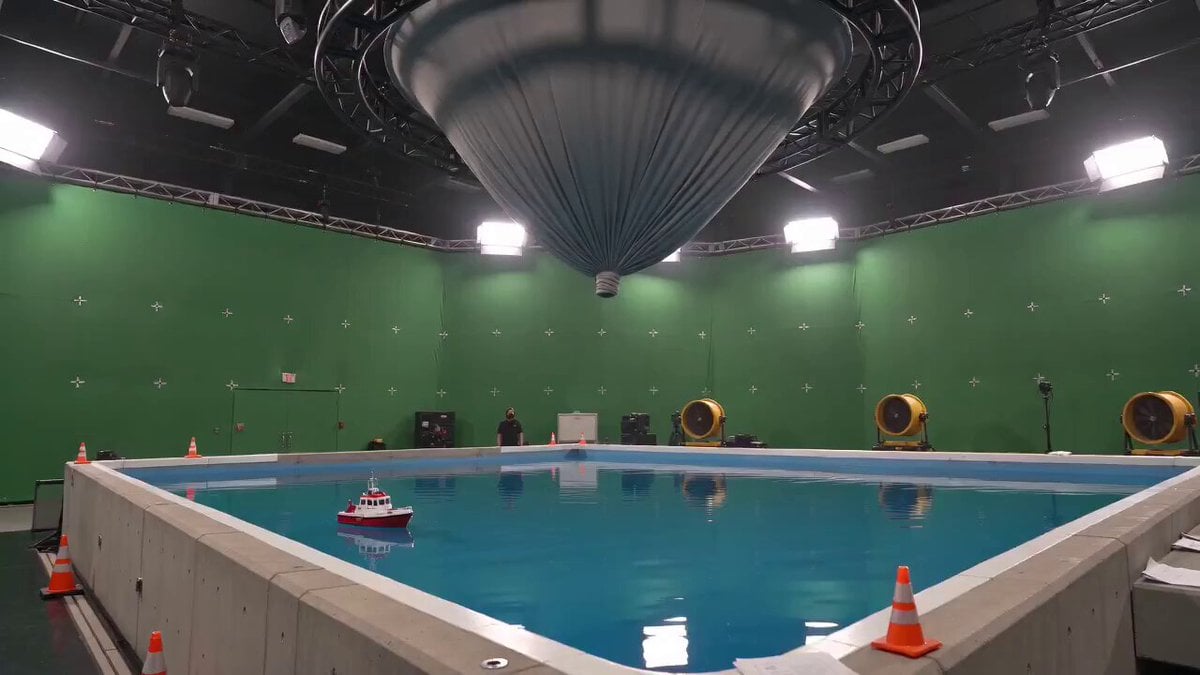
A cinematic VFX-style prompt of a tornado destroying a miniature city inside a professional special effects soundstage.
- Prompt included
- Model and format preset
- Free template
The prompt behind this video
Copy the exact prompt behind Tornado VFX Miniature City Destruction, or open it in the studio and make it yours.
Create a photorealistic 15 second cinematic video in 16:9 as one continuous handheld shot inside a vast professional special effects soundstage. Use a natural 24 millimeter wide angle lens at eye level, 24 fps, deep focus, slight operator sway, mild rolling shutter, realistic exposure breathing, and accurate motion blur. The camera begins at the corner of a large rectangular water tank. Blue water fills the lower frame, bordered by concrete, safety cones, and loose production papers. A small red and white model rescue boat floats near center. Above it hangs an enormous ribbed gray fabric funnel suspended from a circular ceiling rig. Green screen walls with tracking markers, black ceiling trusses, bright rectangular studio lamps, yellow wind machines, and a detailed miniature coastal city fill the background. From 0 to 2 seconds, hold the wide composition as the fabric tightens, wrinkles crawl upward, and its narrow tip begins rotating. The movement feels driven by real wind and tension, while reflections tremble across the water. From 2 to 4 seconds, the fabric collapses inward and becomes a dense rotating column of gray mist, dust, and atomized water. The funnel narrows toward the pool and descends with believable turbulent airflow. Drift slightly right while keeping it centered. From 4 to 6 seconds, the vortex strikes the water with a violent white eruption. Concentric waves race outward, the boat pitches and rolls, and heavy spray obscures the far edge. React with a quick controlled pan toward the miniature city. From 6 to 9 seconds, track the tornado across the shoreline. Water surges between buildings, a red vehicle is lifted, windows burst, rooftop objects spin away, and apartment blocks buckle in stages. Every fragment shows weight, collision, drag, gravity, and changing rotational speed. From 9 to 12 seconds, continue panning as miniature towers fold, shear, and fall into the street. A special effects technician appears naturally in the right foreground, wearing a plain black crew shirt and orange hearing protection, bracing against a railing. A tall glass skyscraper remains standing in the left background to provide scale. Keep the tornado dark and volumetric, with layered dust, mist, paper, roof panels, and vehicle parts orbiting at different depths. From 12 to 15 seconds, arc back toward the pool. The vortex returns to the center of the widescreen frame while a broad foamy wave curves around the tank and rushes toward camera. Fine droplets hit the lens, creating soft circular highlights without hiding the action. End with the tornado still spinning over violently churning water. Use harsh overhead studio lighting, cool cyan water reflections, mild green spill, realistic shadows, humid haze, and no stylized color filter. Preserve tiny imperfections, uneven water motion, slight camera shake, lens moisture, and natural debris randomness.
How to use Tornado VFX Miniature City Destruction in 3 steps
- 1
Open
The prompt is already in the box next to the preview, with the template's model and format selected.
- 2…a portrait of your subject in softgolden-hour light, 85mm…
Personalize
Edit the subject and creative details for your destination.
- 3Generate
Generate
Press Generate — your video is created in PicX Studio, so you can compare it with the original and refine one variable at a time.
More like this
Templates with the same subject, style or setup. Open one to see its prompt.
Asteroid Impact City Destruction
Subway Flood — Epic Tunnel Chaos
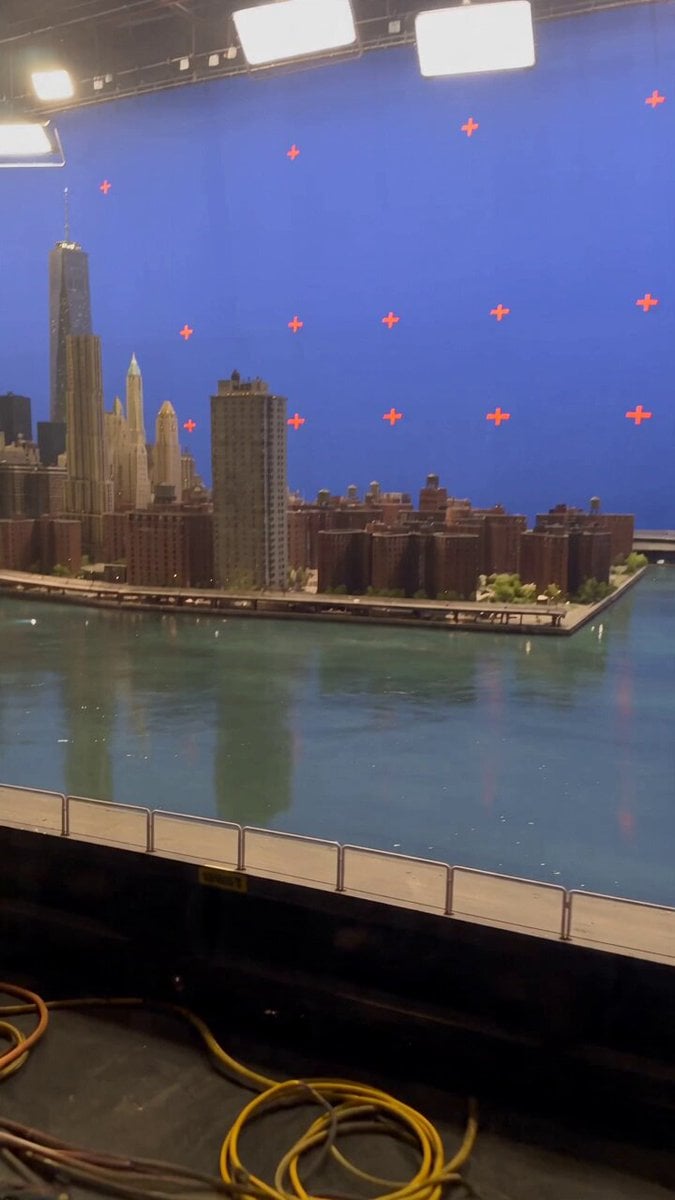
Miniature City Flood Soundstage
Miniature City Flood Soundstage
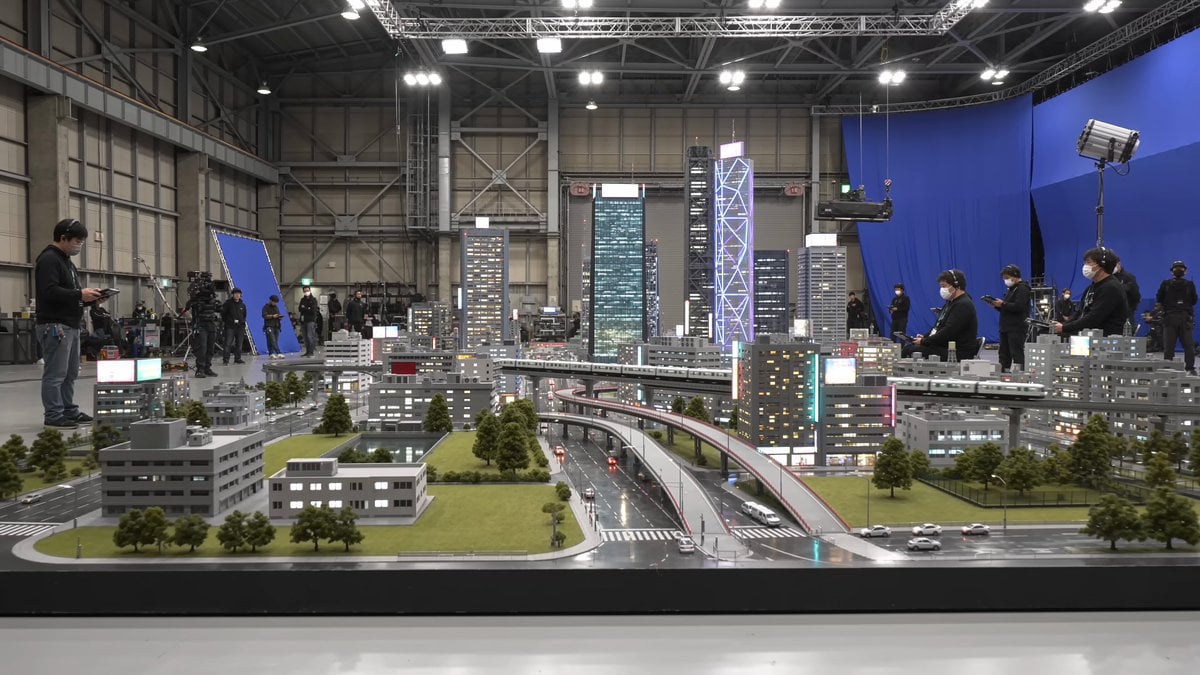
Tokyo Miniature VFX Production Scene

Realistic City Street Story Cinematic Video - Seedance

Giant Seahorse City Destruction — Flova AI

Luxury Lifestyle Day Vlog
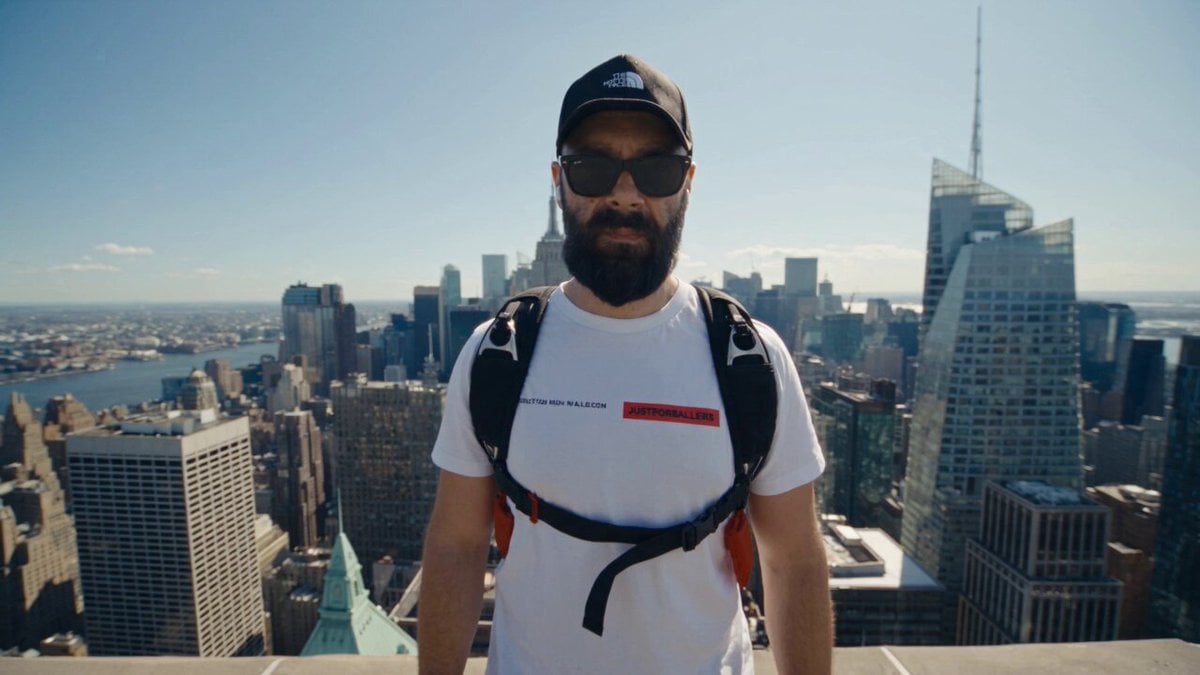
NYC Wingsuit Hot Dog Landing

Luxury Airport Travel Vlog

Iced Coffee Dog Good-News Montage

Italian Old-Town Time-Freeze Walk
Make it yours
Tornado VFX Miniature City Destruction works as-is. These are the safest ways to change it without losing the look.
Change one field
Copy a single group, rewrite it, and generate again so you can see what that field is doing.
Keep the frame, change the subject
Hold the composition and light of Tornado VFX Miniature City Destruction, then swap wardrobe, props or the person for a new take.
| If the result… | Why | Fix |
|---|---|---|
| The result drifts from the preview | Too many fields changed at once. | Reuse Tornado VFX Miniature City Destruction as-is first, then change one group — subject, light, or setting. |
| The model over-stylizes the scene | The prose prompt leaves finish and camera underspecified. | Add one camera or lighting sentence and stay on Seedance 2.0. |
More Seedance 2.0 templates
Other prompts made for Seedance 2.0.

Comical Martial Arts Punch Scene

Maglev Train Action Sequence

Martial Arts Fight Sequence

Wuxia Protection and Trust Script

Vintage Korean Arcade MiniDV Vlog

Mercedes 190 SL Luxury Ad

Rainy Night Supernatural Reverse Comedy Video Script

Amazon Civilization Discovery

Futuristic South Asian City Transformation

Cozy Luxury Cafe Commercial
More video prompts
Fresh picks from across the catalog.
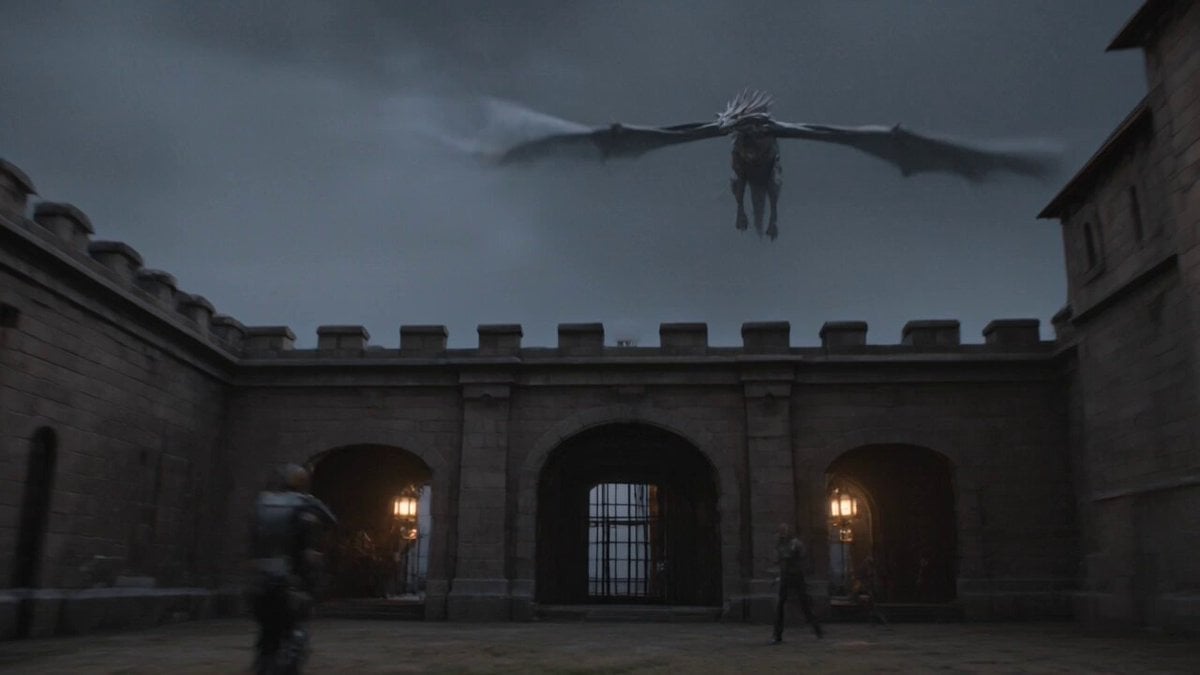
Ancient Castle Siege by Dragon
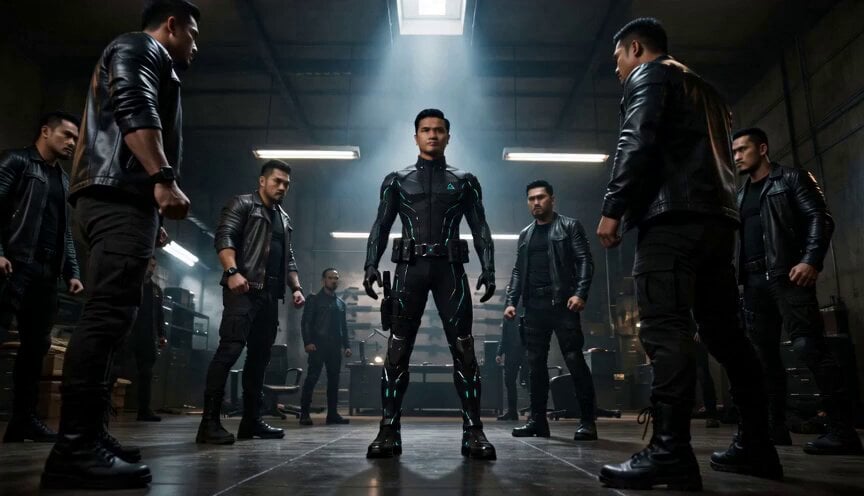
Cyberpunk Standoff Action Scene

Grumblebert Flowerbottom Garden Conversation
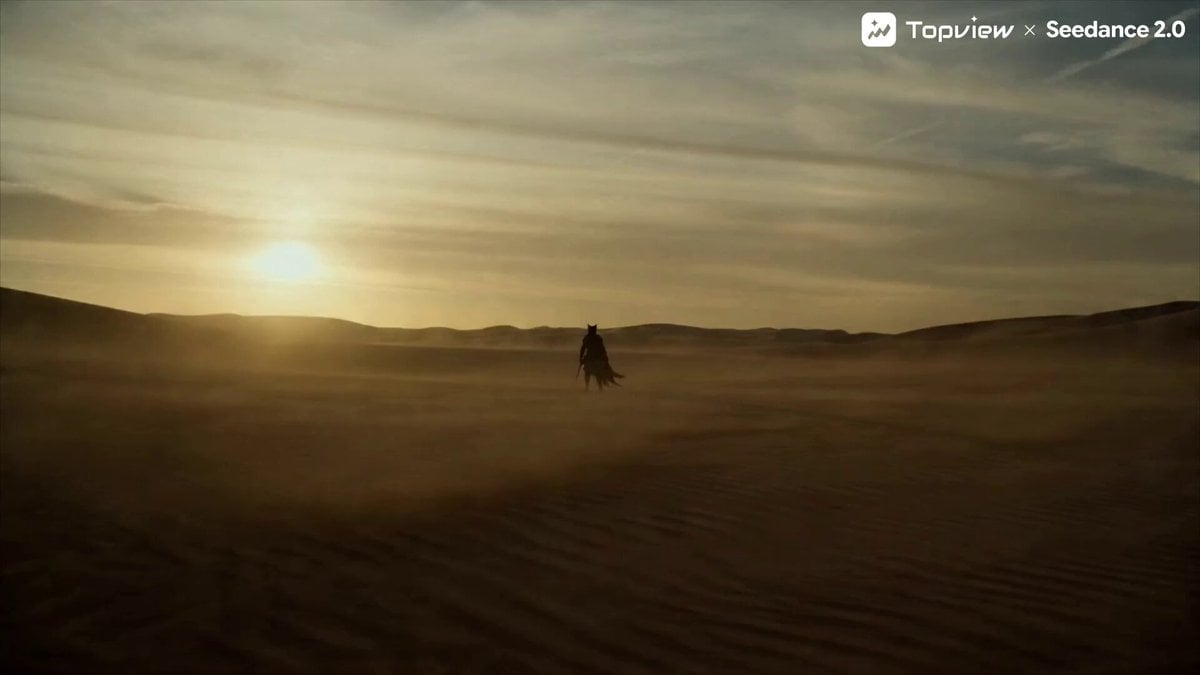
Seedance 2.0 Prompt for Cinematic Desert Fight Scene

Self-Reflection and Relationship Dynamics

Flower Goddess Descent Cinematic Prompt (Epic Fantasy)

Firefighter Rescue Cinematic Sequence
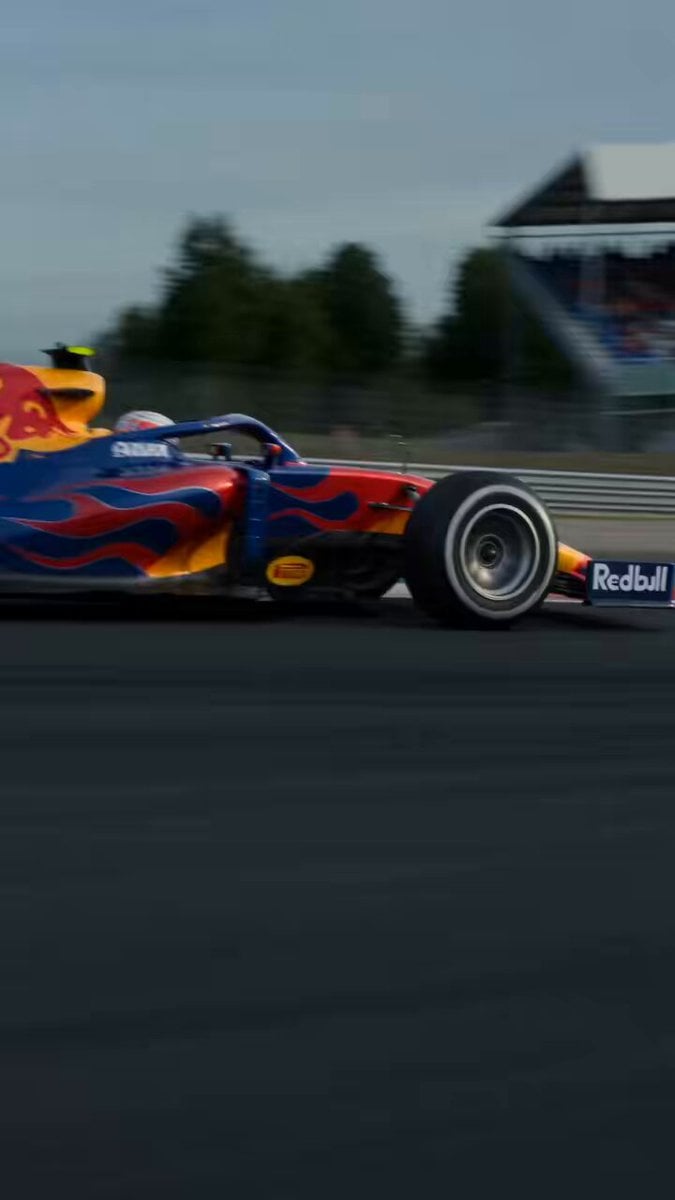
Prompt Engineering for Vehicles

Vast, turbulent sky with lightning
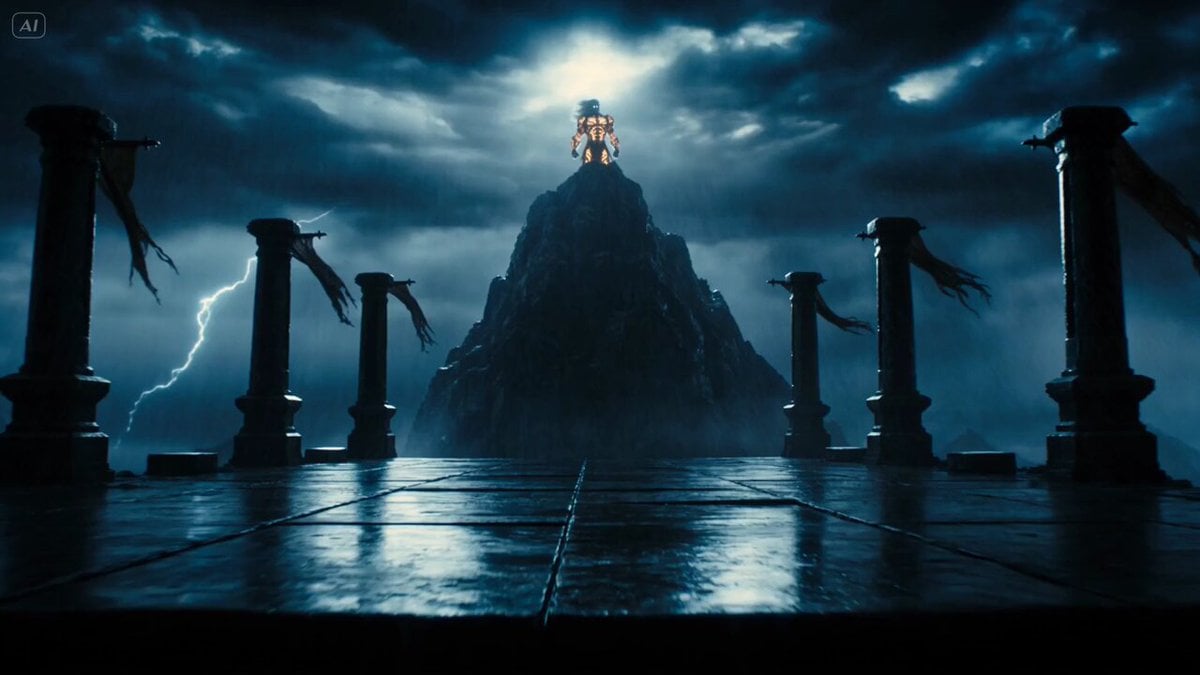
Mythological Lightning God Transformation
Browse template categories
Tornado VFX Miniature City Destruction questions
How do I use the Tornado VFX Miniature City Destruction template?
Add your photo if the template asks for one, edit the prompt if you like — the template's model and format are already selected — and press Generate. Your version opens in PicX Studio.
Can I customize the Tornado VFX Miniature City Destruction template?
Yes. You can change the subject, setting, lighting, mood, format, and available model controls before creating your video.
Is the Tornado VFX Miniature City Destruction template free?
Opening and editing this template is free. Generating uses credits, shown on the Generate button when you are signed in.
Which AI model should I use?
Start with Seedance 2.0, which is the model associated with this template. You can compare another compatible model for a different finish.
Looking for something else? Browse all templates.

Your photo, any look
Thousands of ready templates for every top image and video model, from one credit balance.