
Tokyo Miniature VFX Production Scene
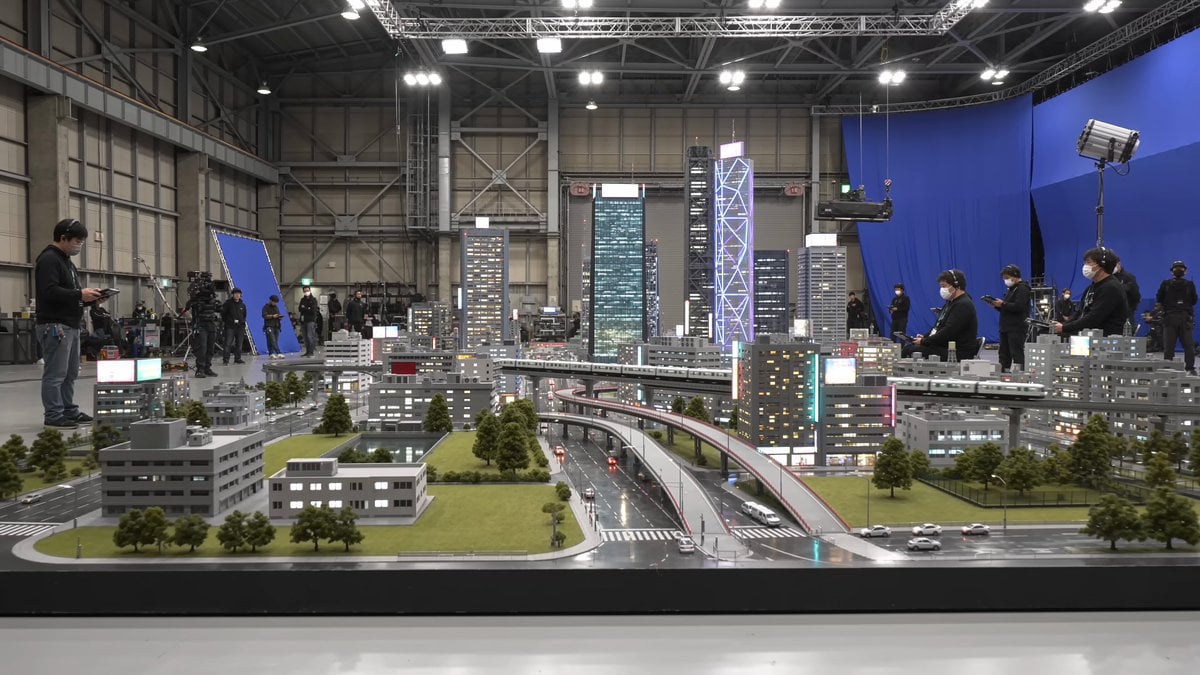
A detailed 10-second prompt for a handheld smartphone video simulating behind-the-scenes practical effects on a miniature Tokyo set.
- Prompt included
- Model and format preset
- Free template
The prompt behind this video
Copy the exact prompt behind Tokyo Miniature VFX Production Scene, or open it in the studio and make it yours.
Ultra-realistic 10-second continuous handheld smartphone video, filmed entirely on an iPhone 17 Pro Max rear camera. Behind-the-scenes inside a massive Tokyo practical-effects soundstage. The unseen camera operator stands approximately five meters from an incredibly detailed 1:15 scale tabletop miniature of futuristic Neo-Shinjuku, featuring illuminated neon billboards, elevated monorails with moving miniature trains, tiny glowing vehicles on multi-level overpasses, rain-slicked miniature streets, micro LED windows, and intricate rooftop air-conditioning units. The miniature clearly sits on a massive production stage surrounded by exposed steel trusses, blue screens, industrial liquid nitrogen fog vents, pyrotechnic spark rigs, overhead lighting grids, and Japanese VFX crew members wearing black jumpsuits and headsets monitoring handheld control pads. The camera slowly pushes forward with subtle handheld movement, natural autofocus breathing, rolling shutter, and realistic smartphone exposure shifts. The miniature city appears calm as a miniature monorail glides across the elevated track. Suddenly, the practical effects director signals on the intercom. A 3-meter painted steel sci-fi cruiser suspended on a high-speed hydraulic ceiling rig plunges downward, clipping a miniature glass skyscraper. Spark generators explode into brilliant cascades of orange fire. The skyscraper facade shatters, spraying lightweight plaster dust and tiny glass shards into the air. Dense white fog surges through the street gaps while the monorail track collapses. The smartphone camera briefly struggles to focus through thick smoke and floating ash particles, auto-adjusting its exposure to the bright pyrotechnic flashes. Natural production audio only: loud hydraulic hiss, pyrotechnic pops, shattering plaster, studio intercom chatter, warehouse ventilation hum, crew reaction gasps. Negative Prompt: no CGI, no cinematic camera, no drone, no cuts, no slow motion, no text, no subtitles, no watermark, maintain realistic miniature scale.
How to use Tokyo Miniature VFX Production Scene in 3 steps
- 1
Open
The prompt is already in the box next to the preview, with the template's model and format selected.
- 2…a portrait of your subject in softgolden-hour light, 85mm…
Personalize
Edit the subject and creative details for your destination.
- 3Generate
Generate
Press Generate — your video is created in PicX Studio, so you can compare it with the original and refine one variable at a time.
More like this
Templates with the same subject, style or setup. Open one to see its prompt.
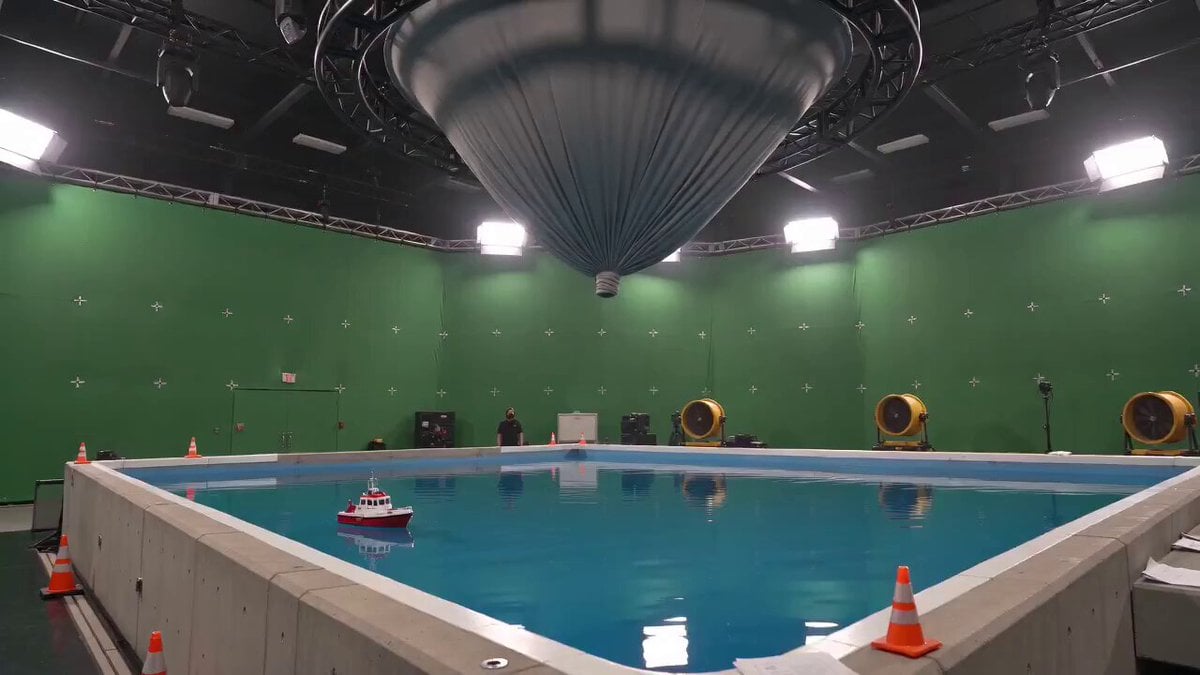
Tornado VFX Miniature City Destruction

Handheld Tokyo Travel Vlog - Seedance 2.5
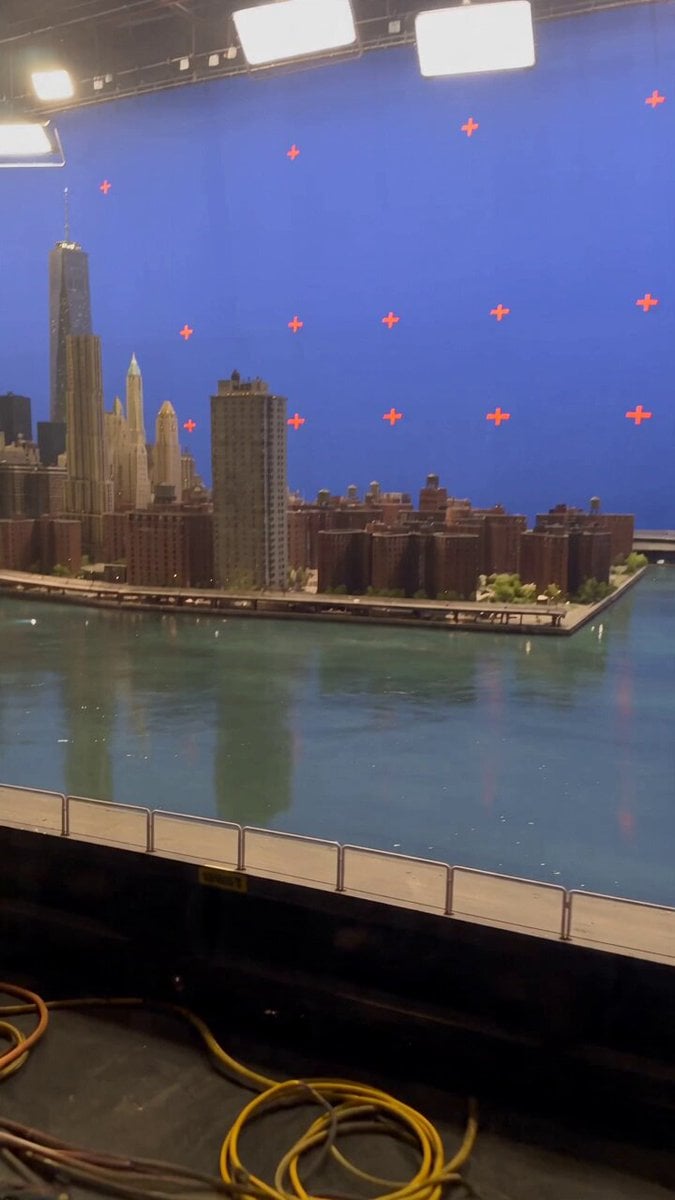
Miniature City Flood Soundstage
Miniature City Flood Soundstage
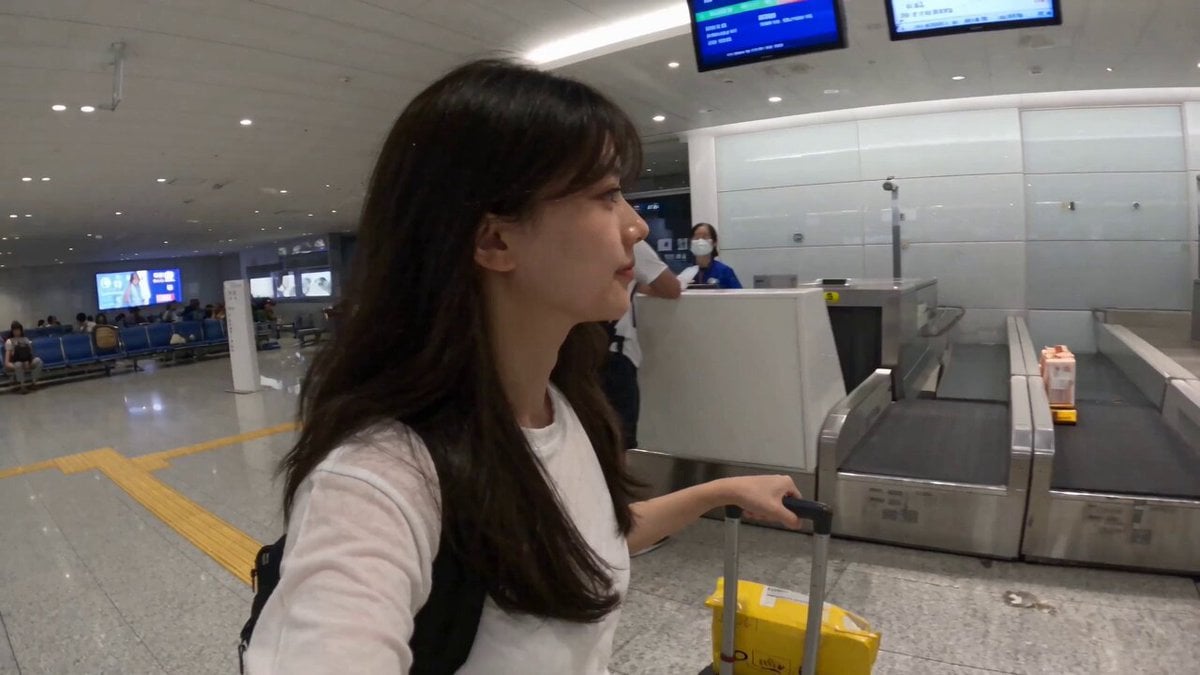
Smartphone Travel Vlog Tokyo Trip Identity Preserved
Johnnywang Tokyo Time Freeze
Charaspower Still World Higgsfield
Time Stealer — Seedance 2.0
Subway Flood — Epic Tunnel Chaos
Sea Serpent vs Crab Titan — Ocean Battle
Asteroid Impact City Destruction
Luxury Handbag Commercial — Hollywood VFX Ad
Make it yours
Tokyo Miniature VFX Production Scene works as-is. These are the safest ways to change it without losing the look.
Change one field
Copy a single group, rewrite it, and generate again so you can see what that field is doing.
Keep the frame, change the subject
Hold the composition and light of Tokyo Miniature VFX Production Scene, then swap wardrobe, props or the person for a new take.
| If the result… | Why | Fix |
|---|---|---|
| The result drifts from the preview | Too many fields changed at once. | Reuse Tokyo Miniature VFX Production Scene as-is first, then change one group — subject, light, or setting. |
| The model over-stylizes the scene | The prose prompt leaves finish and camera underspecified. | Add one camera or lighting sentence and stay on Seedance 2.0. |
More Seedance 2.0 templates
Other prompts made for Seedance 2.0.

Comical Martial Arts Punch Scene

Maglev Train Action Sequence

Martial Arts Fight Sequence

Wuxia Protection and Trust Script

Vintage Korean Arcade MiniDV Vlog

Mercedes 190 SL Luxury Ad

Rainy Night Supernatural Reverse Comedy Video Script

Amazon Civilization Discovery

Futuristic South Asian City Transformation

Cozy Luxury Cafe Commercial
More video prompts
Fresh picks from across the catalog.
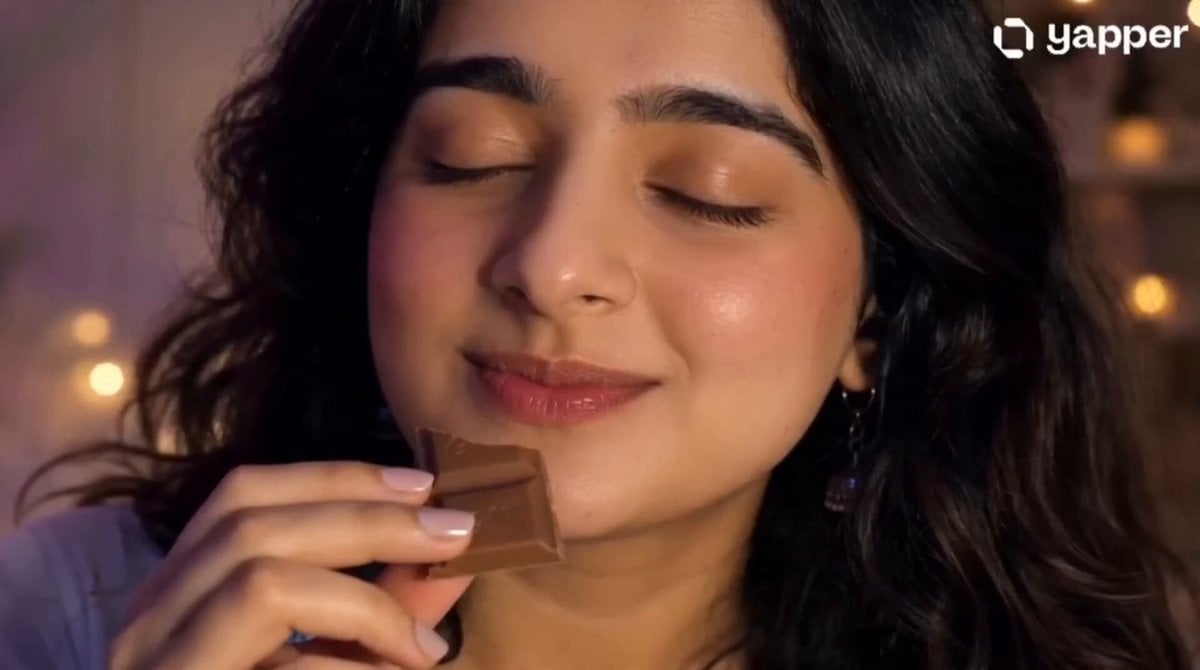
Gen-Z UGC Chocolate Video Ad
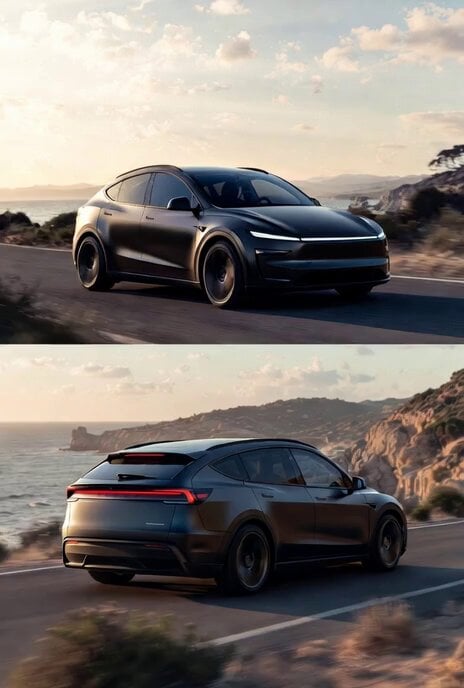
Photorealistic rendering of a Tesla Model Y as a classic European station wagon
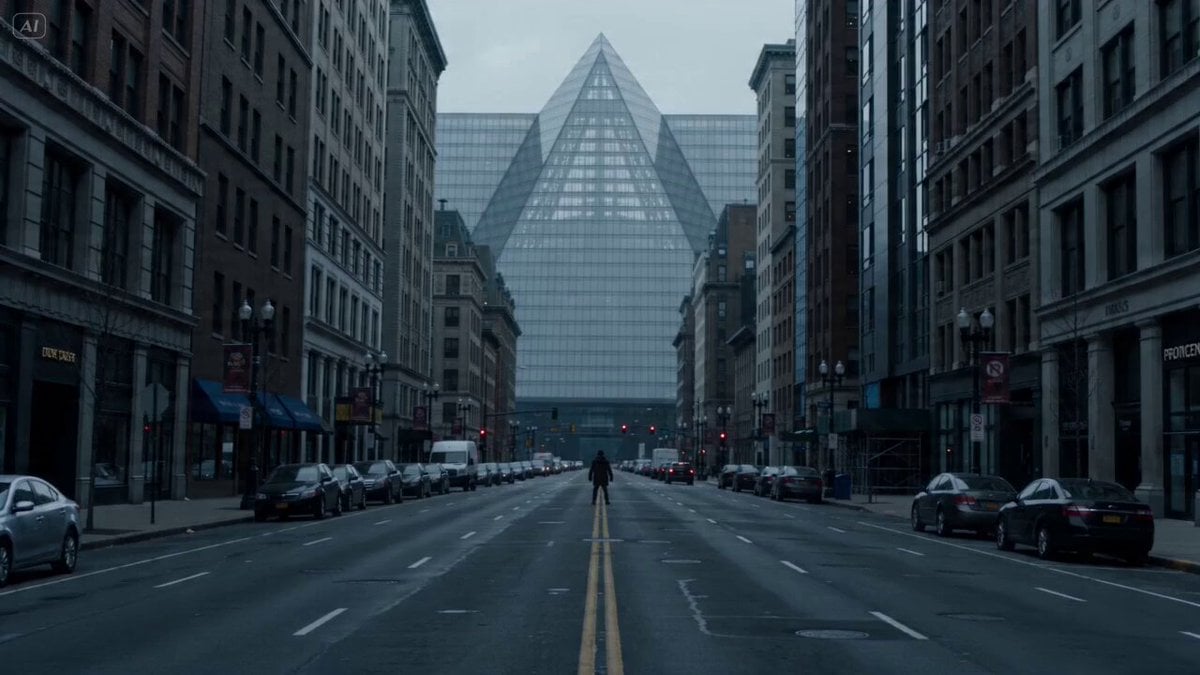
Urban Shockwave Tracking Shot
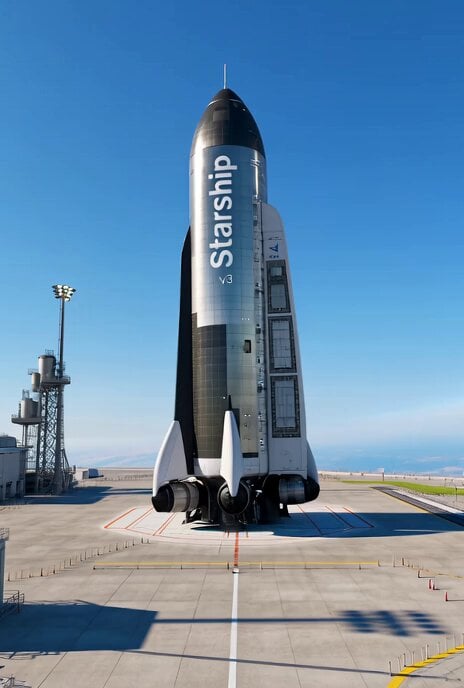
Starship v3 ready for Mars exploration
Anime Takoyaki Cooking Montage

Spider attack action sequence prompt

Ancient Myth Tragic Cinematic Drama

Vampire Cat Dark Comedy Sequence

Cinematic Immersive Tennis Scene
Surreal Transformation to Cosmic Romance
Browse template categories
Tokyo Miniature VFX Production Scene questions
How do I use the Tokyo Miniature VFX Production Scene template?
Add your photo if the template asks for one, edit the prompt if you like — the template's model and format are already selected — and press Generate. Your version opens in PicX Studio.
Can I customize the Tokyo Miniature VFX Production Scene template?
Yes. You can change the subject, setting, lighting, mood, format, and available model controls before creating your video.
Is the Tokyo Miniature VFX Production Scene template free?
Opening and editing this template is free. Generating uses credits, shown on the Generate button when you are signed in.
Which AI model should I use?
Start with Seedance 2.0, which is the model associated with this template. You can compare another compatible model for a different finish.
Looking for something else? Browse all templates.

Your photo, any look
Thousands of ready templates for every top image and video model, from one credit balance.