
Luxury Handbag Commercial — Hollywood VFX Ad
Seedance 2.0 prompt by @johnAGI168 — Ultra-cinematic luxury handbag commercial with Hollywood-level VFX: levitation, time freeze, liquid metal morphing.
- Prompt included
- Model and format preset
- Free template
The prompt behind this video
Copy the exact prompt behind Luxury Handbag Commercial — Hollywood VFX Ad, or open it in the studio and make it yours.
Generate an ultra-cinematic luxury handbag commercial with Hollywood-level VFX effects. Fast montage cuts, multi-angle multi-scene switching, no single static shot. [Shot Breakdown] 0-2s (Mysterious Unboxing): Medium shot. A cool silver short-haired girl wearing a high-neck black leather jacket and avant-garde gold metal sunglasses sits in a cyberpunk-style neon-lit penthouse apartment. She slowly opens a high-end matte black handbag box, inside glowing with ice-blue light. 50mm lens, background city lights soft and bokeh. 2-5s (Levitation Reveal): Close-up shot. A luxurious deep black glossy handbag with chunky silver metallic chain straps automatically levitates from the box (VFX: zero-gravity float, edge lighting carving out the perfect leather contour). Camera smooth push-in (Push in), focus rack from box edge to floating bag (Rack focus). 5-7s (Stunning Micro Expression): Extreme Close-Up (ECU). The girl removes her sunglasses, pupils slightly dilated, her clear eyes clearly reflecting the slowly rotating glowing handbag. Lips slightly parted in amazement. 7-11s (Time Freeze & Morphing): Wide Shot. (VFX: absolute time freeze — dust particles suspended in air, raindrops frozen mid-air outside the window). The floating bag undergoes cool morphing mid-air (VFX: first transforms into a liquid silver-gold metallic form full of futuristic feeling, then transforms into a kaleidoscope full-holographic organic shell form, trailing flowing light overflow). Camera performs wide arc-left orbit shot (Arc Shot) in the frozen space. 11-13s (Time Resumes): Medium Close-Up (MCU). (VFX: time instantly resumes flow), bag instantly transforms back to its original luxurious leather form, gently landing into the girls outstretched hands. Low angle 35mm upward shot, behind a minimalist industrial floor lamp bursts with warm light halo, girls face reveals a satisfied cool smile. 13-15s (Brand Freeze Frame): Close-up shot. Frame freezes on the 3D metal logo on the bag cover, clearly displaying the lettering, cinematic-level warm-cool alternating light shadows flowing over the English letters, above remaining faint holographic light slowly dissipating. [Visual Style] Hollywood cinematic lighting, ARRI ALEXA camera digital film aesthetics, professional film color grading (high contrast between cyberpunk cool light and subject warm light), ultra-high detail leather and metal material textures, light tracing, master-level depth of field control, with a hint of 35mm film grain. [Special Control Instructions] Maintain visual consistency of character coolness and handbag subject throughout! All VFX effects (levitation, time freeze, liquid metal morphing) must be extremely realistic with physical weight. Ensure seamless smooth transitions between all shots, natural action connections, no jarring cuts. End lettering spelling must be 100% correct and clearly three-dimensional.
How to use Luxury Handbag Commercial — Hollywood VFX Ad in 3 steps
- 1
Open
The prompt is already in the box next to the preview, with the template's model and format selected.
- 2…a portrait of your subject in softgolden-hour light, 85mm…
Personalize
Edit the subject and creative details for your destination.
- 3Generate
Generate
Press Generate — your video is created in PicX Studio, so you can compare it with the original and refine one variable at a time.
More like this
Templates with the same subject, style or setup. Open one to see its prompt.

Sneaker Product Commercial

Cinematic Portrait Study 3

Cinematic Portrait Study
Skincare Product Commercial

Skincare Product Commercial 3

Product UGC Commercial
Time Freeze — Snap Shockwave Scene Seedance
Monetizationdon Time Freeze Higgsfield
Miilesus Sports Bar Time Freeze
Promptsin Time Freeze Spanish
Genmagnetic Time Freeze Filmmaker
Seedance 2 Time Freeze Official
Make it yours
Luxury Handbag Commercial — Hollywood VFX Ad works as-is. These are the safest ways to change it without losing the look.
Change one field
Copy a single group, rewrite it, and generate again so you can see what that field is doing.
Keep the frame, change the subject
Hold the composition and light of Luxury Handbag Commercial — Hollywood VFX Ad, then swap wardrobe, props or the person for a new take.
| If the result… | Why | Fix |
|---|---|---|
| The result drifts from the preview | Too many fields changed at once. | Reuse Luxury Handbag Commercial — Hollywood VFX Ad as-is first, then change one group — subject, light, or setting. |
| The model over-stylizes the scene | The prose prompt leaves finish and camera underspecified. | Add one camera or lighting sentence and stay on Seedance. |
More Seedance templates
Other prompts made for Seedance.
More video prompts
Fresh picks from across the catalog.

Anya Forger Close-up Monologue

Fantasy Dragon River Reveal

Horror Short Guesthouse Box

Chinese Xianxia Heaven Cinematic Short

Pianist on Cliff Edge Cinematic Oner
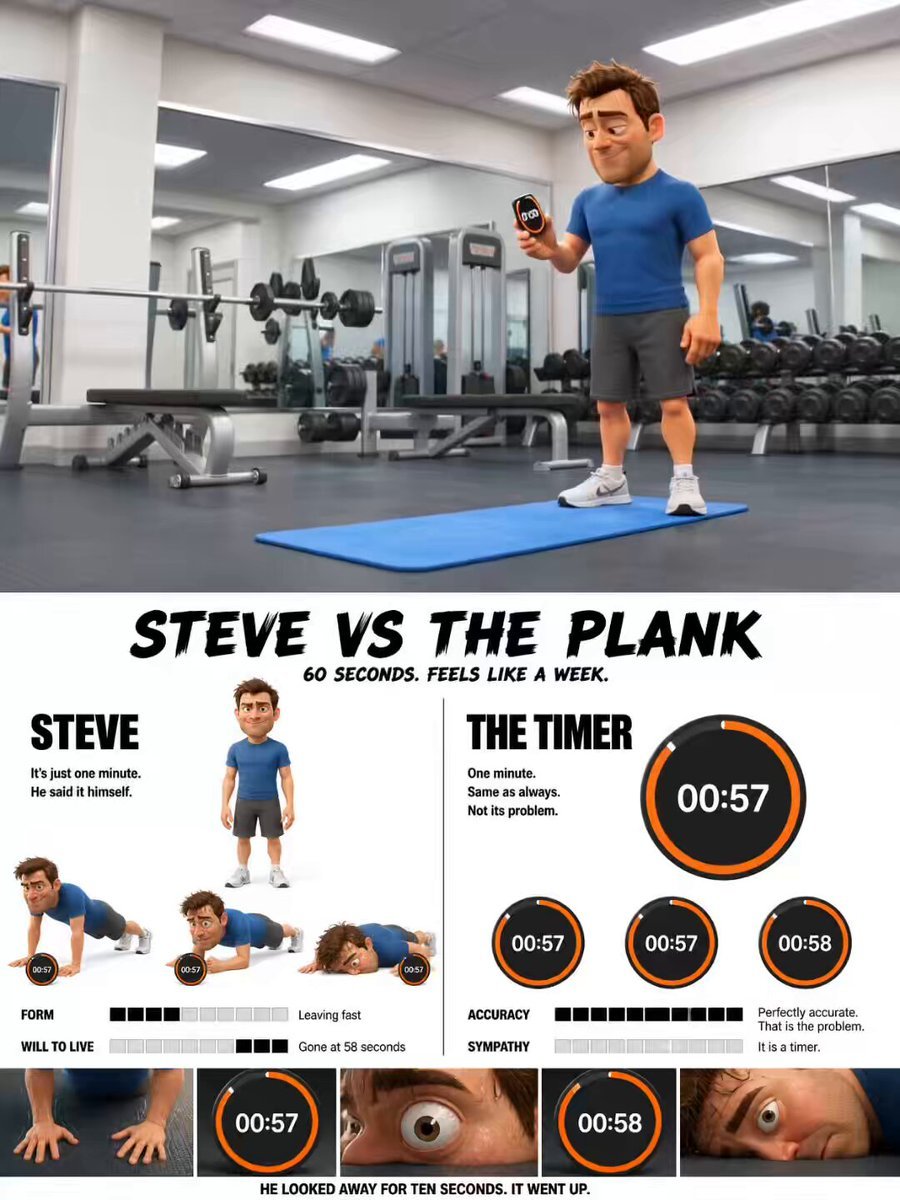
Pixar Style Character Animation
Cinematic Colossal Dragon Encounter
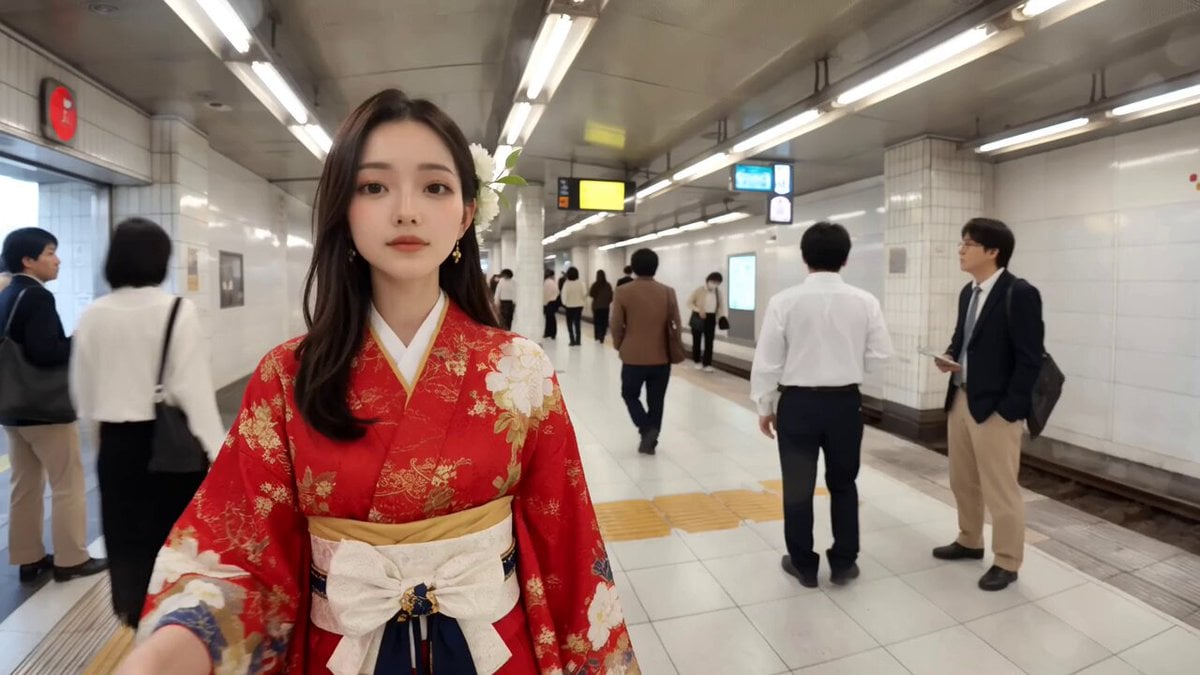
Video of a Commuter on a Tokyo Subway Platform
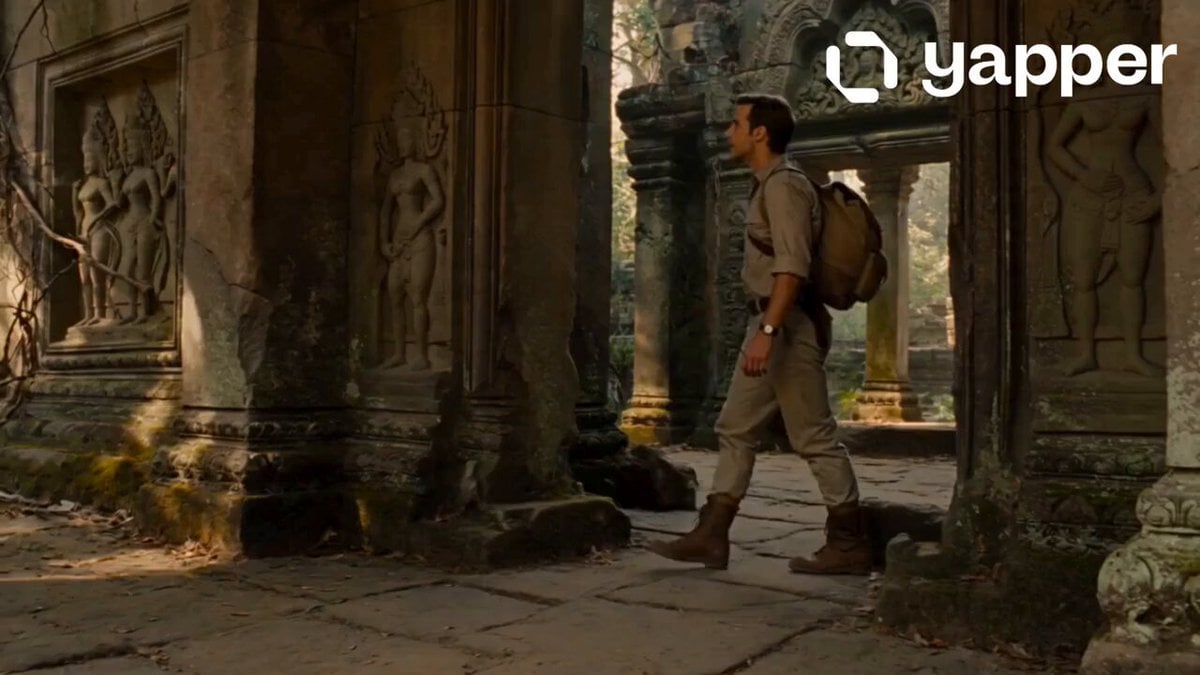
Jungle Temple Explorer Cinematic Video
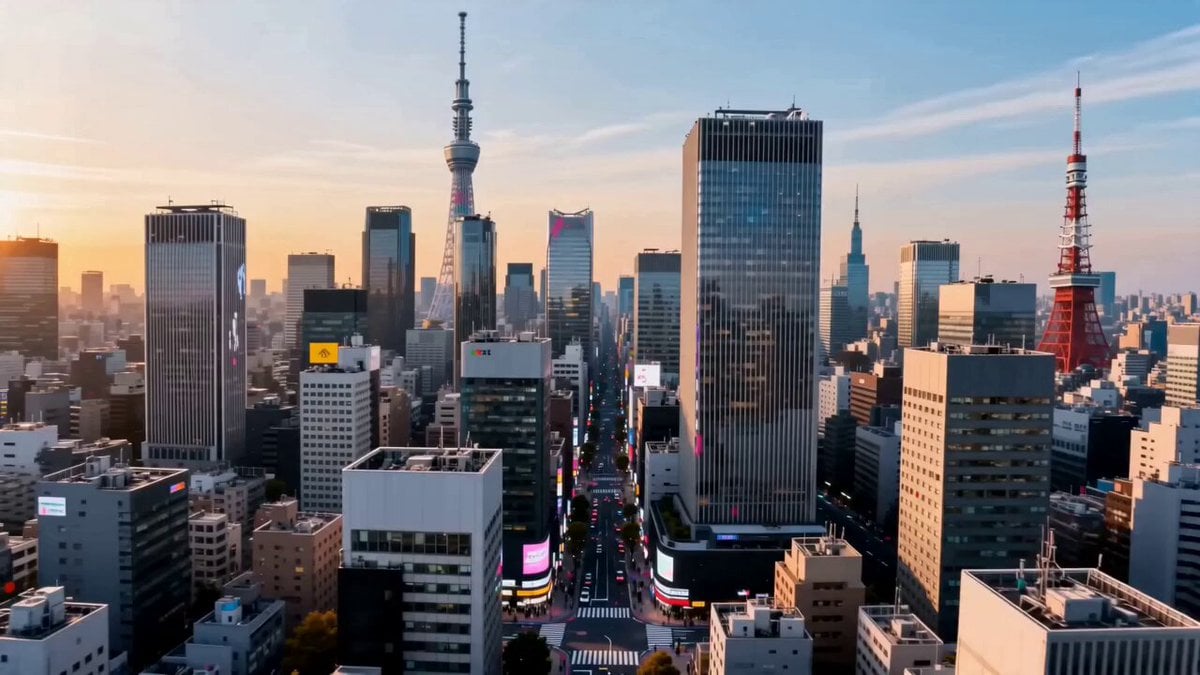
Tokyo Urban Ink Splash Montage
Browse template categories
Luxury Handbag Commercial — Hollywood VFX Ad questions
How do I use the Luxury Handbag Commercial — Hollywood VFX Ad template?
Add your photo if the template asks for one, edit the prompt if you like — the template's model and format are already selected — and press Generate. Your version opens in PicX Studio.
Can I customize the Luxury Handbag Commercial — Hollywood VFX Ad template?
Yes. You can change the subject, setting, lighting, mood, format, and available model controls before creating your video.
Is the Luxury Handbag Commercial — Hollywood VFX Ad template free?
Opening and editing this template is free. Generating uses credits, shown on the Generate button when you are signed in.
Which AI model should I use?
Start with Seedance, which is the model associated with this template. You can compare another compatible model for a different finish.
Looking for something else? Browse all templates.

Your photo, any look
Thousands of ready templates for every top image and video model, from one credit balance.