
Fantasy Dragon River Reveal
An epic multi-shot cinematic sequence of a massive dragon emerging from a forest river at golden hour.
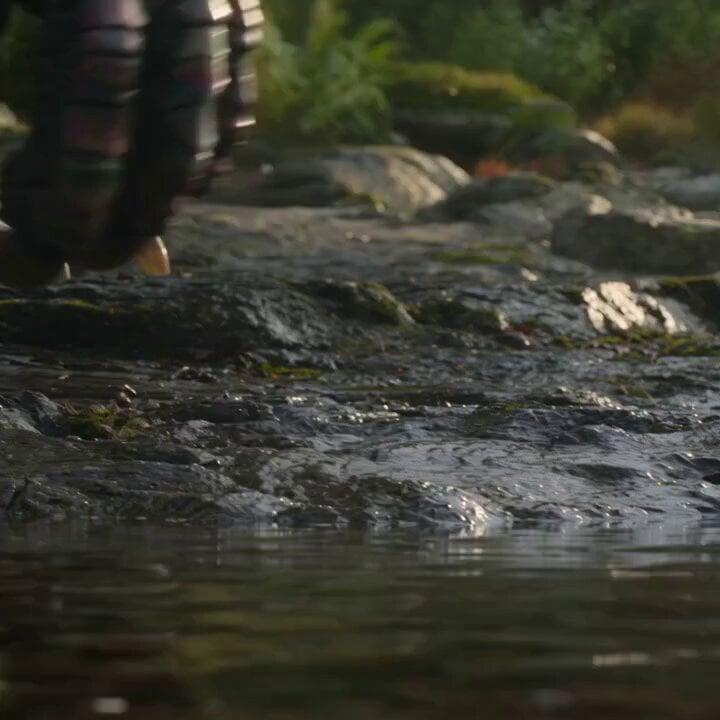
- Prompt included
- Model and format preset
- Free template
The prompt behind this video
Copy the exact prompt behind Fantasy Dragon River Reveal, or open it in the studio and make it yours.
Cinematic fantasy creature reveal, 15 seconds, continuous dynamic camera move. Shot 1 (0-2s): Extreme low angle at water level, camera nearly touching a shallow forest river at golden hour. Wet mossy rocks glisten in soft backlight, ripples on the water surface, a figure's legs walking past in the blurred foreground. Warm dawn sunlight, soft mist rising off the water, shallow depth of field, telephoto compression. Shot 2 (2-5s): Sudden violent eruption — a massive dragon bursts up out of the river in an explosive white-water splash, spray flying in all directions. Camera whip-tilts upward following the motion. Iridescent teal-purple wing membranes and dark armored scales catch the light, water sheeting off its body, dramatic backlighting silhouettes the creature against the tree line. Shot 3 (5-8s): Extreme close-up tracking up the dragon's long serpentine neck, wet scales rippling with teal-to-purple iridescence, water droplets flying off in slow motion, motion-blurred coils twisting through frame, forest bokeh in the background, sunlight rim-lighting the edges. Shot 4 (8-10s): Tight close-up on the dragon's open roaring mouth, rows of sharp teeth, throat glowing intense orange-white like fire or bioluminescent light, lens flare, heavy atmospheric haze, warm volumetric light pouring through the open jaw. Shot 5 (10-15s): Camera pulls back rapidly into a wide aerial shot — the full dragon now airborne, wings fully spread in flight, tail curled beneath it, silhouetted against a bright golden sun low over a misty pine forest river valley. Wings a deep rust-orange with dark vein patterning, mist rolling off the water below, epic scale, anamorphic widescreen framing, cinematic Hollywood color grade (teal shadows, orange highlights), atmospheric haze, volumetric god rays. Style: photorealistic VFX creature, hyper-detailed scales and wing membrane, natural motion physics on water and spray, dramatic golden-hour lighting throughout, seamless continuous camera motion, no cuts, 24fps film look.
How to use Fantasy Dragon River Reveal in 3 steps
- 1
Open
The prompt is already in the box next to the preview, with the template's model and format selected.
- 2…a portrait of your subject in softgolden-hour light, 85mm…
Personalize
Edit the subject and creative details for your destination.
- 3Generate
Generate
Press Generate — your video is created in PicX Studio, so you can compare it with the original and refine one variable at a time.
More like this
Templates with the same subject, style or setup. Open one to see its prompt.
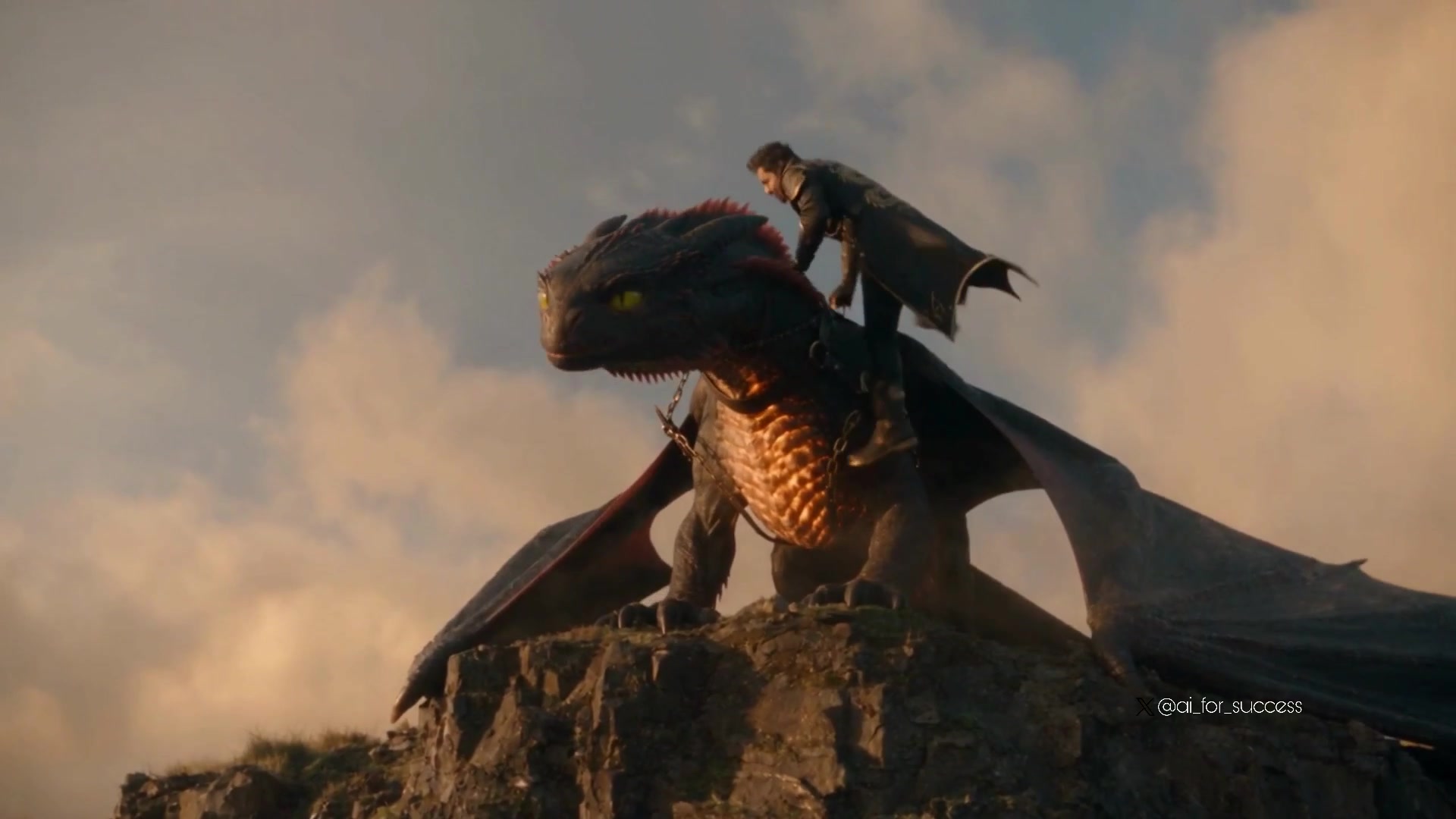
Dragon Rider Cinematic Flight — Seedance 2.5
Dragon Rescue — Volcanic Kingdom Collapse (Seedance)
Stone Colossus Desert Riders — Golden Fire Reveal
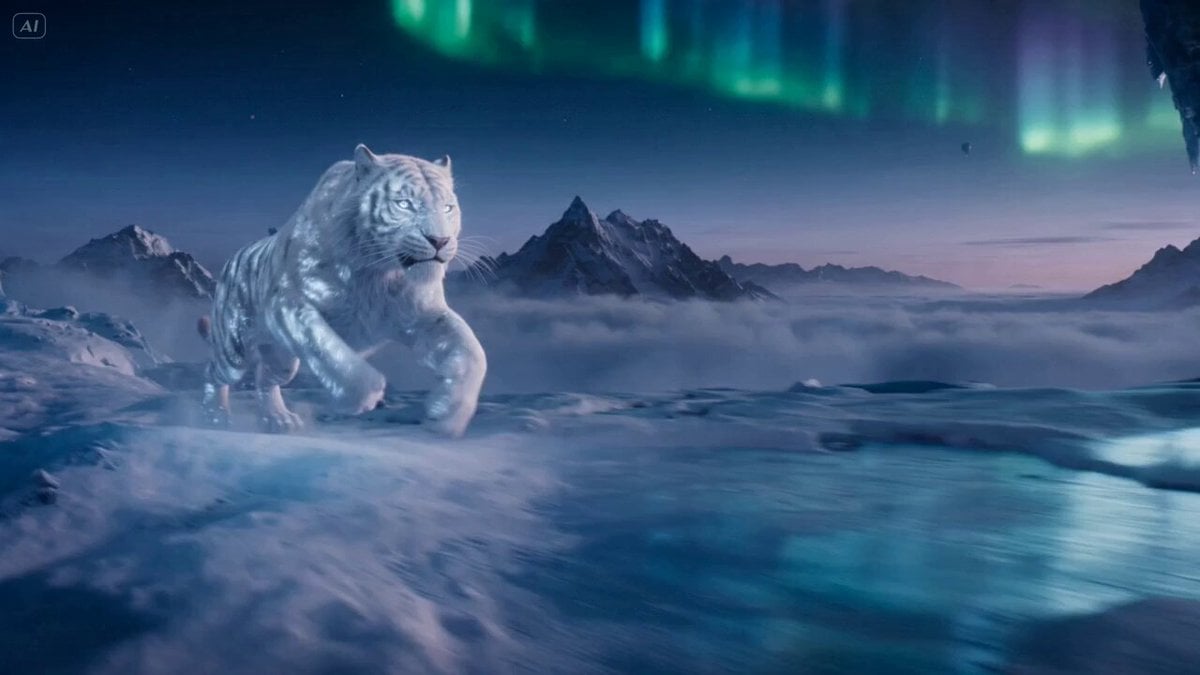
Ice Tiger vs Dragon - Seedance 2.0
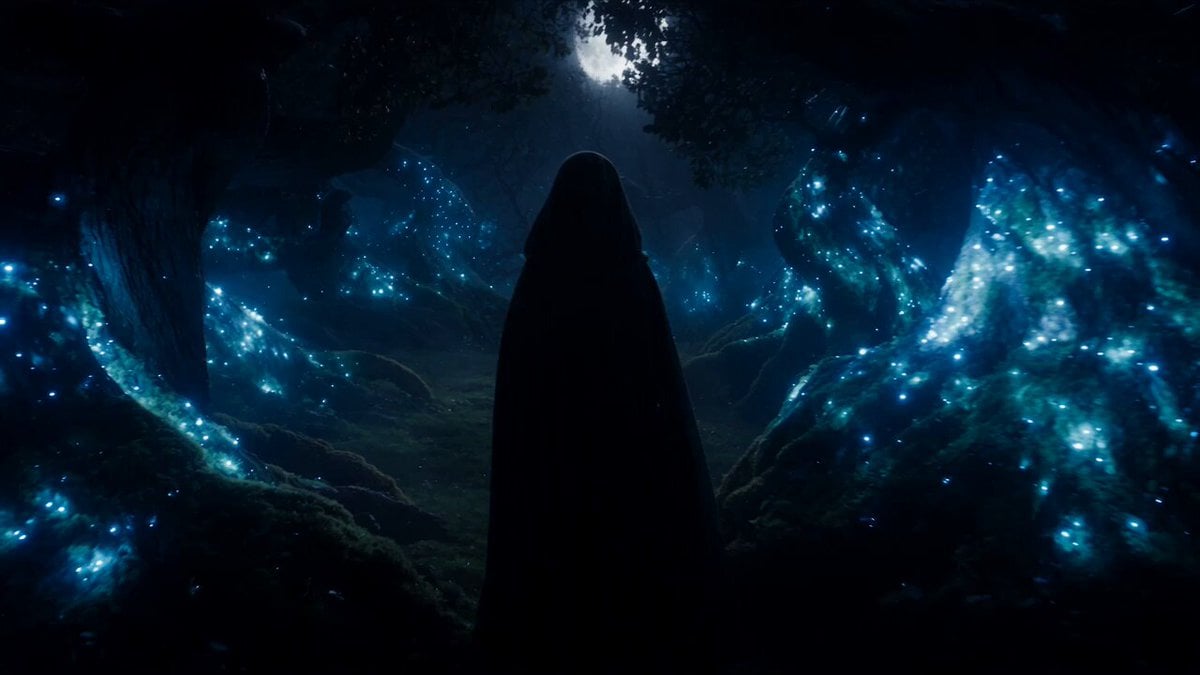
Forest Fantasy Girl Short Film
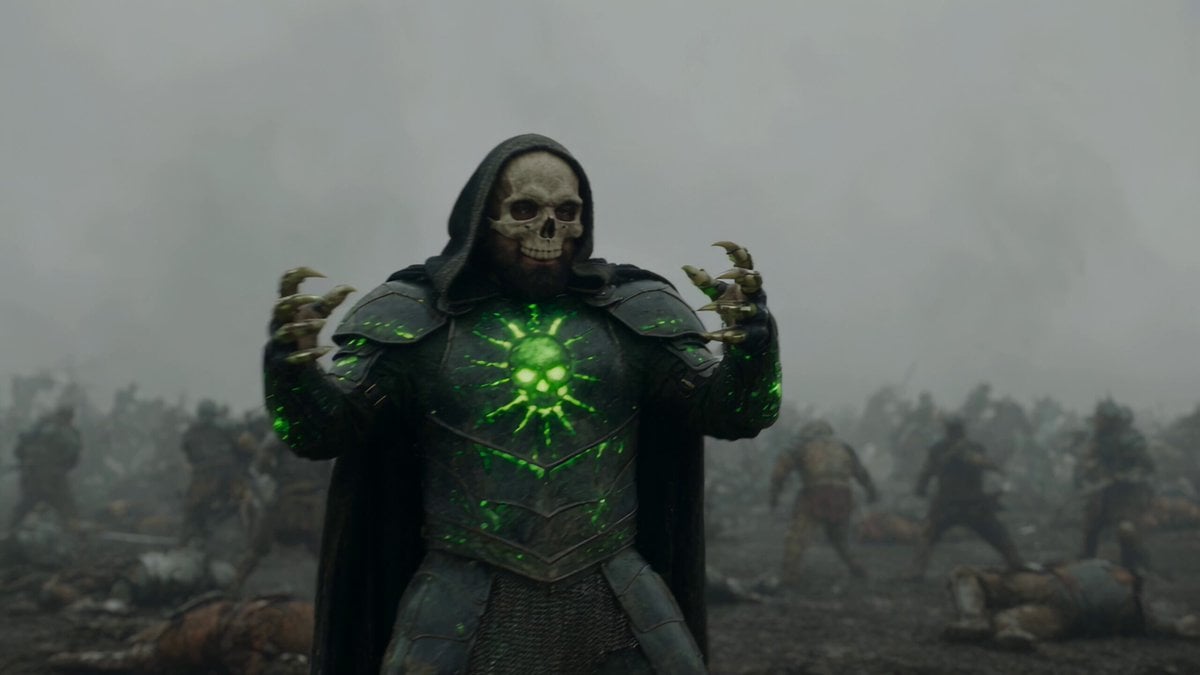
Necromancer Battlefield Orbit
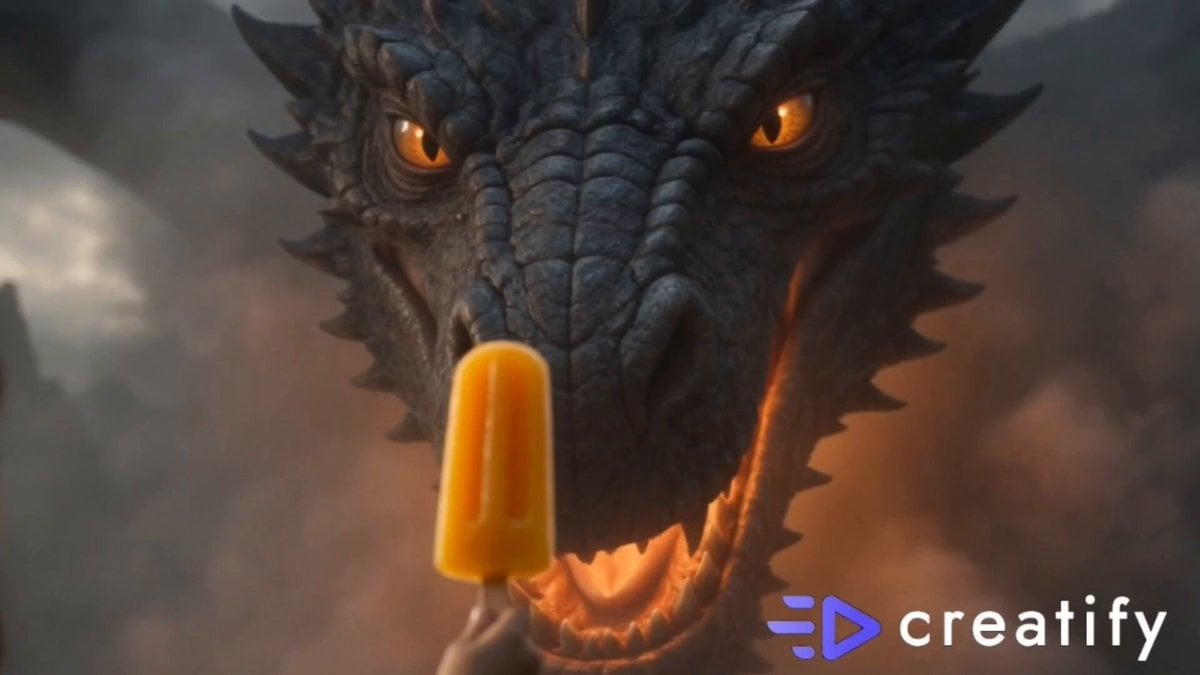
Dragon and Ice Cream Fantasy
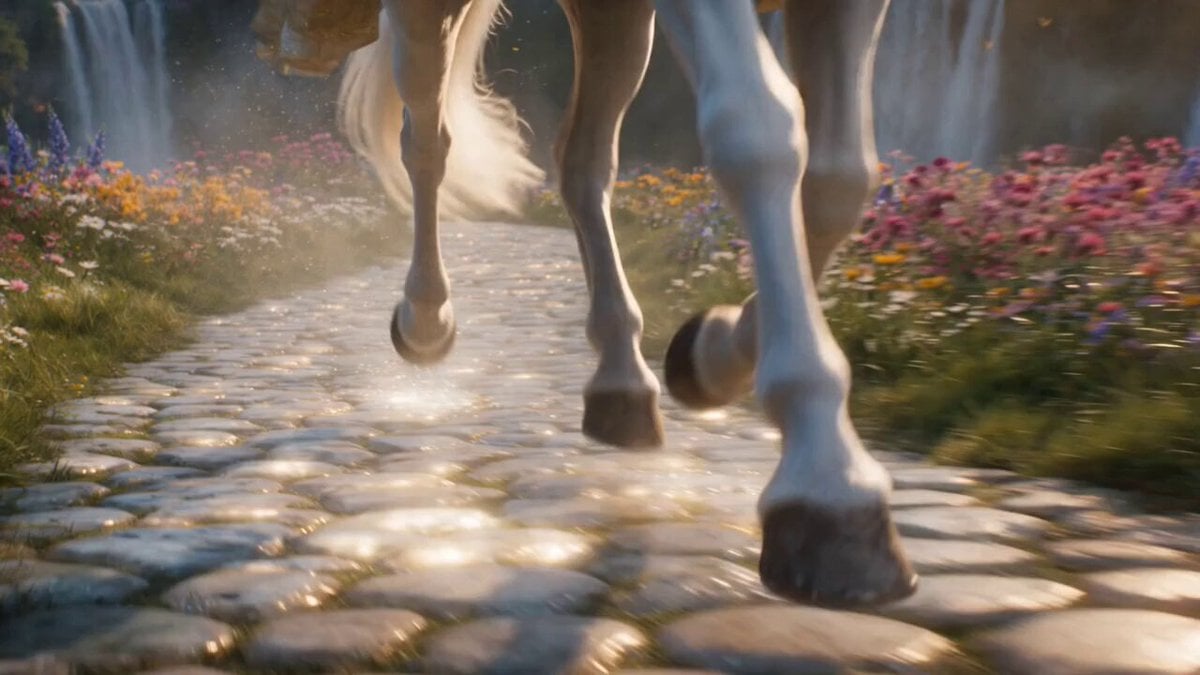
Cinematic Fantasy Princess Dragon Flight
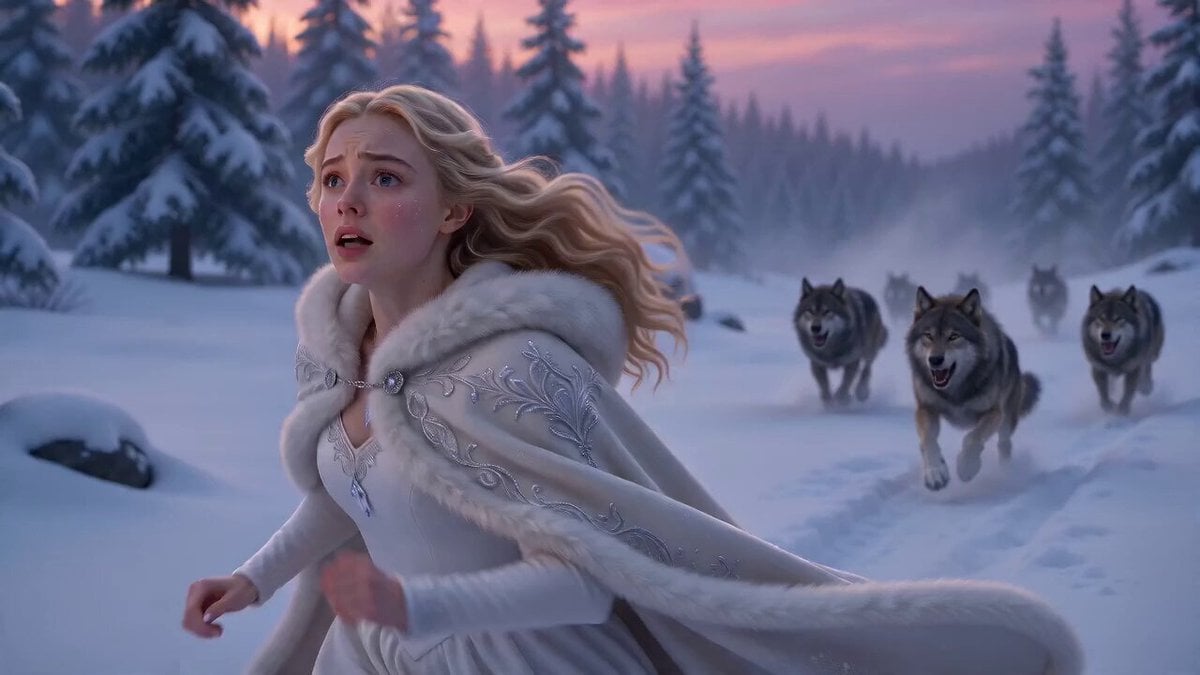
Ice Dragon Fantasy Encounter

Fantasy Dragon Chase Sequence
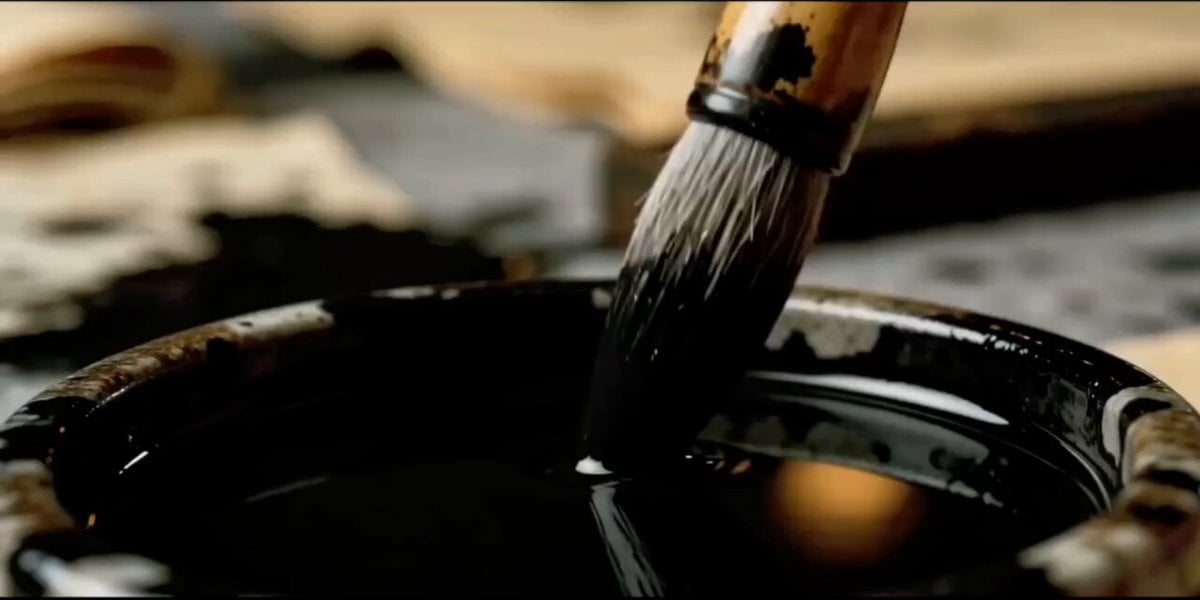
Dark Fantasy Calligraphy Ink Dragon
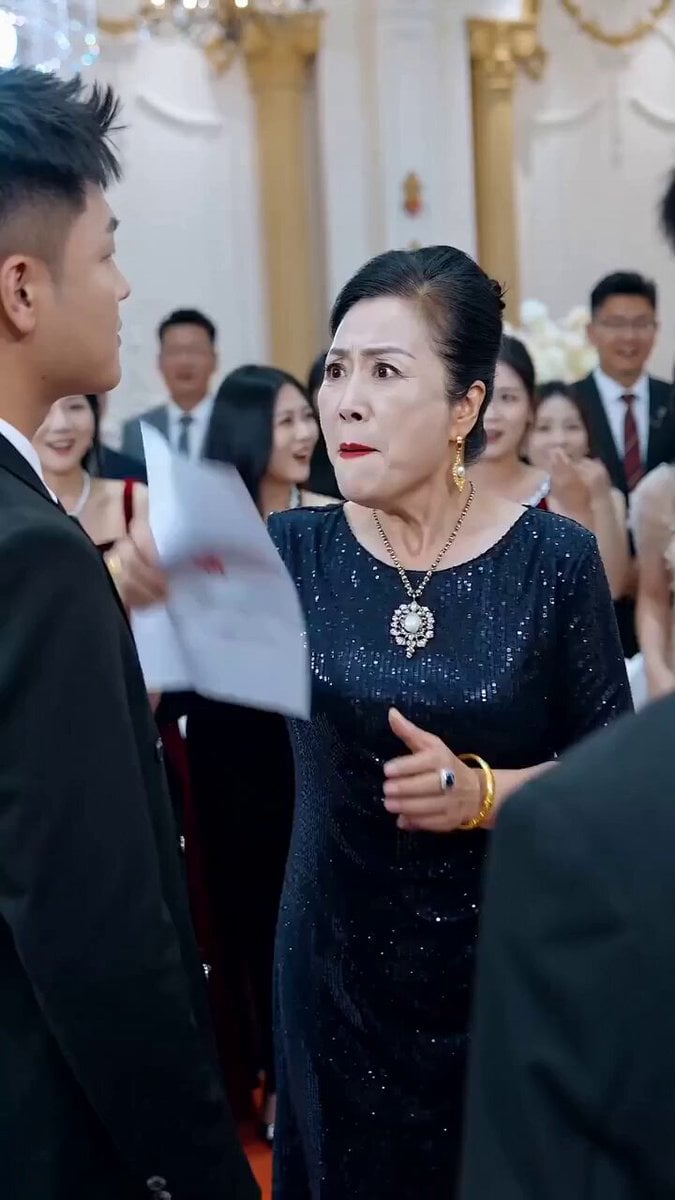
Viral CEO Drama: The Dragon King Reveal Prompt
Make it yours
Fantasy Dragon River Reveal works as-is. These are the safest ways to change it without losing the look.
Change one field
Copy a single group, rewrite it, and generate again so you can see what that field is doing.
Keep the frame, change the subject
Hold the composition and light of Fantasy Dragon River Reveal, then swap wardrobe, props or the person for a new take.
| If the result… | Why | Fix |
|---|---|---|
| The result drifts from the preview | Too many fields changed at once. | Reuse Fantasy Dragon River Reveal as-is first, then change one group — subject, light, or setting. |
| The model over-stylizes the scene | The prose prompt leaves finish and camera underspecified. | Add one camera or lighting sentence and stay on Seedance 2.0. |
More Seedance 2.0 templates
Other prompts made for Seedance 2.0.

Comical Martial Arts Punch Scene

Maglev Train Action Sequence

Martial Arts Fight Sequence

Wuxia Protection and Trust Script

Vintage Korean Arcade MiniDV Vlog

Mercedes 190 SL Luxury Ad

Rainy Night Supernatural Reverse Comedy Video Script

Amazon Civilization Discovery

Futuristic South Asian City Transformation

Cozy Luxury Cafe Commercial
More video prompts
Fresh picks from across the catalog.
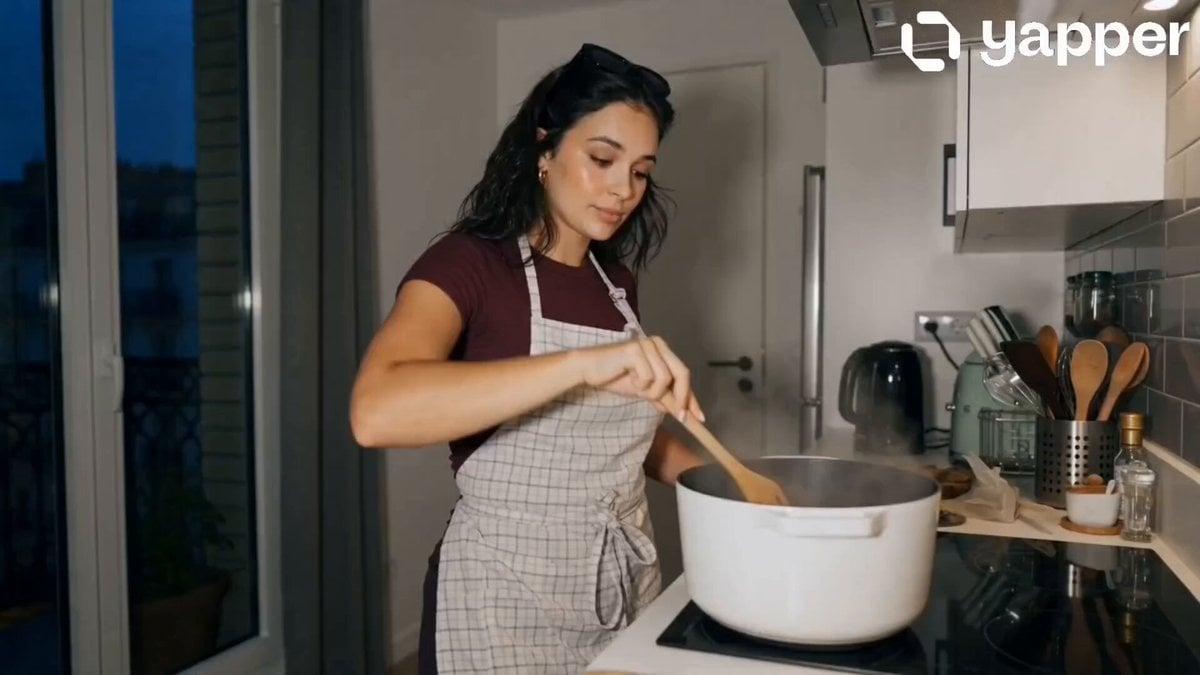
Peaceful Daily Routine Narrative Prompt
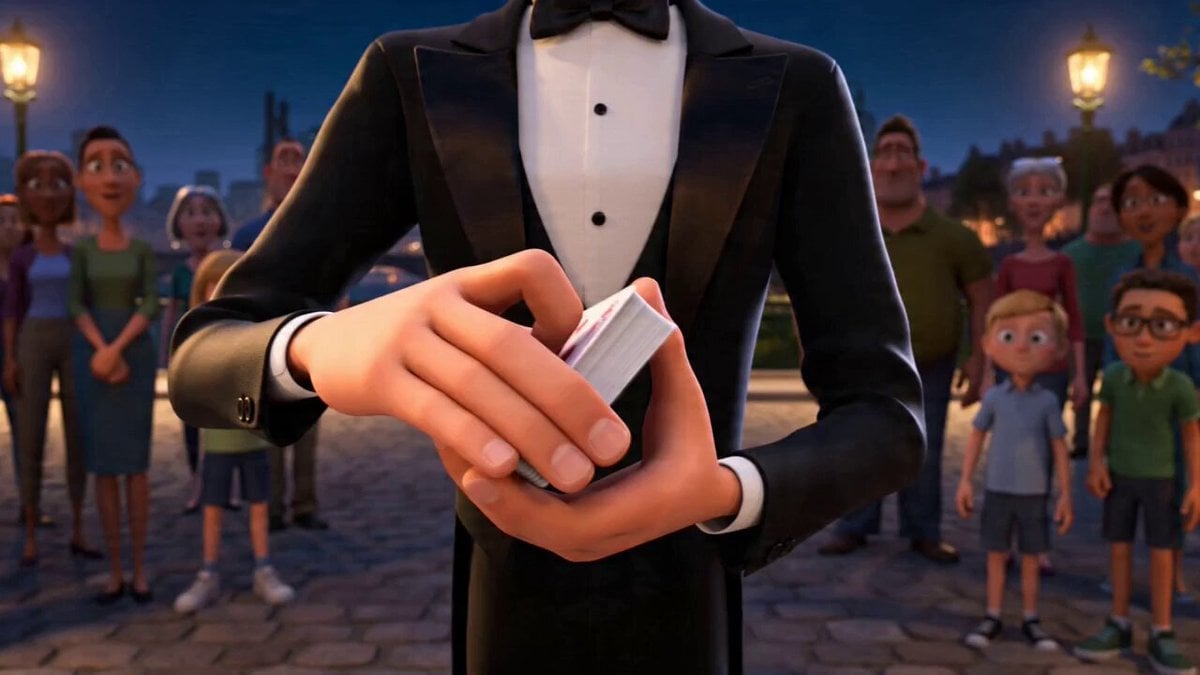
Stylized Magician Performance Video Prompt
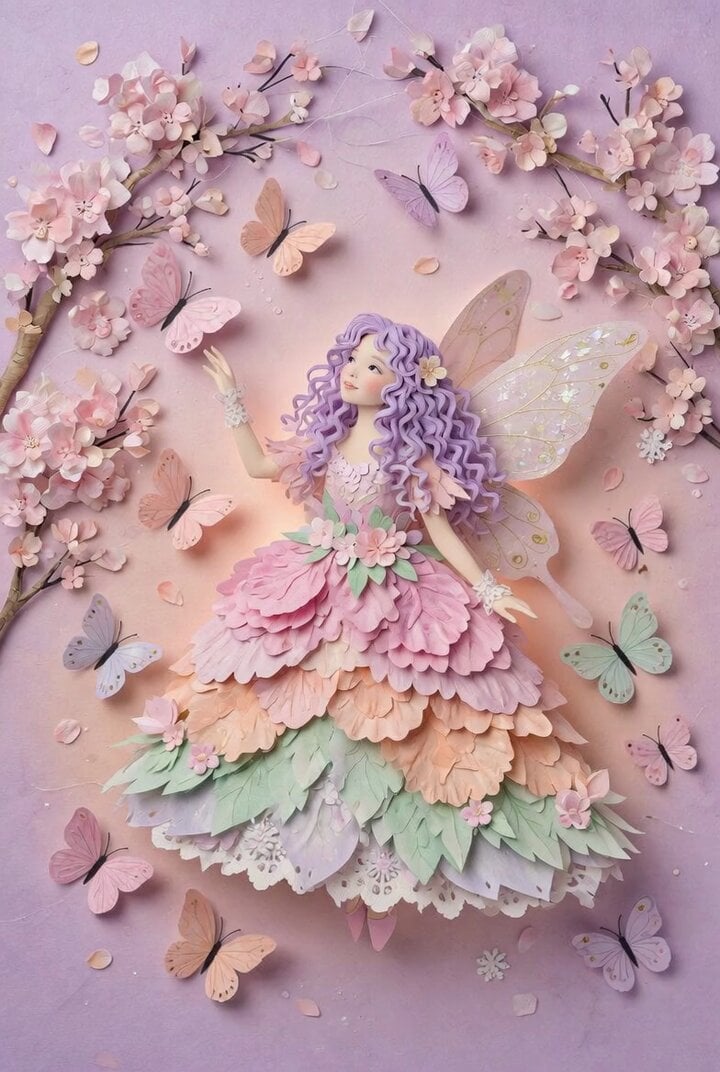
Colorful Paper Art Fairy Queen Prompt
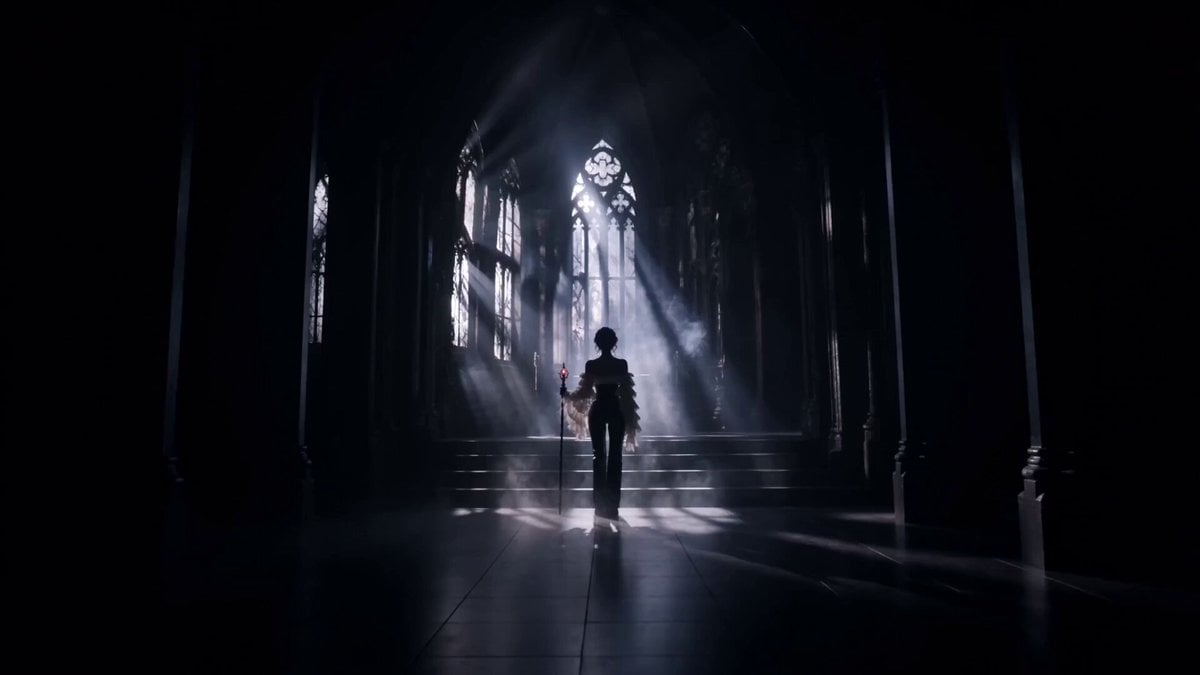
Gothic Battle Dancer Cinematic Video
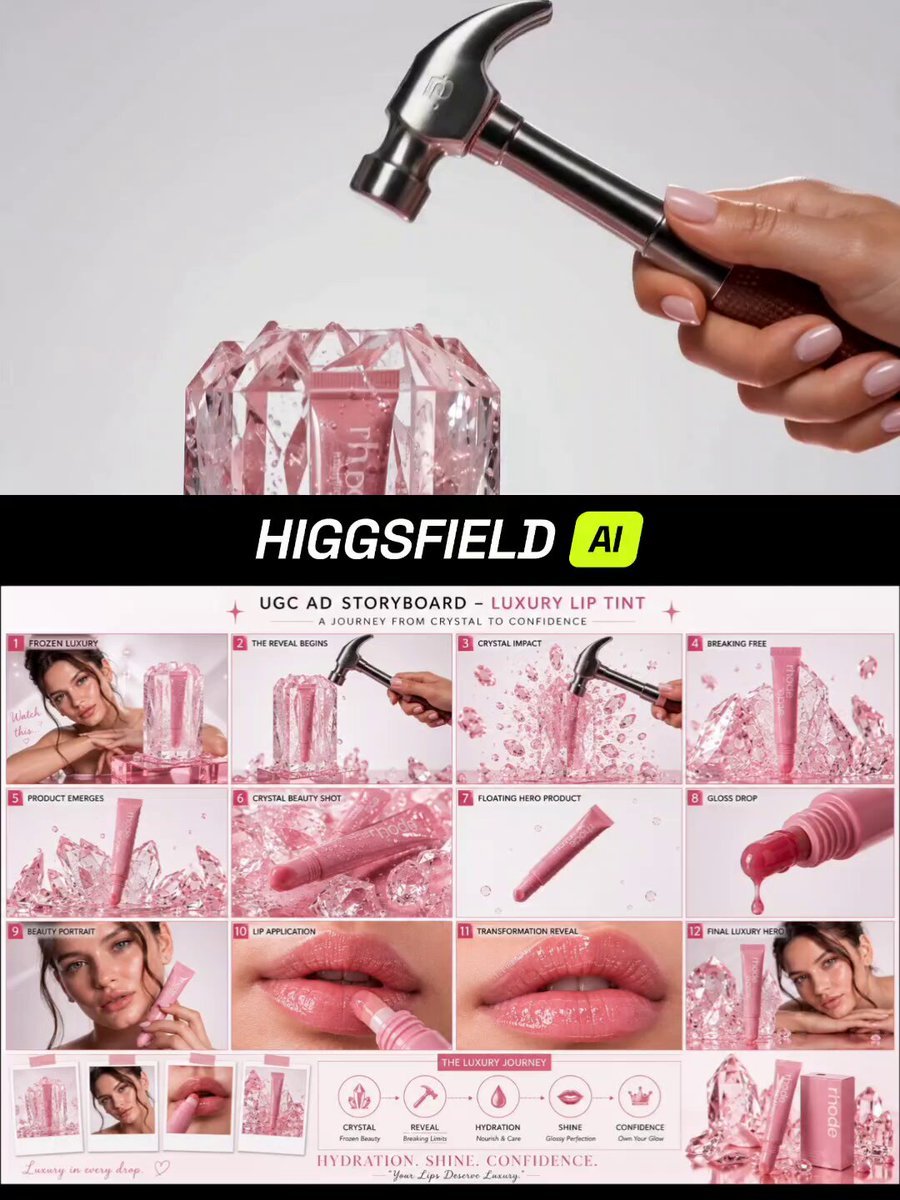
Luxury Pink Lip Tint Commercial

Funny Cartoon Cat with High-Tech Toy
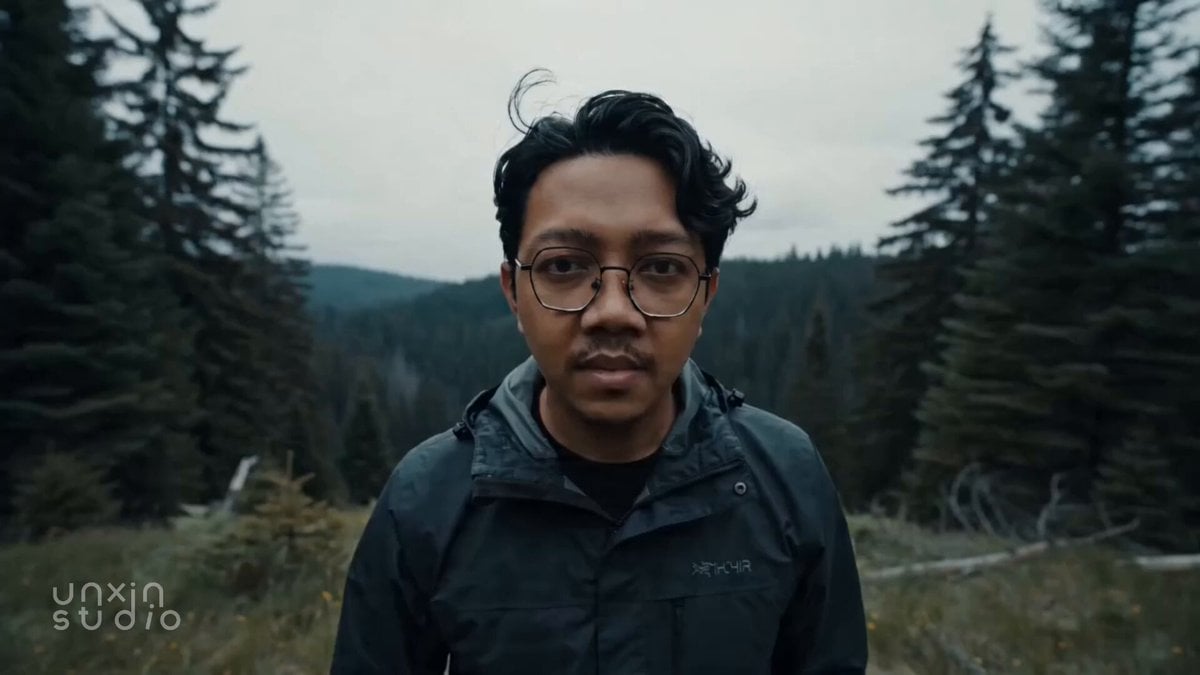
Cinematic Colossal Dragon Encounter
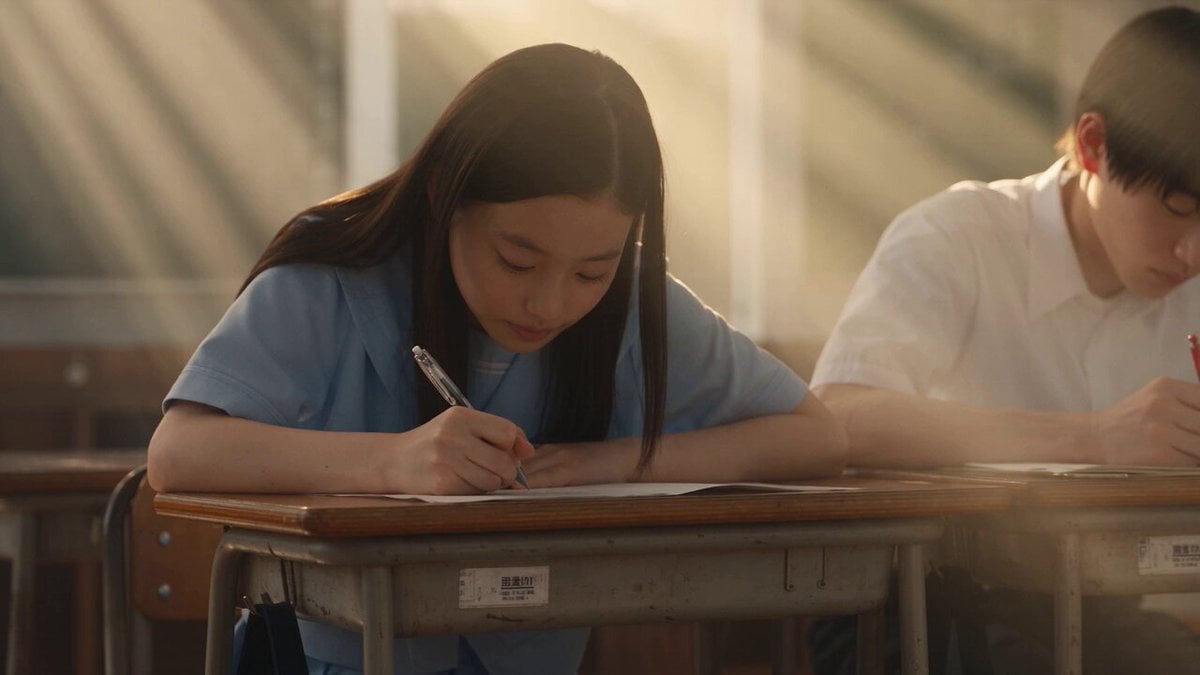
Japanese Pure Love Short Film
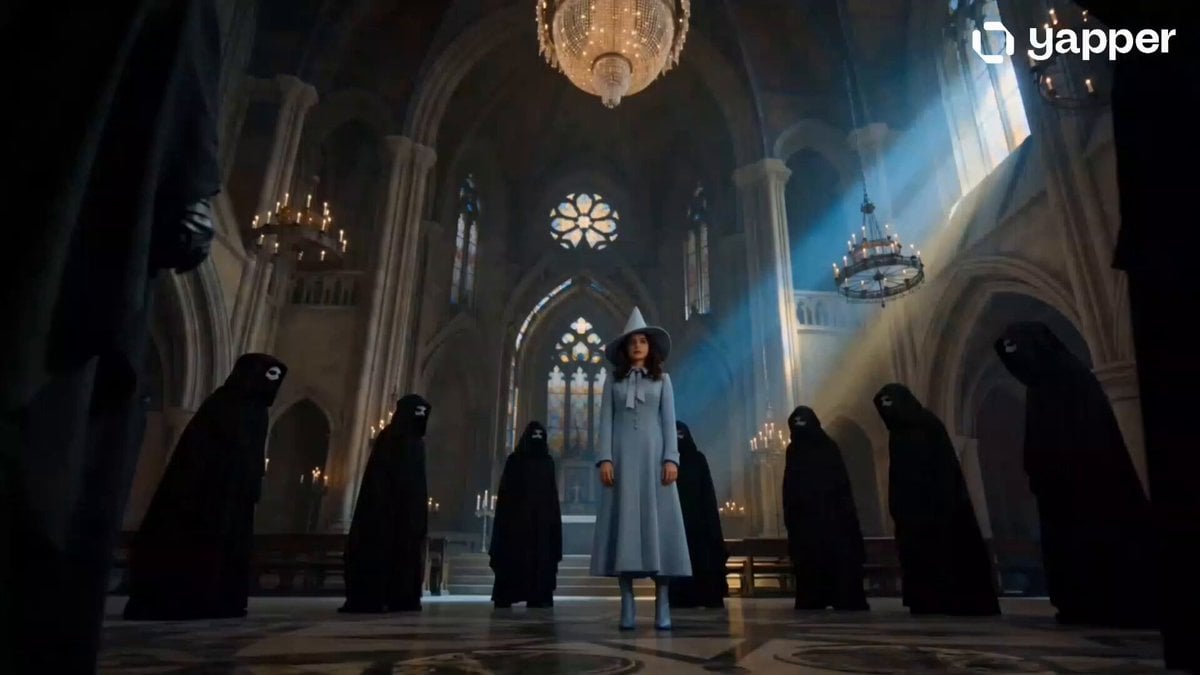
Beauxbatons Witch Magic Vortex Animation
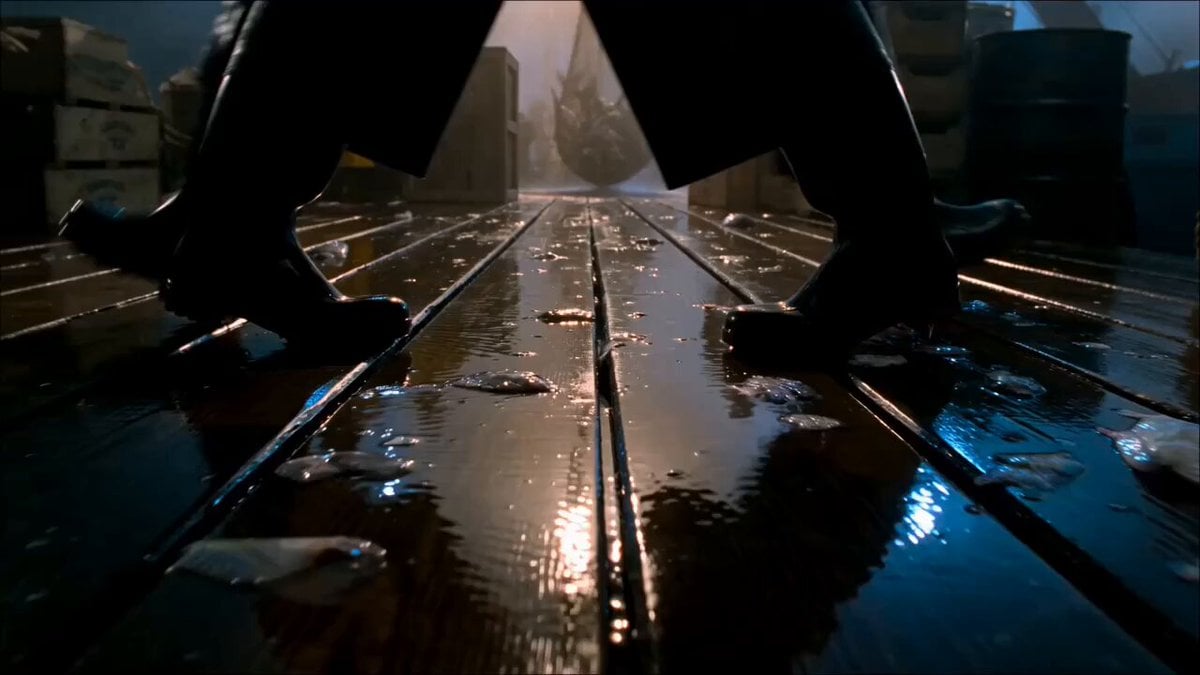
Florida Gulf Wharf 1957 Animation
Browse template categories
Fantasy Dragon River Reveal questions
How do I use the Fantasy Dragon River Reveal template?
Add your photo if the template asks for one, edit the prompt if you like — the template's model and format are already selected — and press Generate. Your version opens in PicX Studio.
Can I customize the Fantasy Dragon River Reveal template?
Yes. You can change the subject, setting, lighting, mood, format, and available model controls before creating your video.
Is the Fantasy Dragon River Reveal template free?
Opening and editing this template is free. Generating uses credits, shown on the Generate button when you are signed in.
Which AI model should I use?
Start with Seedance 2.0, which is the model associated with this template. You can compare another compatible model for a different finish.
Looking for something else? Browse all templates.

Your photo, any look
Thousands of ready templates for every top image and video model, from one credit balance.