
Dark Fantasy Calligraphy Ink Dragon
A cinematic dark fantasy sequence where traditional Japanese calligraphy ink transforms into a roaring dragon and shadow demons.
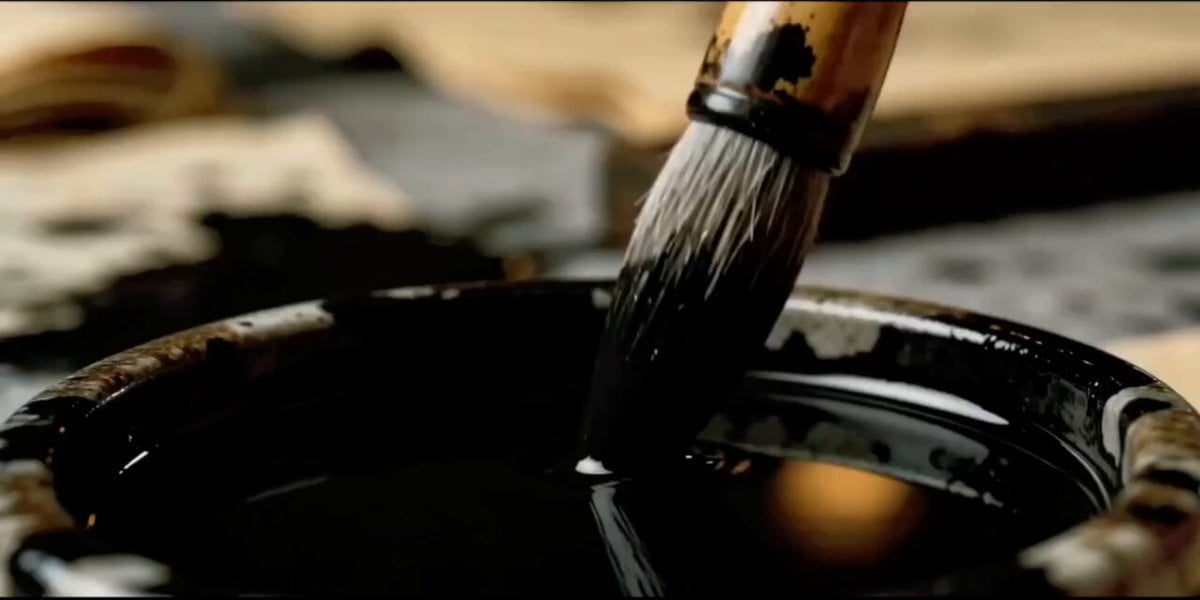
- Prompt included
- Model and format preset
- Free template
The prompt behind this video
Copy the exact prompt behind Dark Fantasy Calligraphy Ink Dragon, or open it in the studio and make it yours.
A hyper-realistic, dark fantasy cinematic video sequence. A young Japanese woman with short, straight silver-white hair and a sharp hime-cut fringe, dressed in a traditional pastel pink kimono with a floral obi, is masterfully practicing traditional calligraphy. The scene transitions between extreme close-ups of a high-quality calligraphy brush dipping into thick, glossy jet-black ink, and wide shots of a dimly lit, atmospheric traditional Japanese dojo illuminated by glowing paper lanterns. As she paints fluid strokes on aged parchment, the black ink magically comes alive, erupting off the paper. The ink dynamic morphs into a roaring, glowing-eyed ink dragon, then opens a swirling, chaotic vortex of liquid black ink floating in mid-air. Out of the parchment, a menacing, powerful shadow demon entity with glowing fiery orange eyes and cracks of golden energy emerges, roaring and extending its dark, smoke-like limbs. The scene cuts to an epic, desolate battlefield under a stormy, overcast sky where an army of these ink-shadow monsters charges forward. The woman stands resolutely, holding her brush like a weapon, as liquid black ink violently splashes around her, partially coating her pink kimono in jet-black residue. Cinematic lighting, dramatic shadows, ink-splatter dynamics, high-octane action, 8k resolution, photorealistic textures.
How to use Dark Fantasy Calligraphy Ink Dragon in 3 steps
- 1
Open
The prompt is already in the box next to the preview, with the template's model and format selected.
- 2…a portrait of your subject in softgolden-hour light, 85mm…
Personalize
Edit the subject and creative details for your destination.
- 3Generate
Generate
Press Generate — your video is created in PicX Studio, so you can compare it with the original and refine one variable at a time.
More like this
Templates with the same subject, style or setup. Open one to see its prompt.

Dragon Rider Cinematic Flight — Seedance 2.5
Dragon Rescue — Volcanic Kingdom Collapse (Seedance)
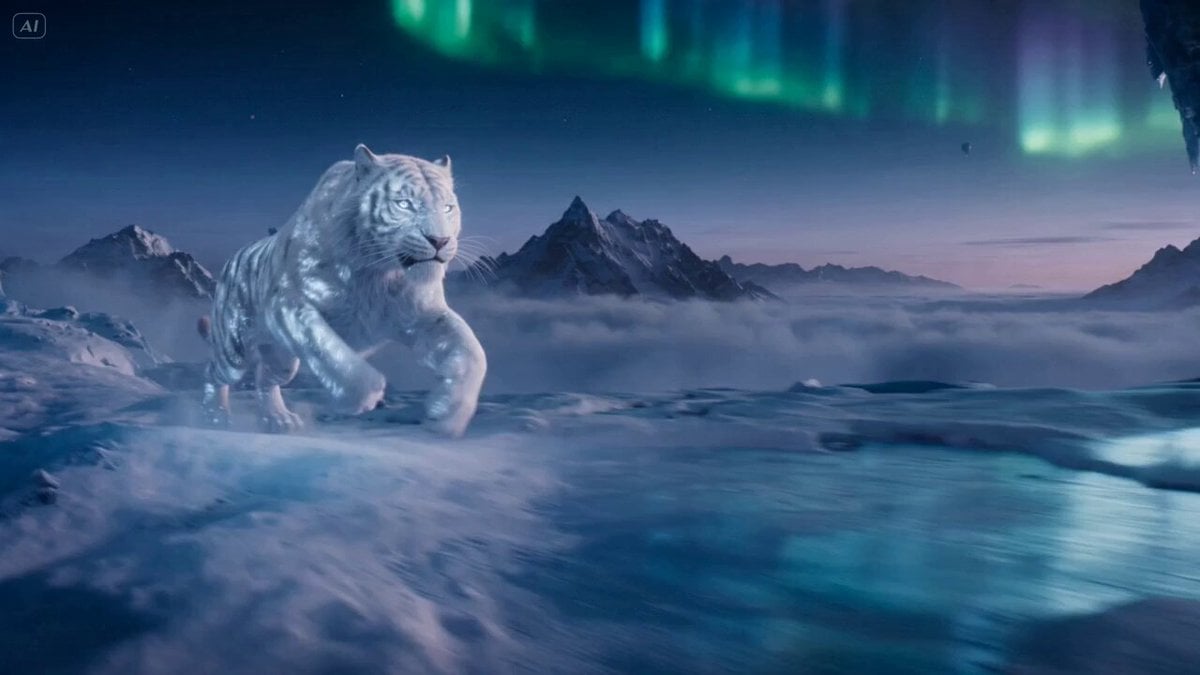
Ice Tiger vs Dragon - Seedance 2.0
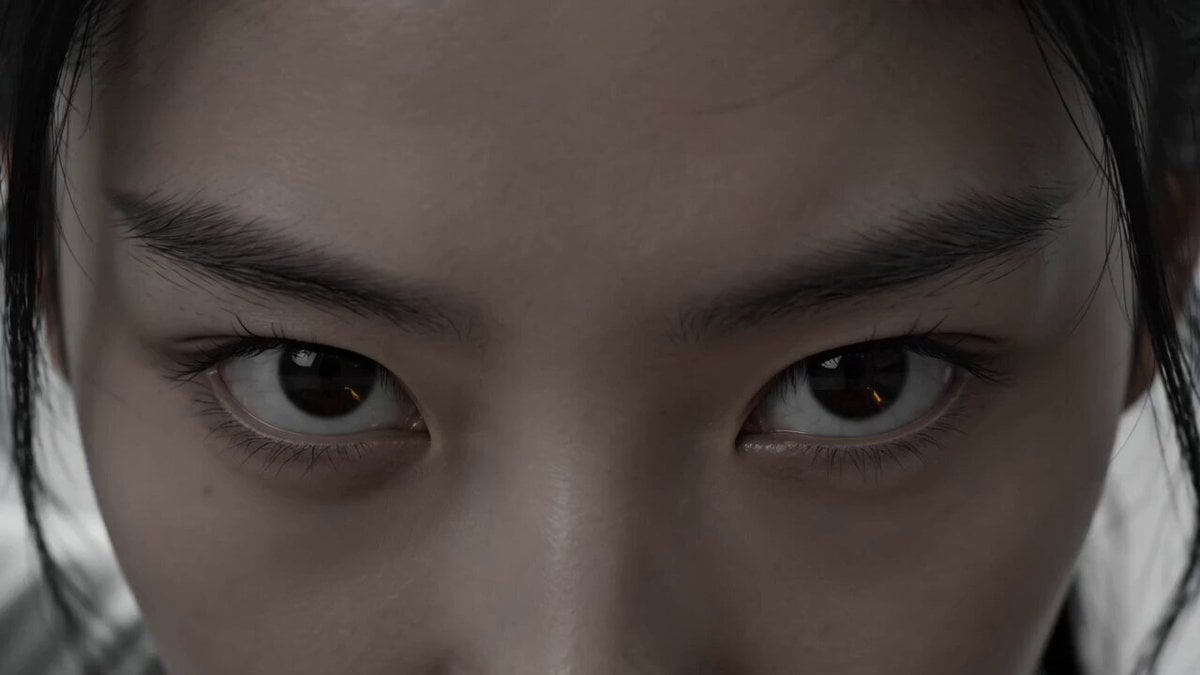
Chinese Calligraphy Ink Dance Dragon
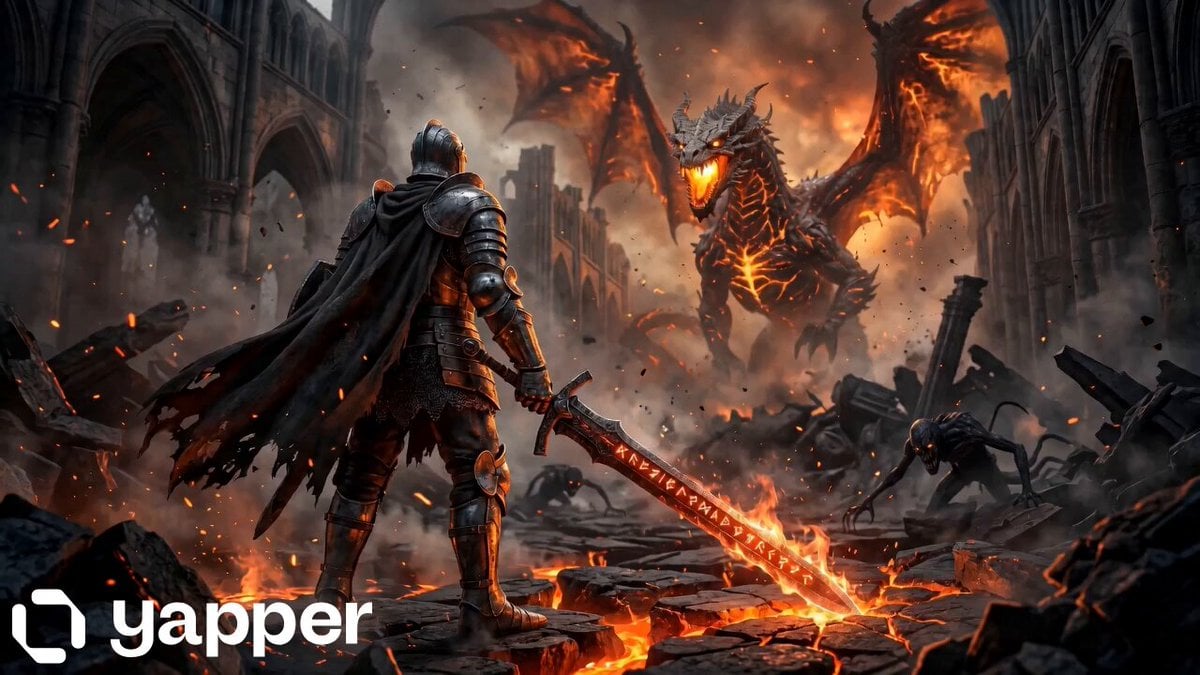
Knight vs Dragon Dark Fantasy Battle

Dark Tokusatsu Transformation - Seedance 2.5
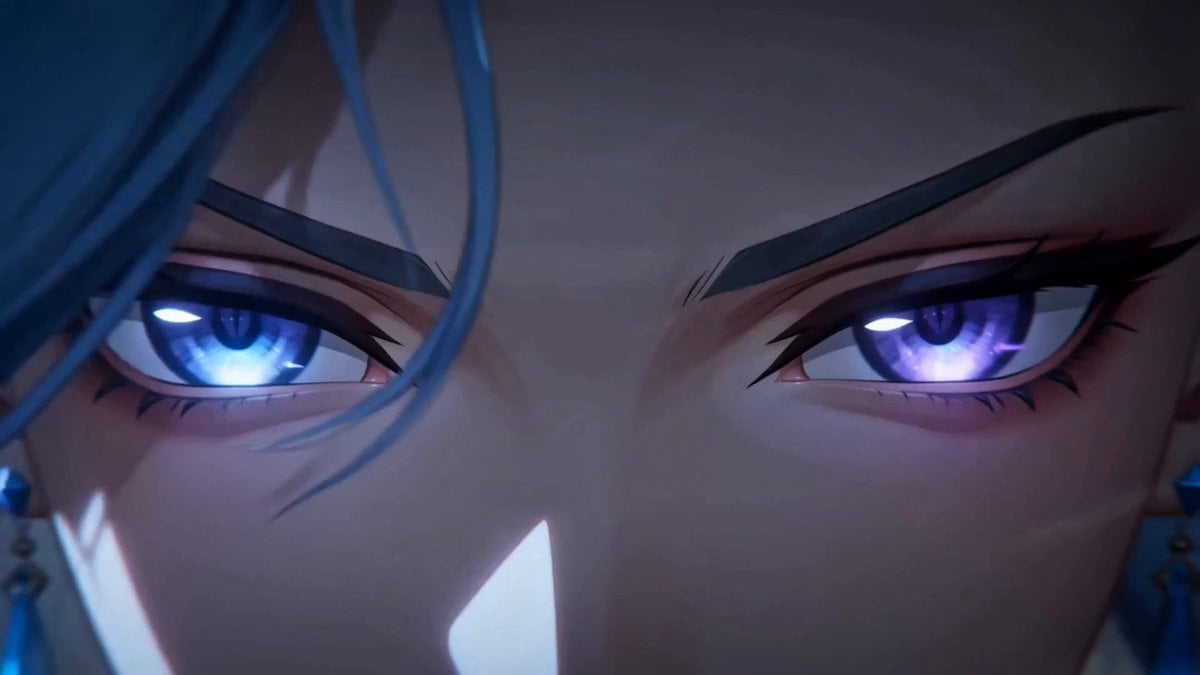
Dark Fantasy Anime Summoning Ritual

Glowing Ink Dark Writing

Forest Fantasy Girl Short Film

Necromancer Battlefield Orbit
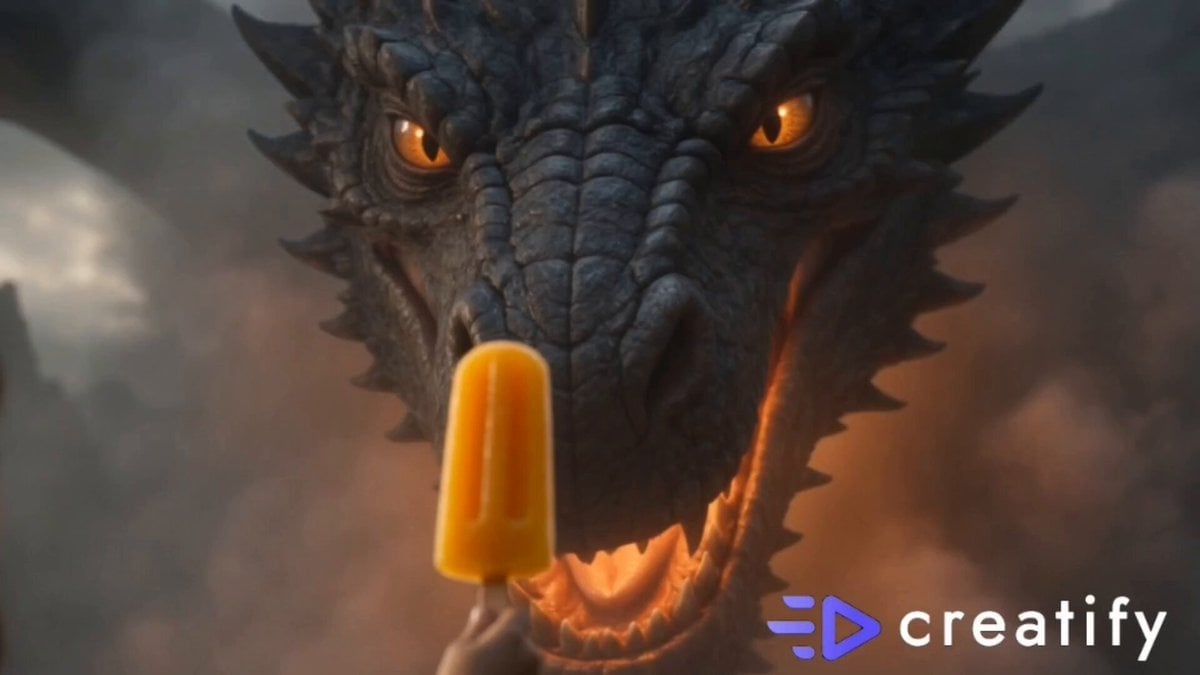
Dragon and Ice Cream Fantasy
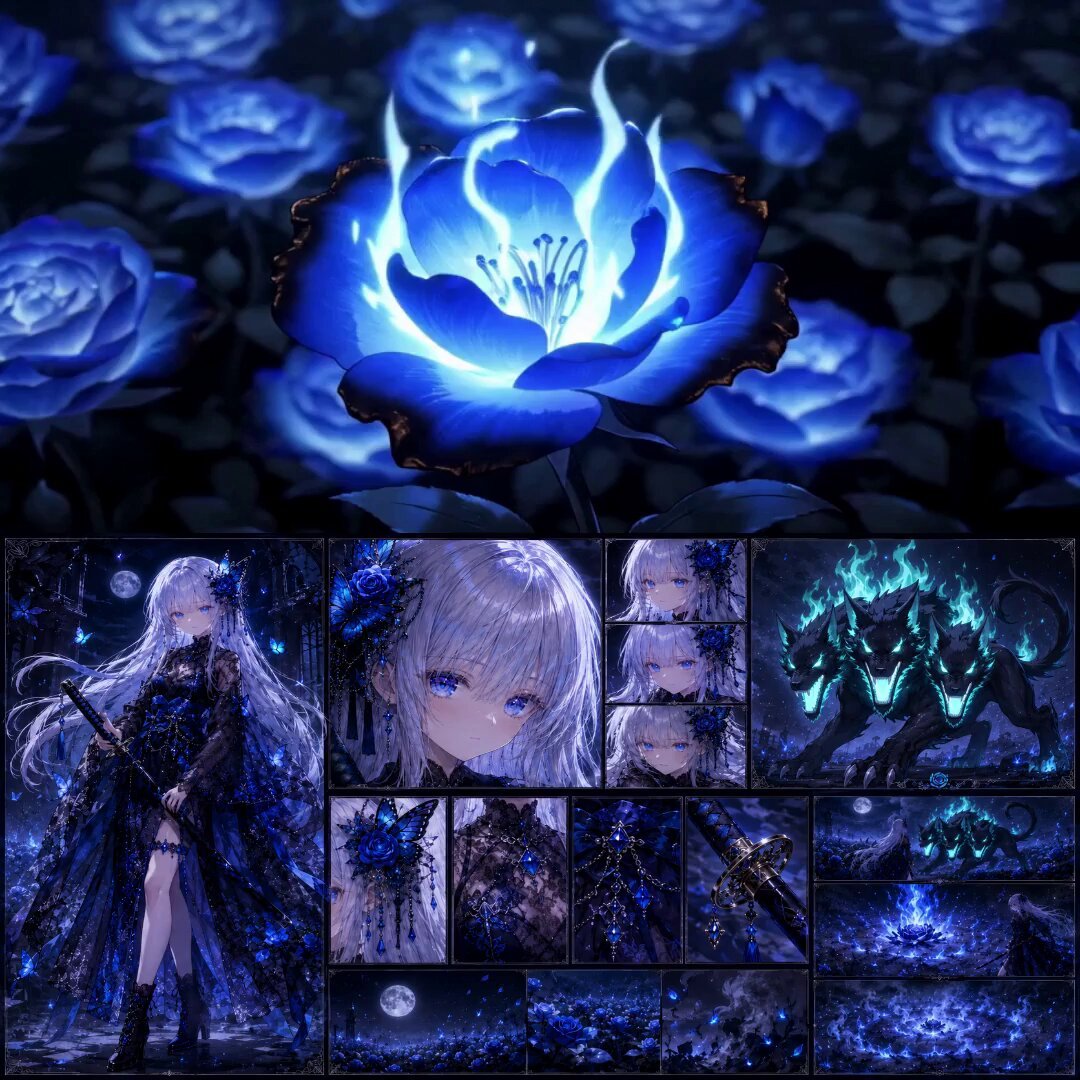
High-End Anime Dark Fantasy Cerberus Battle
Make it yours
Dark Fantasy Calligraphy Ink Dragon works as-is. These are the safest ways to change it without losing the look.
Change one field
Copy a single group, rewrite it, and generate again so you can see what that field is doing.
Keep the frame, change the subject
Hold the composition and light of Dark Fantasy Calligraphy Ink Dragon, then swap wardrobe, props or the person for a new take.
| If the result… | Why | Fix |
|---|---|---|
| The result drifts from the preview | Too many fields changed at once. | Reuse Dark Fantasy Calligraphy Ink Dragon as-is first, then change one group — subject, light, or setting. |
| The model over-stylizes the scene | The prose prompt leaves finish and camera underspecified. | Add one camera or lighting sentence and stay on Seedance 2.0. |
More Seedance 2.0 templates
Other prompts made for Seedance 2.0.

Comical Martial Arts Punch Scene

Maglev Train Action Sequence

Martial Arts Fight Sequence

Wuxia Protection and Trust Script

Vintage Korean Arcade MiniDV Vlog

Mercedes 190 SL Luxury Ad

Rainy Night Supernatural Reverse Comedy Video Script

Amazon Civilization Discovery

Futuristic South Asian City Transformation

Cozy Luxury Cafe Commercial
More video prompts
Fresh picks from across the catalog.
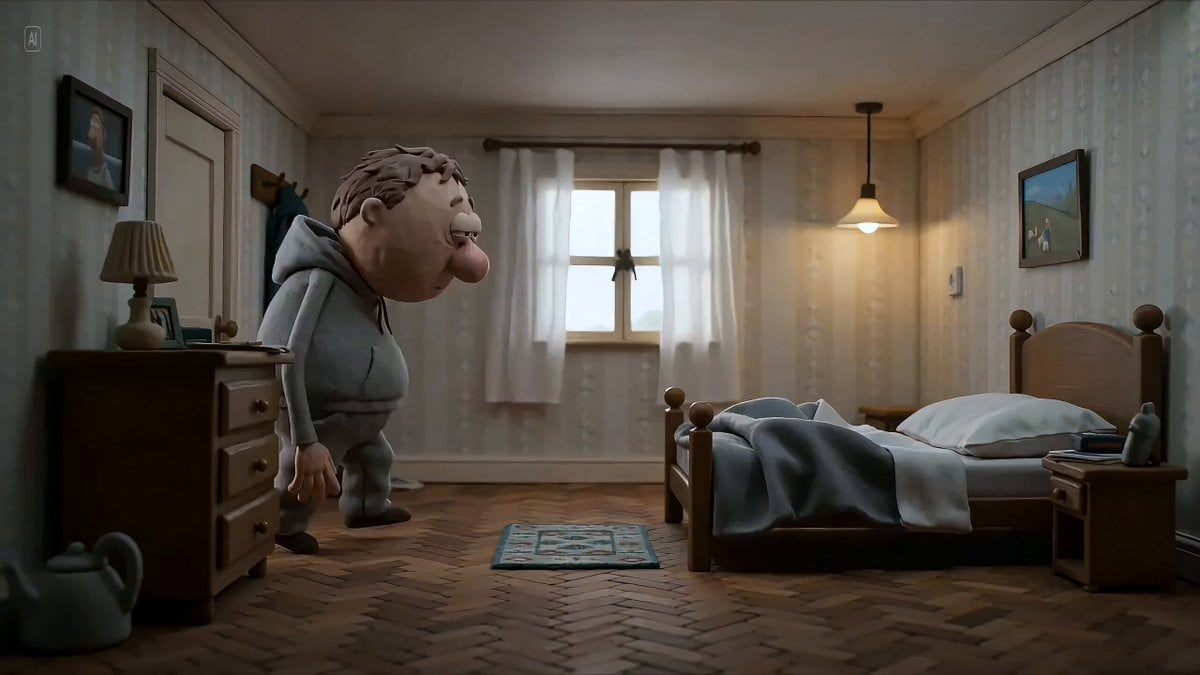
Hyperrealistic miniature diorama of a clay figure collapsing on a bed

Cooking Pug Comedy Scene
Anime Pepsi Football Ad
Matrix Style Fire vs Shadow Duel BTS
High-Speed Rail Journey Cinematic Documentary
Cinematic Scene of London in Bloom
Mixed-Reality Stop-Motion Transformation
Ghost River Cinematic Push-In
Continuous Shot Downhill Longboard Run
Sneaker Material Morph Transformation
Browse template categories
Dark Fantasy Calligraphy Ink Dragon questions
How do I use the Dark Fantasy Calligraphy Ink Dragon template?
Add your photo if the template asks for one, edit the prompt if you like — the template's model and format are already selected — and press Generate. Your version opens in PicX Studio.
Can I customize the Dark Fantasy Calligraphy Ink Dragon template?
Yes. You can change the subject, setting, lighting, mood, format, and available model controls before creating your video.
Is the Dark Fantasy Calligraphy Ink Dragon template free?
Opening and editing this template is free. Generating uses credits, shown on the Generate button when you are signed in.
Which AI model should I use?
Start with Seedance 2.0, which is the model associated with this template. You can compare another compatible model for a different finish.
Looking for something else? Browse all templates.

Your photo, any look
Thousands of ready templates for every top image and video model, from one credit balance.