How do I use the Cinematic Scene of London in Bloom template?
Edit the prompt in the box under the preview — the template's model and format are already selected — and press Generate. Your version appears right on this page.
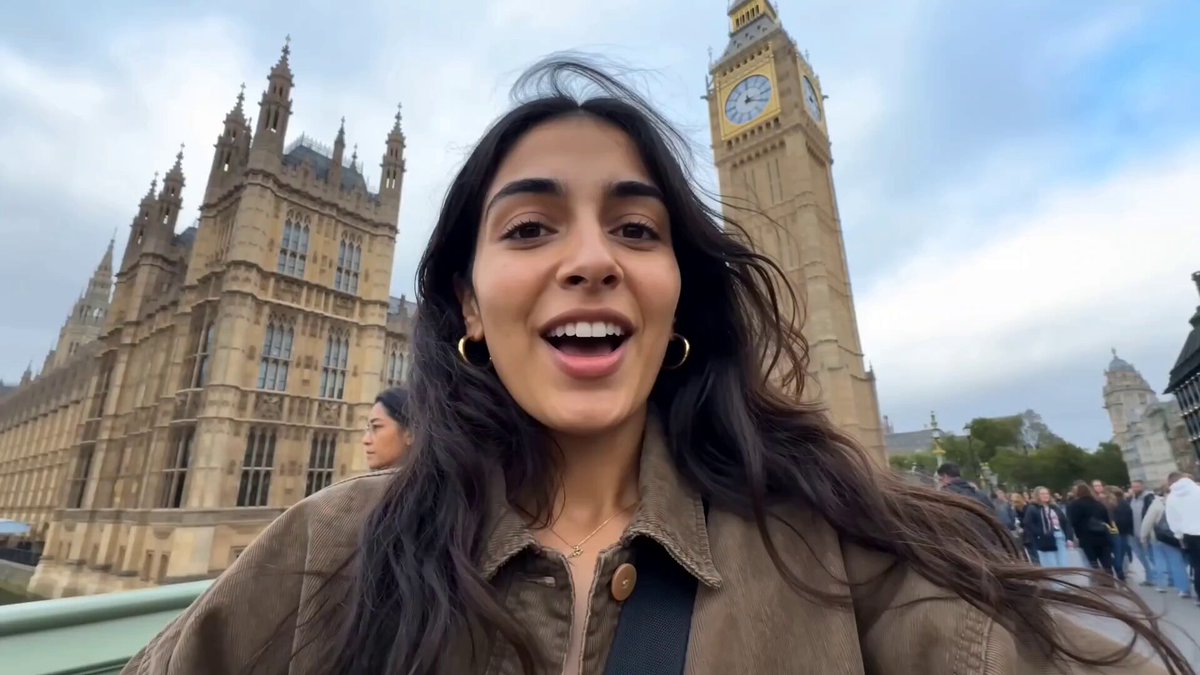
A detailed, multi-scene prompt for Seedance 2.0 creating a poetic and romantic cinematic video of London during a cherry blossom bloom, featuring Big Ben, the Thames, and Westminster Bridge.
Cinematic Scene 1 (0-4s): aerial drone shot gliding low over the Thames at golden hour, Big Ben rising through a blizzard of pink cherry blossom petals, reflections shimmering on the water, slow zoom in. Scene 2 (4-8s): upward-angle close-up of Big Ben's clock face, ornate gold gothic details sharp, pink petals drifting across the frame and briefly covering the hands, clock ticks visibly. Scene 3 (8-12s): wide shot from Westminster Bridge, a lone figure in a light coat stands with their back to camera gazing up at Big Ben, cherry blossom branches frame both sides, petals swirl around them, warm morning light. Scene 4 (12-15s): extreme slow-motion single cherry blossom petal tumbling and rotating in front of Big Ben, fades to black, text "London in bloom" appears in elegant serif font. Mood: poetic, romantic, cinematic. Color grade: warm golden tones with soft pink accents. Audio: gentle piano, distant bell chime, string swell.
Cinematic Scene 1 (0-4s): aerial drone shot gliding low over the Thames at golden hour, Big Ben rising through a blizzard of pink cherry blossom petals, reflections shimmering on the water, slow zoom in. Scene 2 (4-8s): upward-angle close-up of Big Ben's clock face, ornate gold gothic details sharp, pink petals drifting across the frame and briefly covering the hands, clock ticks visibly. Scene 3 (8-12s): wide shot from Westminster Bridge, a lone figure in a light coat stands with their back to camera gazing up at Big Ben, cherry blossom branches frame both sides, petals swirl around them, warm morning light. Scene 4 (12-15s): extreme slow-motion single cherry blossom petal tumbling and rotating in front of Big Ben, fades to black, text "London in bloom" appears in elegant serif font. Mood: poetic, romantic, cinematic. Color grade: warm golden tones with soft pink accents. Audio: gentle piano, distant bell chime, string swell.
Edit the prompt in the box under the preview — the template's model and format are already selected — and press Generate. Your version appears right on this page.
Yes. You can change the subject, setting, lighting, mood, format, and available model controls before creating your video.
Opening and editing this template is free. Generating uses credits, shown on the Generate button when you are signed in.
Start with Seedance 2.0, which is the model associated with this template. You can compare another compatible model for a different finish.
Follow a topic to a crawlable collection of related PicX Studio templates.