
Gritty Wrestling Arena Sequence
A high-stakes wrestling match prompt set in a dimly lit underground arena, focusing on muscle tension, sweat, and explosive action.
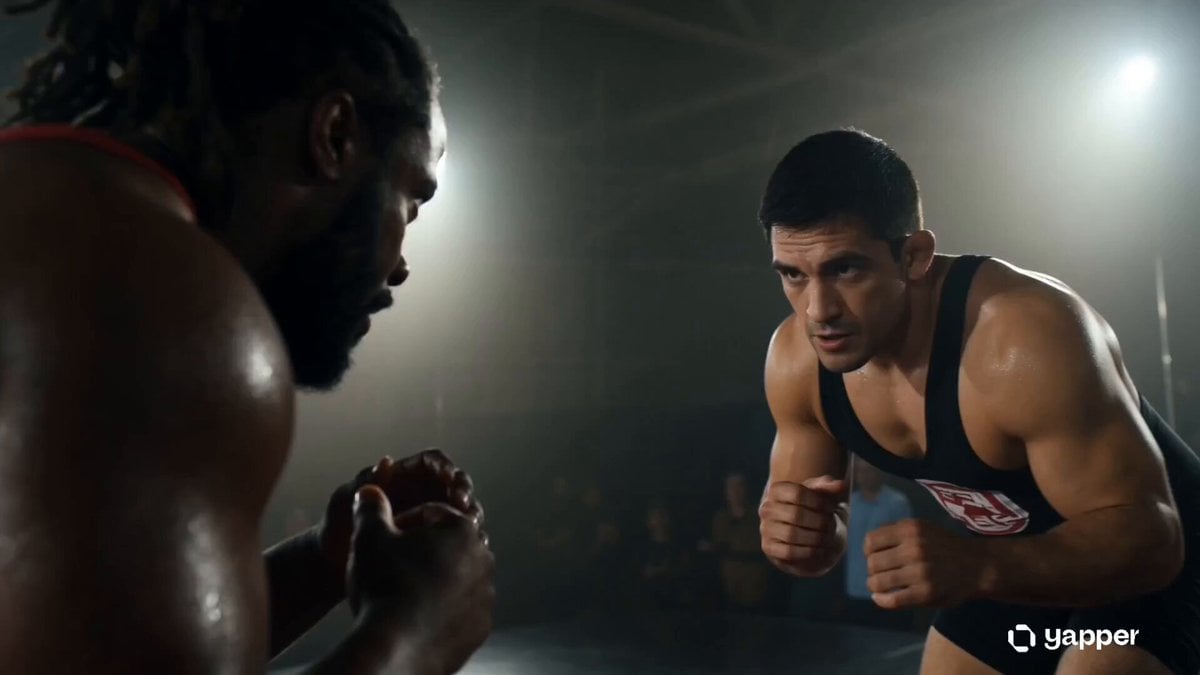
- Prompt included
- Model and format preset
- Free template
The prompt behind this video
Copy the exact prompt behind Gritty Wrestling Arena Sequence, or open it in the studio and make it yours.
Create a 15-second ultra-realistic cinematic vertical (9:16) wrestling sequence. Scene Style: Intense sports drama with gritty, high-energy atmosphere. Dimly lit underground wrestling arena with harsh overhead spotlights, dust particles in the air, and a roaring crowd blurred in the background. Wet mat reflecting light, sweat and motion emphasized with slow-motion detail. Characters: Two powerful male wrestlers with athletic, muscular builds. One in red gear, the other in black gear. Both highly focused, aggressive, and determined. Action Sequence (fast-paced cuts): 0–4s: Fighters circle each other, tension rising, close-up shots of eyes and heavy breathing. 4–8s: Explosive grapple—one wrestler attempts a takedown, both struggle for control in a dramatic slow-motion clinch. 8–12s: Counter move—lift and slam onto the mat, dust and sweat flying dramatically. 12–15s: Final hold lock, crowd reaction intensifies, camera zooms in on strained expressions. Cinematic Details: Handheld camera motion, dynamic zooms, slow-motion impacts, sharp focus on muscle tension and sweat, cinematic depth of field, realistic sound design feel (impact hits, crowd roar). Mood: Raw power, rivalry, determination, high-stakes sports intensity.
How to use Gritty Wrestling Arena Sequence in 3 steps
- 1
Open
The prompt is already in the box next to the preview, with the template's model and format selected.
- 2…a portrait of your subject in softgolden-hour light, 85mm…
Personalize
Edit the subject and creative details for your destination.
- 3Generate
Generate
Press Generate — your video is created in PicX Studio, so you can compare it with the original and refine one variable at a time.
More like this
Templates with the same subject, style or setup. Open one to see its prompt.
Multi-Cut Western Duel and Arm Wrestling Sequence
Cartoon Bullfight Arena — Girl vs Bull (Seedance)
Gothic Cathedral Boss Arena Intro

Photorealistic Arena Boxing Fight

Futuristic Robot Arena Battle

Maglev Train Action Sequence

Martial Arts Fight Sequence
Sakuga Style Anime Arena Fight
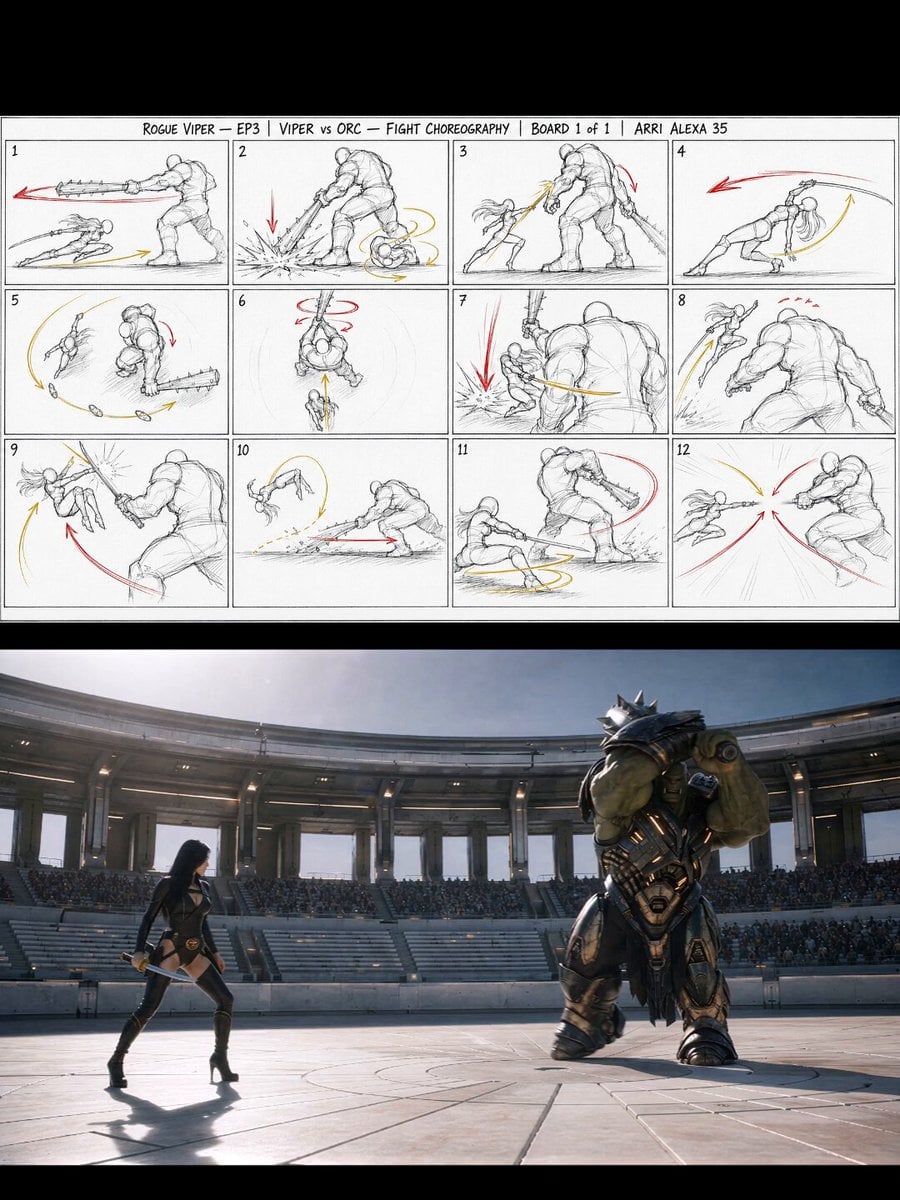
Gladiator Arena Duel Action
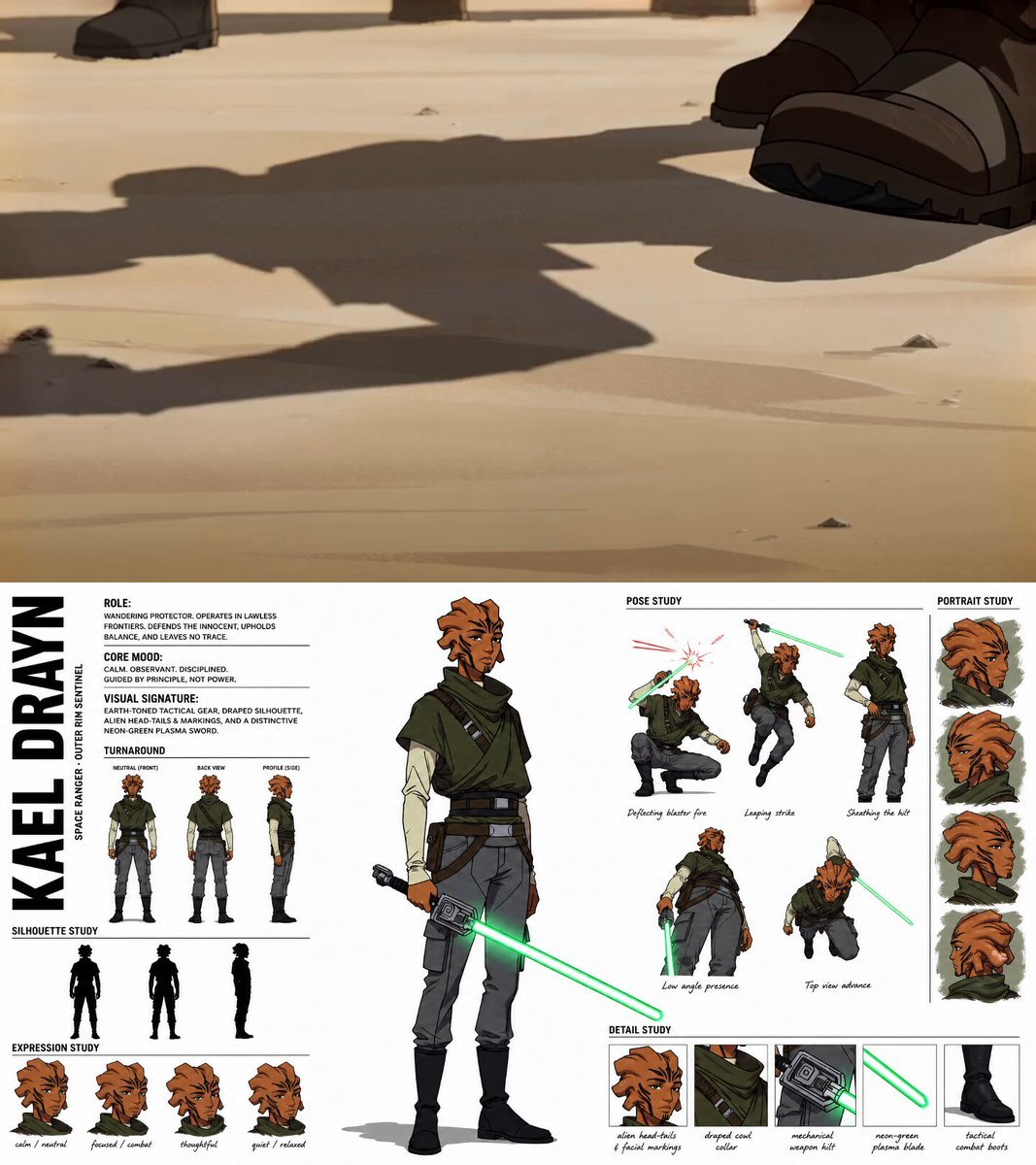
Gritty Sci-Fi Anime Montage
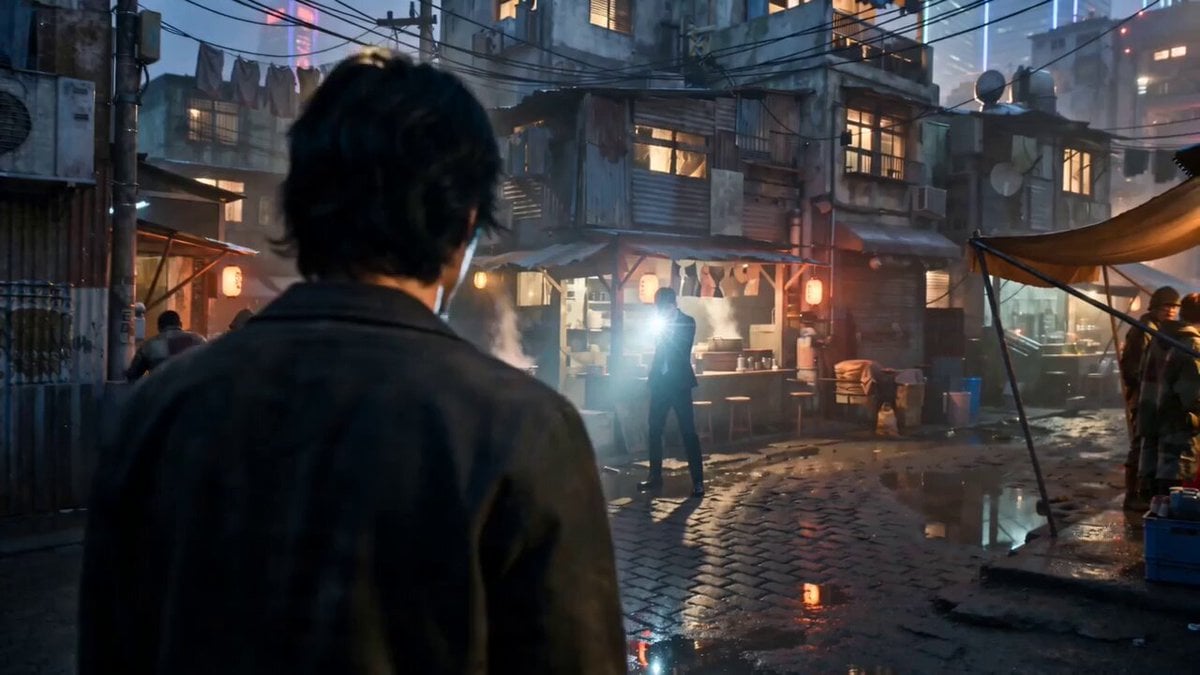
Gritty Cyber-Noir Alley Fight

Cinematic Desert Arena Warrior Action
Make it yours
Gritty Wrestling Arena Sequence works as-is. These are the safest ways to change it without losing the look.
Change one field
Copy a single group, rewrite it, and generate again so you can see what that field is doing.
Keep the frame, change the subject
Hold the composition and light of Gritty Wrestling Arena Sequence, then swap wardrobe, props or the person for a new take.
| If the result… | Why | Fix |
|---|---|---|
| The result drifts from the preview | Too many fields changed at once. | Reuse Gritty Wrestling Arena Sequence as-is first, then change one group — subject, light, or setting. |
| The model over-stylizes the scene | The prose prompt leaves finish and camera underspecified. | Add one camera or lighting sentence and stay on Seedance 2.0. |
More Seedance 2.0 templates
Other prompts made for Seedance 2.0.

Comical Martial Arts Punch Scene

Wuxia Protection and Trust Script

Vintage Korean Arcade MiniDV Vlog

Mercedes 190 SL Luxury Ad

Rainy Night Supernatural Reverse Comedy Video Script

Amazon Civilization Discovery

Futuristic South Asian City Transformation

Cozy Luxury Cafe Commercial

Cyber Ronin Nanotech Transformation Video

Desert Courier and Sandstorm Leviathan Chase
More video prompts
Fresh picks from across the catalog.
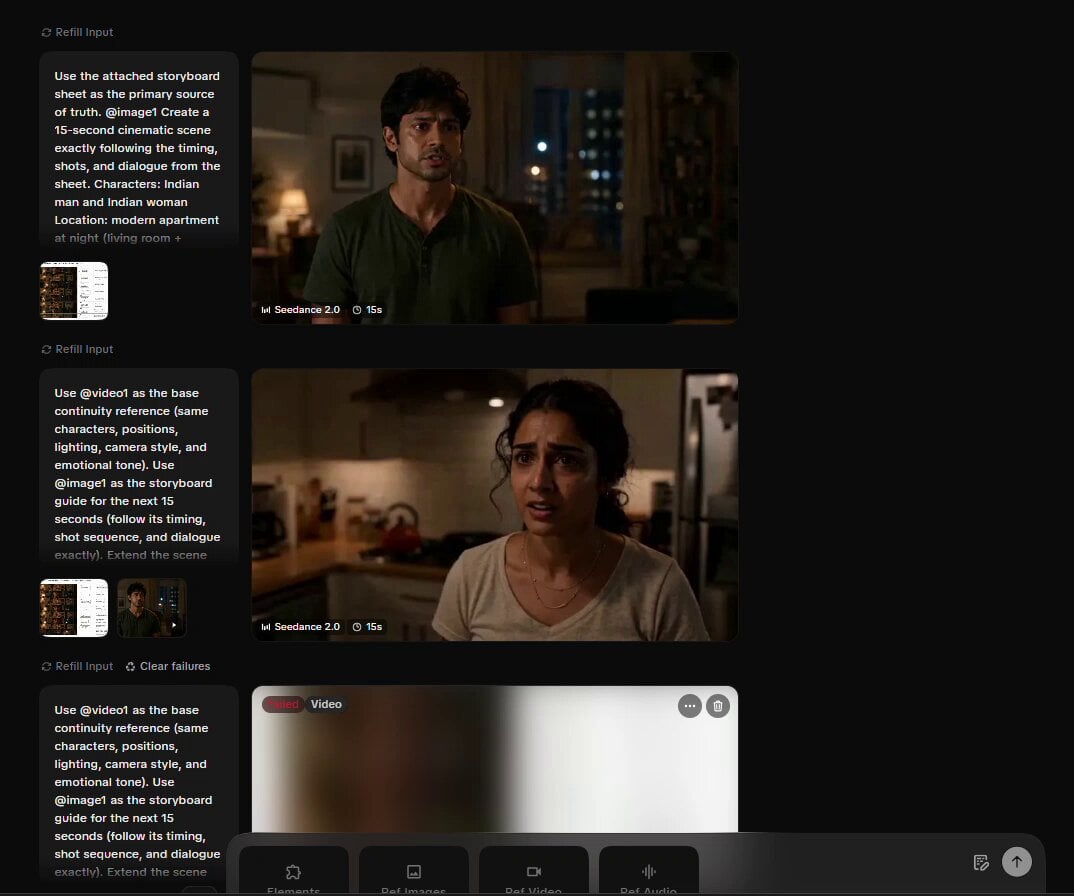
Cinematic Storyboard Video Extension
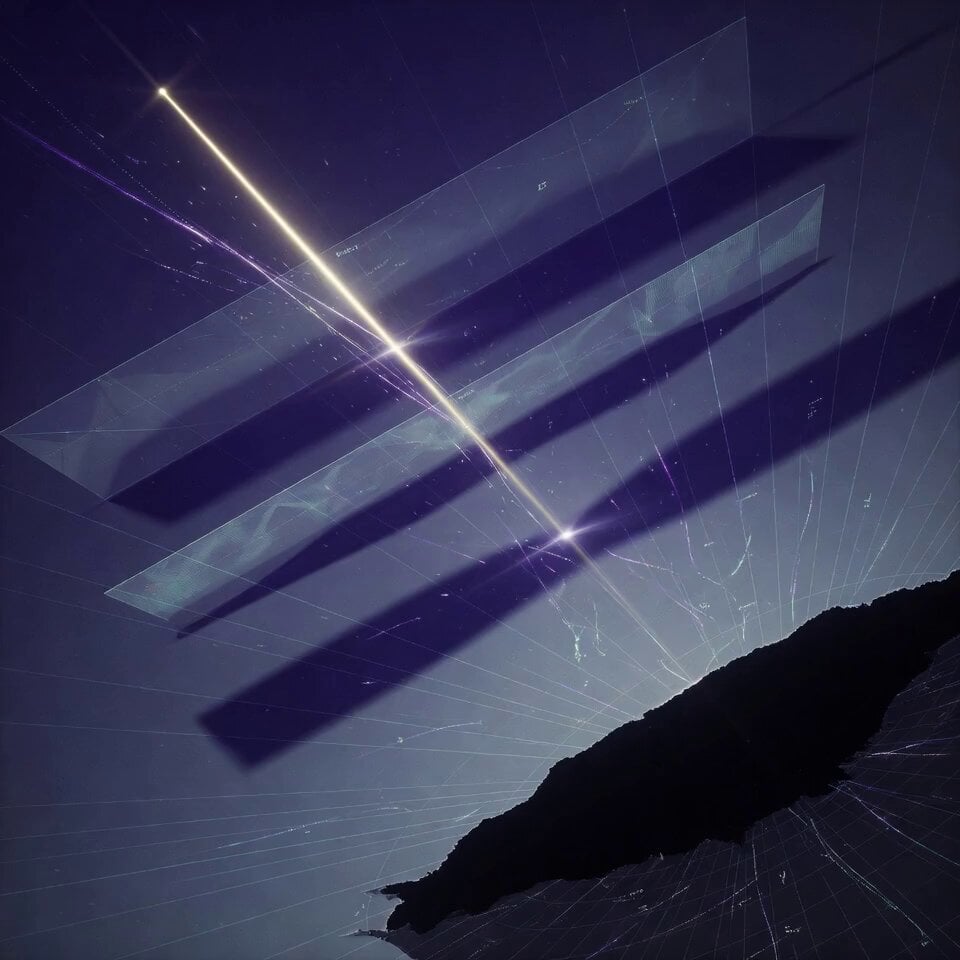
Cinematic Symbolic Light Point Journey
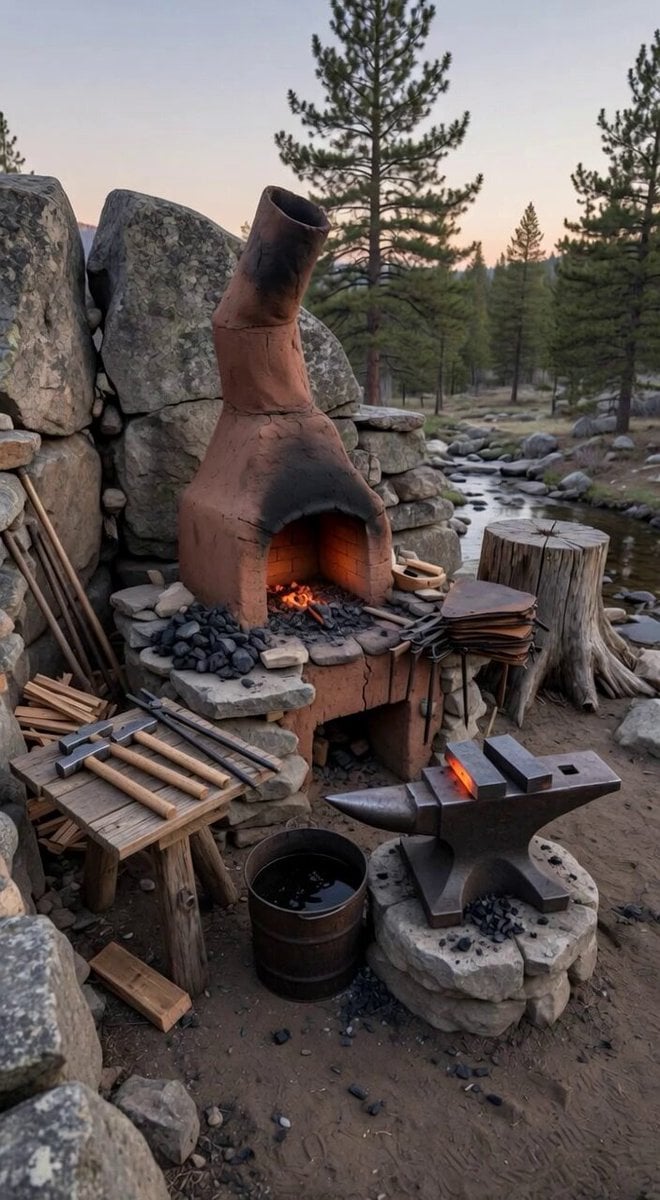
Scene Lock Timelapse Continuity
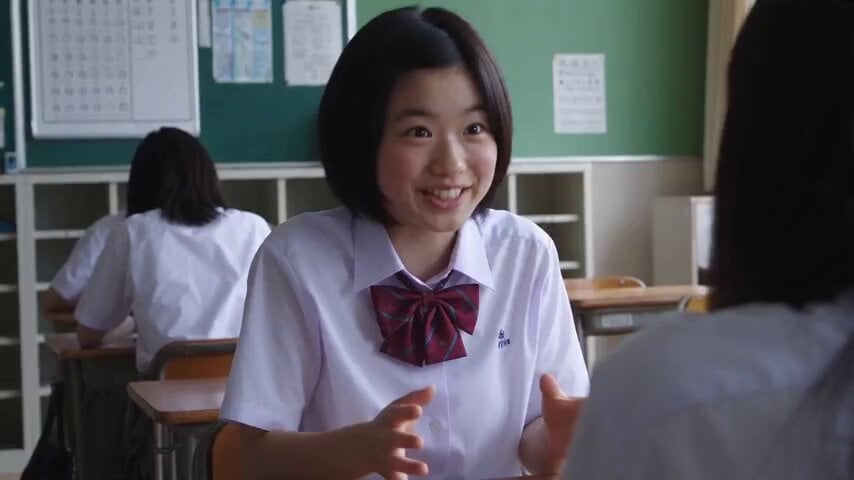
Nostalgic High School Girl Vlog
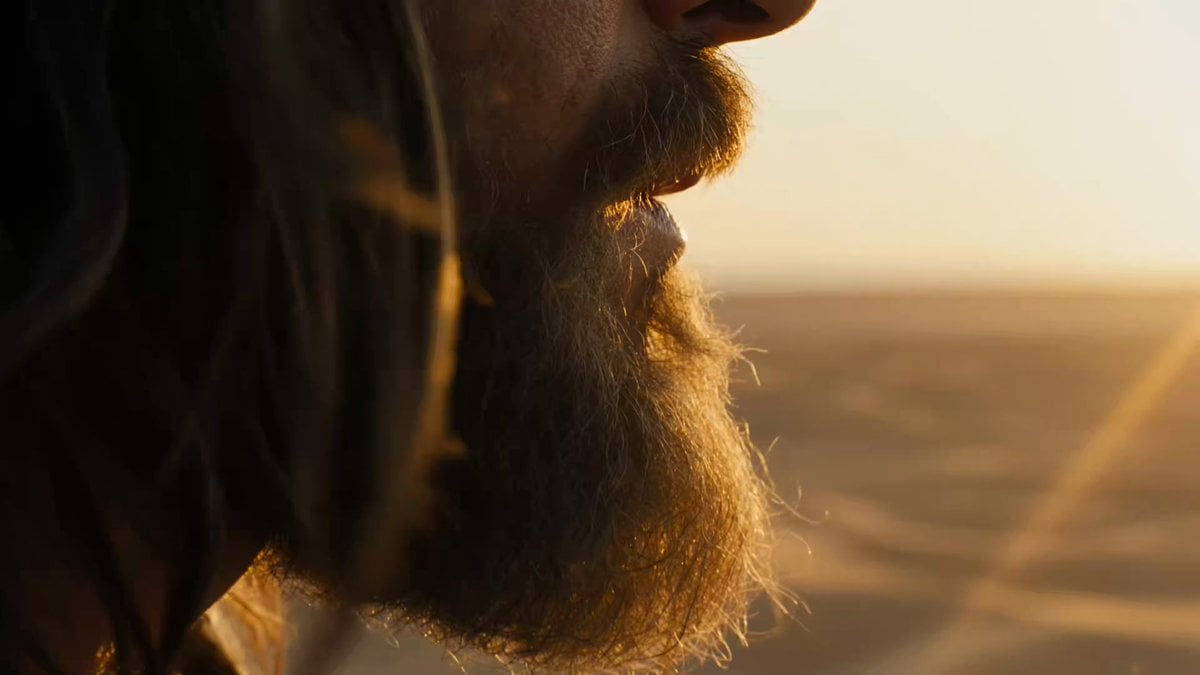
Macro Portrait Cinematic Traveler

Epic superhero transformation scene
Neon Alley Fight Cinematic Prompt
Magical Autonomous Painting Atelier
Blonde Scuba Diving Beach Walk
Anime Comedy Chaos Video Prompt
Browse template categories
Gritty Wrestling Arena Sequence questions
How do I use the Gritty Wrestling Arena Sequence template?
Add your photo if the template asks for one, edit the prompt if you like — the template's model and format are already selected — and press Generate. Your version opens in PicX Studio.
Can I customize the Gritty Wrestling Arena Sequence template?
Yes. You can change the subject, setting, lighting, mood, format, and available model controls before creating your video.
Is the Gritty Wrestling Arena Sequence template free?
Opening and editing this template is free. Generating uses credits, shown on the Generate button when you are signed in.
Which AI model should I use?
Start with Seedance 2.0, which is the model associated with this template. You can compare another compatible model for a different finish.
Looking for something else? Browse all templates.

Your photo, any look
Thousands of ready templates for every top image and video model, from one credit balance.