How do I use the Neon Alley Fight Cinematic Prompt template?
Edit the prompt in the box under the preview — the template's model and format are already selected — and press Generate. Your version appears right on this page.
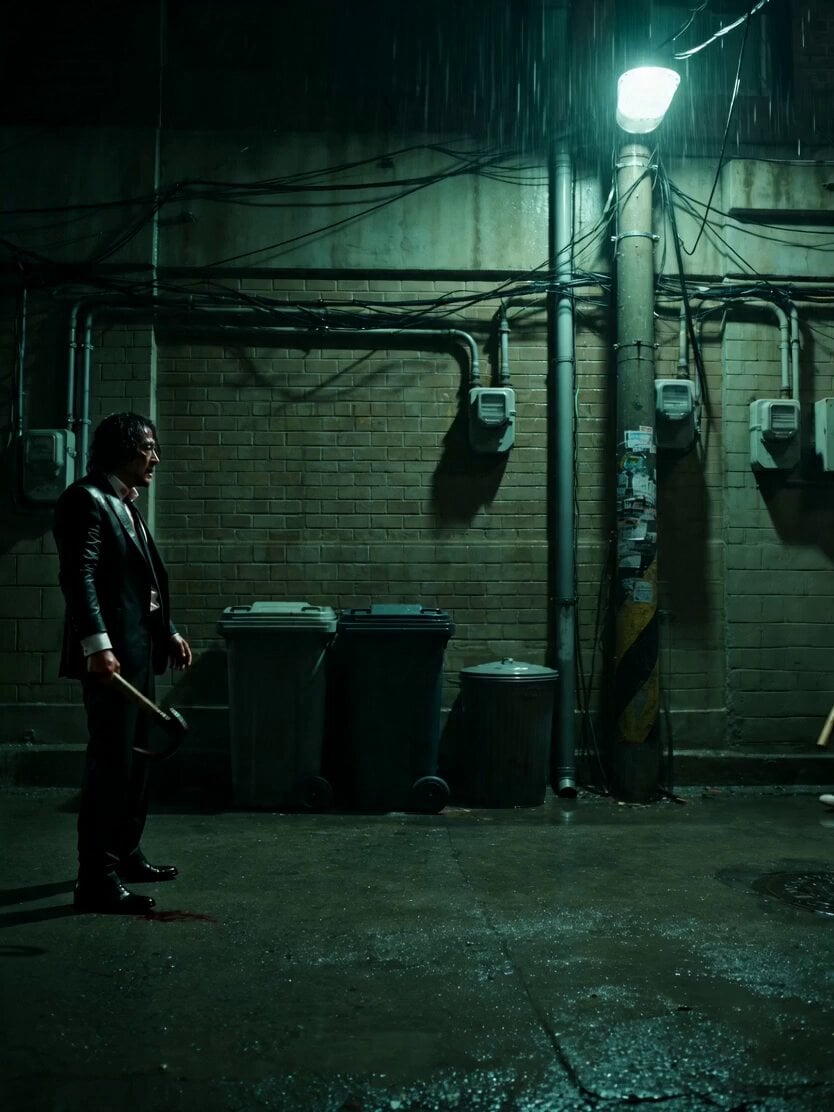
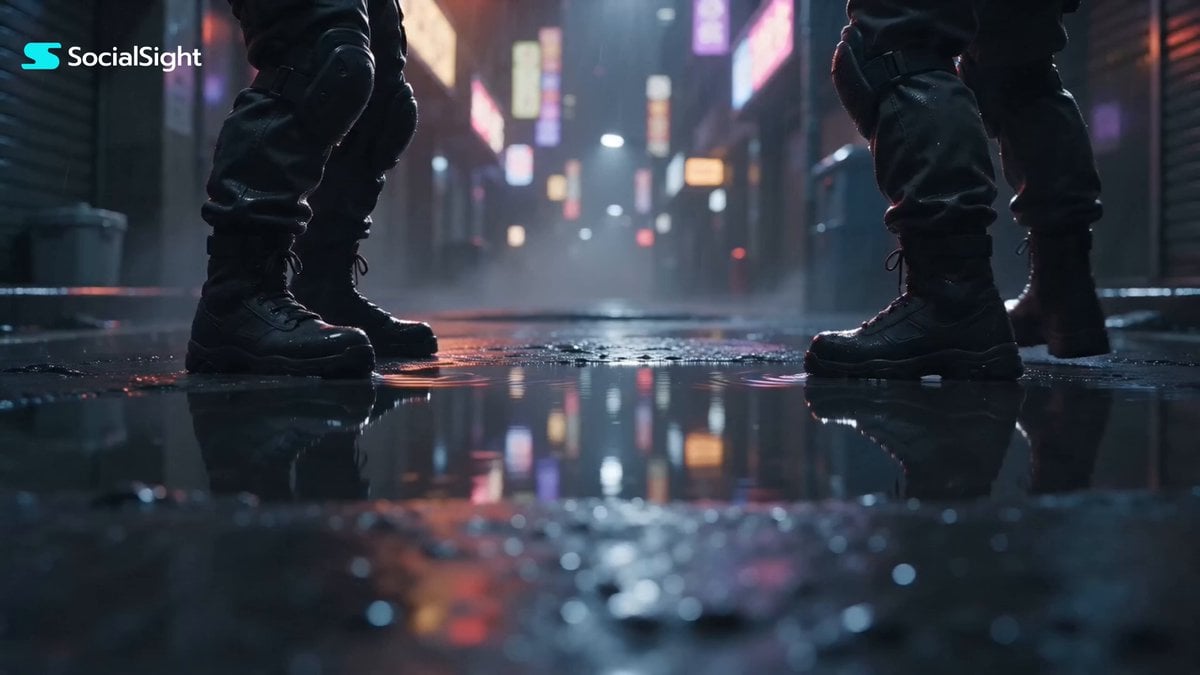
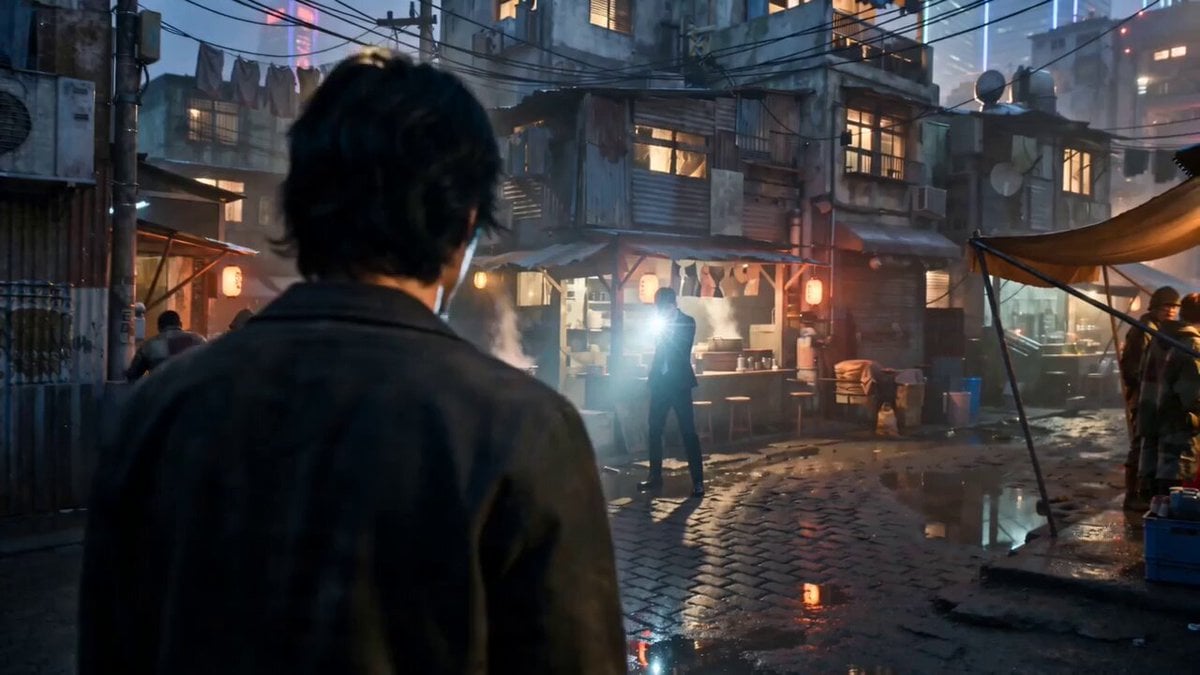
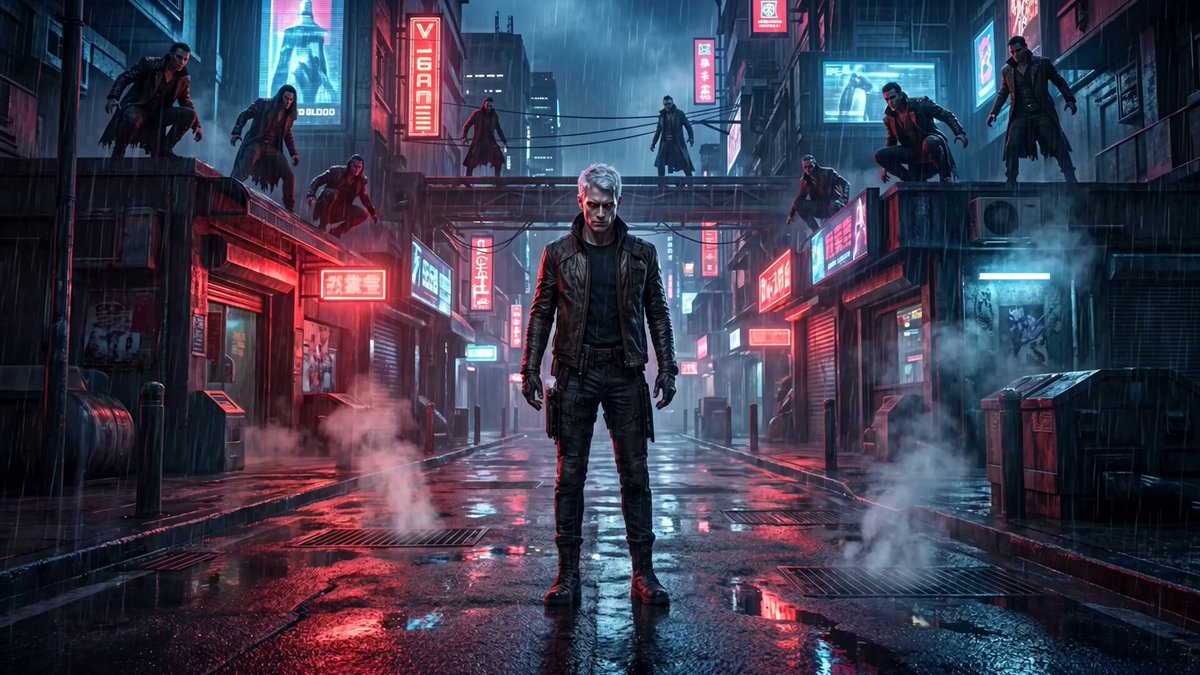
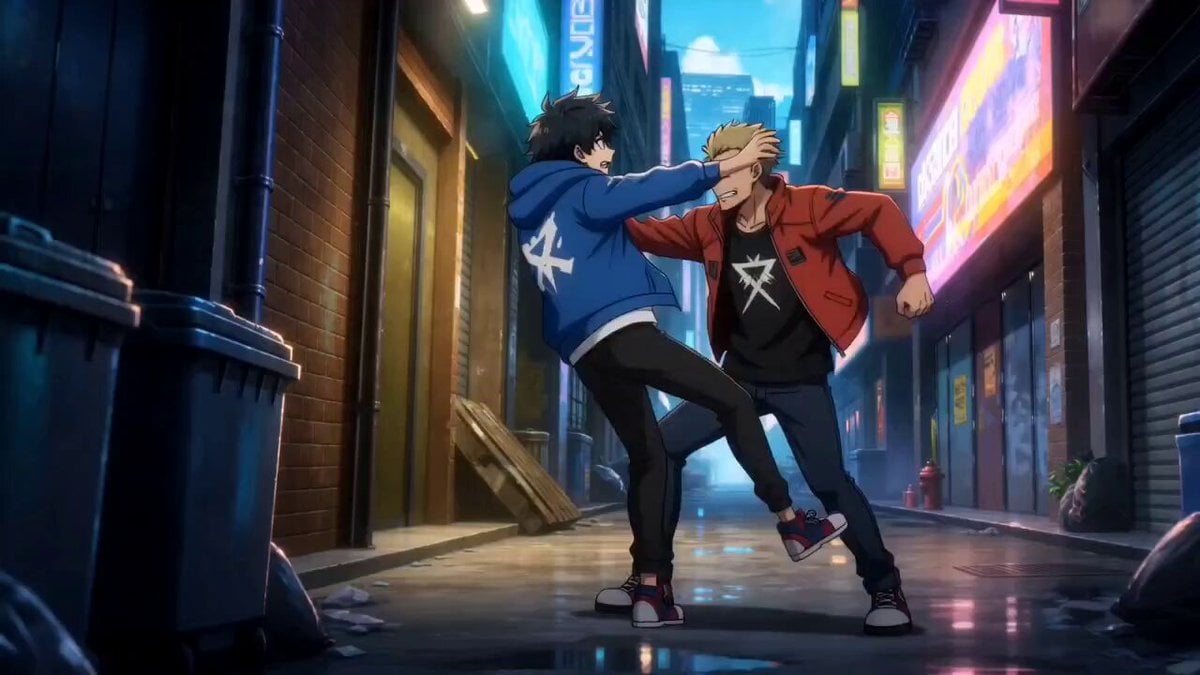
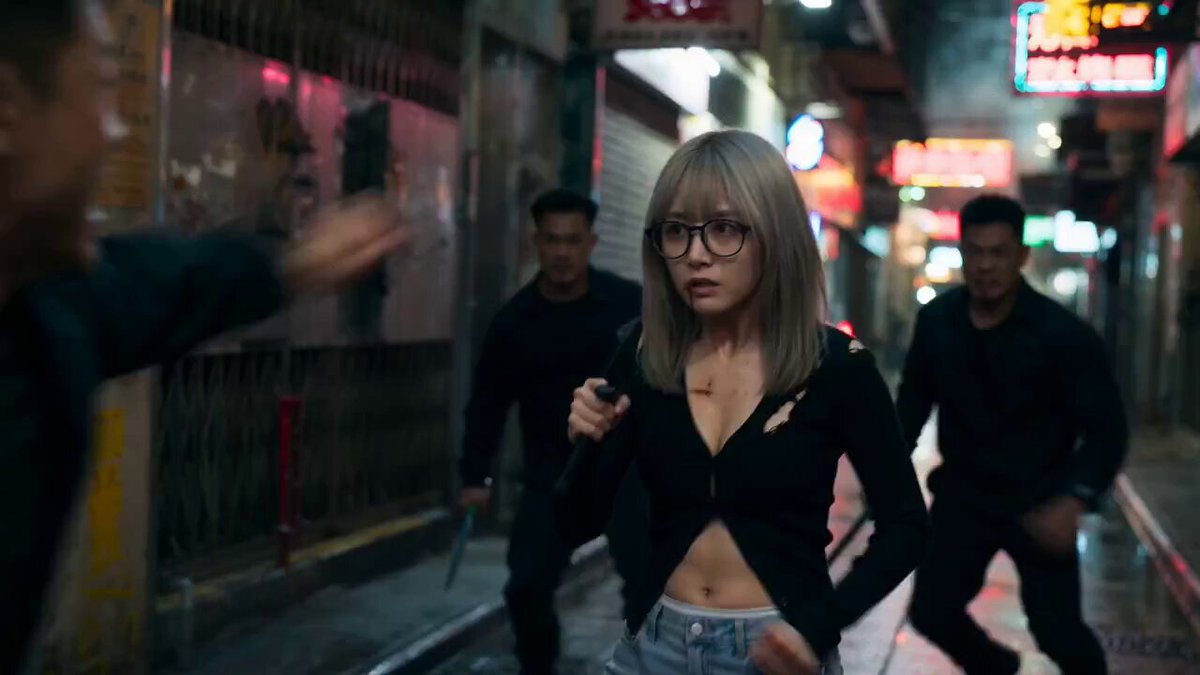
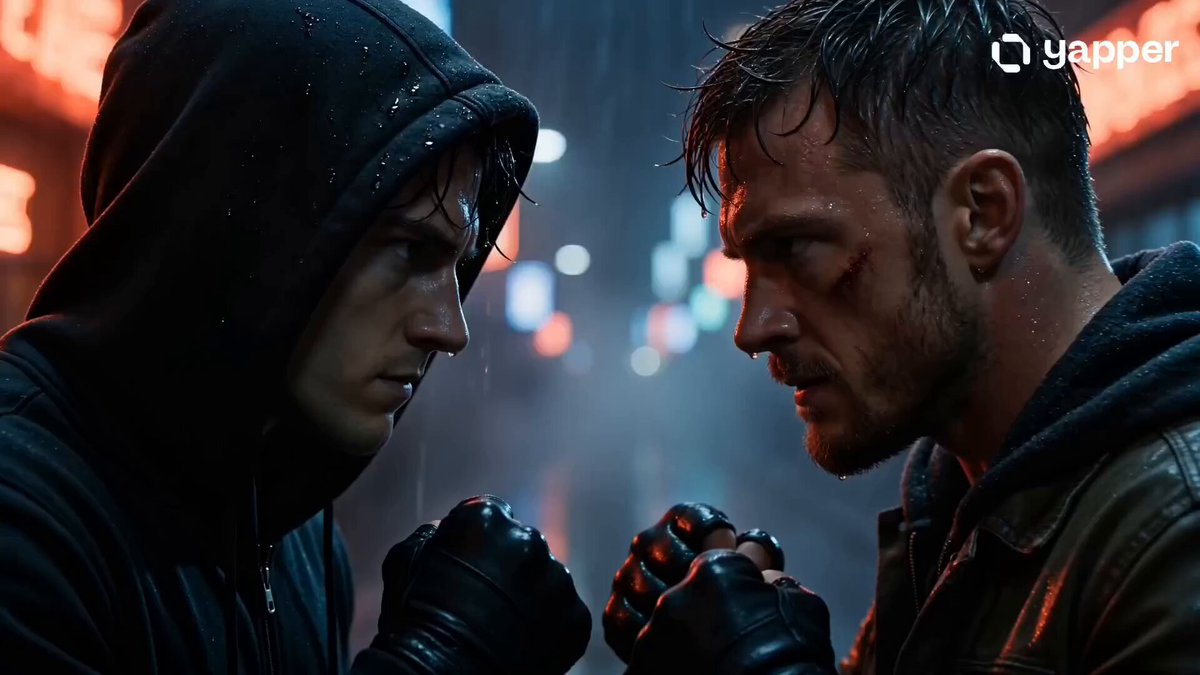
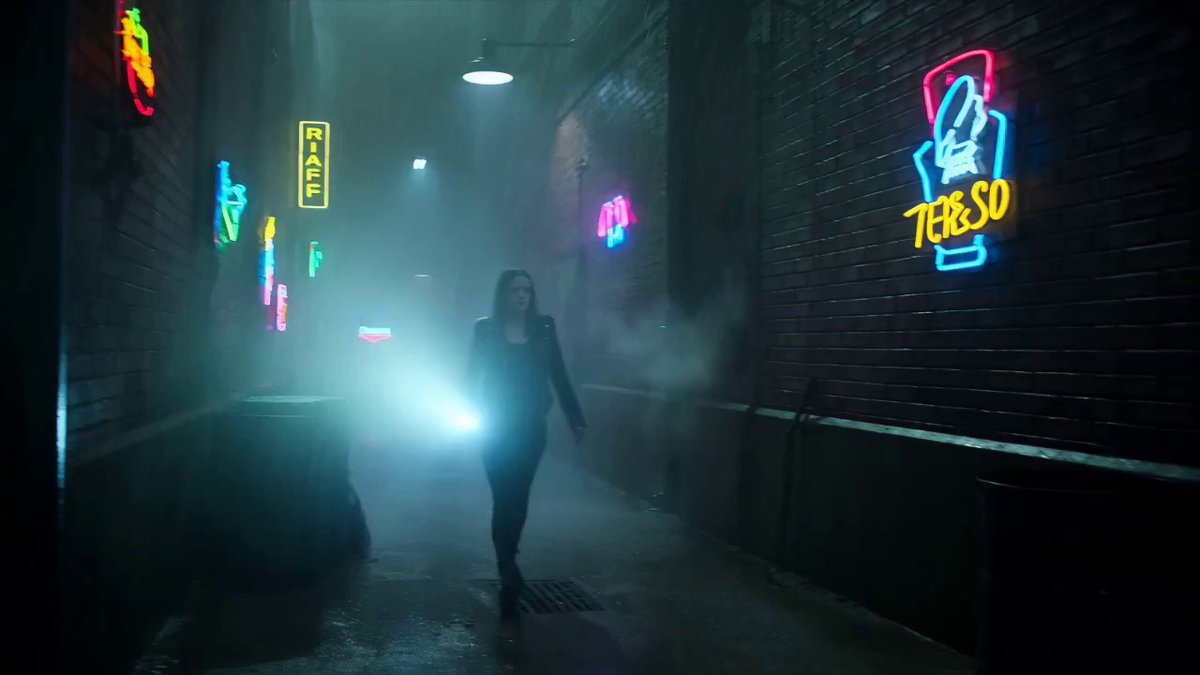
A multi-shot cinematic prompt for Seedance 2.0 featuring a stylized fight between two characters in a rain-soaked, neon-lit alley.
Shot on ALEXA 65mm anamorphic lens. Photorealistic cinematic quality. Aspect ratio 2.39:1 widescreen. Teal shadows, warm amber highlights. Film grain. Rain-soaked neon-lit night. Lens flares, motion blur. Dolby Vision HDR. 0.0s–2.5s: Extreme low-angle tracking shot — two girls face each other in a narrow neon-lit alley, rain pouring hard. One in a soaked leather jacket, the other standing calm, hair dripping, eyes locked. Water ripples across puddles between them. The camera slowly tracks backward as they step closer. Tension builds. One cracks her knuckles, the other tilts her head with a cold smirk. 2.6s–5.0s: Whip-pan — first strike launches. TIME REMAP: slow motion as one swings, the other ducks and counters with a sharp punch. Water sprays through the air. Hair whips across faces. A kick lands, sending one sliding across wet pavement. Neon lights flicker above, sparks falling like rain. 5.1s–7.5s: Drone shot — overhead view as they circle each other, movements precise and fast. SLOW MOTION: rapid exchanges of kicks and blocks. One attempts a spinning strike — caught mid-motion and redirected. Their reflections blur in the rain-soaked ground. 7.6s–10.0s: 360° orbital shot — one leaps forward with a spinning kick, the other blocks and counters instantly. The camera circles as they trade blows in perfect rhythm. Breath visible in the cold air. Their expressions stay focused, intense, unshaken. 10.1s–13.0s: First-person POV — one girl charges for the final exchange. SMASH CUT: fast, heavy hits in slow motion. Final strike connects clean. Silence. Rain continues falling. Slow push-in — one girl stands steady, adjusting her sleeve, breathing controlled. The other remains down, unmoving. Low-angle shot. Eyes sharp, unwavering.
Shot on ALEXA 65mm anamorphic lens. Photorealistic cinematic quality. Aspect ratio 2.39:1 widescreen. Teal shadows, warm amber highlights. Film grain. Rain-soaked neon-lit night. Lens flares, motion blur. Dolby Vision HDR. 0.0s–2.5s: Extreme low-angle tracking shot — two girls face each other in a narrow neon-lit alley, rain pouring hard. One in a soaked leather jacket, the other standing calm, hair dripping, eyes locked. Water ripples across puddles between them. The camera slowly tracks backward as they step closer. Tension builds. One cracks her knuckles, the other tilts her head with a cold smirk. 2.6s–5.0s: Whip-pan — first strike launches. TIME REMAP: slow motion as one swings, the other ducks and counters with a sharp punch. Water sprays through the air. Hair whips across faces. A kick lands, sending one sliding across wet pavement. Neon lights flicker above, sparks falling like rain. 5.1s–7.5s: Drone shot — overhead view as they circle each other, movements precise and fast. SLOW MOTION: rapid exchanges of kicks and blocks. One attempts a spinning strike — caught mid-motion and redirected. Their reflections blur in the rain-soaked ground. 7.6s–10.0s: 360° orbital shot — one leaps forward with a spinning kick, the other blocks and counters instantly. The camera circles as they trade blows in perfect rhythm. Breath visible in the cold air. Their expressions stay focused, intense, unshaken. 10.1s–13.0s: First-person POV — one girl charges for the final exchange. SMASH CUT: fast, heavy hits in slow motion. Final strike connects clean. Silence. Rain continues falling. Slow push-in — one girl stands steady, adjusting her sleeve, breathing controlled. The other remains down, unmoving. Low-angle shot. Eyes sharp, unwavering.
Edit the prompt in the box under the preview — the template's model and format are already selected — and press Generate. Your version appears right on this page.
Yes. You can change the subject, setting, lighting, mood, format, and available model controls before creating your video.
Opening and editing this template is free. Generating uses credits, shown on the Generate button when you are signed in.
Start with Seedance 2.0, which is the model associated with this template. You can compare another compatible model for a different finish.
Follow a topic to a crawlable collection of related PicX Studio templates.