
Neon Bowling Alley Horror Sequence
A high-tension horror sequence set in a neon bowling alley where giant insect creatures appear and attack.
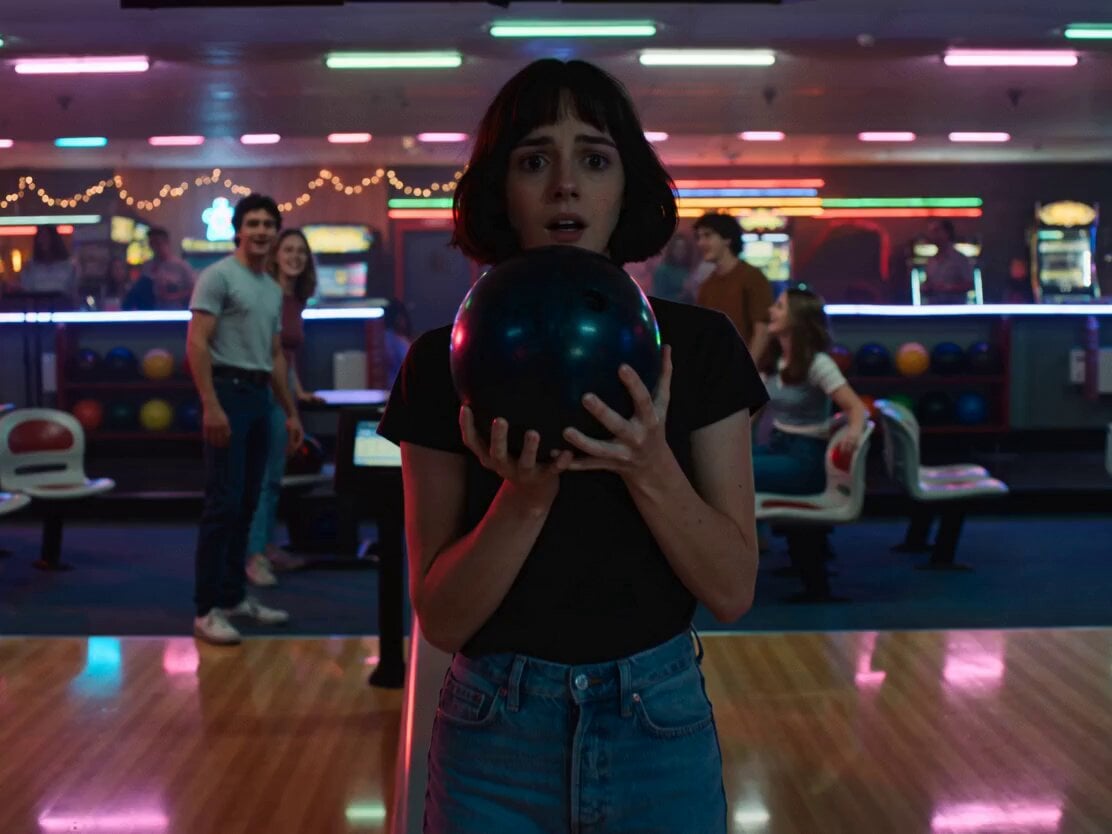
- Prompt included
- Model and format preset
- Free template
The prompt behind this video
Copy the exact prompt behind Neon Bowling Alley Horror Sequence, or open it in the studio and make it yours.
High-tension horror sequence inside a neon-lit bowling alley at night. Retro arcade lighting, reflective bowling lanes, colorful LED glow, realistic practical lighting. Shot 1 (0–3s): A young woman stands frozen near the bowling lane holding a bowling ball. Her breathing becomes uneasy. Around her, she suddenly sees massive insect-like creatures crawling across the bowling alley walls and ceiling—giant spiders moving between neon signs and hanging lights. People nearby appear distorted and unaware. Shot 2 (3–5s): One insect crawls rapidly across the lane toward her. She panics— Then suddenly snaps out of it. Everything is normal again. Just a regular bowling alley. Her friends laugh and wave at her from behind. Shot 3 (5–8s): Still shaken, she slowly steps forward and rolls the bowling ball down the lane. The camera tracks low beside the ball as it spins toward the pins. Shot 4 (8–11s): As the ball nears the pins, she suddenly hears the disturbing insect clicking sound again. Her smile fades. From the empty lane beside hers— something rapidly moves in the darkness. Shot 5 (11–15s): A gigantic insect creature suddenly bursts out from the side lane, skittering violently across the polished floor toward the group. Everyone starts screaming and stumbling backward. The creature launches directly at the woman.
How to use Neon Bowling Alley Horror Sequence in 3 steps
- 1
Open
The prompt is already in the box next to the preview, with the template's model and format selected.
- 2…a portrait of your subject in softgolden-hour light, 85mm…
Personalize
Edit the subject and creative details for your destination.
- 3Generate
Generate
Press Generate — your video is created in PicX Studio, so you can compare it with the original and refine one variable at a time.
More like this
Templates with the same subject, style or setup. Open one to see its prompt.

Handheld Vlog Alley Cat Sequence
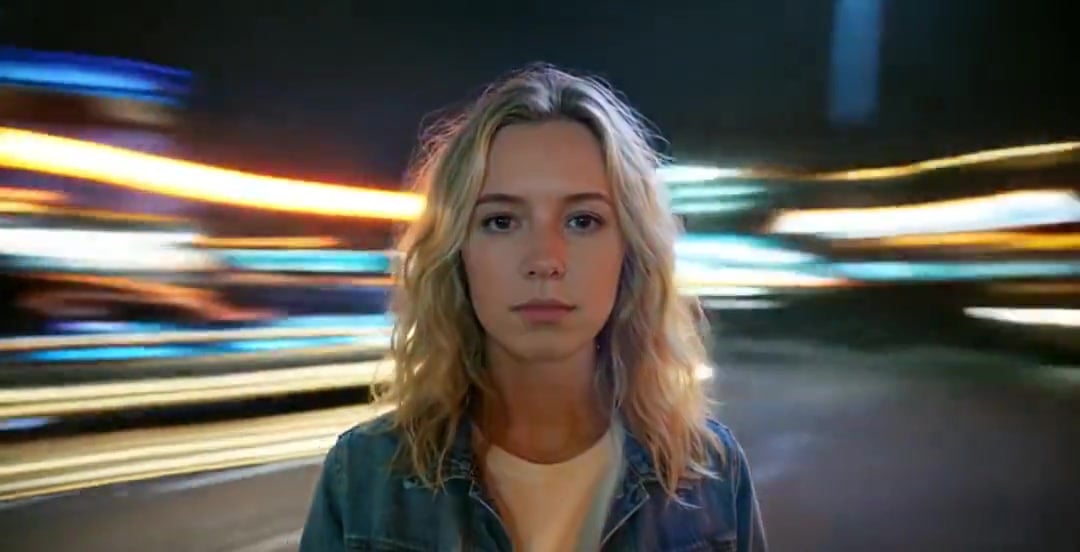
Handheld Neon Chaos Motion Blur — Kling 3.0 v3 Pro
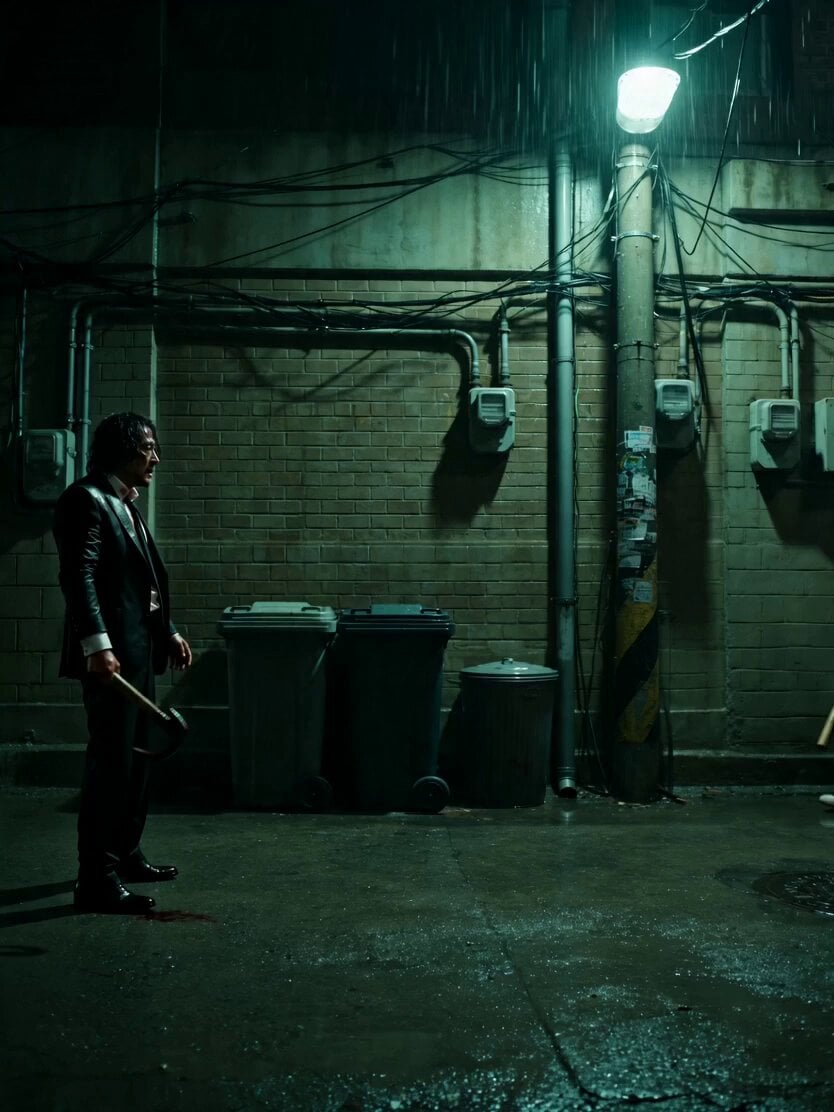
Neo-Noir Alleyway Fight Sequence
Neon Armor Epic Transformation Sequence
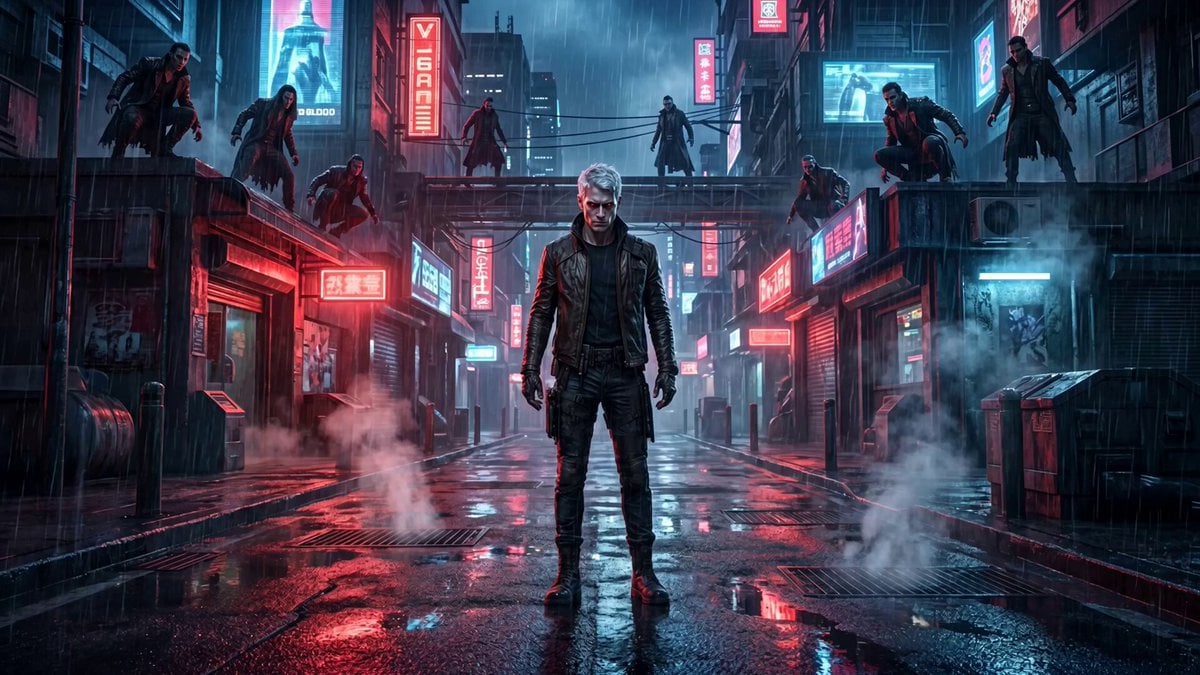
Cinematic vampire alley fight sequence
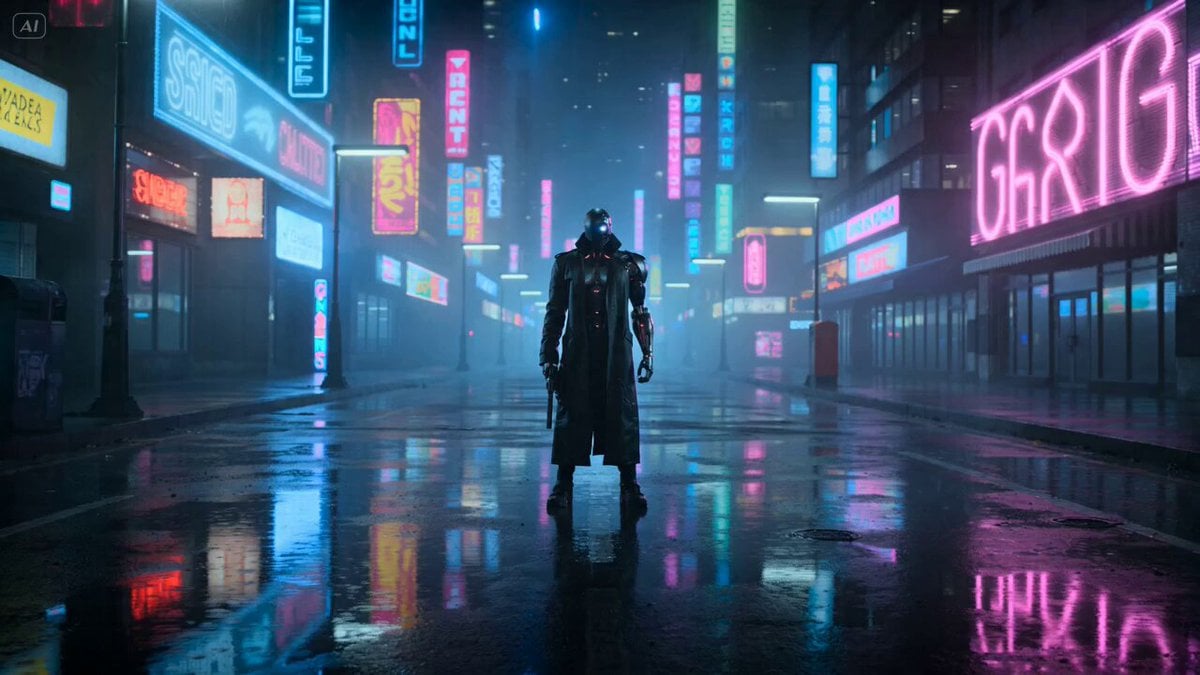
Cyberpunk Gunslinger Neon Sequence
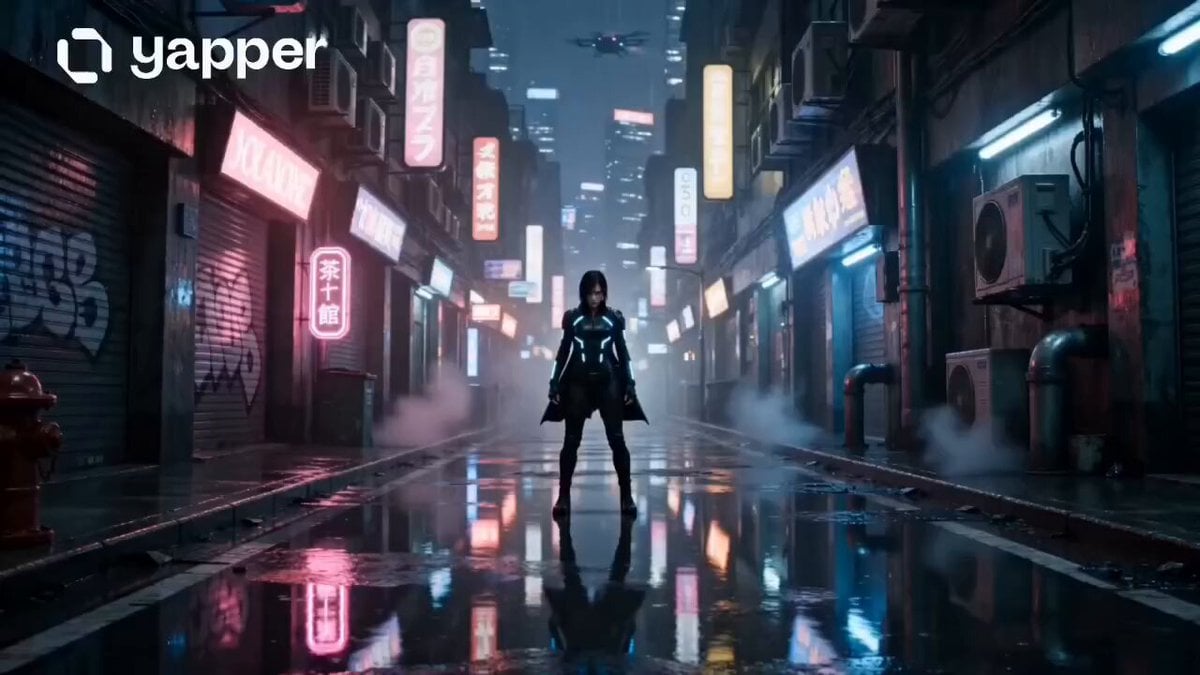
Neon Tokyo Cyberpunk Action Sequence
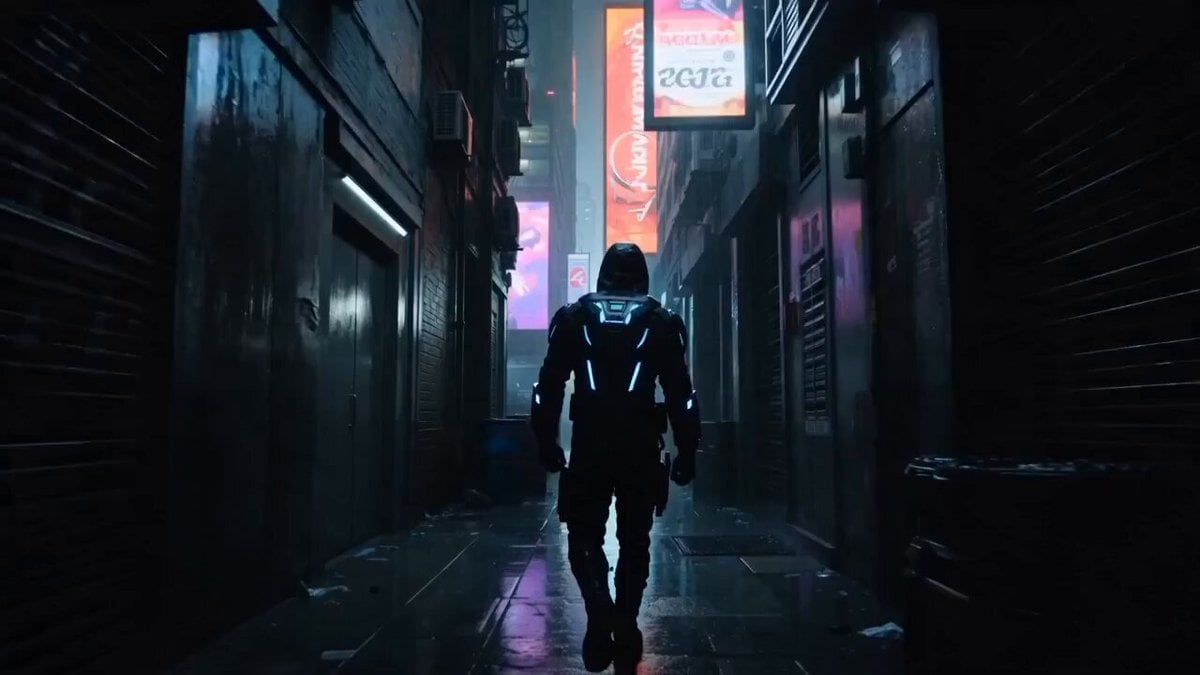
Cyberpunk Assassin Neon Action Sequence
Neon City Rooftop Action Sequence

Laundromat Horror Creature Sequence
Anime Urban Alley Fight Sequence
Cyborg Ronin Neon Alley Combat
Make it yours
Neon Bowling Alley Horror Sequence works as-is. These are the safest ways to change it without losing the look.
Change one field
Copy a single group, rewrite it, and generate again so you can see what that field is doing.
Keep the frame, change the subject
Hold the composition and light of Neon Bowling Alley Horror Sequence, then swap wardrobe, props or the person for a new take.
| If the result… | Why | Fix |
|---|---|---|
| The result drifts from the preview | Too many fields changed at once. | Reuse Neon Bowling Alley Horror Sequence as-is first, then change one group — subject, light, or setting. |
| The model over-stylizes the scene | The prose prompt leaves finish and camera underspecified. | Add one camera or lighting sentence and stay on Seedance 2.0. |
More Seedance 2.0 templates
Other prompts made for Seedance 2.0.

Comical Martial Arts Punch Scene

Wuxia Protection and Trust Script

Vintage Korean Arcade MiniDV Vlog

Mercedes 190 SL Luxury Ad

Rainy Night Supernatural Reverse Comedy Video Script

Amazon Civilization Discovery

Futuristic South Asian City Transformation

Cozy Luxury Cafe Commercial

Cyber Ronin Nanotech Transformation Video

Desert Courier and Sandstorm Leviathan Chase
More video prompts
Fresh picks from across the catalog.
Luxury Whiskey Cocktail Commercial
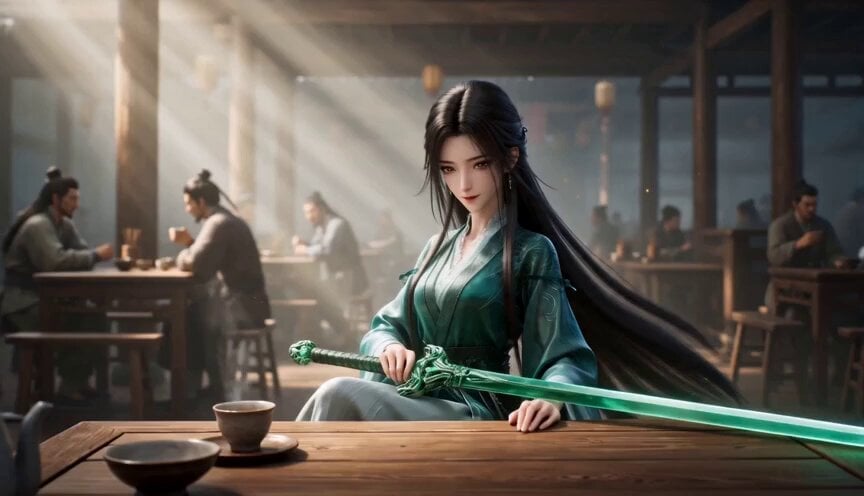
Elegant Wuxia Teahouse Fight Animation
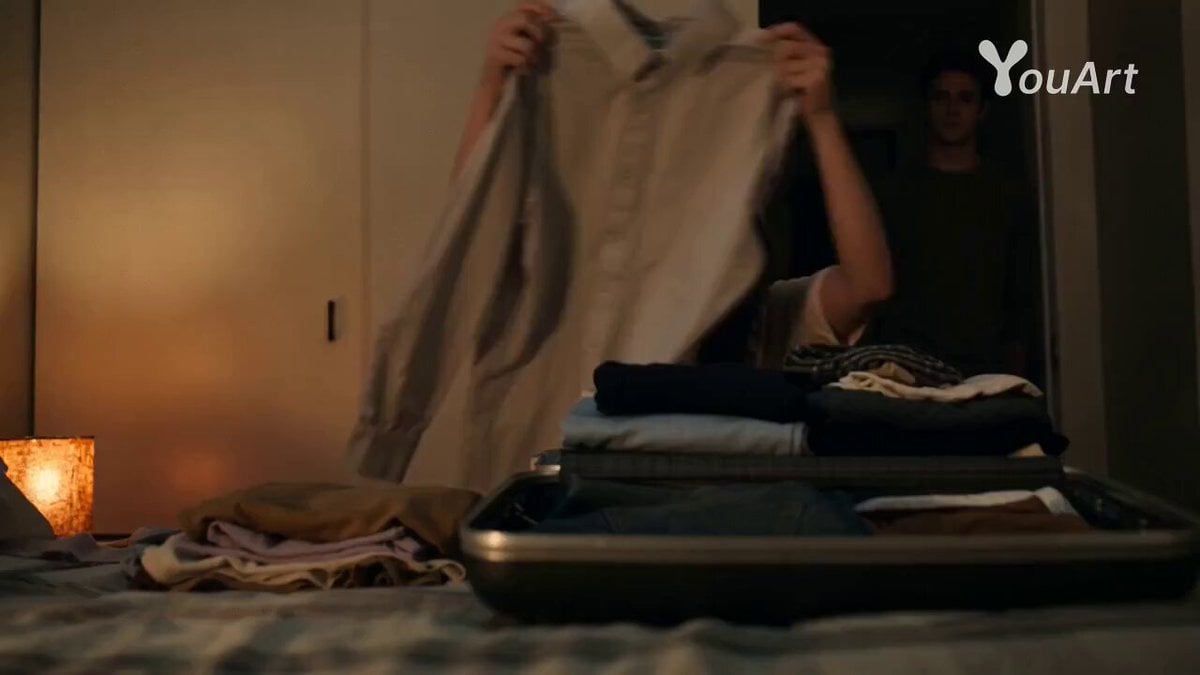
Romantic Drama Apartment Goodbye
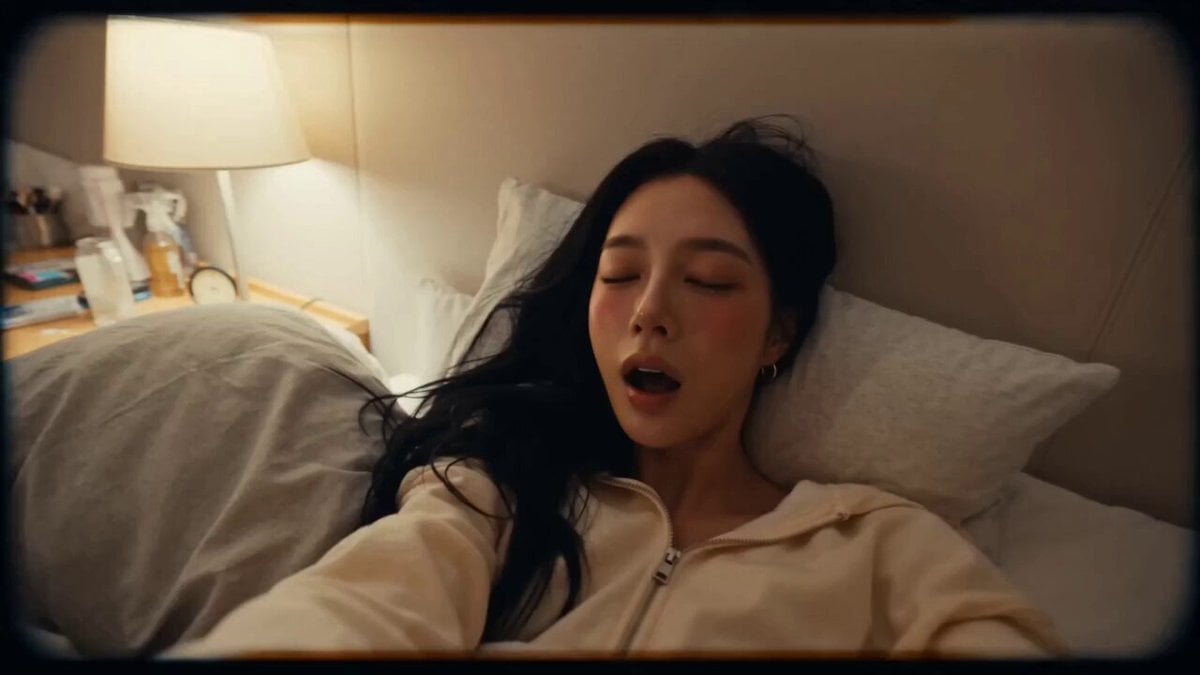
DV Style Idol Montage
Time Freeze — Snap Shockwave Scene Seedance
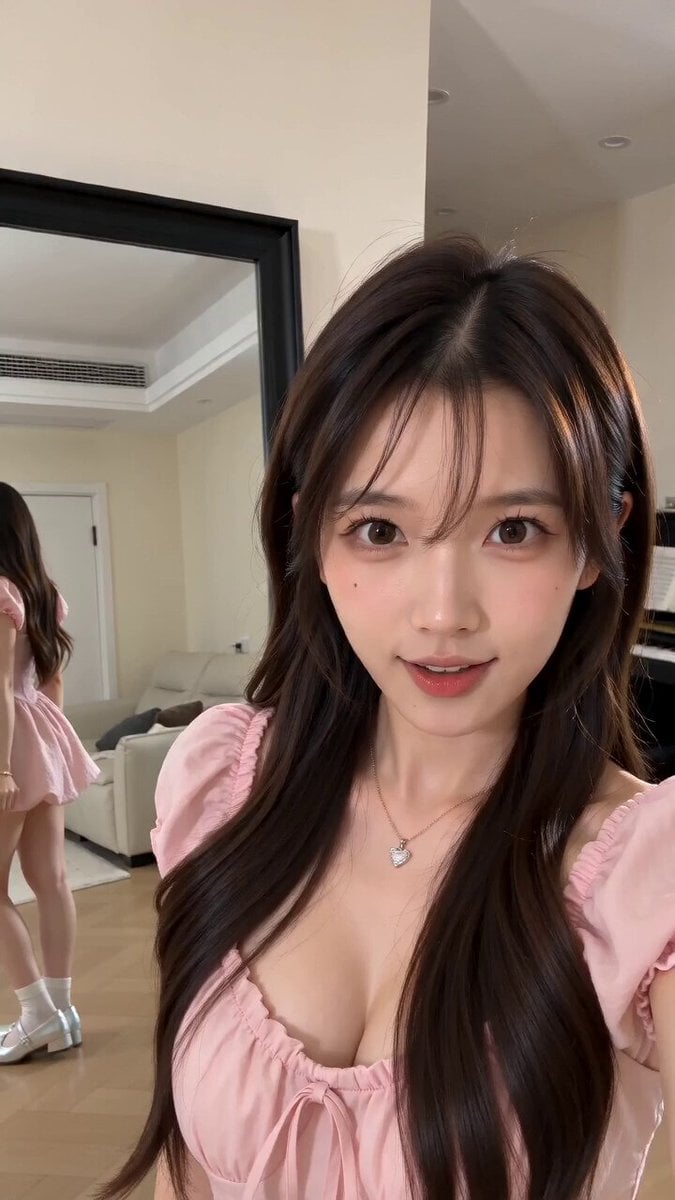
Mixed Reality Home Vlog Animation
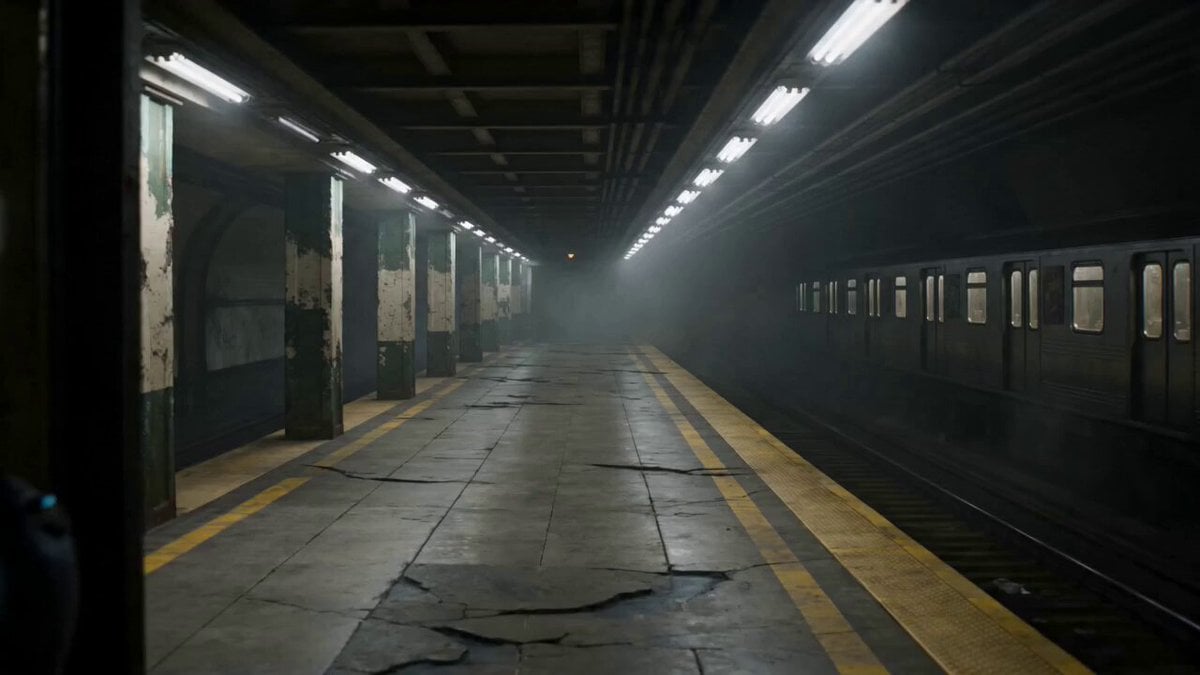
Futuristic Special Forces Subway Action Video Prompt
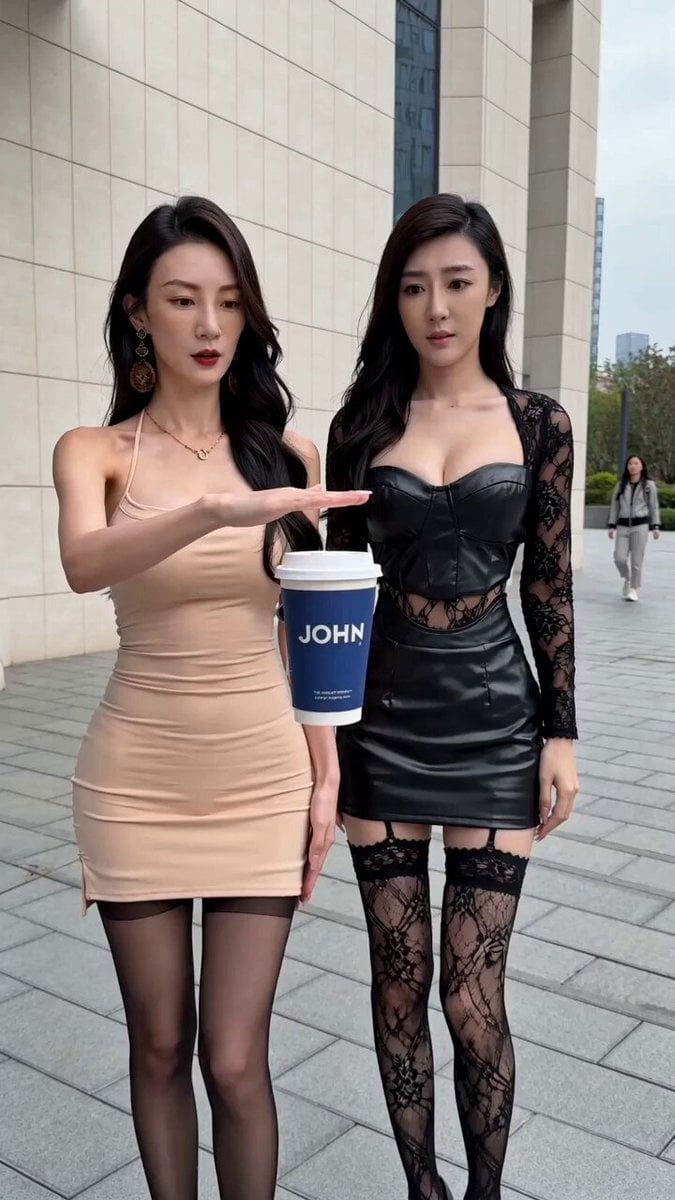
Levitating Coffee Cup Prank Ad
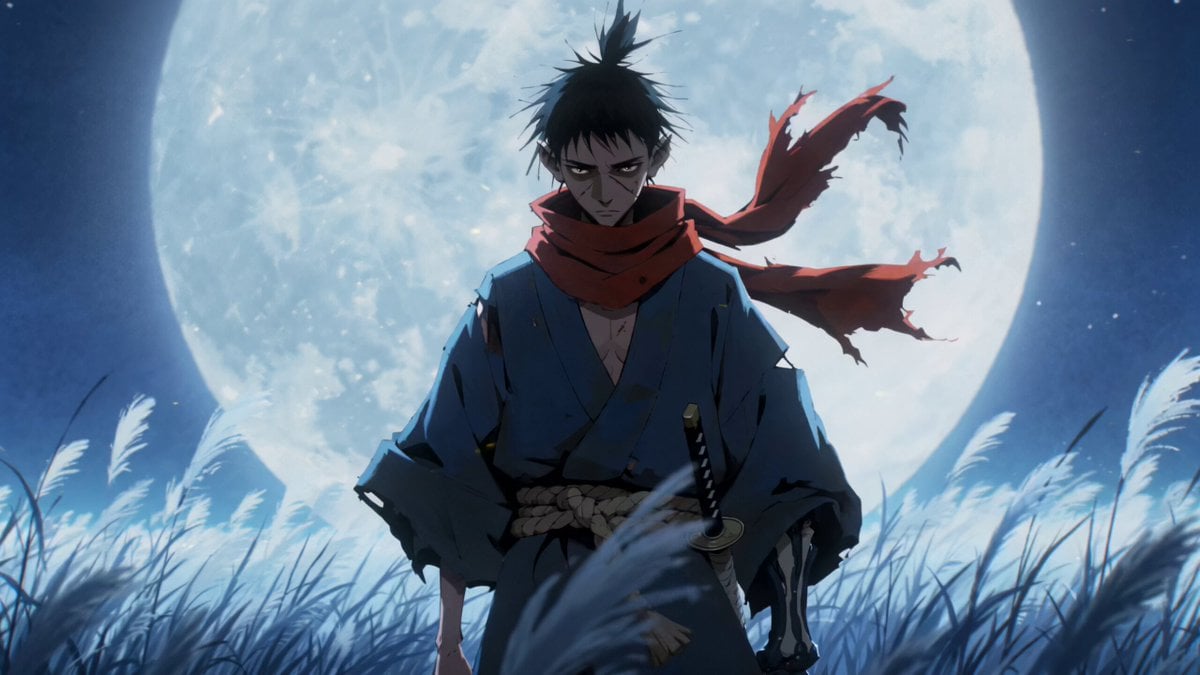
Gouache Style Painterly 2.5D Animation
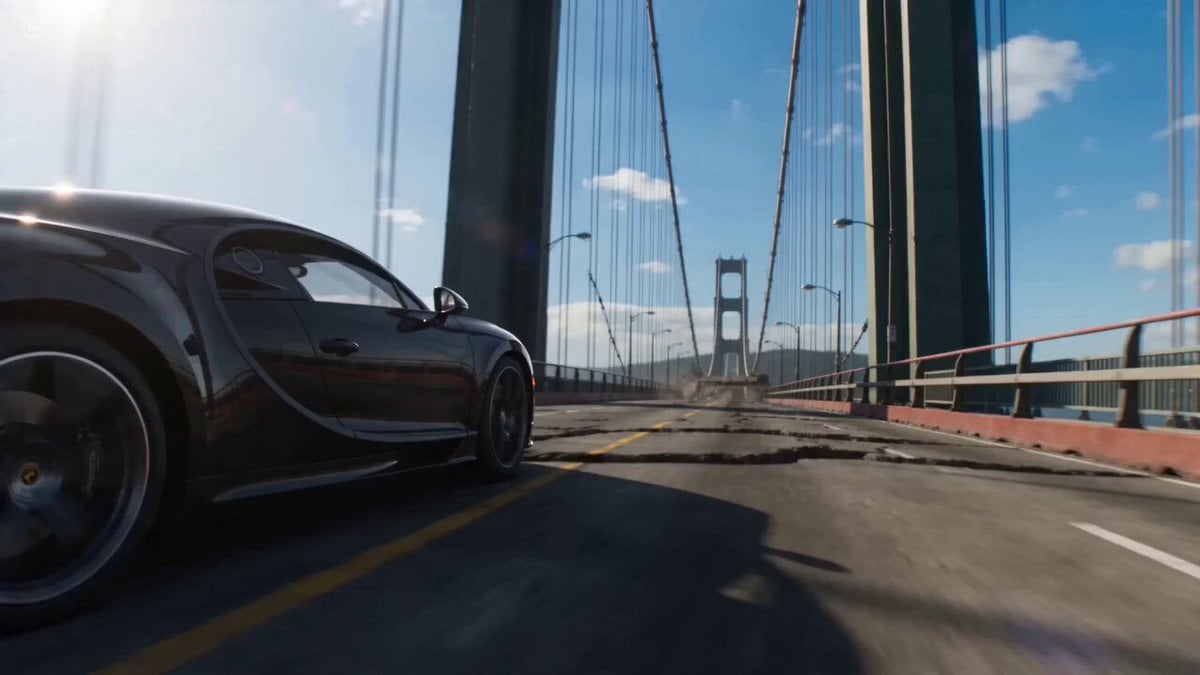
Bridge Collapse Action Sequence
Browse template categories
Neon Bowling Alley Horror Sequence questions
How do I use the Neon Bowling Alley Horror Sequence template?
Add your photo if the template asks for one, edit the prompt if you like — the template's model and format are already selected — and press Generate. Your version opens in PicX Studio.
Can I customize the Neon Bowling Alley Horror Sequence template?
Yes. You can change the subject, setting, lighting, mood, format, and available model controls before creating your video.
Is the Neon Bowling Alley Horror Sequence template free?
Opening and editing this template is free. Generating uses credits, shown on the Generate button when you are signed in.
Which AI model should I use?
Start with Seedance 2.0, which is the model associated with this template. You can compare another compatible model for a different finish.
Looking for something else? Browse all templates.

Your photo, any look
Thousands of ready templates for every top image and video model, from one credit balance.