
Bridge Collapse Action Sequence
A high-stakes 15-second action prompt for Seedance 2.0 depicting a car jumping across a progressively collapsing suspension bridge.
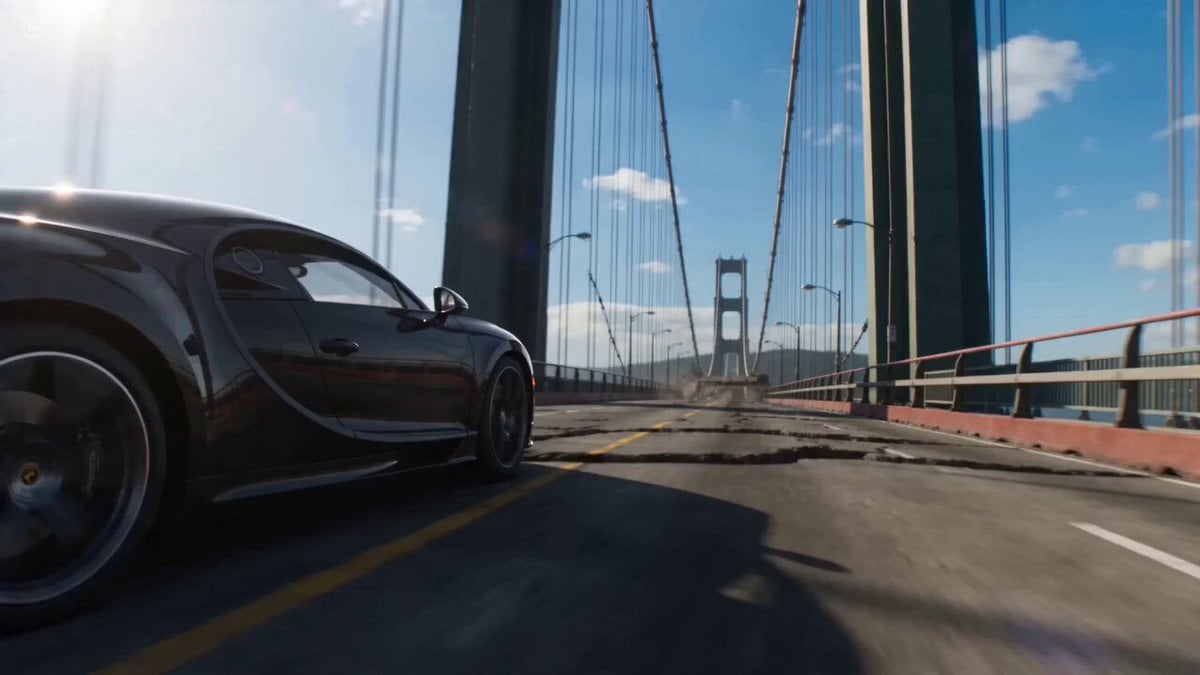
- Prompt included
- Model and format preset
- Premium template
The prompt behind this video
Copy the exact prompt behind Bridge Collapse Action Sequence, or open it in the studio and make it yours.
Hyper-realistic cinematic 15s action sequence. A car is already at full speed racing across a long suspension bridge as it collapses progressively behind. Bright daylight, cables snapping, sections dropping in sequence. Action is continuous forward motion. No sharp turns. The car maintains a straight path as the road disappears segment by segment. Camera starts low front tracking, moving backward at equal speed. Slight lateral drift only. Mid-sequence, a large section drops, creating a clean gap. The car accelerates and jumps forward across it. Camera follows the arc smoothly, staying aligned with direction. End with forward motion into remaining unstable span.
How to use Bridge Collapse Action Sequence in 3 steps
- 1
Open
The prompt is already in the box next to the preview, with the template's model and format selected.
- 2…a portrait of your subject in softgolden-hour light, 85mm…
Personalize
Edit the subject and creative details for your destination.
- 3Generate
Generate
Press Generate — your video is created in PicX Studio, so you can compare it with the original and refine one variable at a time.
More like this
Templates with the same subject, style or setup. Open one to see its prompt.
Skybridge Rescue — Supertall Tower Collapse (Seedance)
Dragon Rescue — Volcanic Kingdom Collapse (Seedance)

Continuous Planet Collapse Escape Sequence

Maglev Train Action Sequence
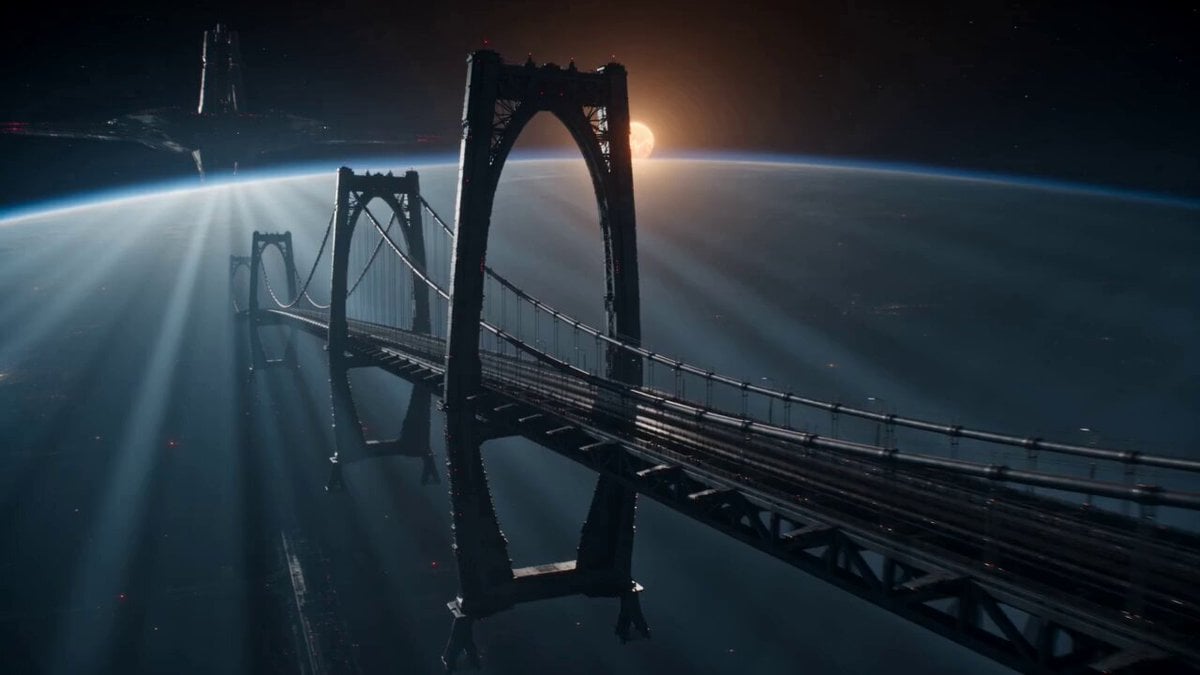
Sci-Fi Space Bridge Collapse
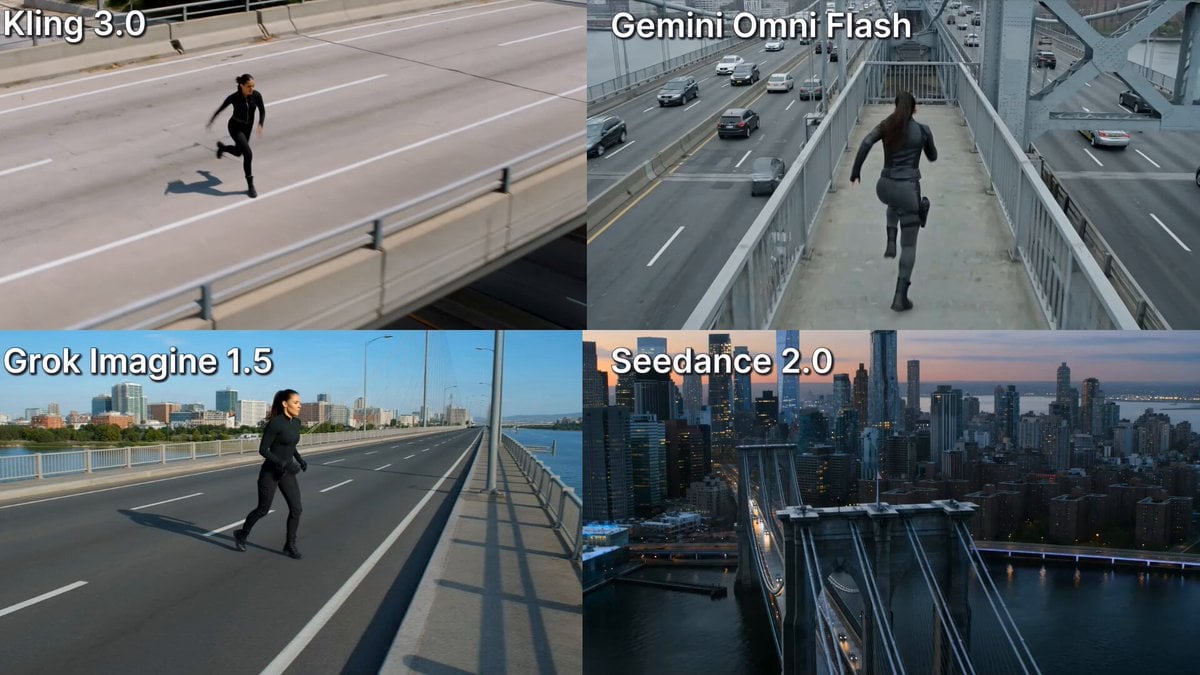
Action Stunt Scene: Bridge Jump
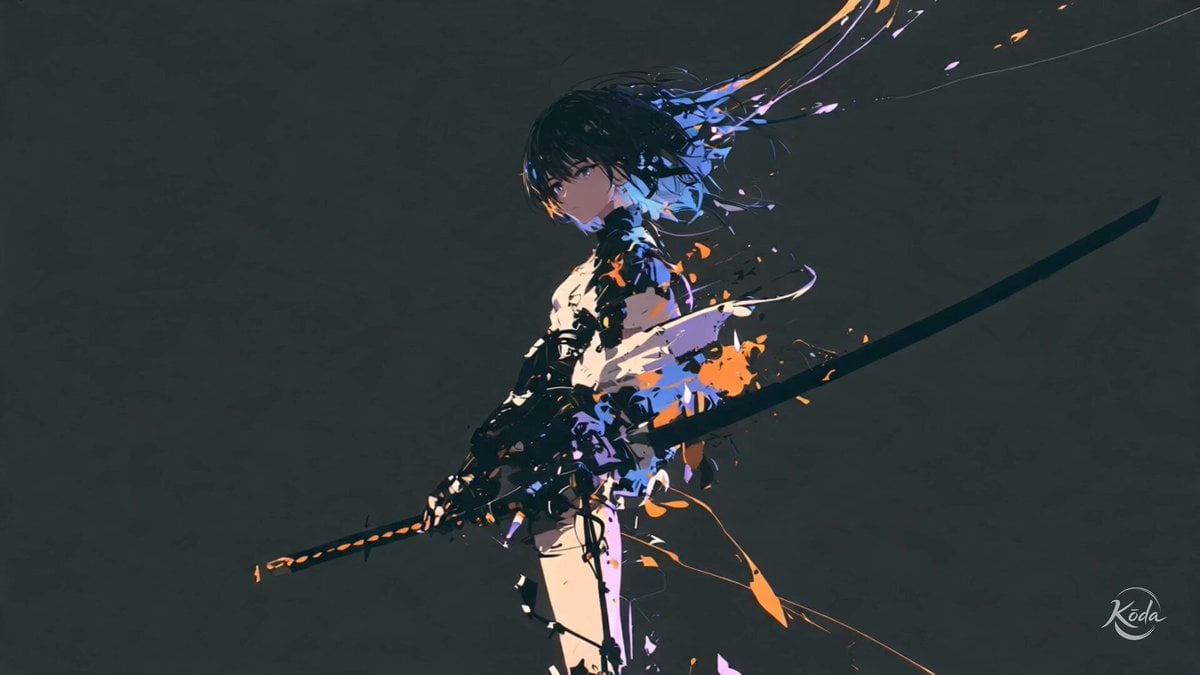
Cinematic Swordswoman Action Sequence
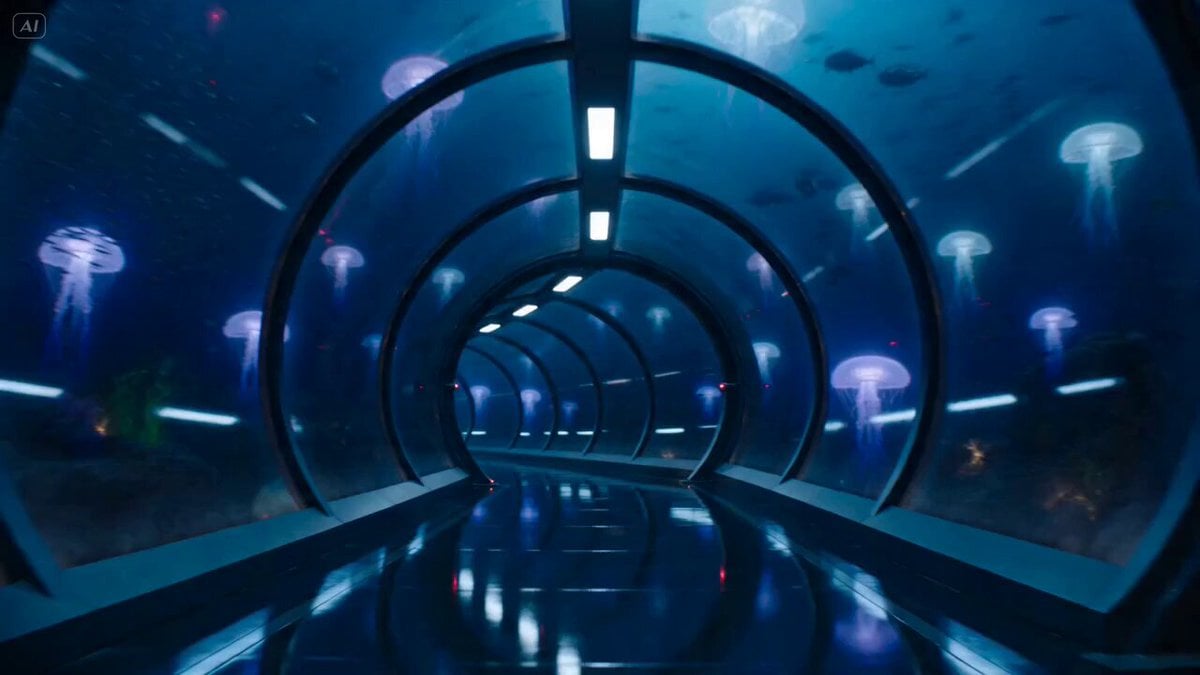
Underwater Glass Tunnel Action Sequence
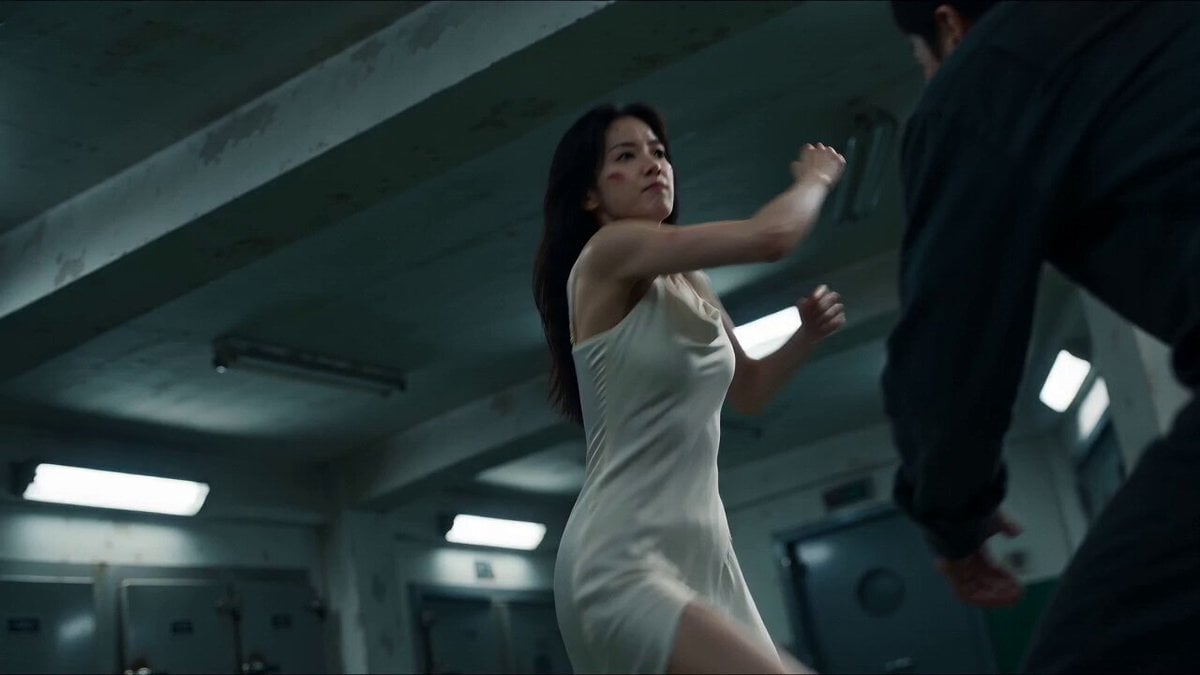
Cinematic Morgue Action Sequence
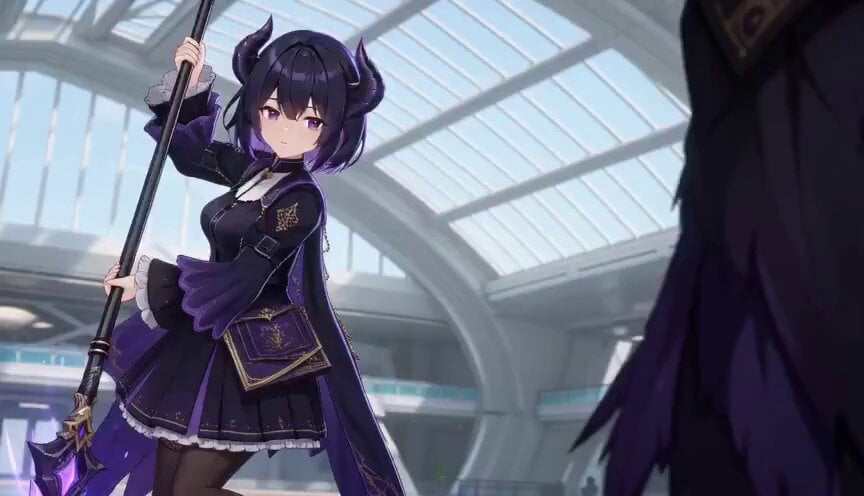
3D Toon Fantasy RPG Action Sequence
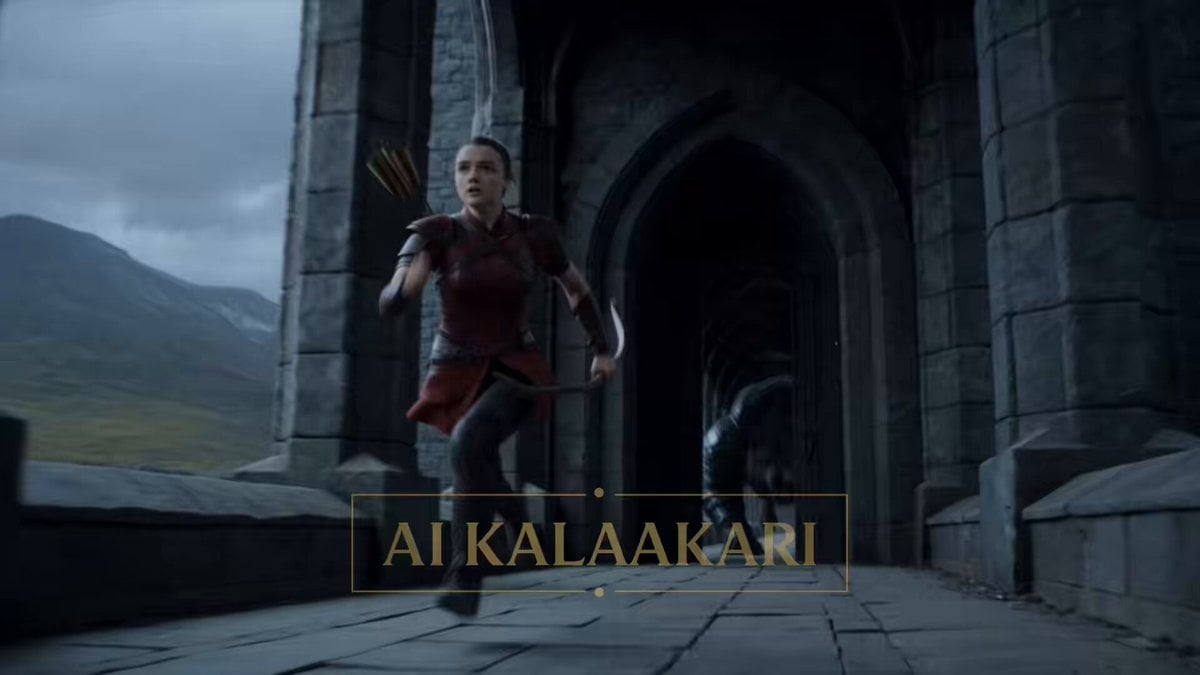
Fantasy Dragon Bridge Escape Sequence
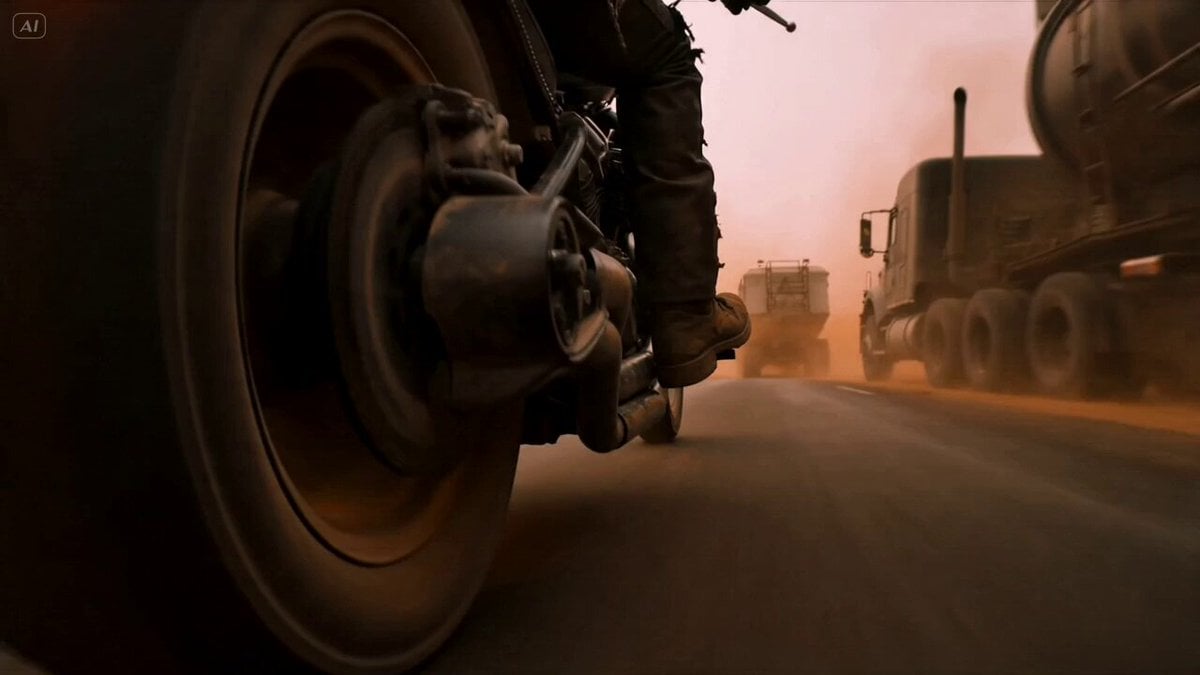
Mad Max Cybernetic Biker Action Sequence
Make it yours
Bridge Collapse Action Sequence works as-is. These are the safest ways to change it without losing the look.
Change one field
Copy a single group, rewrite it, and generate again so you can see what that field is doing.
Keep the frame, change the subject
Hold the composition and light of Bridge Collapse Action Sequence, then swap wardrobe, props or the person for a new take.
| If the result… | Why | Fix |
|---|---|---|
| The result drifts from the preview | Too many fields changed at once. | Reuse Bridge Collapse Action Sequence as-is first, then change one group — subject, light, or setting. |
| The model over-stylizes the scene | The prose prompt leaves finish and camera underspecified. | Add one camera or lighting sentence and stay on Seedance 2.0. |
More Seedance 2.0 templates
Other prompts made for Seedance 2.0.

Comical Martial Arts Punch Scene

Martial Arts Fight Sequence

Wuxia Protection and Trust Script

Vintage Korean Arcade MiniDV Vlog

Mercedes 190 SL Luxury Ad

Rainy Night Supernatural Reverse Comedy Video Script

Amazon Civilization Discovery

Futuristic South Asian City Transformation

Cozy Luxury Cafe Commercial

Cyber Ronin Nanotech Transformation Video
More video prompts
Fresh picks from across the catalog.
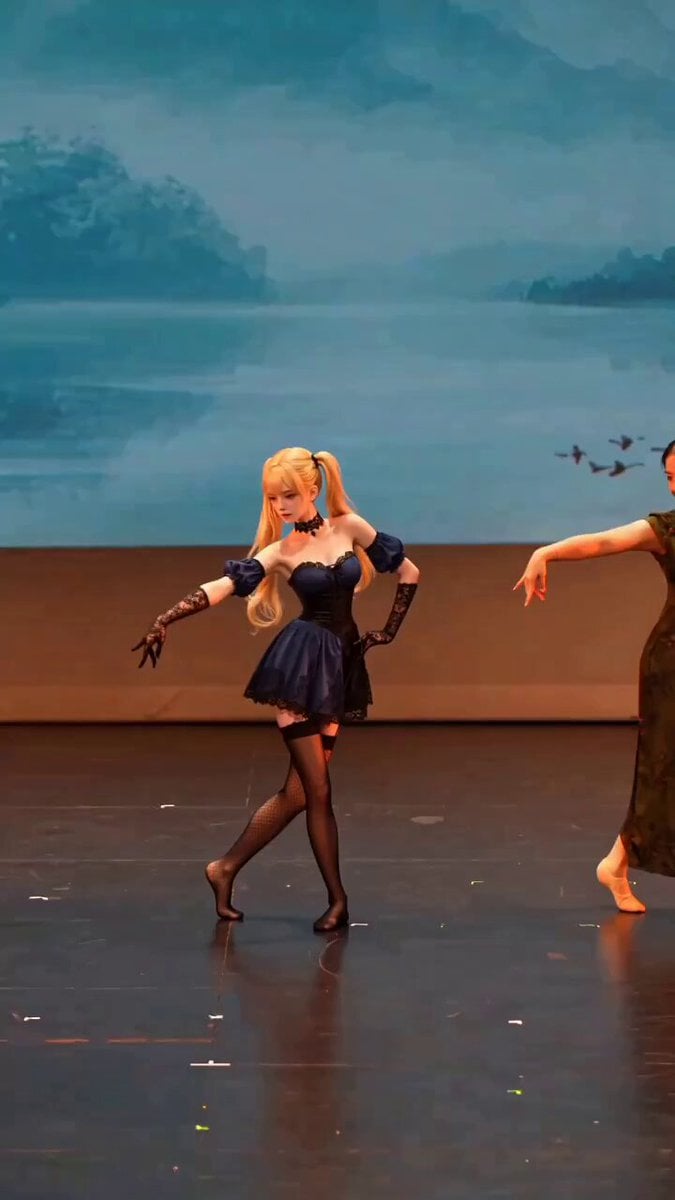
Anime Girl Stage Dance with Motion Capture

90s OVA Style Elf Priestess
Electric Guitar Summoning — White Roses Field
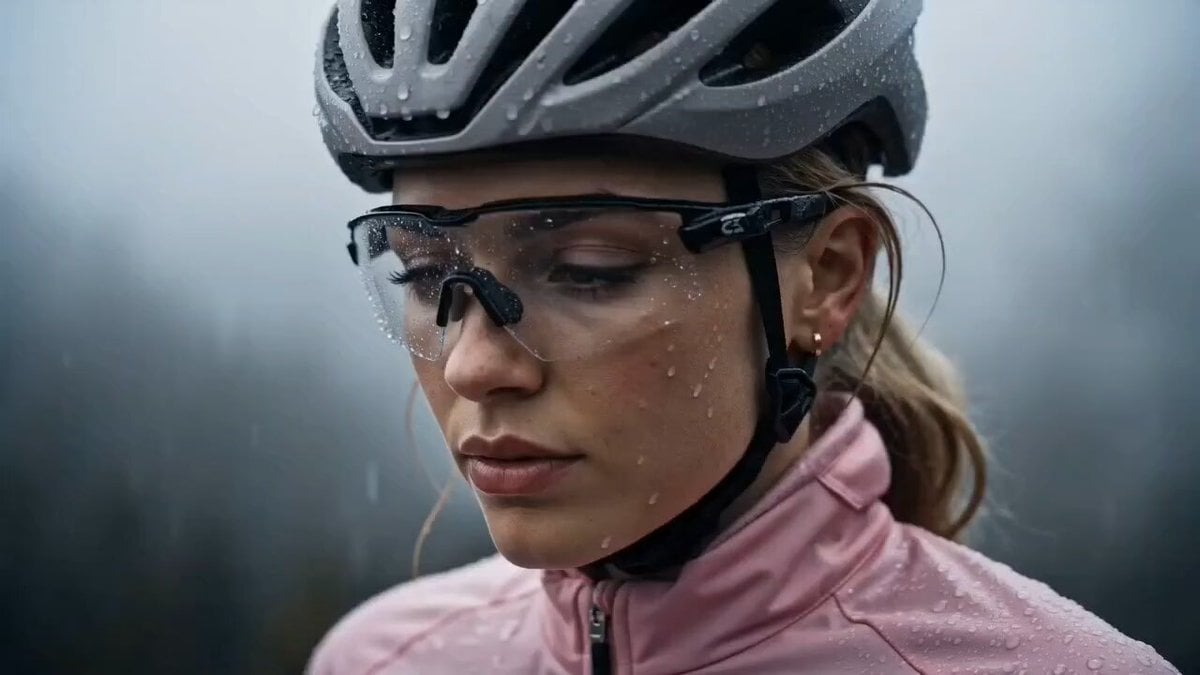
Cinematic Night Cycling Commercial
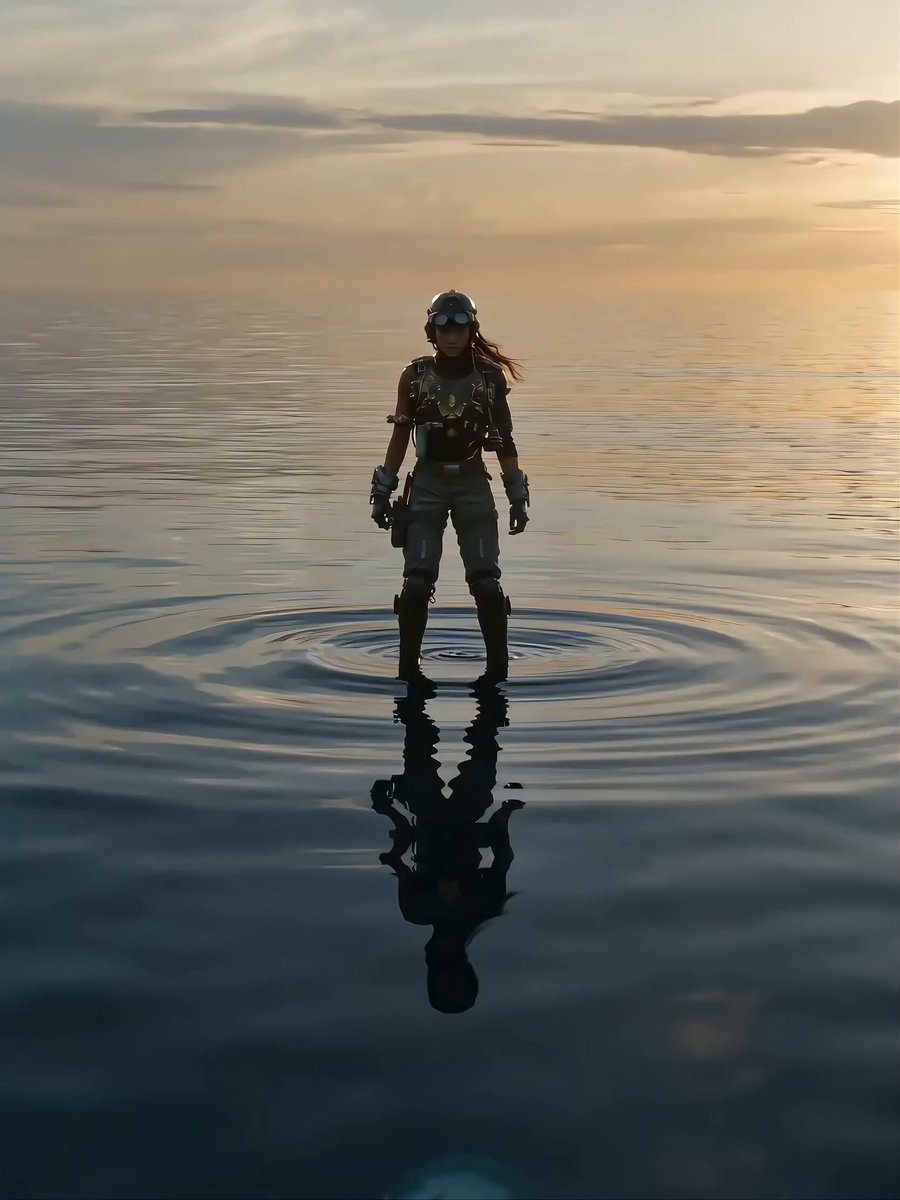
Seedance 2.0 Cinematic Mecha Assembly Prompt
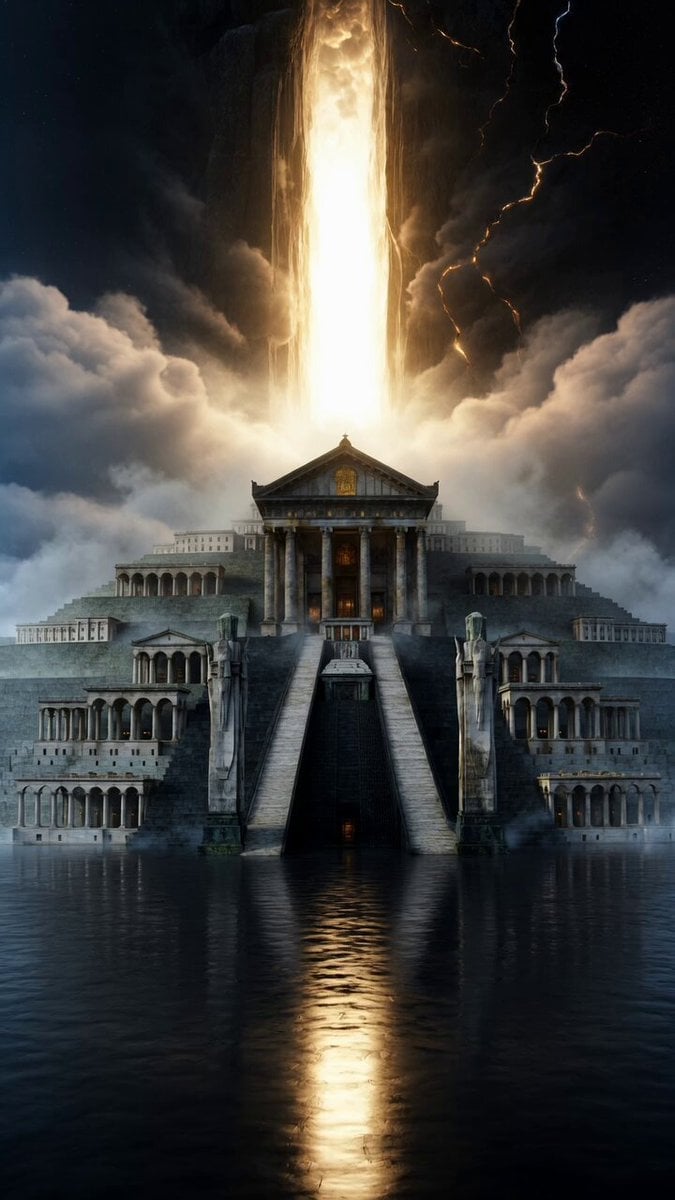
Grand Sacred Imperial Capital at the Edge of the Cosmos
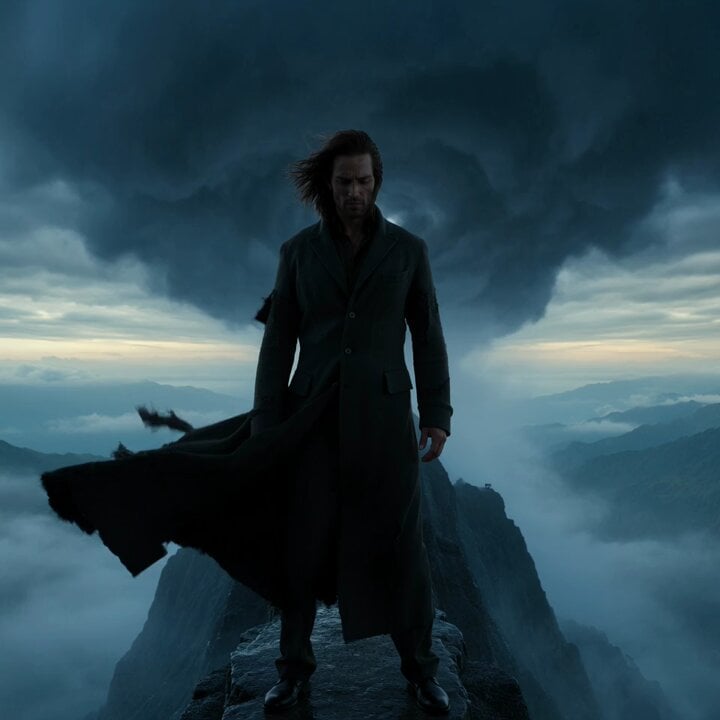
second epic cinematic storm video prompt
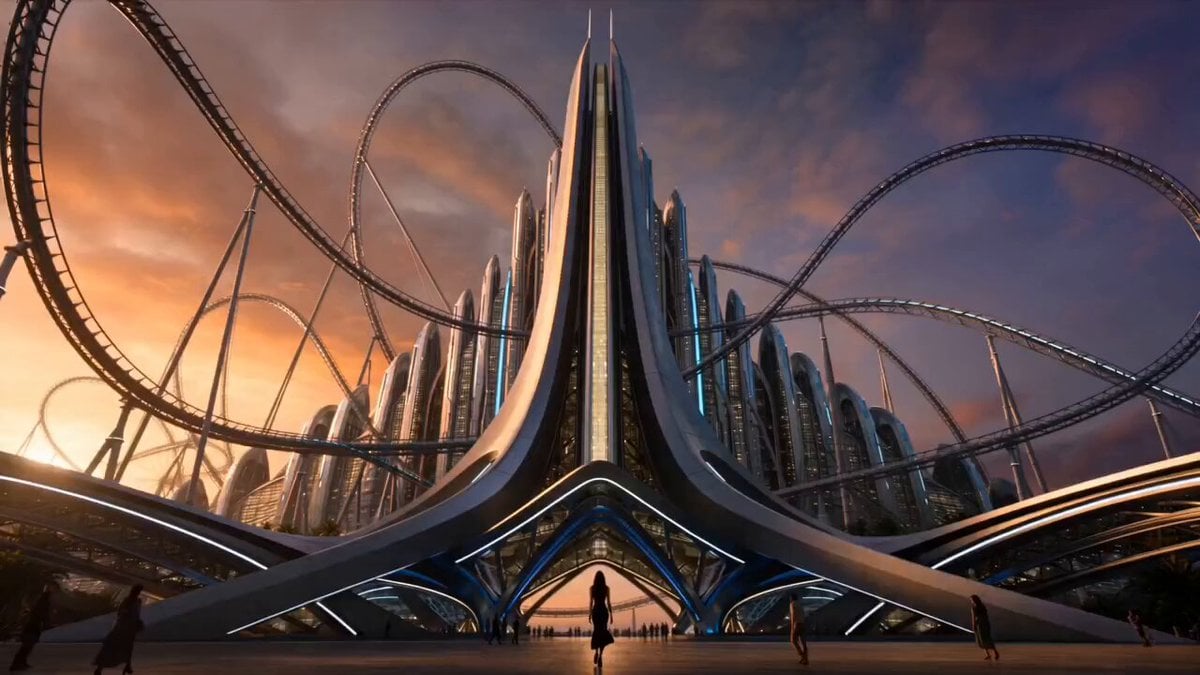
Extreme Amusement Park Adventure
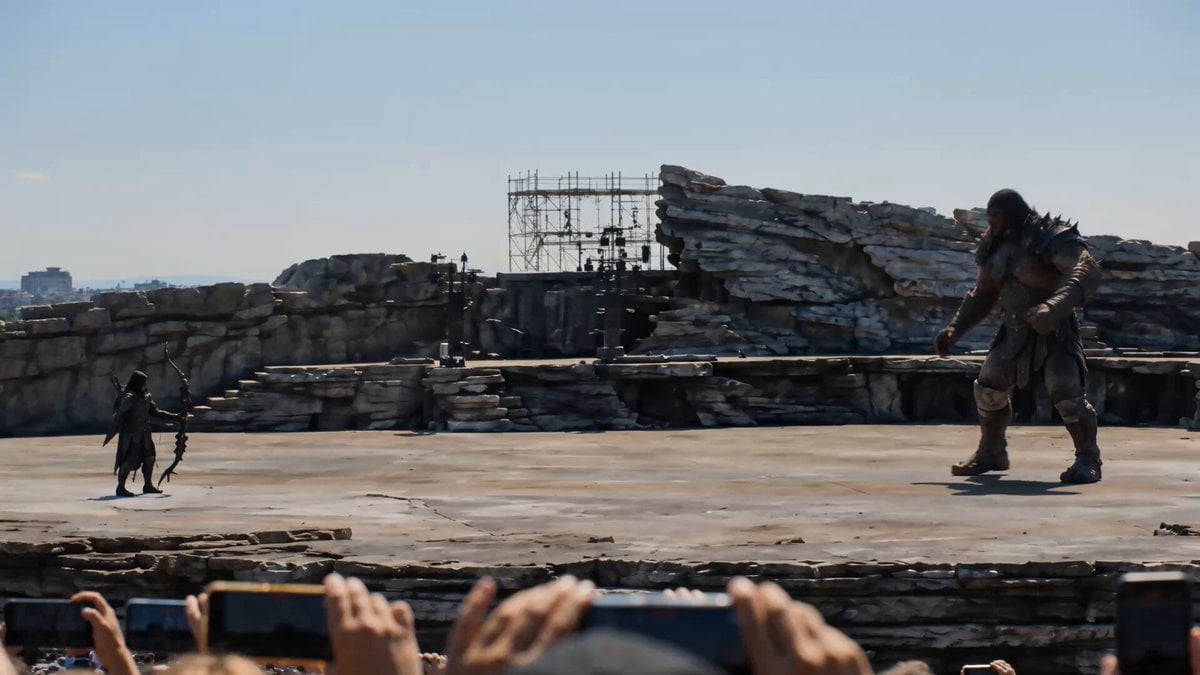
Cinematic Fantasy POV Crowd Battle
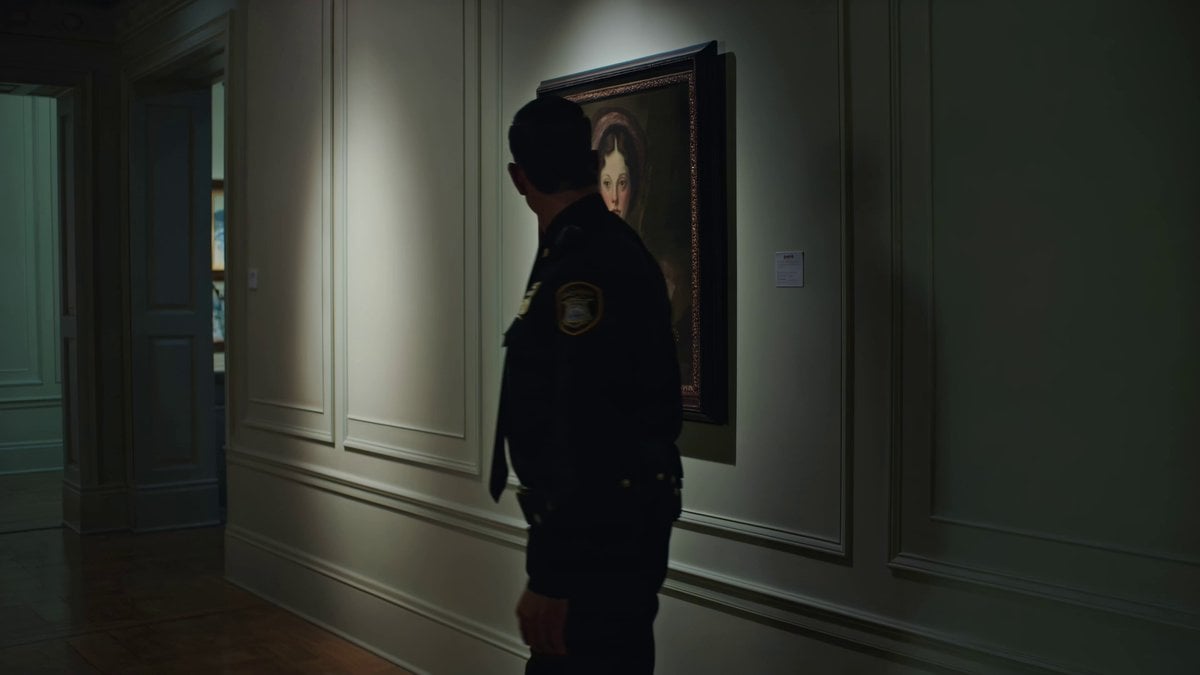
Kling 3.0 Art Gallery Horror Scene Prompt
Browse template categories
Bridge Collapse Action Sequence questions
How do I use the Bridge Collapse Action Sequence template?
Add your photo if the template asks for one, edit the prompt if you like — the template's model and format are already selected — and press Generate. Your version opens in PicX Studio.
Can I customize the Bridge Collapse Action Sequence template?
Yes. You can change the subject, setting, lighting, mood, format, and available model controls before creating your video.
Is the Bridge Collapse Action Sequence template free?
Opening and editing this template is free. Generating uses credits, shown on the Generate button when you are signed in.
Which AI model should I use?
Start with Seedance 2.0, which is the model associated with this template. You can compare another compatible model for a different finish.
Looking for something else? Browse all templates.

Your photo, any look
Thousands of ready templates for every top image and video model, from one credit balance.