
Extreme Amusement Park Adventure
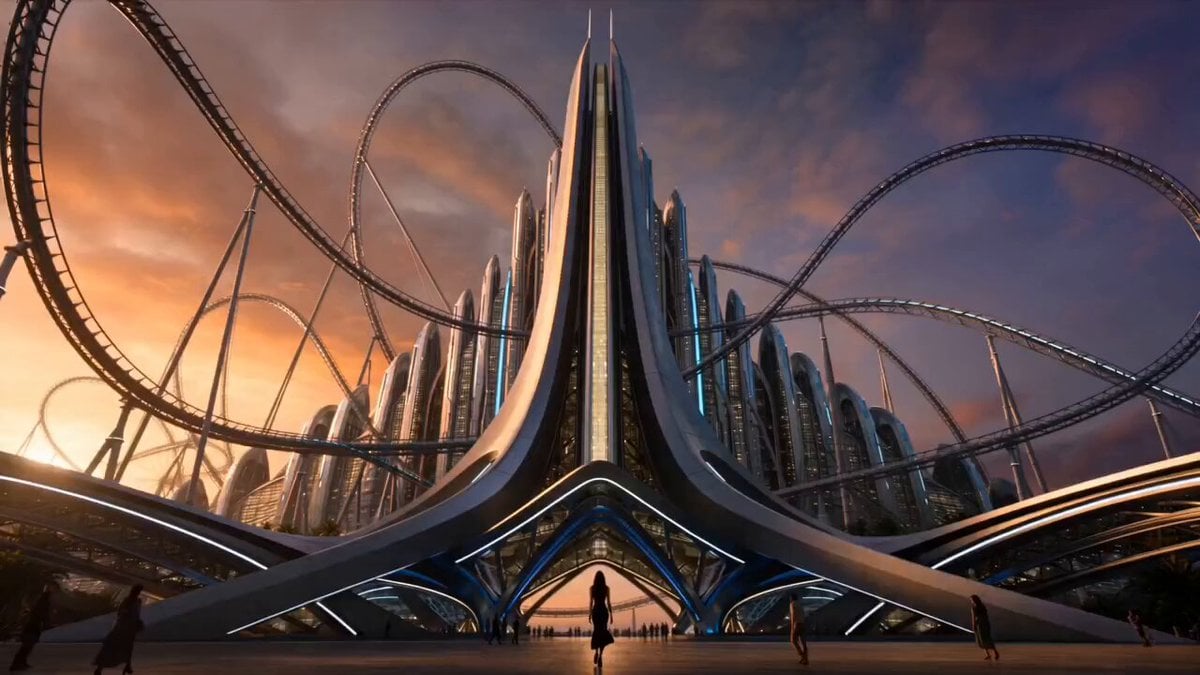
A 15-second cinematic prompt for Seedance 2.0 featuring a woman in an elegant black dress experiencing high-speed rides in a realistic amusement park.
- Prompt included
- Model and format preset
- Free template
The prompt behind this video
Copy the exact prompt behind Extreme Amusement Park Adventure, or open it in the studio and make it yours.
Ultra-realistic live-action cinematic video. A beautiful young woman wearing an elegant black dress enters the world's most extreme amusement park. Consistent face and appearance throughout the entire video. Hollywood-quality cinematography, realistic physics, dramatic atmosphere, natural lighting, real human emotions, dynamic camera movement, suspenseful storytelling, 4K HDR. Scene 1 (0–2 Seconds) Wide cinematic shot of a gigantic amusement park at sunset. Massive roller coasters dominate the skyline. The woman in a stylish black dress confidently walks through the main entrance. Crowds move around her. Camera tracks behind her. Epic cinematic music begins. Scene 2 (2–4 Seconds) Fast-paced montage. She rides a giant free-fall drop tower. Hair and dress move naturally in the wind. Immediate transition to a high-speed looping roller coaster. Genuine excitement on her face. Realistic ride motion and crowd reactions. Scene 3 (4–7 Seconds) Quick cuts between two extreme rides. A giant pendulum ride swings hundreds of feet above the ground. Then a spinning aerial swing ride overlooking the entire park. Dynamic drone shots. Realistic lighting and motion blur. Scene 4 (7–10 Seconds) She boards the park's most dangerous roller coaster. The launch sequence accelerates at extreme speed. Camera alternates between close-ups of her face and wide shots of the coaster racing through loops, twists, and vertical drops. Fireworks illuminate the night sky. Scene 5 (10–13 Seconds) The coaster slowly climbs toward its highest peak. The atmosphere suddenly changes. Music becomes tense. Wind grows louder. Park lights flicker in the distance. Her confident expression turns serious. She stares ahead. Scene 6 (13–15 Seconds) The coaster reaches the top. Extreme close-up on her face. Her eyes widen in shock. She sees something unexpected beyond the tracks. The camera quickly pushes toward her face. Before the audience can see what she sees CUT TO BLACK. Text appears: "THE FINAL RIDE..."
How to use Extreme Amusement Park Adventure in 3 steps
- 1
Open
The prompt is already in the box next to the preview, with the template's model and format selected.
- 2…a portrait of your subject in softgolden-hour light, 85mm…
Personalize
Edit the subject and creative details for your destination.
- 3Generate
Generate
Press Generate — your video is created in PicX Studio, so you can compare it with the original and refine one variable at a time.
More like this
Templates with the same subject, style or setup. Open one to see its prompt.
Amusement Park Time Stop Cinematic
Astronaut in Abandoned Amusement Park
Giant cartoon girl vlog at an amusement park
Underground Temple Escape — Seedance 2.0
Chibi Cave Adventure — He Doesn't Know What's Coming
Adventurer Path Creator - Seedance 2
Realistic Korean Man Park Vlog
3D Cartoon Park Scene

One-Eyed Girl and Bear Companion Adventure
Realistic Female BMX Park Trick Sequence
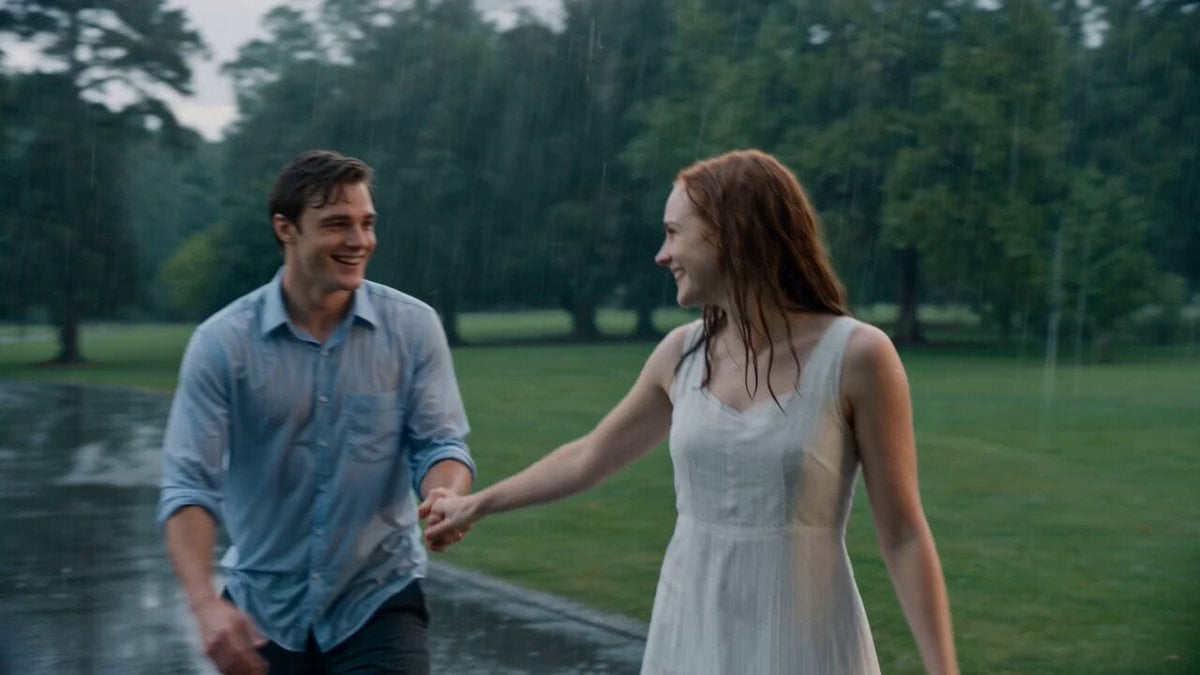
Cinematic Rainy Park Romantic Walk
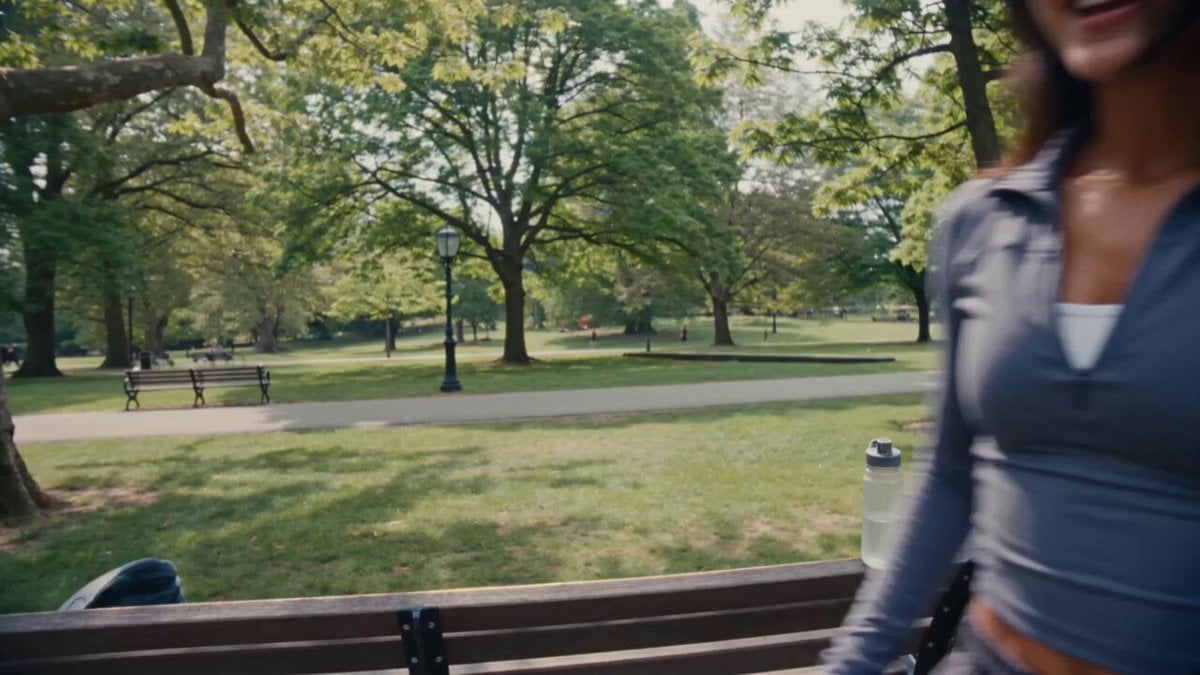
Vintage VHS Park Vlog
Make it yours
Extreme Amusement Park Adventure works as-is. These are the safest ways to change it without losing the look.
Change one field
Copy a single group, rewrite it, and generate again so you can see what that field is doing.
Keep the frame, change the subject
Hold the composition and light of Extreme Amusement Park Adventure, then swap wardrobe, props or the person for a new take.
| If the result… | Why | Fix |
|---|---|---|
| The result drifts from the preview | Too many fields changed at once. | Reuse Extreme Amusement Park Adventure as-is first, then change one group — subject, light, or setting. |
| The model over-stylizes the scene | The prose prompt leaves finish and camera underspecified. | Add one camera or lighting sentence and stay on Seedance 2.0. |
More Seedance 2.0 templates
Other prompts made for Seedance 2.0.

Comical Martial Arts Punch Scene

Maglev Train Action Sequence

Martial Arts Fight Sequence

Wuxia Protection and Trust Script

Vintage Korean Arcade MiniDV Vlog

Mercedes 190 SL Luxury Ad

Rainy Night Supernatural Reverse Comedy Video Script

Amazon Civilization Discovery

Futuristic South Asian City Transformation

Cozy Luxury Cafe Commercial
More video prompts
Fresh picks from across the catalog.
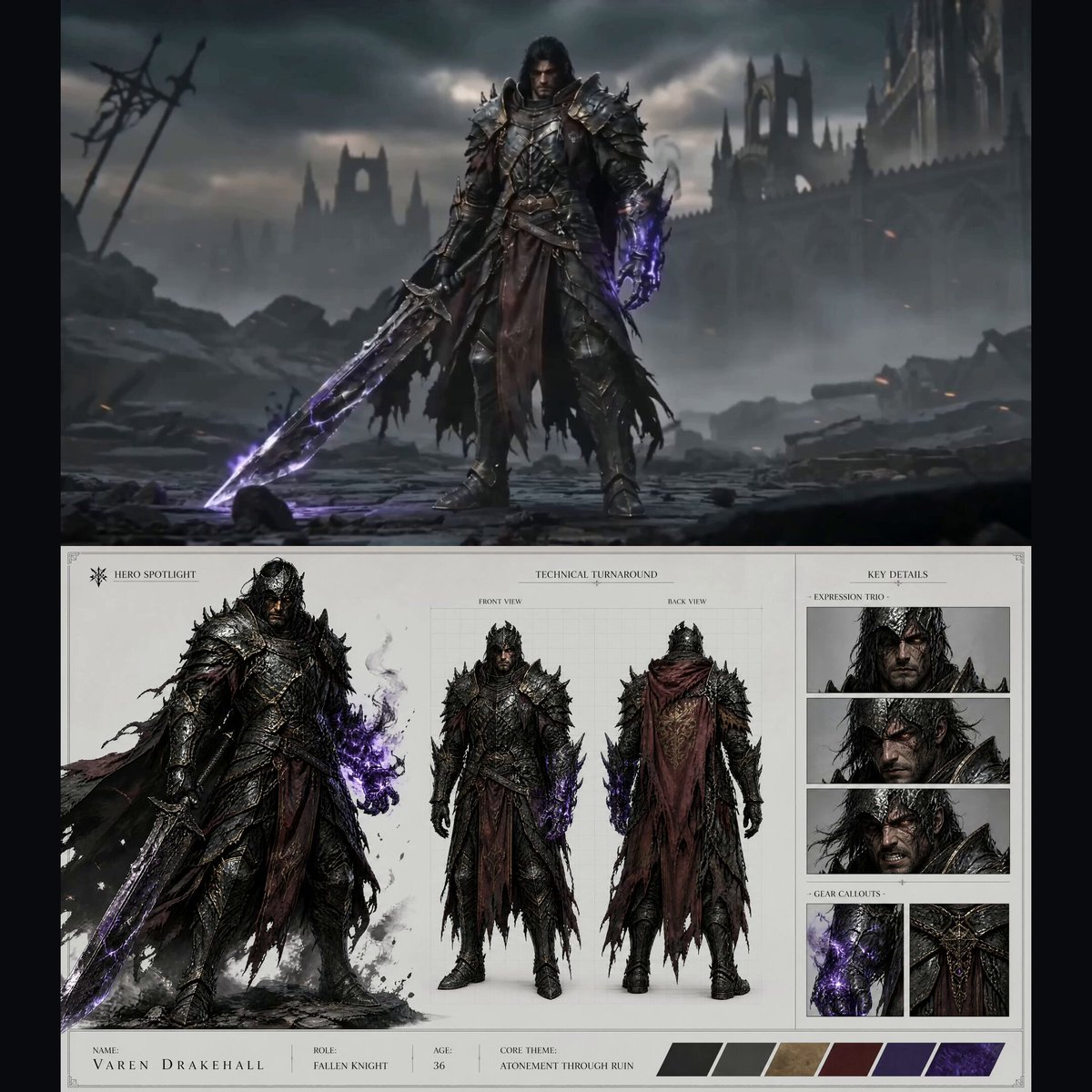
Dark Fantasy Fallen Knight Intro Sequence
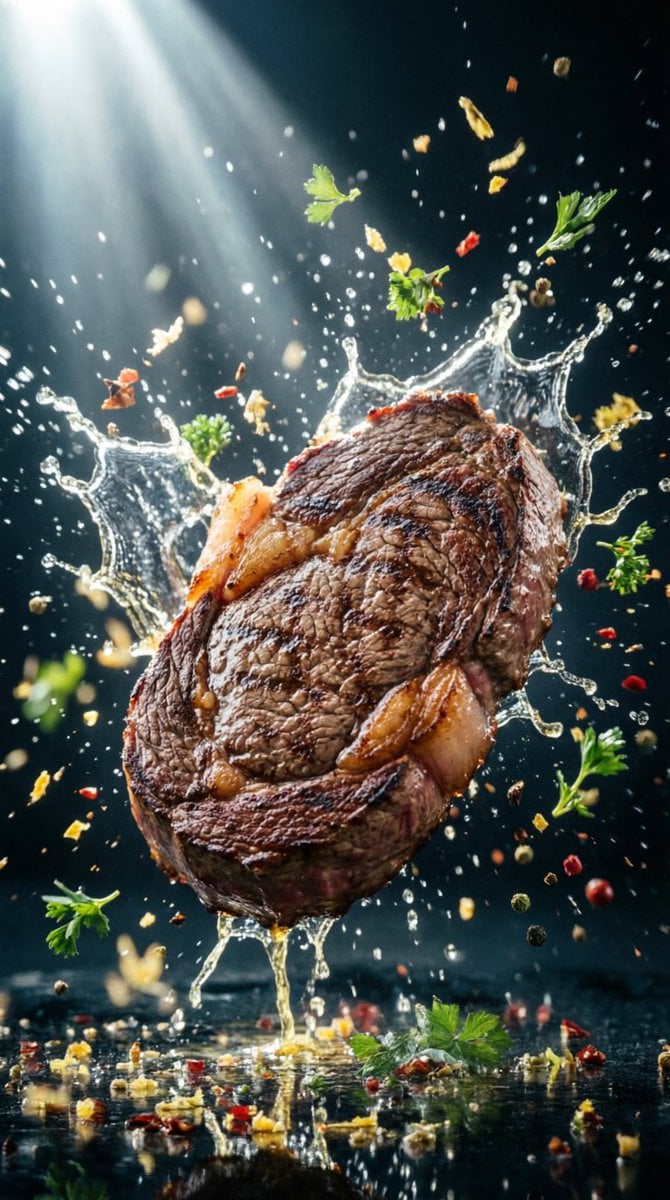
Hyper-Realistic Food Splash Photography
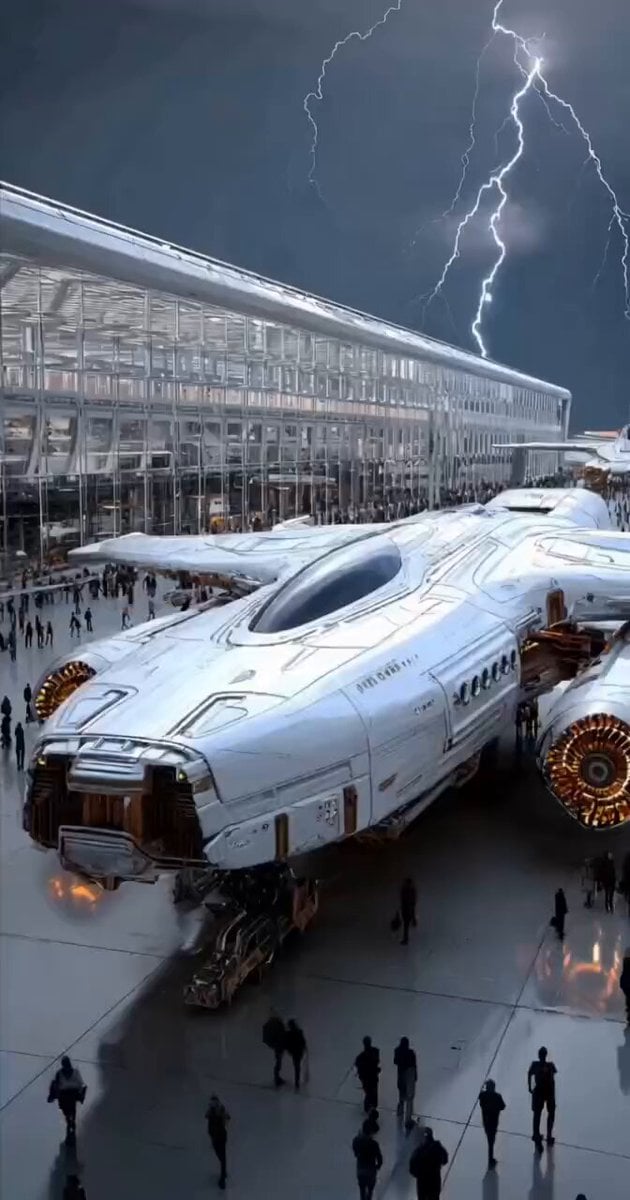
Futuristic Spacecraft Launch
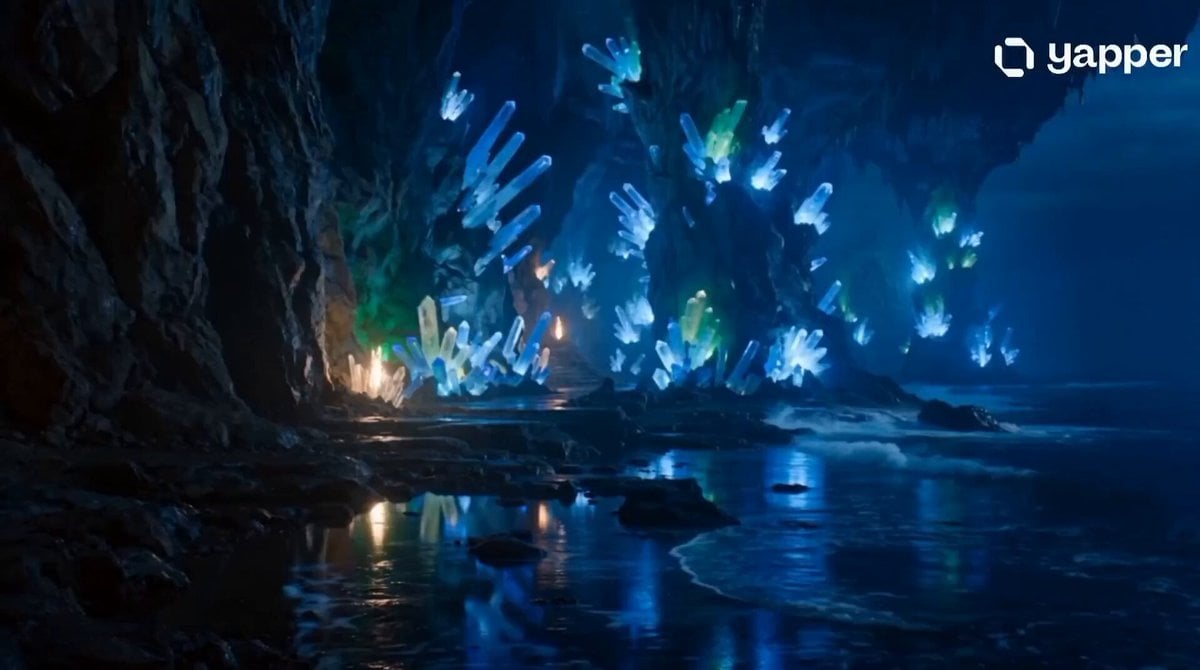
Fantasy Crystal Cave Adventure
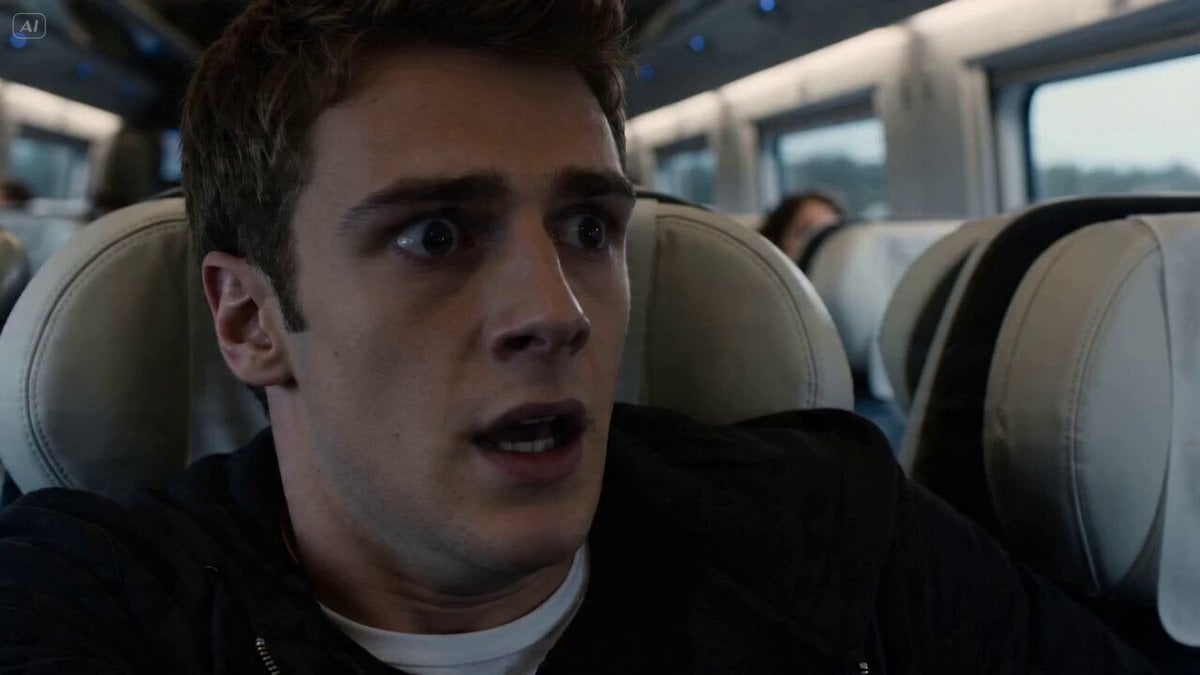
Train monster impact sequence
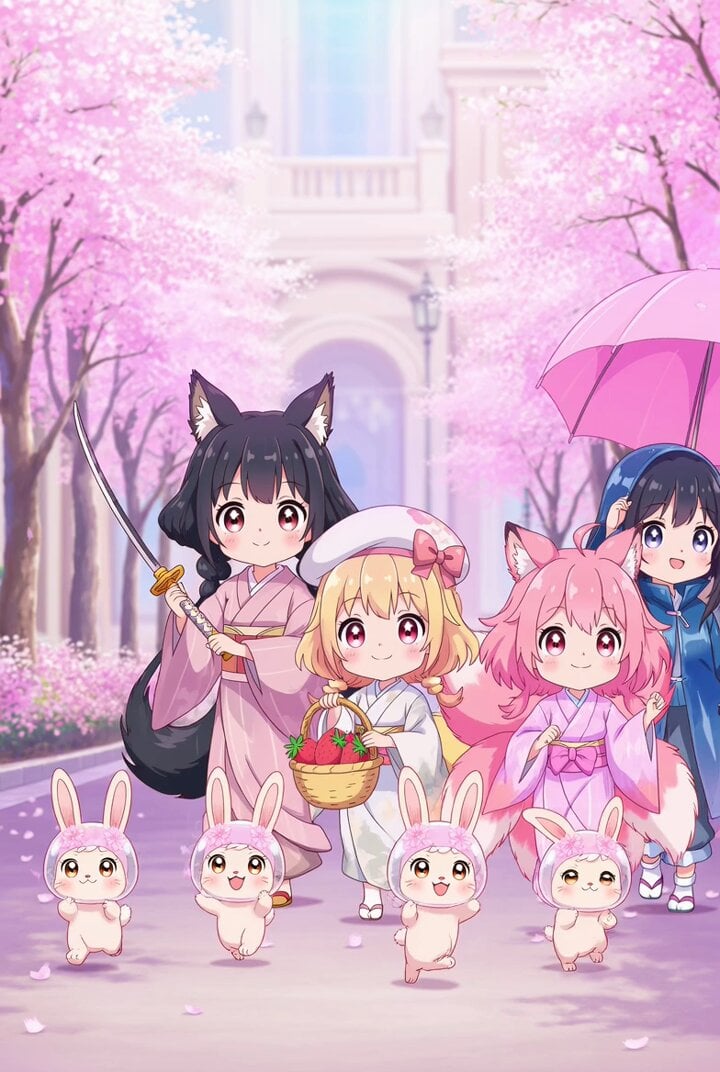
Kawaii anime parade video prompt
Premium Food Photography Commercial
Last Ride Train Outbreak Horror
Global Luxury Fashion Cultural Campaign
Japanese Schoolgirl Brass Band Vlog
Browse template categories
Extreme Amusement Park Adventure questions
How do I use the Extreme Amusement Park Adventure template?
Add your photo if the template asks for one, edit the prompt if you like — the template's model and format are already selected — and press Generate. Your version opens in PicX Studio.
Can I customize the Extreme Amusement Park Adventure template?
Yes. You can change the subject, setting, lighting, mood, format, and available model controls before creating your video.
Is the Extreme Amusement Park Adventure template free?
Opening and editing this template is free. Generating uses credits, shown on the Generate button when you are signed in.
Which AI model should I use?
Start with Seedance 2.0, which is the model associated with this template. You can compare another compatible model for a different finish.
Looking for something else? Browse all templates.

Your photo, any look
Thousands of ready templates for every top image and video model, from one credit balance.