
Premium Food Photography Commercial
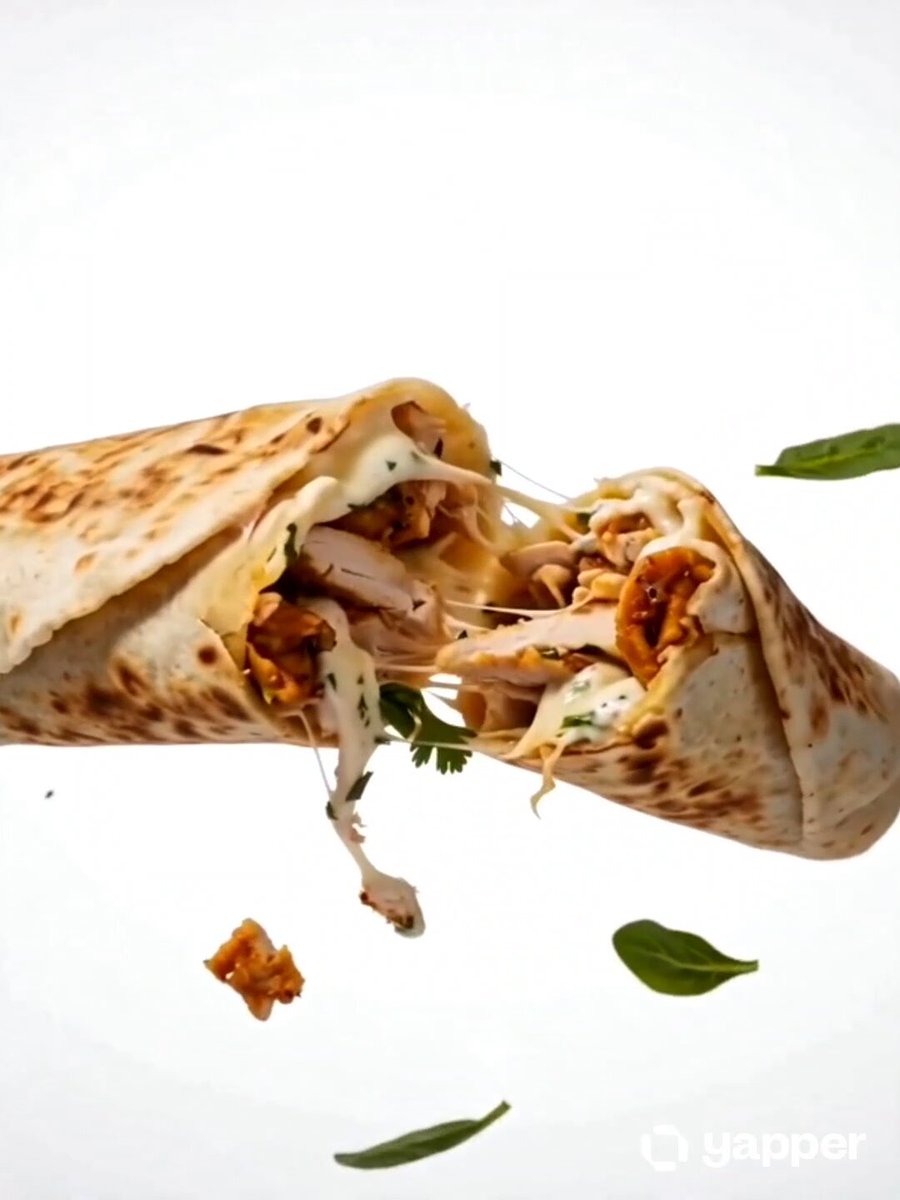
A gourmet-style food commercial prompt featuring floating ingredients and macro rendering on a seamless white background.
- Prompt included
- Model and format preset
- Free template
The prompt behind this video
Copy the exact prompt behind Premium Food Photography Commercial, or open it in the studio and make it yours.
premium food commercial photography on a seamless white background. Bright studio lighting with soft directional highlights enhancing shape, texture, and freshness. Floating multilayer composition with subtle levitation for dynamic depth, creating a clean modern hero shot. Ingredients and natural garnishes associated with shawarma gently suspended in the air, minimalist and precisely arranged. Clean minimalist styling with a strong visual focus on the hero product. Crisp yet soft tactile shadow grounding the composition. Ultra-realistic macro food rendering, 100mm lens, f/8 for full sharpness. Fine surface textures and natural imperfections clearly visible. Commercial editorial-grade aesthetics with a luxurious gourmet look. Photorealistic, ultra-high-resolution 8K
How to use Premium Food Photography Commercial in 3 steps
- 1
Open
The prompt is already in the box next to the preview, with the template's model and format selected.
- 2…a portrait of your subject in softgolden-hour light, 85mm…
Personalize
Edit the subject and creative details for your destination.
- 3Generate
Generate
Press Generate — your video is created in PicX Studio, so you can compare it with the original and refine one variable at a time.
More like this
Templates with the same subject, style or setup. Open one to see its prompt.
Fruit Cookie Commercial

Silk Road Pomegranate Folk Animation

Mechanical Flower Bloom Brand Film

Crystal Ball Match-Cut Brand Film

Sneaker Product Commercial

Skincare Product Commercial 3

Cinematic Portrait Study 3

Product UGC Commercial

Cinematic Portrait Study
Skincare Product Commercial
Hyper-Realistic Food Splash Photography
Luxury Handbag Commercial — Hollywood VFX Ad
Make it yours
Premium Food Photography Commercial works as-is. These are the safest ways to change it without losing the look.
Change one field
Copy a single group, rewrite it, and generate again so you can see what that field is doing.
Keep the frame, change the subject
Hold the composition and light of Premium Food Photography Commercial, then swap wardrobe, props or the person for a new take.
| If the result… | Why | Fix |
|---|---|---|
| The result drifts from the preview | Too many fields changed at once. | Reuse Premium Food Photography Commercial as-is first, then change one group — subject, light, or setting. |
| The model over-stylizes the scene | The prose prompt leaves finish and camera underspecified. | Add one camera or lighting sentence and stay on Seedance 2.0. |
More Seedance 2.0 templates
Other prompts made for Seedance 2.0.

Comical Martial Arts Punch Scene

Maglev Train Action Sequence

Martial Arts Fight Sequence

Wuxia Protection and Trust Script

Vintage Korean Arcade MiniDV Vlog

Mercedes 190 SL Luxury Ad

Rainy Night Supernatural Reverse Comedy Video Script

Amazon Civilization Discovery

Futuristic South Asian City Transformation

Cozy Luxury Cafe Commercial
More video prompts
Fresh picks from across the catalog.
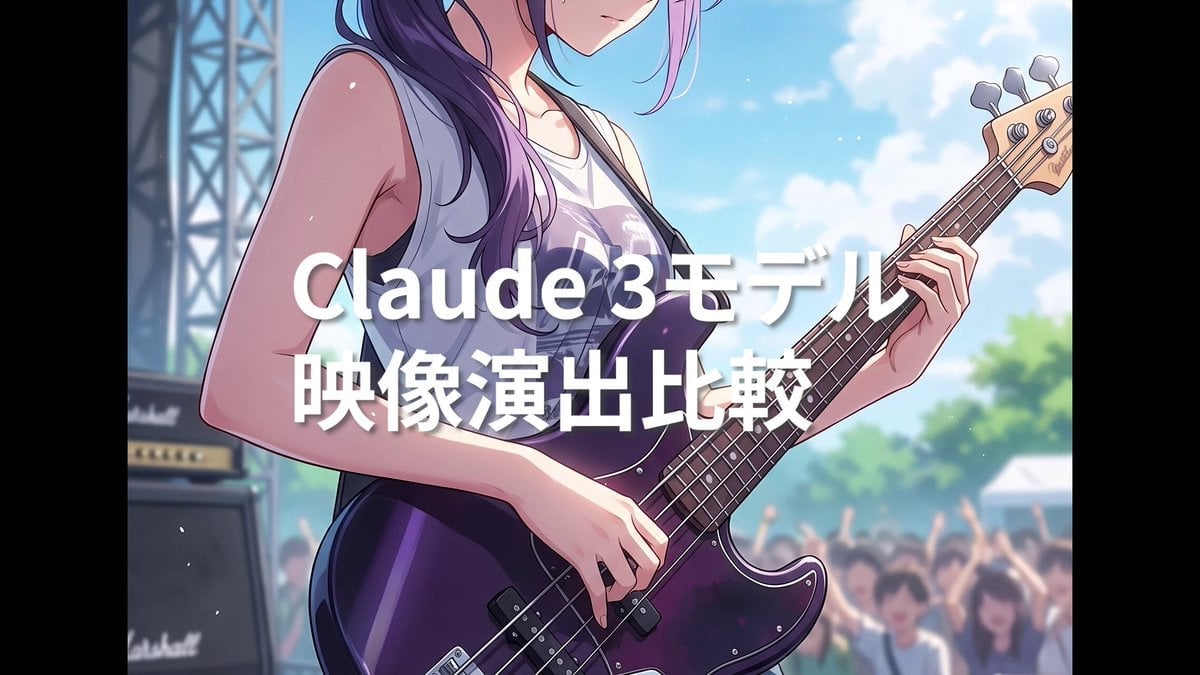
Summer Festival Bass Performance Video Prompt
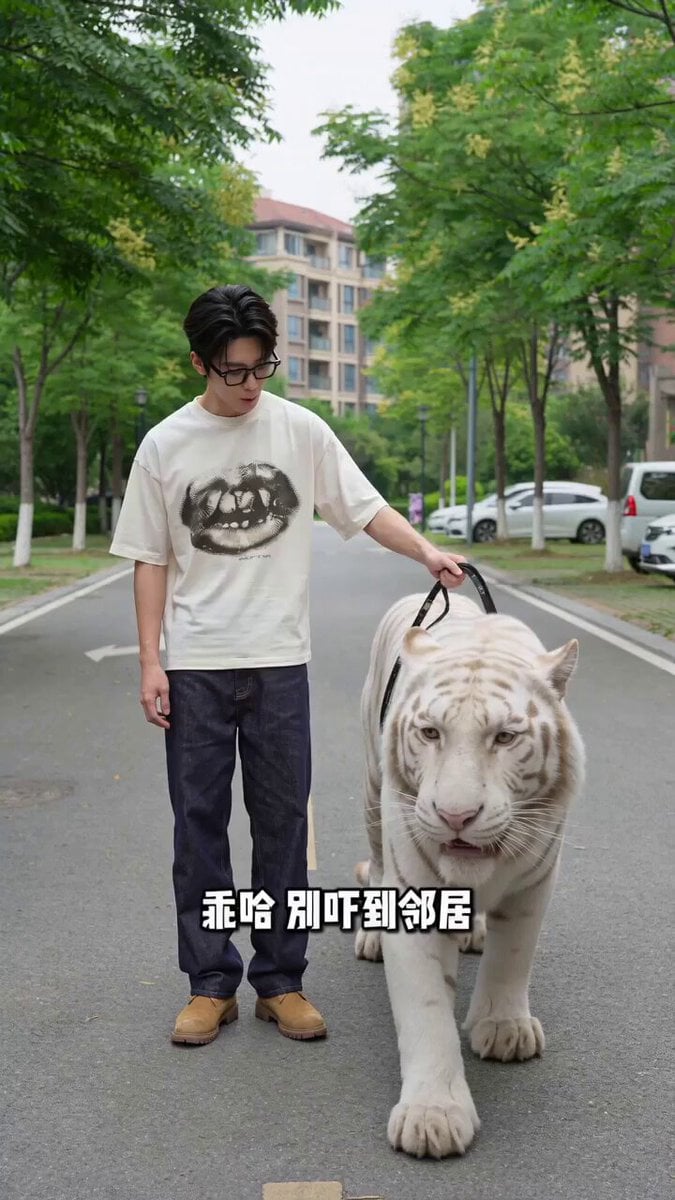
Man Walking Tiger and Teacup Poodle Skit Video Prompt
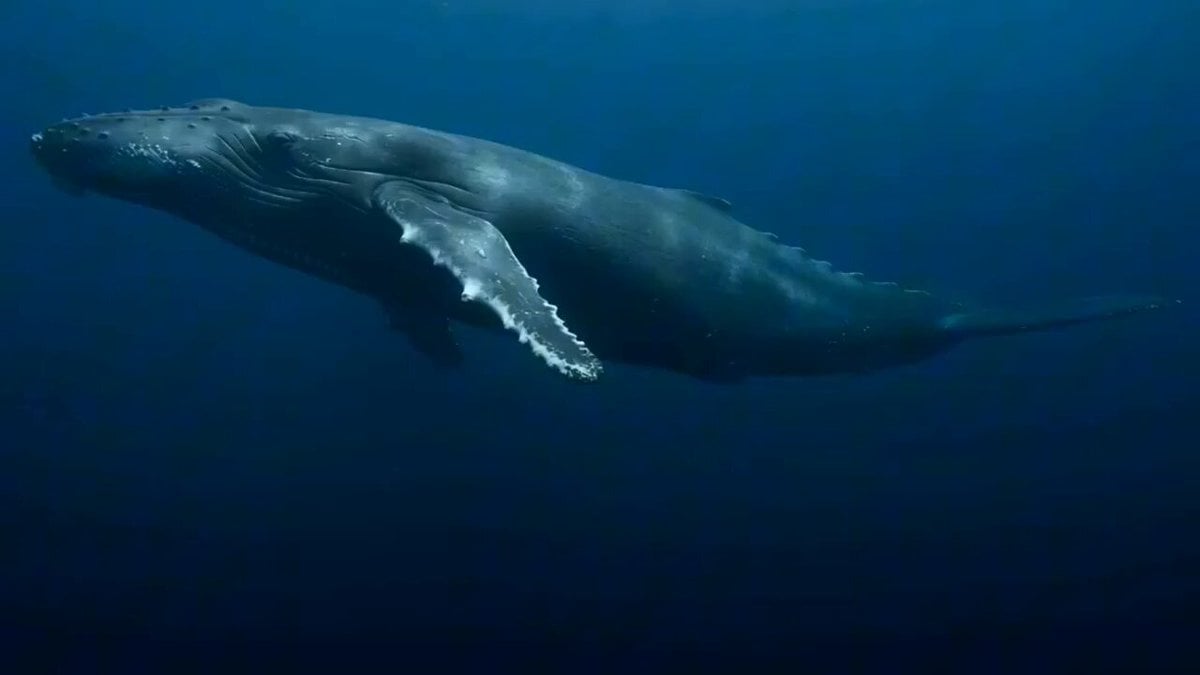
Deep ocean trench scene with a peaceful giant

Celestial Star Battle Animation
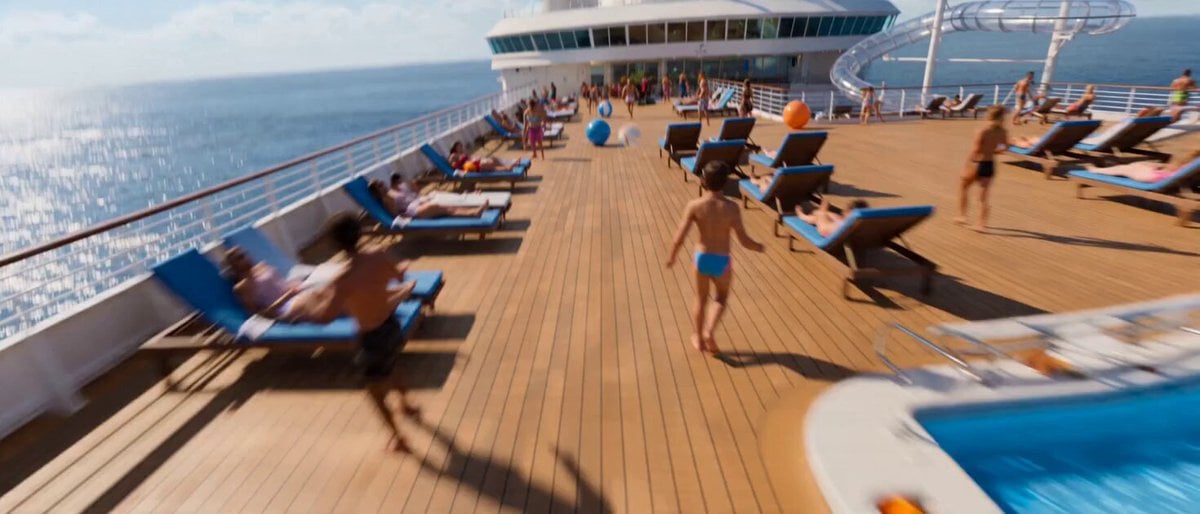
Continuous Single Take Video Prompt for Seedance 2.0

80s Sci-Fi Practical Effects Scene Prompt
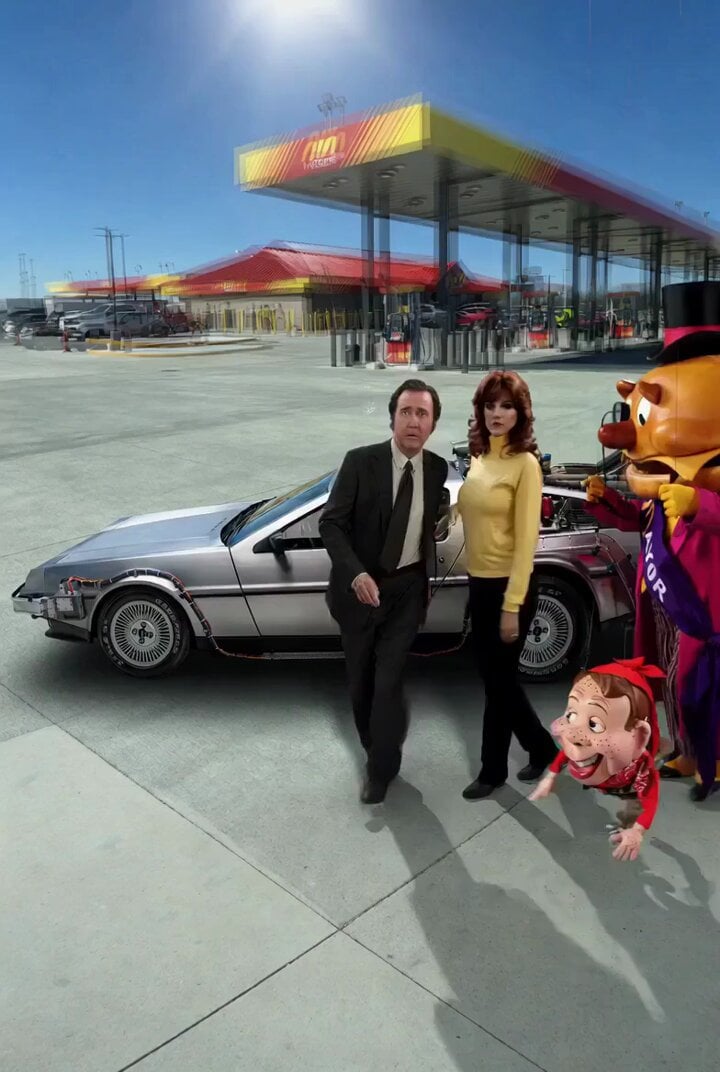
Back to the Future 4 R-rated Video Generation
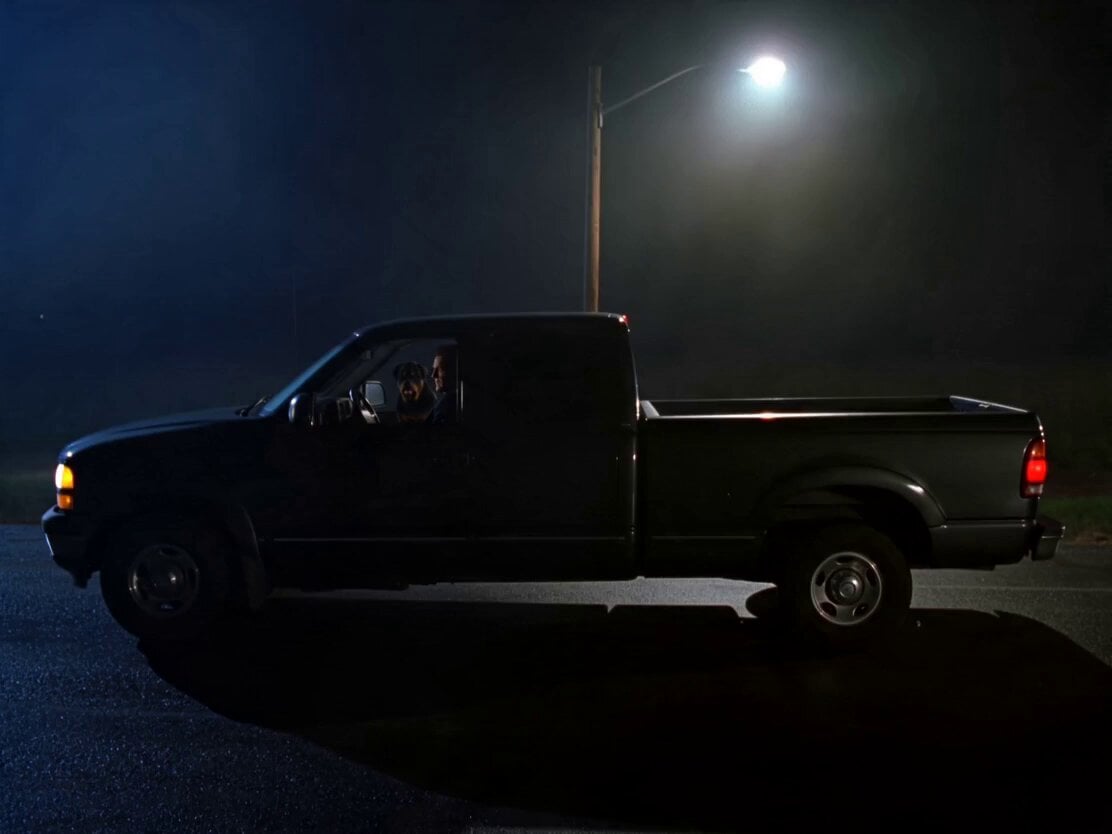
Rottweiler Dog Mutant Transformation Sequence

Pixar Style Sleeping Girl Animation

The Leviathan's Throat: Underwater Megastructure Descent
Browse template categories
Premium Food Photography Commercial questions
How do I use the Premium Food Photography Commercial template?
Add your photo if the template asks for one, edit the prompt if you like — the template's model and format are already selected — and press Generate. Your version opens in PicX Studio.
Can I customize the Premium Food Photography Commercial template?
Yes. You can change the subject, setting, lighting, mood, format, and available model controls before creating your video.
Is the Premium Food Photography Commercial template free?
Opening and editing this template is free. Generating uses credits, shown on the Generate button when you are signed in.
Which AI model should I use?
Start with Seedance 2.0, which is the model associated with this template. You can compare another compatible model for a different finish.
Looking for something else? Browse all templates.

Your photo, any look
Thousands of ready templates for every top image and video model, from one credit balance.