
Rottweiler Dog Mutant Transformation Sequence
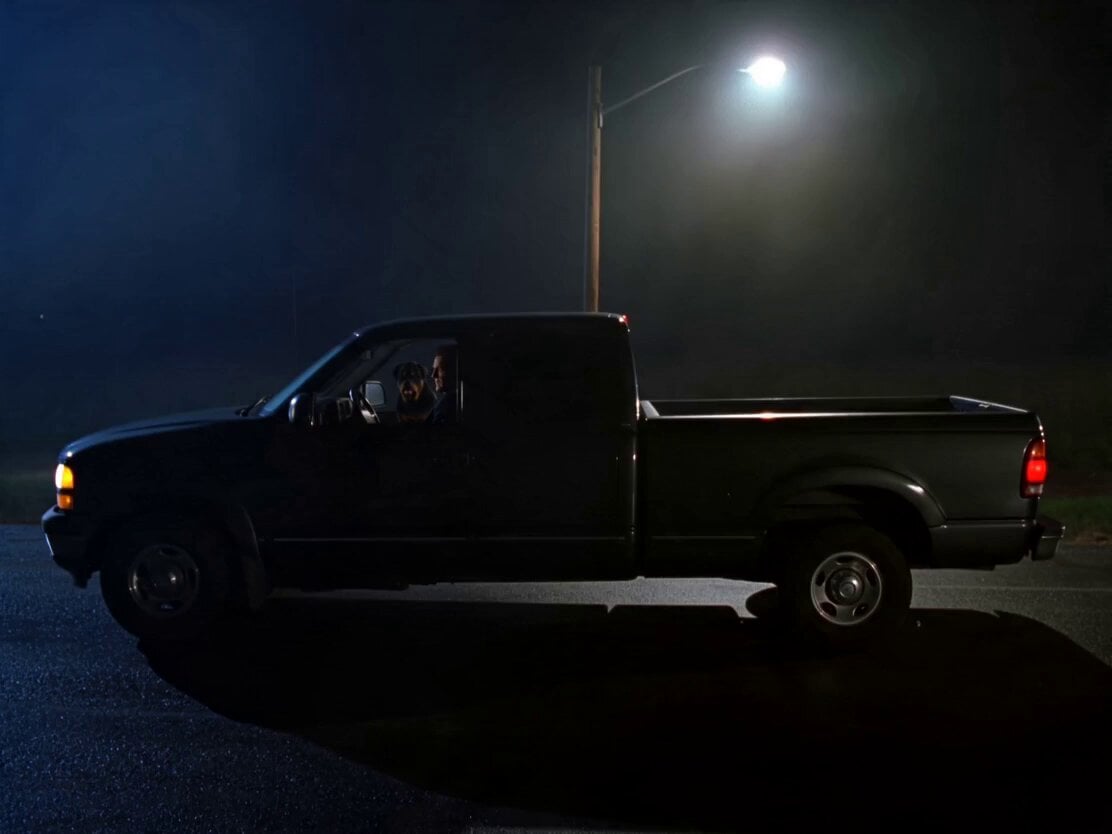
A detailed cinematic horror prompt describing a multi-shot sequence of a dog's grotesque transformation into a werewolf-like creature in a dark roadside setting.
- Prompt included
- Model and format preset
- Premium template
The prompt behind this video
Copy the exact prompt behind Rottweiler Dog Mutant Transformation Sequence, or open it in the studio and make it yours.
A dimly lit roadside at night, parked pickup truck under a flickering streetlight, eerie silence around. Inside, a muscular Rottweiler sits in the front passenger seat with its owner. Cut 1 (0–3s): Medium handheld — the Rottweiler suddenly snaps, barking aggressively, lunging toward the owner. The man shoves it back, shouting, “Are you crazy? What’s wrong with you?” His voice shaky. Cut 2 (3–6s): Close-up — the dog continues barking, but its body begins shifting. Skin ripples unnaturally, saliva thickens, eyes darken. Subtle wet, organic sounds begin. Cut 3 (6–9s): Extreme close-up to medium — the dog mutates into a slimy, grotesque werewolf-like form, muscles bulging, skin stretching with a slick, dripping texture. The man freezes in terror. Cut 4 (9–11s): Medium action — the man panics, opens the truck door, and falls out onto the ground, scrambling backward, eyes locked on the creature. Cut 5 (11–13s): Wide shot — he turns and runs desperately across the dark road, stumbling slightly, breath heavy, fear overwhelming. Cut 6 (13–15s): Dynamic chase — the mutated creature leaps out of the truck and charges. The man trips and falls, turning to look back. The creature lunges mid-air toward him— Hard cut to black. Horror style, harsh shadows, minimal streetlight illumination, cinematic texture, shallow DOF. Sound of aggressive barking, wet mutation sounds, heavy breathing, footsteps, low monstrous growl. 4K Ultra HD, rich details, sharp clarity, cinematic texture, stable picture. Maintain face and clothing consistency, no distortion, high detail. Generate video without subtitles.
How to use Rottweiler Dog Mutant Transformation Sequence in 3 steps
- 1
Open
The prompt is already in the box next to the preview, with the template's model and format selected.
- 2…a portrait of your subject in softgolden-hour light, 85mm…
Personalize
Edit the subject and creative details for your destination.
- 3Generate
Generate
Press Generate — your video is created in PicX Studio, so you can compare it with the original and refine one variable at a time.
More like this
Templates with the same subject, style or setup. Open one to see its prompt.

Magical Room Transformation - Seedance 2.5

Dark Tokusatsu Transformation - Seedance 2.5

Mutant Horse and Wolf Transformation

RX-7 to Mech Transformation Cyberpunk
Magical Transformation Sequence
Fantasy Warrior Transformation Sequence
Neon Armor Epic Transformation Sequence
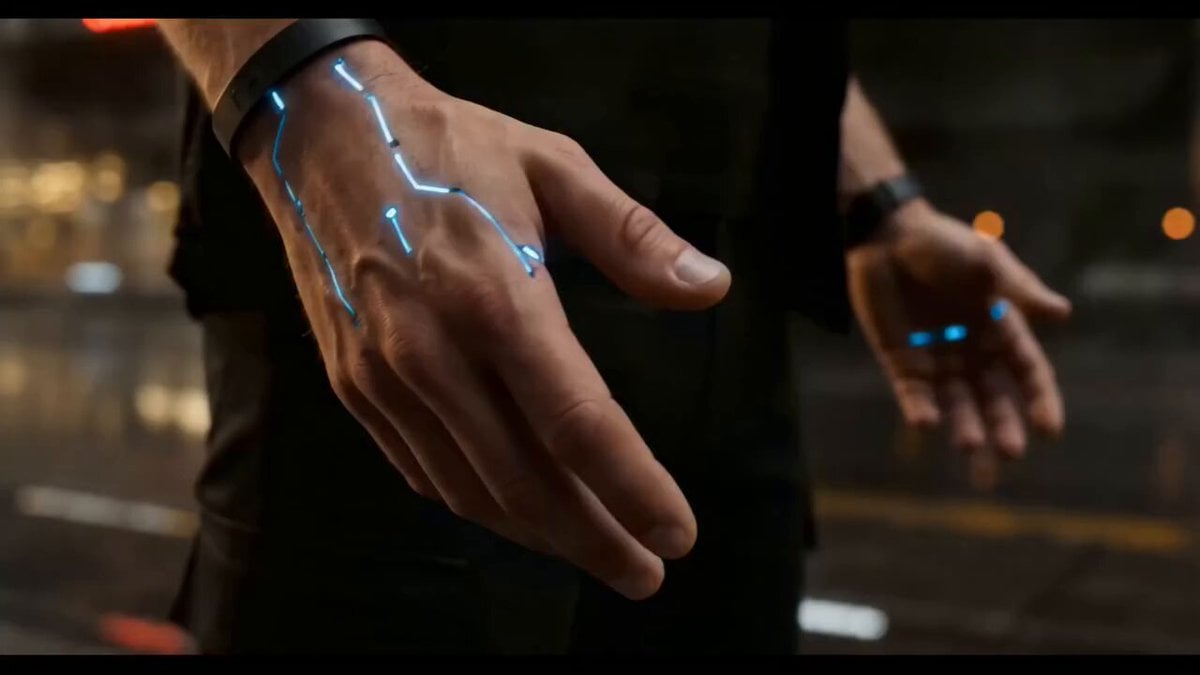
Cyberpunk Exosuit Transformation Sequence
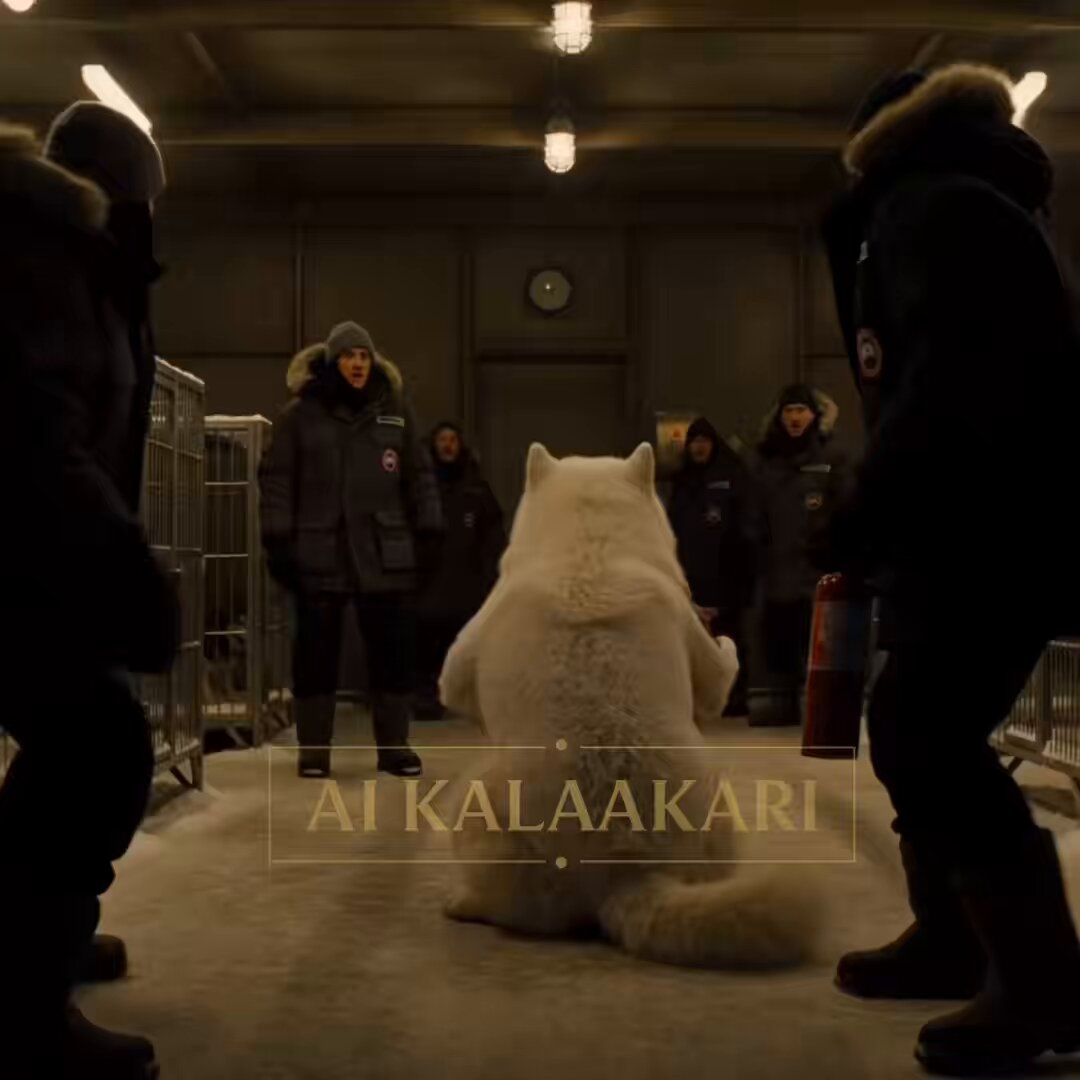
Sled Dog Mutation Body Horror Sequence
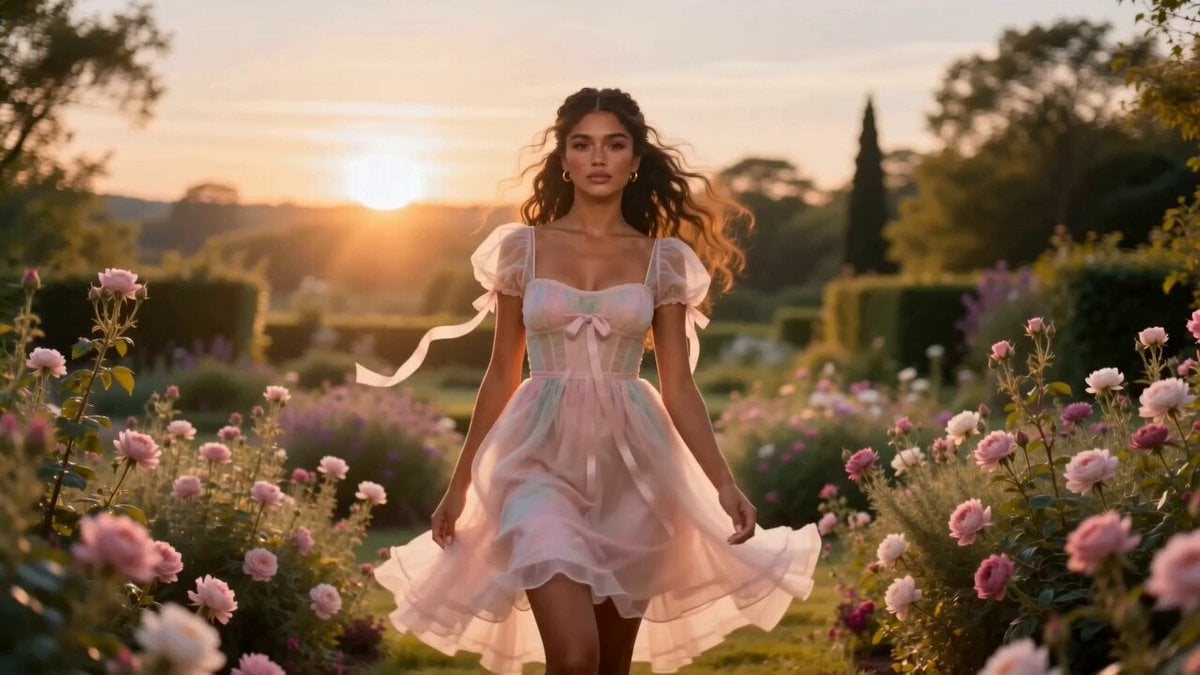
Fashion Aesthetic Transformation Sequence
Civilization Timelapse — Centuries in One Shot
Mecha Transformation vs Kaiju — 4-Scene Epic
Make it yours
Rottweiler Dog Mutant Transformation Sequence works as-is. These are the safest ways to change it without losing the look.
Change one field
Copy a single group, rewrite it, and generate again so you can see what that field is doing.
Keep the frame, change the subject
Hold the composition and light of Rottweiler Dog Mutant Transformation Sequence, then swap wardrobe, props or the person for a new take.
| If the result… | Why | Fix |
|---|---|---|
| The result drifts from the preview | Too many fields changed at once. | Reuse Rottweiler Dog Mutant Transformation Sequence as-is first, then change one group — subject, light, or setting. |
| The model over-stylizes the scene | The prose prompt leaves finish and camera underspecified. | Add one camera or lighting sentence and stay on Seedance 2.0. |
More Seedance 2.0 templates
Other prompts made for Seedance 2.0.

Comical Martial Arts Punch Scene

Wuxia Protection and Trust Script

Vintage Korean Arcade MiniDV Vlog

Mercedes 190 SL Luxury Ad

Rainy Night Supernatural Reverse Comedy Video Script

Amazon Civilization Discovery

Futuristic South Asian City Transformation

Cozy Luxury Cafe Commercial

Cyber Ronin Nanotech Transformation Video

Desert Courier and Sandstorm Leviathan Chase
More video prompts
Fresh picks from across the catalog.
Horror Cabin Cabin Incantation Video
Cinematic Rainy Seaside Anime Scene
Grok Imagine Video Prompt: Dynamic Fantasy Scene with Deer, Fairy, and Girl
The Departure Sci-Fi Ad Script
Serene Anime Woman on Mossy Riverbank
Seedance 2.0 Storyboard Narrative Prompt
Anime Dialogue and Storyboard Script
马斯克父子 Are you OK 北京话短剧
The Great Cookie Heist: Hamster Animation
Gothic Battle Dancer Cinematic Video
Browse template categories
Rottweiler Dog Mutant Transformation Sequence questions
How do I use the Rottweiler Dog Mutant Transformation Sequence template?
Add your photo if the template asks for one, edit the prompt if you like — the template's model and format are already selected — and press Generate. Your version opens in PicX Studio.
Can I customize the Rottweiler Dog Mutant Transformation Sequence template?
Yes. You can change the subject, setting, lighting, mood, format, and available model controls before creating your video.
Is the Rottweiler Dog Mutant Transformation Sequence template free?
Opening and editing this template is free. Generating uses credits, shown on the Generate button when you are signed in.
Which AI model should I use?
Start with Seedance 2.0, which is the model associated with this template. You can compare another compatible model for a different finish.
Looking for something else? Browse all templates.

Your photo, any look
Thousands of ready templates for every top image and video model, from one credit balance.