
Sled Dog Mutation Body Horror Sequence
A terrifying body horror scene inspired by 'The Thing', depicting a frightened sled dog undergoing a violent biological transformation in an Antarctic outpost.
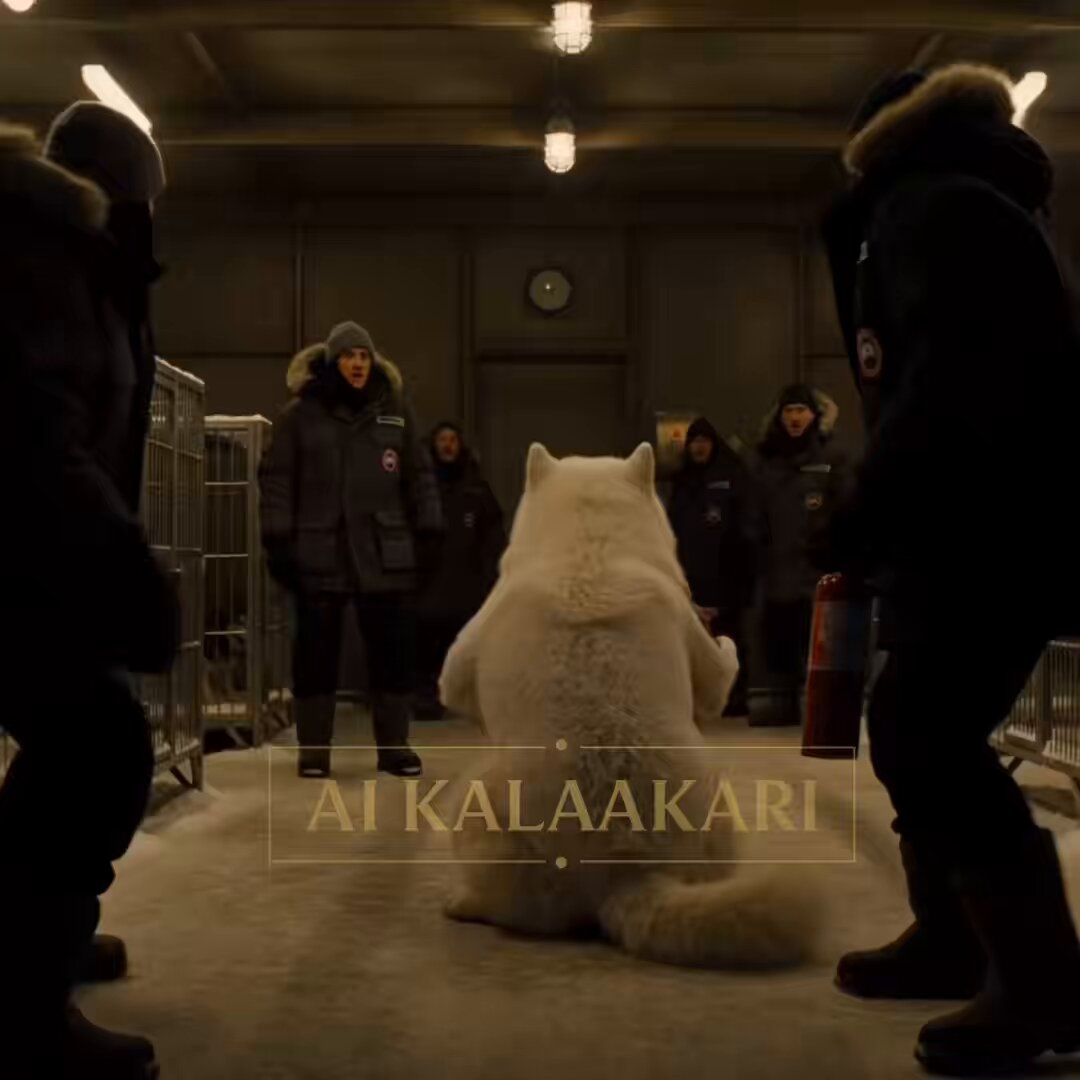
- Prompt included
- Model and format preset
- Premium template
The prompt behind this video
Copy the exact prompt behind Sled Dog Mutation Body Horror Sequence, or open it in the studio and make it yours.
Remote Antarctic outpost at night. Snowstorm outside. Dim yellow lighting inside a kennel room. Metal cages. Frost-covered windows. High-tension body horror with escalating dread and explosive transformation. Slow unease that detonates into chaos. Sound: wind, dog breathing, distant generator hum. ⸻ 0–2s — HOOK Wide shot. A frightened sled dog bursts into a research statio Snow covering its fur. Researchers quickly shut the door behind it. Outside, the blizzard rages. The dog looks terrified. ⸻ 2–4s— UNEASE Close-up. The dog sits quietly. Panting. Researchers watch the dog bark sing a them One scientist smiles. “Poor thing.” Everything seems normal. Too normal. ⸻ 4-6s — THE WRONGNESS The dog suddenly stops panting. Its chest expands. Then expands more. Then keeps expanding. Far beyond what should be possible. The room goes silent. Nobody understands what they’re seeing. ⸻ 6-9s — REVEAL Crash zoom. The dog’s ribcage begins opening. Slowly. Like flower petals. Skin stretches. Bones separate. Inside— Dozens of blinking eyes. All looking in different directions. Watching everyone. ⸻ 9-12s — CHAOS The dog stands. Or what used to be a dog. Tentacles emerge. Additional limbs unfold from its body. The kennel erupts into panic. Scientists back away. One drops a flamethrower. ⸻ 12-15s — PAYOFF The creature lunges across the kennel. Cages explode apart. Metal bends. People scream. Bullet-time moment. Eyes opening everywhere. Tentacles extending. The flamethrower ignites. Fire fills frame. The creature screams.
How to use Sled Dog Mutation Body Horror Sequence in 3 steps
- 1
Open
The prompt is already in the box next to the preview, with the template's model and format selected.
- 2…a portrait of your subject in softgolden-hour light, 85mm…
Personalize
Edit the subject and creative details for your destination.
- 3Generate
Generate
Press Generate — your video is created in PicX Studio, so you can compare it with the original and refine one variable at a time.
More like this
Templates with the same subject, style or setup. Open one to see its prompt.
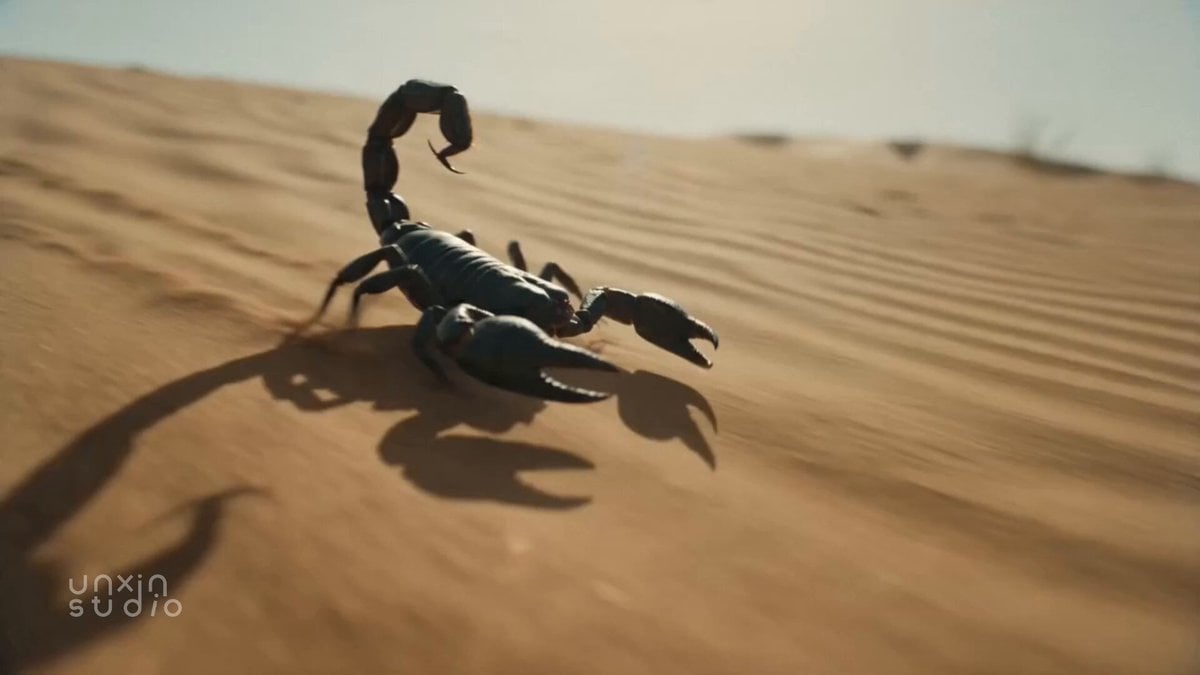
Desert Scorpion Body Horror Transformation
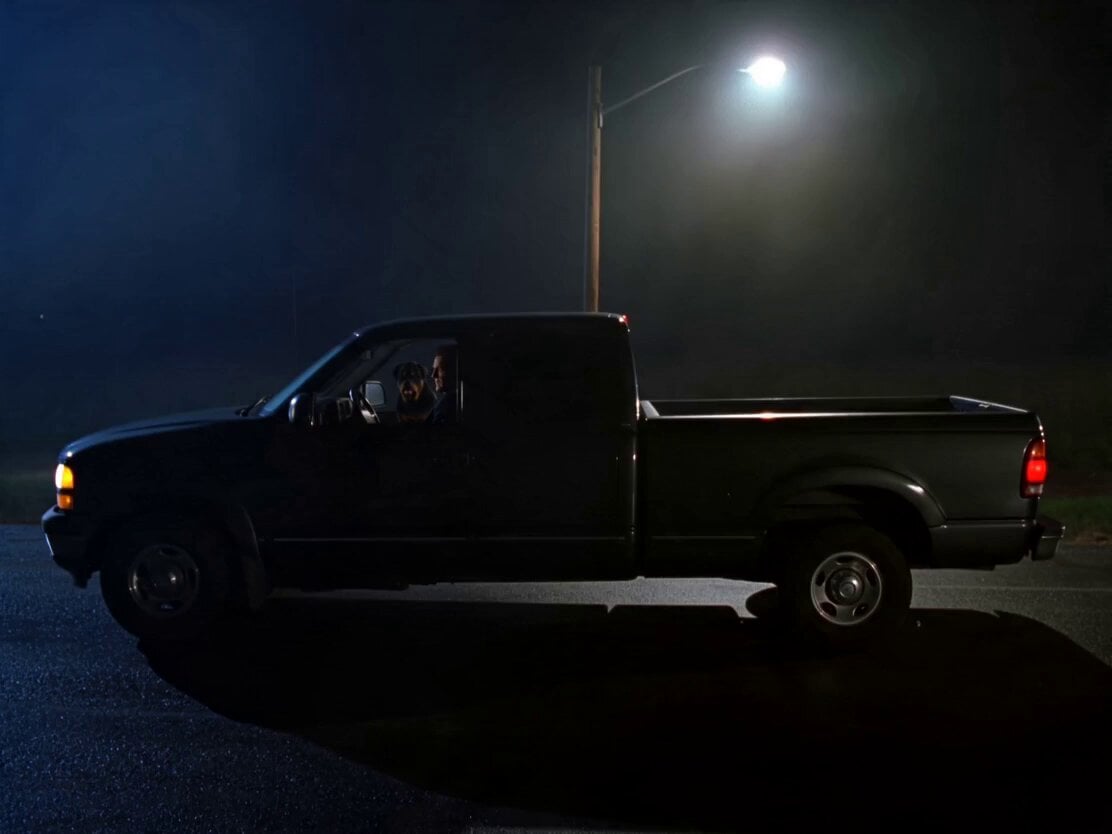
Rottweiler Dog Mutant Transformation Sequence
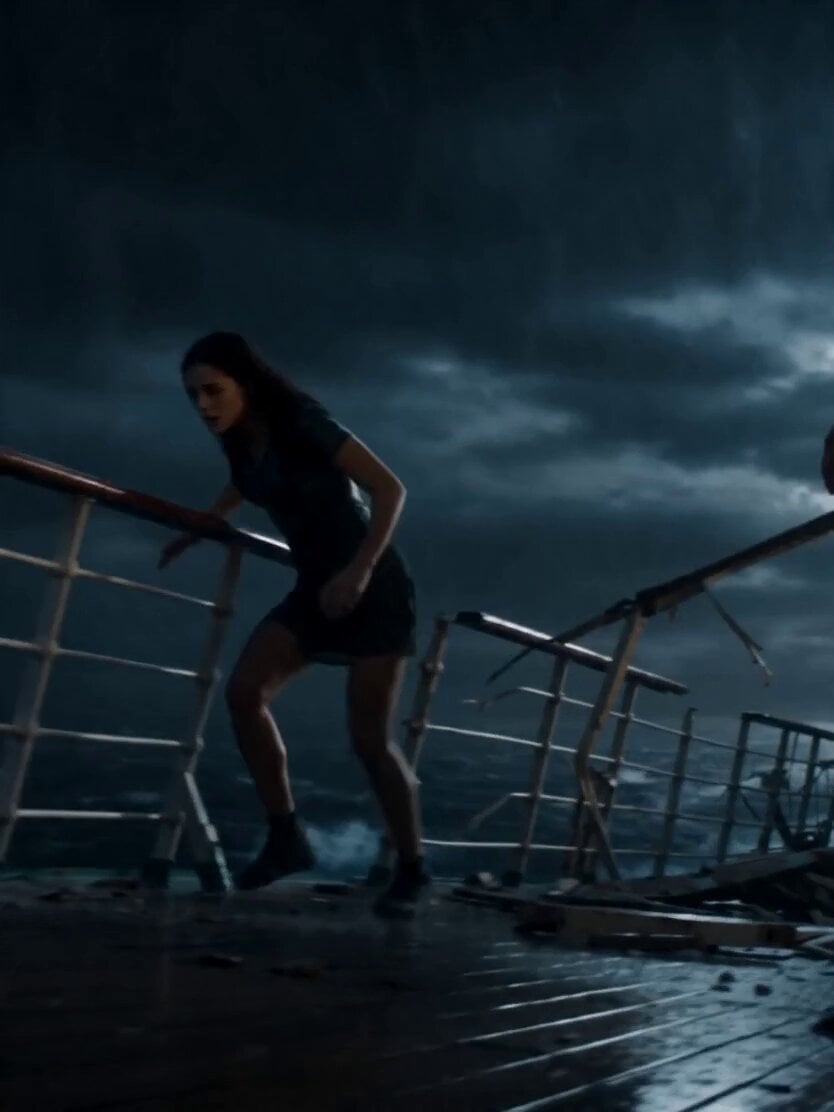
Stormy Sea Action Mutation Sequence
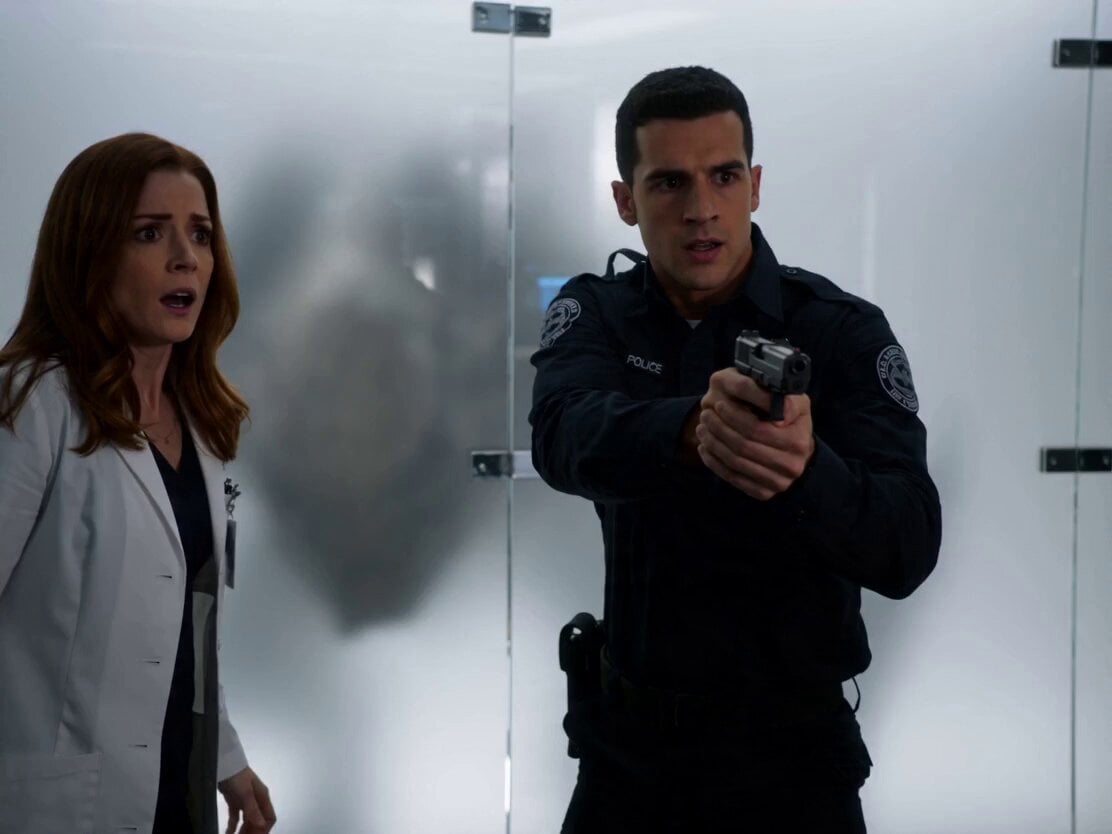
Sci-Fi Horror Lab Monster Mutation

Laundromat Horror Creature Sequence
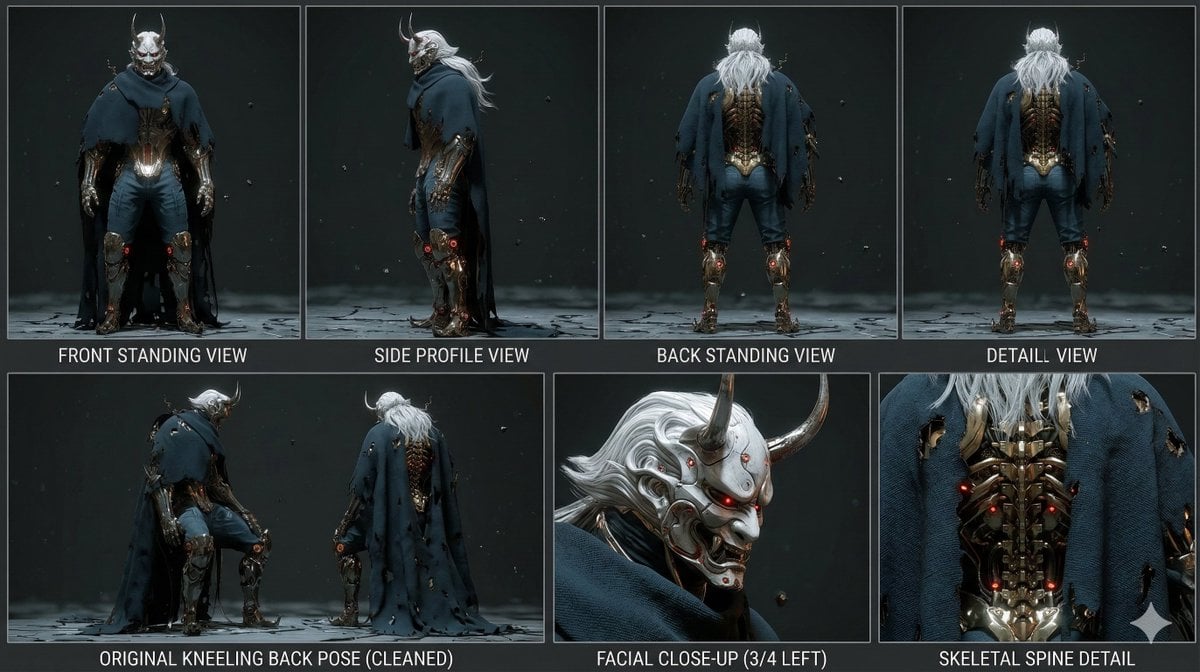
Mutation Sequence: Confronting Inner Demons in Cyberspace

Hyper-Realistic Cinematic Horror Sequence
Rainforest Thriller — Searching the Unseen
Chibi Cave Adventure — He Doesn't Know What's Coming
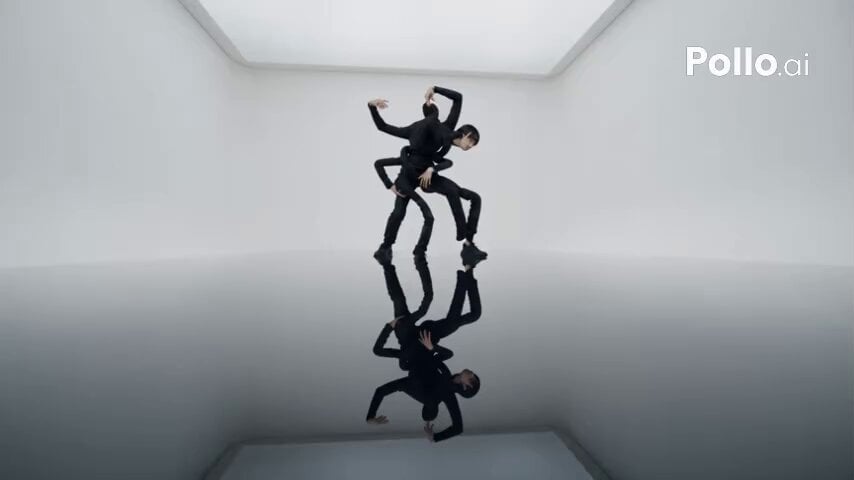
Surreal Body Distortion Exhibit

Golden Hour Beach Dog POV

Maglev Train Action Sequence
Make it yours
Sled Dog Mutation Body Horror Sequence works as-is. These are the safest ways to change it without losing the look.
Change one field
Copy a single group, rewrite it, and generate again so you can see what that field is doing.
Keep the frame, change the subject
Hold the composition and light of Sled Dog Mutation Body Horror Sequence, then swap wardrobe, props or the person for a new take.
| If the result… | Why | Fix |
|---|---|---|
| The result drifts from the preview | Too many fields changed at once. | Reuse Sled Dog Mutation Body Horror Sequence as-is first, then change one group — subject, light, or setting. |
| The model over-stylizes the scene | The prose prompt leaves finish and camera underspecified. | Add one camera or lighting sentence and stay on Seedance 2.0. |
More Seedance 2.0 templates
Other prompts made for Seedance 2.0.

Comical Martial Arts Punch Scene

Wuxia Protection and Trust Script

Vintage Korean Arcade MiniDV Vlog

Mercedes 190 SL Luxury Ad

Rainy Night Supernatural Reverse Comedy Video Script

Amazon Civilization Discovery

Futuristic South Asian City Transformation

Cozy Luxury Cafe Commercial

Cyber Ronin Nanotech Transformation Video

Desert Courier and Sandstorm Leviathan Chase
More video prompts
Fresh picks from across the catalog.

Chibi Angel Milestone Celebration

MrBeast YouTube Viral Scene Prompt
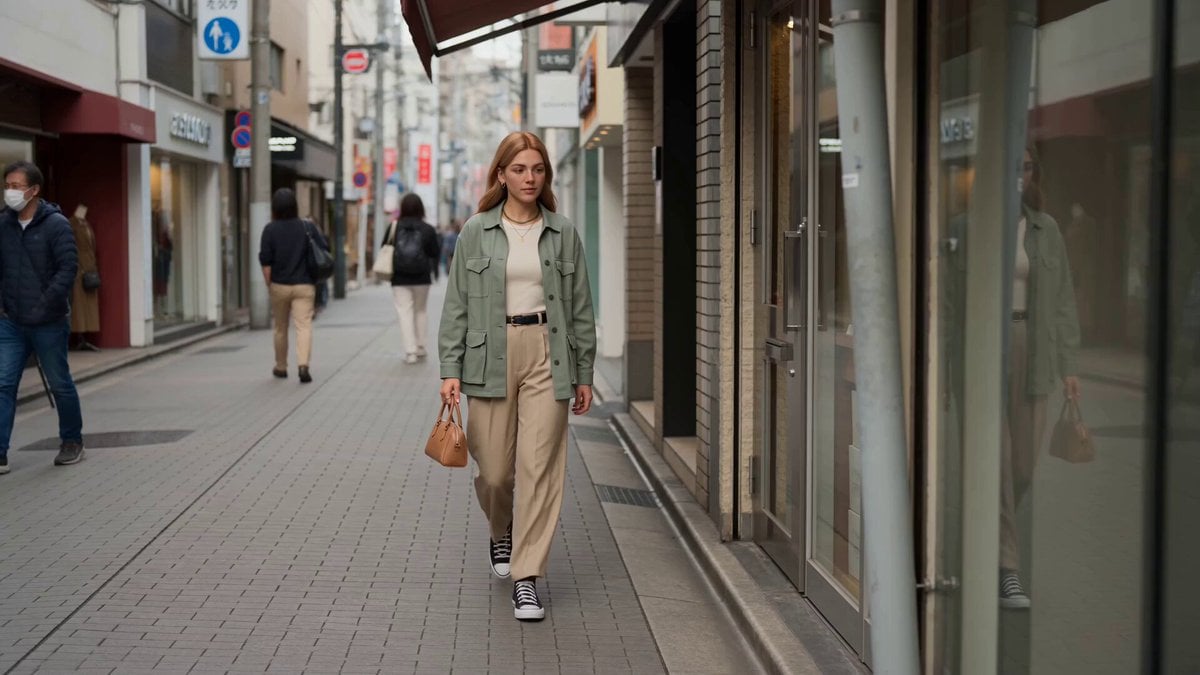
Character Animation Fashion Vlog
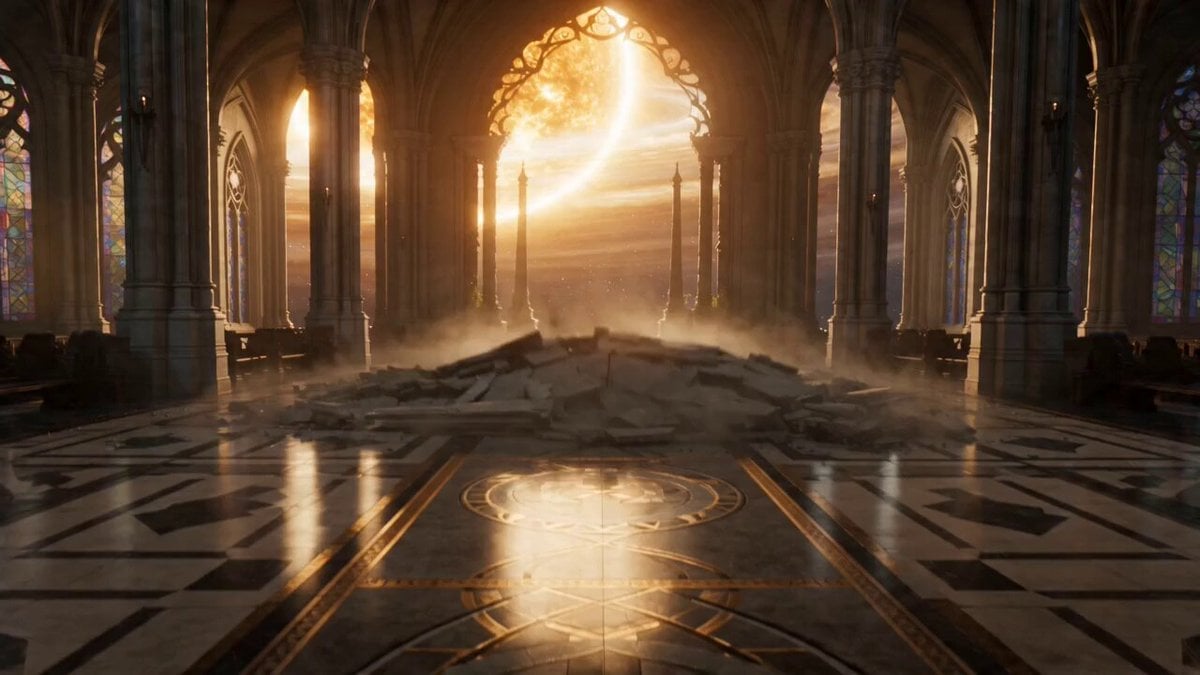
The Celestial Fracture: Biomechanical Valkyrie Action

Elf Warrior Katana Battle
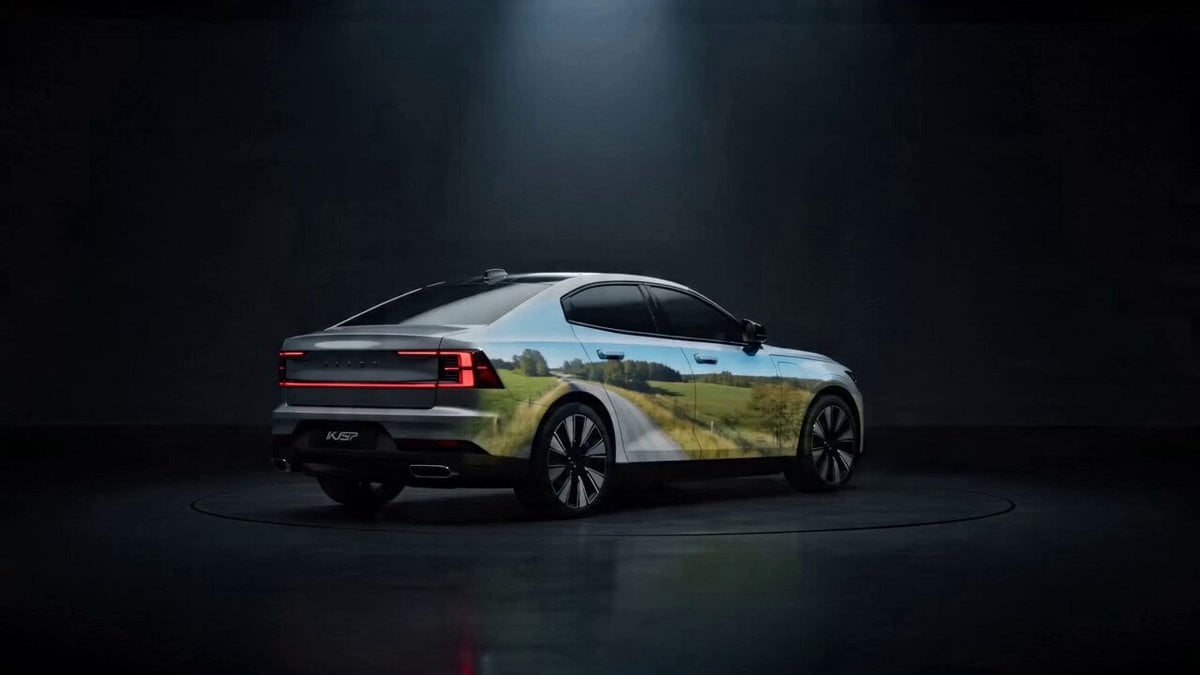
SUV Studio Projection Prompt
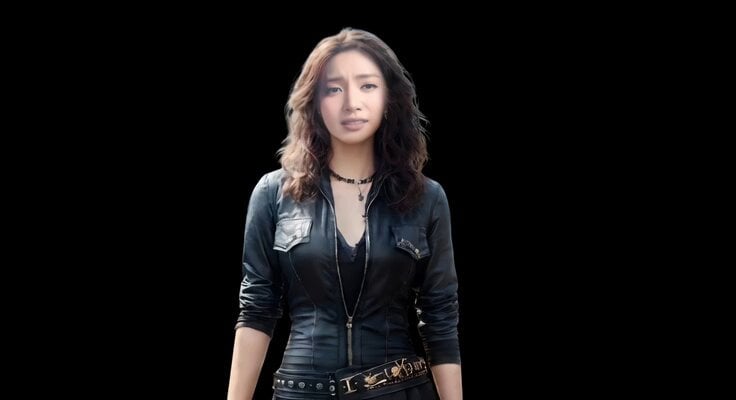
Realistic Emotional Natural Tears Video
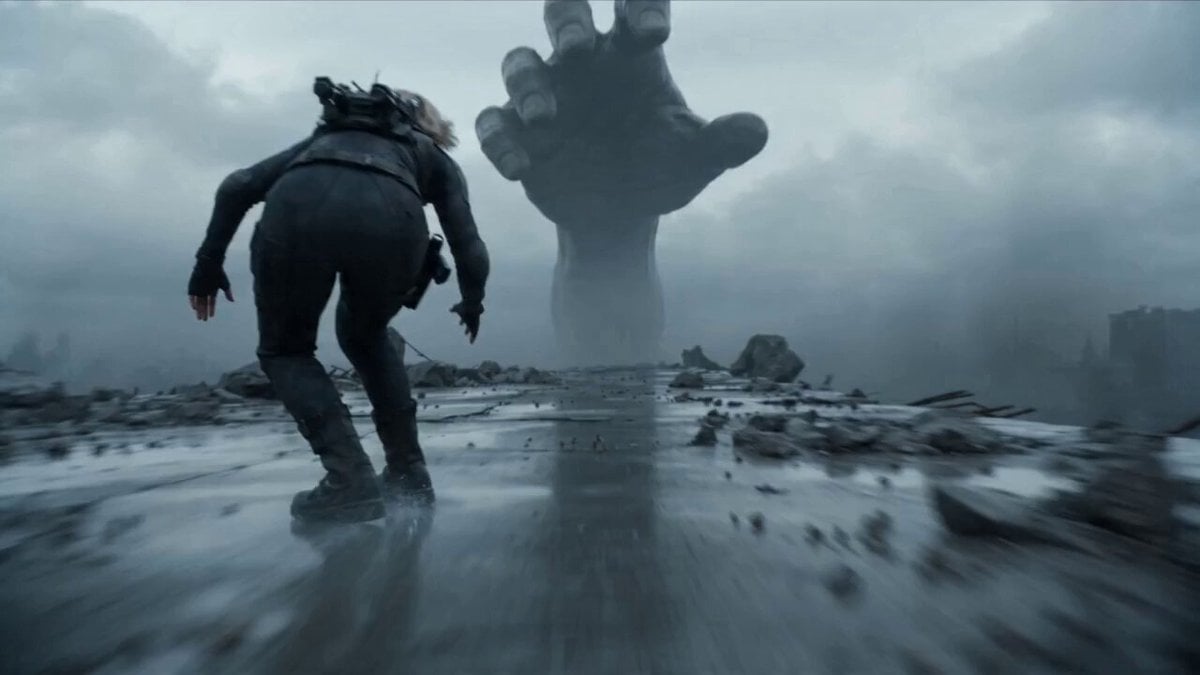
Female Warrior in Tactical Suit at High Speed
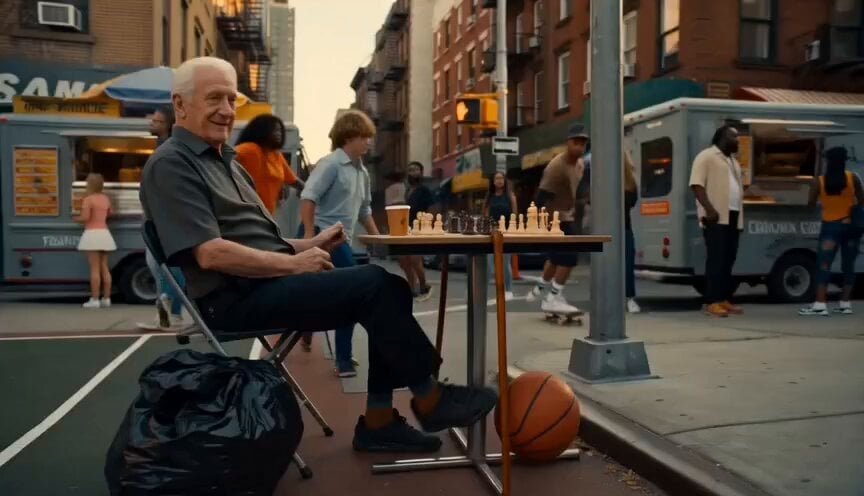
New York Street Basketball Janitor Shot

Madoka Magica Bullshit Prompt
Browse template categories
Sled Dog Mutation Body Horror Sequence questions
How do I use the Sled Dog Mutation Body Horror Sequence template?
Add your photo if the template asks for one, edit the prompt if you like — the template's model and format are already selected — and press Generate. Your version opens in PicX Studio.
Can I customize the Sled Dog Mutation Body Horror Sequence template?
Yes. You can change the subject, setting, lighting, mood, format, and available model controls before creating your video.
Is the Sled Dog Mutation Body Horror Sequence template free?
Opening and editing this template is free. Generating uses credits, shown on the Generate button when you are signed in.
Which AI model should I use?
Start with Seedance 2.0, which is the model associated with this template. You can compare another compatible model for a different finish.
Looking for something else? Browse all templates.

Your photo, any look
Thousands of ready templates for every top image and video model, from one credit balance.