
Sci-Fi Horror Lab Monster Mutation
A complex multi-shot Seedance 2.0 prompt for a high-tension sci-fi horror sequence where a laboratory monster escapes and chases a scientist.
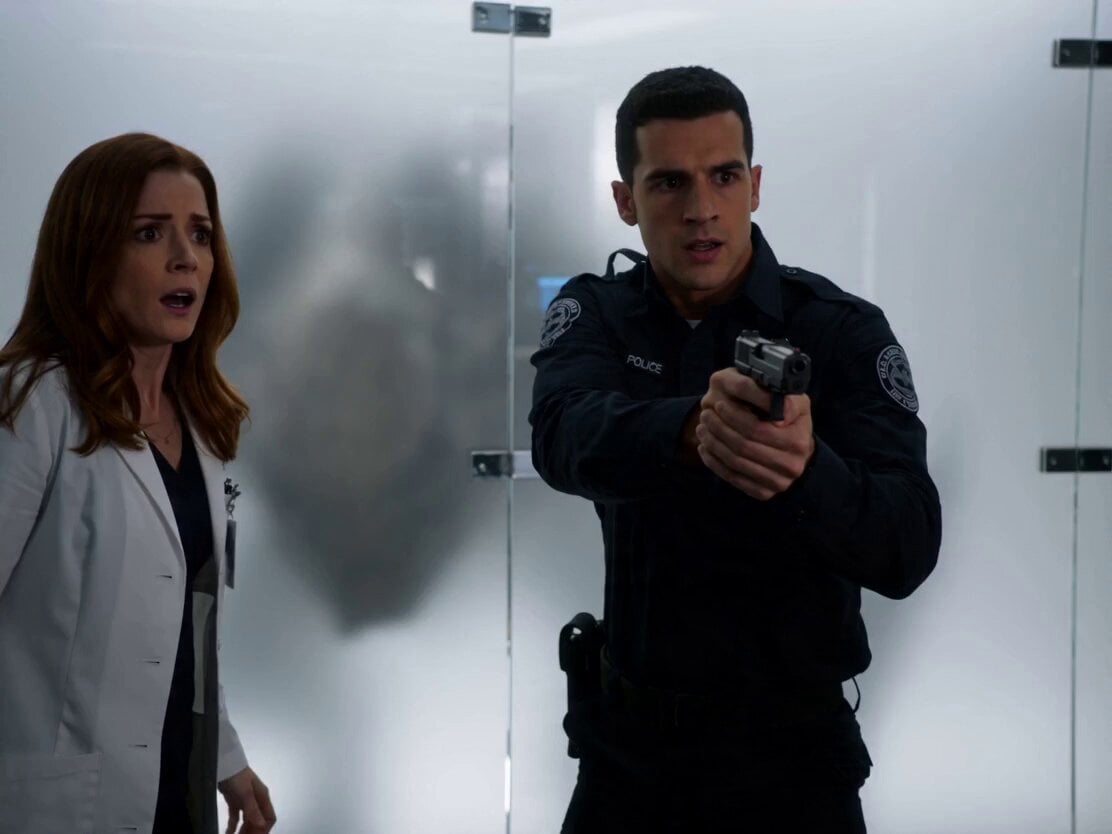
- Prompt included
- Model and format preset
- Premium template
The prompt behind this video
Copy the exact prompt behind Sci-Fi Horror Lab Monster Mutation, or open it in the studio and make it yours.
High-tension sci-fi horror sequence inside a futuristic underground laboratory at night. Sterile white lighting mixed with flashing emergency reds, reflective floors, glass containment walls, computer monitors, scattered scientific equipment. Sound: low electrical hum, distant alarms, glass creaks, creature growls. Shot 1 (0–2s): Inside a laboratory corridor, a nervous security guard holding a handgun stands beside a woman in a white scientist lab coat. Behind a massive translucent containment glass wall— a huge distorted creature silhouette slowly moves. The scientist stares nervously and whispers: “I think… it’s awake.” Shot 2 (2–5s): Suddenly the containment glass violently EXPLODES inward. A massive alien creature bursts through in a shower of sparks and shattered glass. The security guard fires once but gets slammed backward onto the floor. The scientist screams and runs. Shot 3 (5–9s): The creature aggressively chases her through the laboratory. She sprints past flickering monitors and overturned equipment while the creature smashes through glass partitions behind her. Warning alarms activate. Specimen tanks shatter as it crashes through the lab. Shot 4 (9–12s): She runs into a smaller lab chamber— dead end. She backs against a counter, trapped. The creature slowly crawls toward her across the floor and walls, towering over her. It lowers its face inches from hers and opens its massive jaws wide. Shot 5 (12–15s): A loud GUNSHOT echoes. The creature jerks violently and collapses beside her. Smoke drifts through the doorway. The security guard stands there holding the handgun with shaking hands. The scientist exhales deeply in relief while red emergency lights flash across the destroyed laboratory.
How to use Sci-Fi Horror Lab Monster Mutation in 3 steps
- 1
Open
The prompt is already in the box next to the preview, with the template's model and format selected.
- 2…a portrait of your subject in softgolden-hour light, 85mm…
Personalize
Edit the subject and creative details for your destination.
- 3Generate
Generate
Press Generate — your video is created in PicX Studio, so you can compare it with the original and refine one variable at a time.
More like this
Templates with the same subject, style or setup. Open one to see its prompt.
Chibi Cave Adventure — He Doesn't Know What's Coming

Sci-Fi Disaster Movie Scene - Seedance 2.5
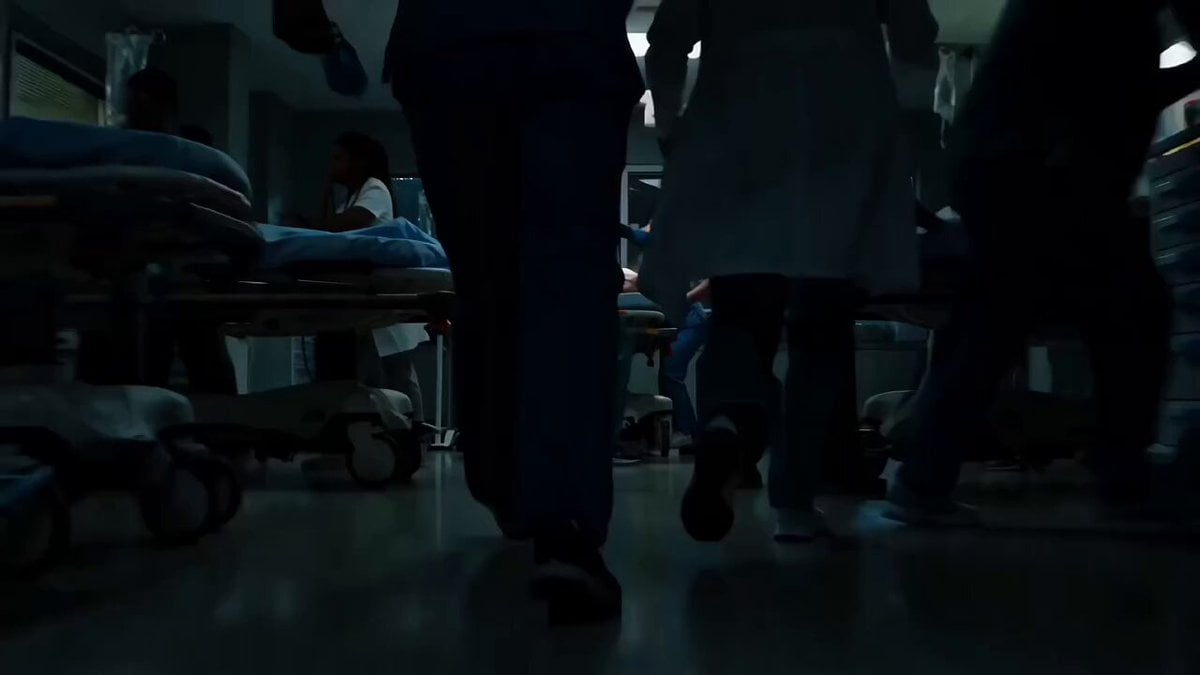
Sci-Fi Horror Hospital Alien Scene
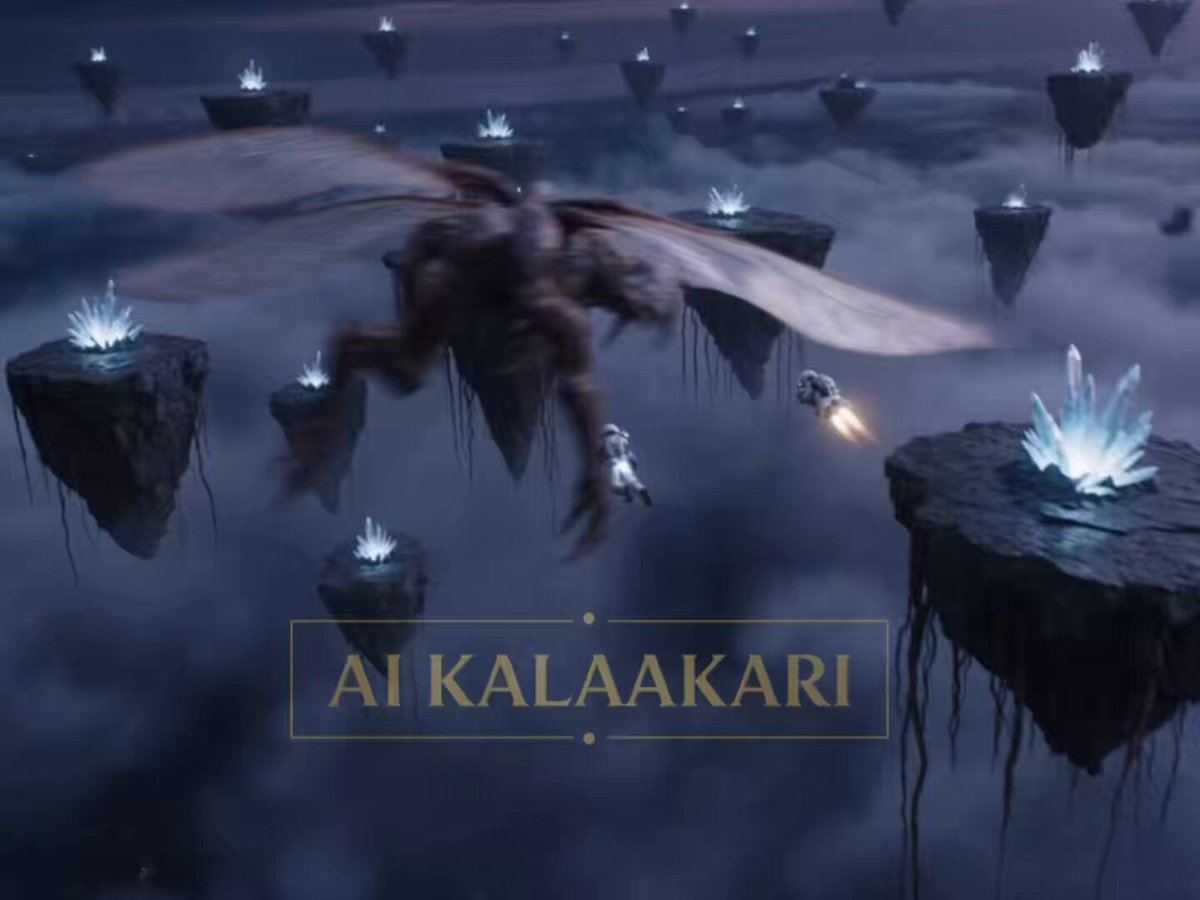
Sci-Fi Astronaut Monster Chase
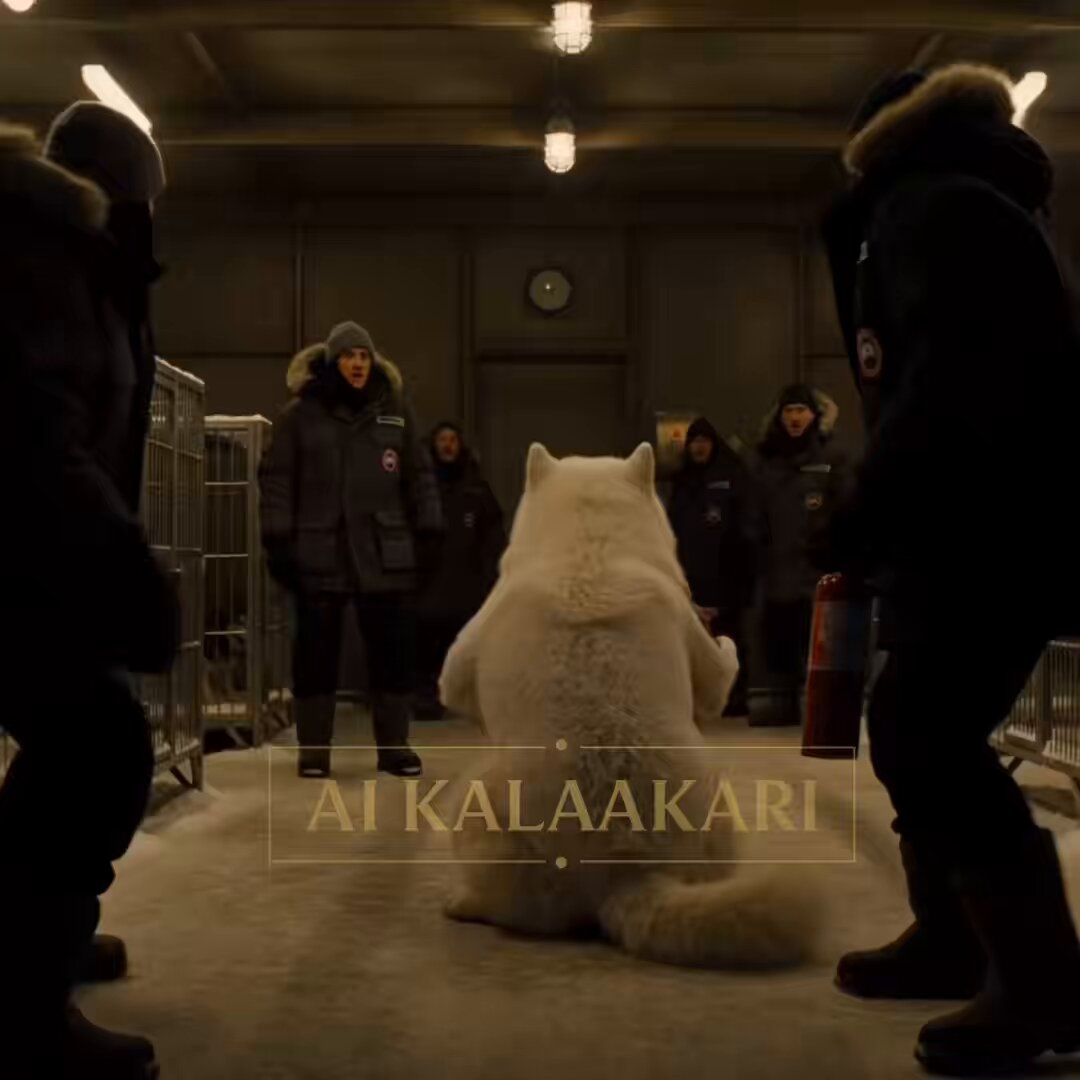
Sled Dog Mutation Body Horror Sequence
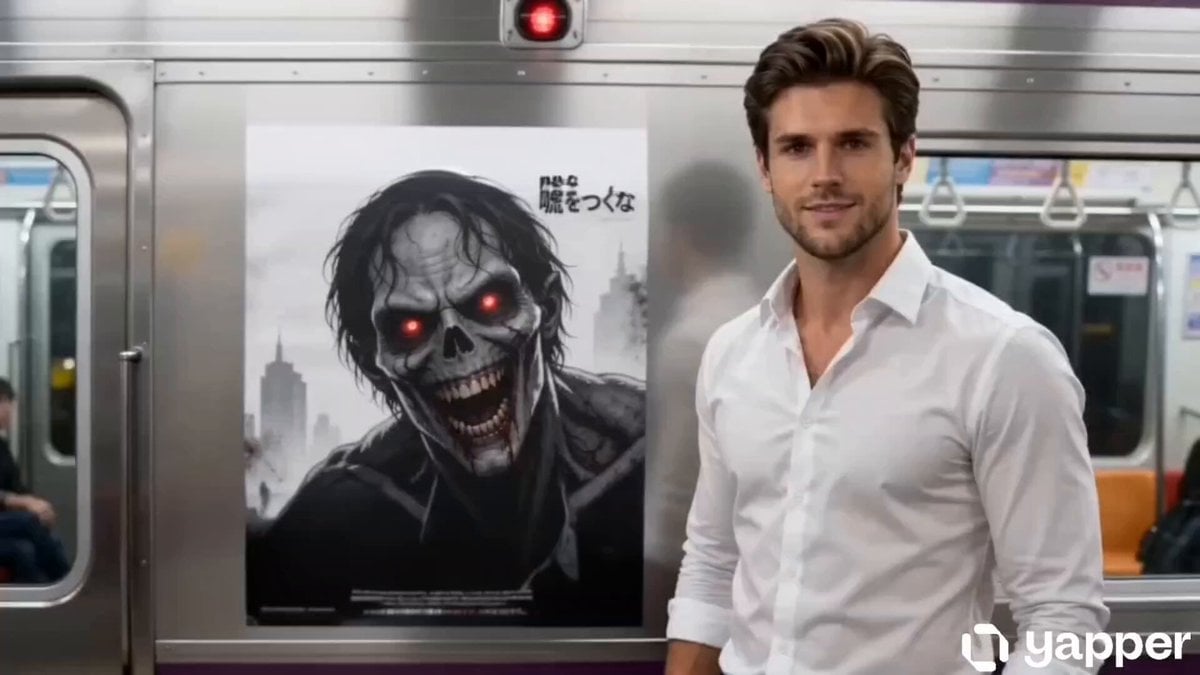
Supernatural Horror: Monster Emerging from a Poster
Quantum Reality Fracture Sci-Fi Horror Prompt
Sci-Fi Lab Communication
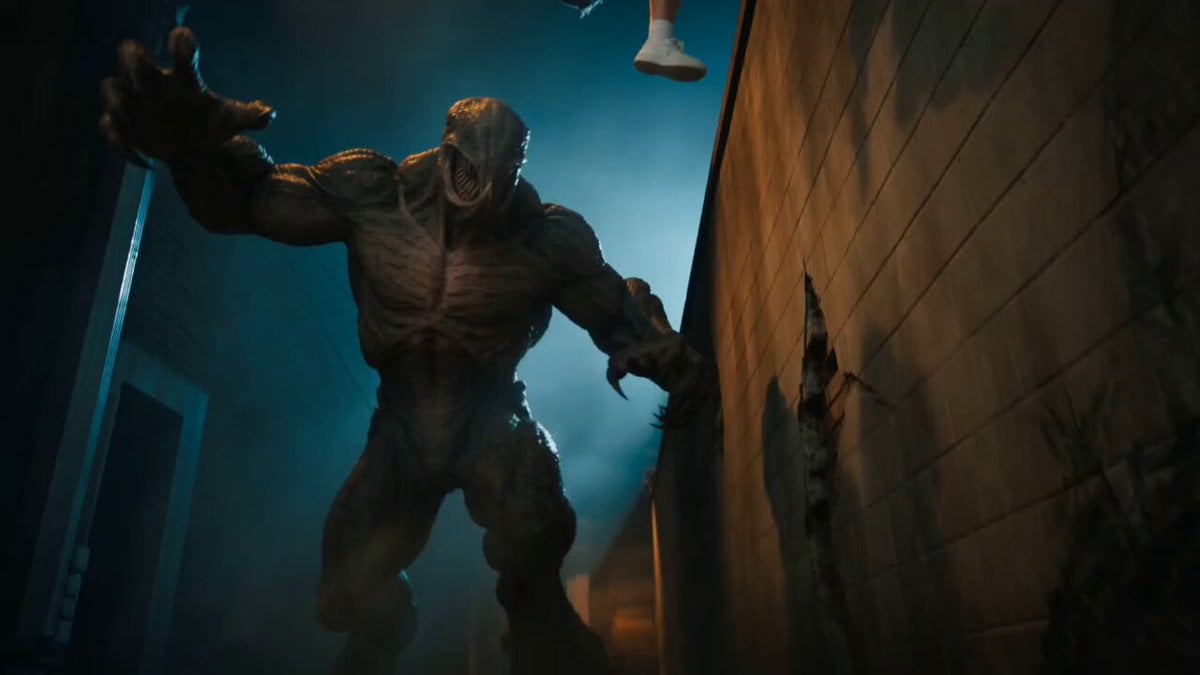
Horror Cinematic Monster Strike
Thornmaw Monarch — Crimson Glass Desert Beast
Colossal Sea Creature — Stormy Shore Charge (Seedance)
Swordsman vs Shadow Monster — Bamboo Forest Battle
Make it yours
Sci-Fi Horror Lab Monster Mutation works as-is. These are the safest ways to change it without losing the look.
Change one field
Copy a single group, rewrite it, and generate again so you can see what that field is doing.
Keep the frame, change the subject
Hold the composition and light of Sci-Fi Horror Lab Monster Mutation, then swap wardrobe, props or the person for a new take.
| If the result… | Why | Fix |
|---|---|---|
| The result drifts from the preview | Too many fields changed at once. | Reuse Sci-Fi Horror Lab Monster Mutation as-is first, then change one group — subject, light, or setting. |
| The model over-stylizes the scene | The prose prompt leaves finish and camera underspecified. | Add one camera or lighting sentence and stay on Seedance 2.0. |
More Seedance 2.0 templates
Other prompts made for Seedance 2.0.

Comical Martial Arts Punch Scene

Maglev Train Action Sequence

Martial Arts Fight Sequence

Wuxia Protection and Trust Script

Vintage Korean Arcade MiniDV Vlog

Mercedes 190 SL Luxury Ad

Rainy Night Supernatural Reverse Comedy Video Script

Amazon Civilization Discovery

Futuristic South Asian City Transformation

Cozy Luxury Cafe Commercial
More video prompts
Fresh picks from across the catalog.
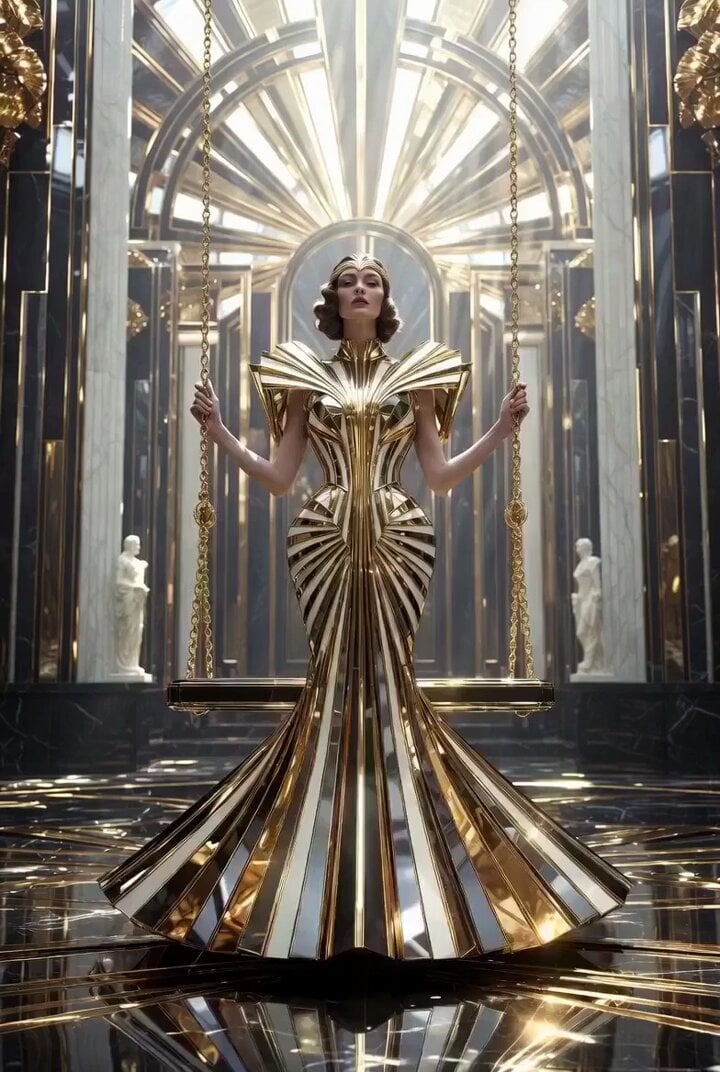
Ultra Luxurious Art Deco Dream Garden Swing (30s Video)
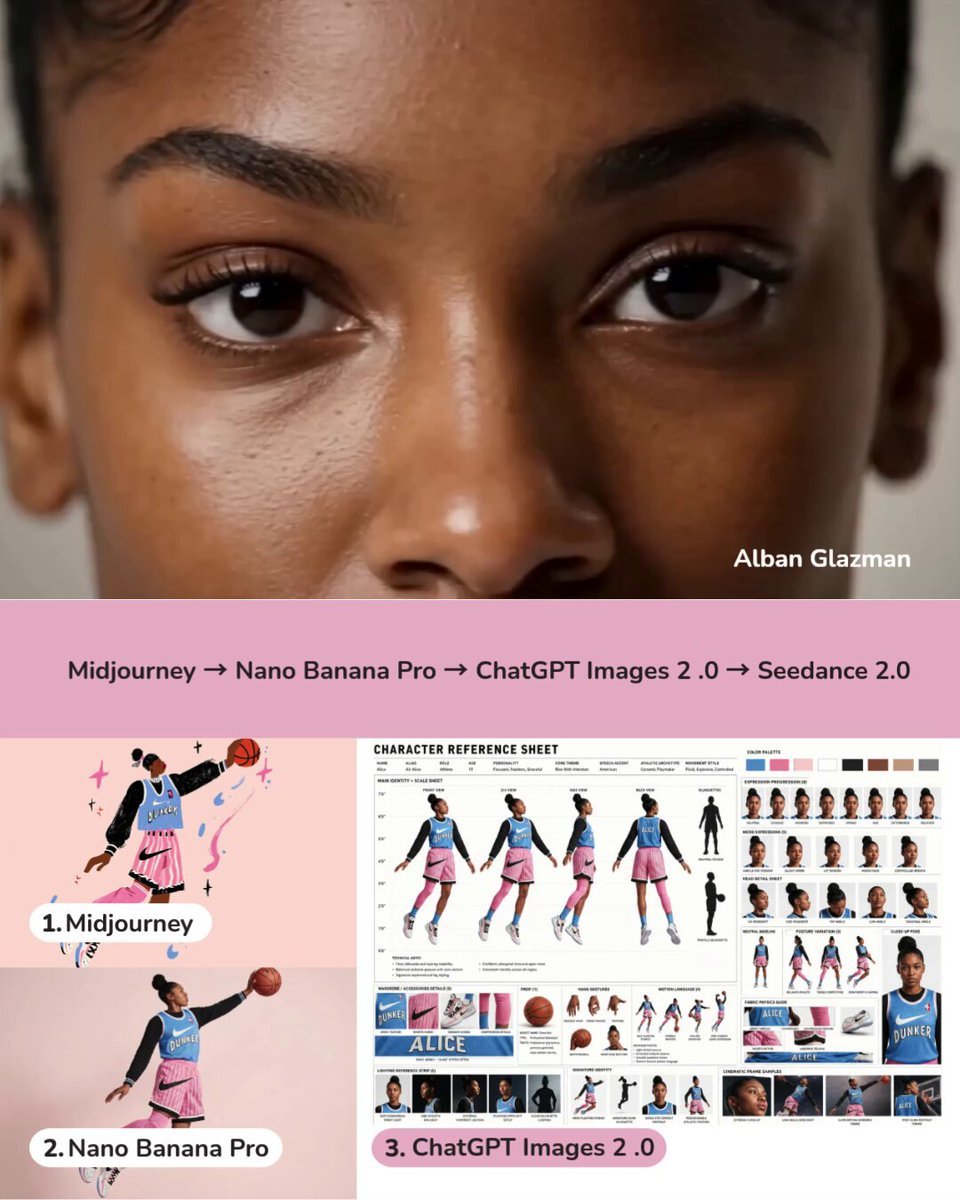
Dynamic Character Sheet Reference
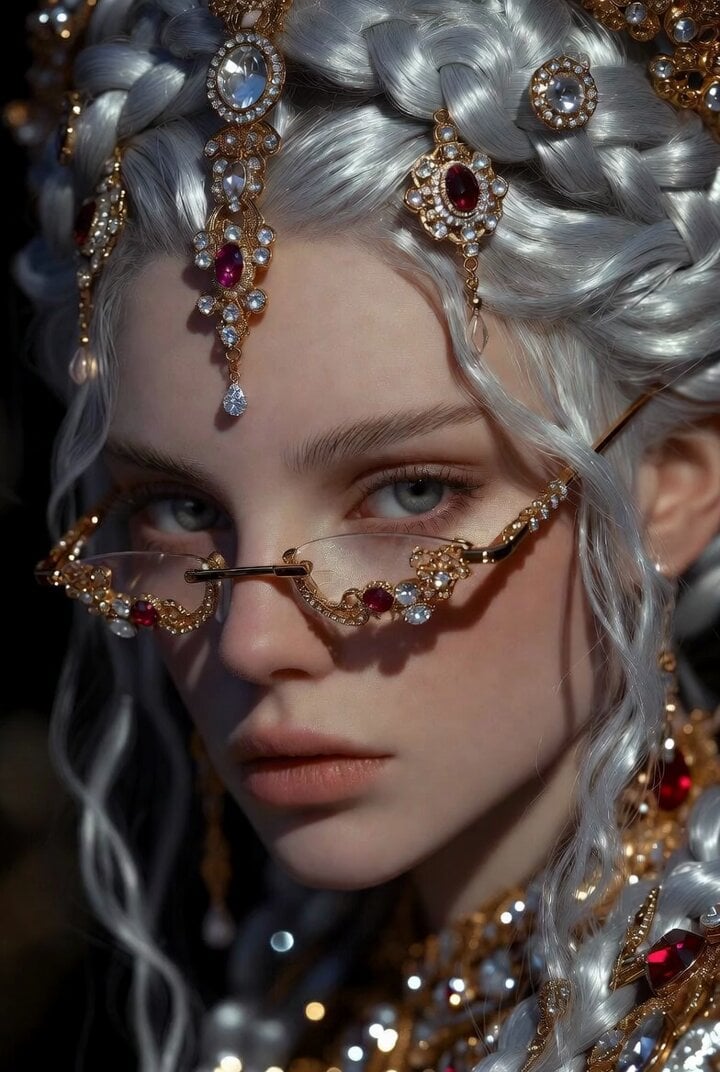
Dramatic Fantasy Portrait of a Young Woman
Cinematic KitKat Commercial

Cinematic Chinese Xianxia Comedy Short
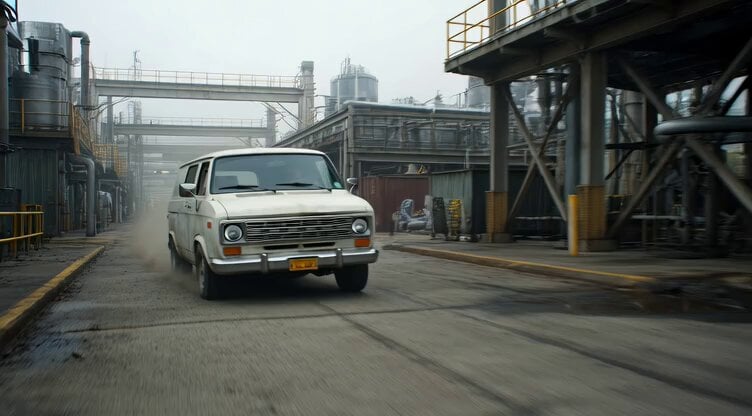
Badass tracking shot of a van speeding through an industrial complex
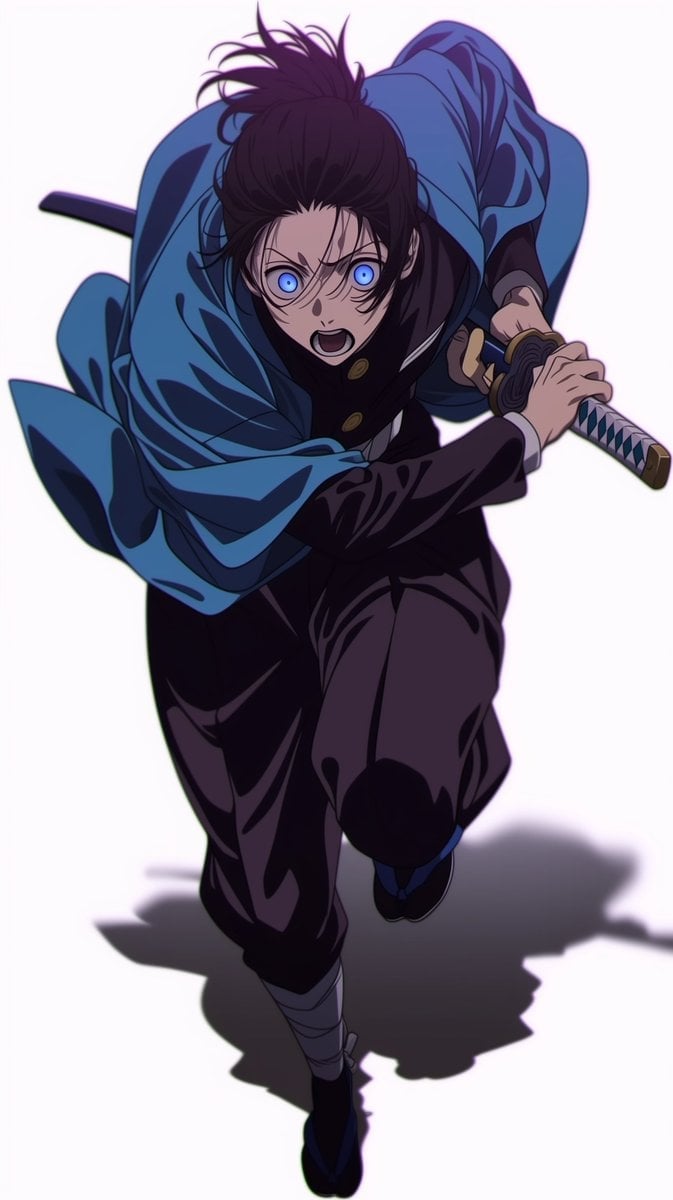
1990s OVA Anime Action Sequence: The Staredown and Clash

Live Action Film Reference Quality
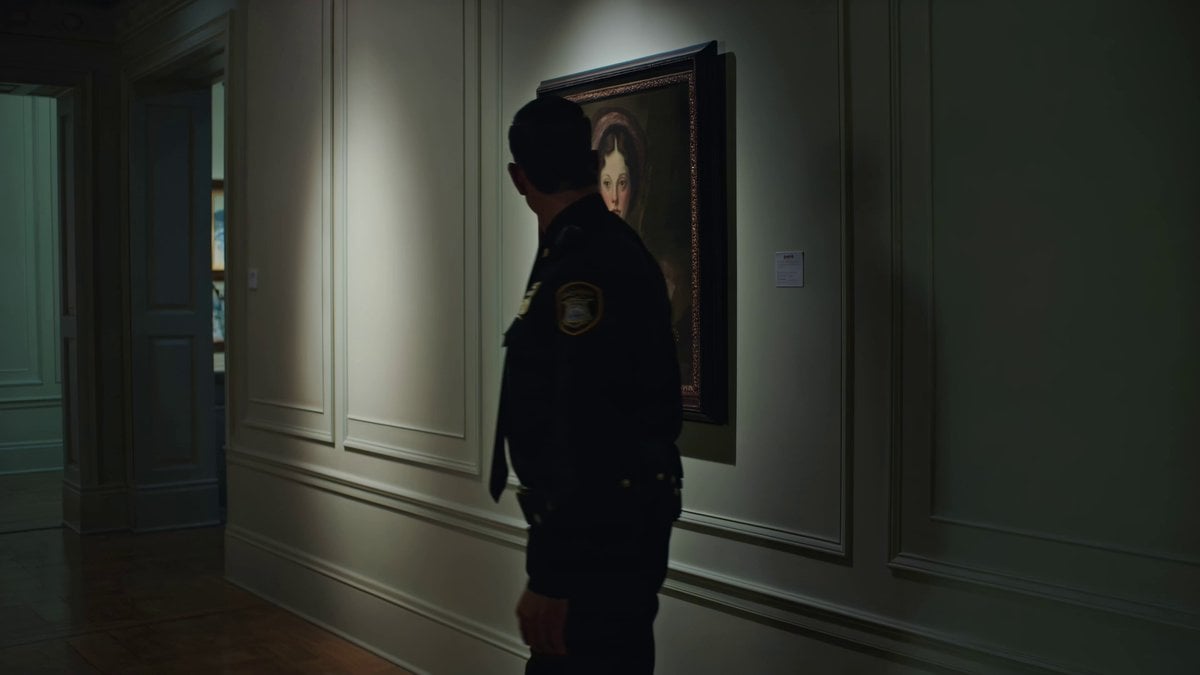
Kling 3.0 Art Gallery Horror Scene Prompt

Phone Scam Comedy Skit
Browse template categories
Sci-Fi Horror Lab Monster Mutation questions
How do I use the Sci-Fi Horror Lab Monster Mutation template?
Add your photo if the template asks for one, edit the prompt if you like — the template's model and format are already selected — and press Generate. Your version opens in PicX Studio.
Can I customize the Sci-Fi Horror Lab Monster Mutation template?
Yes. You can change the subject, setting, lighting, mood, format, and available model controls before creating your video.
Is the Sci-Fi Horror Lab Monster Mutation template free?
Opening and editing this template is free. Generating uses credits, shown on the Generate button when you are signed in.
Which AI model should I use?
Start with Seedance 2.0, which is the model associated with this template. You can compare another compatible model for a different finish.
Looking for something else? Browse all templates.

Your photo, any look
Thousands of ready templates for every top image and video model, from one credit balance.