
Horror Cinematic Monster Strike
A highly detailed action prompt for Seedance 2.0 depicting a woman fighting a humanoid monster in an urban alley, inspired by the Stranger Things aesthetic.
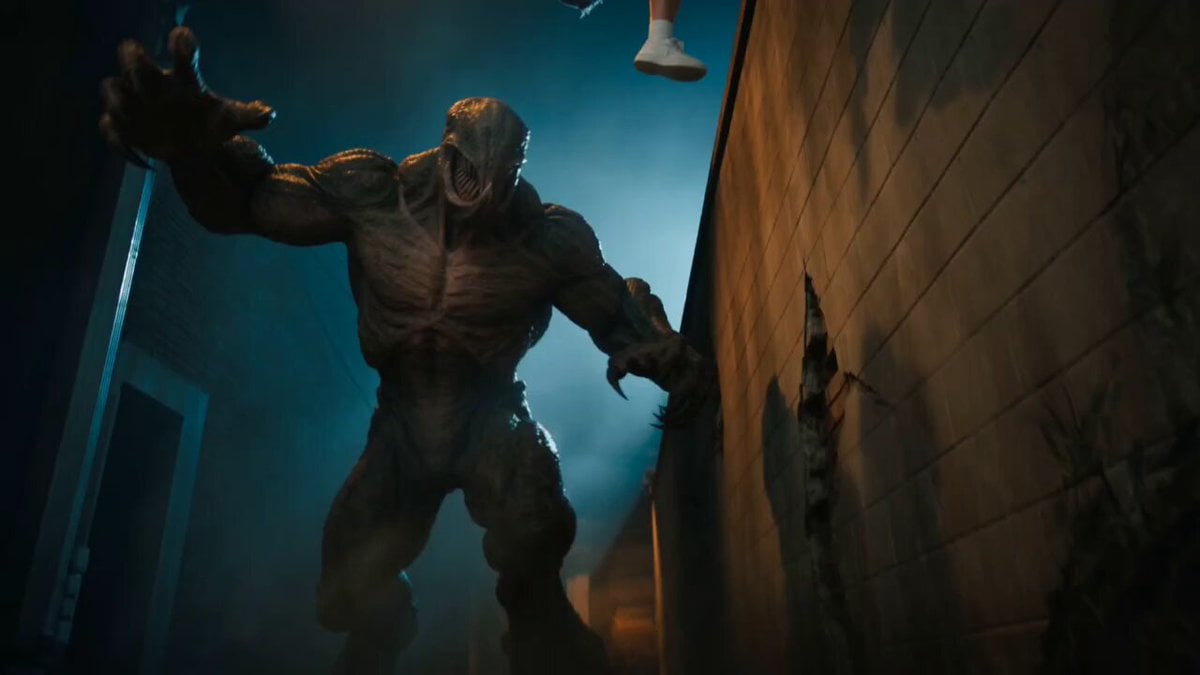
- Prompt included
- Model and format preset
- Premium template
The prompt behind this video
Copy the exact prompt behind Horror Cinematic Monster Strike, or open it in the studio and make it yours.
Hyper-realistic cinematic action hero shot — a young beautiful woman with long dark voluminous wavy curly brown hair, wearing a deep teal green floral lace bustier top, high-waisted frayed denim cutoff shorts, white ankle socks and white chunky sneakers — she is fully airborne, leaping off a tall crumbling concrete brick wall behind her using both feet as a springboard — her body twisted mid-air in a powerful downward strike position — both hands gripping a thick rusty metal rod tightly — driving the rod with full force downward into the skull of a massive humanoid monster directly beneath her — The monster is a terrifying humanoid creature with dark grey brown scaly textured bark-like skin covering its entire muscular body — its face has no eyes or nose, instead a large flower-like structure of four or five thick fleshy petals that peel open wide like a blooming carnivorous flower revealing a gaping circular mouth lined with multiple rows of razor sharp pointed teeth dripping with dark fluid Gugu Gaga the monster has long sharp curved claws on both hands and feet — it had lunged forward mid-punch when the girl outmaneuvered it — The metal rod is piercing through the top of the monster's petal-face on point of impact — massive dark energy shockwave exploding outward from the hit — sparks flying — dust and debris blasting in all directions — the wall behind showing cracks and scuff marks where she pushed off — Background: dark abandoned urban alley at night, crumbling walls, dim flickering street light from above casting dramatic hard shadows — environment feels claustrophobic and inescapable — Lighting: dramatic cinematic rim lighting on the girl highlighting her silhouette — teal and deep orange Gugu Gaga color grade — volumetric light rays cutting through dust — high contrast shadows — film grain overlay — slow motion freeze frame impact moment — ultra detailed 4K — Stranger Things horror cinematic aesthetic — shot from a low Dutch angle looking up to make her look powerful and victorious
How to use Horror Cinematic Monster Strike in 3 steps
- 1
Open
The prompt is already in the box next to the preview, with the template's model and format selected.
- 2…a portrait of your subject in softgolden-hour light, 85mm…
Personalize
Edit the subject and creative details for your destination.
- 3Generate
Generate
Press Generate — your video is created in PicX Studio, so you can compare it with the original and refine one variable at a time.
More like this
Templates with the same subject, style or setup. Open one to see its prompt.
Chibi Cave Adventure — He Doesn't Know What's Coming
Sci-Fi Horror Lab Monster Mutation
Supernatural Horror: Monster Emerging from a Poster
Thornmaw Monarch — Crimson Glass Desert Beast
Colossal Sea Creature — Stormy Shore Charge (Seedance)
Swordsman vs Shadow Monster — Bamboo Forest Battle
Rainforest Thriller — Searching the Unseen
Stone Colossus Desert Riders — Golden Fire Reveal
Dim Sum Chase — Shrimp Dumpling Monster
Mecha Transformation vs Kaiju — 4-Scene Epic
Immortal Swordmaster Spectral Dragon Strike
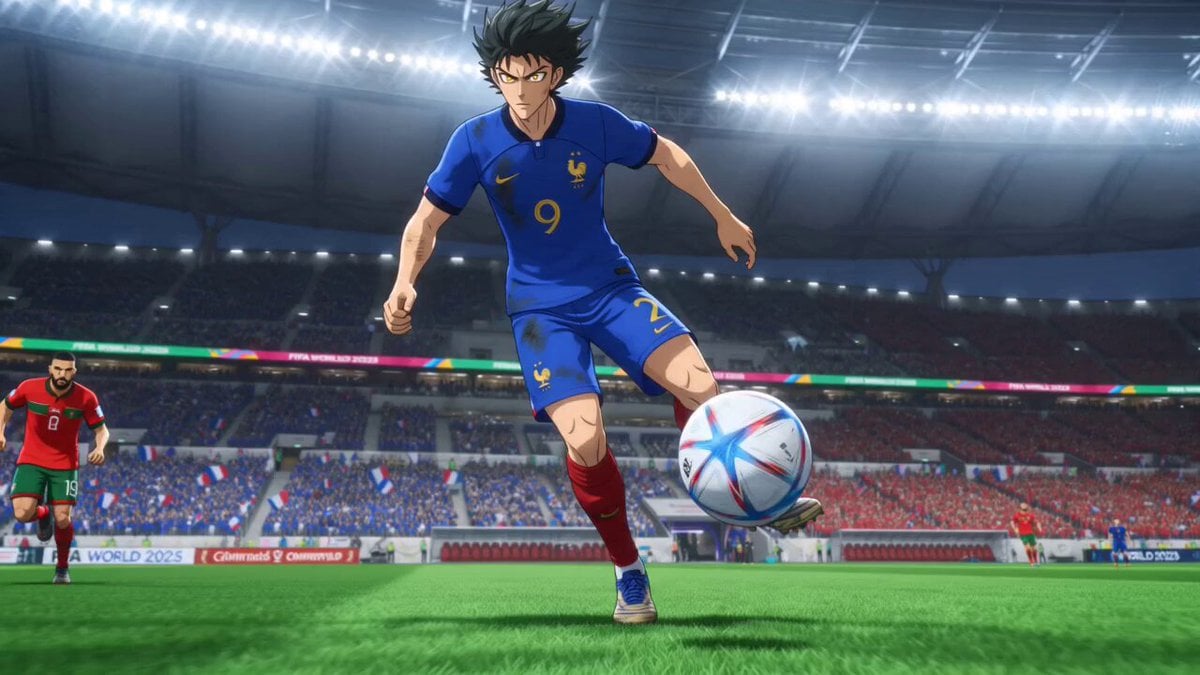
Anime Football Striker Dragon Strike
Make it yours
Horror Cinematic Monster Strike works as-is. These are the safest ways to change it without losing the look.
Change one field
Copy a single group, rewrite it, and generate again so you can see what that field is doing.
Keep the frame, change the subject
Hold the composition and light of Horror Cinematic Monster Strike, then swap wardrobe, props or the person for a new take.
| If the result… | Why | Fix |
|---|---|---|
| The result drifts from the preview | Too many fields changed at once. | Reuse Horror Cinematic Monster Strike as-is first, then change one group — subject, light, or setting. |
| The model over-stylizes the scene | The prose prompt leaves finish and camera underspecified. | Add one camera or lighting sentence and stay on Seedance 2.0. |
More Seedance 2.0 templates
Other prompts made for Seedance 2.0.

Comical Martial Arts Punch Scene

Maglev Train Action Sequence

Martial Arts Fight Sequence

Wuxia Protection and Trust Script

Vintage Korean Arcade MiniDV Vlog

Mercedes 190 SL Luxury Ad

Rainy Night Supernatural Reverse Comedy Video Script

Amazon Civilization Discovery

Futuristic South Asian City Transformation

Cozy Luxury Cafe Commercial
More video prompts
Fresh picks from across the catalog.
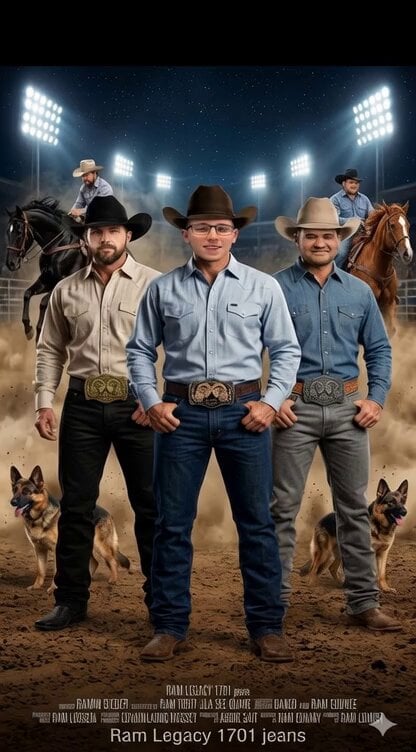
Ram 1701 jeans advertisement video prompt
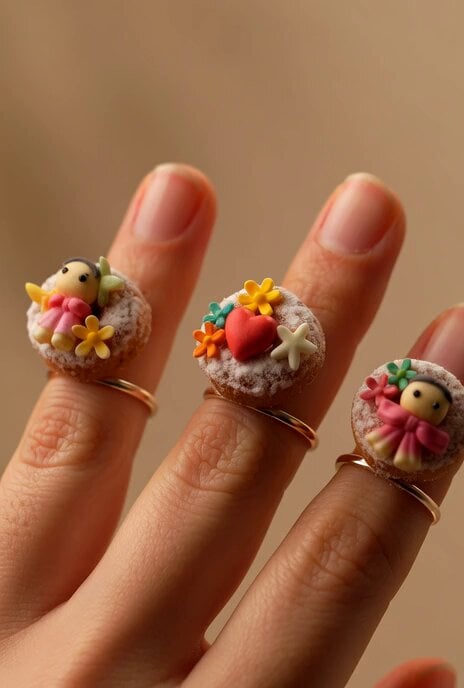
Gingerbread Finger Rings
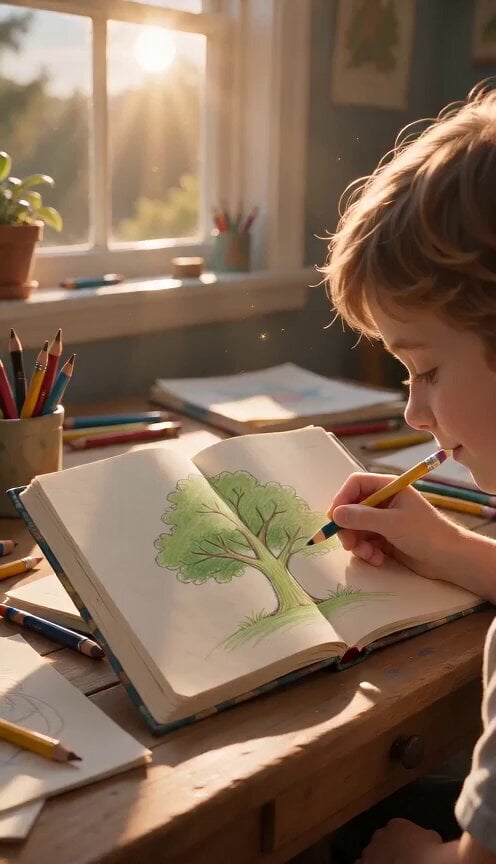
Continuous Seamless Sketchbook Fantasy World
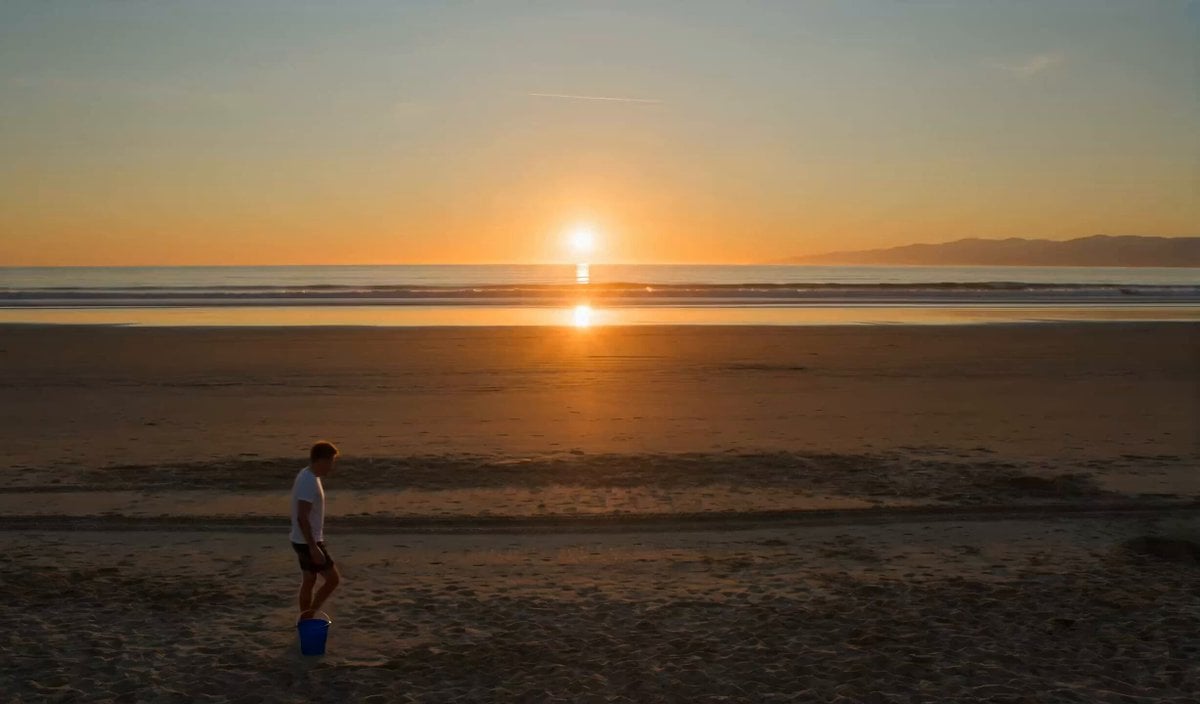
The Sandcastle Cinematic Hyperlapse
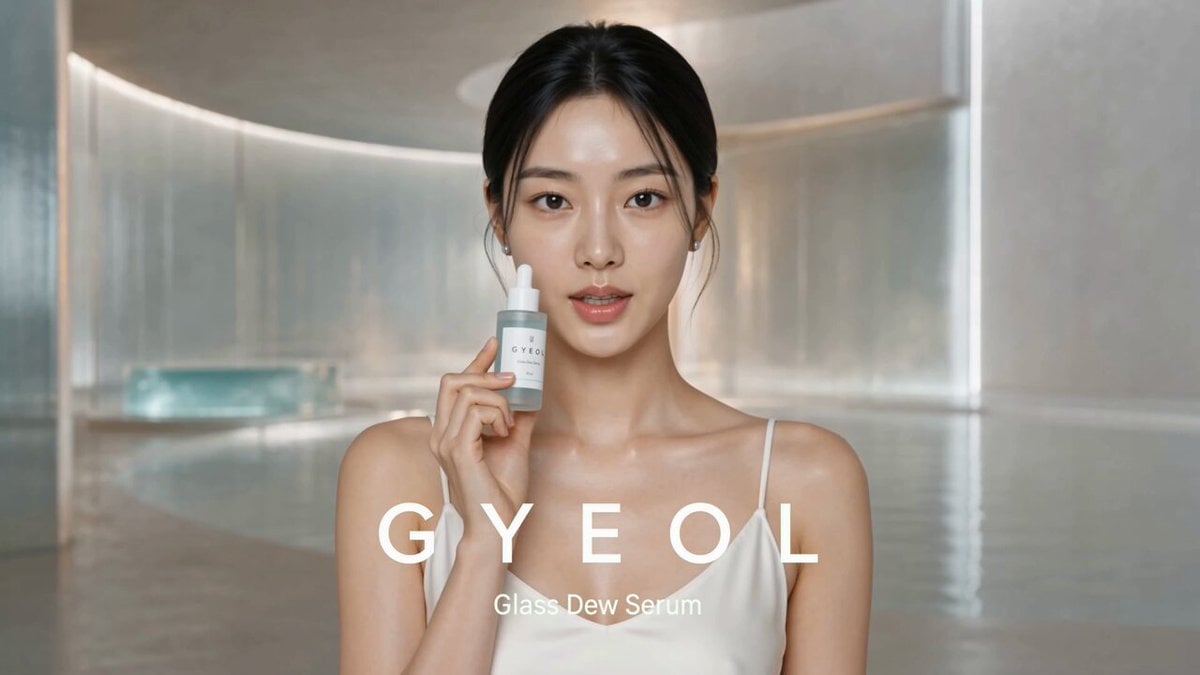
Photorealistic Serum Commercial Setup

Cinematic FIFA World Cup Match Video
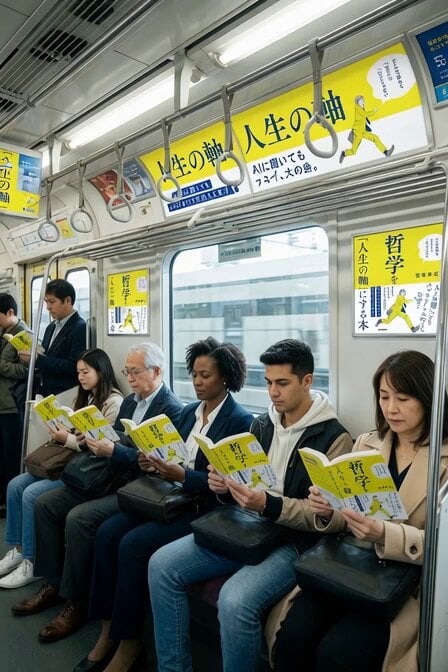
Subway Crowd Reading Scene
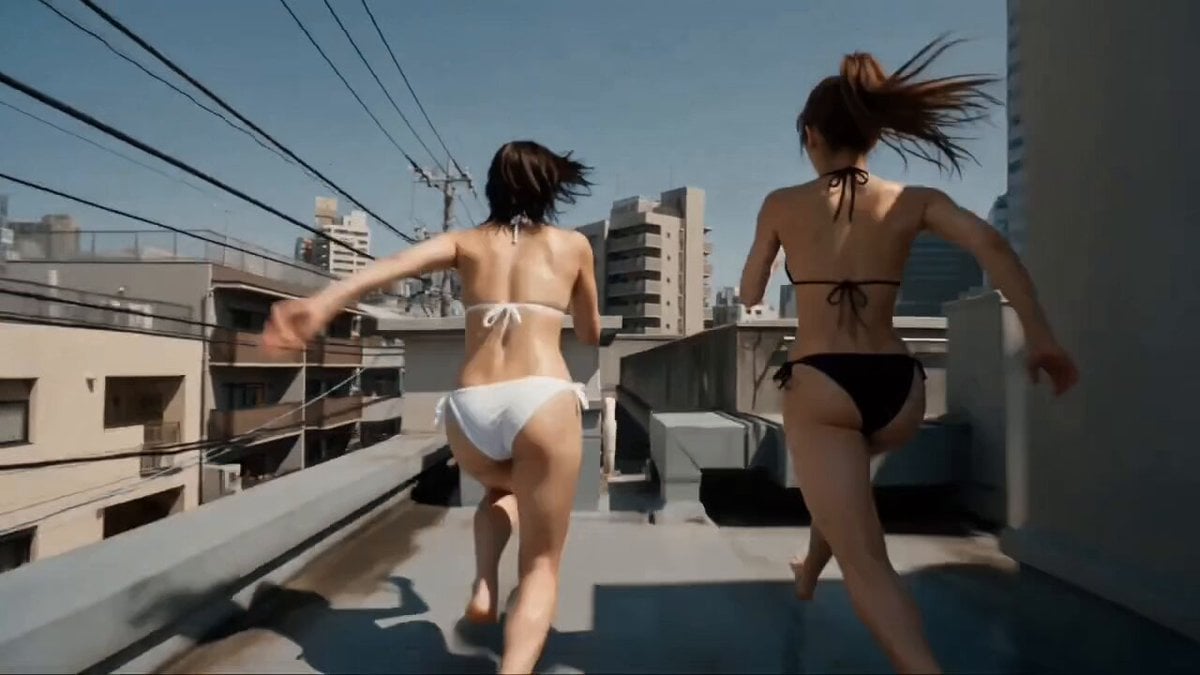
Multi-Character Parkour Action Sequence
Cuchocapilla Time Freeze
Cinematic Birthday Fire Breathing Video
Browse template categories
Horror Cinematic Monster Strike questions
How do I use the Horror Cinematic Monster Strike template?
Add your photo if the template asks for one, edit the prompt if you like — the template's model and format are already selected — and press Generate. Your version opens in PicX Studio.
Can I customize the Horror Cinematic Monster Strike template?
Yes. You can change the subject, setting, lighting, mood, format, and available model controls before creating your video.
Is the Horror Cinematic Monster Strike template free?
Opening and editing this template is free. Generating uses credits, shown on the Generate button when you are signed in.
Which AI model should I use?
Start with Seedance 2.0, which is the model associated with this template. You can compare another compatible model for a different finish.
Looking for something else? Browse all templates.

Your photo, any look
Thousands of ready templates for every top image and video model, from one credit balance.