
Continuous Seamless Sketchbook Fantasy World
A long-form cinematic prompt for Seedance 2.0 that creates a seamless transition from a child's bedroom drawing to a vast 3D fantasy world with forests, oceans, and dragons.
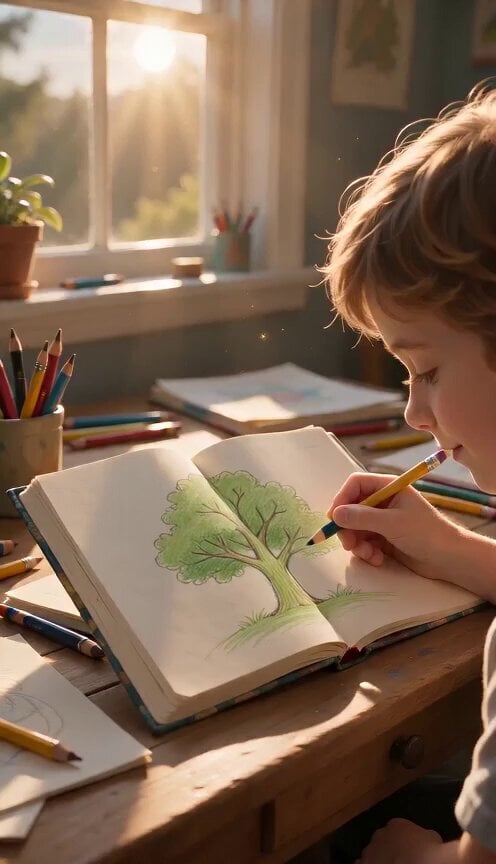
- Prompt included
- Model and format preset
- Premium template
The prompt behind this video
Copy the exact prompt behind Continuous Seamless Sketchbook Fantasy World, or open it in the studio and make it yours.
Single uninterrupted cinematic shot begins inside a cozy child's bedroom during golden afternoon light. Sunbeams stream through the window, illuminating floating dust particles. Colored pencils, brushes, and scattered sketchbooks cover a wooden desk. The atmosphere feels warm, peaceful, and filled with creative energy. The camera slowly glides toward an open sketchbook. A child finishes drawing a simple green tree with a colored pencil. As the final stroke touches the paper, the ink begins glowing softly. Leaves gently rustle although there is no wind. Tiny particles of light rise from the page. Without any cut, the camera dives directly into the drawing. The flat paper transforms seamlessly into a vast three-dimensional forest. The camera flies between enormous ancient trees covered in moss. Shafts of sunlight filter through the canopy while birds soar overhead. Butterflies drift naturally through the air. Every leaf moves realistically in the breeze. The transition from paper to reality is completely seamless. The child draws a blue river. Instantly the forest floor opens into a crystal-clear river flowing through the landscape. The camera follows the rushing water at high speed before bursting through a waterfall into an endless ocean. Waves sparkle under the sunlight while giant whales leap gracefully beside the camera. Schools of colorful fish swim beneath the surface. Everything feels alive and physically believable. The child adds distant mountains. Massive snow-covered peaks rise naturally from the horizon as if the world is creating itself. The camera races through valleys and climbs above the mountains into the clouds. The child sketches a dragon soaring across the page. Golden lines become shimmering scales as a majestic dragon comes to life. Instead of attacking, it flies peacefully beside the camera. The camera circles around the dragon while sunlight reflects across its wings. The dragon glides effortlessly through floating islands suspended above the clouds. The child paints stars across the page. The blue sky slowly transforms into deep space while the floating islands drift among colorful nebulae. Entire galaxies appear in the distance. Planets rotate naturally while glowing comets streak silently across the background. The child places one final glowing star in the corner of the drawing. The camera flies toward it until it fills the entire screen. The star suddenly becomes the reflection inside the child's eye. The camera gently pulls back to reveal the child smiling at the finished drawing. The sketchbook now appears ordinary again, but tiny glowing particles continue drifting upward from its pages, hinting that imagination never truly disappears. The final frame holds on the child's smile as warm sunlight fills the room. Camera: One continuous uninterrupted shot. Smooth floating camera movement. Seamless transitions between every environment. Natural acceleration and graceful curves.
How to use Continuous Seamless Sketchbook Fantasy World in 3 steps
- 1
Open
The prompt is already in the box next to the preview, with the template's model and format selected.
- 2…a portrait of your subject in softgolden-hour light, 85mm…
Personalize
Edit the subject and creative details for your destination.
- 3Generate
Generate
Press Generate — your video is created in PicX Studio, so you can compare it with the original and refine one variable at a time.
More like this
Templates with the same subject, style or setup. Open one to see its prompt.

Dragon Rider Cinematic Flight — Seedance 2.5

Forest Fantasy Girl Short Film

Necromancer Battlefield Orbit

Real-World Fantasy Ninja Battle Prompt
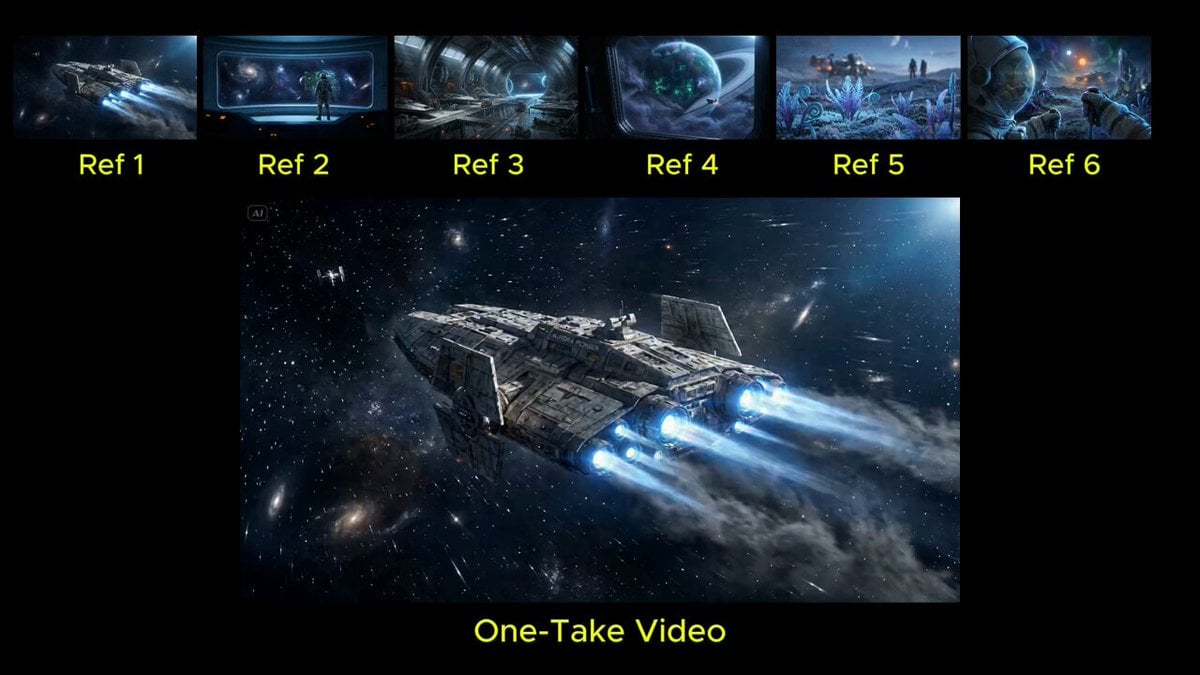
Seamless Continuous One-Take Video Prompt
Griffin Knight Mountain Kingdom — Seedance 2.0
Ice Queen — Frozen Battlefield Time Control (Seedance)
Dragon Rescue — Volcanic Kingdom Collapse (Seedance)
Whale in the Sky — City Shadows (Kling AI)
Swordsman vs Shadow Monster — Bamboo Forest Battle
Stone Colossus Desert Riders — Golden Fire Reveal
Tiny Figure Climbing a Giant — Low Angle Seedance
Make it yours
Continuous Seamless Sketchbook Fantasy World works as-is. These are the safest ways to change it without losing the look.
Change one field
Copy a single group, rewrite it, and generate again so you can see what that field is doing.
Keep the frame, change the subject
Hold the composition and light of Continuous Seamless Sketchbook Fantasy World, then swap wardrobe, props or the person for a new take.
| If the result… | Why | Fix |
|---|---|---|
| The result drifts from the preview | Too many fields changed at once. | Reuse Continuous Seamless Sketchbook Fantasy World as-is first, then change one group — subject, light, or setting. |
| The model over-stylizes the scene | The prose prompt leaves finish and camera underspecified. | Add one camera or lighting sentence and stay on Seedance 2.0. |
More Seedance 2.0 templates
Other prompts made for Seedance 2.0.

Comical Martial Arts Punch Scene

Maglev Train Action Sequence

Martial Arts Fight Sequence

Wuxia Protection and Trust Script

Vintage Korean Arcade MiniDV Vlog

Mercedes 190 SL Luxury Ad

Rainy Night Supernatural Reverse Comedy Video Script

Amazon Civilization Discovery

Futuristic South Asian City Transformation

Cozy Luxury Cafe Commercial
More video prompts
Fresh picks from across the catalog.
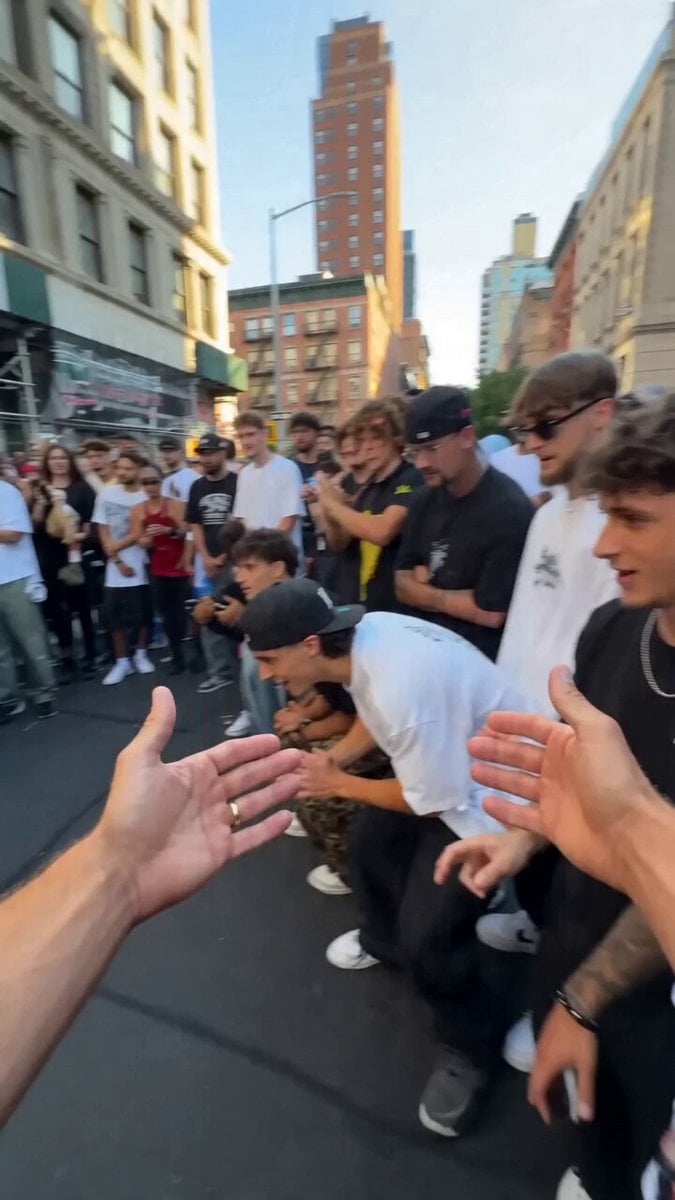
Street dance circle video prompt
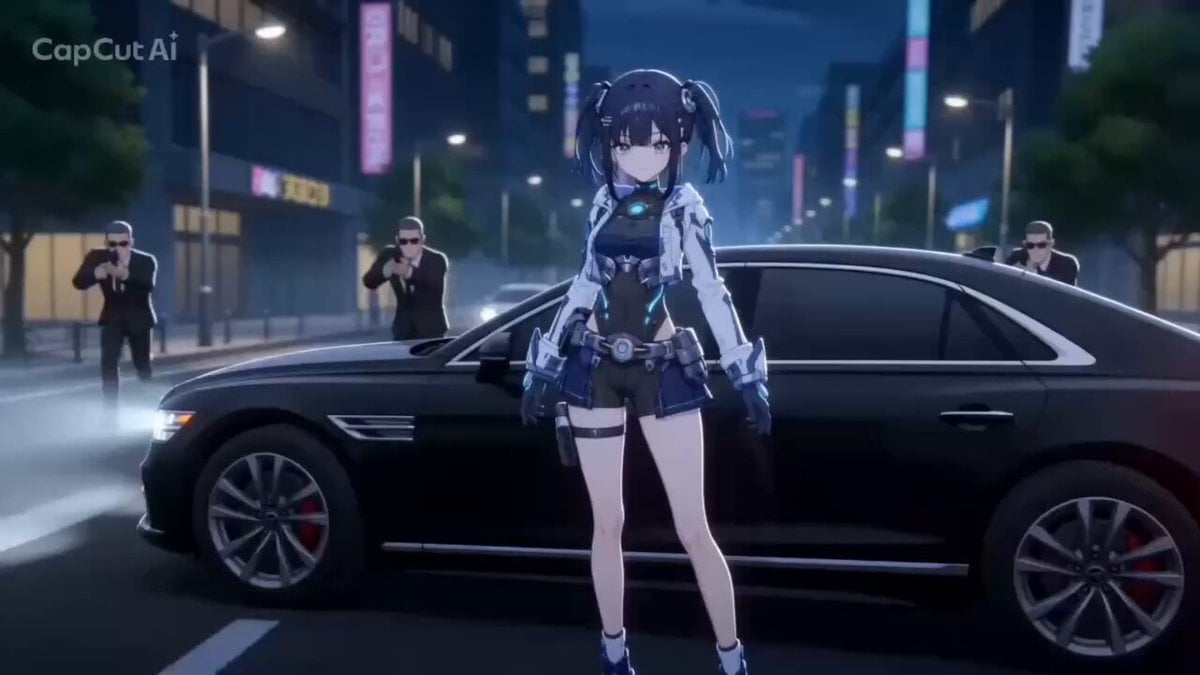
Cartoon Style Girl vs Gang Action
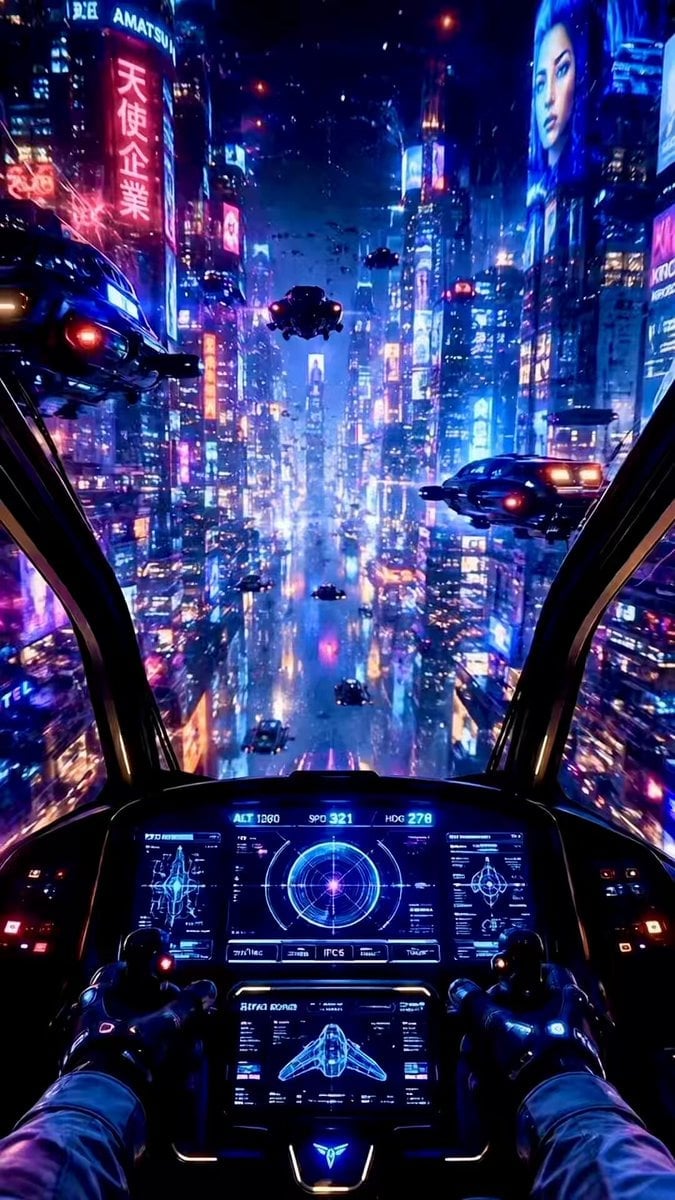
Futuristic Starship Cockpit POV
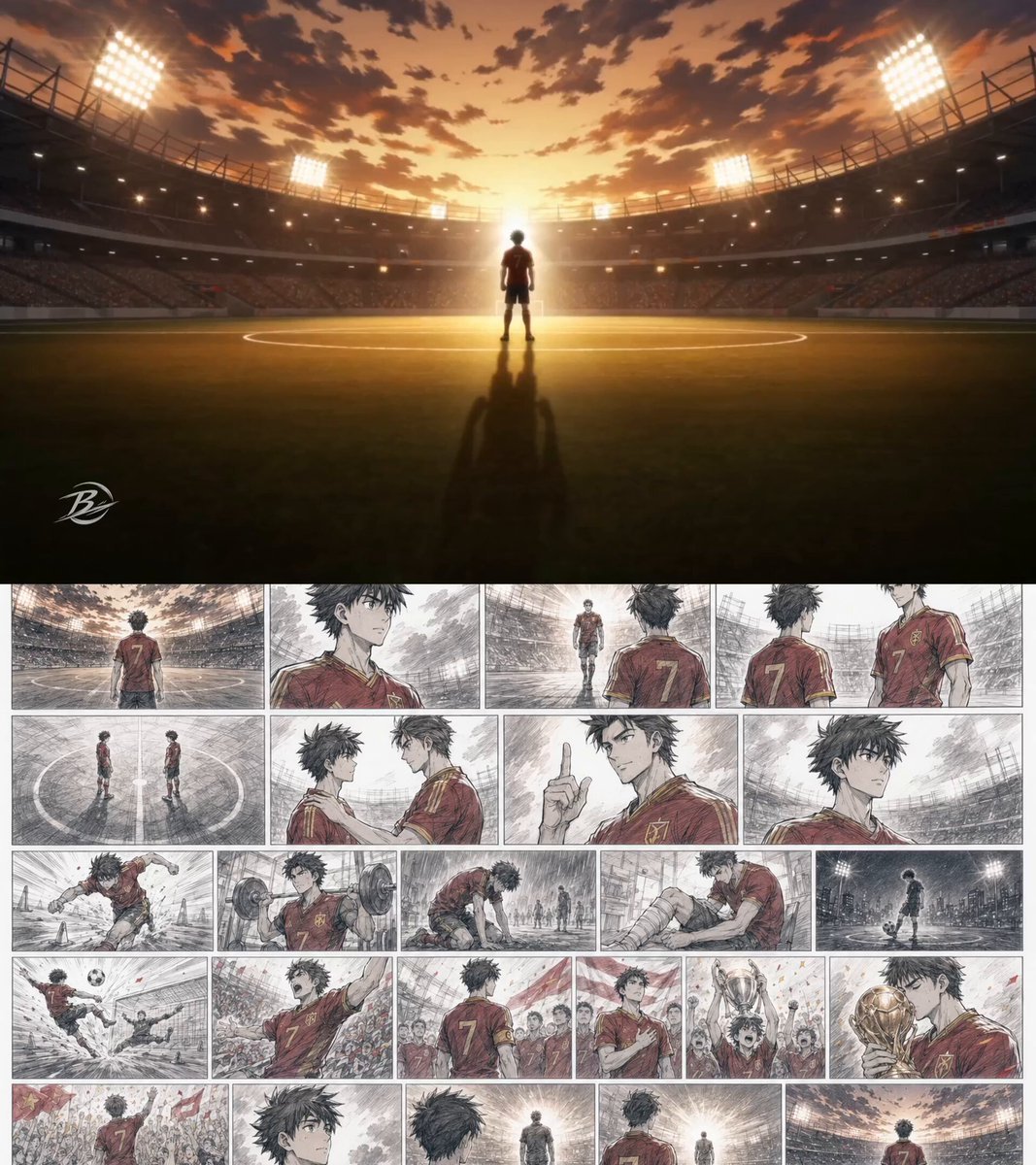
Anime Football Player Emotional Journey
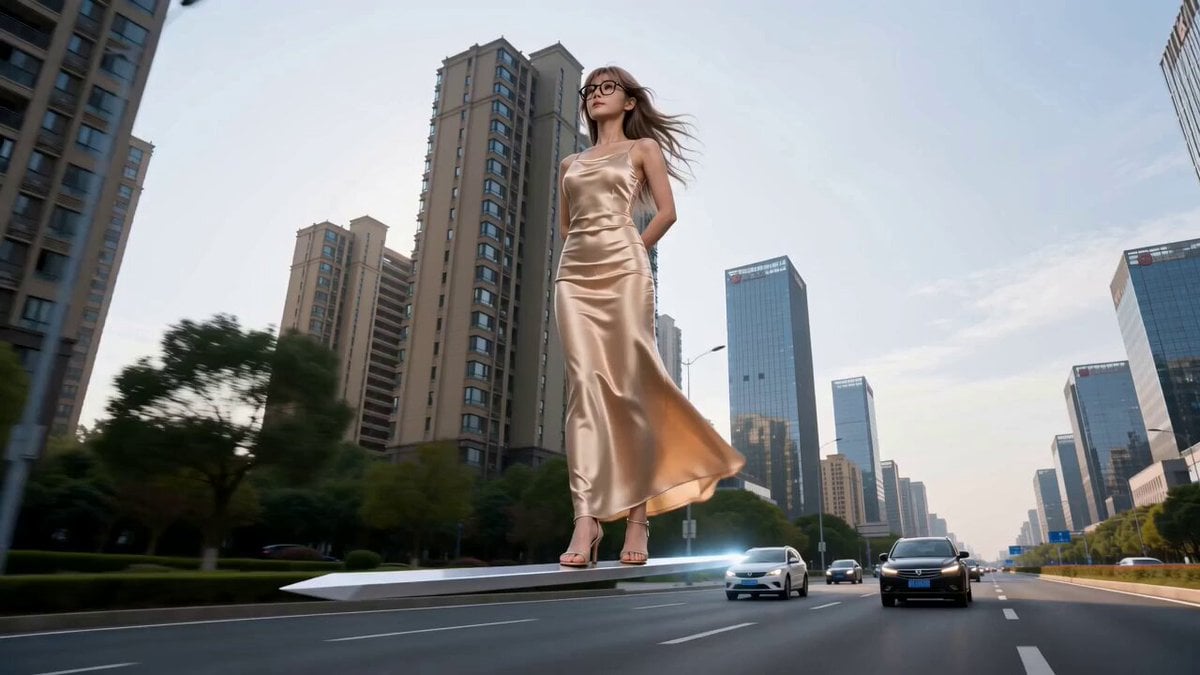
Modern Urban Fantasy Comedy Storyboard
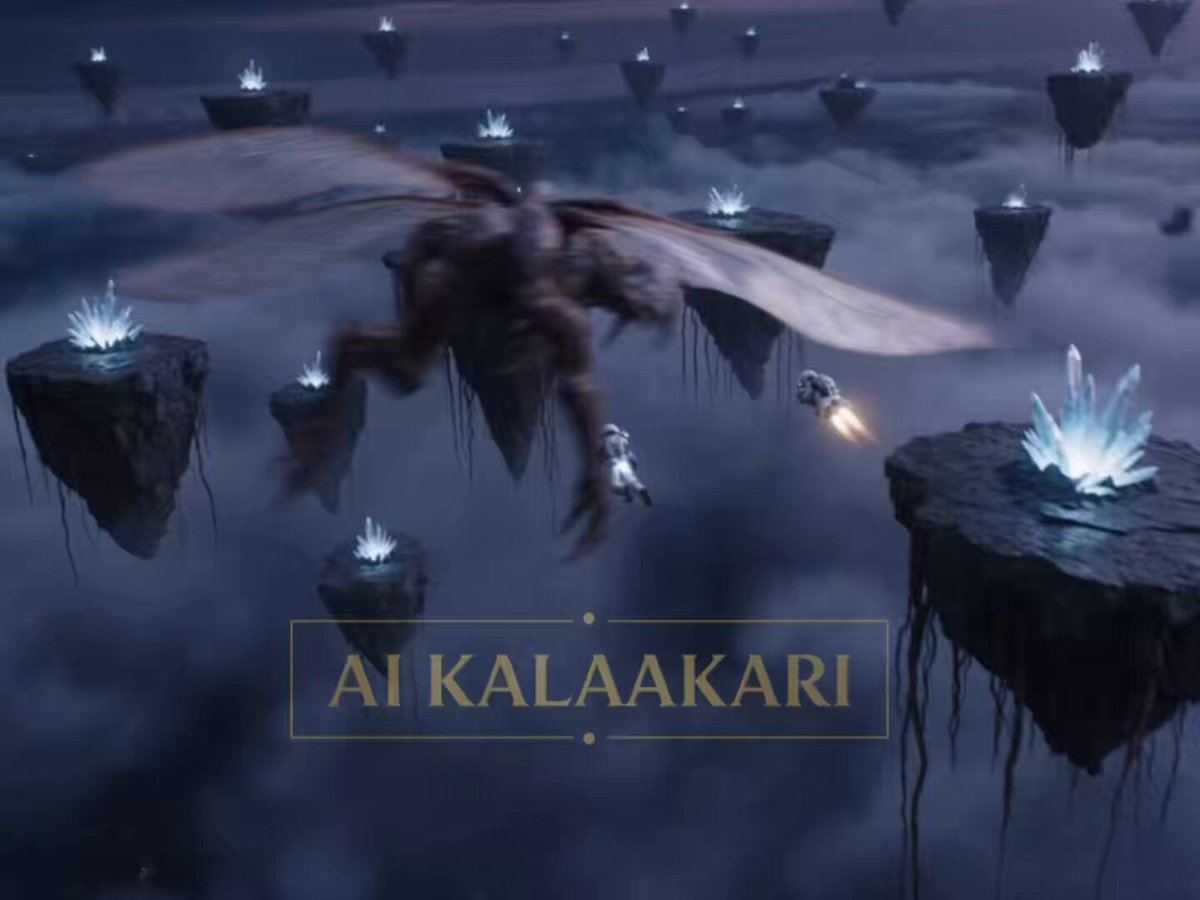
Sci-Fi Astronaut Monster Chase

Cinematic Luxury Pizza Commercial
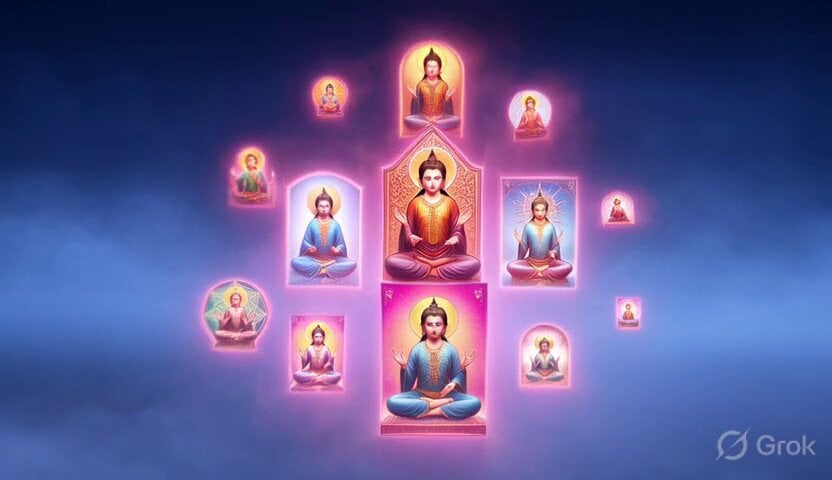
Dancing Buddhist sculptures animation
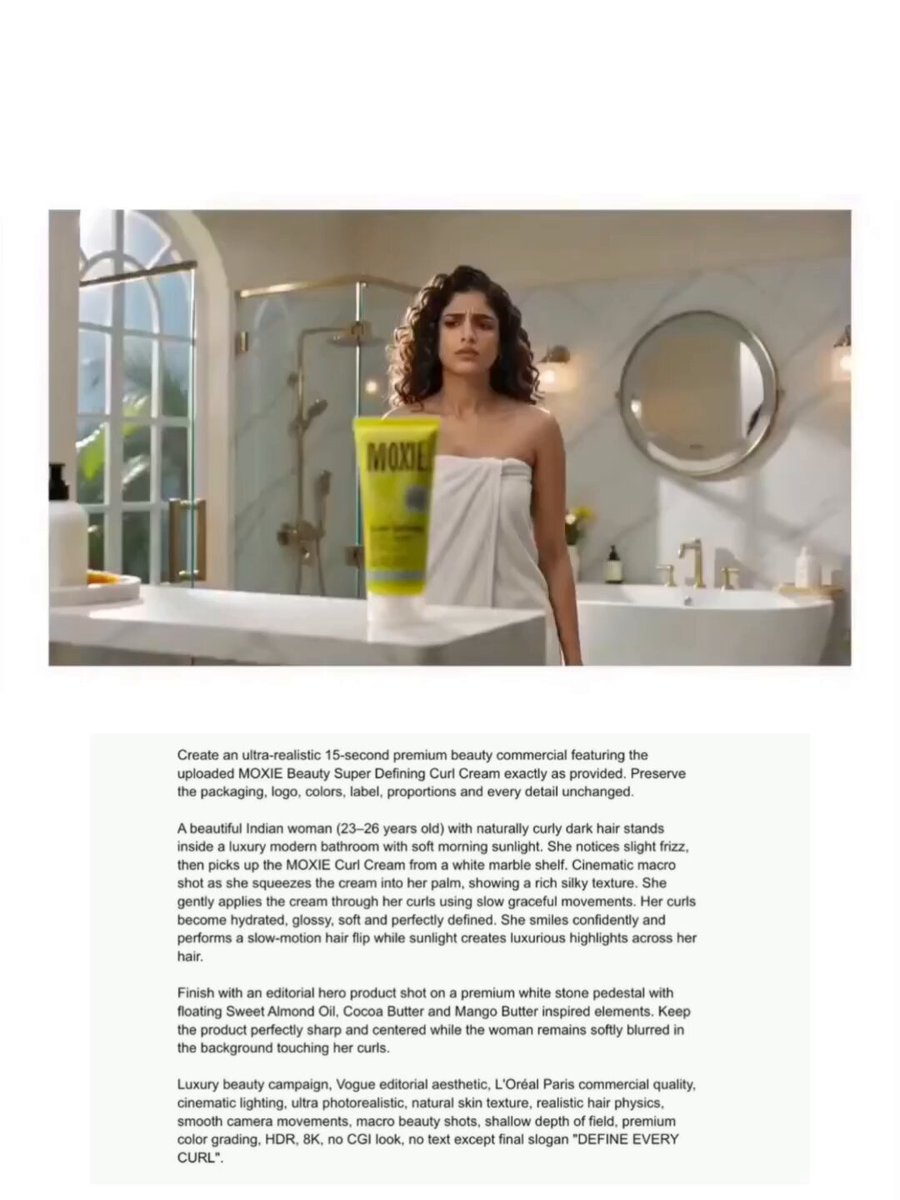
Moxie Curl Cream Beauty Commercial
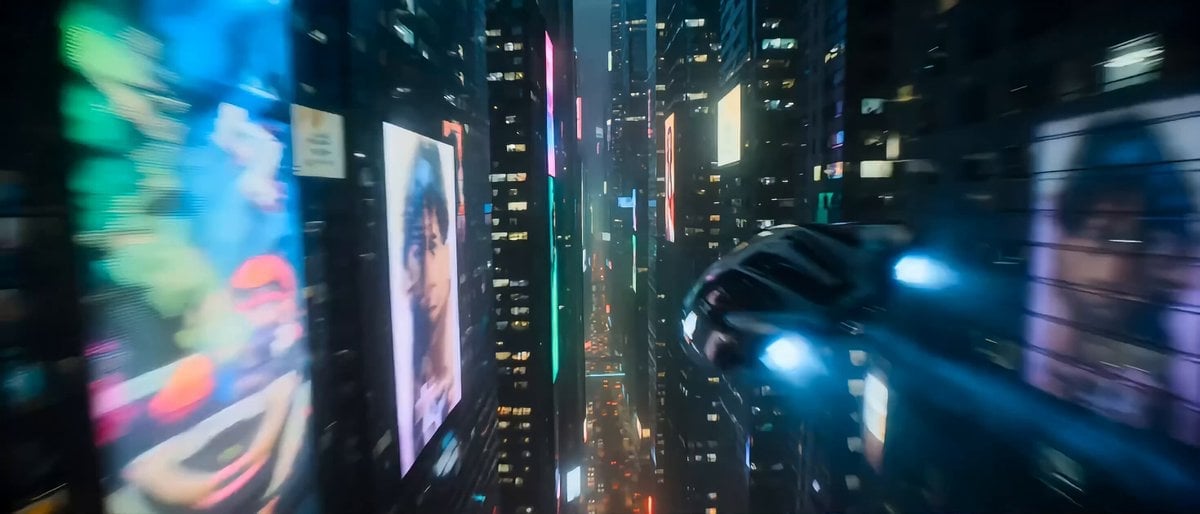
Hollywood Sci-Fi Cyberpunk Chase Scene
Browse template categories
Continuous Seamless Sketchbook Fantasy World questions
How do I use the Continuous Seamless Sketchbook Fantasy World template?
Add your photo if the template asks for one, edit the prompt if you like — the template's model and format are already selected — and press Generate. Your version opens in PicX Studio.
Can I customize the Continuous Seamless Sketchbook Fantasy World template?
Yes. You can change the subject, setting, lighting, mood, format, and available model controls before creating your video.
Is the Continuous Seamless Sketchbook Fantasy World template free?
Opening and editing this template is free. Generating uses credits, shown on the Generate button when you are signed in.
Which AI model should I use?
Start with Seedance 2.0, which is the model associated with this template. You can compare another compatible model for a different finish.
Looking for something else? Browse all templates.

Your photo, any look
Thousands of ready templates for every top image and video model, from one credit balance.