How do I use the Real-World Fantasy Ninja Battle Prompt template?
Edit the prompt in the box under the preview — the template's model and format are already selected — and press Generate. Your version appears right on this page.
A detailed video prompt that integrates fantasy characters like ninjas and magical girls into a realistic Manila street setting with cinematic camera work and VFX.
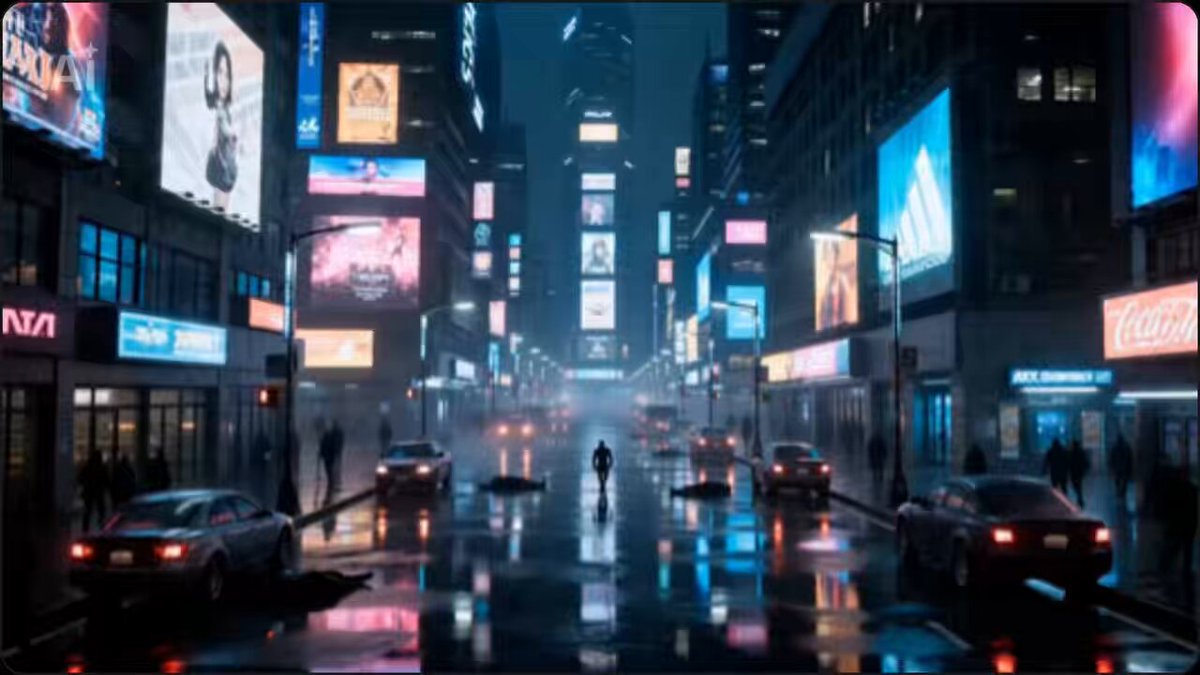
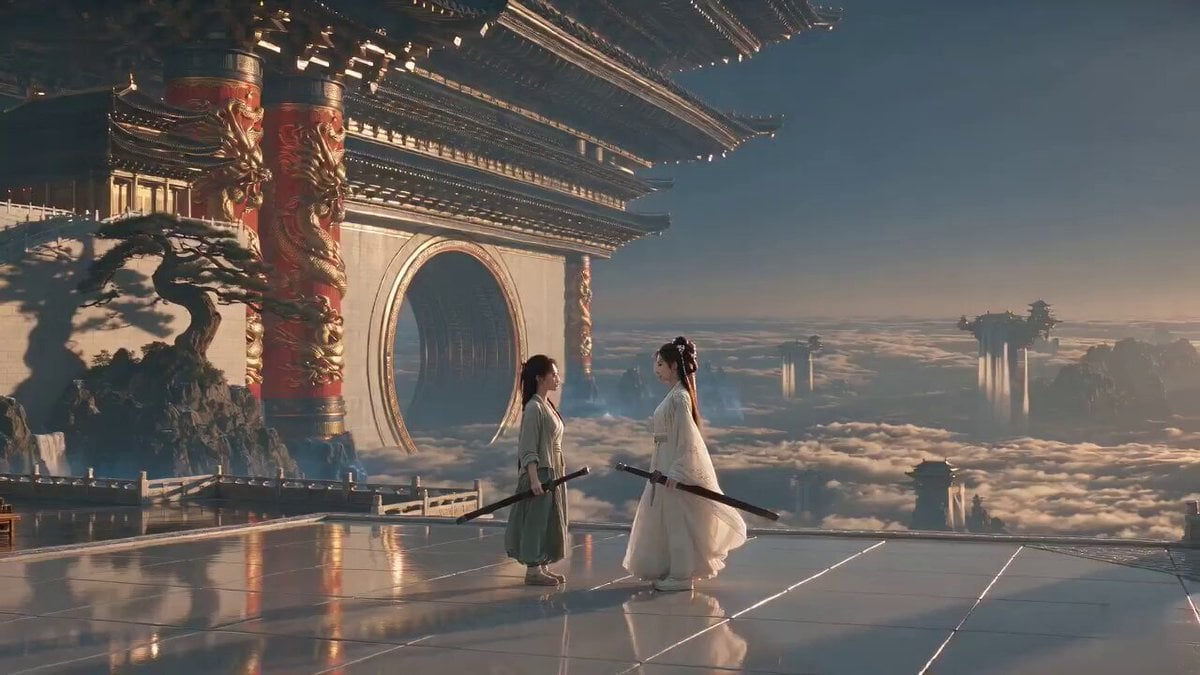
STYLE: Hyperrealistic live-action fantasy action film. Photorealistic. Premium cinematic commercial production. No animation look, no game-engine aesthetic. ARRI Alexa 65, Cooke anamorphic lenses, HDR, volumetric lighting, fine film grain, realistic fantasy VFX integrated into real-world environments. CHARACTER LOCK: Use uploaded Faith reference image as exact facial reference. MAIN CHARACTER: Faith — Filipino AI content creator, long dark wavy hair, soft glam makeup, expressive eyes, warm and authentic personality. WARDROBE: Burgundy ribbon bow, burgundy knitted cardigan, white fitted top, wide-leg light blue jeans, white sneakers, burgundy shoulder bag. INSERT CHARACTERS: Include photorealistic live-action versions inspired by: • Layla — blonde twin tails, steampunk futuristic cannon, energetic personality. • Hanabi — crimson ninja warrior, dual red blades, elegant and deadly movements. • Nana — pink-haired magical fox girl with large fluffy tails and playful magic. Do not use cartoon rendering. They should appear as realistic fantasy heroines existing in the real world. ENVIRONMENT LOCK: Starbucks Coffee branch in Manila during golden hour transitioning into evening. Inside: warm amber lighting, wooden tables, people quietly drinking coffee, Faith sitting beside the window, laptop open showing CapCut Video Studio, iced Starbucks matcha drink, croissant on table. Outside: busy Manila streets, traffic, city lights, pedestrians, urban atmosphere. ──────────────────────────── SCENE 1 — 0:00–0:04 MANILA ESTABLISHING SHOT Ultra-wide aerial shot. Golden sunset over Manila skyline. Camera rapidly descends between skyscrapers and traffic. A Starbucks branch becomes visible. Lens: 18mm ultra wide. Audio: traffic ambience, distant horns, soft cinematic music. ──────────────────────────── SCENE 2 — 0:04–0:07 INSIDE STARBUCKS Camera smoothly glides through the glass. Faith sits peacefully near the window. On the table: • Laptop displaying CapCut Video Studio • Iced matcha drink • Croissant Faith smiles while typing cinematic prompts. Warm cozy lighting. Lens: 35mm. Audio: soft café ambience, coffee machine, quiet conversations. ──────────────────────────── SCENE 3 — 0:07–0:10 THE DISTURBANCE A sudden explosion of magical energy outside. People scream. Camera pans toward the street. Layla lands dramatically on a nearby rooftop holding her massive cannon. Nana jumps between signs and streetlights, leaving trails of magical pink energy. Hanabi parkours across buildings with elegant acrobatic movements. Energy sparks illuminate the streets. Lens: 28mm. ──────────────────────────── SCENE 4 — 0:10–0:13 FULL BATTLE Large-scale action sequence. Layla fires energy blasts. Hanabi wall-runs across buildings and flips through the air. Nana summons magical fox energy while
STYLE: Hyperrealistic live-action fantasy action film. Photorealistic. Premium cinematic commercial production. No animation look, no game-engine aesthetic. ARRI Alexa 65, Cooke anamorphic lenses, HDR, volumetric lighting, fine film grain, realistic fantasy VFX integrated into real-world environments. CHARACTER LOCK: Use uploaded Faith reference image as exact facial reference. MAIN CHARACTER: Faith — Filipino AI content creator, long dark wavy hair, soft glam makeup, expressive eyes, warm and authentic personality. WARDROBE: Burgundy ribbon bow, burgundy knitted cardigan, white fitted top, wide-leg light blue jeans, white sneakers, burgundy shoulder bag. INSERT CHARACTERS: Include photorealistic live-action versions inspired by: • Layla — blonde twin tails, steampunk futuristic cannon, energetic personality. • Hanabi — crimson ninja warrior, dual red blades, elegant and deadly movements. • Nana — pink-haired magical fox girl with large fluffy tails and playful magic. Do not use cartoon rendering. They should appear as realistic fantasy heroines existing in the real world. ENVIRONMENT LOCK: Starbucks Coffee branch in Manila during golden hour transitioning into evening. Inside: warm amber lighting, wooden tables, people quietly drinking coffee, Faith sitting beside the window, laptop open showing CapCut Video Studio, iced Starbucks matcha drink, croissant on table. Outside: busy Manila streets, traffic, city lights, pedestrians, urban atmosphere. ──────────────────────────── SCENE 1 — 0:00–0:04 MANILA ESTABLISHING SHOT Ultra-wide aerial shot. Golden sunset over Manila skyline. Camera rapidly descends between skyscrapers and traffic. A Starbucks branch becomes visible. Lens: 18mm ultra wide. Audio: traffic ambience, distant horns, soft cinematic music. ──────────────────────────── SCENE 2 — 0:04–0:07 INSIDE STARBUCKS Camera smoothly glides through the glass. Faith sits peacefully near the window. On the table: • Laptop displaying CapCut Video Studio • Iced matcha drink • Croissant Faith smiles while typing cinematic prompts. Warm cozy lighting. Lens: 35mm. Audio: soft café ambience, coffee machine, quiet conversations. ──────────────────────────── SCENE 3 — 0:07–0:10 THE DISTURBANCE A sudden explosion of magical energy outside. People scream. Camera pans toward the street. Layla lands dramatically on a nearby rooftop holding her massive cannon. Nana jumps between signs and streetlights, leaving trails of magical pink energy. Hanabi parkours across buildings with elegant acrobatic movements. Energy sparks illuminate the streets. Lens: 28mm. ──────────────────────────── SCENE 4 — 0:10–0:13 FULL BATTLE Large-scale action sequence. Layla fires energy blasts. Hanabi wall-runs across buildings and flips through the air. Nana summons magical fox energy while
Edit the prompt in the box under the preview — the template's model and format are already selected — and press Generate. Your version appears right on this page.
Yes. You can change the subject, setting, lighting, mood, format, and available model controls before creating your video.
Opening and editing this template is free. Generating uses credits, shown on the Generate button when you are signed in.
Start with Seedance 2.0, which is the model associated with this template. You can compare another compatible model for a different finish.
Follow a topic to a crawlable collection of related PicX Studio templates.