How do I use the Surreal Sky Ocean Battle: Whale vs. Kraken template?
Edit the prompt in the box under the preview — the template's model and format are already selected — and press Generate. Your version appears right on this page.
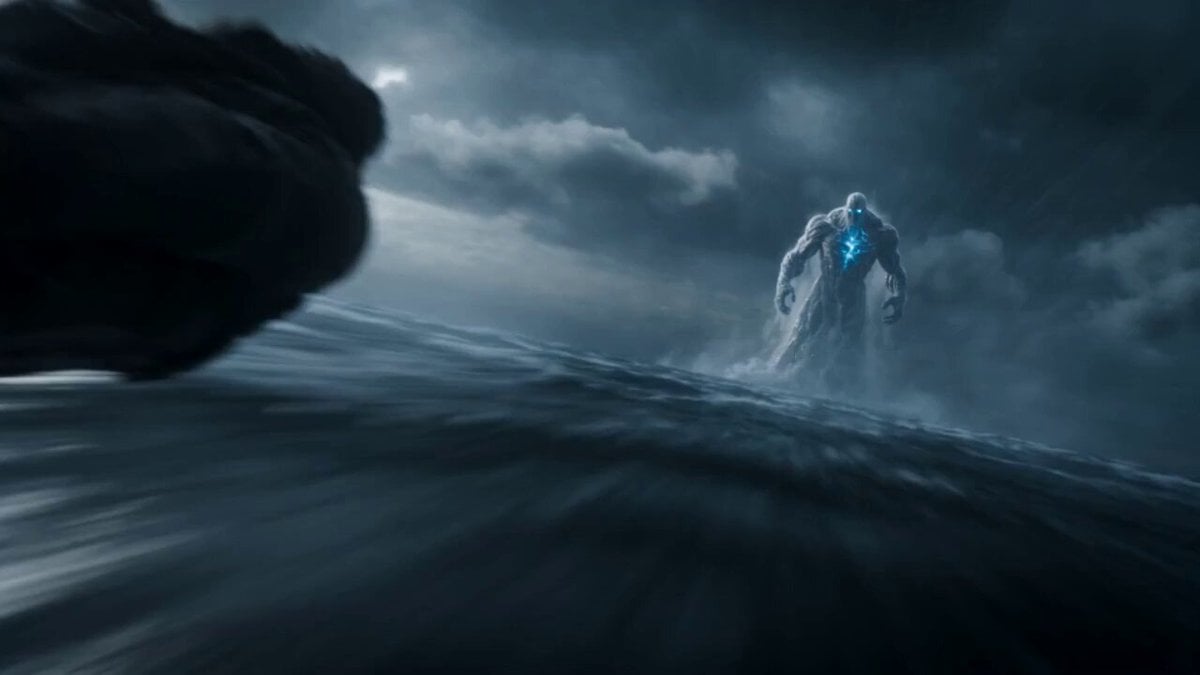
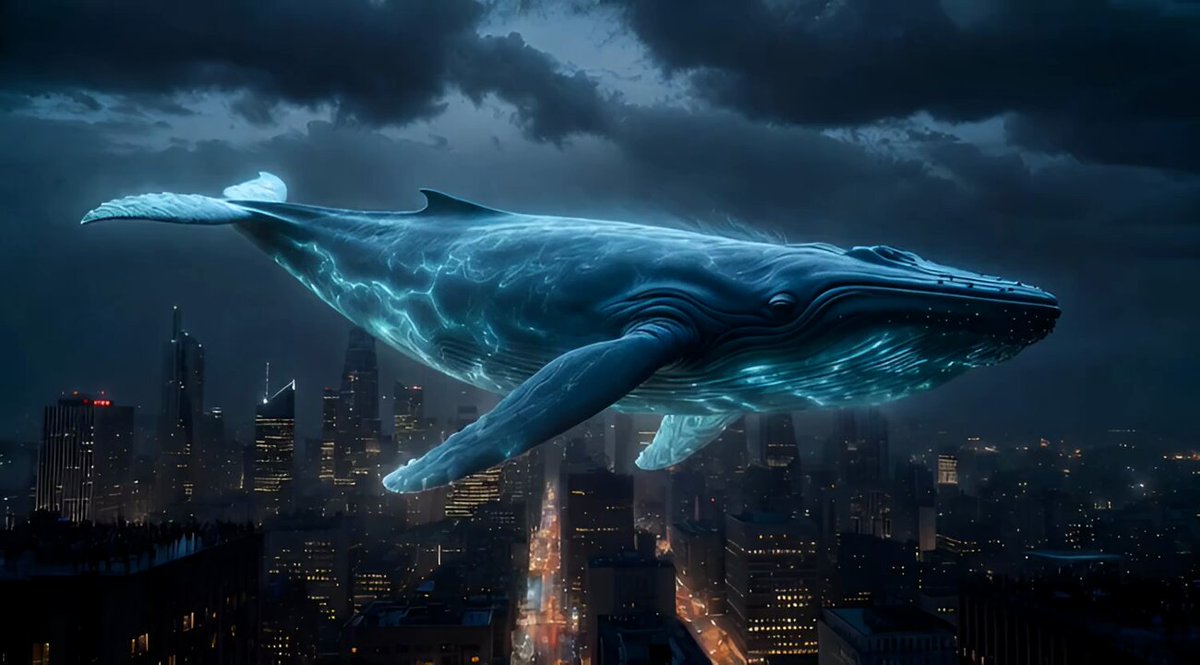
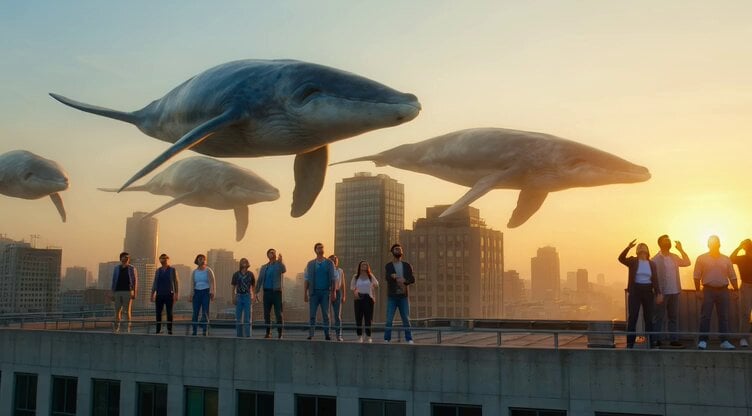
A detailed, multi-section prompt for Seedance 2.0 to generate a 15-second cinematic sequence featuring a colossal sky-whale battling a kraken made of storm clouds in a surreal ocean floating in the sky at sunset.
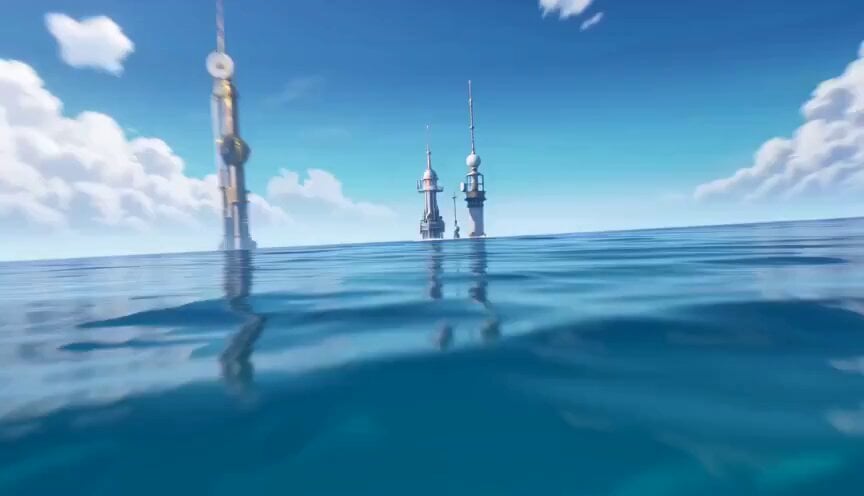
Environment: A surreal ocean in the sky where enormous waves float between cloud layers. Waterfalls spill endlessly downward into the clouds below while golden sunset light illuminates the horizon. Action: 15.0s sequence. A colossal sky-whale made of shimmering water currents glides through the floating ocean waves. Rising from the clouds below, a massive kraken formed from swirling storm clouds and lightning tendrils attacks. They collide as the kraken’s tentacles wrap around the whale while both creatures crash through floating waves. Velocity Ramp choreography: the whale’s massive tail strike slows to reveal suspended droplets and lightning arcs before detonating outward as the motion resumes. Camera: Wide aerial tracking shot flying alongside the whale before diving beneath the floating ocean surface as the creatures crash through the water. Style & Constraints: Photorealistic water physics, volumetric cloud lighting, ray-traced reflections on wave surfaces, cinematic sunset atmosphere, 8K resolution.
Environment: A surreal ocean in the sky where enormous waves float between cloud layers. Waterfalls spill endlessly downward into the clouds below while golden sunset light illuminates the horizon. Action: 15.0s sequence. A colossal sky-whale made of shimmering water currents glides through the floating ocean waves. Rising from the clouds below, a massive kraken formed from swirling storm clouds and lightning tendrils attacks. They collide as the kraken’s tentacles wrap around the whale while both creatures crash through floating waves. Velocity Ramp choreography: the whale’s massive tail strike slows to reveal suspended droplets and lightning arcs before detonating outward as the motion resumes. Camera: Wide aerial tracking shot flying alongside the whale before diving beneath the floating ocean surface as the creatures crash through the water. Style & Constraints: Photorealistic water physics, volumetric cloud lighting, ray-traced reflections on wave surfaces, cinematic sunset atmosphere, 8K resolution.
Edit the prompt in the box under the preview — the template's model and format are already selected — and press Generate. Your version appears right on this page.
Yes. You can change the subject, setting, lighting, mood, format, and available model controls before creating your video.
Opening and editing this template is free. Generating uses credits, shown on the Generate button when you are signed in.
Start with Seedance 2.0, which is the model associated with this template. You can compare another compatible model for a different finish.
Follow a topic to a crawlable collection of related PicX Studio templates.