
Surreal Upside-Down Ocean World
A complex 3-shot cinematic prompt depicting an Asian man on a dry beach under an upside-down ocean sky, featuring whales swimming past a golden sunset.
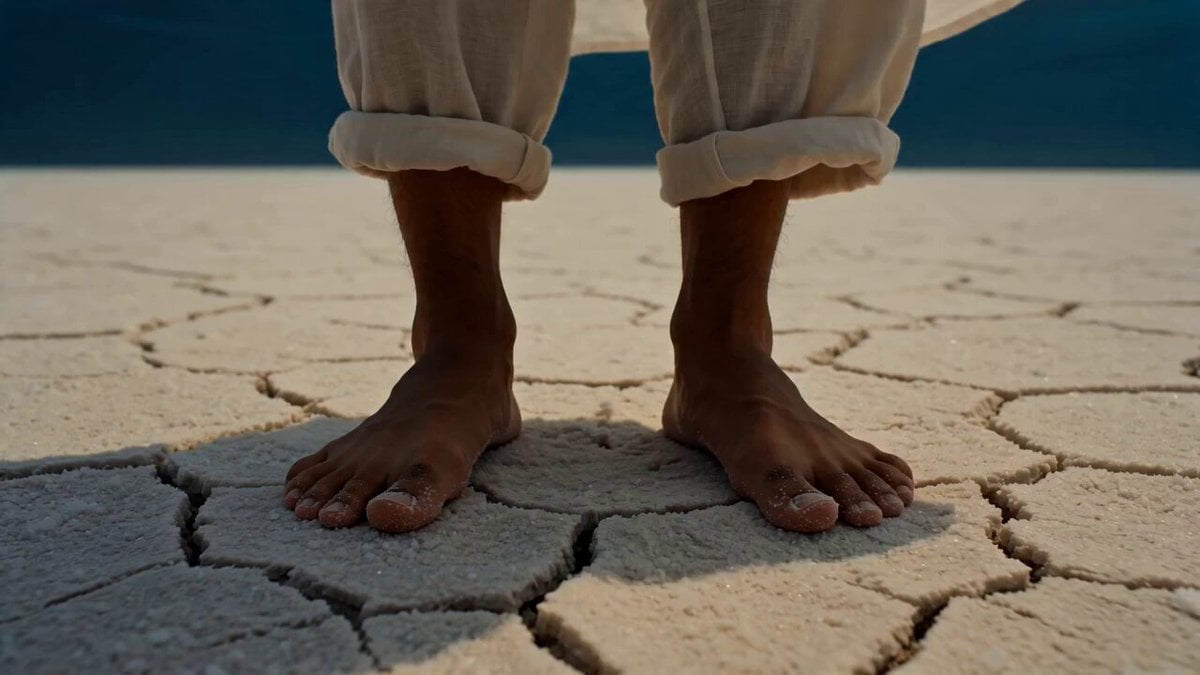
- Prompt included
- Model and format preset
- Free template
The prompt behind this video
Copy the exact prompt behind Surreal Upside-Down Ocean World, or open it in the studio and make it yours.
【风格】超 surreal 奇观氛围片(Surreal Atmospheric),杜比视界宽色域,IMAX画幅感,8K超清,真实摄影质感(Photorealistic)+ 超现实粒子特效(Surreal VFX),柔光逆光体系,画面以深海蓝-琥珀金-珍珠白为主调 【时长】15秒 【场景】黄昏的无人海岸,湿沙滩延伸至天际线。天空没有云——取而代之的是一整片倒悬的深蓝色海洋,海水的波纹和涌浪在头顶缓慢翻涌,透过海水能看到暗金色的落日。海洋生物在天空中游动。地面是干燥的沙滩,没有一滴水。 【角色】一名赤脚的亚洲男性(约二十出头,白色宽松亚麻衬衫,卷起的裤脚,被风吹散的黑色短发,皮肤被琥珀色光染暖) [00:00-00:05] 镜头1:天地倒悬(Epic Wide Establishing + Slow Tilt Up) 低角度广角镜头从男性赤脚踩在干裂湿沙上的特写起——脚趾微微陷入沙粒,沙面没有任何水迹。镜头缓慢上摇(Slow Tilt Up),经过他的亚麻衬衫下摆被风鼓起,继续上摇越过他仰起的下巴线——天空炸入画面:一整片深蓝色的海洋悬挂在头顶,巨大的涌浪在两百米高空无声翻卷,浪花的白沫向上碎裂成细密的水珠粒子悬浮在半空中,像倒着下的雪。暗金色的夕阳透过头顶海水折射,在他脸上投下波光粼粼的水纹焦散(Caustic Light Patterns)。他微微张嘴,眼睛里倒映着整片天海。 @Audio:低频深海水压声(Low-frequency Oceanic Drone),远处闷雷般的浪涌回响,风声穿过空旷沙滩。 [00:05-00:10] 镜头2:鲸从太阳旁游过(Slow Push-in + Parallax) 中景:男性站在画面左下三分之一处,衬衫被风持续吹动。镜头缓慢向他推进(Slow Dolly In)。天空中,一头成年座头鲸(真实比例,皮肤纹理清晰可见,腹部藤壶和疤痕细节)从画面右侧缓缓游入,从倒悬海洋的"水面"向下探出半个身体,穿过落日的金色光晕,鲸的腹部被夕阳染成暖铜色。鲸鱼经过时,它庞大身躯的阴影扫过整片沙滩和男性的脸,光线在明暗之间缓慢交替。鲸尾在天空中极慢地摆动,尾鳍切开头顶的海面,溅起的水花向上飞散成金色的碎光粒子(Golden Particle Burst)。他缓缓抬起一只手,掌心朝上,向天空伸出去。 声音:鲸歌回声(Whale Song Reverb),极远处传来的共鸣,在空旷的沙滩上回荡。水花碎裂的细碎簌簌声。 [00:10-00:15] 镜头3:一滴水落入掌心(Extreme Close-up + Crane Pull-out) 极近特写(Macro Shot):他伸出的手掌。一颗拳头大小的海水球体从天空缓缓降落,球体内部有微型的洋流在旋转,折射出整个倒悬天海的缩影。水球触碰他掌心的瞬间——轻轻弹跳一下,然后安静地停在那里,在他手心缓慢自转。水球内部的微缩海洋里,一条小鱼影掠过。他的嘴角微微上扬。 镜头猛然切换为高速上升的航拍(Rapid Crane Pull-out to God's Eye):俯瞰整个海岸——干燥的白色沙滩上只有他一个渺小的人影,而他头顶是一整片浩瀚的、倒悬的、波光万顷的海洋,鲸群在云层的位置结队游过夕阳。最后一帧定格。 声音:水球落入掌心的一声清脆水滴音(Single Water Drop),随即所有声音退潮归于寂静。最后两秒:一声悠远的鲸歌尾音淡出。
How to use Surreal Upside-Down Ocean World in 3 steps
- 1
Open
The prompt is already in the box next to the preview, with the template's model and format selected.
- 2…a portrait of your subject in softgolden-hour light, 85mm…
Personalize
Edit the subject and creative details for your destination.
- 3Generate
Generate
Press Generate — your video is created in PicX Studio, so you can compare it with the original and refine one variable at a time.
More like this
Templates with the same subject, style or setup. Open one to see its prompt.
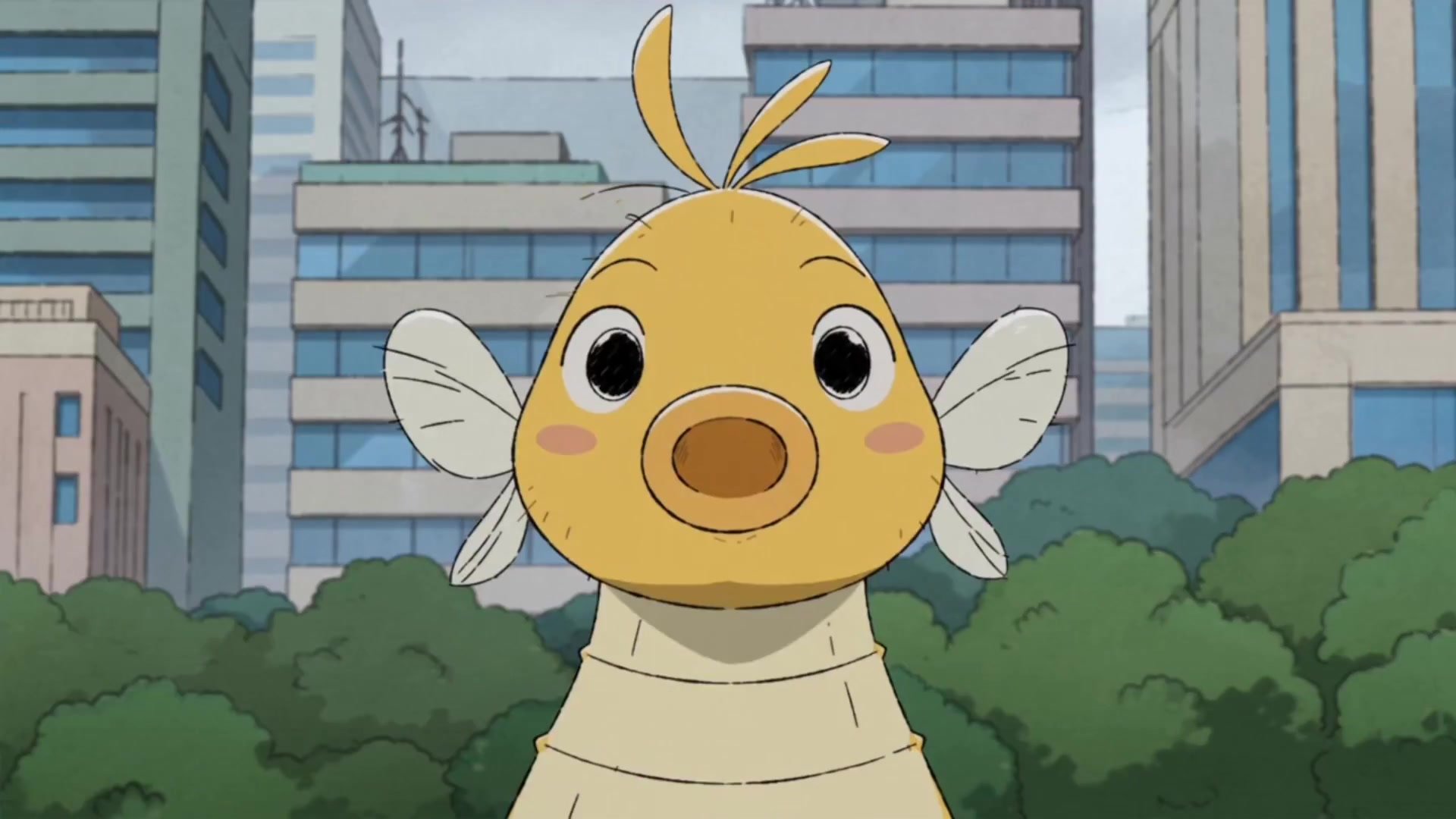
Giant Seahorse City Destruction — Flova AI
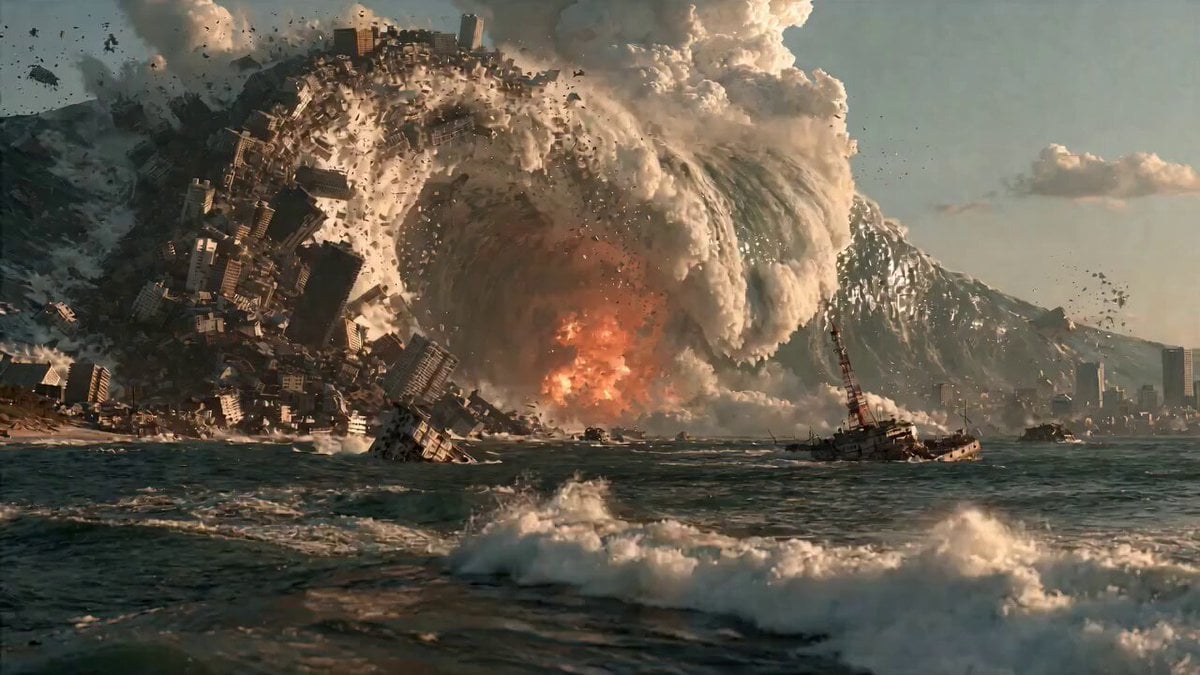
Surreal Apocalyptic Ocean Vortex
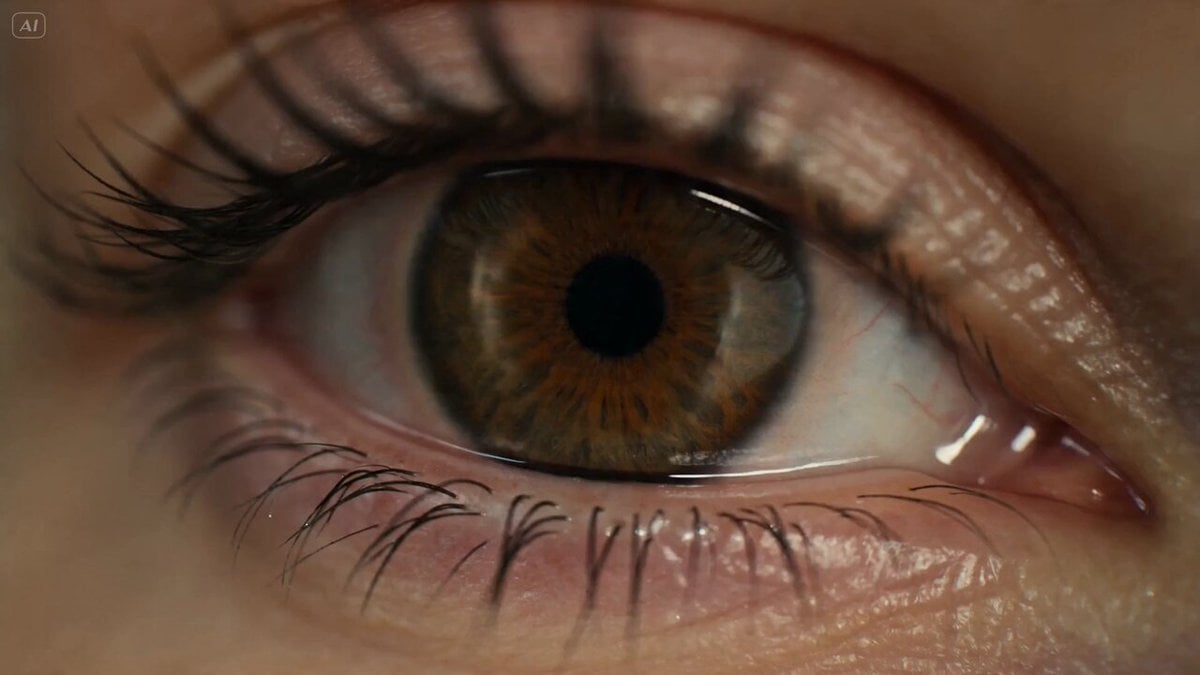
Surreal Eye Ocean Macro
Grok Imagine prompt: A second city hangs upside down above a real one
Surreal Sky Ocean Battle: Whale vs. Kraken
Nano Banana Seedance Environment Render Walk
Colossal Sea Creature — Stormy Shore Charge (Seedance)
Whale in the Sky — City Shadows (Kling AI)
Sea Serpent vs Crab Titan — Ocean Battle
Underground Ocean Fantasy Journey

Vibrant Tropical Ocean Splash
Italian World Cup Reaction
Make it yours
Surreal Upside-Down Ocean World works as-is. These are the safest ways to change it without losing the look.
Change one field
Copy a single group, rewrite it, and generate again so you can see what that field is doing.
Keep the frame, change the subject
Hold the composition and light of Surreal Upside-Down Ocean World, then swap wardrobe, props or the person for a new take.
| If the result… | Why | Fix |
|---|---|---|
| The result drifts from the preview | Too many fields changed at once. | Reuse Surreal Upside-Down Ocean World as-is first, then change one group — subject, light, or setting. |
| The model over-stylizes the scene | The prose prompt leaves finish and camera underspecified. | Add one camera or lighting sentence and stay on Seedance 2.0. |
More Seedance 2.0 templates
Other prompts made for Seedance 2.0.

Comical Martial Arts Punch Scene

Maglev Train Action Sequence

Martial Arts Fight Sequence

Wuxia Protection and Trust Script

Vintage Korean Arcade MiniDV Vlog

Mercedes 190 SL Luxury Ad

Rainy Night Supernatural Reverse Comedy Video Script

Amazon Civilization Discovery

Futuristic South Asian City Transformation

Cozy Luxury Cafe Commercial
More video prompts
Fresh picks from across the catalog.
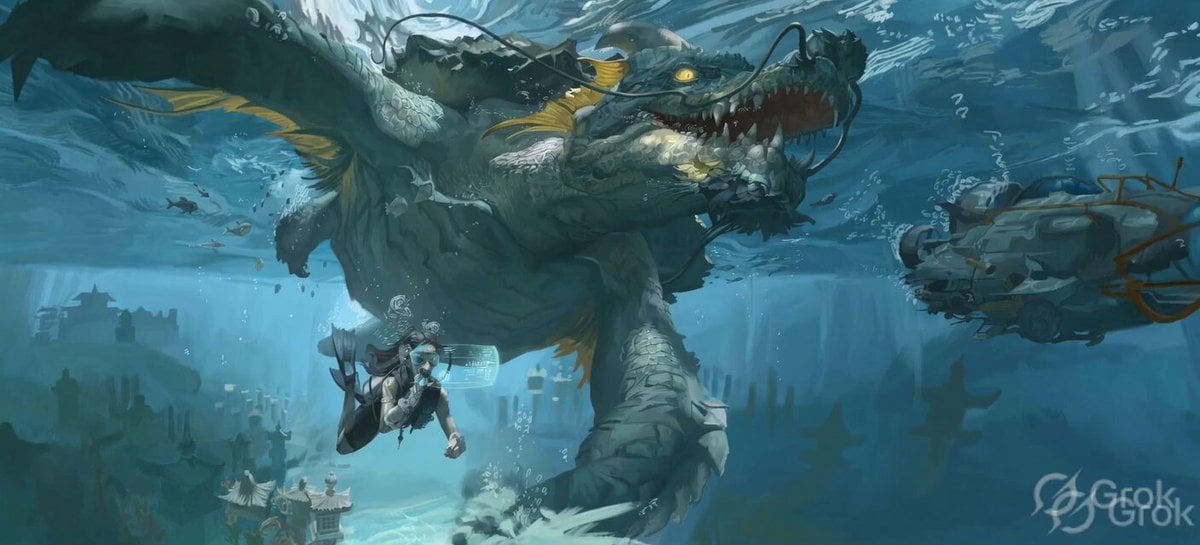
Ancient Underwater Dragon Encounter
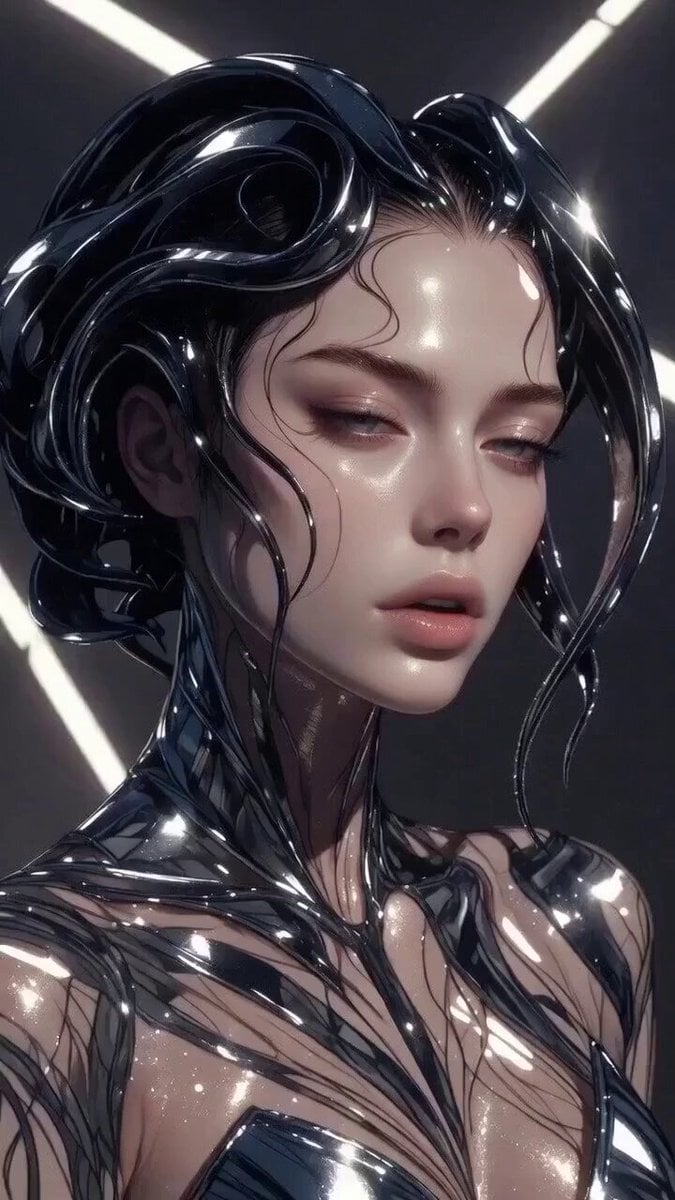
Multi-stage video generation prompt with camera movements

Seedance 2.0 Monologue with Hand Gestures
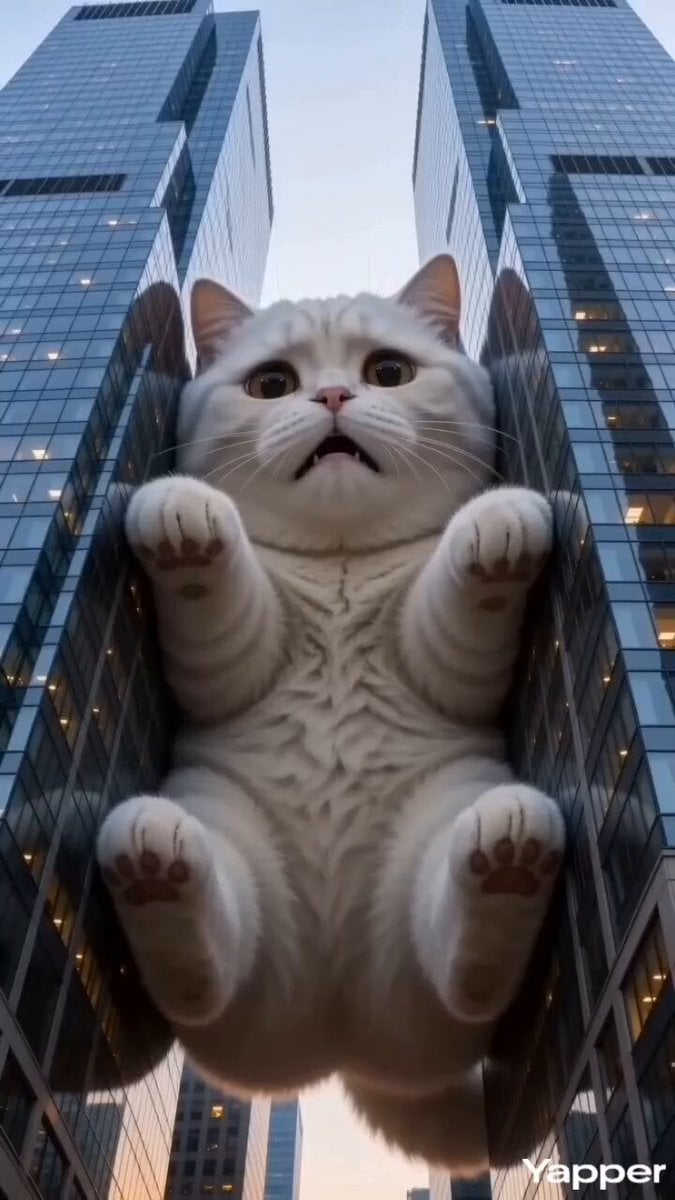
Godzilla-Sized White Tabby Cat in Chongqing
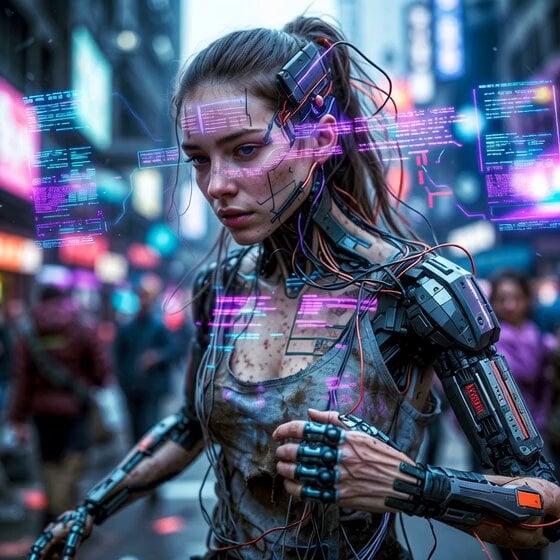
Cyberpunk Guerrilla Girl Video Generation
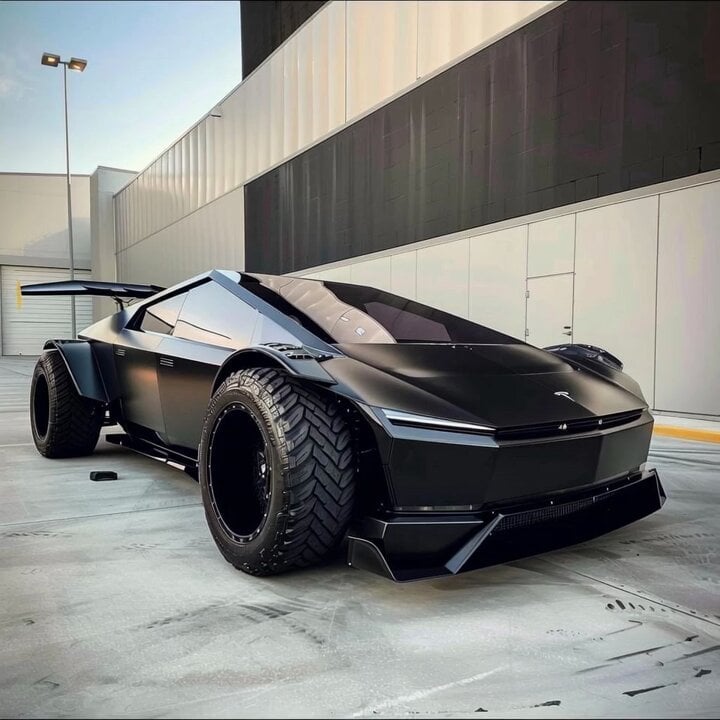
Custom American flag car design
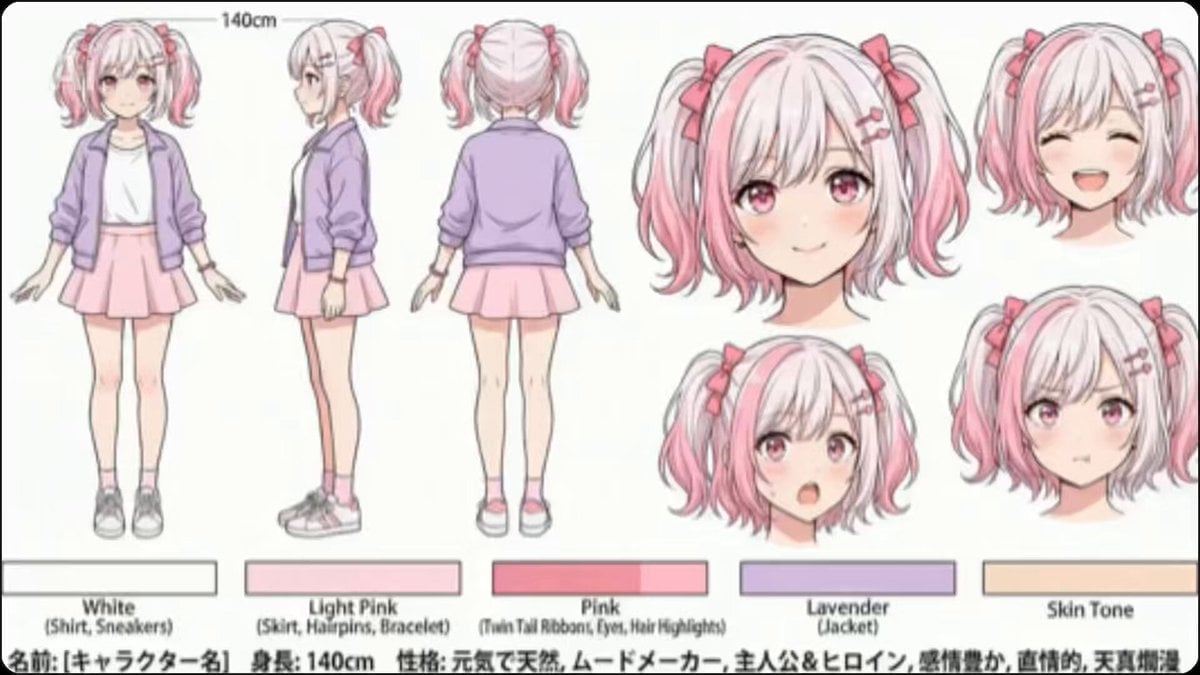
High-Speed Cut Switching Valentine's Day Video Prompt
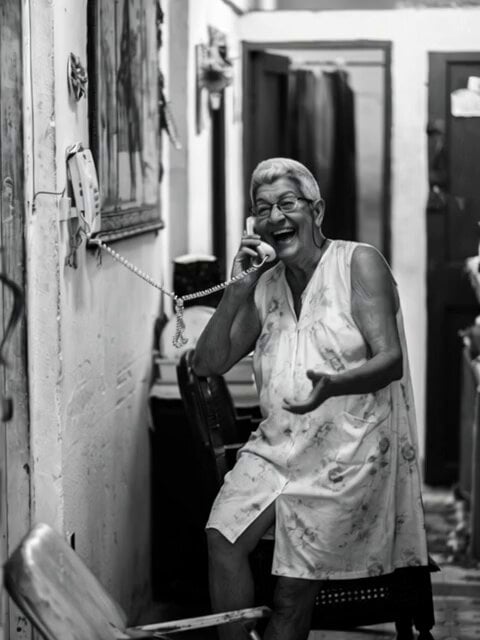
Woman Laughing Hysterically Prompt
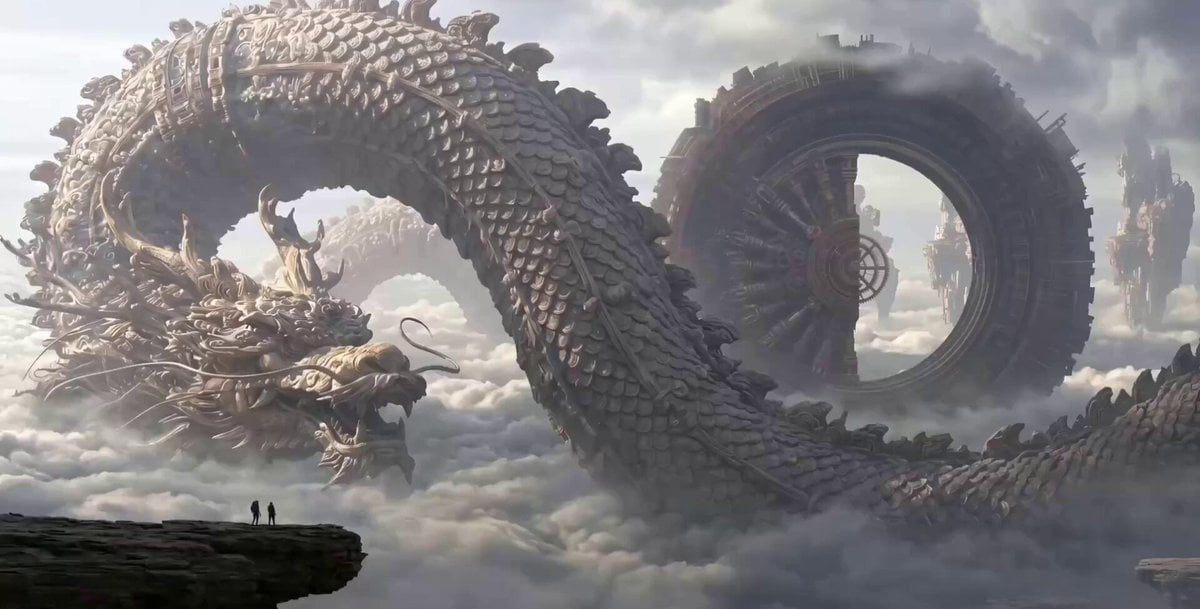
Clockwork Dragon Over Floating City
Chibi Anime Girl Ice Cream Tragedy Prompt
Browse template categories
Surreal Upside-Down Ocean World questions
How do I use the Surreal Upside-Down Ocean World template?
Add your photo if the template asks for one, edit the prompt if you like — the template's model and format are already selected — and press Generate. Your version opens in PicX Studio.
Can I customize the Surreal Upside-Down Ocean World template?
Yes. You can change the subject, setting, lighting, mood, format, and available model controls before creating your video.
Is the Surreal Upside-Down Ocean World template free?
Opening and editing this template is free. Generating uses credits, shown on the Generate button when you are signed in.
Which AI model should I use?
Start with Seedance 2.0, which is the model associated with this template. You can compare another compatible model for a different finish.
Looking for something else? Browse all templates.

Your photo, any look
Thousands of ready templates for every top image and video model, from one credit balance.