How do I use the Vibrant Tropical Ocean Splash template?
Edit the prompt in the box under the preview — the template's model and format are already selected — and press Generate. Your version appears right on this page.
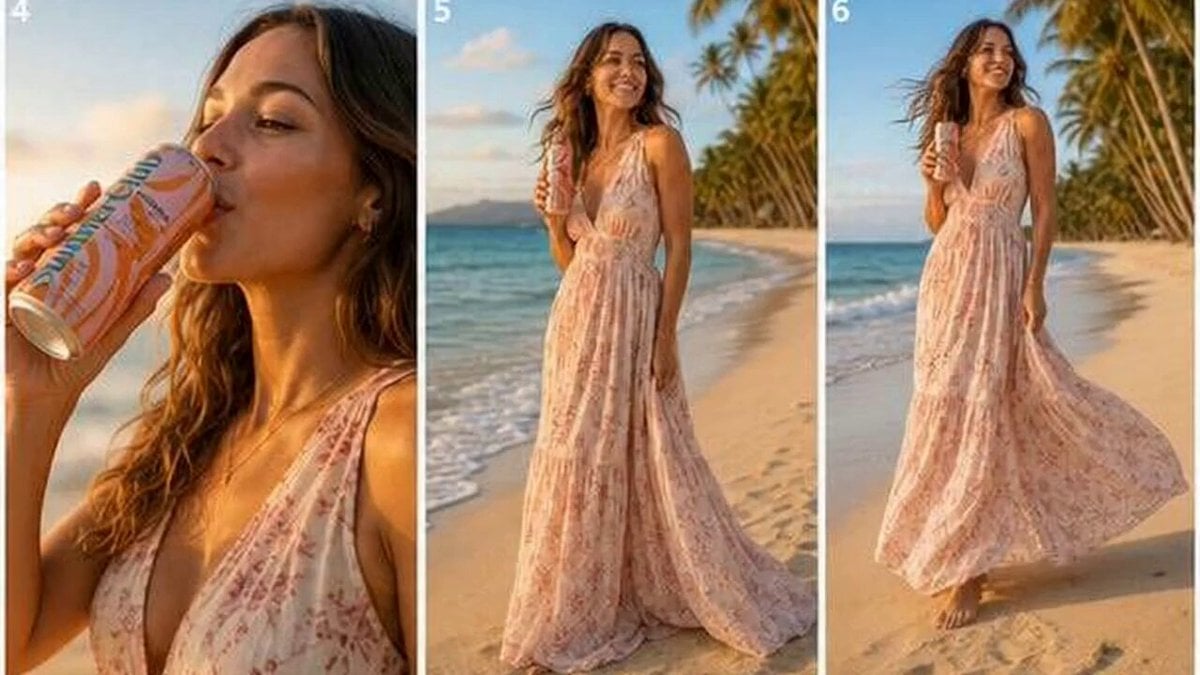
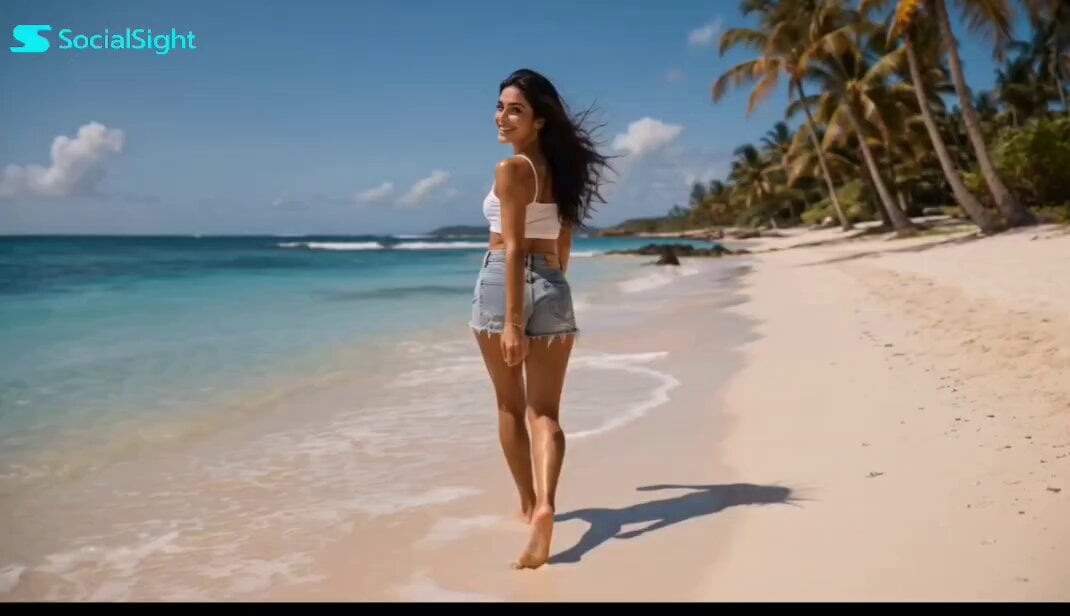
A refreshing summer-themed prompt for Seedance 2.0 showing a woman surfacing and splashing in a tropical ocean.
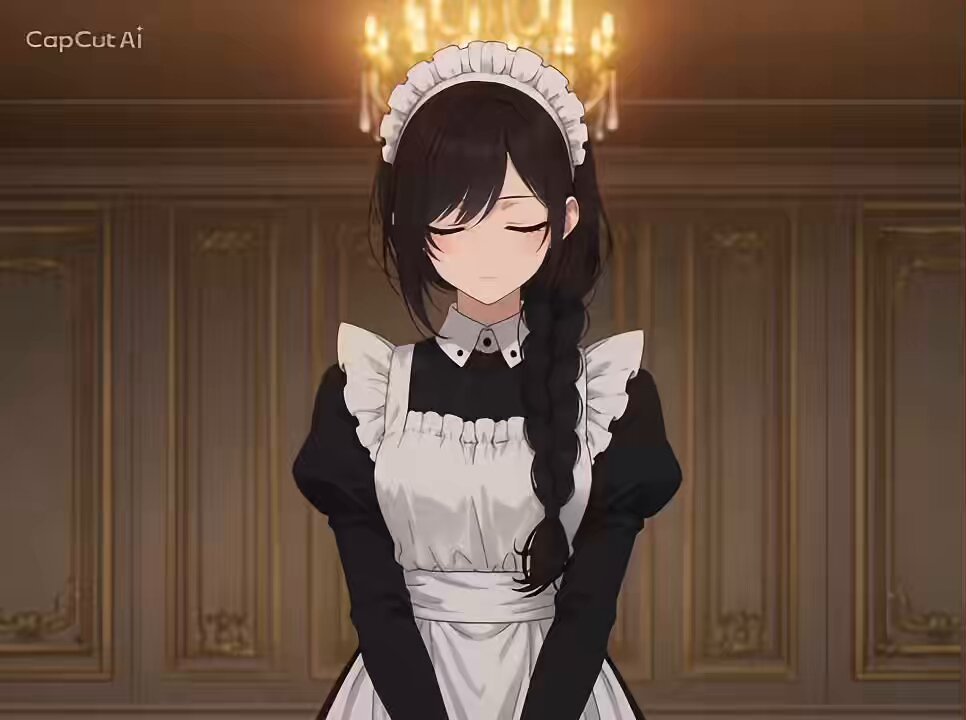
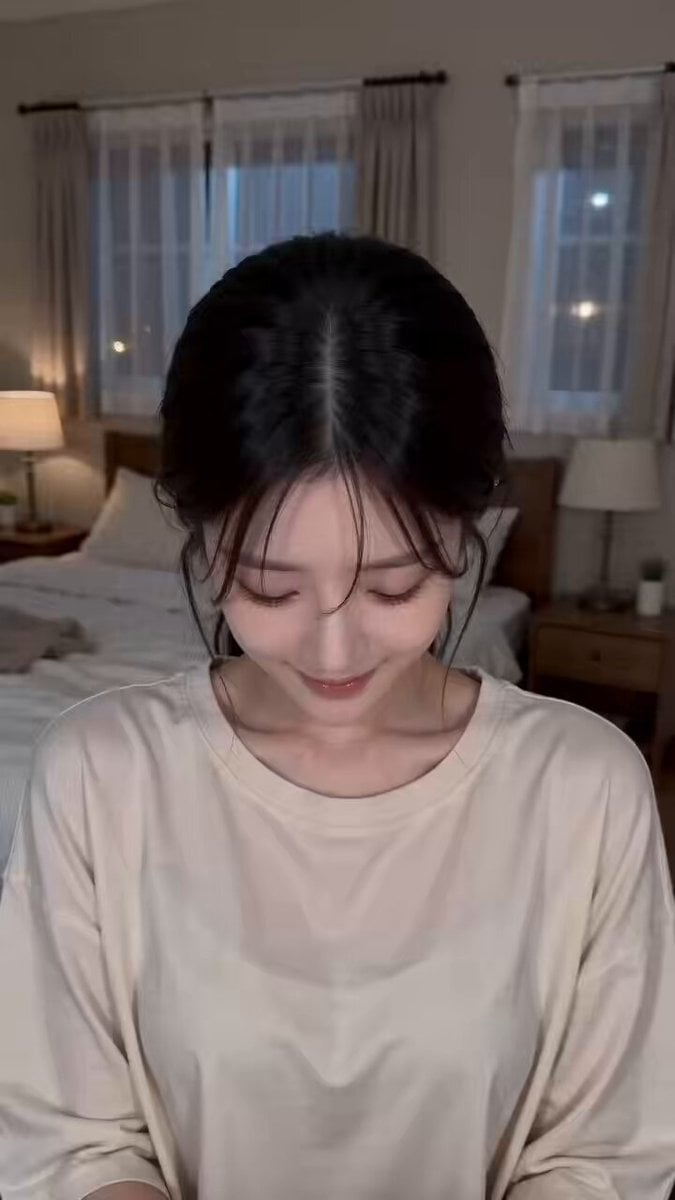
Use the reference image and storyboard, generate a 15 second video as broken down below Pacing: Fast, energetic | Tone: Joyful, vibrant summer | Setting: Bright turquoise tropical ocean Shot 1: The Burst (0:00 - 0:03) Visual: Camera rests at water level in clear, sunlit ocean. Suddenly, she surfaces in a fast burst of water droplets. Action: Breaks through the surface, eyes opening brightly. Camera: Quick upward tilt following her movement. Shot 2: The Splash & Laugh (0:03 - 0:07) Visual: Close-up shot. Lens catches bright water droplets and sun flare. Action: Playfully splashes water directly toward the lens with a big, candid smile. Camera: Fast push-in, handheld motion. Shot 3: Hair Sweep & Energy (0:07 - 0:11) Visual: Medium close-up. Sparkling water drops cling to her skin in high definition. Action: Sweeps wet hair back off her face, shaking droplets off while laughing. Camera: Slight side pan, keeping focus sharp on her expression. Shot 4: The Freeze/Outro (0:11 - 0:15) Visual: Floating lightly in the water, looking straight into the camera. Action: Gives a final energetic glance and wave, dipping slightly into the calm surface. Camera: Slow pull-back into a wide, sunny ocean view as the clip fades out.
Use the reference image and storyboard, generate a 15 second video as broken down below Pacing: Fast, energetic | Tone: Joyful, vibrant summer | Setting: Bright turquoise tropical ocean Shot 1: The Burst (0:00 - 0:03) Visual: Camera rests at water level in clear, sunlit ocean. Suddenly, she surfaces in a fast burst of water droplets. Action: Breaks through the surface, eyes opening brightly. Camera: Quick upward tilt following her movement. Shot 2: The Splash & Laugh (0:03 - 0:07) Visual: Close-up shot. Lens catches bright water droplets and sun flare. Action: Playfully splashes water directly toward the lens with a big, candid smile. Camera: Fast push-in, handheld motion. Shot 3: Hair Sweep & Energy (0:07 - 0:11) Visual: Medium close-up. Sparkling water drops cling to her skin in high definition. Action: Sweeps wet hair back off her face, shaking droplets off while laughing. Camera: Slight side pan, keeping focus sharp on her expression. Shot 4: The Freeze/Outro (0:11 - 0:15) Visual: Floating lightly in the water, looking straight into the camera. Action: Gives a final energetic glance and wave, dipping slightly into the calm surface. Camera: Slow pull-back into a wide, sunny ocean view as the clip fades out.
Edit the prompt in the box under the preview — the template's model and format are already selected — and press Generate. Your version appears right on this page.
Yes. You can change the subject, setting, lighting, mood, format, and available model controls before creating your video.
Opening and editing this template is free. Generating uses credits, shown on the Generate button when you are signed in.
Start with Seedance 2.0, which is the model associated with this template. You can compare another compatible model for a different finish.
Follow a topic to a crawlable collection of related PicX Studio templates.