
Skeletal Decay Horror Transformation
A detailed horror prompt for a cinematic supernatural transformation where a woman decays into a skeleton in an elevator while being held by a nun-like figure.
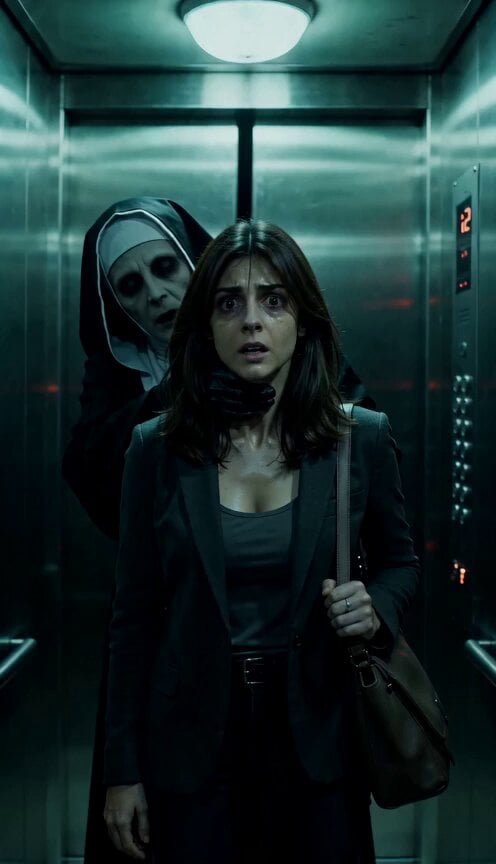
- Prompt included
- Model and format preset
- Free template
The prompt behind this video
Copy the exact prompt behind Skeletal Decay Horror Transformation, or open it in the studio and make it yours.
Cold green horror color palette. Woman in reference overly terrified, shaking, heavily sweating and cornered in elevator crying. Nun-like figure hold her from throat below chin. As the lights flicker, woman skin gradually changes color. Pale gray skin becomes sickly yellow. Yellow slowly turns dark green and decayed. Veins become visible beneath the skin. Her eyes sink deeper into their sockets. Strands of hair begin falling away from her head. More hair drops to the floor with each flicker of light. Her face rapidly deteriorates. Skin tightens over bone. Cheeks collapse inward. Nose decays away. The face transforms into a skeletal corpse-like skull. Cracks spread across the skull. Fine dust begins escaping from the fractures. The entire body slowly breaks apart into drifting gray powder and ash. The soul (white cloud) disperses into the air and inhale by nun-like figure completely, leaving only belongings of woman at elevator door border that stops door from getting close. Cinematic supernatural horror, realistic decay transformation, unsettling atmosphere, slow terrifying progression, highly detailed, realistic lighting, psychological horror film style.
How to use Skeletal Decay Horror Transformation in 3 steps
- 1
Open
The prompt is already in the box next to the preview, with the template's model and format selected.
- 2…a portrait of your subject in softgolden-hour light, 85mm…
Personalize
Edit the subject and creative details for your destination.
- 3Generate
Generate
Press Generate — your video is created in PicX Studio, so you can compare it with the original and refine one variable at a time.
More like this
Templates with the same subject, style or setup. Open one to see its prompt.

Magical Room Transformation - Seedance 2.5

Dark Tokusatsu Transformation - Seedance 2.5

RX-7 to Mech Transformation Cyberpunk
Rainforest Thriller — Searching the Unseen
Chibi Cave Adventure — He Doesn't Know What's Coming
Civilization Timelapse — Centuries in One Shot
Mecha Transformation vs Kaiju — 4-Scene Epic

Dark Fantasy Horror Transformation

Last Ride Train Outbreak Horror
Sci-Fi Horror Hospital Alien Scene
Abandoned Hospital Horror POV Film

Horror Short Guesthouse Box
Make it yours
Skeletal Decay Horror Transformation works as-is. These are the safest ways to change it without losing the look.
Change one field
Copy a single group, rewrite it, and generate again so you can see what that field is doing.
Keep the frame, change the subject
Hold the composition and light of Skeletal Decay Horror Transformation, then swap wardrobe, props or the person for a new take.
| If the result… | Why | Fix |
|---|---|---|
| The result drifts from the preview | Too many fields changed at once. | Reuse Skeletal Decay Horror Transformation as-is first, then change one group — subject, light, or setting. |
| The model over-stylizes the scene | The prose prompt leaves finish and camera underspecified. | Add one camera or lighting sentence and stay on Seedance 2.0. |
More Seedance 2.0 templates
Other prompts made for Seedance 2.0.

Comical Martial Arts Punch Scene

Maglev Train Action Sequence

Martial Arts Fight Sequence

Wuxia Protection and Trust Script

Vintage Korean Arcade MiniDV Vlog

Mercedes 190 SL Luxury Ad

Rainy Night Supernatural Reverse Comedy Video Script

Amazon Civilization Discovery

Futuristic South Asian City Transformation

Cozy Luxury Cafe Commercial
More video prompts
Fresh picks from across the catalog.

NASA Space Shuttle Night Launch

Pirate Raid vs Crocheting Grandmas

Snow Leopard Wildlife Documentary Scene

Crayon Drawing Animated Chase
Industrial Platform Spectral Battle

Cinematic Anime Battle Sequence

Pixar Style Liquid Blush Commercial
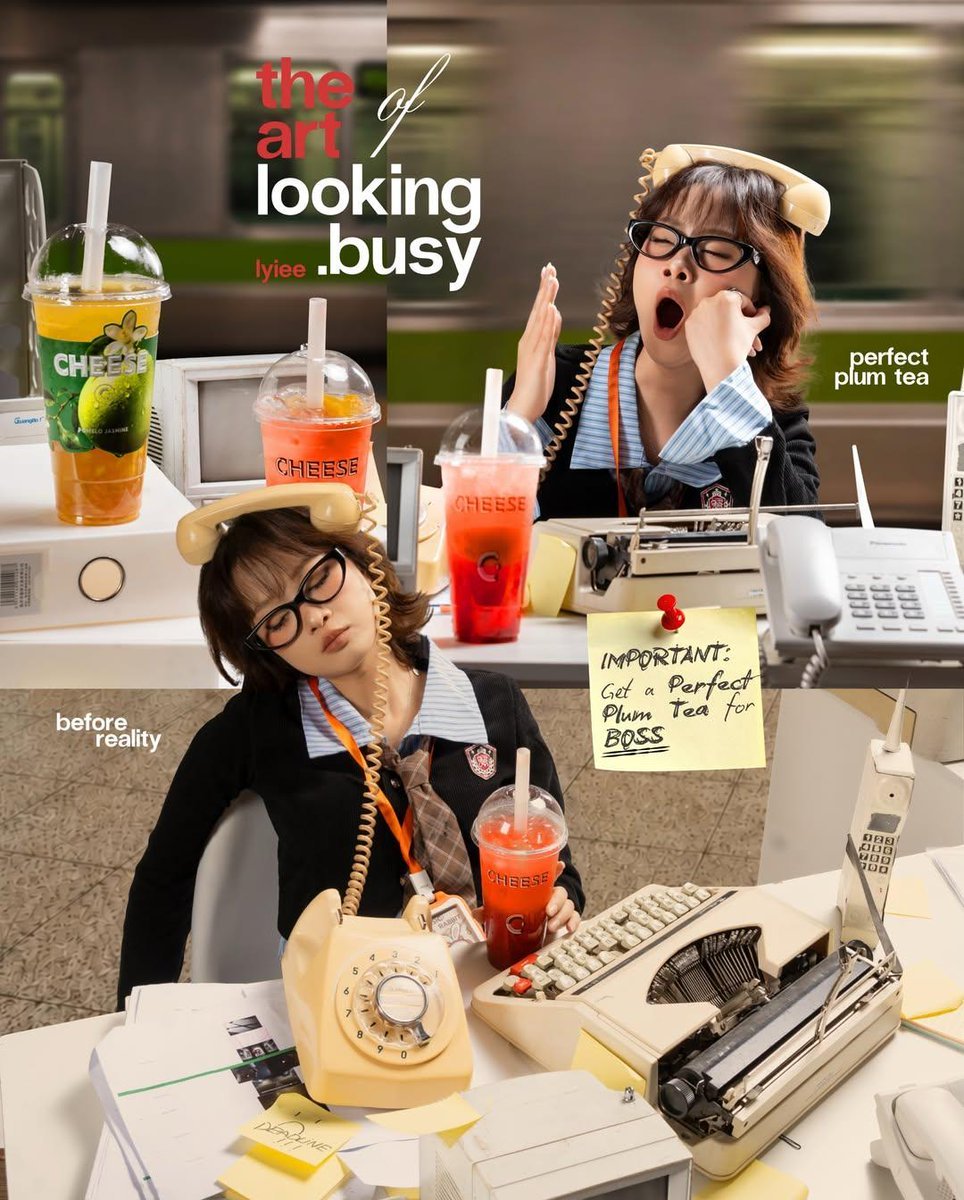
Retro Office Commercial Photography

Anime Flooding Tears Sequence

Professional Designer Suit Business Meeting
Browse template categories
Skeletal Decay Horror Transformation questions
How do I use the Skeletal Decay Horror Transformation template?
Add your photo if the template asks for one, edit the prompt if you like — the template's model and format are already selected — and press Generate. Your version opens in PicX Studio.
Can I customize the Skeletal Decay Horror Transformation template?
Yes. You can change the subject, setting, lighting, mood, format, and available model controls before creating your video.
Is the Skeletal Decay Horror Transformation template free?
Opening and editing this template is free. Generating uses credits, shown on the Generate button when you are signed in.
Which AI model should I use?
Start with Seedance 2.0, which is the model associated with this template. You can compare another compatible model for a different finish.
Looking for something else? Browse all templates.

Your photo, any look
Thousands of ready templates for every top image and video model, from one credit balance.