
NASA Space Shuttle Night Launch
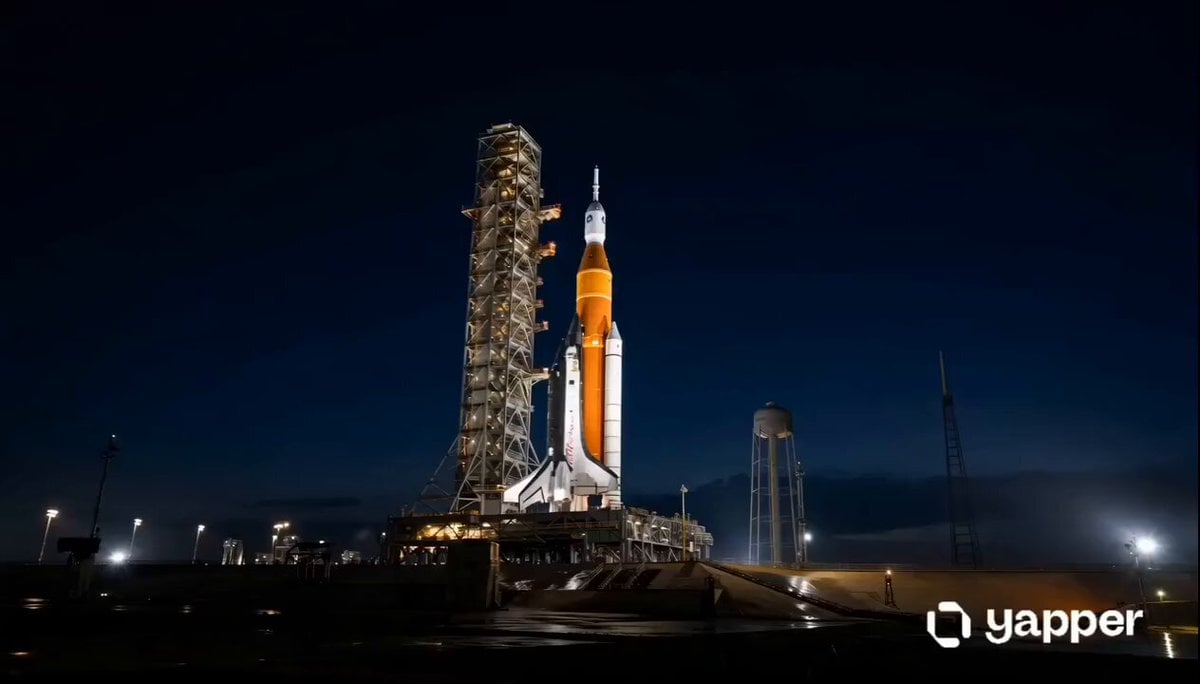
A cinematic, hyper-realistic prompt detailing a 14-second sequence of a NASA Space Shuttle launching at night, featuring intense lighting and smoke effects.
- Prompt included
- Model and format preset
- Free template
The prompt behind this video
Copy the exact prompt behind NASA Space Shuttle Night Launch, or open it in the studio and make it yours.
Cinematic hyper-realistic 14-second night launch of a NASA Space Shuttle at Kennedy Space Center, photorealistic 8K, dramatic lighting, wet reflective concrete pad, epic scale, filmic color grading, no text, no logos. 0-2 seconds: Wide static establishing shot of the full Space Shuttle stack (white orbiter with black heat tiles, massive orange external tank, two white SRBs) standing vertically on the launch pad next to the tall metal tower under a deep dark blue night sky. Subtle ambient lights, calm before ignition. 2-4 seconds: Sudden violent ignition — three main engines and two SRBs fire simultaneously with blinding orange-white flames and explosive clouds of thick white smoke + steam from the water deluge system erupting from the base. Camera cuts to intense low-angle close-up of the roaring engines and orbiter belly, fire and dense smoke rapidly filling the frame, ground shaking, dramatic orange glow reflecting on wet pad. 4-6 seconds: Extreme low-angle close-up on the engines and lower orbiter/external tank as the flames intensify and massive billowing smoke clouds swirl and expand violently upward, thick white vapor pouring out, intense heat distortion, cinematic orange illumination lighting the entire structure from below. 6-8 seconds: Camera pulls back to medium-wide low-angle shot as the shuttle begins to slowly lift off the pad; enormous golden-orange fire and expanding smoke clouds engulf the launch tower base, brilliant reflections on the wet ground, raw power visible. 8-10 seconds: Dramatic wide shot of the Space Shuttle clearing the tower and rising majestically into the night sky; massive expanding clouds of fire and thick white/orange smoke billow outward across the entire pad, tower lit dramatically by the engine glow, epic ascent beginning. 10-12 seconds: Dynamic low-angle tracking shot from below the ascending shuttle, focusing on the three blazing engine nozzles and SRBs producing powerful blue-white exhaust plumes, smoke continuing to surge upward, shuttle gaining altitude against the dark sky. 12-14 seconds: Final wide heroic shot of the fully ascending Space Shuttle climbing higher into the night, surrounded by enormous glowing clouds of smoke and fire that light up the launch complex, dramatic reflections, sense of immense power and scale as it continues its powerful vertical climb. Style: Hyper-realistic, photorealistic details, intense contrast between dark night and blazing exhaust, cinematic camera movement with slight Dutch angles and smooth tracking, epic and emotionally powerful, no voiceover.
How to use NASA Space Shuttle Night Launch in 3 steps
- 1
Open
The prompt is already in the box next to the preview, with the template's model and format selected.
- 2…a portrait of your subject in softgolden-hour light, 85mm…
Personalize
Edit the subject and creative details for your destination.
- 3Generate
Generate
Press Generate — your video is created in PicX Studio, so you can compare it with the original and refine one variable at a time.
More like this
Templates with the same subject, style or setup. Open one to see its prompt.

Cinematic Istanbul Night Fight - Seedance 2.5
Late Night Kitchen Phone Recording - Seedance 2.5

Korean Night Market Bullet-Time Scene - Seedance 2.5
SpaceX Style Rocket Launch
Alien Couple Spaceship Launch

Forest Fantasy Girl Short Film

Live-Action Firefighter Rescue Night Scene
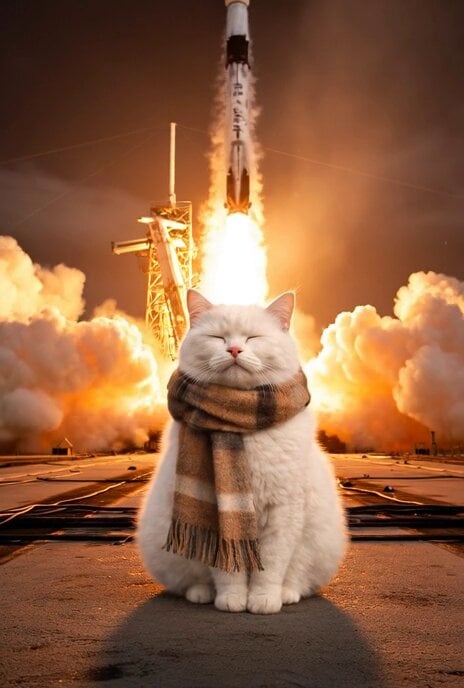
Cat Walking Away After SpaceX Launch Video Prompt
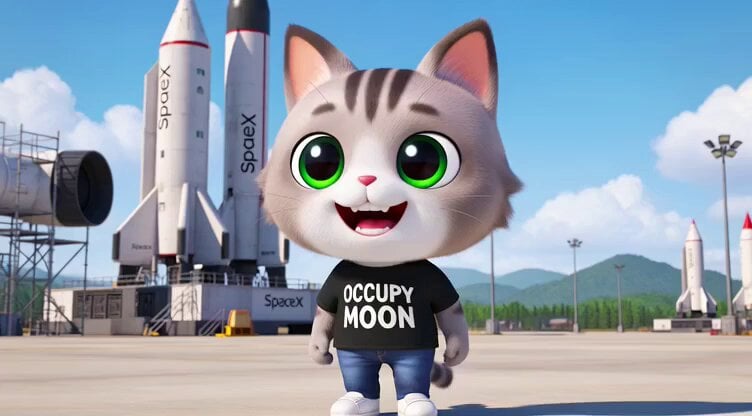
3D render of Chibi humanoid cat mascot at SpaceX launch site
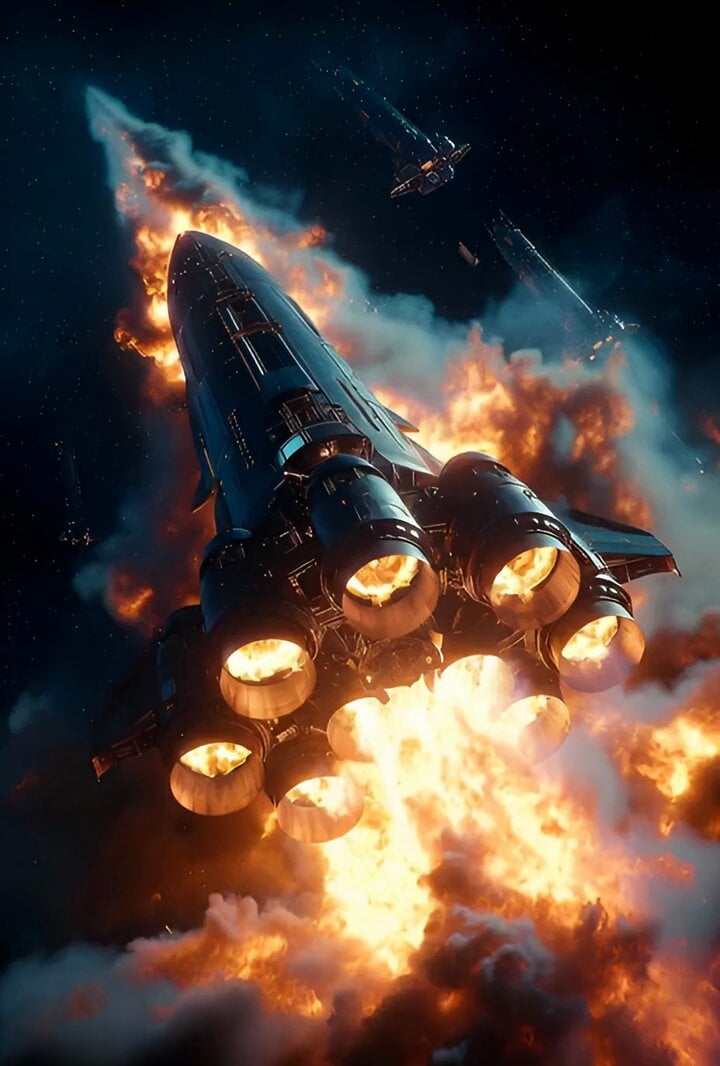
Hyperrealistic spaceship launch prompt
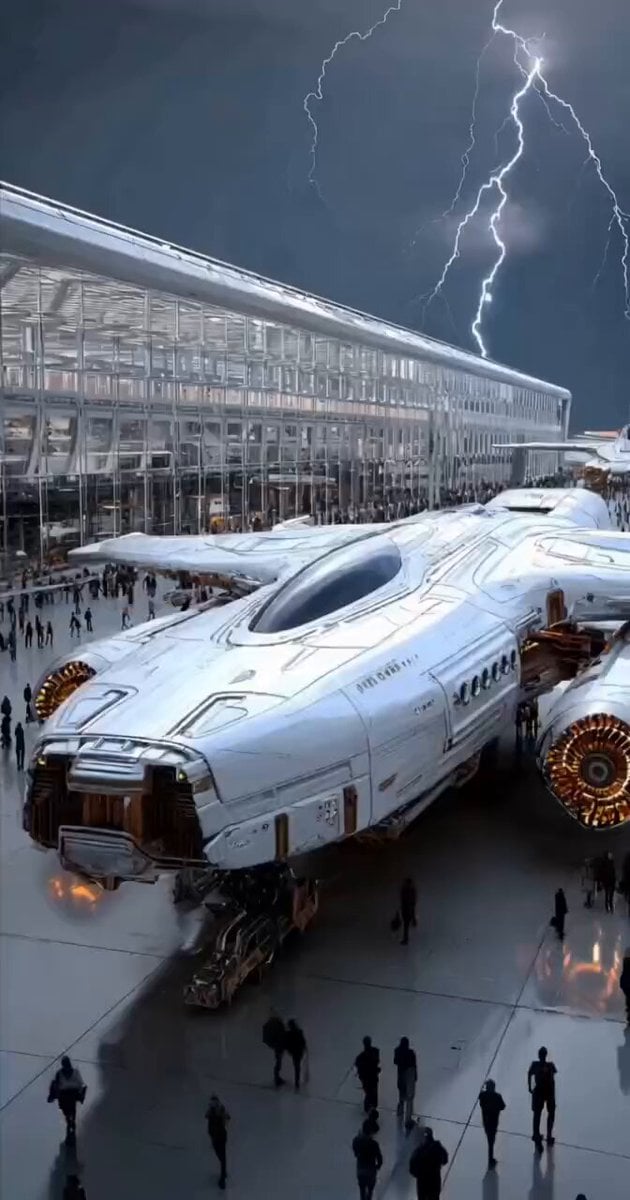
Futuristic Spacecraft Launch
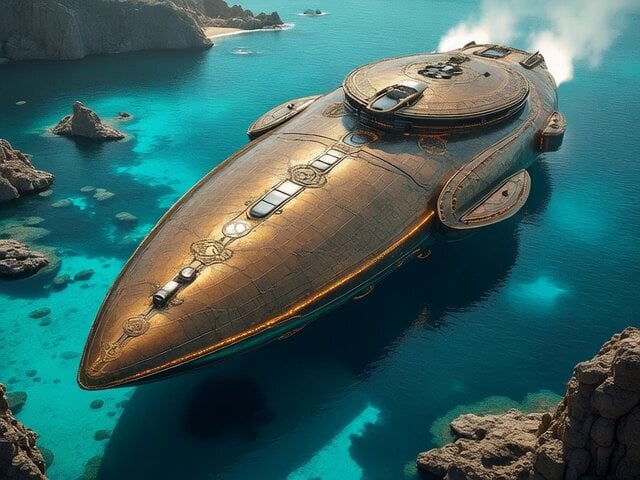
Cinematic Spacecraft Launch Video Prompt
Make it yours
NASA Space Shuttle Night Launch works as-is. These are the safest ways to change it without losing the look.
Change one field
Copy a single group, rewrite it, and generate again so you can see what that field is doing.
Keep the frame, change the subject
Hold the composition and light of NASA Space Shuttle Night Launch, then swap wardrobe, props or the person for a new take.
| If the result… | Why | Fix |
|---|---|---|
| The result drifts from the preview | Too many fields changed at once. | Reuse NASA Space Shuttle Night Launch as-is first, then change one group — subject, light, or setting. |
| The model over-stylizes the scene | The prose prompt leaves finish and camera underspecified. | Add one camera or lighting sentence and stay on Seedance 2.0. |
More Seedance 2.0 templates
Other prompts made for Seedance 2.0.

Comical Martial Arts Punch Scene

Maglev Train Action Sequence

Martial Arts Fight Sequence

Wuxia Protection and Trust Script

Vintage Korean Arcade MiniDV Vlog

Mercedes 190 SL Luxury Ad

Amazon Civilization Discovery

Futuristic South Asian City Transformation

Cozy Luxury Cafe Commercial

Cyber Ronin Nanotech Transformation Video
More video prompts
Fresh picks from across the catalog.
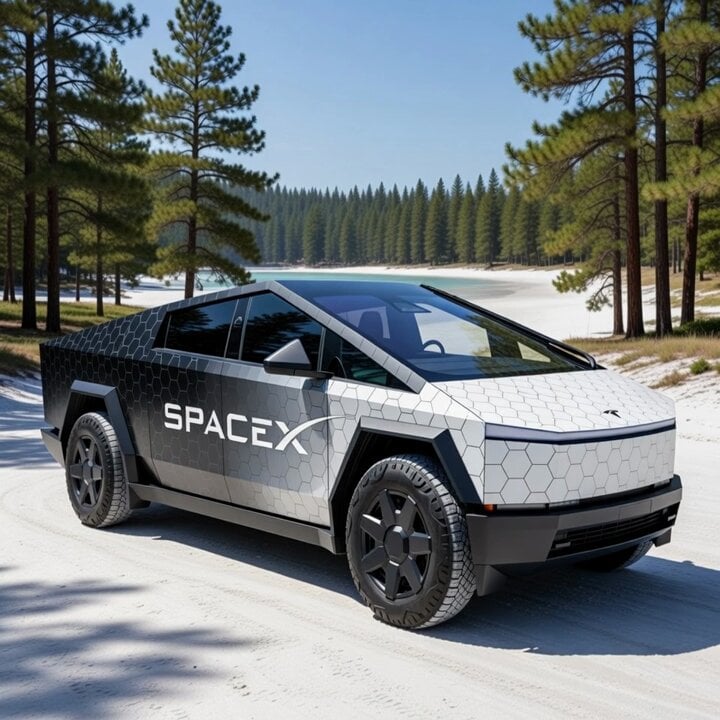
Cybertruck with SpaceX Starship Wrap
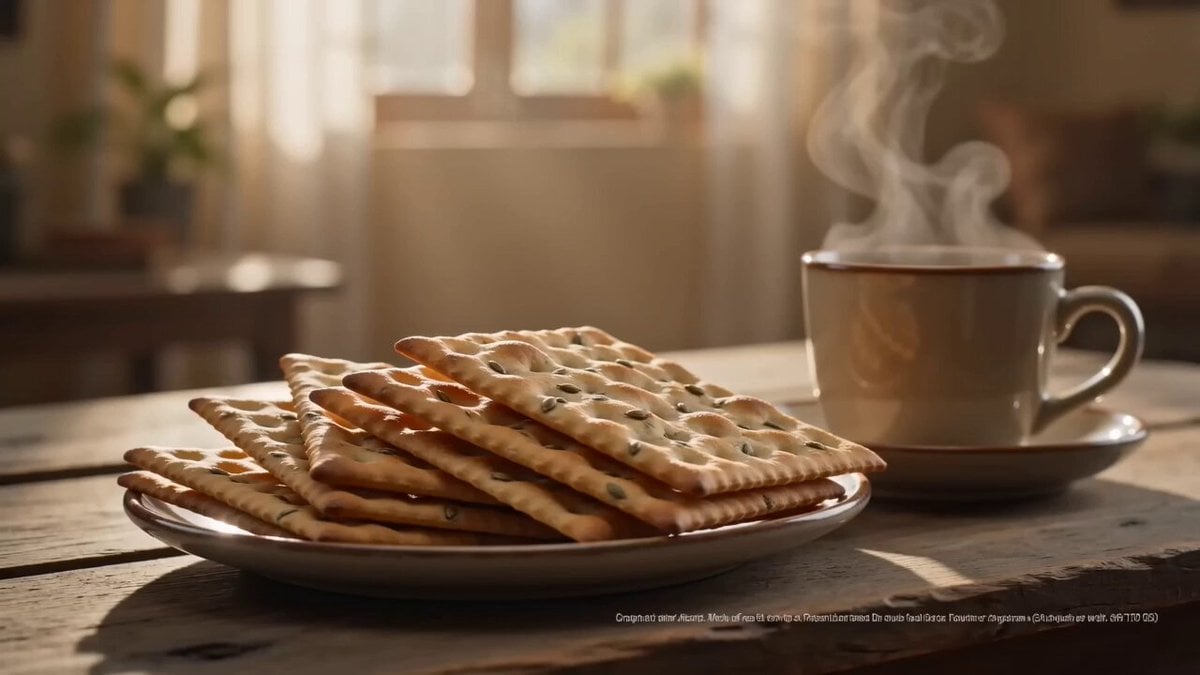
Zeera Biscuits Cinematic Commercial
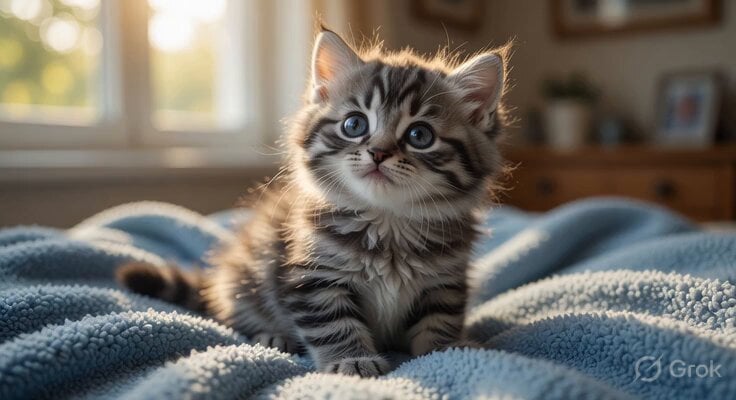
Playful Kitten with Blanket
Handheld iPhone Style Melancholic Story
Anime Woman with Steampunk Wolf in Wheat Field
Tesla FSD Instead of a Ring
Biomechanical Leviathan Emergence

Cinematic Short Film Scene
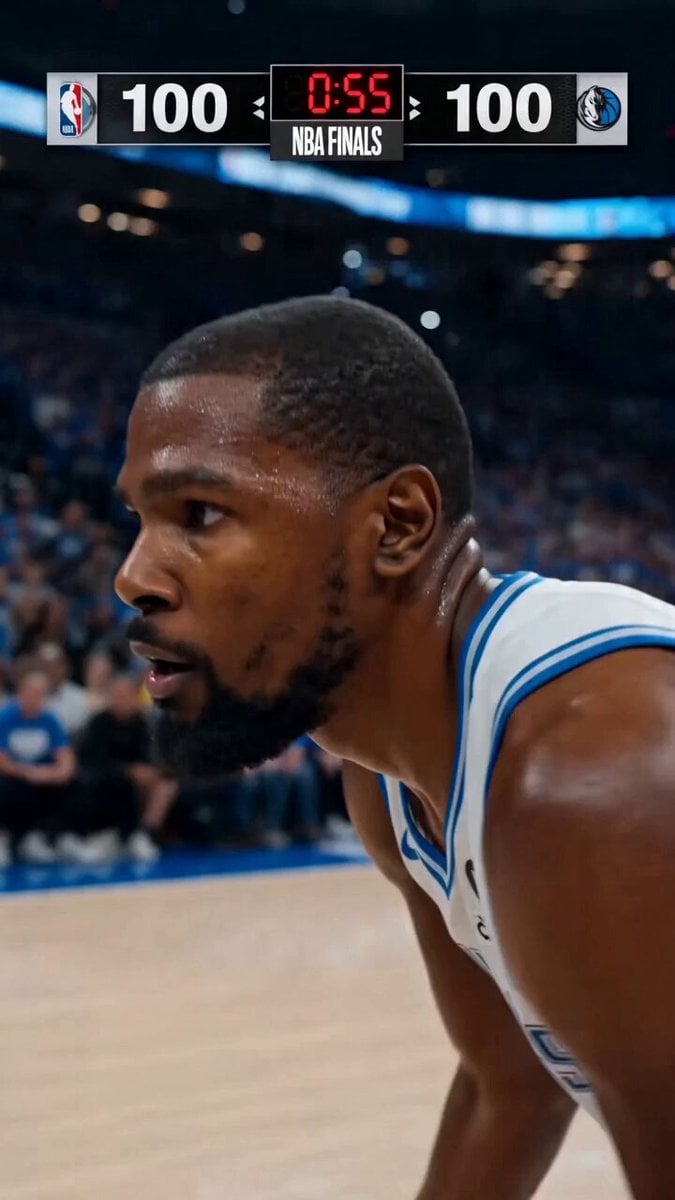
NBA Finals Game-Winning Moment
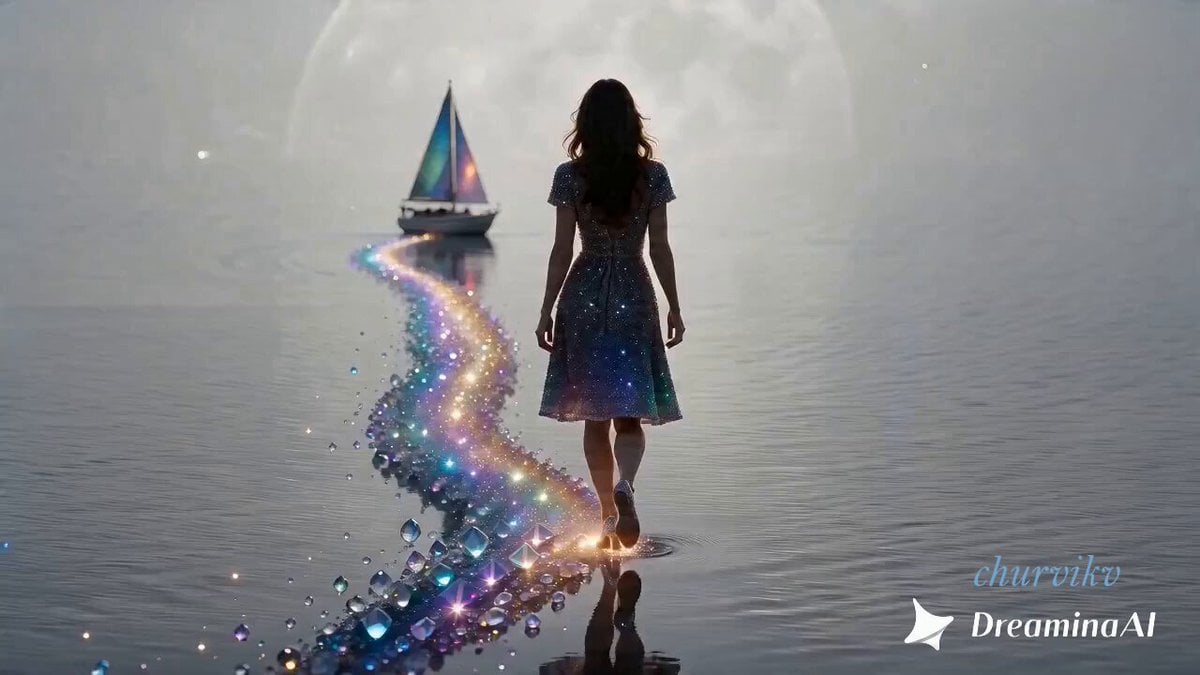
Magical Tree in Rainy City
Browse template categories
NASA Space Shuttle Night Launch questions
How do I use the NASA Space Shuttle Night Launch template?
Add your photo if the template asks for one, edit the prompt if you like — the template's model and format are already selected — and press Generate. Your version opens in PicX Studio.
Can I customize the NASA Space Shuttle Night Launch template?
Yes. You can change the subject, setting, lighting, mood, format, and available model controls before creating your video.
Is the NASA Space Shuttle Night Launch template free?
Opening and editing this template is free. Generating uses credits, shown on the Generate button when you are signed in.
Which AI model should I use?
Start with Seedance 2.0, which is the model associated with this template. You can compare another compatible model for a different finish.
Looking for something else? Browse all templates.

Your photo, any look
Thousands of ready templates for every top image and video model, from one credit balance.