How do I use the Cinematic Anime Battle Sequence template?
Edit the prompt in the box under the preview — the template's model and format are already selected — and press Generate. Your version appears right on this page.
A complex action-oriented prompt for an anime battle video, detailing a series of combat maneuvers and magic effects based on storyboard and character references.
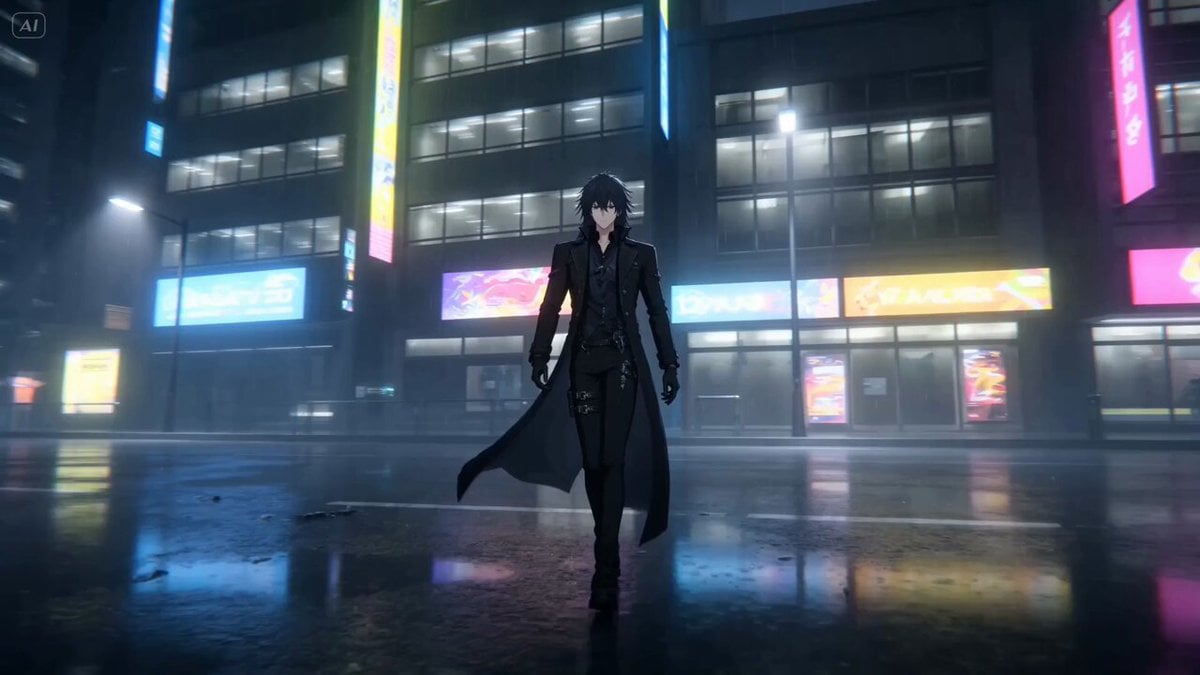
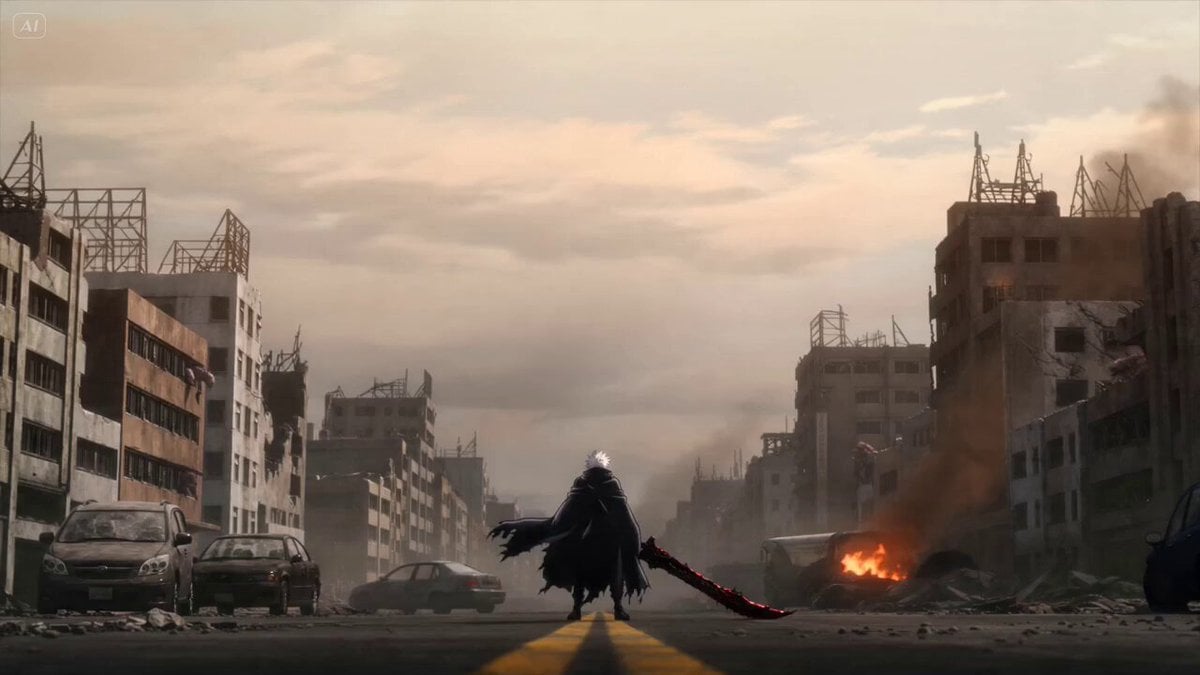
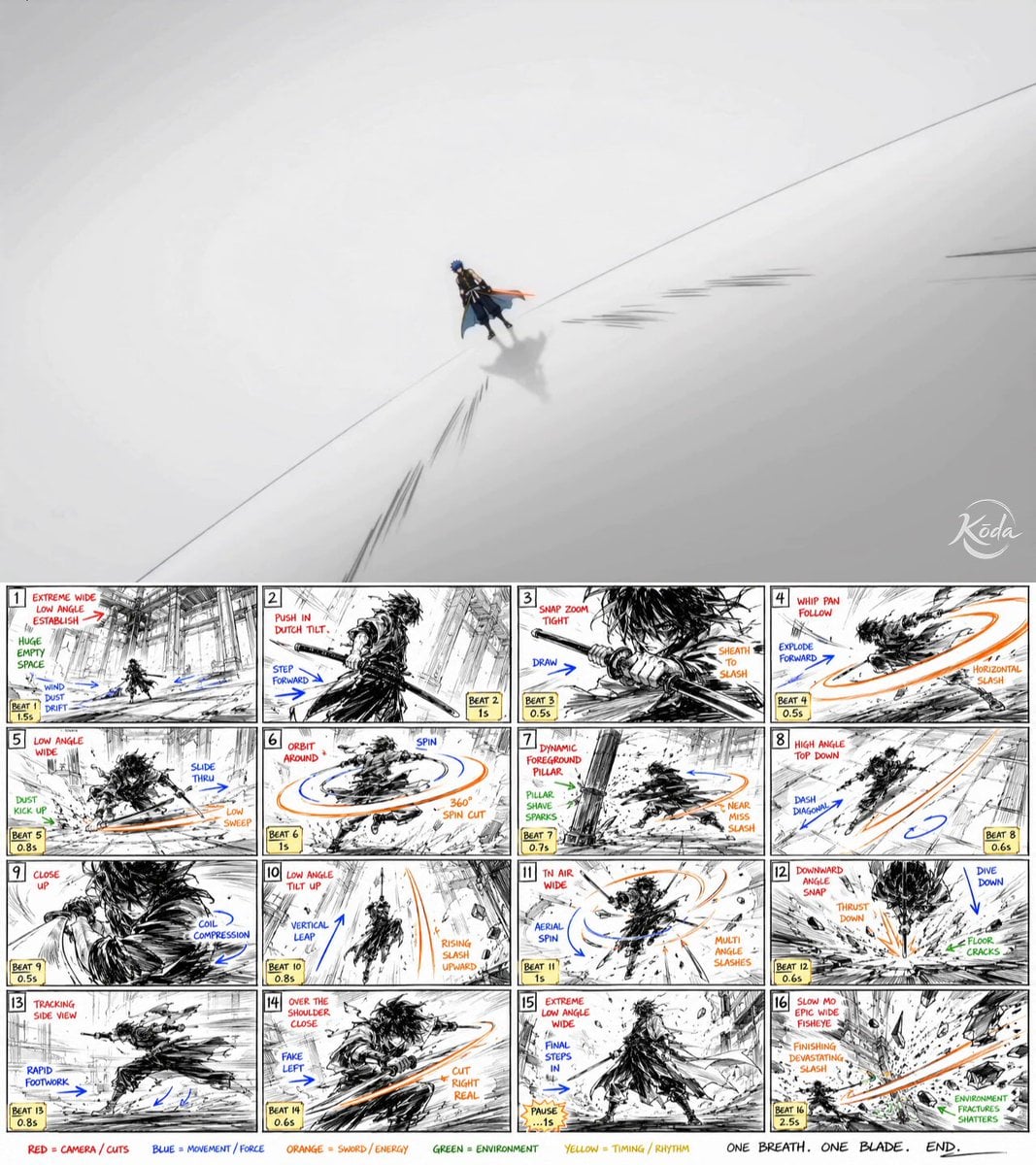
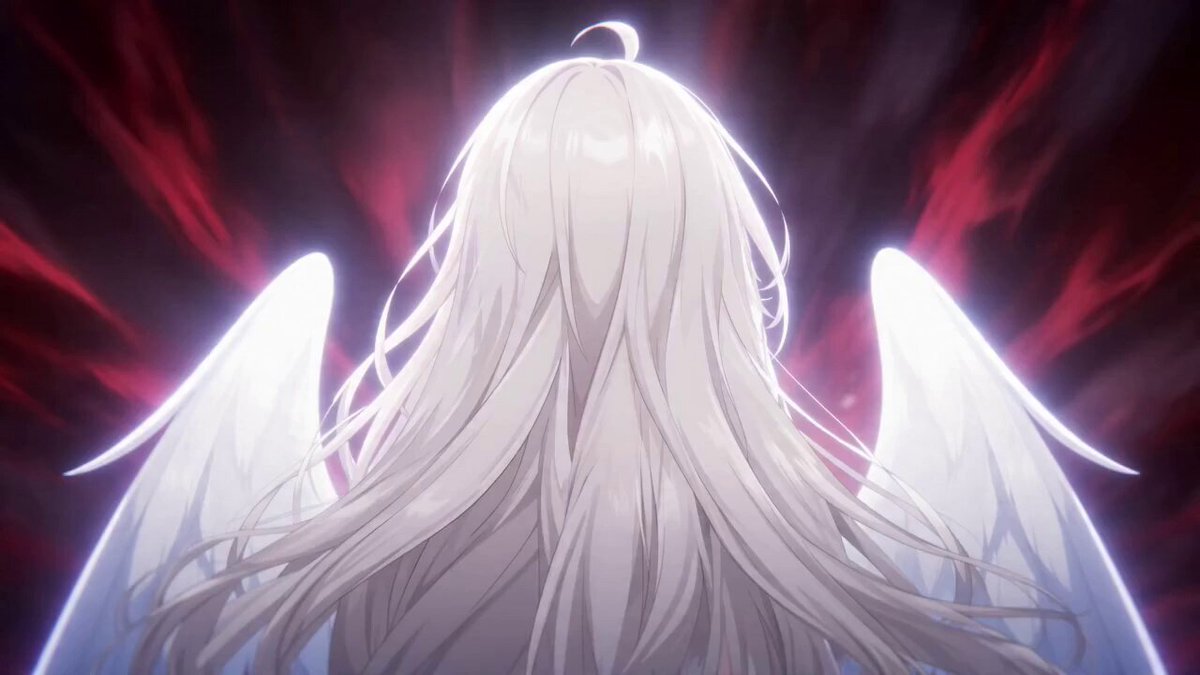
Create a full-color cinematic anime battle video based on the attached references. REFERENCE ROLES: - Manga storyboard image: defines the ACTION FLOW and SHOT COMPOSITION only (ignore its monochrome palette) - Color character reference(s): define the FINAL VISUAL APPEARANCE of characters, outfits, and coloring - Background/environment references (if provided): define world aesthetics OUTPUT: Full-color animated sequence. Do NOT output monochrome or grayscale under any circumstances. ACTION (follow manga storyboard order): Booster charge → sonic boom dash → fist wind-up → male dodges as fist hits ground (both in frame) → massive shockwave with female at crater center and male hidden in debris → male revealed upside-down with shield in left hand and magic charging in right palm, female visible below → male fires thick magic beam from palm while inverted, beam directly impacts female in the same shot. STYLE: Vivid full-color modern anime, sakuga animation quality, cinematic lighting, dynamic camera, 24fps. STRICT: Male NEVER uses firearms. Shield on left arm, magic from right palm only. No text or UI anywhere.
Create a full-color cinematic anime battle video based on the attached references. REFERENCE ROLES: - Manga storyboard image: defines the ACTION FLOW and SHOT COMPOSITION only (ignore its monochrome palette) - Color character reference(s): define the FINAL VISUAL APPEARANCE of characters, outfits, and coloring - Background/environment references (if provided): define world aesthetics OUTPUT: Full-color animated sequence. Do NOT output monochrome or grayscale under any circumstances. ACTION (follow manga storyboard order): Booster charge → sonic boom dash → fist wind-up → male dodges as fist hits ground (both in frame) → massive shockwave with female at crater center and male hidden in debris → male revealed upside-down with shield in left hand and magic charging in right palm, female visible below → male fires thick magic beam from palm while inverted, beam directly impacts female in the same shot. STYLE: Vivid full-color modern anime, sakuga animation quality, cinematic lighting, dynamic camera, 24fps. STRICT: Male NEVER uses firearms. Shield on left arm, magic from right palm only. No text or UI anywhere.
Edit the prompt in the box under the preview — the template's model and format are already selected — and press Generate. Your version appears right on this page.
Yes. You can change the subject, setting, lighting, mood, format, and available model controls before creating your video.
Opening and editing this template is free. Generating uses credits, shown on the Generate button when you are signed in.
Start with Seedance 2.0, which is the model associated with this template. You can compare another compatible model for a different finish.
Follow a topic to a crawlable collection of related PicX Studio templates.