How do I use the Cinematic Anime Battle in Modern Mall template?
Edit the prompt in the box under the preview — the template's model and format are already selected — and press Generate. Your version appears right on this page.
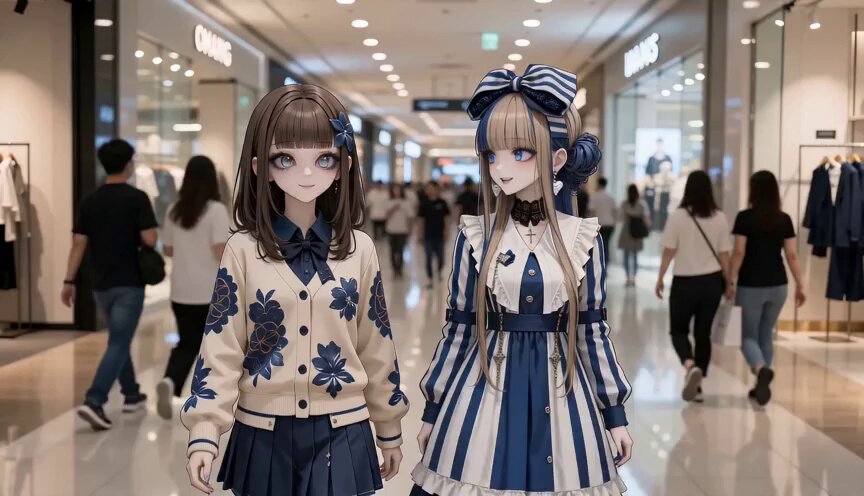
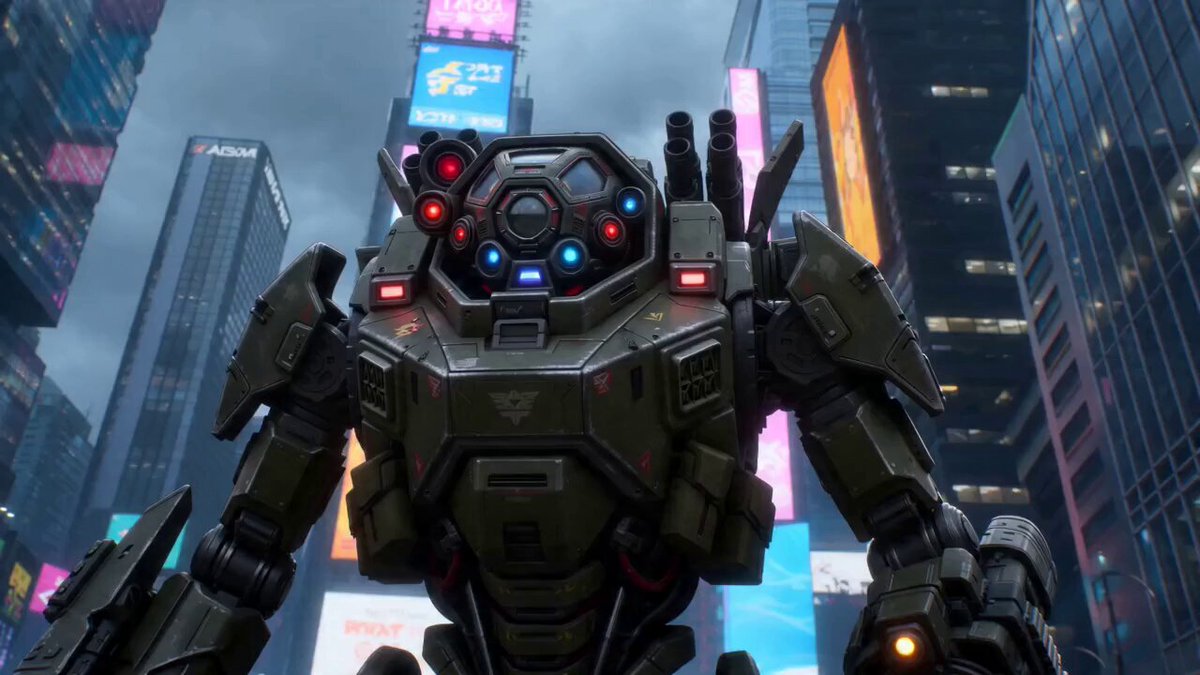
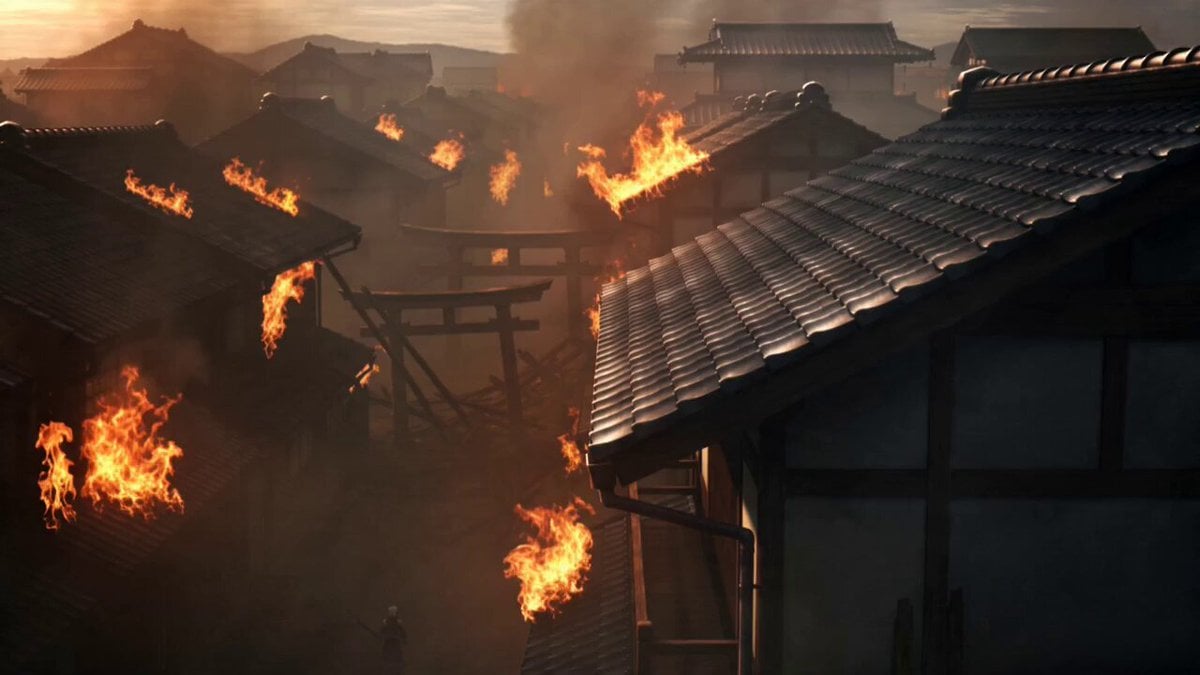
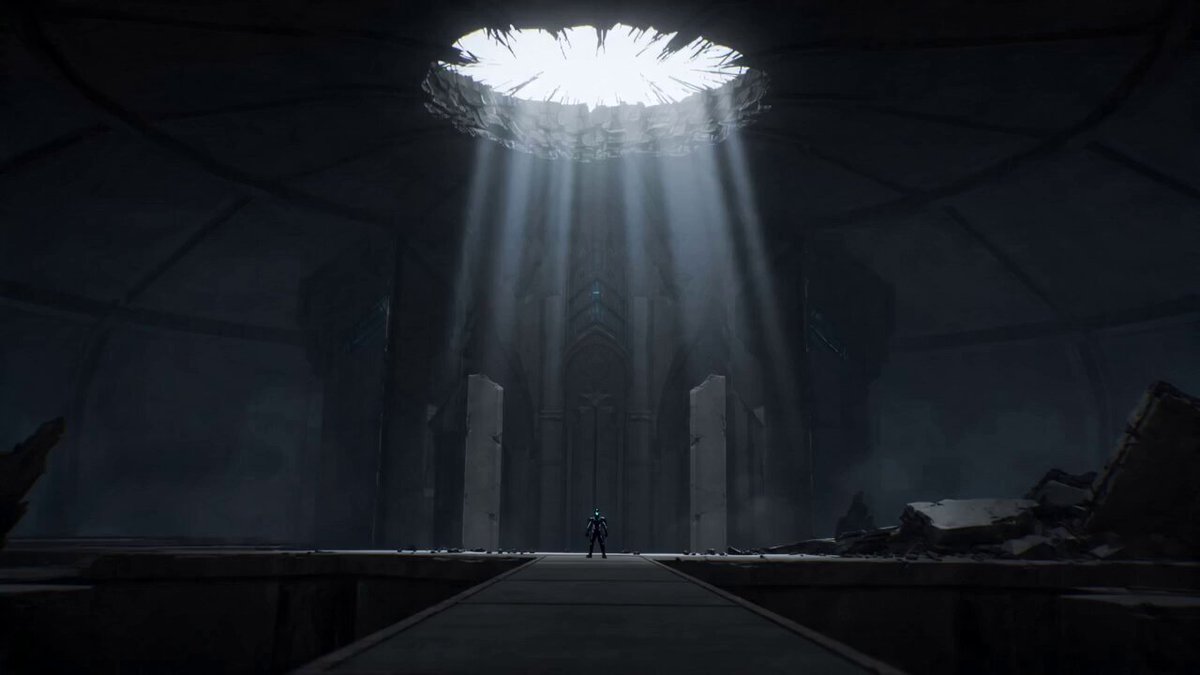
A highly detailed cinematic prompt featuring a young woman fighting an armored anime villain in a mall with supernatural visual effects.
A young East Asian woman in her mid-20s stands calmly in a crowded modern shopping mall. Without warning, a towering anime-style villain clad in dark, dramatic armor materializes, sending the mall into chaos as people scream and flee in every direction. Remaining completely fearless, the woman steps forward, draws a sleek blade from her side, and locks eyes with the threat. Her gaze sharpens with a subtle supernatural glow as she moves with flawless precision and incredible speed. She delivers a series of powerful, calculated strikes while simultaneously guiding terrified civilians to safety, maintaining complete control throughout the battle. In the climactic final confrontation, she defeats the villain, leaving the armored figure collapsed on the ground. Silence falls over the mall as the civilians stare at her in awe. Moments later, the defeated villain slowly dissolves into shadow and disappears without a trace. Her blade fades from her hand, the mall lights return to their normal warm brightness, and the environment becomes peaceful once again. As if nothing extraordinary had happened, shoppers quietly resume their daily routines. The woman calmly adjusts the strap of her bag, turns away, and continues walking alone through the mall. Style: Dramatic cinematic lighting, slow-motion impact shots, dynamic handheld camera movement, high-contrast cinematic color grading that gradually transitions back to warm, natural shopping mall lighting. Aspect Ratio: 16:9
A young East Asian woman in her mid-20s stands calmly in a crowded modern shopping mall. Without warning, a towering anime-style villain clad in dark, dramatic armor materializes, sending the mall into chaos as people scream and flee in every direction. Remaining completely fearless, the woman steps forward, draws a sleek blade from her side, and locks eyes with the threat. Her gaze sharpens with a subtle supernatural glow as she moves with flawless precision and incredible speed. She delivers a series of powerful, calculated strikes while simultaneously guiding terrified civilians to safety, maintaining complete control throughout the battle. In the climactic final confrontation, she defeats the villain, leaving the armored figure collapsed on the ground. Silence falls over the mall as the civilians stare at her in awe. Moments later, the defeated villain slowly dissolves into shadow and disappears without a trace. Her blade fades from her hand, the mall lights return to their normal warm brightness, and the environment becomes peaceful once again. As if nothing extraordinary had happened, shoppers quietly resume their daily routines. The woman calmly adjusts the strap of her bag, turns away, and continues walking alone through the mall. Style: Dramatic cinematic lighting, slow-motion impact shots, dynamic handheld camera movement, high-contrast cinematic color grading that gradually transitions back to warm, natural shopping mall lighting. Aspect Ratio: 16:9
Edit the prompt in the box under the preview — the template's model and format are already selected — and press Generate. Your version appears right on this page.
Yes. You can change the subject, setting, lighting, mood, format, and available model controls before creating your video.
Opening and editing this template is free. Generating uses credits, shown on the Generate button when you are signed in.
Start with Seedance 2.0, which is the model associated with this template. You can compare another compatible model for a different finish.
Follow a topic to a crawlable collection of related PicX Studio templates.