How do I use the Cinematic freeze-frame snapshot video template?
Edit the prompt in the box under the preview — the template's model and format are already selected — and press Generate. Your version appears right on this page.
A detailed Japanese prompt for Grok Imagine, utilizing three reference images to create a cinematic video.
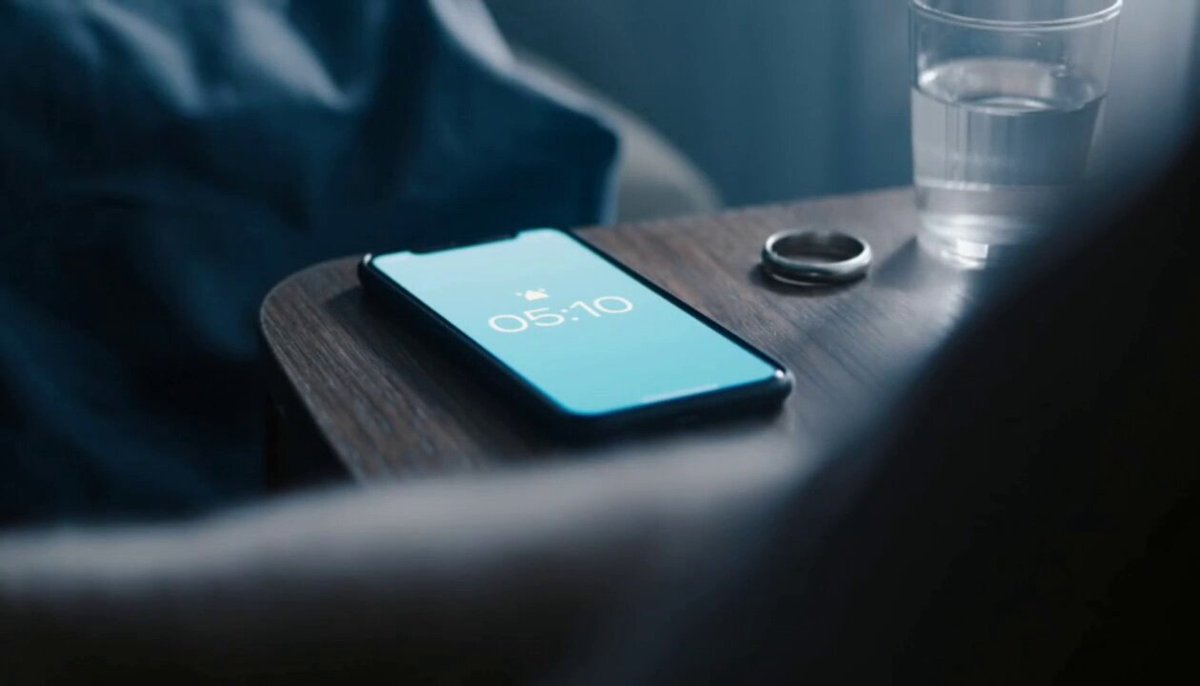
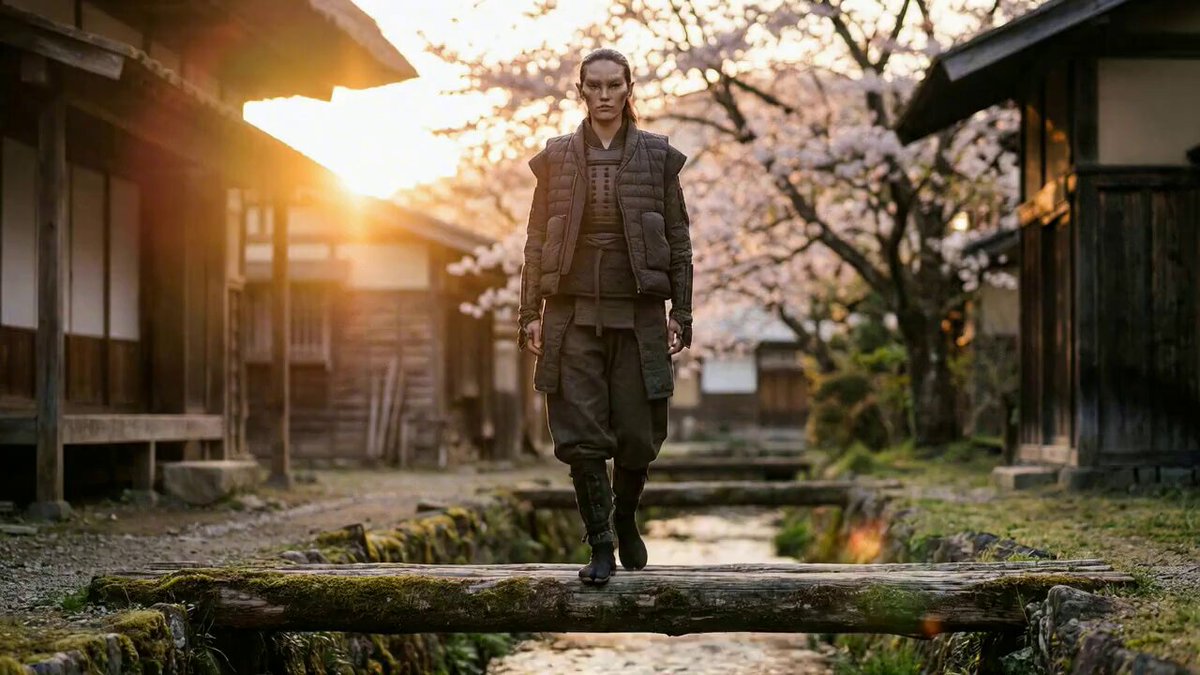
背景は@ image1の背景を使用。 3人の人物が並んでポーズをとっているシーン。シネマティックなライティング。3人は自然に動いたりポーズを変えたりしている。突然シャッター音が鳴った瞬間、時間が完全に停止し、3人の動きがフリーズする。停止した瞬間のシーンがスナップショット写真のように変化し、印刷された写真のようなフレーム付きの画像が画面に斜めの角度で表示される。 **スナップショットが表示された後は、すべての動きが完全に停止した静止画状態を維持する。人物も背景も一切動かない。動画の最後まで完全なフリーズフレームを保つ。 **光沢のある写真の質感、わずかなフィルムグレイン、広告写真のようなスタイリッシュな雰囲気、浅い被写界深度、シネマティックな構図、超高精細。
背景は@ image1の背景を使用。 3人の人物が並んでポーズをとっているシーン。シネマティックなライティング。3人は自然に動いたりポーズを変えたりしている。突然シャッター音が鳴った瞬間、時間が完全に停止し、3人の動きがフリーズする。停止した瞬間のシーンがスナップショット写真のように変化し、印刷された写真のようなフレーム付きの画像が画面に斜めの角度で表示される。 **スナップショットが表示された後は、すべての動きが完全に停止した静止画状態を維持する。人物も背景も一切動かない。動画の最後まで完全なフリーズフレームを保つ。 **光沢のある写真の質感、わずかなフィルムグレイン、広告写真のようなスタイリッシュな雰囲気、浅い被写界深度、シネマティックな構図、超高精細。
Edit the prompt in the box under the preview — the template's model and format are already selected — and press Generate. Your version appears right on this page.
Yes. You can change the subject, setting, lighting, mood, format, and available model controls before creating your video.
Opening and editing this template is free. Generating uses credits, shown on the Generate button when you are signed in.
Start with Grok Imagine, which is the model associated with this template. You can compare another compatible model for a different finish.
Follow a topic to a crawlable collection of related PicX Studio templates.