How do I use the Neon Laundromat Rhythm Cinema Prompt template?
Edit the prompt in the box under the preview — the template's model and format are already selected — and press Generate. Your version appears right on this page.
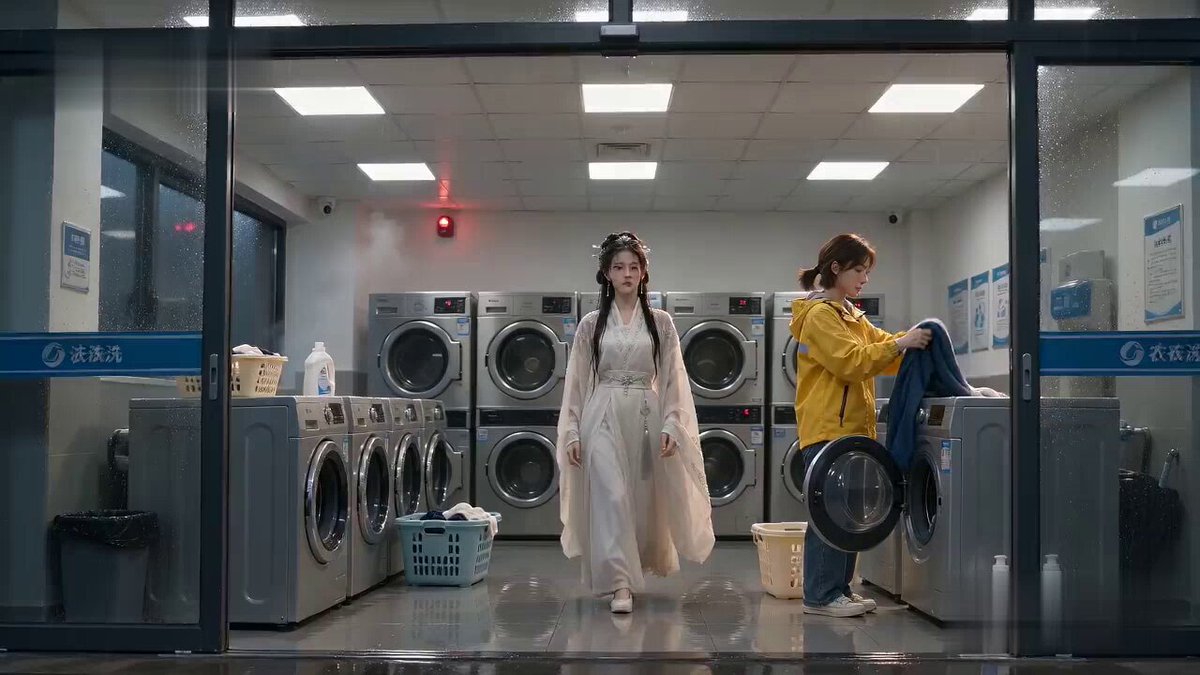
A rhythm-focused cinematic prompt using a reference image to generate a 15-shot sequence synced to a 140 BPM beat.
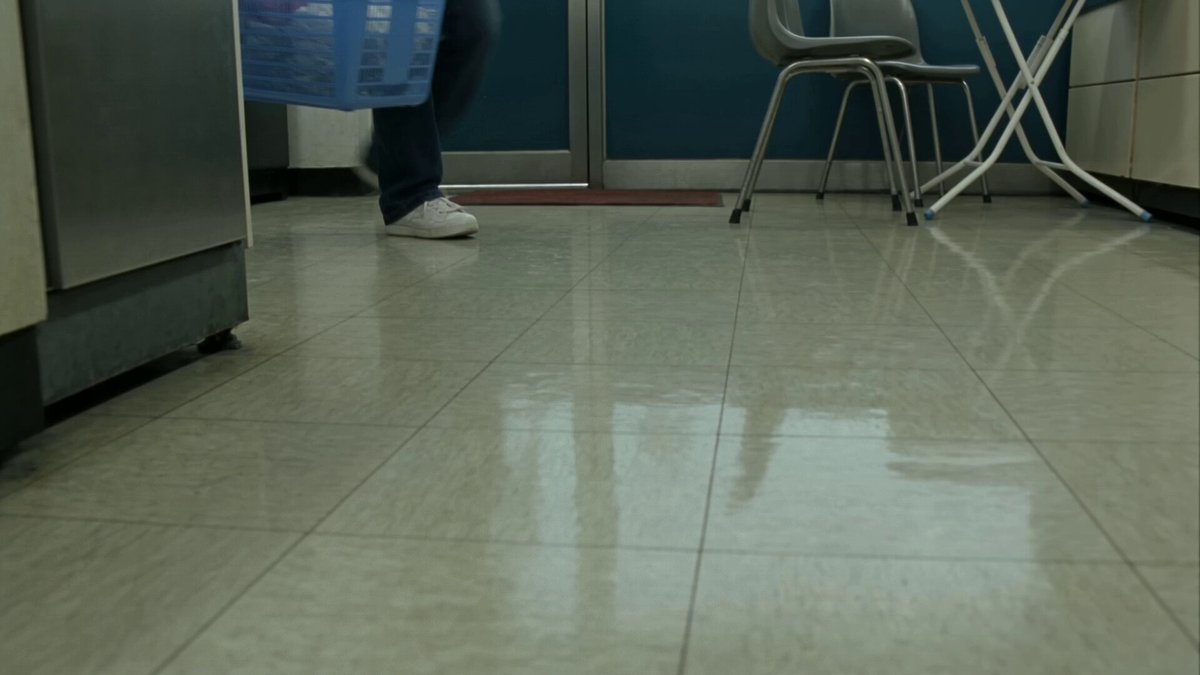
FORMAT: 15s / 140 BPM / 15 SHOTS SUBJECT: @[image1] WARDROBE: Oversized vintage denim jacket, white tank, gold hoops ENVIRONMENT: Neon-lit laundromat at night MOOD: Bored → magnetic STYLE: Lo-fi rhythm cinema CORE IDEA: The washing machine's spin cycle becomes her personal beat drop SHOT FLOW: Sitting on machine → low hum builds Fingers tap thigh → snare pattern Head tilt → reverb swell Eyes catch camera → bass pulse Slow stand → drum fill Hip shift syncs with spin cycle She owns the rhythm now Walk between machines → stereo pan effect Hand trails across metal → metallic ping Spin → washer door reflection multiplies her Lean back → beat suspension Full body groove locks to tempo Machines rattle in unison Final turn → all sound cuts Smirk holds → bass drop hits black
FORMAT: 15s / 140 BPM / 15 SHOTS SUBJECT: @[image1] WARDROBE: Oversized vintage denim jacket, white tank, gold hoops ENVIRONMENT: Neon-lit laundromat at night MOOD: Bored → magnetic STYLE: Lo-fi rhythm cinema CORE IDEA: The washing machine's spin cycle becomes her personal beat drop SHOT FLOW: Sitting on machine → low hum builds Fingers tap thigh → snare pattern Head tilt → reverb swell Eyes catch camera → bass pulse Slow stand → drum fill Hip shift syncs with spin cycle She owns the rhythm now Walk between machines → stereo pan effect Hand trails across metal → metallic ping Spin → washer door reflection multiplies her Lean back → beat suspension Full body groove locks to tempo Machines rattle in unison Final turn → all sound cuts Smirk holds → bass drop hits black
Edit the prompt in the box under the preview — the template's model and format are already selected — and press Generate. Your version appears right on this page.
Yes. You can change the subject, setting, lighting, mood, format, and available model controls before creating your video.
Opening and editing this template is free. Generating uses credits, shown on the Generate button when you are signed in.
Start with Seedance 2.0, which is the model associated with this template. You can compare another compatible model for a different finish.
Follow a topic to a crawlable collection of related PicX Studio templates.