How do I use the Editorial Street Fashion Cinema Film template?
Edit the prompt in the box under the preview — the template's model and format are already selected — and press Generate. Your version appears right on this page.
A professional cinematic prompt for a 15-second fashion film featuring two models in urban environments, utilizing fisheye lenses, match cuts, and specific wardrobe consistency.
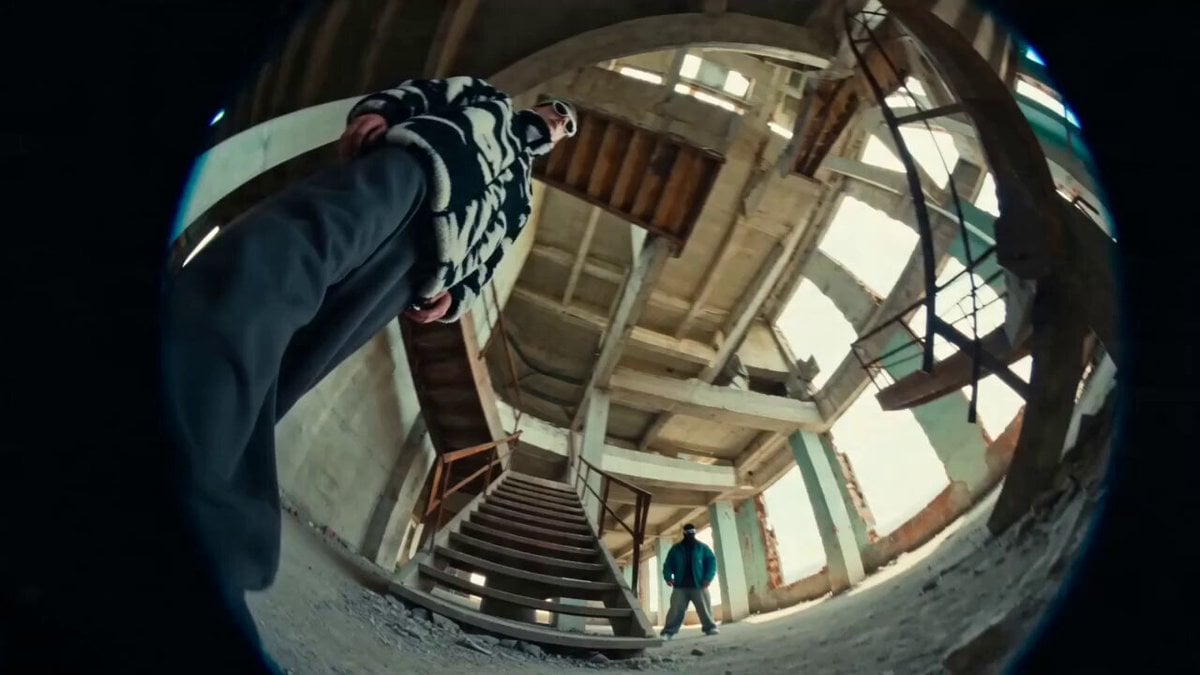
Create a 15-second, 16:9 photorealistic editorial street-fashion film that feels captured by a real small crew on a full-frame cinema camera. Two young adult female models; keep faces, body proportions and wardrobes consistent across every cut. Model A: oversized off-white/cream streetwear, chunky white shoes, layered necklaces, small brown leather shoulder bag. Model B: dark sunglasses, loose black top, electric-blue layered/baggy streetwear, chunky black shoes, silver jewelry; one brief look adds a burnt-orange jacket over the same blue outfit. 0.0–2.2s — Modern metro/lobby interior. Floor-level 14–16mm ultra-wide/fisheye, tilted slightly upward. Model A walks calmly toward lens beneath a huge circular white LED ceiling fixture forming a halo. Metallic escalators recede behind her; glossy charcoal stone floor shows accurate reflections; dark concrete walls and a small orange panel add contrast. Camera dollies backward with subtle handheld micro-jitter and natural footstep bounce. 2.2–4.3s — Low-angle push-in. She grips the front of her oversized shirt, leans close and gives a relaxed, confident direct gaze. One hand passes near lens, creating real perspective distortion and soft edge blur. Hair and loose fabric react naturally. 4.3–5.1s — Extreme close-up of a human eye with detailed iris, moist catchlight and the circular ceiling light reflected in the cornea. Match-cut the round highlight into bright daylight; keep it photographic, not fantasy VFX. 5.1–7.9s — Exterior urban promenade beside water in warm late-afternoon sun. Model B stands on pale concrete with palms and modern towers in the distance. Camera stays below waist height on a 16–20mm lens, gently orbiting and drifting forward. She poses, then steps toward lens; wind moves hair and fabric. Cyan sky, warm skin, crisp believable sunlight and ground shadows. 7.9–10.4s — Fast beat-synced montage: indoors Model A leans into the fisheye smiling, jewelry and brown bag near lens; outdoors Model B appears from an extreme low angle against blue sky as hair sweeps through frame; indoors again, a ringed hand reaches close to lens. Use hard cuts and motivated match cuts only—no face or wardrobe morphing. 10.4–12.0s — Indoors, Model A lifts one chunky shoe playfully toward the floor camera so the sole briefly fills foreground. Hard cut outdoors to Model B centered in the burnt-orange jacket over the same blue outfit. Body balance and cloth physics must remain natural. 12.0–14.0s — Model B walks across a quiet city crosswalk in profile, relaxed stride, sunglasses on. Track parallel at hip height on a 24mm lens; high-rise, palms, railings and street geometry remain stable. 14.0–15.0s — Slightly overhead fisheye close-up outdoors. Model B looks up smiling, both hands and jewelry entering foreground. Add two very fast beat-matched flashes of Model A indoors perfectly centered inside the glowing ceiling ring, then finish on Model B.
Create a 15-second, 16:9 photorealistic editorial street-fashion film that feels captured by a real small crew on a full-frame cinema camera. Two young adult female models; keep faces, body proportions and wardrobes consistent across every cut. Model A: oversized off-white/cream streetwear, chunky white shoes, layered necklaces, small brown leather shoulder bag. Model B: dark sunglasses, loose black top, electric-blue layered/baggy streetwear, chunky black shoes, silver jewelry; one brief look adds a burnt-orange jacket over the same blue outfit. 0.0–2.2s — Modern metro/lobby interior. Floor-level 14–16mm ultra-wide/fisheye, tilted slightly upward. Model A walks calmly toward lens beneath a huge circular white LED ceiling fixture forming a halo. Metallic escalators recede behind her; glossy charcoal stone floor shows accurate reflections; dark concrete walls and a small orange panel add contrast. Camera dollies backward with subtle handheld micro-jitter and natural footstep bounce. 2.2–4.3s — Low-angle push-in. She grips the front of her oversized shirt, leans close and gives a relaxed, confident direct gaze. One hand passes near lens, creating real perspective distortion and soft edge blur. Hair and loose fabric react naturally. 4.3–5.1s — Extreme close-up of a human eye with detailed iris, moist catchlight and the circular ceiling light reflected in the cornea. Match-cut the round highlight into bright daylight; keep it photographic, not fantasy VFX. 5.1–7.9s — Exterior urban promenade beside water in warm late-afternoon sun. Model B stands on pale concrete with palms and modern towers in the distance. Camera stays below waist height on a 16–20mm lens, gently orbiting and drifting forward. She poses, then steps toward lens; wind moves hair and fabric. Cyan sky, warm skin, crisp believable sunlight and ground shadows. 7.9–10.4s — Fast beat-synced montage: indoors Model A leans into the fisheye smiling, jewelry and brown bag near lens; outdoors Model B appears from an extreme low angle against blue sky as hair sweeps through frame; indoors again, a ringed hand reaches close to lens. Use hard cuts and motivated match cuts only—no face or wardrobe morphing. 10.4–12.0s — Indoors, Model A lifts one chunky shoe playfully toward the floor camera so the sole briefly fills foreground. Hard cut outdoors to Model B centered in the burnt-orange jacket over the same blue outfit. Body balance and cloth physics must remain natural. 12.0–14.0s — Model B walks across a quiet city crosswalk in profile, relaxed stride, sunglasses on. Track parallel at hip height on a 24mm lens; high-rise, palms, railings and street geometry remain stable. 14.0–15.0s — Slightly overhead fisheye close-up outdoors. Model B looks up smiling, both hands and jewelry entering foreground. Add two very fast beat-matched flashes of Model A indoors perfectly centered inside the glowing ceiling ring, then finish on Model B.
Edit the prompt in the box under the preview — the template's model and format are already selected — and press Generate. Your version appears right on this page.
Yes. You can change the subject, setting, lighting, mood, format, and available model controls before creating your video.
Opening and editing this template is free. Generating uses credits, shown on the Generate button when you are signed in.
Start with Seedance 2.0, which is the model associated with this template. You can compare another compatible model for a different finish.
Follow a topic to a crawlable collection of related PicX Studio templates.