How do I use the Tokyo Street Style Travel Film template?
Edit the prompt in the box under the preview — the template's model and format are already selected — and press Generate. Your version appears right on this page.
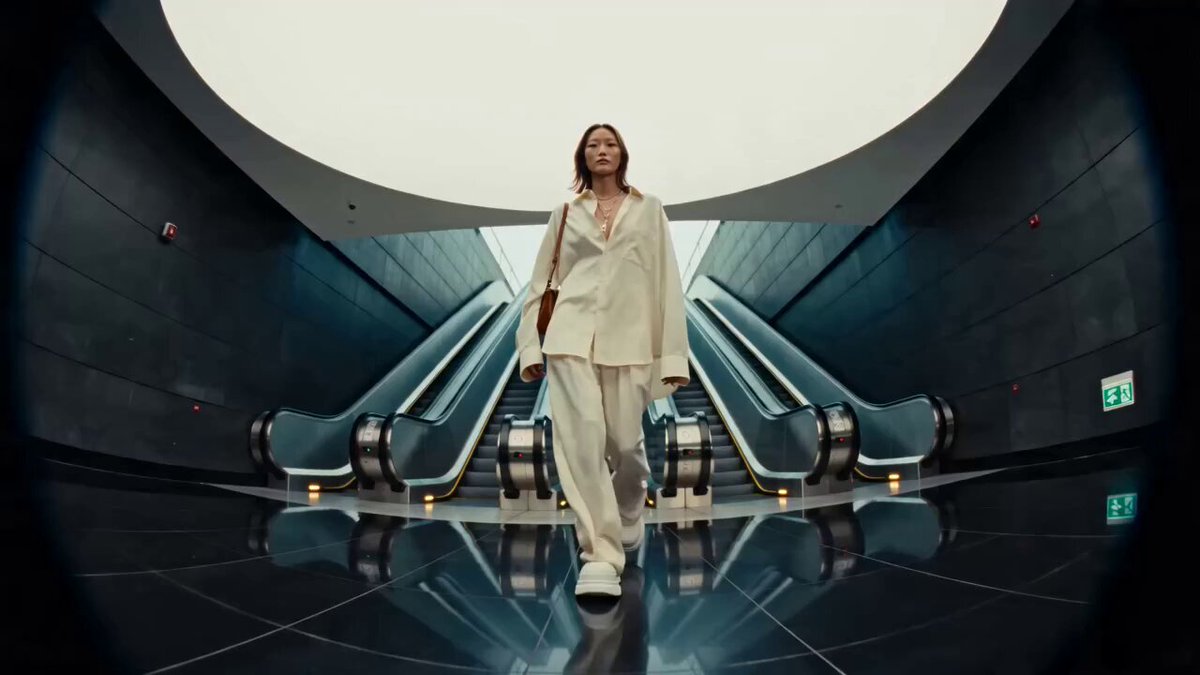
An ultra-realistic travel documentary style prompt following a character through the neon-lit streets of Tokyo with specific outfit descriptions and timeline-based scene breakdowns.
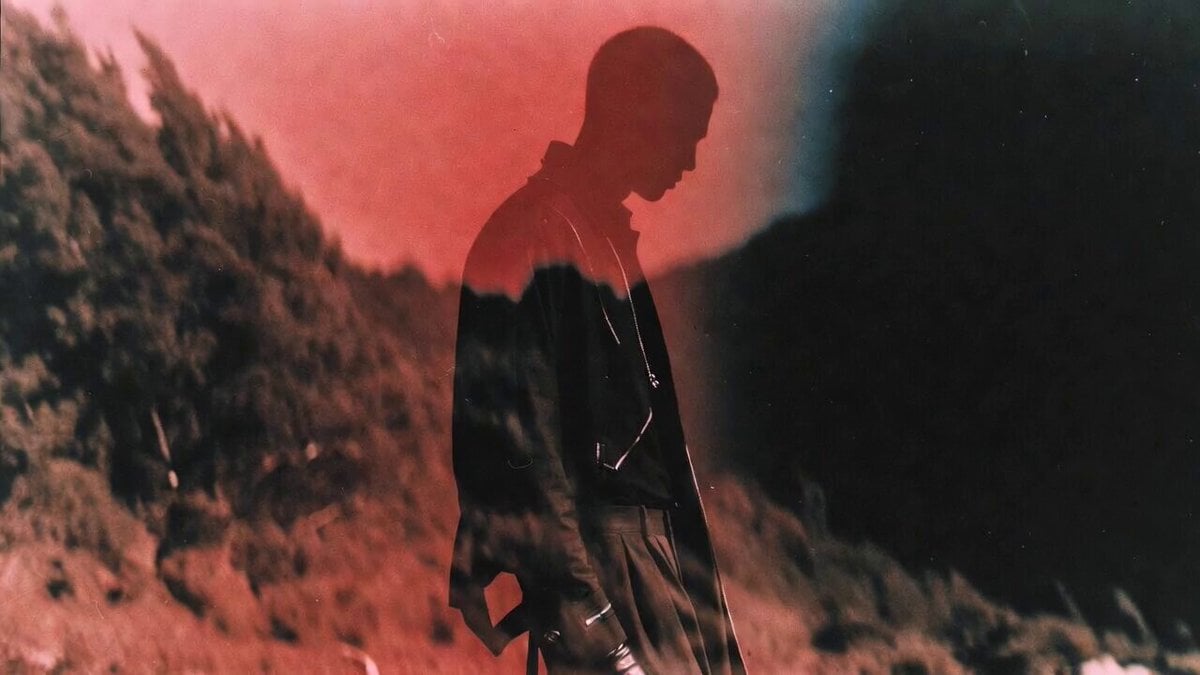
Style: Ultra-realistic cinematic travel film, Tokyo streetstyle aesthetic, Hollywood-quality cinematography, 4K HDR, natural lighting, realistic facial expressions, smooth camera movements, vibrant neon atmosphere, immersive city ambience, fashion editorial feel, premium travel documentary style. Character: Caden (same appearance throughout) — young man with short dark hair, sharp youthful features, confident but relaxed personality. STRICT FACE & IDENTITY LOCK — maintain the exact same facial features in every scene. Outfit: Caden wears a fashion-forward Tokyo streetwear outfit: Oversized black leather jacket with a relaxed silhouette and subtle vintage texture. Crisp white button-down shirt underneath, slightly untucked for a casual luxury look. Loose-fit baggy blue denim jeans with a modern streetwear cut. Clean white sneakers. Minimal accessories: simple silver chain, black watch, effortless hairstyle. Overall vibe: Tokyo Harajuku meets luxury streetwear — cool, cinematic, understated confidence. 0:00–0:03 — Arrival in Tokyo Camera: Aerial drone shot sweeping across Tokyo’s neon skyline at night. The camera dives between skyscrapers before transitioning into a busy Shibuya street. Action: Caden steps out of a train station into the glowing streets of Tokyo. His oversized black leather jacket moves naturally as he walks through the crowd. Neon signs reflect on the wet pavement, people pass around him, and city lights create a cinematic glow. Camera: Low-angle tracking shot following his sneakers and baggy jeans as he walks, then slowly tilting upward to reveal his outfit and confident expression. Audio: Train announcements, footsteps, city chatter, distant street music. Voice-over: "I came here looking for a new experience..." 0:03–0:07 — Tokyo Street Moments Camera: Fast-paced cinematic montage with smooth transitions. Action: Caden walking through Shibuya Crossing surrounded by massive screens and neon lights. Close-up shots of his leather jacket, sneakers stepping through Tokyo streets, coffee in hand. Sitting inside a tiny ramen shop, city lights visible through the window. Walking through a narrow lantern-lit alley with a calm, mysterious atmosphere. Camera Style: Fashion film shots mixed with travel documentary shots — slow motion, shallow depth of field, cinematic close-ups. Voice-over: "But Tokyo had a story waiting for me." 0:07–0:11 — Rooftop Tokyo Moment Camera: Smooth handheld tracking shot moving behind Caden as he walks onto a rooftop. Action: The oversized leather jacket catches the wind as he looks over the endless Tokyo skyline. His white shirt contrasts against the dark jacket while the city glows beneath him. Fireworks appear in the distance. Camera: Slow push-in close-up capturing his expression. Audio: Music rises
Style: Ultra-realistic cinematic travel film, Tokyo streetstyle aesthetic, Hollywood-quality cinematography, 4K HDR, natural lighting, realistic facial expressions, smooth camera movements, vibrant neon atmosphere, immersive city ambience, fashion editorial feel, premium travel documentary style. Character: Caden (same appearance throughout) — young man with short dark hair, sharp youthful features, confident but relaxed personality. STRICT FACE & IDENTITY LOCK — maintain the exact same facial features in every scene. Outfit: Caden wears a fashion-forward Tokyo streetwear outfit: Oversized black leather jacket with a relaxed silhouette and subtle vintage texture. Crisp white button-down shirt underneath, slightly untucked for a casual luxury look. Loose-fit baggy blue denim jeans with a modern streetwear cut. Clean white sneakers. Minimal accessories: simple silver chain, black watch, effortless hairstyle. Overall vibe: Tokyo Harajuku meets luxury streetwear — cool, cinematic, understated confidence. 0:00–0:03 — Arrival in Tokyo Camera: Aerial drone shot sweeping across Tokyo’s neon skyline at night. The camera dives between skyscrapers before transitioning into a busy Shibuya street. Action: Caden steps out of a train station into the glowing streets of Tokyo. His oversized black leather jacket moves naturally as he walks through the crowd. Neon signs reflect on the wet pavement, people pass around him, and city lights create a cinematic glow. Camera: Low-angle tracking shot following his sneakers and baggy jeans as he walks, then slowly tilting upward to reveal his outfit and confident expression. Audio: Train announcements, footsteps, city chatter, distant street music. Voice-over: "I came here looking for a new experience..." 0:03–0:07 — Tokyo Street Moments Camera: Fast-paced cinematic montage with smooth transitions. Action: Caden walking through Shibuya Crossing surrounded by massive screens and neon lights. Close-up shots of his leather jacket, sneakers stepping through Tokyo streets, coffee in hand. Sitting inside a tiny ramen shop, city lights visible through the window. Walking through a narrow lantern-lit alley with a calm, mysterious atmosphere. Camera Style: Fashion film shots mixed with travel documentary shots — slow motion, shallow depth of field, cinematic close-ups. Voice-over: "But Tokyo had a story waiting for me." 0:07–0:11 — Rooftop Tokyo Moment Camera: Smooth handheld tracking shot moving behind Caden as he walks onto a rooftop. Action: The oversized leather jacket catches the wind as he looks over the endless Tokyo skyline. His white shirt contrasts against the dark jacket while the city glows beneath him. Fireworks appear in the distance. Camera: Slow push-in close-up capturing his expression. Audio: Music rises
Edit the prompt in the box under the preview — the template's model and format are already selected — and press Generate. Your version appears right on this page.
Yes. You can change the subject, setting, lighting, mood, format, and available model controls before creating your video.
Opening and editing this template is free. Generating uses credits, shown on the Generate button when you are signed in.
Start with Seedance 2.0, which is the model associated with this template. You can compare another compatible model for a different finish.
Follow a topic to a crawlable collection of related PicX Studio templates.