
Grok Imagine multi-step video prompt for Saint Patrick’s Day
A multi-step Grok Imagine prompt sequence: first, an image prompt for a woman in a futuristic space suit, followed by two video prompts to generate motion—the woman blowing bubbles, and then extending the video where…
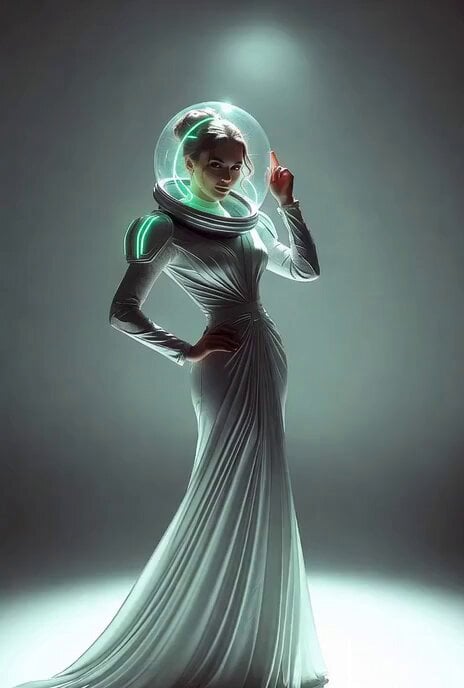
- Prompt included
- Model and format preset
- Free template
The prompt behind this video
Copy the exact prompt behind Grok Imagine multi-step video prompt for Saint Patrick’s Day, or open it in the studio and make it yours.
The woman blows huge bubbles from her space helmet Cut to 4 seconds Second Prompt for Video Extend - As the bubbles hit the ground, trees grow
How to use Grok Imagine multi-step video prompt for Saint Patrick’s Day in 3 steps
- 1
Open
The prompt is already in the box next to the preview, with the template's model and format selected.
- 2…a portrait of your subject in softgolden-hour light, 85mm…
Personalize
Edit the subject and creative details for your destination.
- 3Generate
Generate
Press Generate — your video is created in PicX Studio, so you can compare it with the original and refine one variable at a time.
More like this
Templates with the same subject, style or setup. Open one to see its prompt.
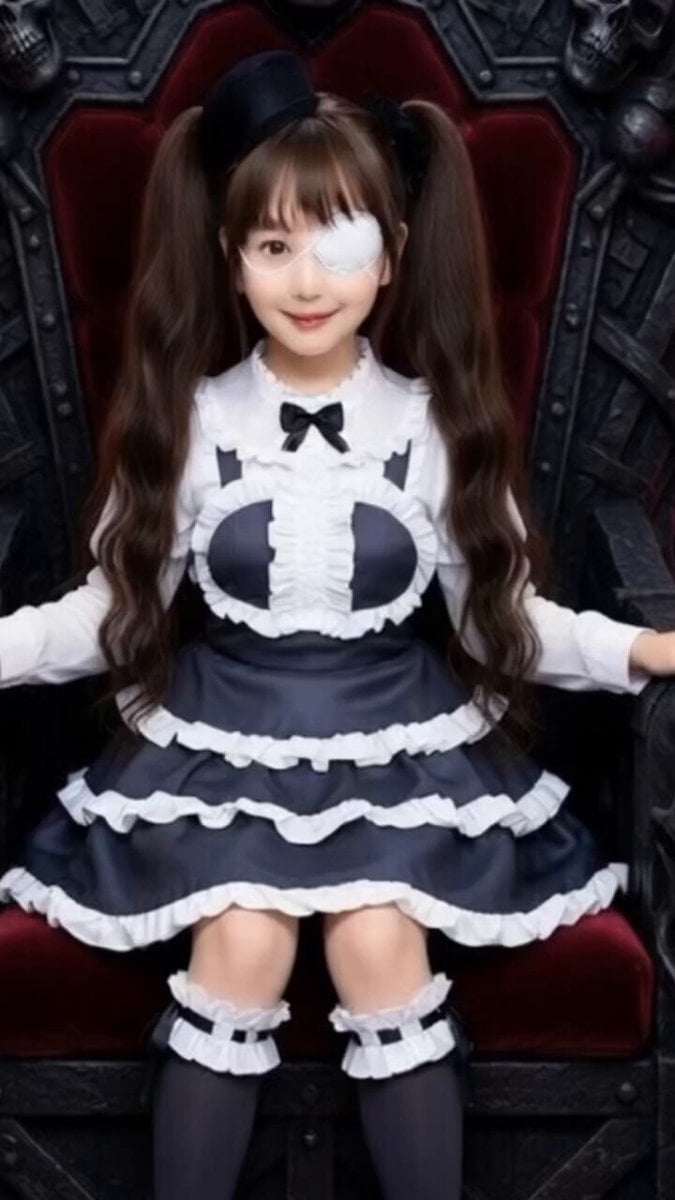
Grok Imagine Prompt: Yurine Kingdom Apocalypse Day
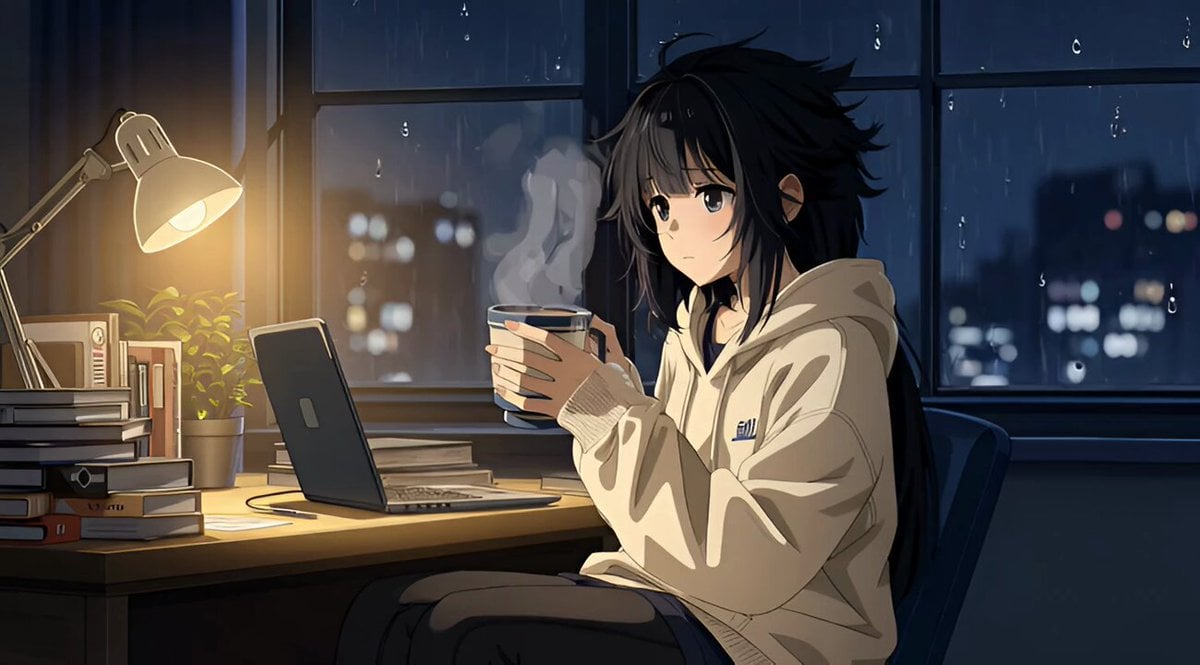
Grok Imagine R2V Multi-Image Reference Tutorial
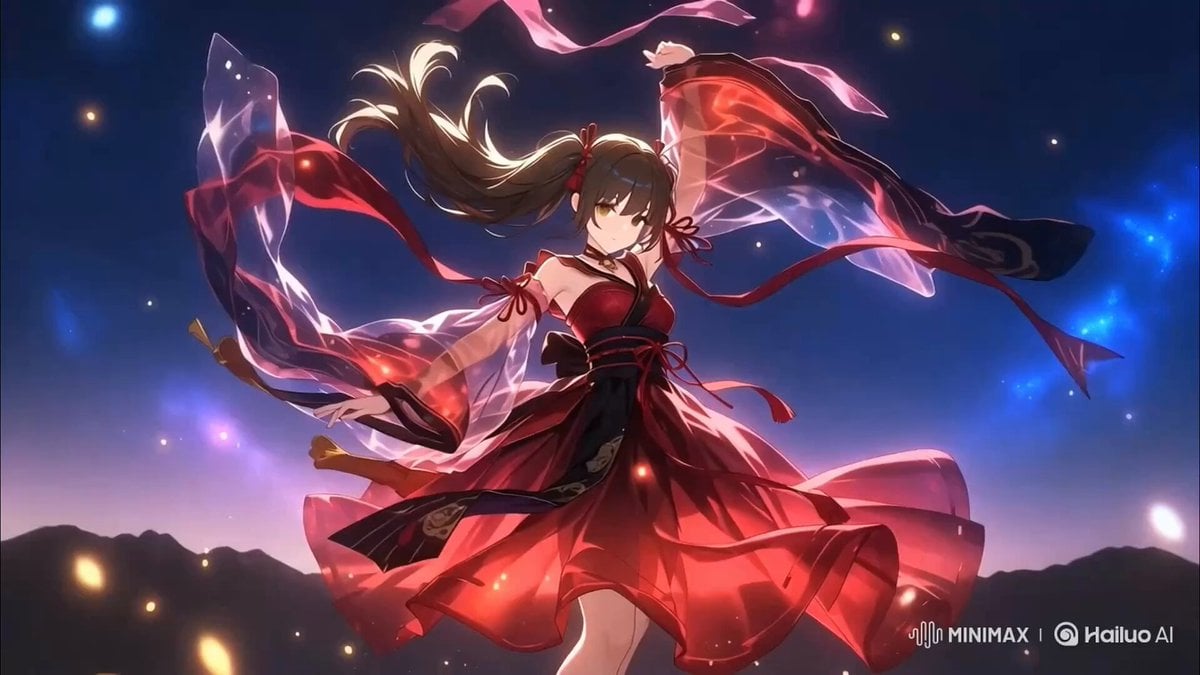
Two-Step Generation for Dancer Video using Grok Imagine and Hailuo 2.3
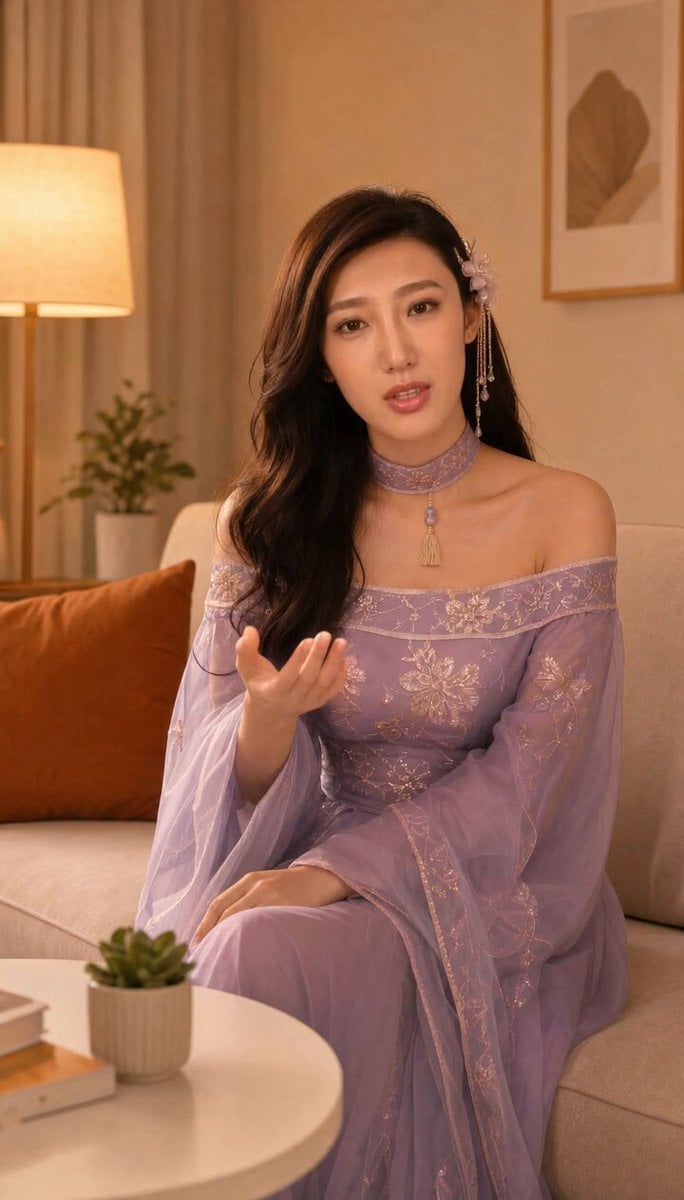
Grok-imagine 1.5 Digital Human Video Script
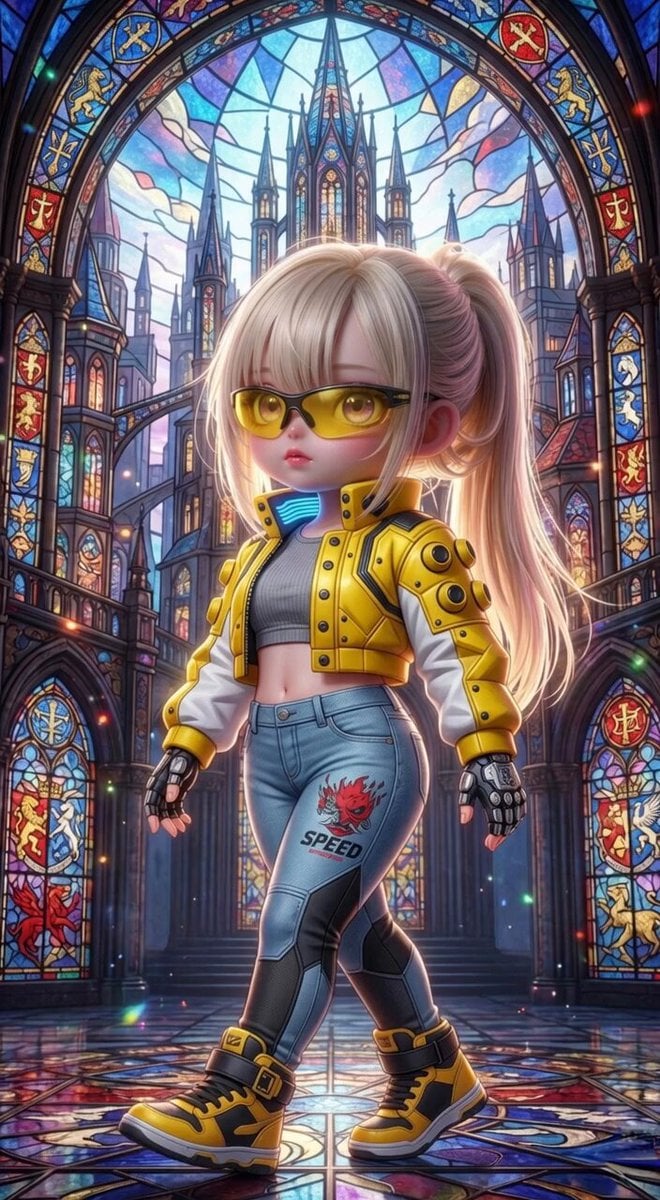
Grok Imagine Mechanical and Ethereal Creature Prompts
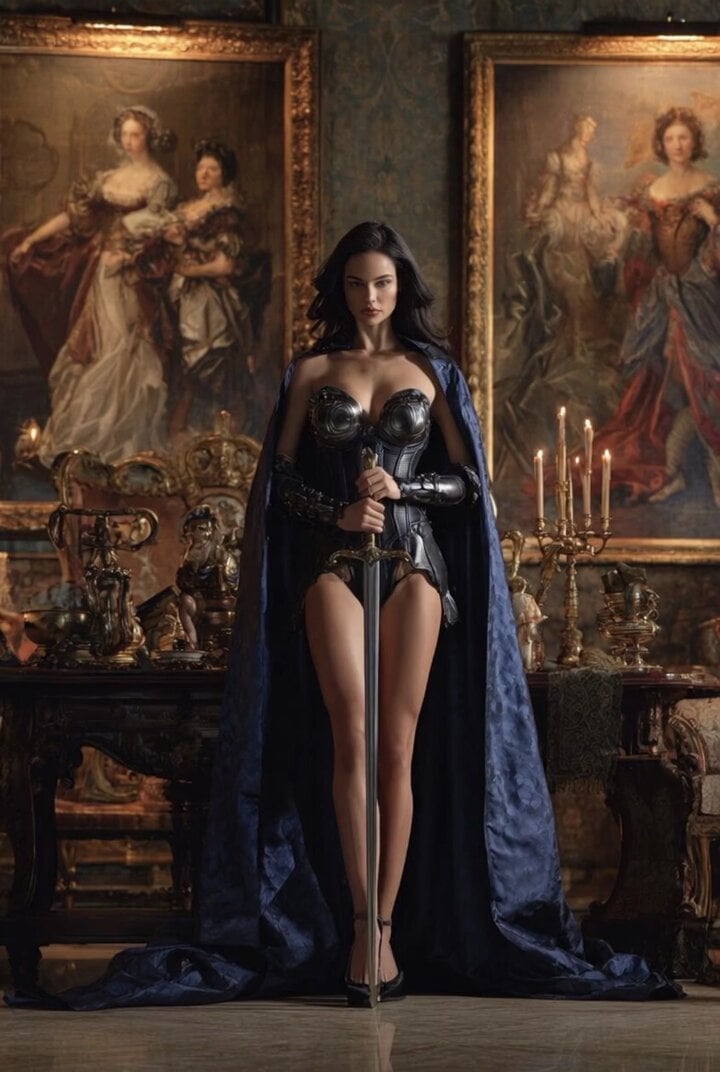
Grok Imagine Video of a Graceful Warrior
Grok Imagine prompt with negative constraints and scenario

Grok Imagine prompt for cinematic VFX scene (Scene 2 - Landing)

Grok Imagine video prompt part 1: Morning routine
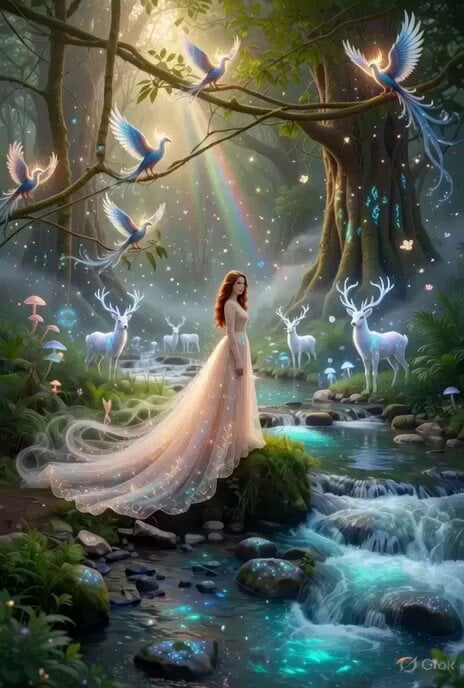
Enchanting Forest Grok Imagine Video Prompt
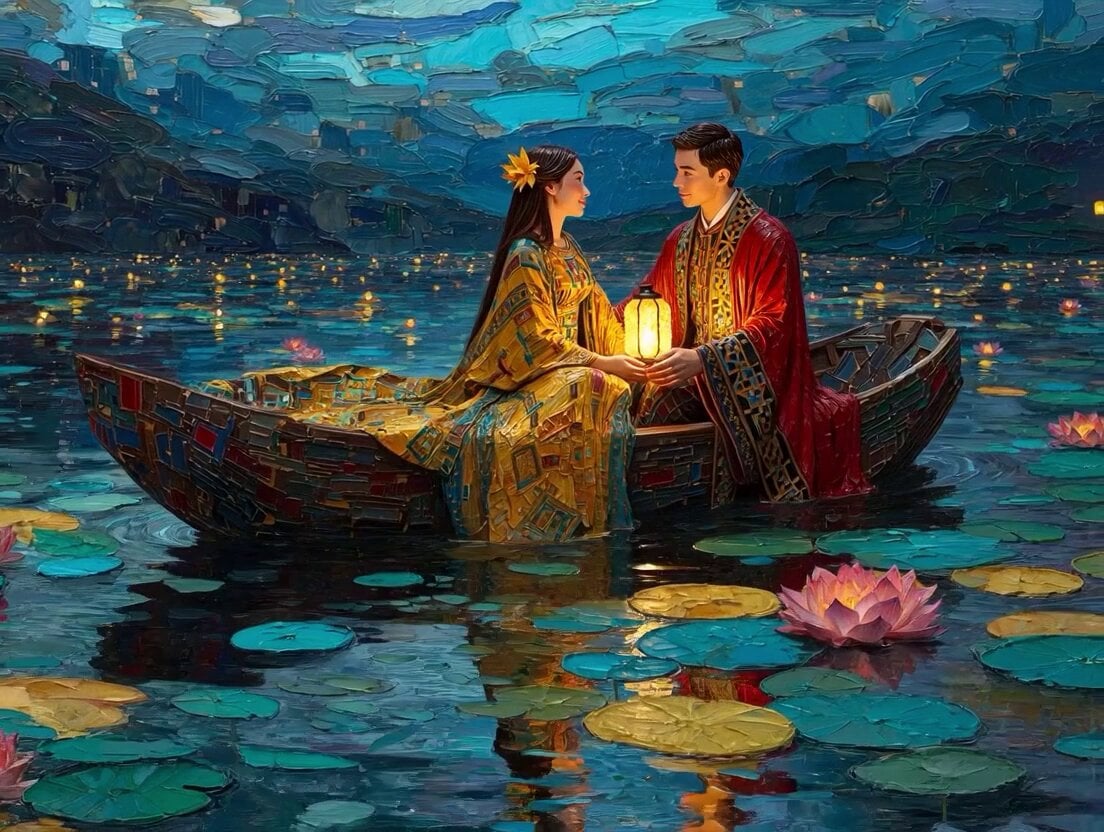
Klimt-Inspired Impasto Painting of Lovers (Midjourney/Grok Imagine)
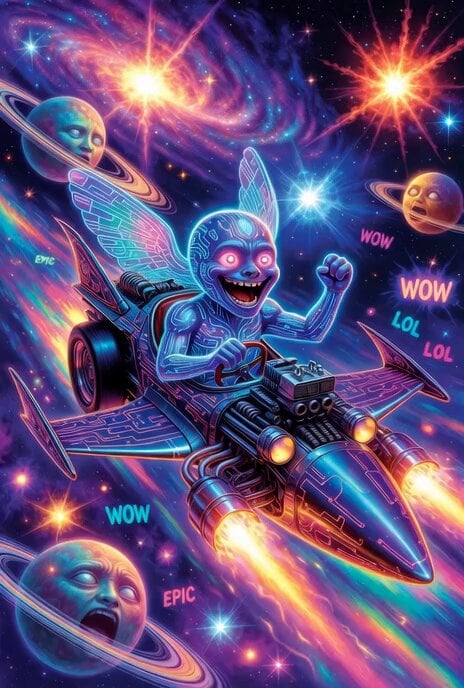
Grok Imagine prompt: Grok driving a cosmic hot rod spaceship
Make it yours
Grok Imagine multi-step video prompt for Saint Patrick’s Day works as-is. These are the safest ways to change it without losing the look.
Change one field
Copy a single group, rewrite it, and generate again so you can see what that field is doing.
Keep the frame, change the subject
Hold the composition and light of Grok Imagine multi-step video prompt for Saint Patrick’s Day, then swap wardrobe, props or the person for a new take.
| If the result… | Why | Fix |
|---|---|---|
| The result drifts from the preview | Too many fields changed at once. | Reuse Grok Imagine multi-step video prompt for Saint Patrick’s Day as-is first, then change one group — subject, light, or setting. |
| The model over-stylizes the scene | The prose prompt leaves finish and camera underspecified. | Add one camera or lighting sentence and stay on Grok Imagine. |
More Grok Imagine templates
Other prompts made for Grok Imagine.

Kaleidoscopic Cosmic Dolphin Video

Horror Daffy Duck Video Transition

America 250th Anniversary Celebration

Glowing Water Forest Night Prompt

Soft Pink Roses Dreamer Prompt

Ninja Wizard Levitation Jump

Coffee Cup Interaction Motion

Voice Controlled Water Animation

Pterodactyl Transformation Journey

Candle Mandala Mirror Video
More video prompts
Fresh picks from across the catalog.
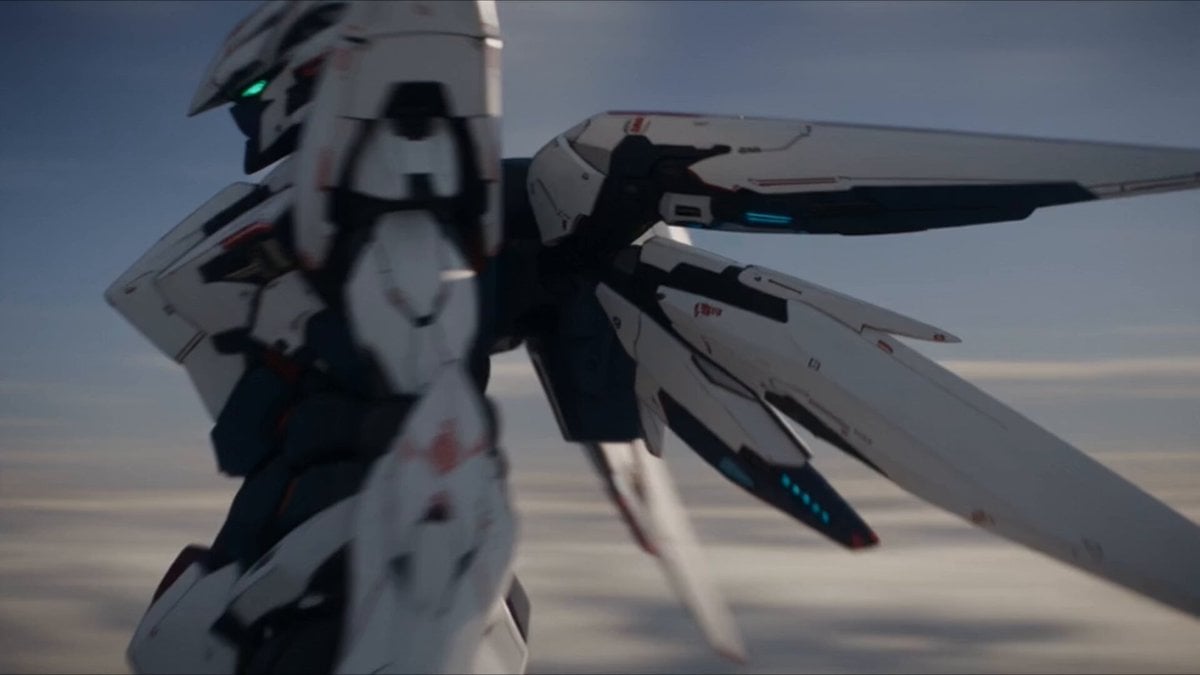
Mecha Drone High-Mobility Combat
Cinematic Transition and Jellyfish Sequence
Ani Watching the Starry Night
degree Panoramic Selfie in a Dessert Shop
Anime Jungle Sword Fight Action
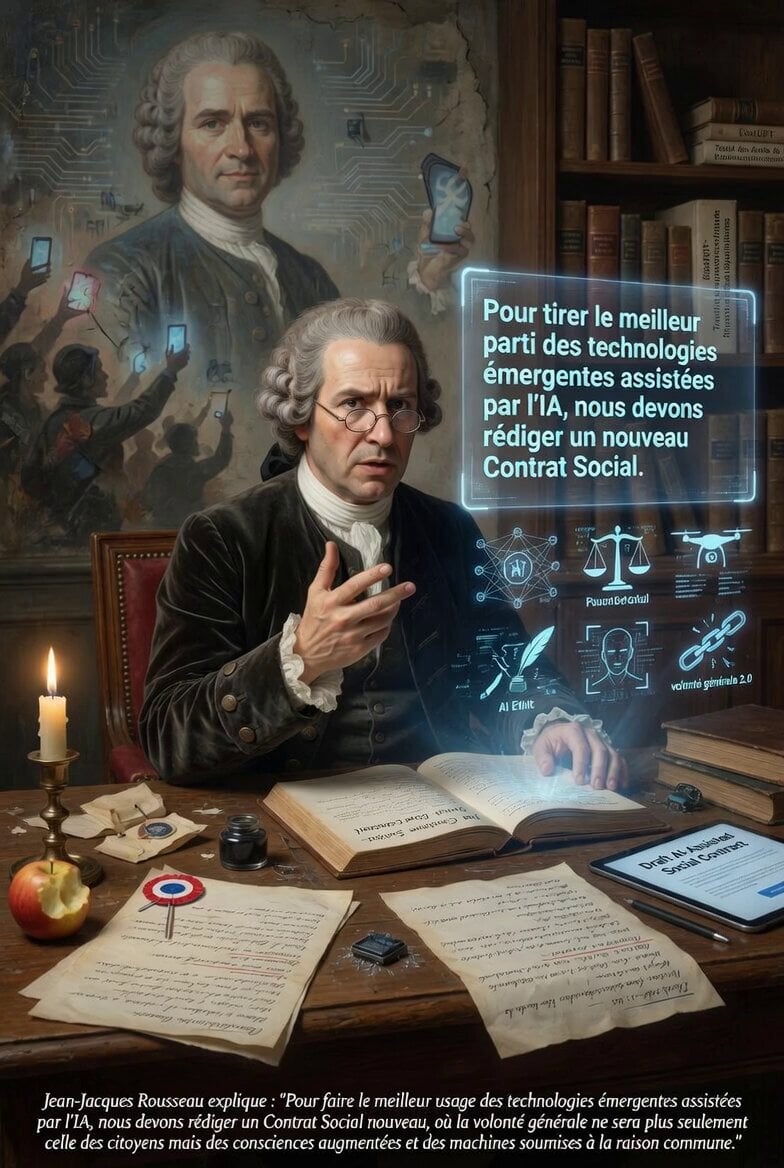
Jean-Jacques Rousseau AI Philosophy
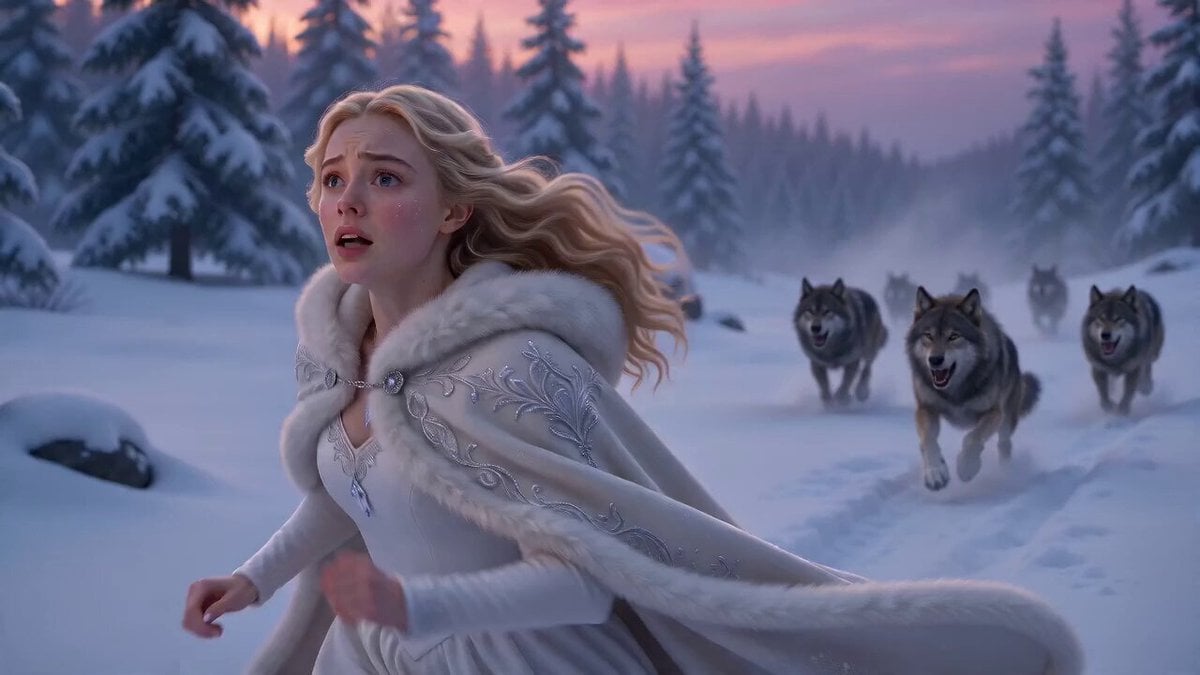
Ice Dragon Fantasy Encounter
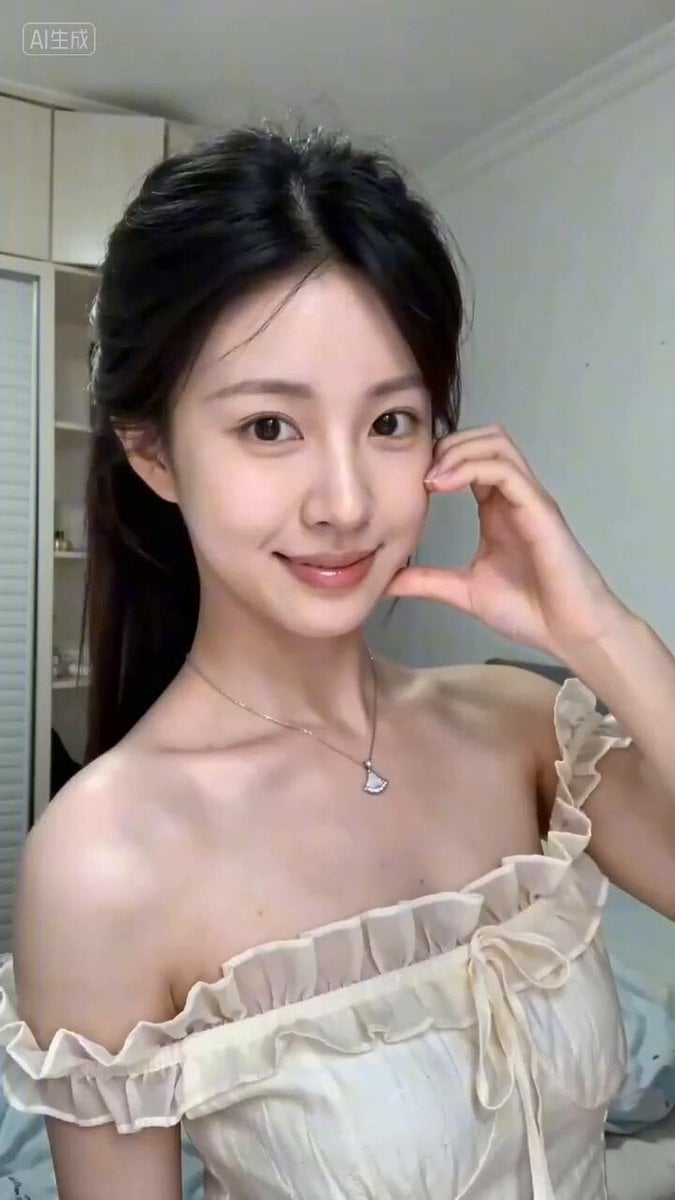
Seedance 2.0 Short Video Prompt Formula Example
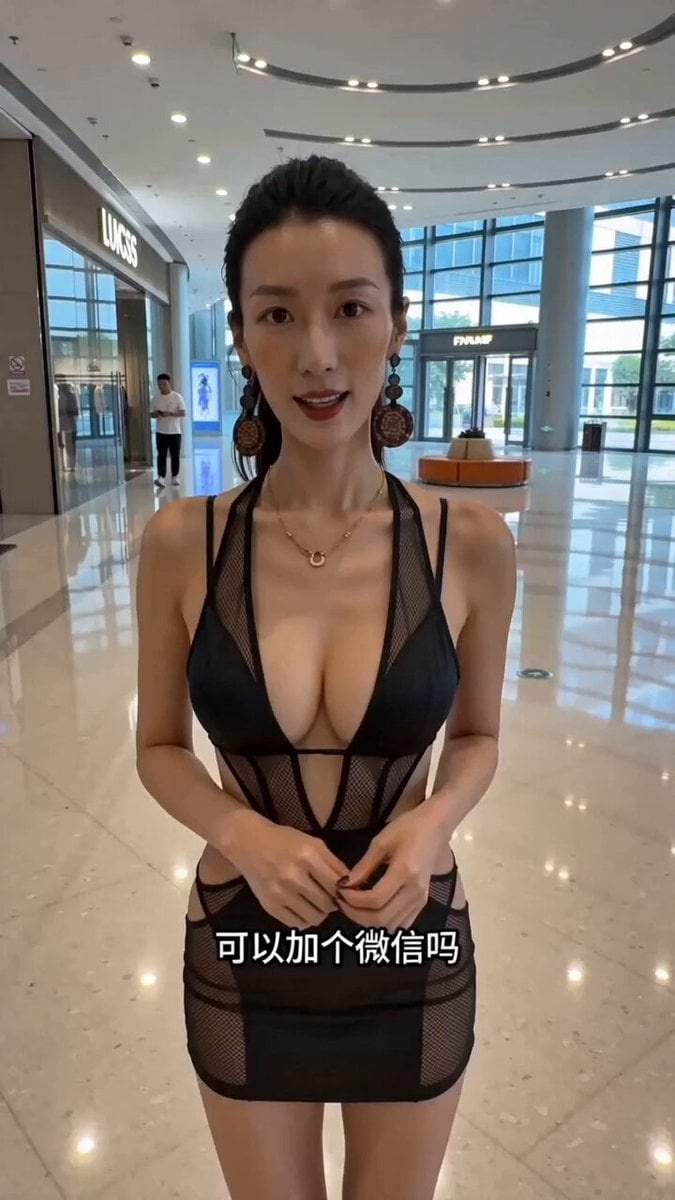
Handheld POV Mall Interaction Short Video
Sabbath Rest Heavenly Landscape Video
Browse template categories
Grok Imagine multi-step video prompt for Saint Patrick’s Day questions
How do I use the Grok Imagine multi-step video prompt for Saint Patrick’s Day template?
Add your photo if the template asks for one, edit the prompt if you like — the template's model and format are already selected — and press Generate. Your version opens in PicX Studio.
Can I customize the Grok Imagine multi-step video prompt for Saint Patrick’s Day template?
Yes. You can change the subject, setting, lighting, mood, format, and available model controls before creating your video.
Is the Grok Imagine multi-step video prompt for Saint Patrick’s Day template free?
Opening and editing this template is free. Generating uses credits, shown on the Generate button when you are signed in.
Which AI model should I use?
Start with Grok Imagine, which is the model associated with this template. You can compare another compatible model for a different finish.
Looking for something else? Browse all templates.

Your photo, any look
Thousands of ready templates for every top image and video model, from one credit balance.