
Two-Step Generation for Dancer Video using Grok Imagine and Hailuo 2.3
A two-step process for creating a high-quality dancer video: first, generating an image using Grok Imagine, and second, generating the video using Hailuo 2.3.
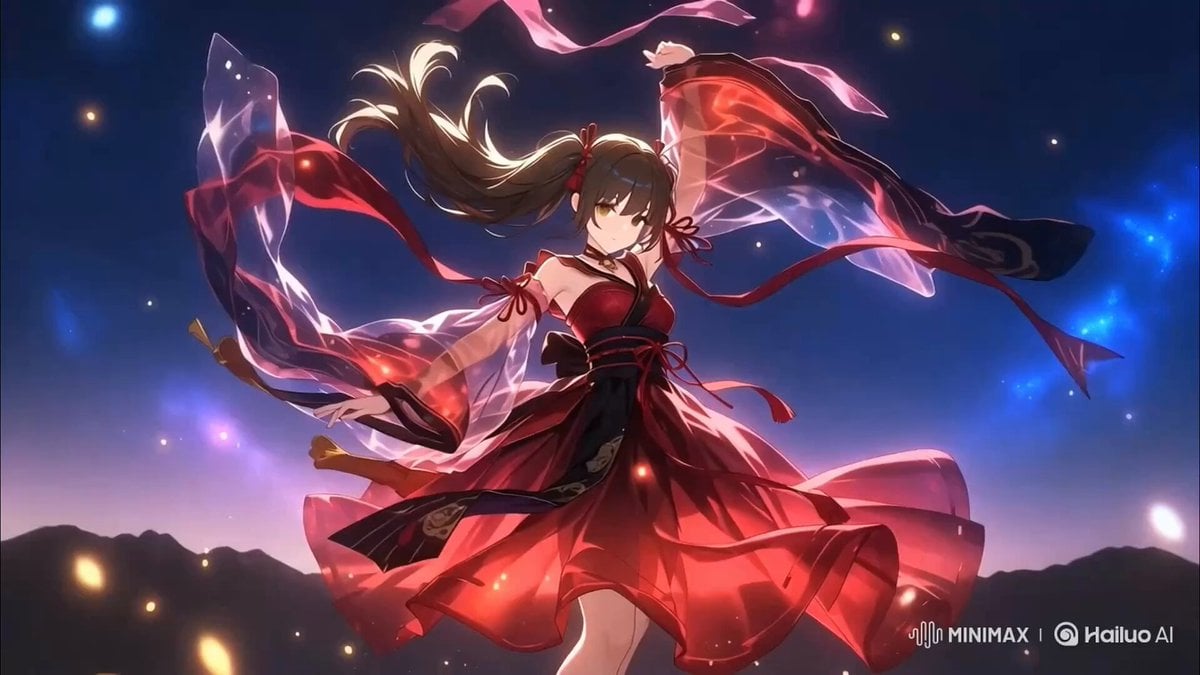
- Prompt included
- Model and format preset
- Free template
The prompt behind this video
Copy the exact prompt behind Two-Step Generation for Dancer Video using Grok Imagine and Hailuo 2.3, or open it in the studio and make it yours.
日本の高品質アニメスタイル、美しい女性の踊り子、ロングヘアー、フルショット、夜空の下の丘の上、赤と黒を基調とした華やかなダンサー衣装、薄く透けるシルクやシフォン素材、風になびく長いスカートとリボン、ヒラヒラと舞う布のレイヤー、ダイナミックな舞踏ポーズ、体の動きに合わせて広がる衣装、幻想的な光の粒子、月明かりに照らされる、神秘的かつ幻想的な雰囲気、超高精細、ファンタジー、流れるようなモーション表現、残像のような軌跡
How to use Two-Step Generation for Dancer Video using Grok Imagine and Hailuo 2.3 in 3 steps
- 1
Open
The prompt is already in the box next to the preview, with the template's model and format selected.
- 2…a portrait of your subject in softgolden-hour light, 85mm…
Personalize
Edit the subject and creative details for your destination.
- 3Generate
Generate
Press Generate — your video is created in PicX Studio, so you can compare it with the original and refine one variable at a time.
More like this
Templates with the same subject, style or setup. Open one to see its prompt.
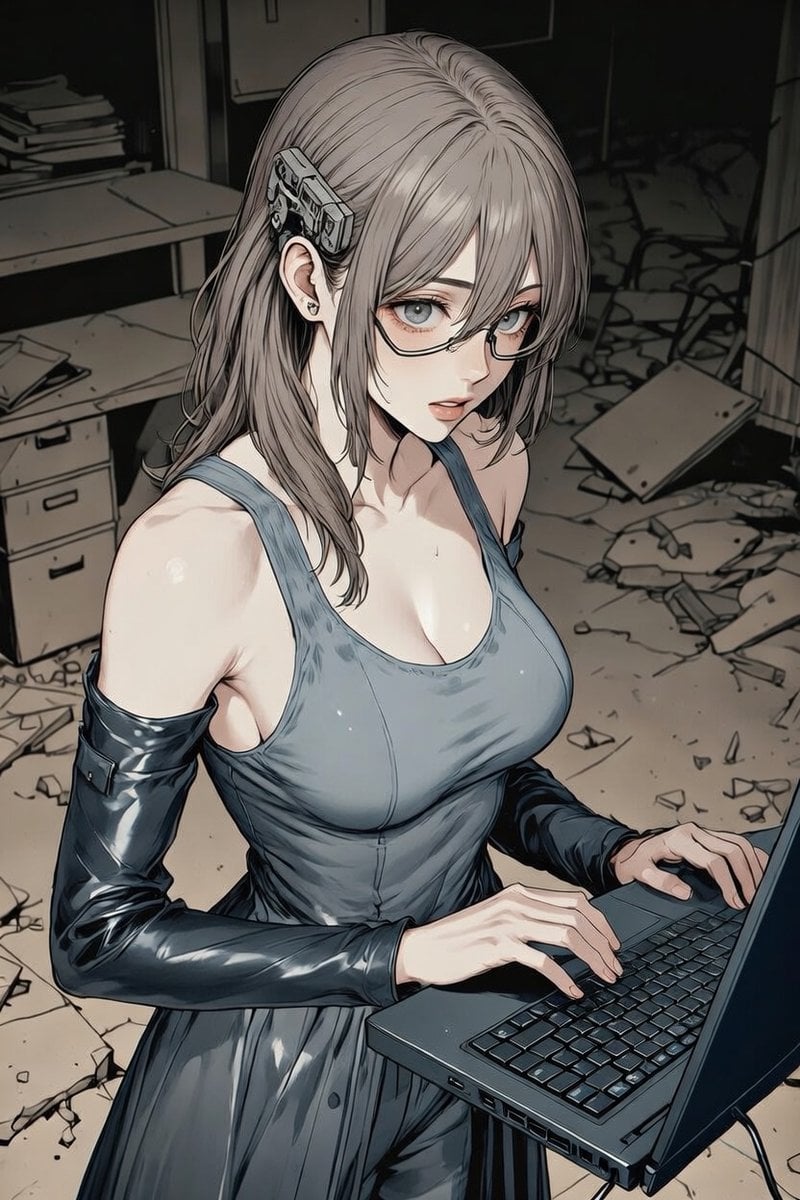
Grok Imagine Video Generation with Two Characters
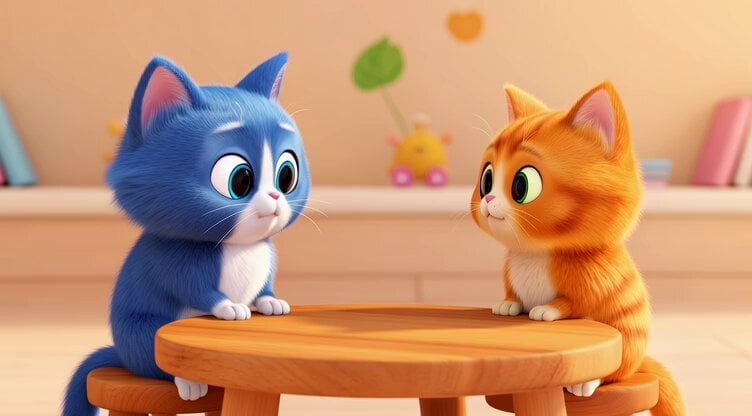
Grok Imagine prompt for a healing animation short video of two cute kittens talking
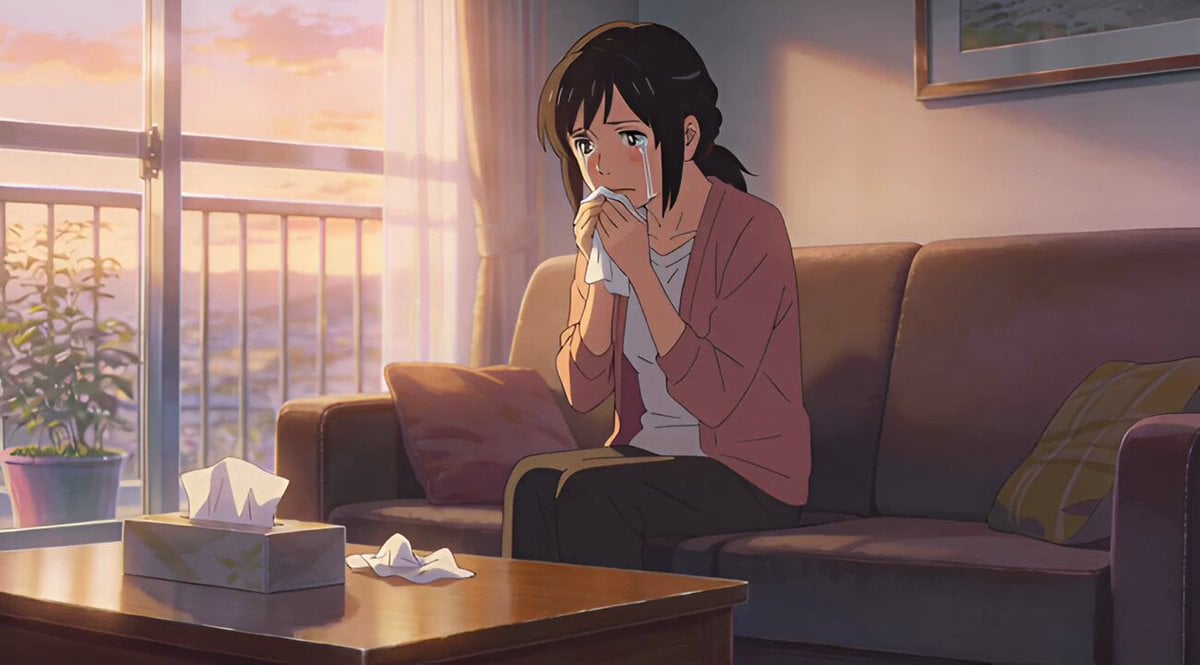
Short story video creation process using Grok Imagine
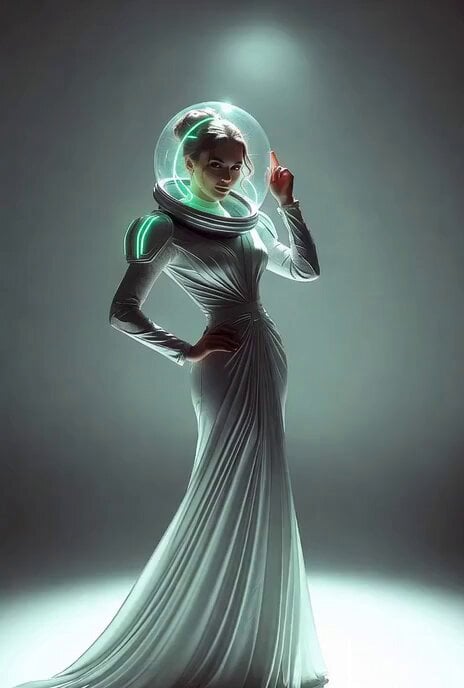
Grok Imagine multi-step video prompt for Saint Patrick’s Day
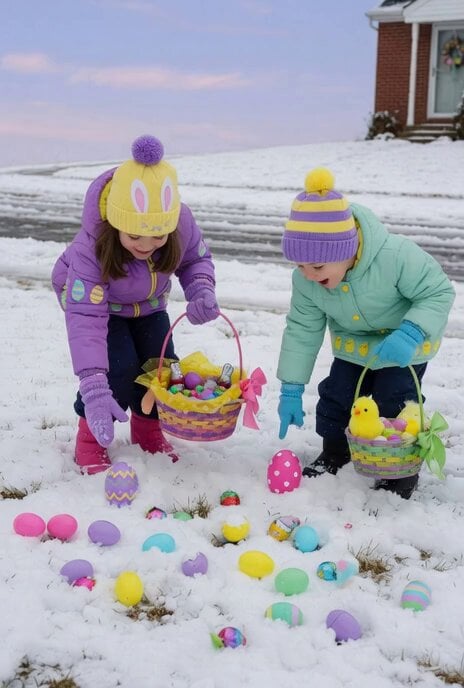
Grok Imagine Prompt: Render two kids outside dressed in winter coats and toques in traditional Easte
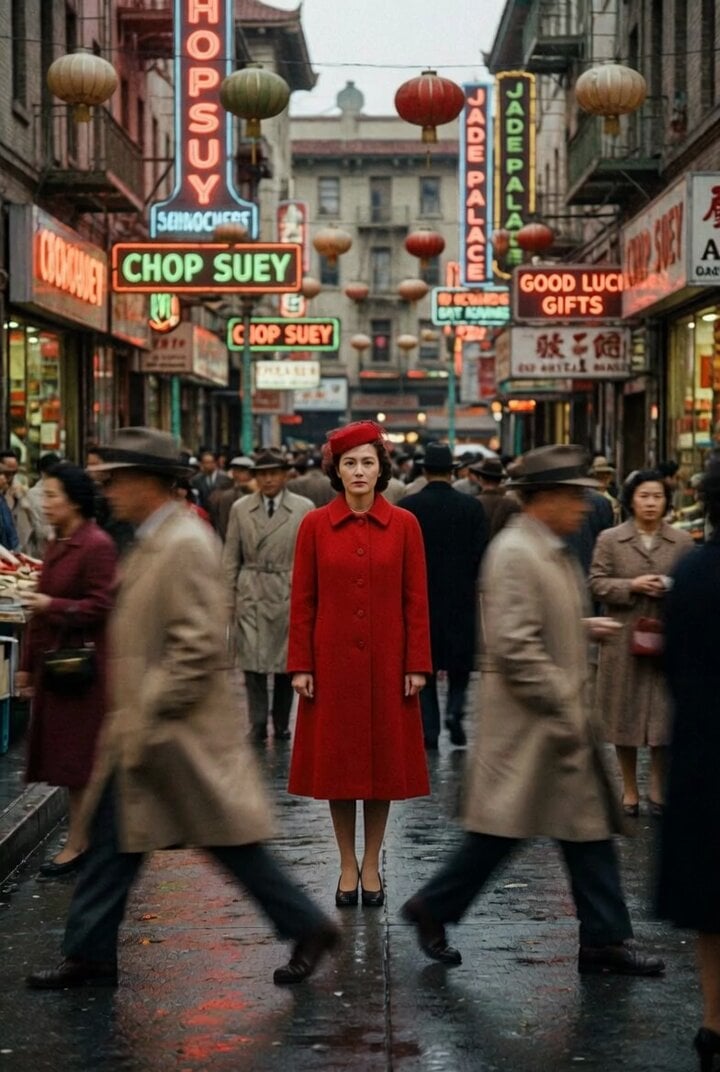
Grok Imagine Prompt: Evil Eye Character Animation using JSON structure
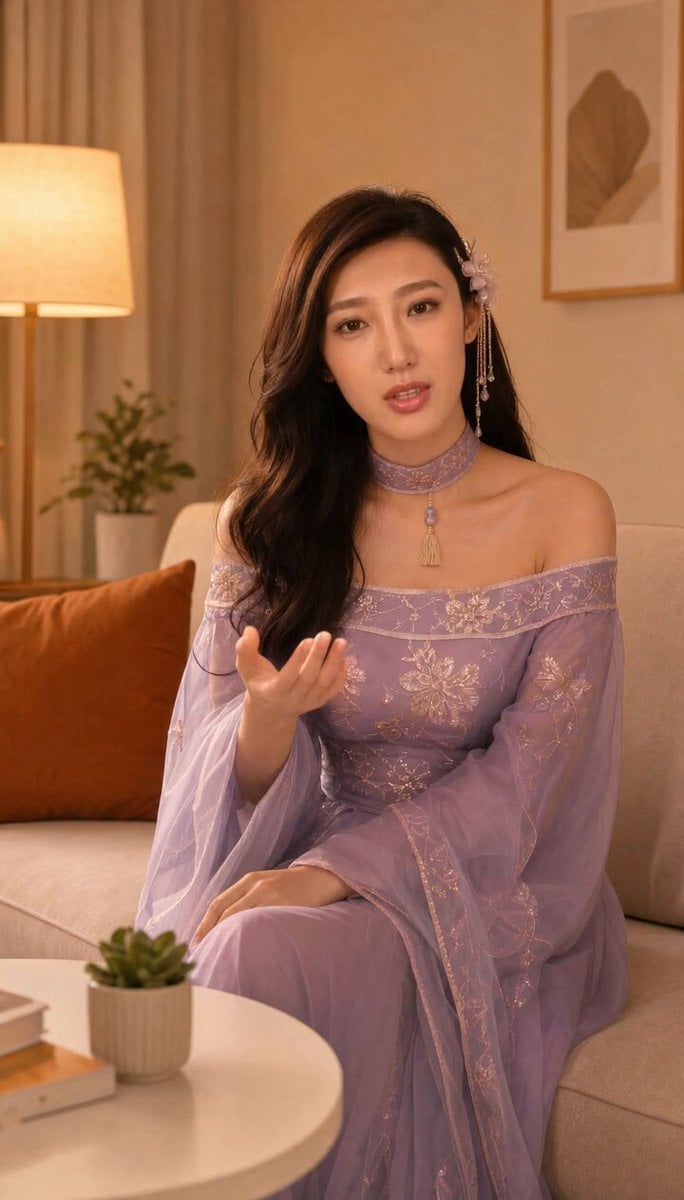
Grok-imagine 1.5 Digital Human Video Script
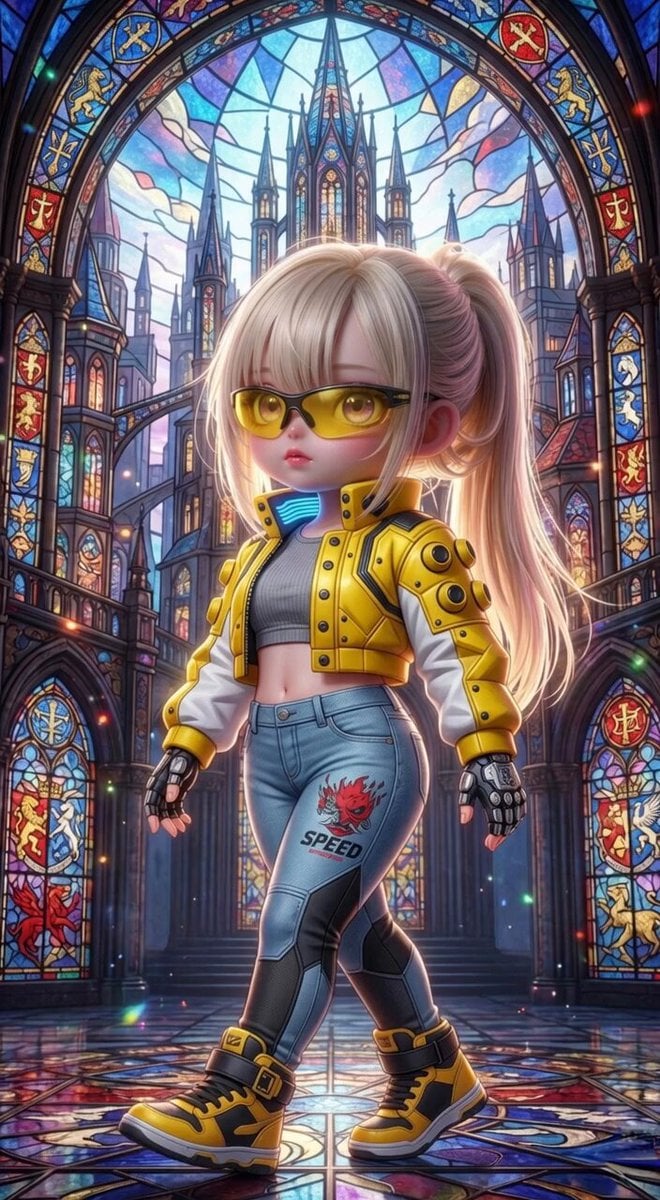
Grok Imagine Mechanical and Ethereal Creature Prompts
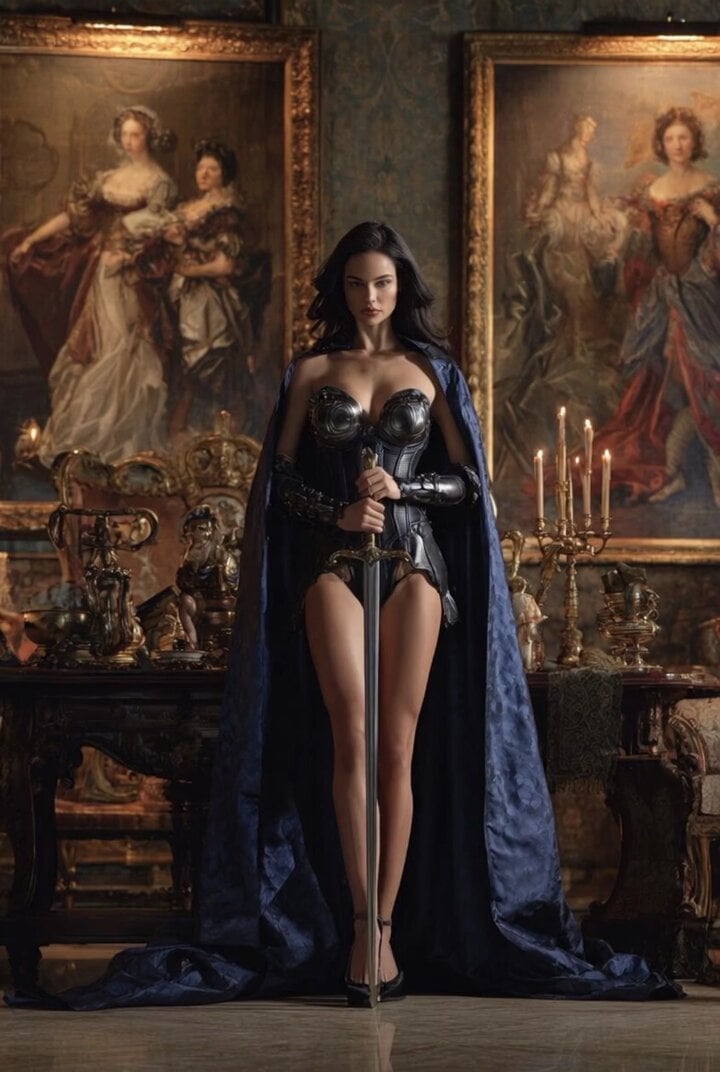
Grok Imagine Video of a Graceful Warrior
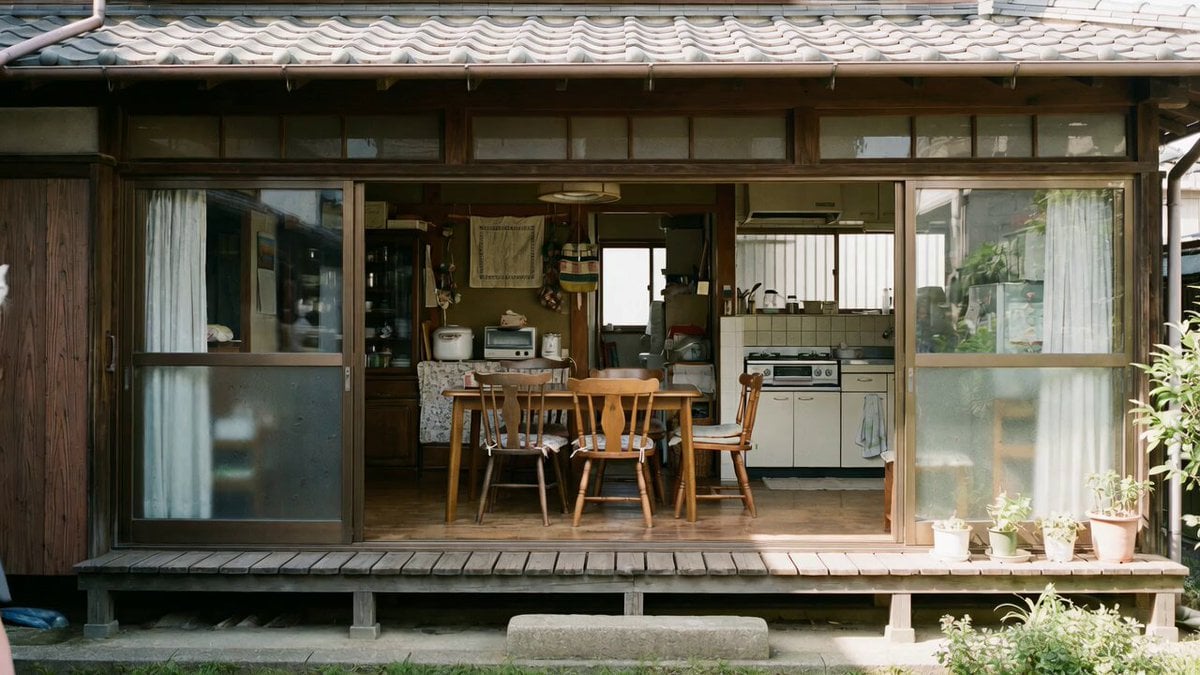
Grok Imagine prompt with negative constraints and scenario

Grok Imagine prompt for cinematic VFX scene (Scene 2 - Landing)
Grok Imagine video prompt part 1: Morning routine
Make it yours
Two-Step Generation for Dancer Video using Grok Imagine and Hailuo 2.3 works as-is. These are the safest ways to change it without losing the look.
Change one field
Copy a single group, rewrite it, and generate again so you can see what that field is doing.
Keep the frame, change the subject
Hold the composition and light of Two-Step Generation for Dancer Video using Grok Imagine and Hailuo 2.3, then swap wardrobe, props or the person for a new take.
| If the result… | Why | Fix |
|---|---|---|
| The result drifts from the preview | Too many fields changed at once. | Reuse Two-Step Generation for Dancer Video using Grok Imagine and Hailuo 2.3 as-is first, then change one group — subject, light, or setting. |
| The model over-stylizes the scene | The prose prompt leaves finish and camera underspecified. | Add one camera or lighting sentence and stay on Grok Imagine. |
More Grok Imagine templates
Other prompts made for Grok Imagine.

Kaleidoscopic Cosmic Dolphin Video

Horror Daffy Duck Video Transition

America 250th Anniversary Celebration

Glowing Water Forest Night Prompt

Soft Pink Roses Dreamer Prompt

Ninja Wizard Levitation Jump

Coffee Cup Interaction Motion

Voice Controlled Water Animation

Pterodactyl Transformation Journey

Candle Mandala Mirror Video
More video prompts
Fresh picks from across the catalog.
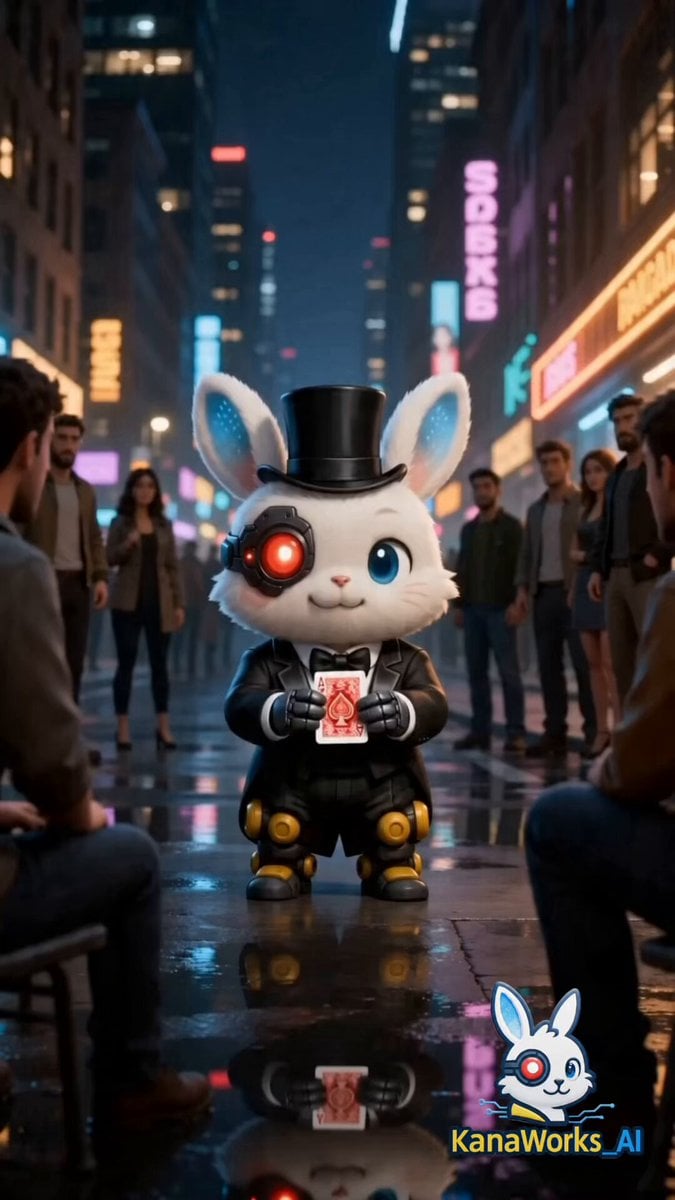
Cinematic Street Magic Video Prompt for Seedance 2.0

Romantic Rain Dance Sequence
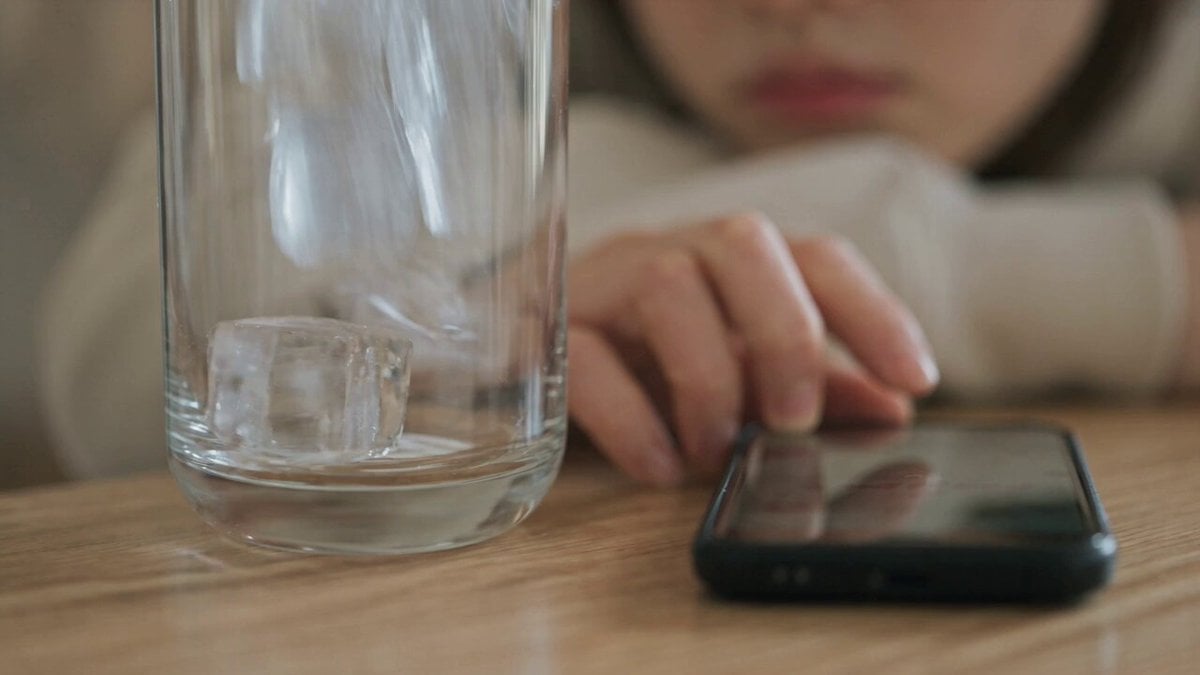
Iced Coffee Dog Good-News Montage
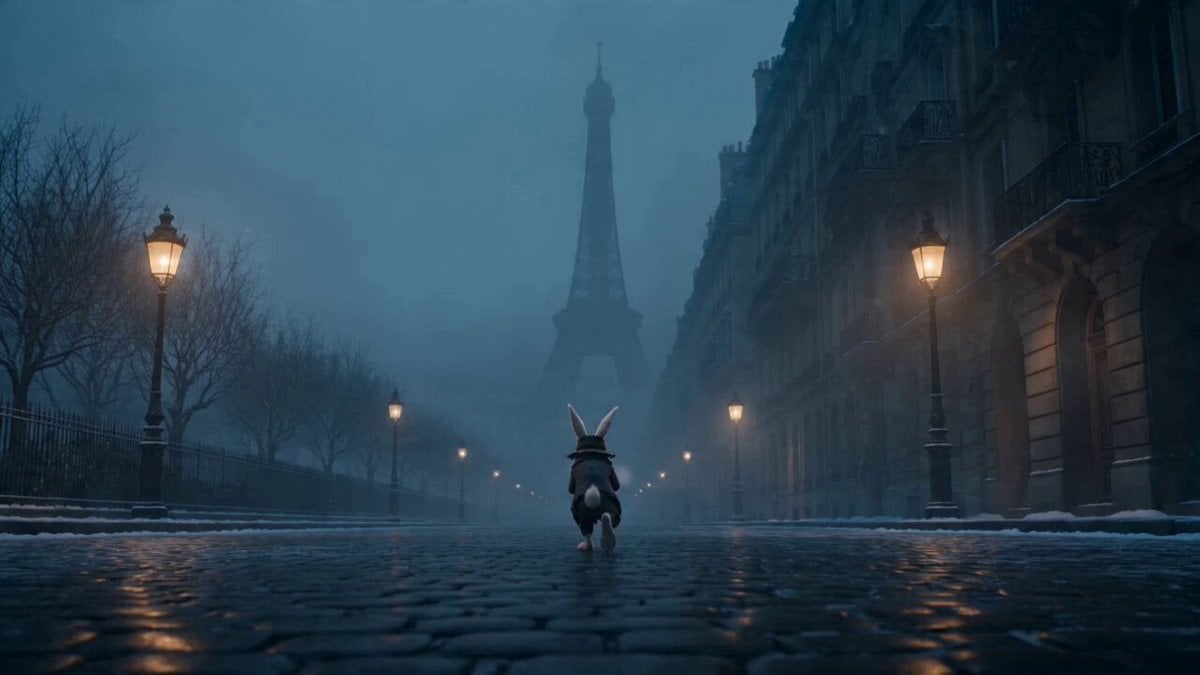
Whimsical Easter Bunny Drama Video Prompt for Seedance 2.0
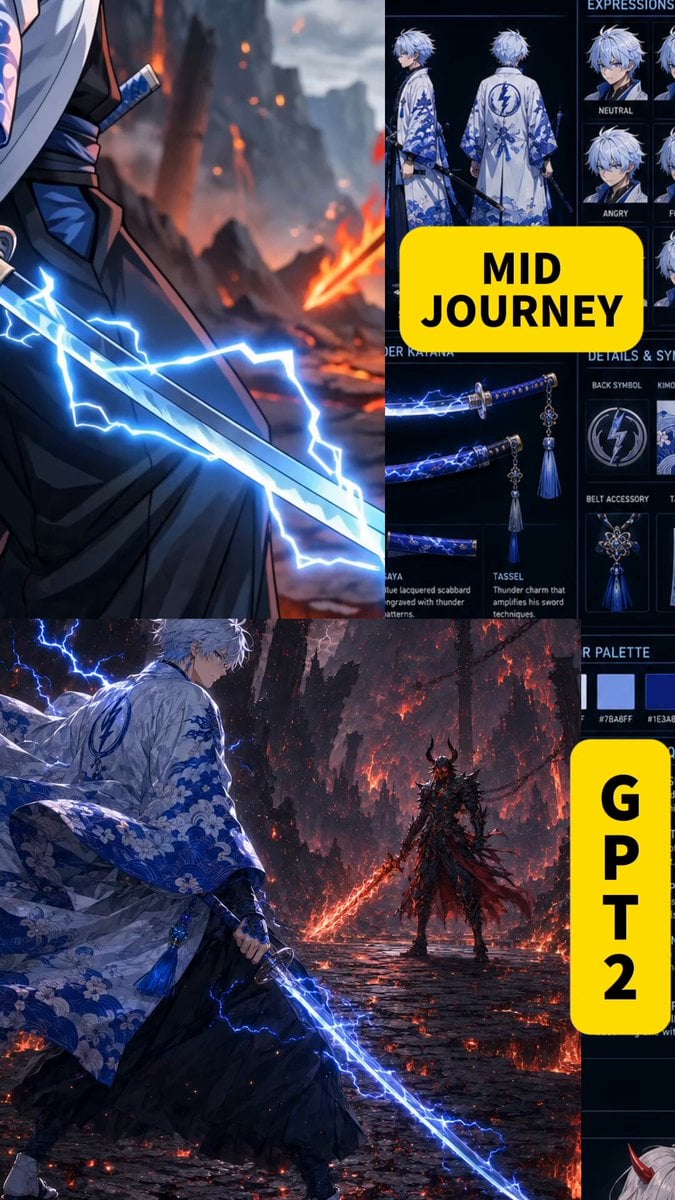
Anime Swordsman vs Demon Duel
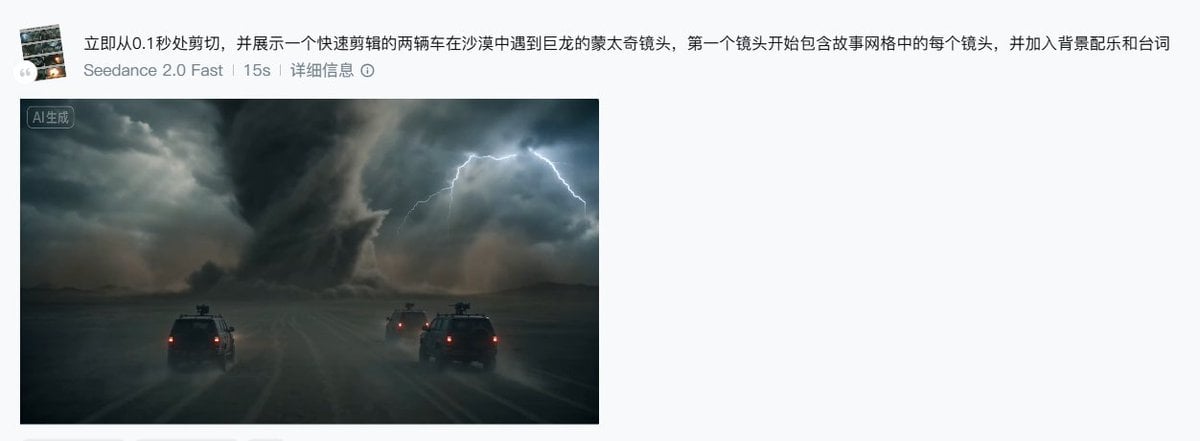
Seedance 2.0 Storyboard Prompt Example
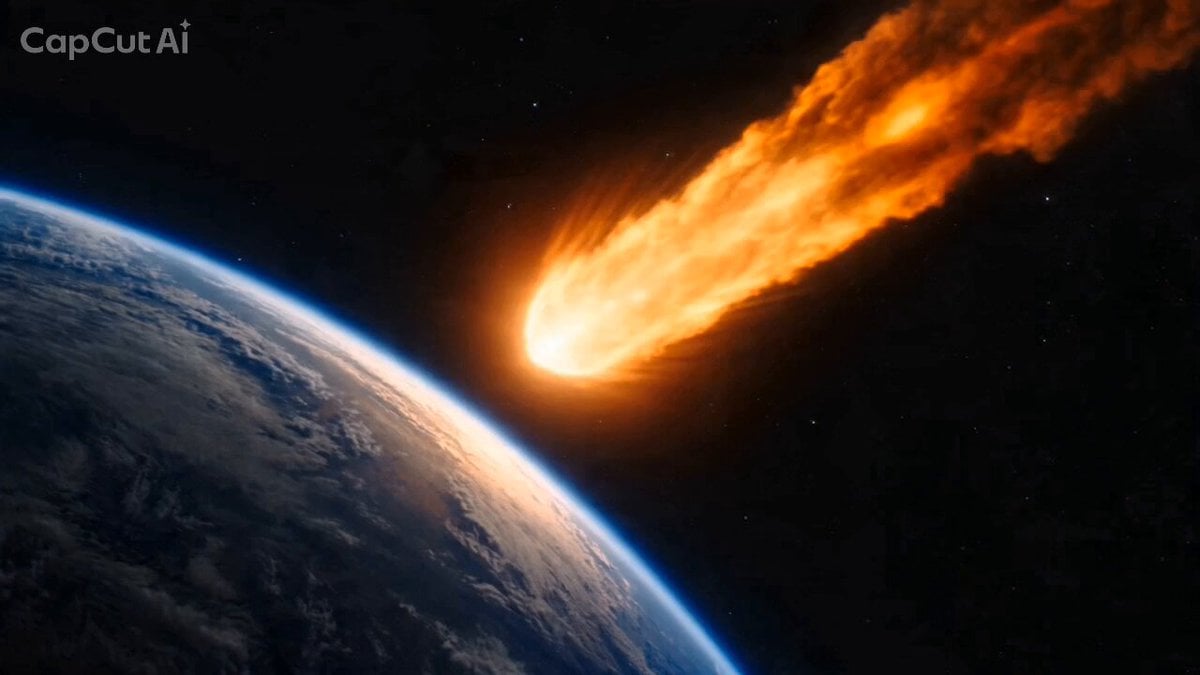
Seedance 2.0: Meteorite Defense at Shibuya Crossing (Hex Prompt)
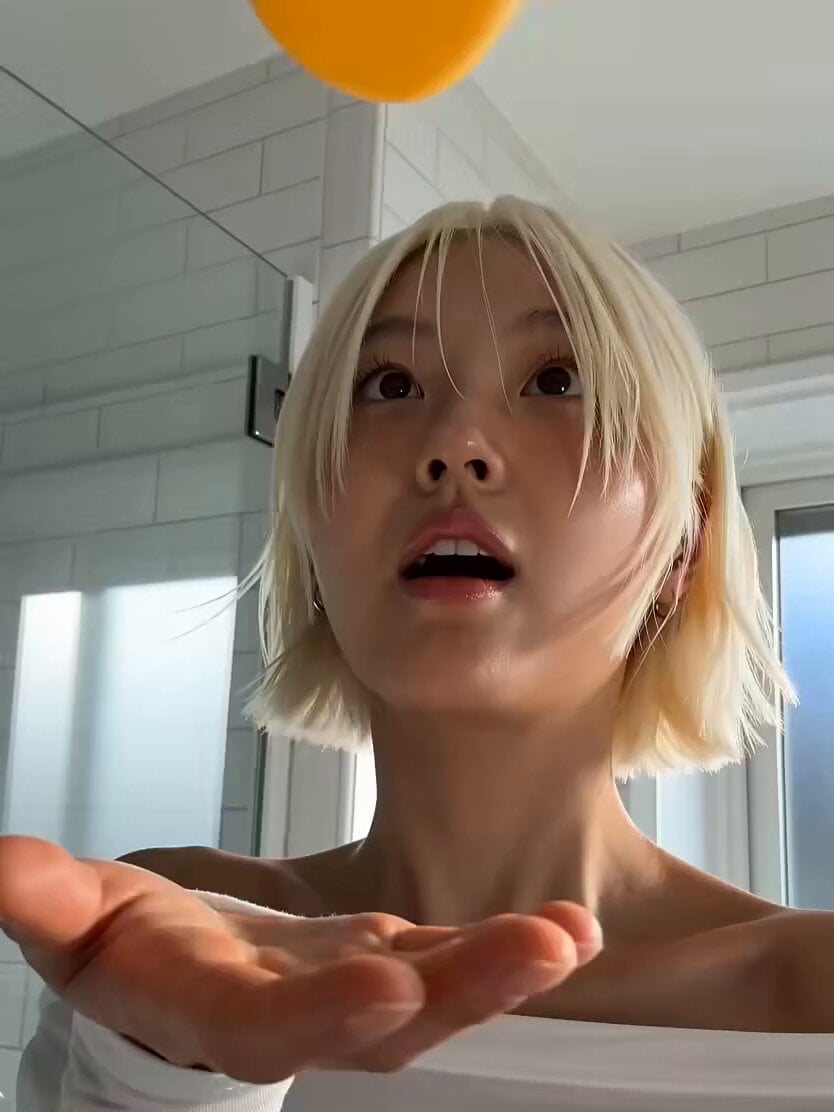
Cinematic Skincare Beauty Vlog
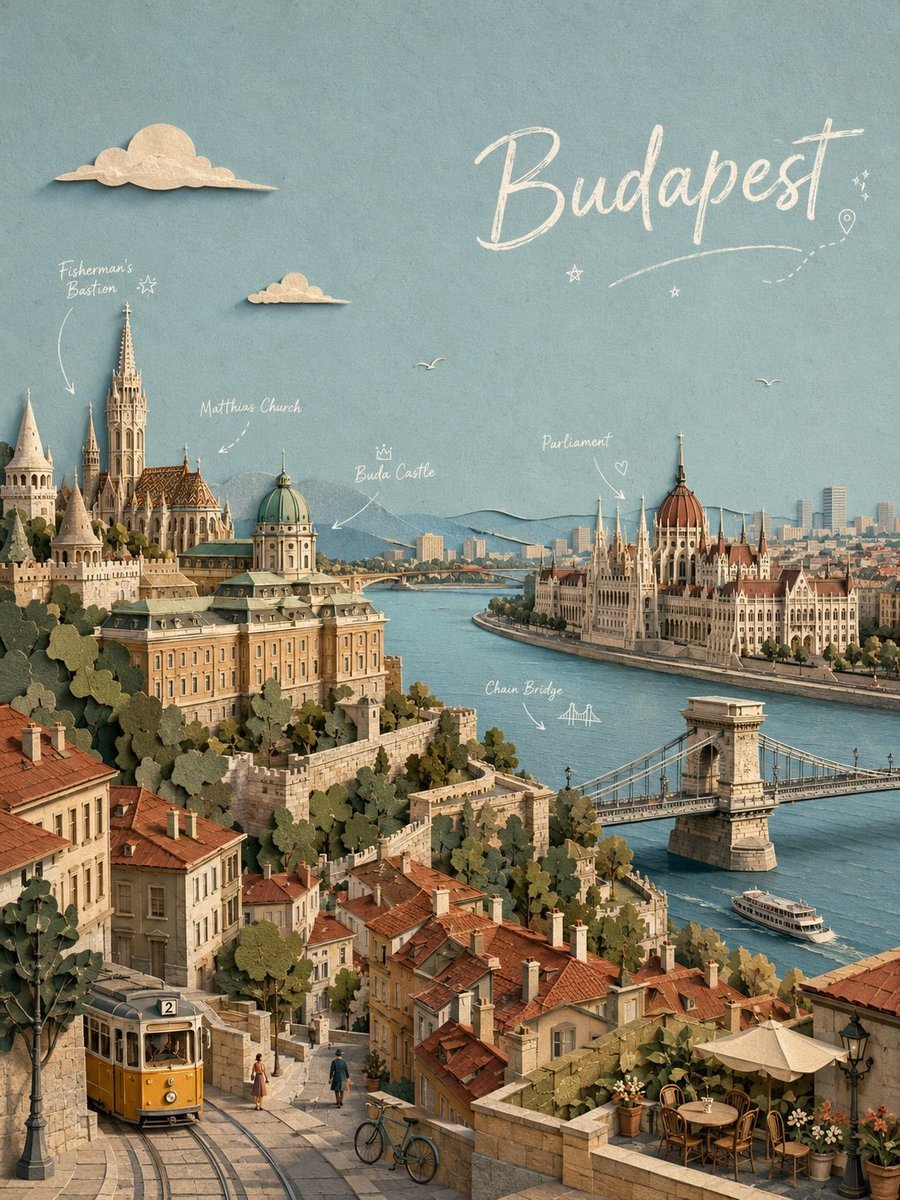
Paper-cut Budapest Animation
Robot Kneeling Before Light
Browse template categories
Two-Step Generation for Dancer Video using Grok Imagine and Hailuo 2.3 questions
How do I use the Two-Step Generation for Dancer Video using Grok Imagine and Hailuo 2.3 template?
Add your photo if the template asks for one, edit the prompt if you like — the template's model and format are already selected — and press Generate. Your version opens in PicX Studio.
Can I customize the Two-Step Generation for Dancer Video using Grok Imagine and Hailuo 2.3 template?
Yes. You can change the subject, setting, lighting, mood, format, and available model controls before creating your video.
Is the Two-Step Generation for Dancer Video using Grok Imagine and Hailuo 2.3 template free?
Opening and editing this template is free. Generating uses credits, shown on the Generate button when you are signed in.
Which AI model should I use?
Start with Grok Imagine, which is the model associated with this template. You can compare another compatible model for a different finish.
Looking for something else? Browse all templates.

Your photo, any look
Thousands of ready templates for every top image and video model, from one credit balance.