How do I use the Anime Swordsman vs Demon Duel template?
Edit the prompt in the box under the preview — the template's model and format are already selected — and press Generate. Your version appears right on this page.
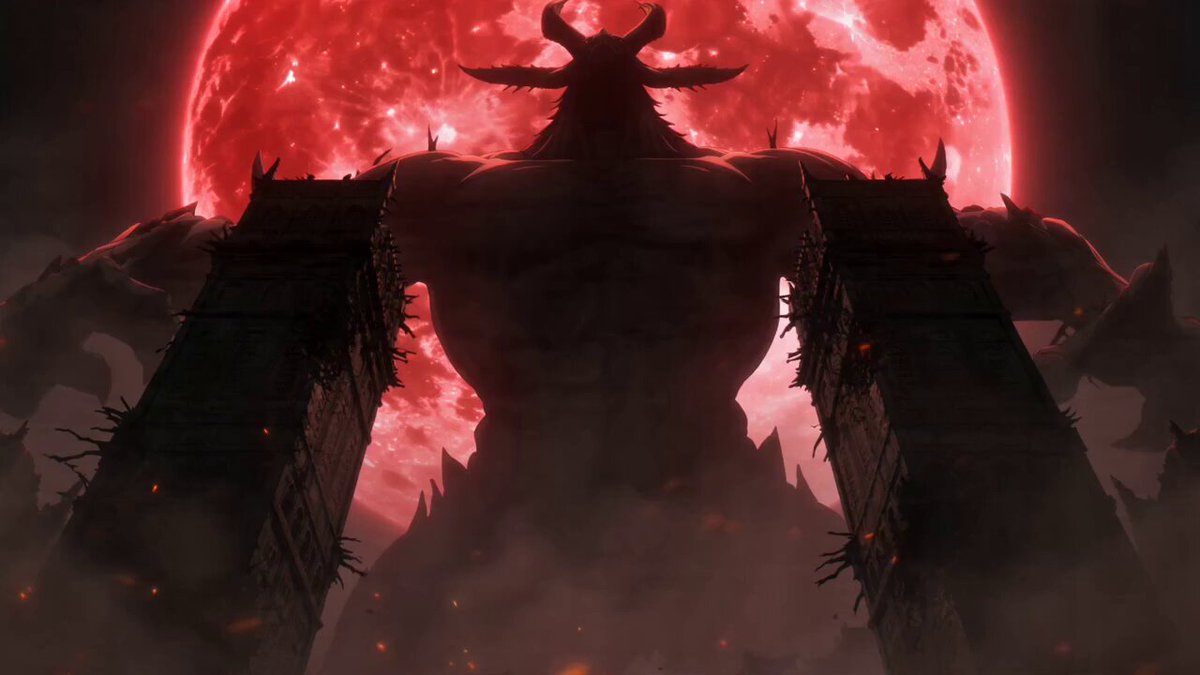
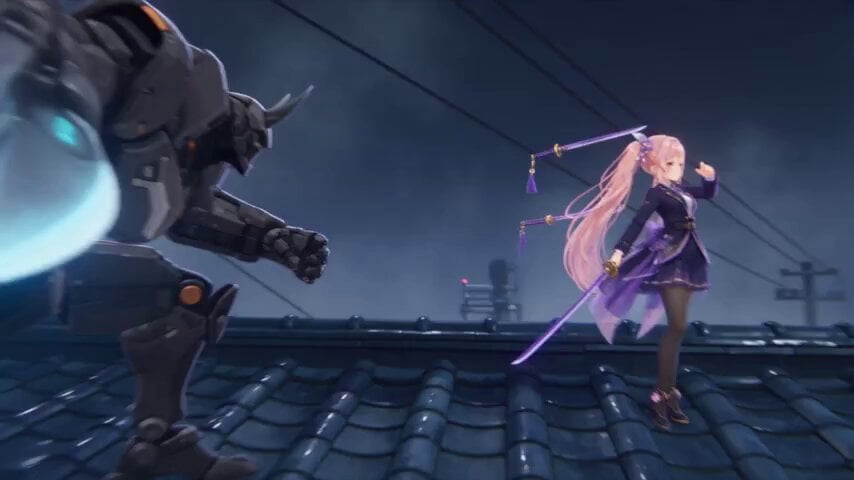
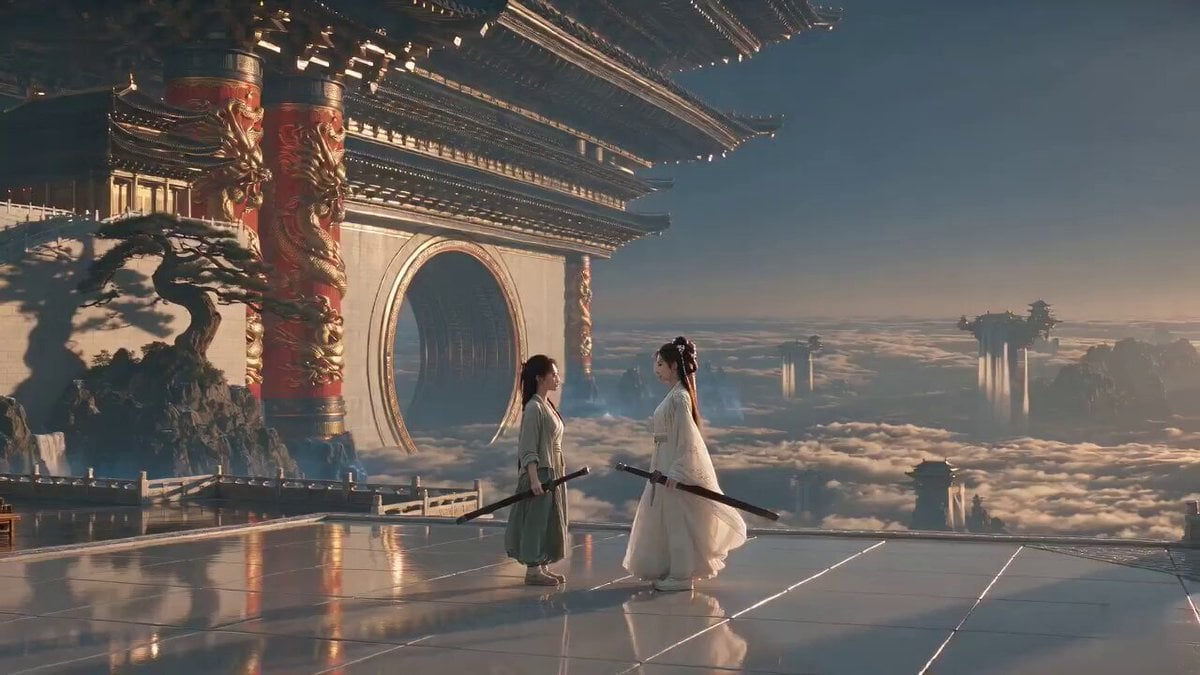
An epic anime sword duel prompt featuring a lightning-wielding swordsman facing a flame-ignited demon warrior on a volcanic battlefield.
cinematic anime movie opening keyframe, the exact same white-haired thunder swordsman from the reference image, preserving his facial identity, messy silver-white hair, sharp blue eyes, white and royal-blue floral wave-patterned haori, dark inner robe, black hakama, blue tassel accessories, standing on fractured volcanic rock inside a hell valley, holding exactly ONE unsheathed thunder katana, no additional sword, no duplicate weapon the swordsman is in a low pre-attack stance, body turned three-quarter toward the enemy, katana lowered diagonally beside him, controlled blue electricity slowly gathering around the single blade, calm cold expression, wind moving his hair and long haori, strong anticipation before a high-speed attack a humanoid Demon King stands twelve meters in front of him, only three meters tall, powerful but realistically defeatable, black infernal armor, curved horns, glowing red eyes, holding one flaming demonic sword, red fire aura, both warriors clearly visible from head to toe professional anime action direction, low-angle camera positioned slightly behind and beside the swordsman, clear open movement path between both characters, strong foreground midground background separation, readable silhouettes, balanced scale, motion-ready composition designed as the first frame of a 10-second sword duel, no attack has happened yet jagged cliffs, lava fissures, ruined demonic pillars, drifting embers, ash, smoke and storm clouds, blue lightning versus red hellfire, cinematic rim lighting, dramatic depth, premium Japanese anime film quality, highly detailed clothing, clean anatomy, sharp face, dynamic but stable composition, epic dark fantasy atmosphere, vertical composition --ar --stylize 150 --chaos 4 --iw 1.7 --no extra swords, second katana, duplicate weapons, giant kaiju demon, enormous size difference, extra characters, character sheet, collage, text, logo, watermark, cropped feet, distorted hands, blurry face. Image1 as the main reference frame. A white-haired lightning swordsman in a flowing white and blue kimono faces a black armored demon warrior on a shattered volcanic battlefield. Storm clouds, lava cracks, and flying embers surround them. The swordsman grips his glowing blue lightning katana while the demon ignites a red flame blade. The camera starts with a low-angle close-up of the lightning flowing along the sword, then slowly pushes out to reveal both warriors. The demon suddenly charges with a flaming slash, the swordsman blocks at the last moment, creating a violent blue and red energy shockwave. They exchange three rapid sword strikes, sparks exploding with each collision. The swordsman spins through the smoke and delivers a powerful lightning-infused slash as the demon blocks with his burning blade. The camera performs a smooth orbit around the final clash, capturing flying embers, broken rocks, flowing clothes, and intense energy. Anime cinematic battle style, dramatic lighting, high contrast, IMAX cinematic texture. Audio: thunder crashing, metallic sword impacts, electric crackling, roaring flames, deep orchestral battle music. 4K Ultra HD, rich details, sharp clarity, cinematic texture, stable picture. Maintain face and clothing consistency, no distortion, high detail. Generate video without subtitles.
cinematic anime movie opening keyframe, the exact same white-haired thunder swordsman from the reference image, preserving his facial identity, messy silver-white hair, sharp blue eyes, white and royal-blue floral wave-patterned haori, dark inner robe, black hakama, blue tassel accessories, standing on fractured volcanic rock inside a hell valley, holding exactly ONE unsheathed thunder katana, no additional sword, no duplicate weapon the swordsman is in a low pre-attack stance, body turned three-quarter toward the enemy, katana lowered diagonally beside him, controlled blue electricity slowly gathering around the single blade, calm cold expression, wind moving his hair and long haori, strong anticipation before a high-speed attack a humanoid Demon King stands twelve meters in front of him, only three meters tall, powerful but realistically defeatable, black infernal armor, curved horns, glowing red eyes, holding one flaming demonic sword, red fire aura, both warriors clearly visible from head to toe professional anime action direction, low-angle camera positioned slightly behind and beside the swordsman, clear open movement path between both characters, strong foreground midground background separation, readable silhouettes, balanced scale, motion-ready composition designed as the first frame of a 10-second sword duel, no attack has happened yet jagged cliffs, lava fissures, ruined demonic pillars, drifting embers, ash, smoke and storm clouds, blue lightning versus red hellfire, cinematic rim lighting, dramatic depth, premium Japanese anime film quality, highly detailed clothing, clean anatomy, sharp face, dynamic but stable composition, epic dark fantasy atmosphere, vertical composition --ar --stylize 150 --chaos 4 --iw 1.7 --no extra swords, second katana, duplicate weapons, giant kaiju demon, enormous size difference, extra characters, character sheet, collage, text, logo, watermark, cropped feet, distorted hands, blurry face. Image1 as the main reference frame. A white-haired lightning swordsman in a flowing white and blue kimono faces a black armored demon warrior on a shattered volcanic battlefield. Storm clouds, lava cracks, and flying embers surround them. The swordsman grips his glowing blue lightning katana while the demon ignites a red flame blade. The camera starts with a low-angle close-up of the lightning flowing along the sword, then slowly pushes out to reveal both warriors. The demon suddenly charges with a flaming slash, the swordsman blocks at the last moment, creating a violent blue and red energy shockwave. They exchange three rapid sword strikes, sparks exploding with each collision. The swordsman spins through the smoke and delivers a powerful lightning-infused slash as the demon blocks with his burning blade. The camera performs a smooth orbit around the final clash, capturing flying embers, broken rocks, flowing clothes, and intense energy. Anime cinematic battle style, dramatic lighting, high contrast, IMAX cinematic texture. Audio: thunder crashing, metallic sword impacts, electric crackling, roaring flames, deep orchestral battle music. 4K Ultra HD, rich details, sharp clarity, cinematic texture, stable picture. Maintain face and clothing consistency, no distortion, high detail. Generate video without subtitles.
Edit the prompt in the box under the preview — the template's model and format are already selected — and press Generate. Your version appears right on this page.
Yes. You can change the subject, setting, lighting, mood, format, and available model controls before creating your video.
Opening and editing this template is free. Generating uses credits, shown on the Generate button when you are signed in.
Start with Seedance 2.0, which is the model associated with this template. You can compare another compatible model for a different finish.
Follow a topic to a crawlable collection of related PicX Studio templates.