
Cat Mukbang Costume Video
A humorous and cinematic prompt for a cat wearing a wolf hat while participating in a mukbang feast, complete with realistic eating animations and soft lighting.
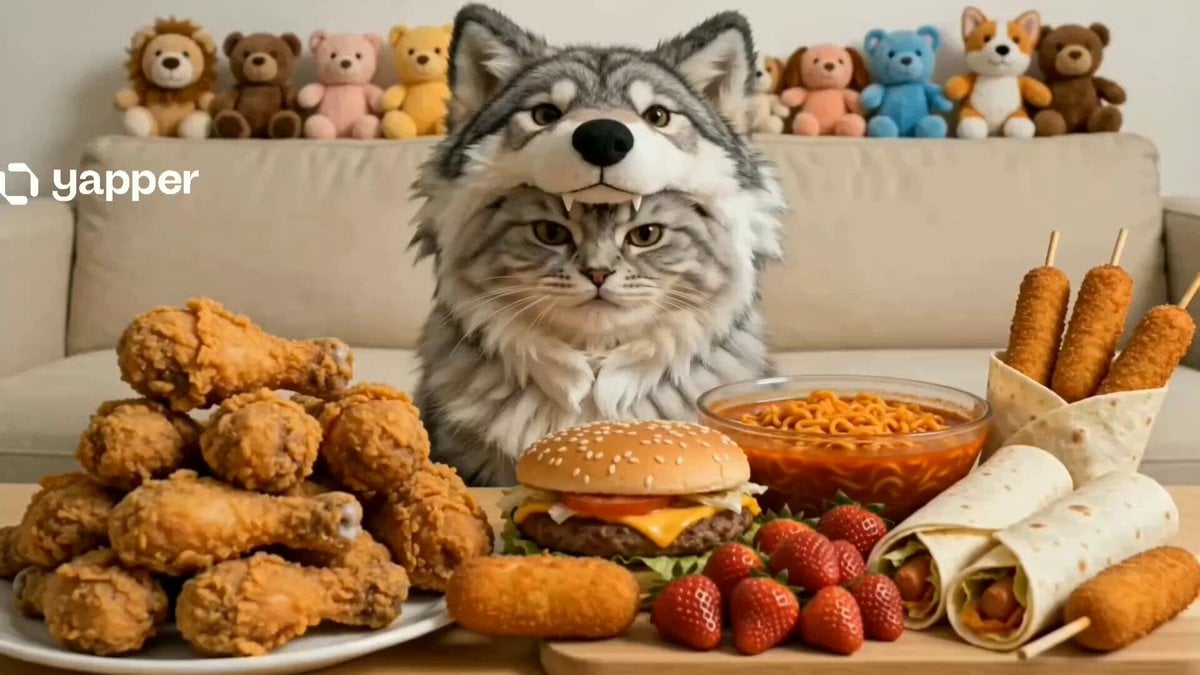
- Prompt included
- Model and format preset
- Premium template
The prompt behind this video
Copy the exact prompt behind Cat Mukbang Costume Video, or open it in the studio and make it yours.
A photorealistic, ultra-high-definition cinematic video of a fluffy grey-and-white tabby cat sitting upright on a beige sofa, wearing a soft plush wolf-head costume hat. The cat is positioned behind a large table filled with an abundant mukbang-style feast, including crispy golden fried chicken, spicy red noodles, a juicy cheeseburger, fresh strawberries, tortilla wraps, and corn dogs. The scene is styled like a viral ASMR pet eating video with realistic textures and subtle humor. The cat animatedly picks up a piece of fried chicken with its paw, brings it to its mouth, and eats with exaggerated, enthusiastic chewing. It then grabs a glass bottle of dark soda and drinks from it by tilting its head back. In the background, colorful plush animal toys are neatly arranged along the sofa. Bright, soft lighting enhances the glossy, greasy food textures and the ultra-soft fur detail of the cat. The overall tone is playful, realistic, and highly cinematic, with smooth motion and natural animal behavior.
How to use Cat Mukbang Costume Video in 3 steps
- 1
Open
The prompt is already in the box next to the preview, with the template's model and format selected.
- 2…a portrait of your subject in softgolden-hour light, 85mm…
Personalize
Edit the subject and creative details for your destination.
- 3Generate
Generate
Press Generate — your video is created in PicX Studio, so you can compare it with the original and refine one variable at a time.
More like this
Templates with the same subject, style or setup. Open one to see its prompt.

3D Animated Cat and Old Man - Seedance
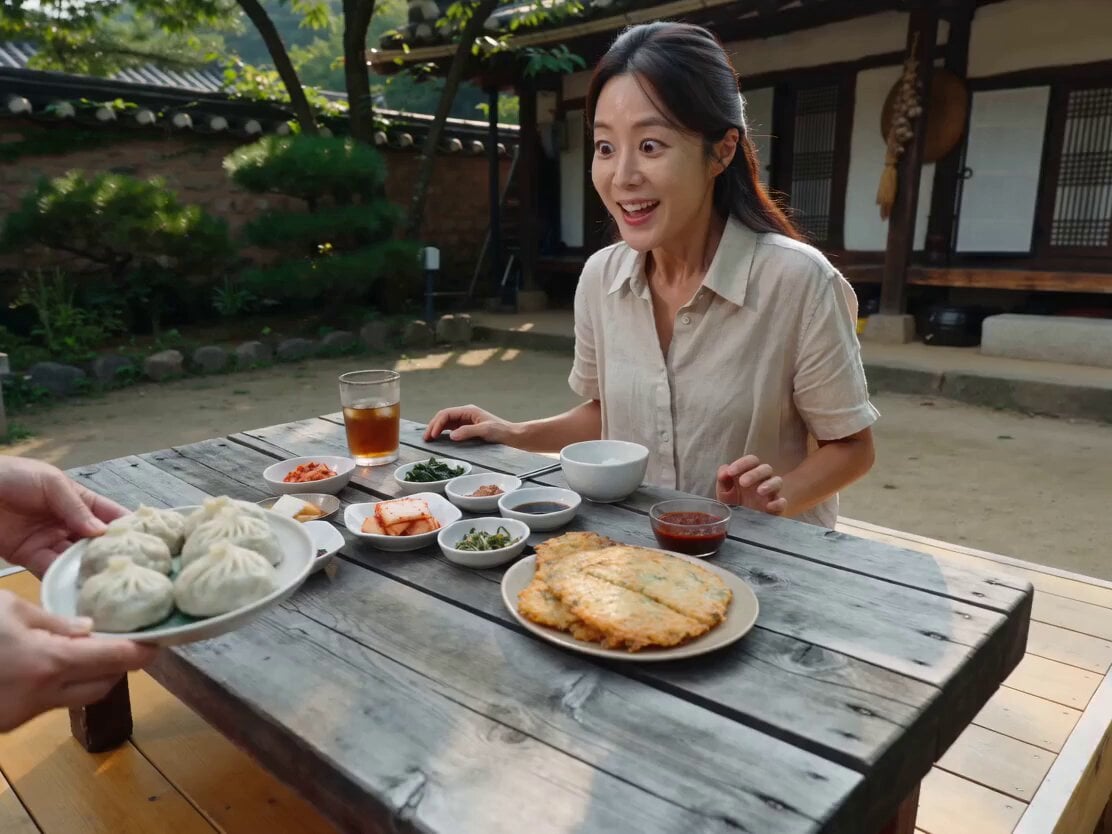
Hanok Restaurant Mukbang Vlog

Mukbang ASMR Vlog Seedance 2.0 Prompt
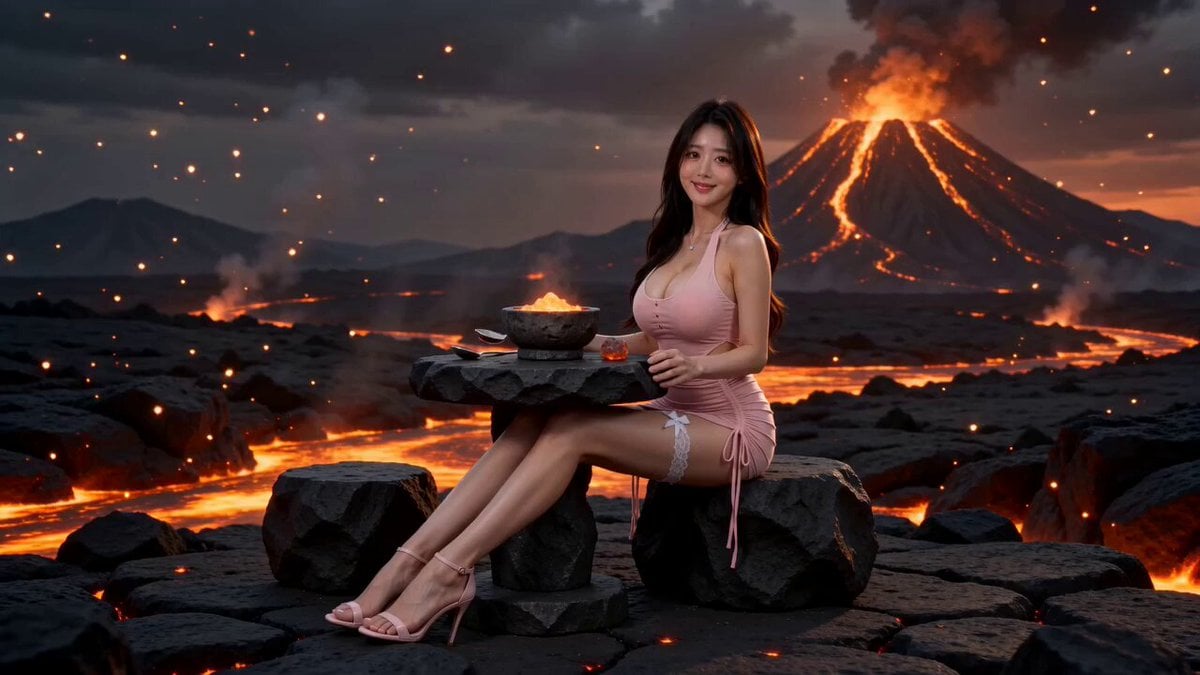
Surreal Volcano Lava Mukbang ASMR
Ancient Costume Time-Travel Drama Trailer Generation
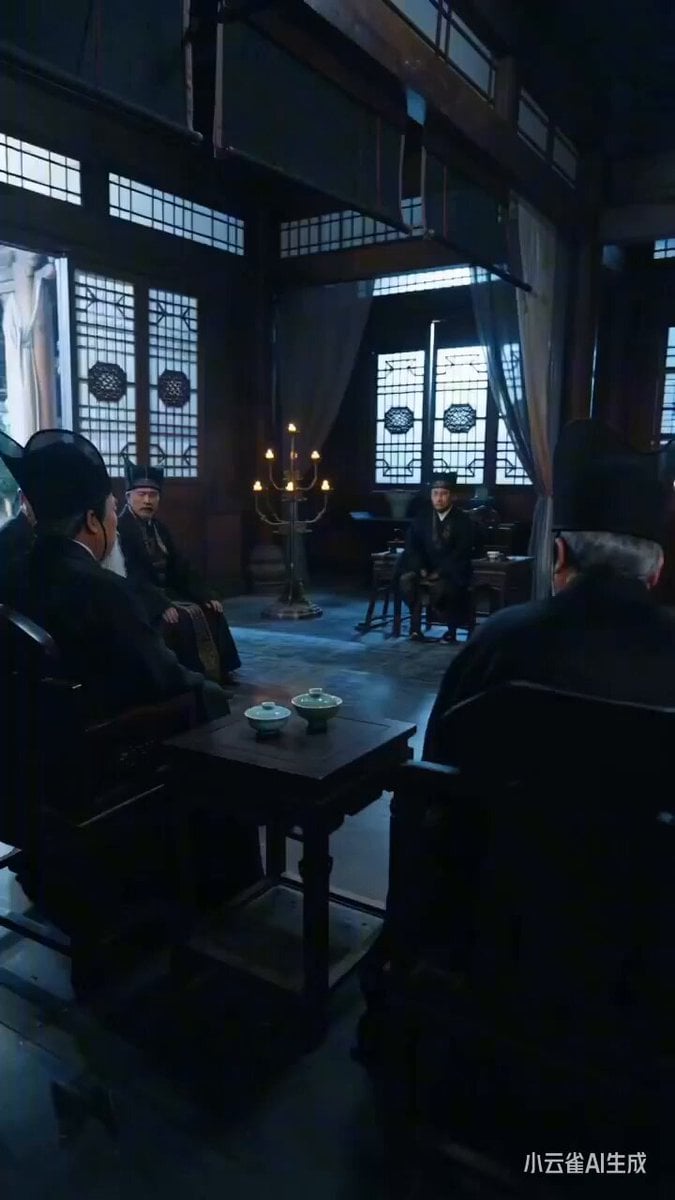
Ancient Costume Power Struggle Short Drama Prompt
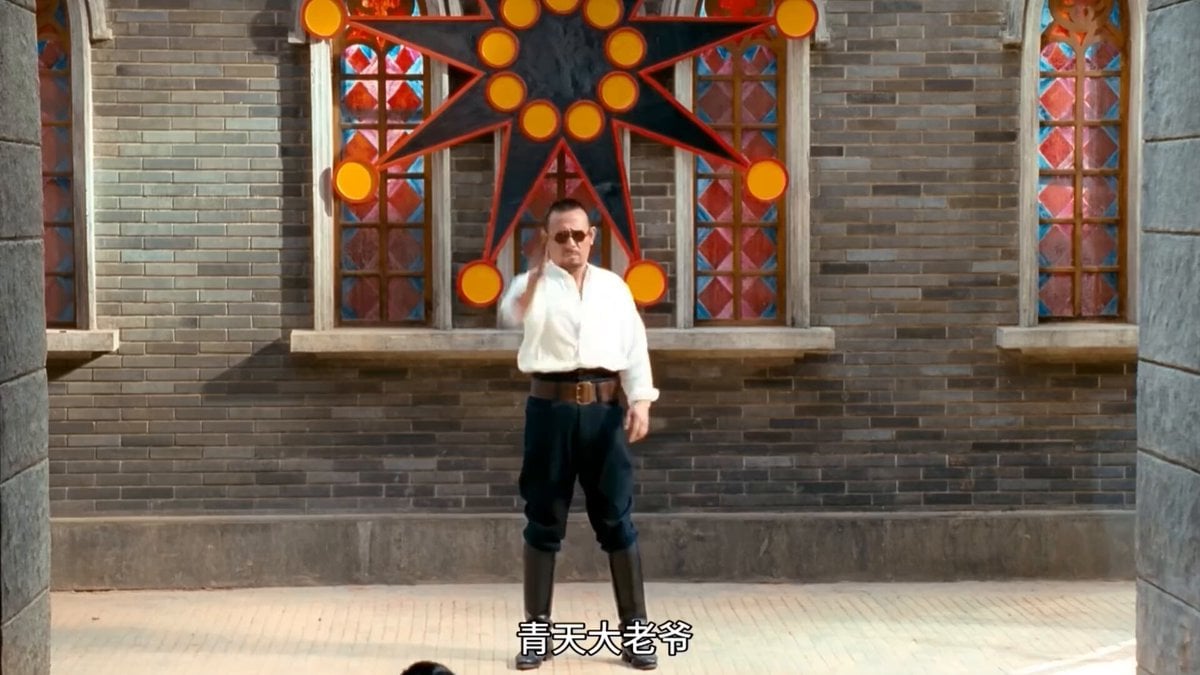
Text-to-Video Prompt: Ancient Costume Execution Ground Revenge Scene
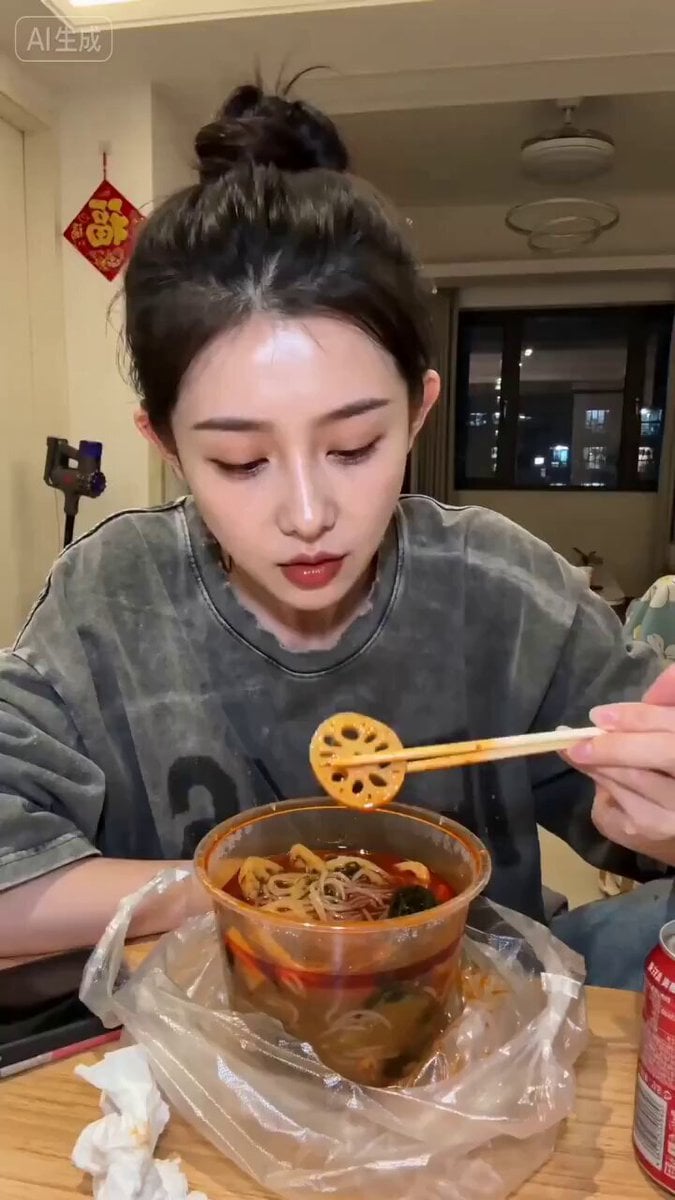
Seedance 2.0 Mukbang Video Prompt
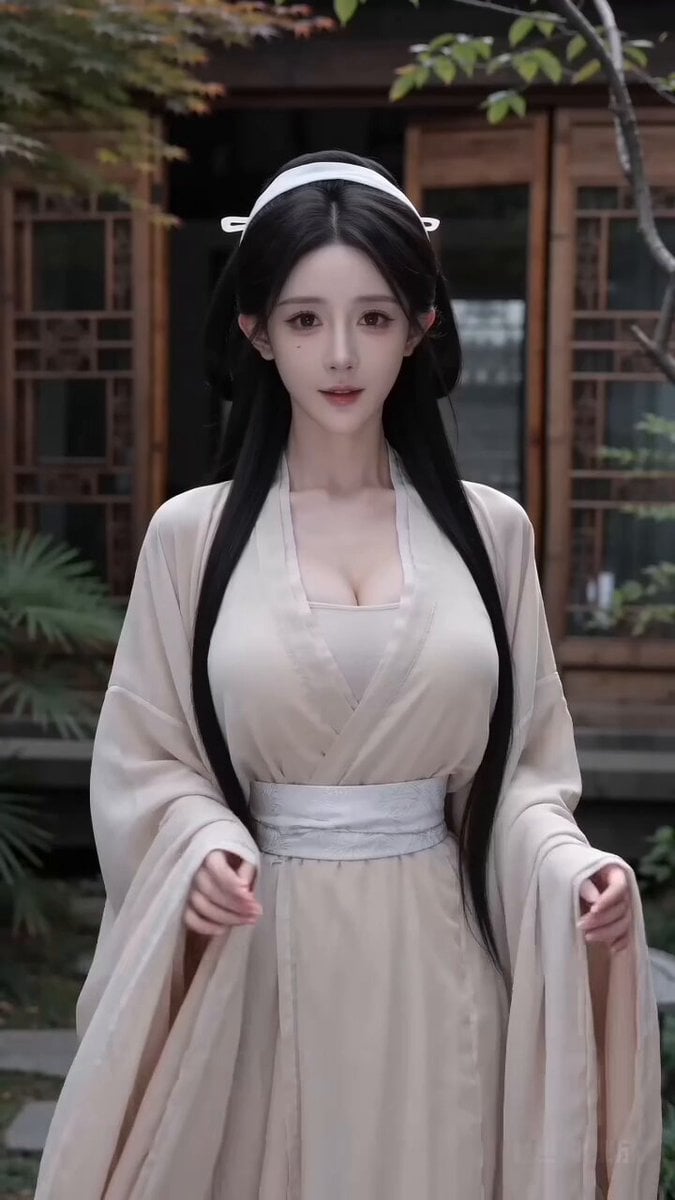
Second Ancient Chinese Costume Quick Change Video
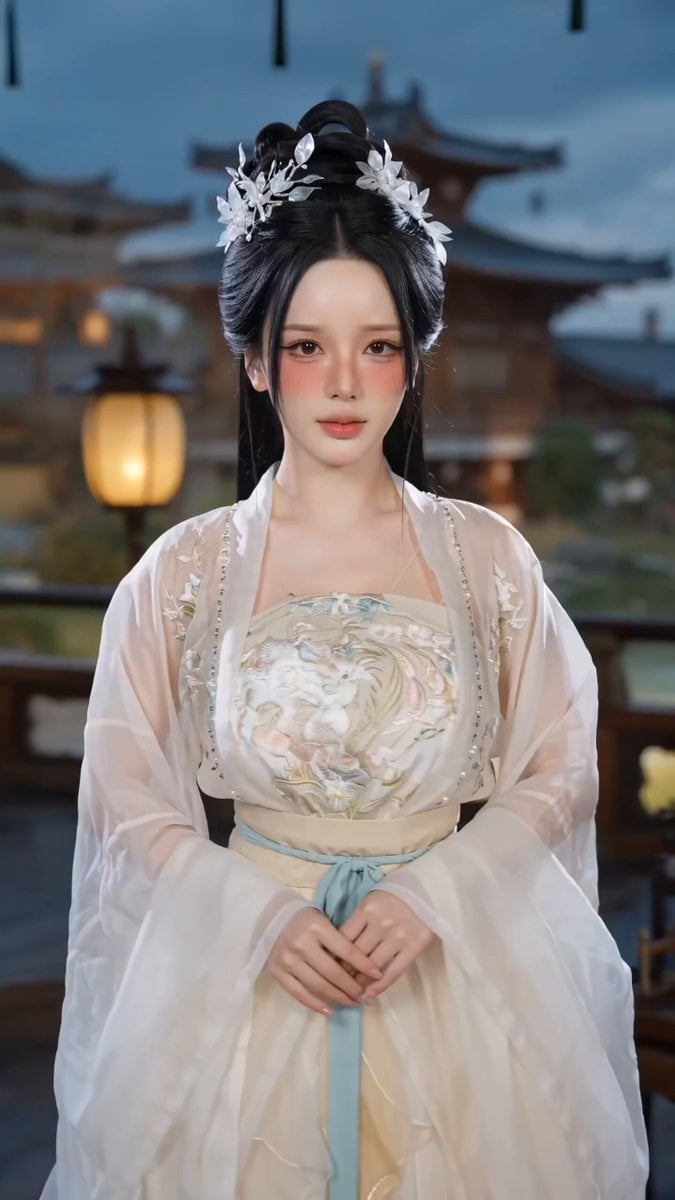
Ancient Chinese Costume Change Video Prompt (10-Second TikTok Style)
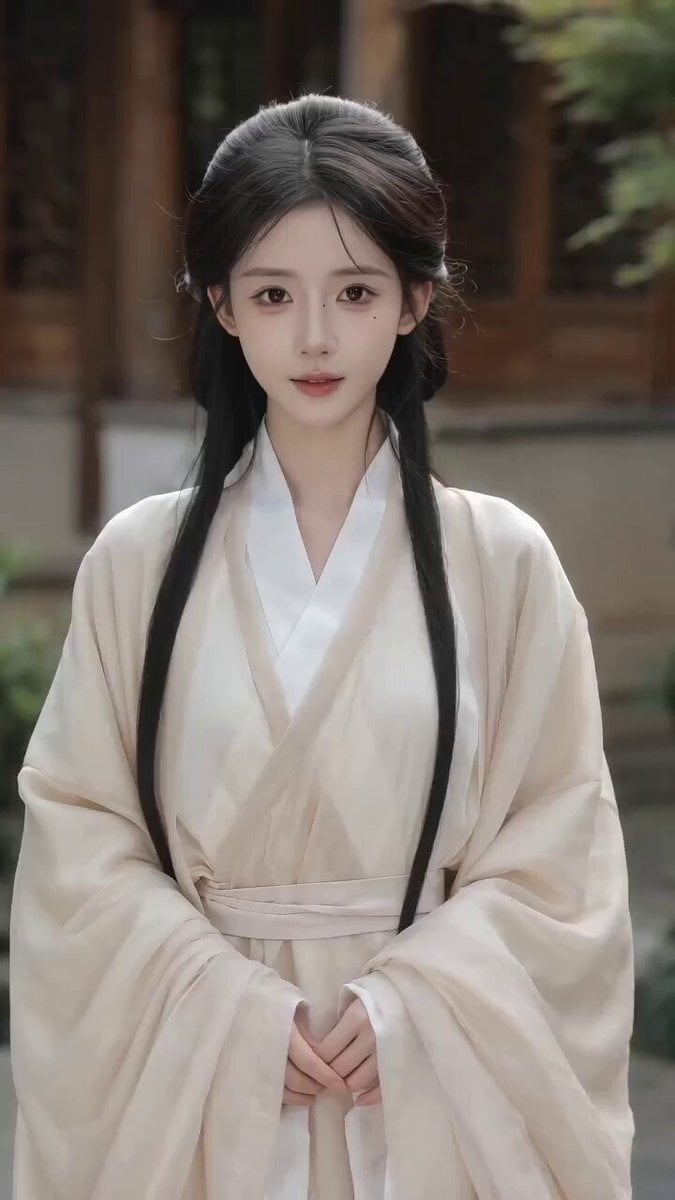
Seedance 2.0 Video Prompt: Seamless Ancient Chinese Costume Change
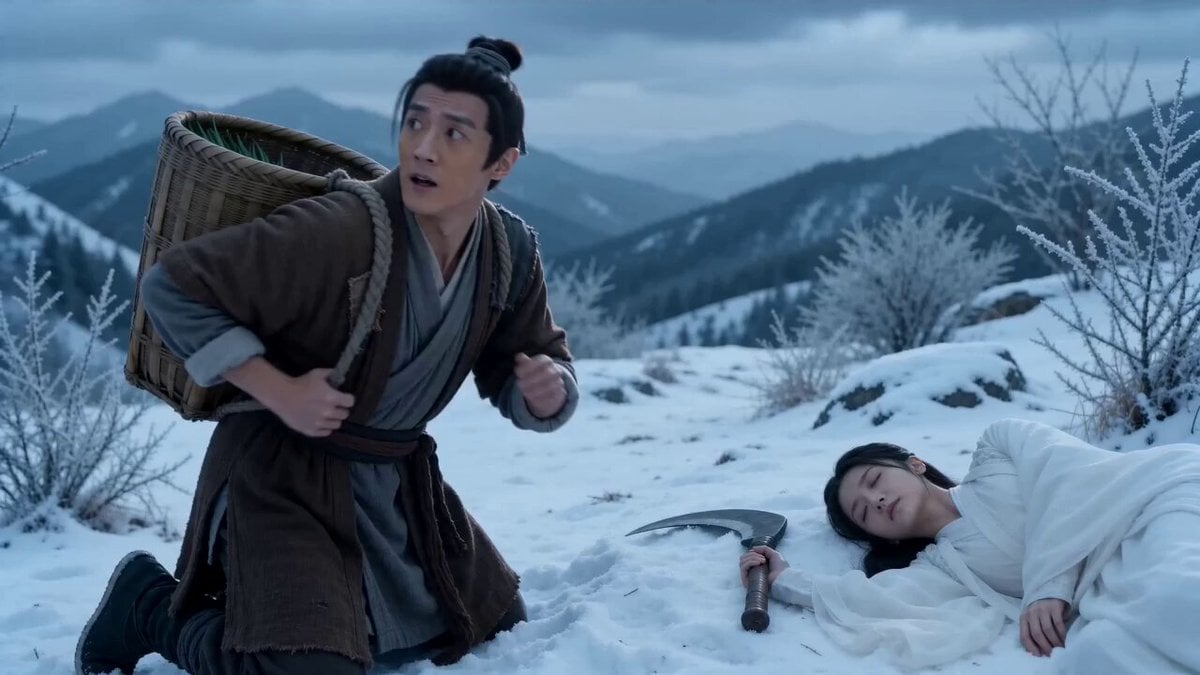
Costume comedy short film storyboard
Make it yours
Cat Mukbang Costume Video works as-is. These are the safest ways to change it without losing the look.
Change one field
Copy a single group, rewrite it, and generate again so you can see what that field is doing.
Keep the frame, change the subject
Hold the composition and light of Cat Mukbang Costume Video, then swap wardrobe, props or the person for a new take.
| If the result… | Why | Fix |
|---|---|---|
| The result drifts from the preview | Too many fields changed at once. | Reuse Cat Mukbang Costume Video as-is first, then change one group — subject, light, or setting. |
| The model over-stylizes the scene | The prose prompt leaves finish and camera underspecified. | Add one camera or lighting sentence and stay on Seedance 2.0. |
More Seedance 2.0 templates
Other prompts made for Seedance 2.0.

Comical Martial Arts Punch Scene

Maglev Train Action Sequence

Martial Arts Fight Sequence

Wuxia Protection and Trust Script

Vintage Korean Arcade MiniDV Vlog

Mercedes 190 SL Luxury Ad

Rainy Night Supernatural Reverse Comedy Video Script

Amazon Civilization Discovery

Futuristic South Asian City Transformation

Cozy Luxury Cafe Commercial
More video prompts
Fresh picks from across the catalog.

Seedance 2.0 CG Video Prompt: Tea Kill - Instant Purgatory
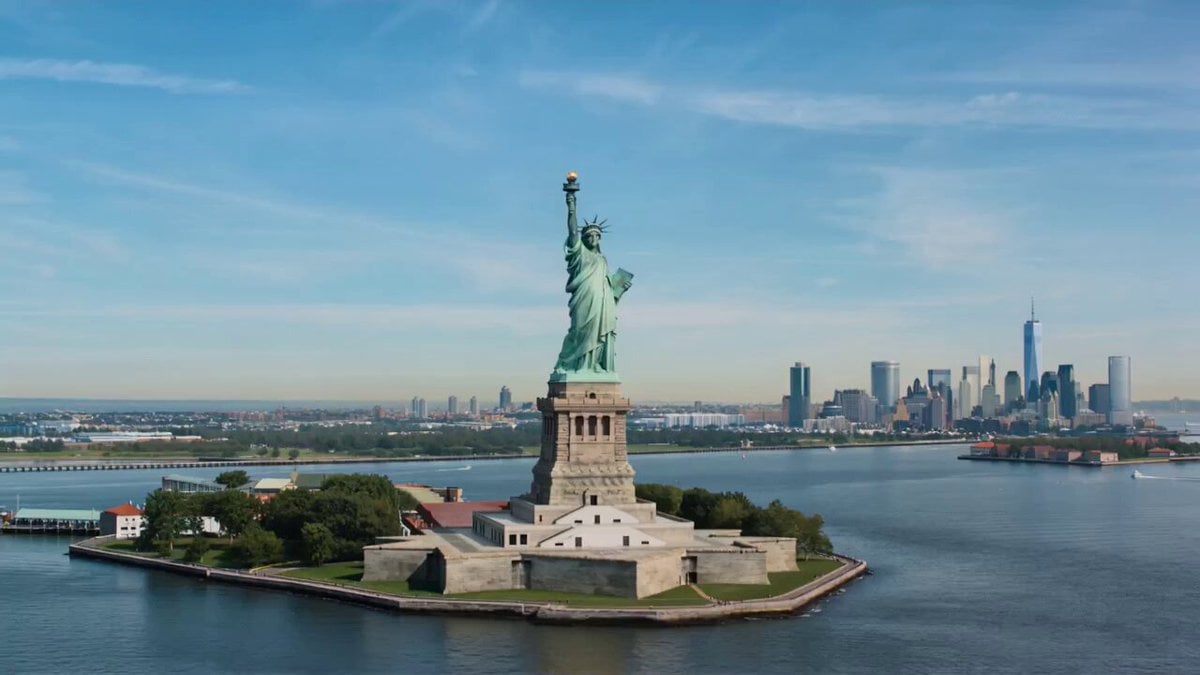
Wholesome Statue of Liberty family chat prompt
Rainforest Thriller — Searching the Unseen
Dim Bedroom Cinematic Push-in Prompt
3D Animated Romantic Comedy Clip
Cinematic Wormhole POV Fly Scene Prompt
Torpedo vs Megalodon Ocean Chase
Elevator CCTV Glitch Horror
Cinematic Bioluminescent Ocean Lighthouse Prompt
Horseback riding and Starship launch video
Browse template categories
Cat Mukbang Costume Video questions
How do I use the Cat Mukbang Costume Video template?
Add your photo if the template asks for one, edit the prompt if you like — the template's model and format are already selected — and press Generate. Your version opens in PicX Studio.
Can I customize the Cat Mukbang Costume Video template?
Yes. You can change the subject, setting, lighting, mood, format, and available model controls before creating your video.
Is the Cat Mukbang Costume Video template free?
Opening and editing this template is free. Generating uses credits, shown on the Generate button when you are signed in.
Which AI model should I use?
Start with Seedance 2.0, which is the model associated with this template. You can compare another compatible model for a different finish.
Looking for something else? Browse all templates.

Your photo, any look
Thousands of ready templates for every top image and video model, from one credit balance.