
Seedance 2.0 Mukbang Video Prompt
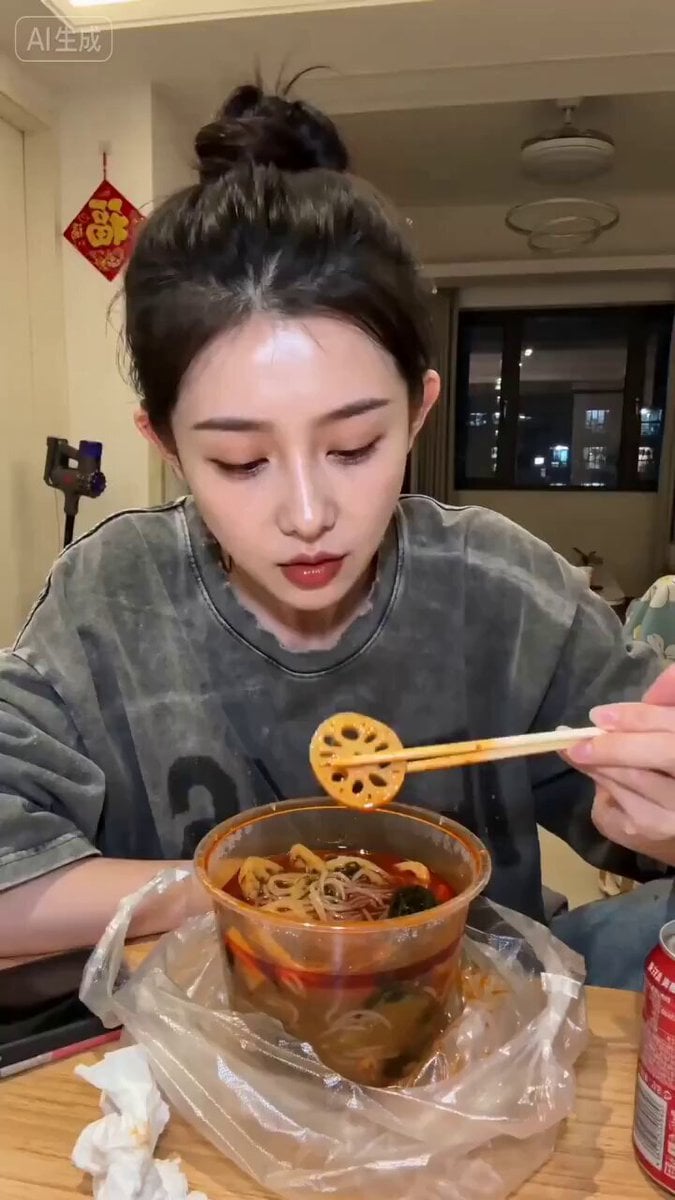
A detailed prompt for generating a 15-second vertical AI short video in a realistic style, depicting a young woman eating spicy hot pot takeout in a rented room, with specific instructions for camera angle, lighting…
- Prompt included
- Model and format preset
- Free template
The prompt behind this video
Copy the exact prompt behind Seedance 2.0 Mukbang Video Prompt, or open it in the studio and make it yours.
9:16 vertical, 15 seconds, realistic slice-of-life style, warm yellow indoor lighting, slightly low-angle phone-stand POV. In the frame, a woman in her twenties 【Image 1】 sits at a small table in a rented apartment, bare-faced except for lipstick, hair casually tied into a bun, wearing a faded gray oversized hoodie. In front of her is a freshly opened takeout malatang, steaming hot, with a red-oil broth. Scattered beside it are a phone, tissues, and an opened can of cola. The background is an ordinary rented living room, with a small "福" (good fortune) character stuck on the wall. Through the window, the lights of the building across the street are faintly visible. The woman uses her chopsticks to pick up a piece of lotus root, blows on it, and pops it into her mouth while talking to the camera with her mouth half full. A bit of red oil sticks to the corner of her mouth, which she wipes off with the back of her hand, then picks up a strand of glass noodles and slurps it in. At some point in her speech she suddenly laughs, pointing her chopsticks at the camera while still chewing, her eyes crinkling into crescents, then she lowers her head again to keep digging into the malatang, her expression natural and relaxed. Dialogue (girl, casual relaxed tone, speaking Chaoshan dialect): "今年过年无等内,一个人在深圳……诶,这个麻辣烫还真不赖!阿姆打电话来问我几时嫁,我讲我嫁给麻辣烫了啦哈哈哈。" Sound effects: chopsticks clinking against the plastic bowl, the slurping sound of eating glass noodles, faint firecracker sounds outside the window, occasional phone notification chimes. Prohibited: any text, subtitles, logos, or watermarks
How to use Seedance 2.0 Mukbang Video Prompt in 3 steps
- 1Upload ImagePNG, JPG or paste
Add your photo
Upload the photo the template builds on. The prompt, model and format are already set.
- 2…a portrait of your subject in softgolden-hour light, 85mm…
Personalize
Edit the subject and creative details for your destination.
- 3Generate
Generate
Press Generate — your video is created in PicX Studio, so you can compare it with the original and refine one variable at a time.
More like this
Templates with the same subject, style or setup. Open one to see its prompt.

Wholesome Puppy and Kitten Story - Seedance 2.5

Mysterious Home Exploration Vlog - Seedance 2.5

Dark Tokusatsu Transformation - Seedance 2.5

Cinematic Xinjiang Drone Landscapes - Seedance 2.5

Late Night Kitchen Phone Recording - Seedance 2.5

3D Animated Cat and Old Man - Seedance

Realistic City Street Story Cinematic Video - Seedance

Seedance 2.0 First Test — Dynamic Motion Showcase

Dragon Rider Cinematic Flight — Seedance 2.5

Sneaker Product Commercial
Cinematic Short Film Scene 2

Cinematic Short Film Scene
Make it yours
Seedance 2.0 Mukbang Video Prompt works as-is. These are the safest ways to change it without losing the look.
Change one field
Copy a single group, rewrite it, and generate again so you can see what that field is doing.
Keep the frame, change the subject
Hold the composition and light of Seedance 2.0 Mukbang Video Prompt, then swap wardrobe, props or the person for a new take.
| If the result… | Why | Fix |
|---|---|---|
| The result drifts from the preview | Too many fields changed at once. | Reuse Seedance 2.0 Mukbang Video Prompt as-is first, then change one group — subject, light, or setting. |
| The model over-stylizes the scene | The prose prompt leaves finish and camera underspecified. | Add one camera or lighting sentence and stay on Seedance 2.0. |
More Seedance 2.0 templates
Other prompts made for Seedance 2.0.

Comical Martial Arts Punch Scene

Maglev Train Action Sequence

Martial Arts Fight Sequence

Wuxia Protection and Trust Script

Vintage Korean Arcade MiniDV Vlog

Mercedes 190 SL Luxury Ad

Rainy Night Supernatural Reverse Comedy Video Script

Amazon Civilization Discovery

Futuristic South Asian City Transformation

Cozy Luxury Cafe Commercial
More video prompts
Fresh picks from across the catalog.
Sapphire Storm Inverted Sumi-e Short
Multi-Character Cabin Seating Prompt
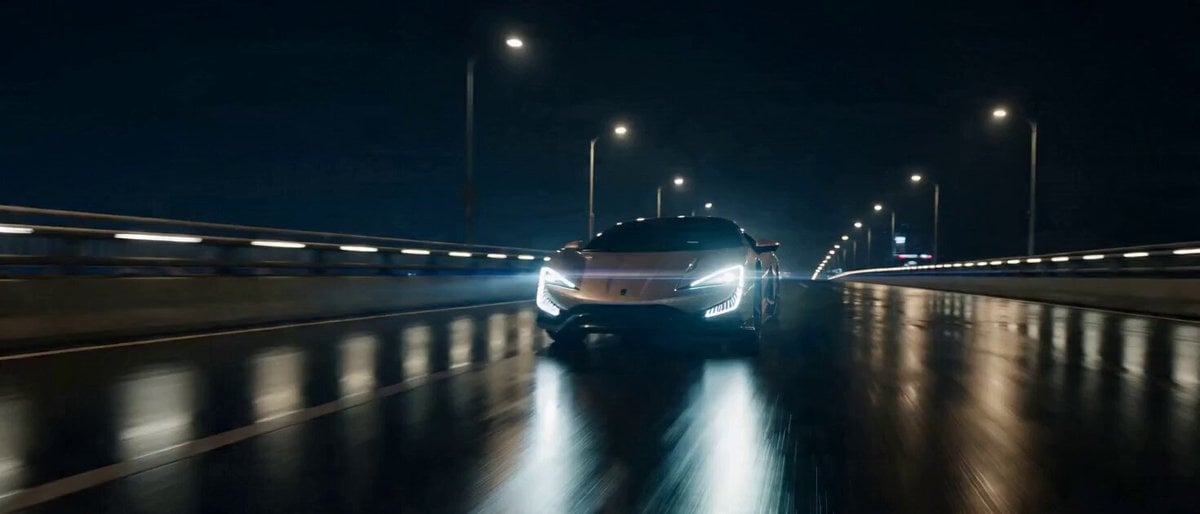
Commercial Visual Blockbuster Prompt for Seedance 2.0
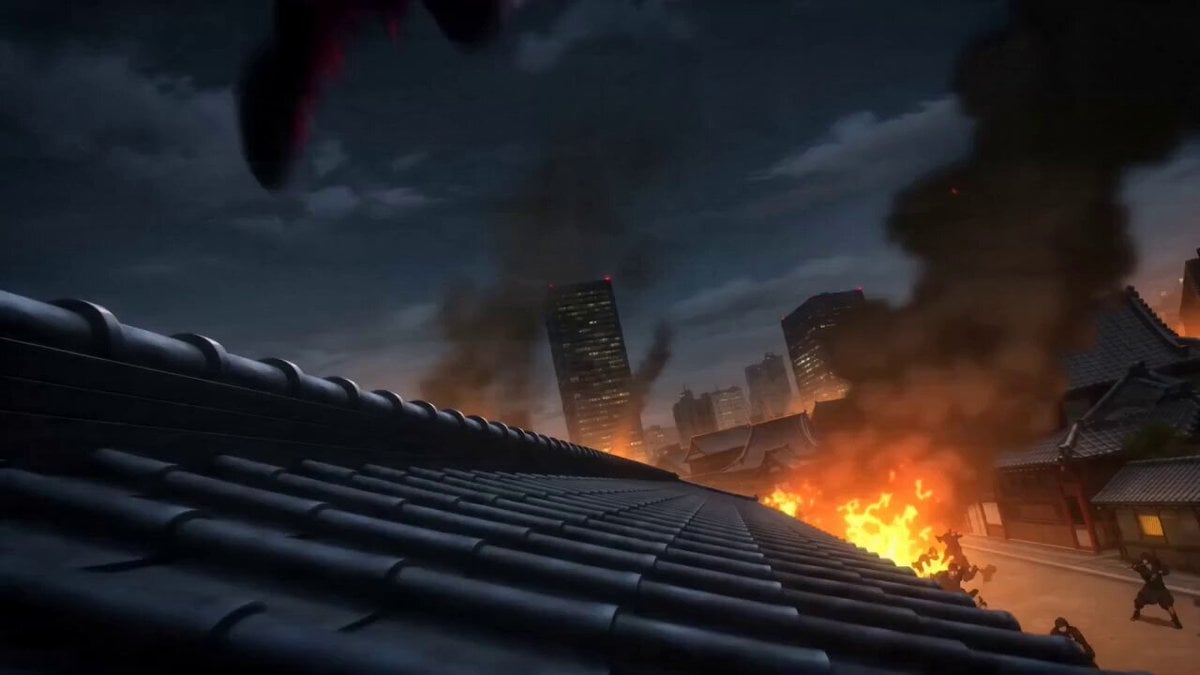
Anime Kunoichi Rooftop Battle
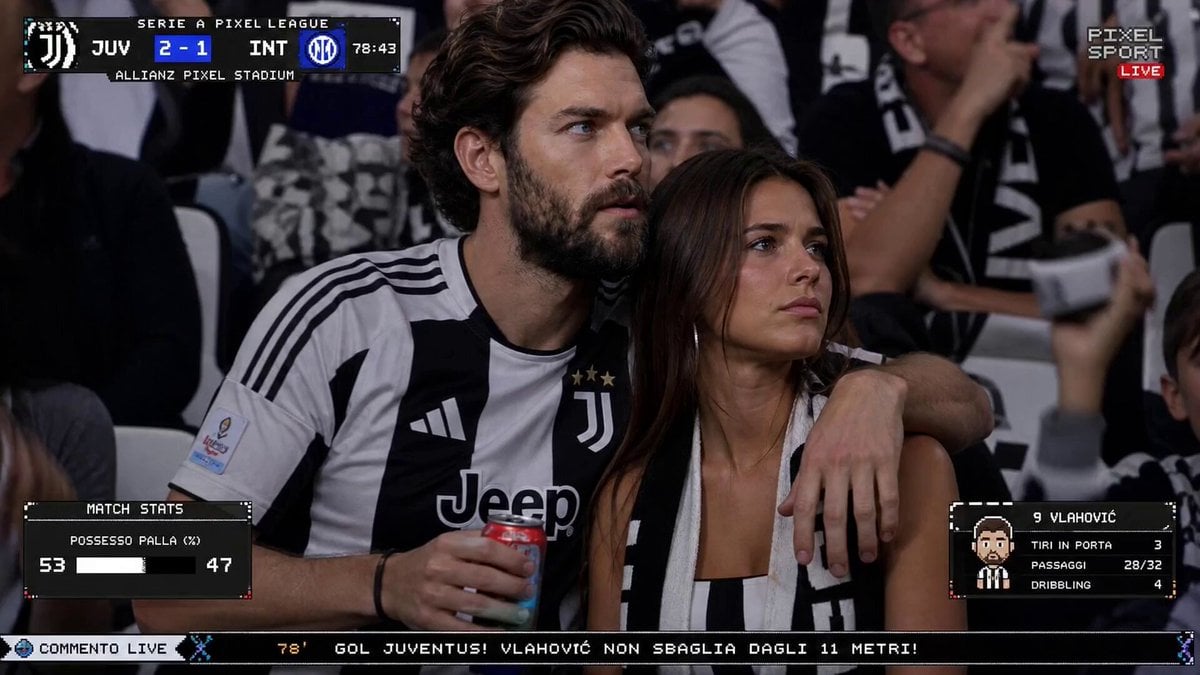
Live TV Football Broadcast Crowd Reaction
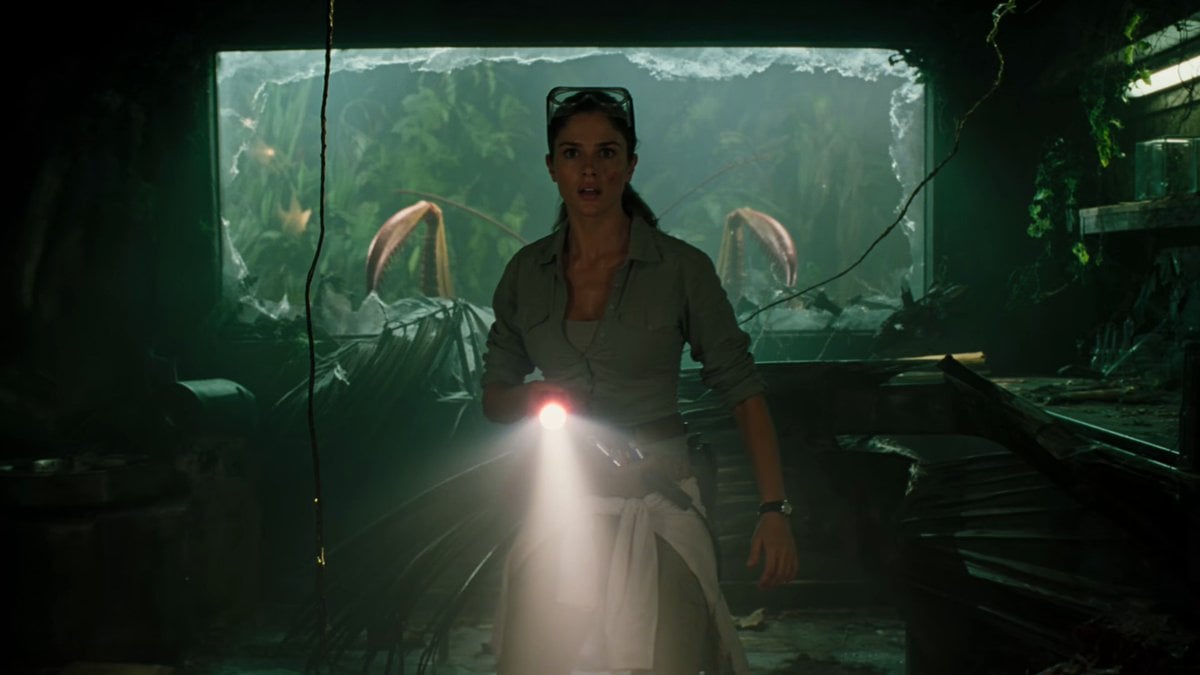
Jungle Lab Giant Mantis Thriller
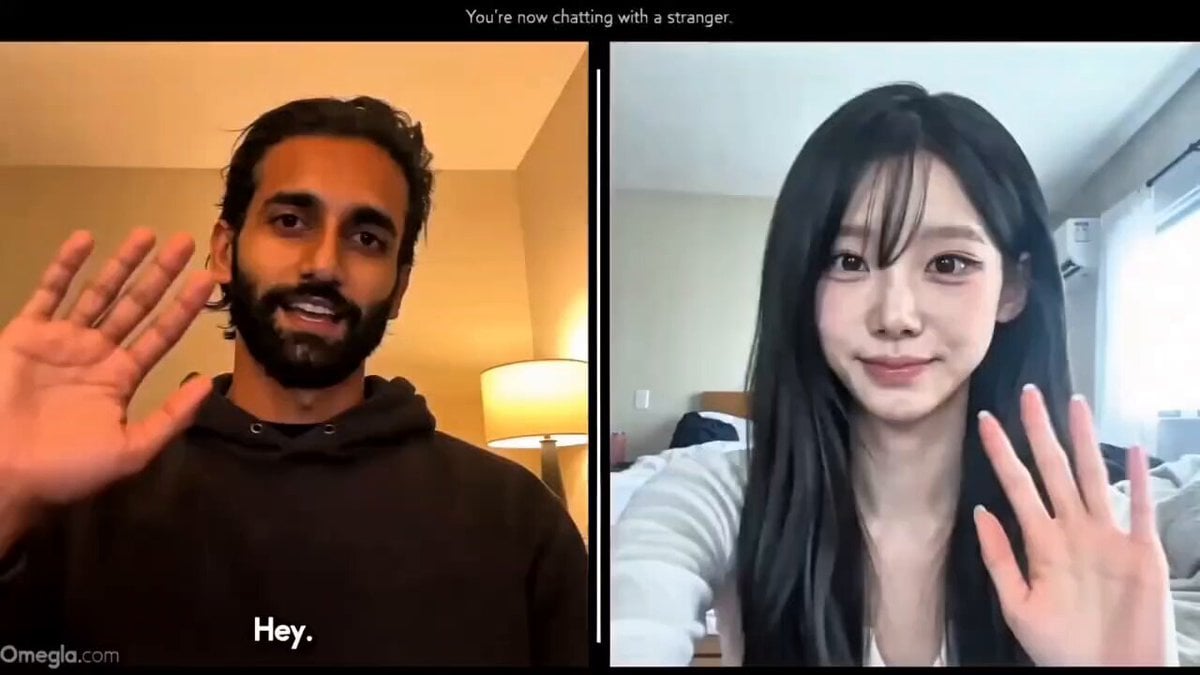
Realistic Omegle Chat Interaction
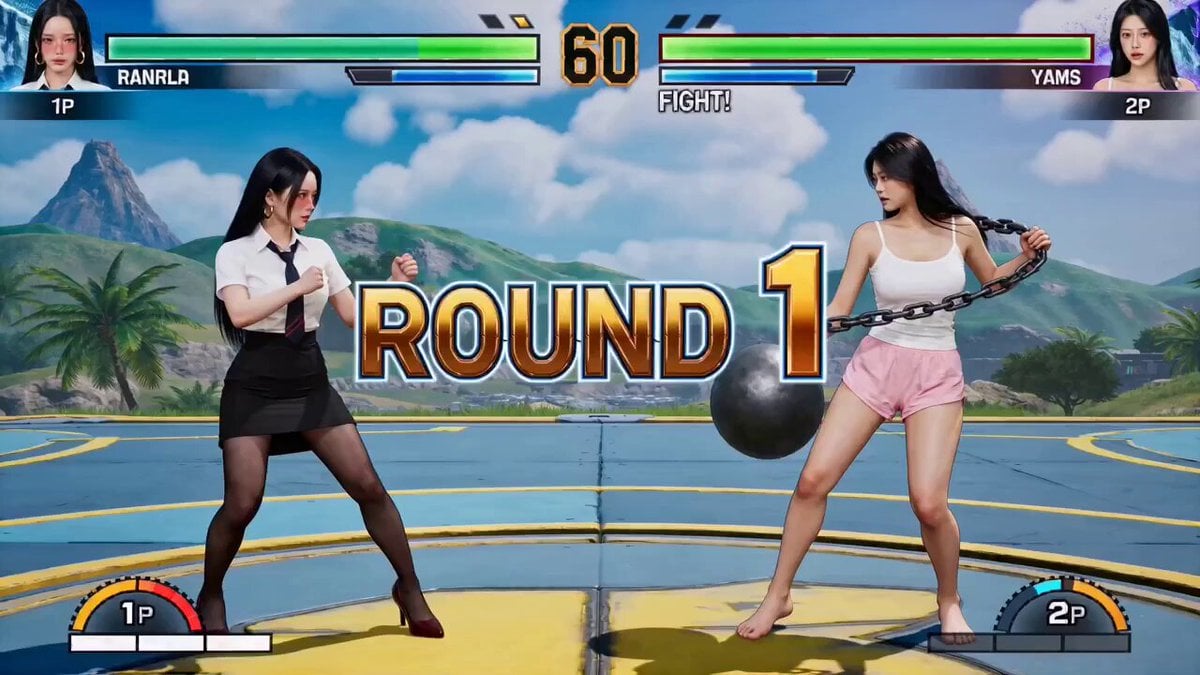
Street Fighter Classic Battle Video Generation
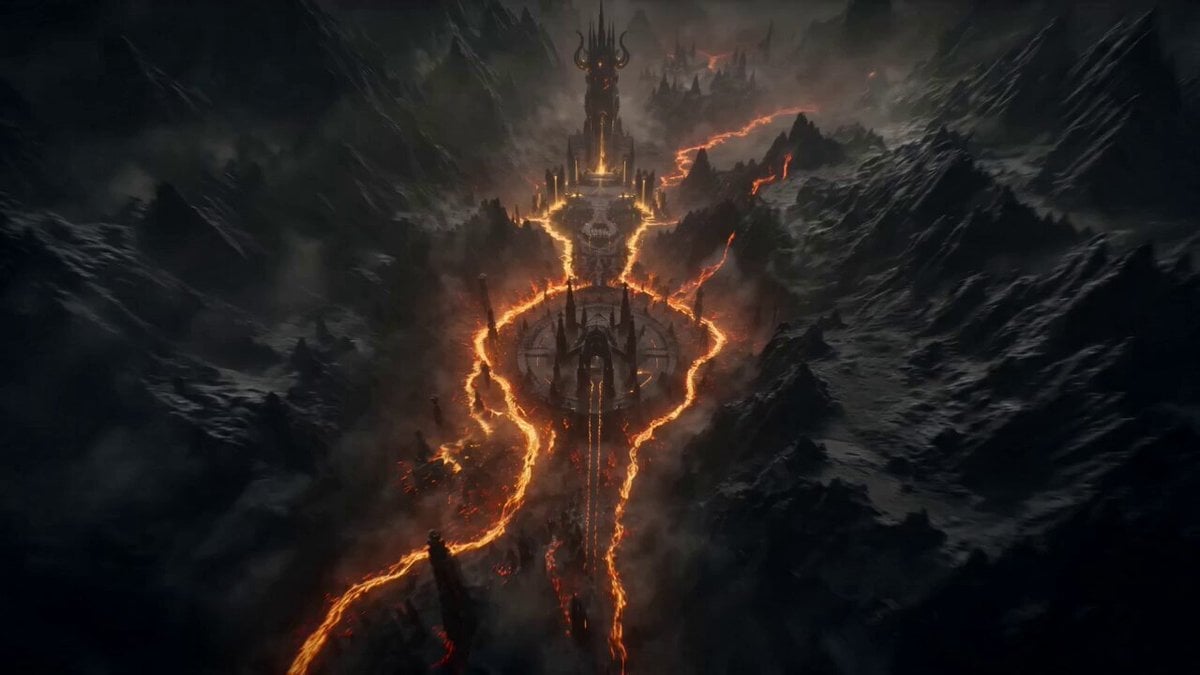
Boss Introduction Sequence
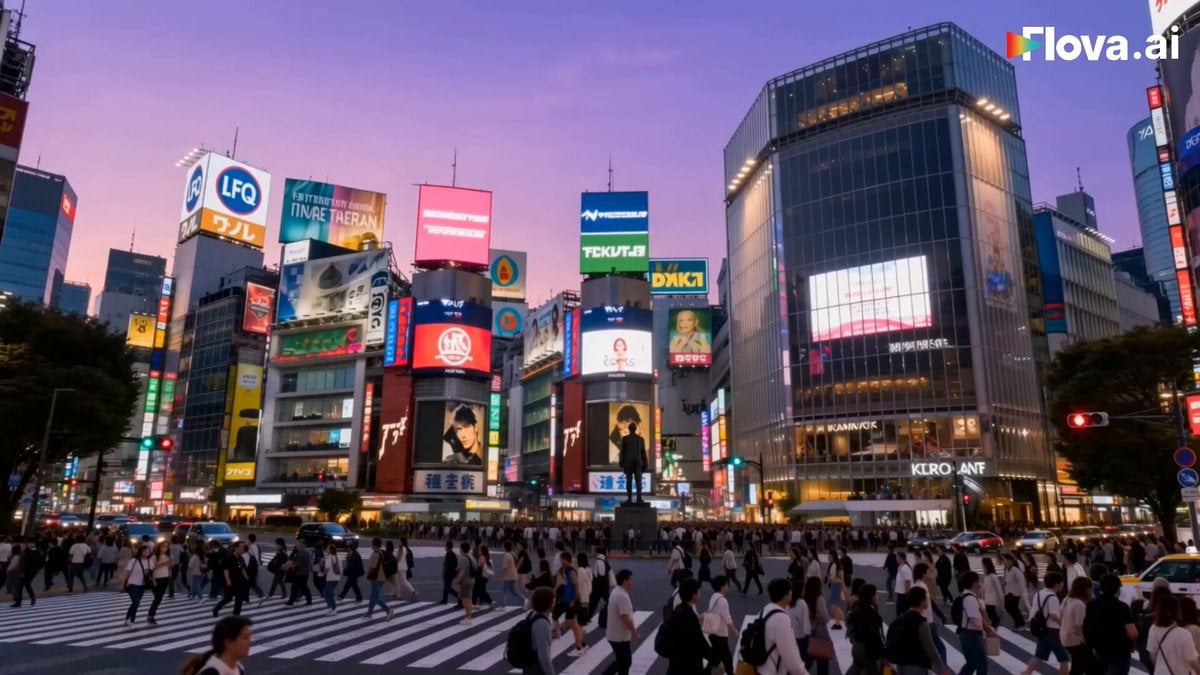
Cinematic Japan Travel Film
Browse template categories
Seedance 2.0 Mukbang Video Prompt questions
How do I use the Seedance 2.0 Mukbang Video Prompt template?
Add your photo if the template asks for one, edit the prompt if you like — the template's model and format are already selected — and press Generate. Your version opens in PicX Studio.
Can I customize the Seedance 2.0 Mukbang Video Prompt template?
Yes. You can change the subject, setting, lighting, mood, format, and available model controls before creating your video.
Is the Seedance 2.0 Mukbang Video Prompt template free?
Opening and editing this template is free. Generating uses credits, shown on the Generate button when you are signed in.
Which AI model should I use?
Start with Seedance 2.0, which is the model associated with this template. You can compare another compatible model for a different finish.
Looking for something else? Browse all templates.

Your photo, any look
Thousands of ready templates for every top image and video model, from one credit balance.