
Street Fighter Classic Battle Video Generation
A detailed video generation prompt for Seedance 2.0, recreating an intense classic Street Fighter game battle.
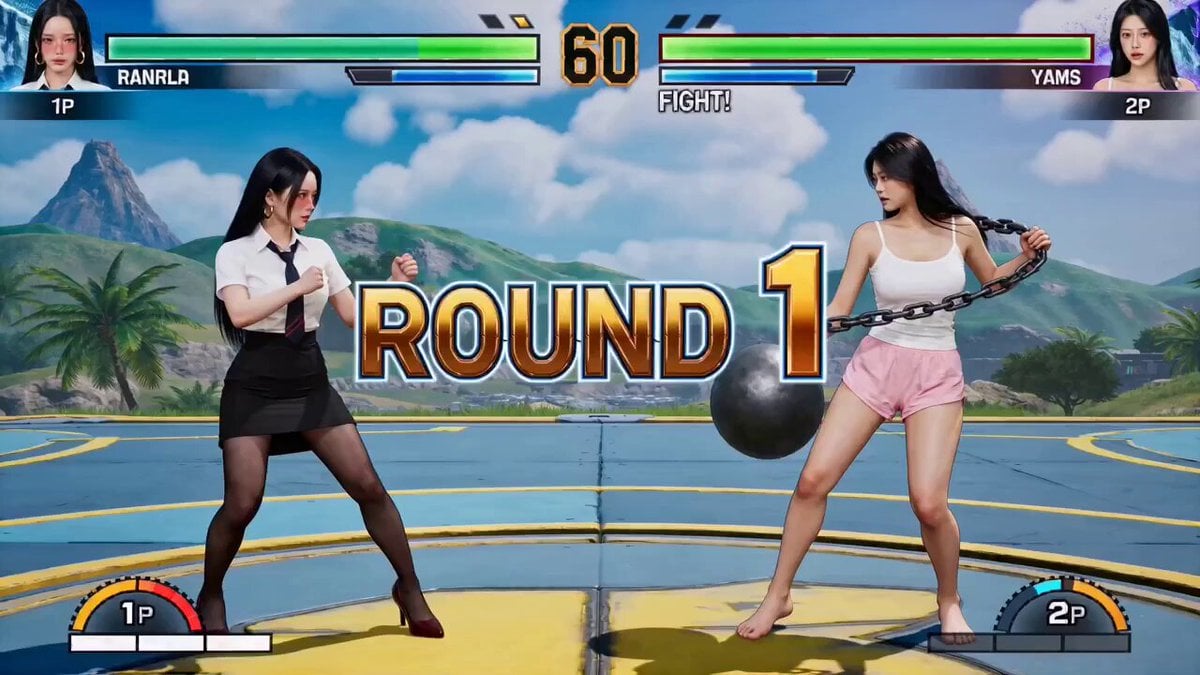
- Prompt included
- Model and format preset
- Premium template
The prompt behind this video
Copy the exact prompt behind Street Fighter Classic Battle Video Generation, or open it in the studio and make it yours.
@图片1@图片2,真人演绎视频,完美复刻经典《街头霸王》游戏激烈对战,屏幕顶部设两条动态递减血条,血条下有角色头像和 “ROUND1”“FIGHT!” 文字,角落显示分数;0-1.5 秒中景开场对峙,一人蹲伏蓄力、双手泛起红色火焰光芒摆格斗架势,另一人手拿大圆铁球、手上绑锁链;2-5 秒快速剪辑,火焰方向前冲刺使出火拳连击带火焰拖尾特效,铁球方后跳闪避并抛铁球还击击中对方,火焰方用火焰波动拳抵挡,产生像素化爆炸特效,两人近身快速拳脚格挡,每下命中配游戏打击音效,对打带光感特效和屏幕轻微震动;6-9 秒决胜时刻,火焰方蓄力、全身被蓝色斗气笼罩,释放超必杀技火焰冲天,地面火光冲天将铁球方笼罩燃烧,铁球方血条急剧下降;10 秒画面定格,火焰方双手抱胸摆经典胜利姿势,铁球方被击倒在地,屏幕弹出巨大 “K.O.!” 字样,响起经典胜利音乐;全程搭配《街头霸王 2》经典音效,含背景 BGM、拳脚打击声、波动拳发射声、升龙拳喊叫声、防御声、命中特效声
How to use Street Fighter Classic Battle Video Generation in 3 steps
- 1
Open
The prompt is already in the box next to the preview, with the template's model and format selected.
- 2…a portrait of your subject in softgolden-hour light, 85mm…
Personalize
Edit the subject and creative details for your destination.
- 3Generate
Generate
Press Generate — your video is created in PicX Studio, so you can compare it with the original and refine one variable at a time.
More like this
Templates with the same subject, style or setup. Open one to see its prompt.

Realistic City Street Story Cinematic Video - Seedance
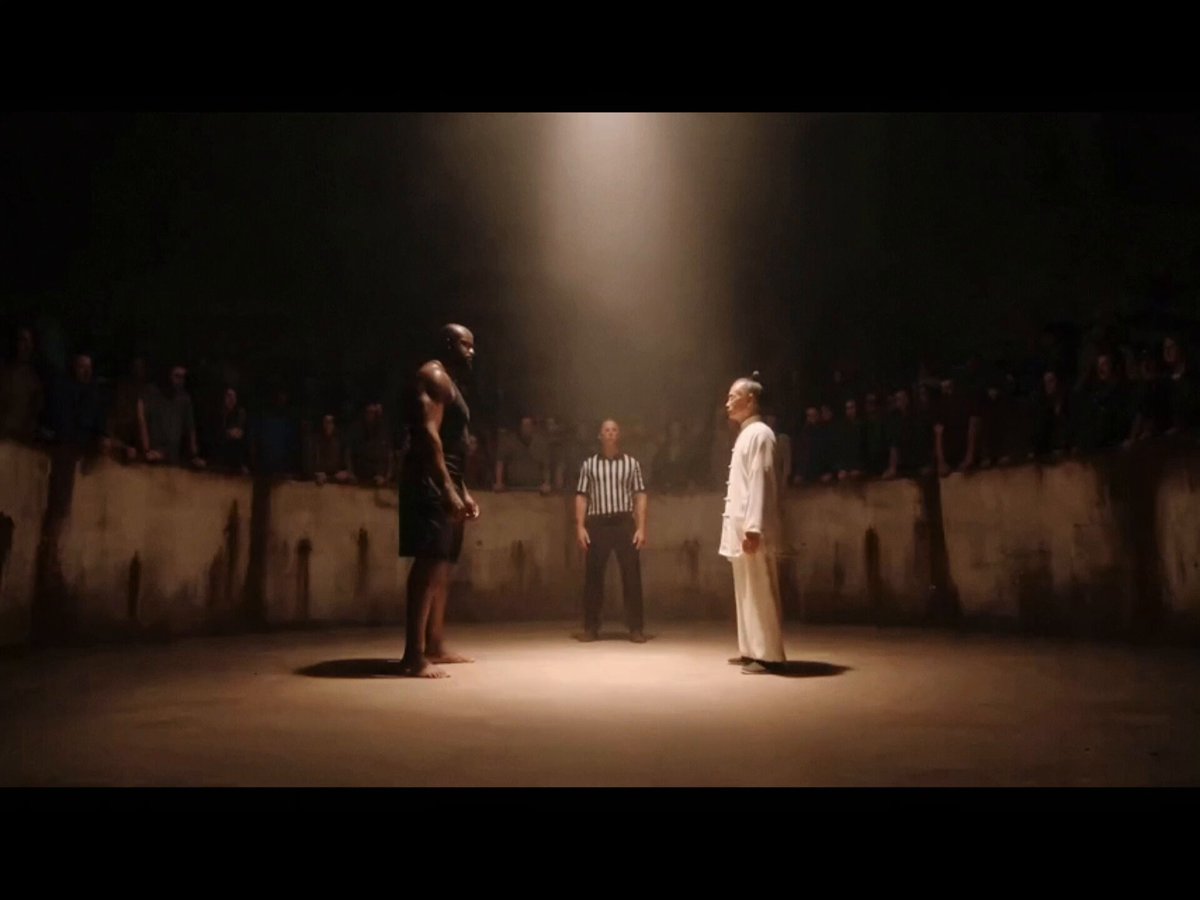
Kung Fu vs Street Fighter Comedy Video
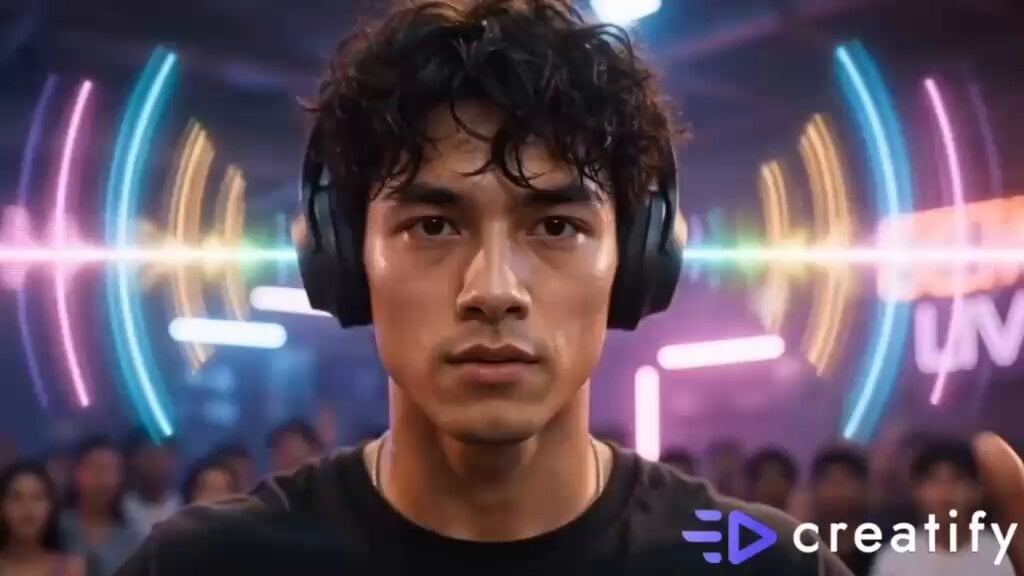
Street Dance Battle Sony Headphones
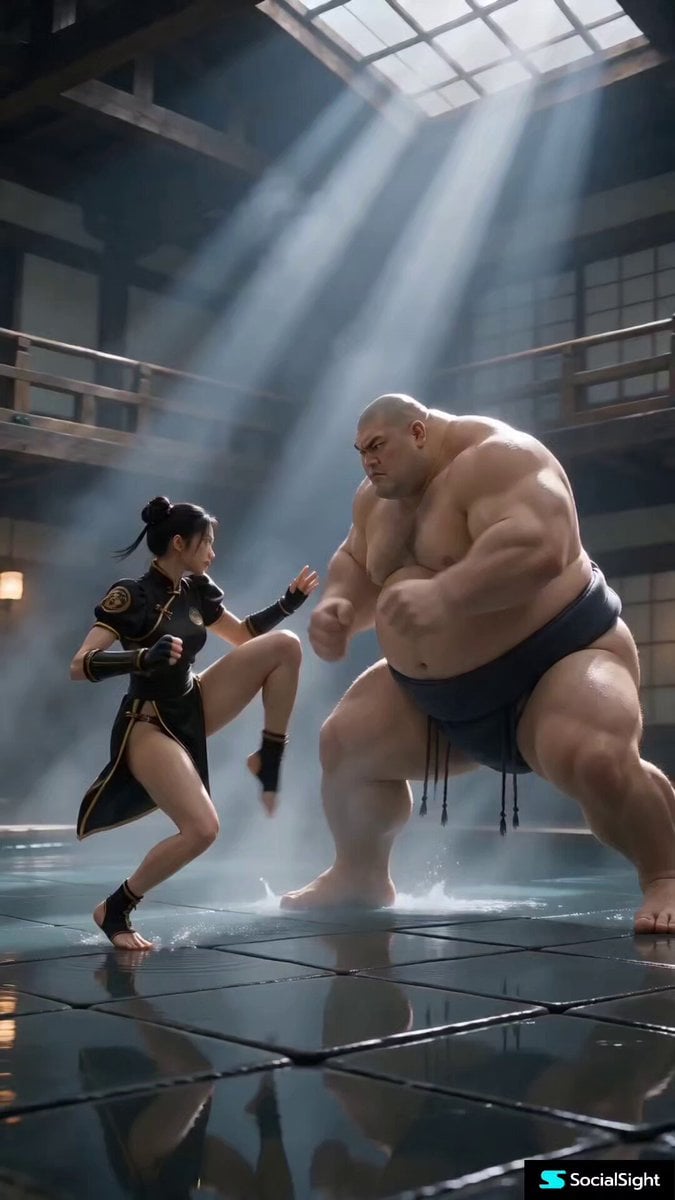
Cinematic Street Fighter Bathhouse Fight
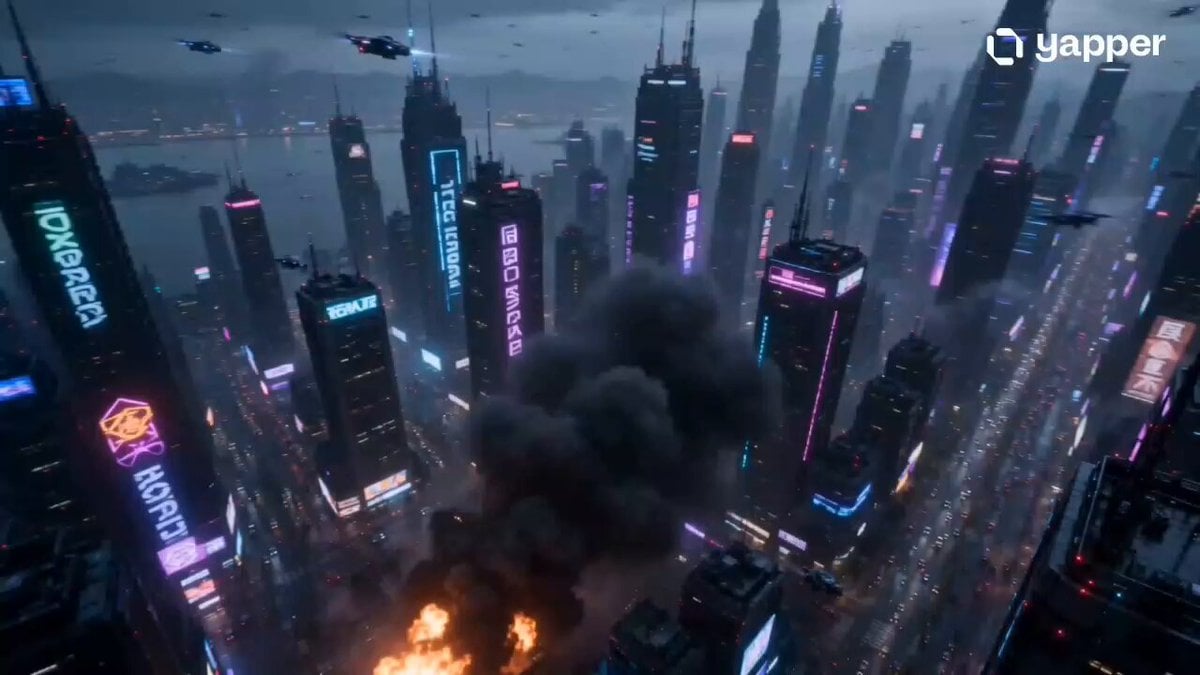
Cyberpunk Street Fighter Action
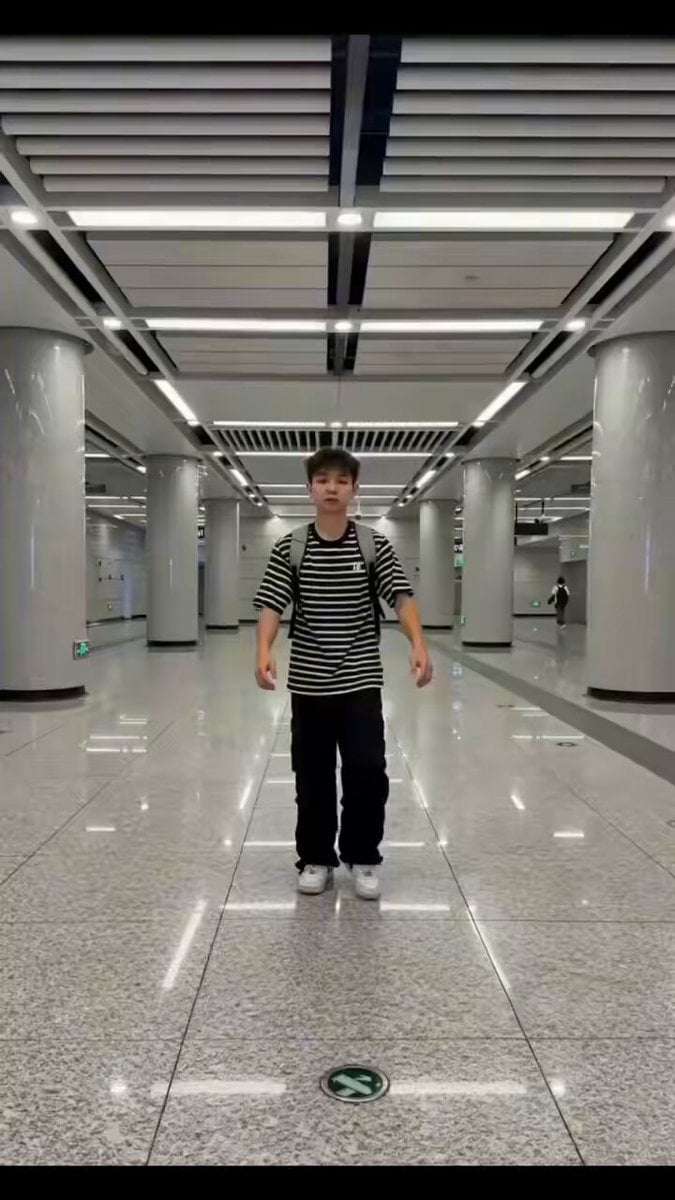
Seedance 2.0 Street Dance Video Generation

Anime character battle generation examples
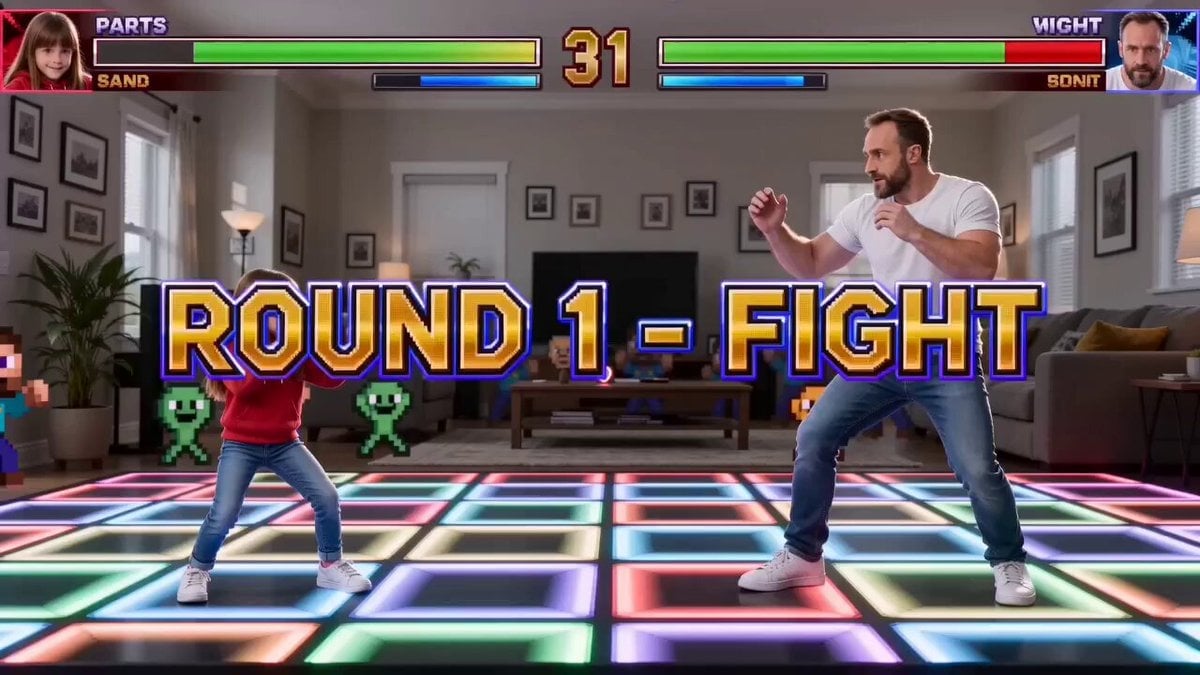
Street Fighter Father-Daughter Match Prompt
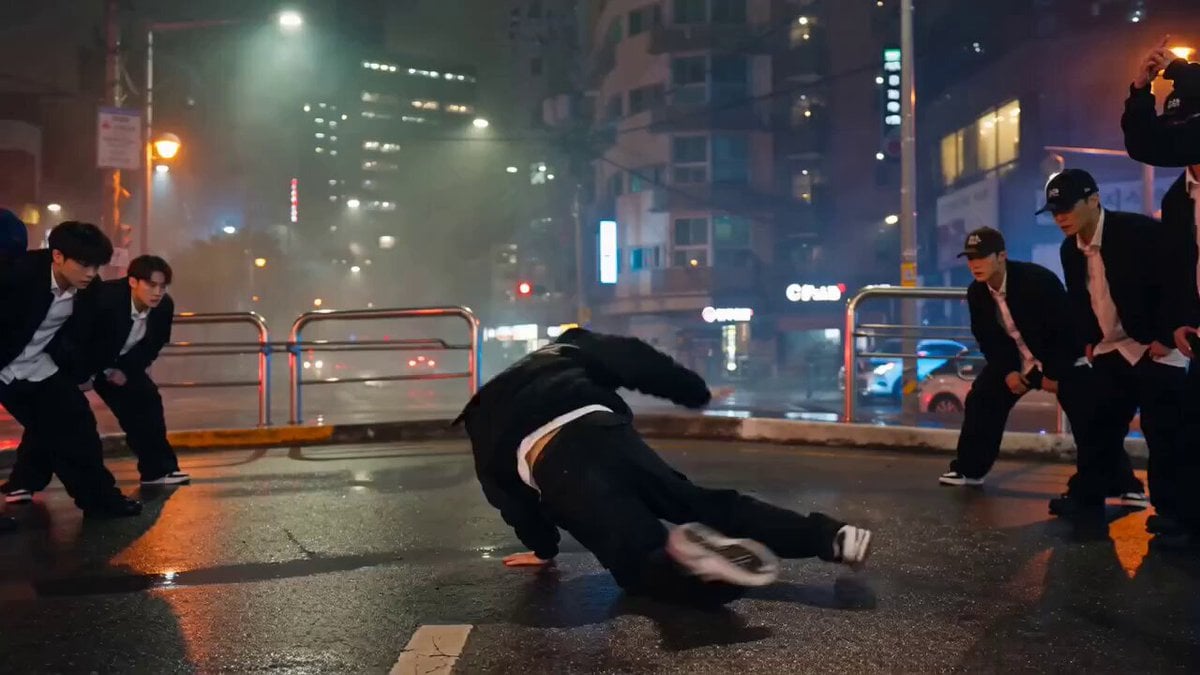
Photorealistic Street Dance Battle Prompt for Seedance 2.0
Journey to the West Battle Scene Generation
Street Fighter-Inspired Car Destruction Video Prompt for Seedance 2.0
Mujeeb Matrix Bullet Time
Make it yours
Street Fighter Classic Battle Video Generation works as-is. These are the safest ways to change it without losing the look.
Change one field
Copy a single group, rewrite it, and generate again so you can see what that field is doing.
Keep the frame, change the subject
Hold the composition and light of Street Fighter Classic Battle Video Generation, then swap wardrobe, props or the person for a new take.
| If the result… | Why | Fix |
|---|---|---|
| The result drifts from the preview | Too many fields changed at once. | Reuse Street Fighter Classic Battle Video Generation as-is first, then change one group — subject, light, or setting. |
| The model over-stylizes the scene | The prose prompt leaves finish and camera underspecified. | Add one camera or lighting sentence and stay on Seedance 2.0. |
More Seedance 2.0 templates
Other prompts made for Seedance 2.0.

Comical Martial Arts Punch Scene

Maglev Train Action Sequence

Martial Arts Fight Sequence

Wuxia Protection and Trust Script

Vintage Korean Arcade MiniDV Vlog

Mercedes 190 SL Luxury Ad

Rainy Night Supernatural Reverse Comedy Video Script

Amazon Civilization Discovery

Futuristic South Asian City Transformation

Cozy Luxury Cafe Commercial
More video prompts
Fresh picks from across the catalog.
Immersive FPV Surreal Flying Perspective
Hyper-Realistic Football Strike Sequence

Starborn Warrior Anime Awakening Scene

Skincare Product Commercial
High Fashion Aesthetic Vlog
Futuristic Promotional Video for KIRI Engine
Mad Max-Inspired Desert Chase Storyboard Prompt
Ghibli-Inspired Animated Short Film

Historical Napoleon Biopic Animation

Adventurer on Dragon Approaching Pirate Ship
Browse template categories
Street Fighter Classic Battle Video Generation questions
How do I use the Street Fighter Classic Battle Video Generation template?
Add your photo if the template asks for one, edit the prompt if you like — the template's model and format are already selected — and press Generate. Your version opens in PicX Studio.
Can I customize the Street Fighter Classic Battle Video Generation template?
Yes. You can change the subject, setting, lighting, mood, format, and available model controls before creating your video.
Is the Street Fighter Classic Battle Video Generation template free?
Opening and editing this template is free. Generating uses credits, shown on the Generate button when you are signed in.
Which AI model should I use?
Start with Seedance 2.0, which is the model associated with this template. You can compare another compatible model for a different finish.
Looking for something else? Browse all templates.

Your photo, any look
Thousands of ready templates for every top image and video model, from one credit balance.